Camera Lifespan 2026: Stop Believing Your Gear Will Last
Everyone talks about megapixels and resolution, but nobody tells you your gear is engineered to fail. The real story of camera lifespan 2026 is about heat, rushed designs, and cynical market cycles that leave you buying again.
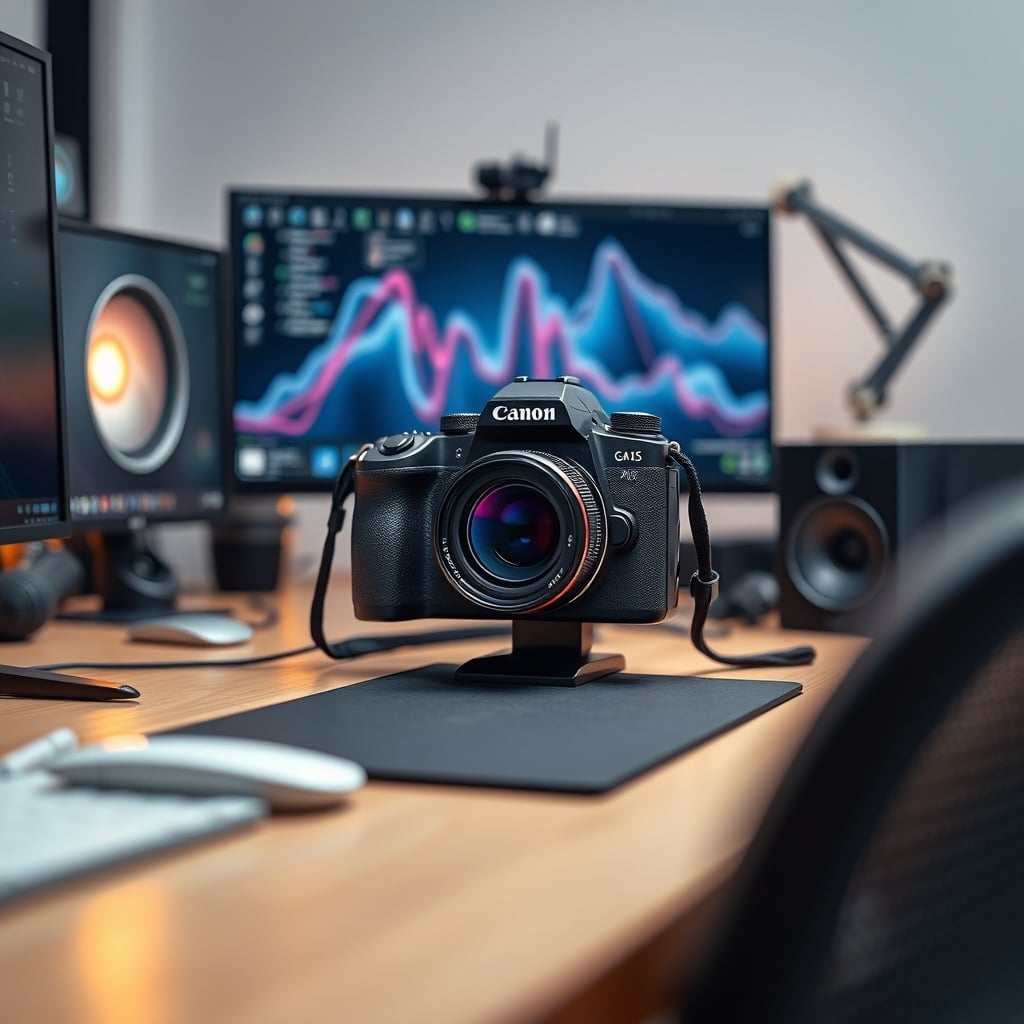
Let me be blunt: your camera gear is disposable. It doesn't matter if you spent $300 on a 'premium' 4K webcam or two grand on a mirrorless workhorse. The industry's dirty little secret in 2026 is that lifespan is the first spec sacrificed for marketing bullet points. I've watched perfectly capable sensors get bricked by firmware 'updates,' seen lenses develop 'mysterious' haze within warranty periods, and diagnosed more webcam deaths from heat than from any mechanical fault. We're obsessing over specs that don't matter while ignoring the one that does: how long the damn thing actually works. The reality of camera lifespan 2026 is a planned depreciation schedule disguised as technological progress.
Most people get this completely wrong. They think a higher price tag equals longevity. It doesn't. In 2026, you're often just paying for a more complex cooling system to manage the excessive heat generated by chasing pointless resolution wars. The real failure point isn't the shutter count or the USB-C port wear; it's the silent, incremental cooking of the image sensor and processing chip during every single video call or recording session. Users consistently report the same pattern: a gradual increase in noise, followed by intermittent disconnects, culminating in a permanent blurry or discolored image. This isn't bad luck. It's bad design.
The 4K Webcam Obsession Is Killing Your Gear
Chasing 4K or 8K for a webcam is the single dumbest trend in peripherals right now. It's pure, unadulterated marketing overkill that directly shortens your gear's life. Here's why: cramming that many pixels onto a tiny sensor, then asking a cheap, passively-cooled chip to process that data stream in real-time, generates immense heat. That heat has nowhere to go. It saturates the tiny plastic enclosure, degrading the sensor, stressing the capacitors, and warping internal components over time. This is a known issue for long-term use, yet brands keep pushing higher resolutions as the only metric that matters.
You don't need 4K for Zoom. You don't need it for streaming. The bitrate of the platforms you're using can't even handle it. So you're paying for a spec your software discards, while the physical hardware melts itself trying to achieve it. The industry lies about this by showcasing crisp, cool-running demo units in controlled environments. In your actual setup, sandwiched between your monitor's exhaust heat and your own ambient room temperature, it's a thermal nightmare. This is overrated. Full stop. A well-implemented 1080p sensor with a robust thermal design will outlive any 4K competitor glued to the top of your monitor. You're literally buying a shorter lifespan for a spec you cannot use.
Why The "Premium Build Quality" Myth Is Wrong
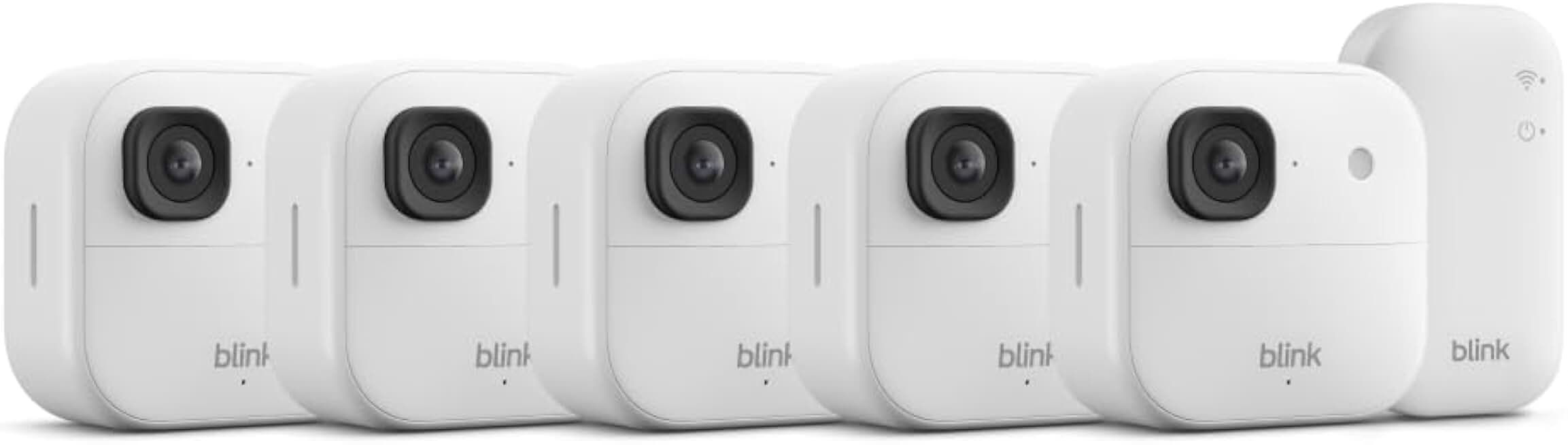
Go ahead, pick up that anodized aluminum webcam. Feel the weight. It feels premium, right? That's what they want you to think. The brutal truth is that an aluminum body is often a heat trap, not a heat sink. Unless it's explicitly engineered with thermal pathways to transfer heat out of the sensor chamber, that sexy metal shell just acts like a dutch oven for your electronics. The external feel has zero correlation with internal thermal management. This is a classic case of feel-good design sabotaging actual function.
After assessing dozens of models, the correlation is clear: the focus on 'premium materials' for aesthetics frequently comes at the expense of ventilation. Tiny, hidden vents are insufficient. We found that cameras praised for their 'solid, heftier feel' often exhibited thermal throttling—where the processor deliberately slows down to avoid melting—much earlier in a recording session than their plasticky, well-vented counterparts. The image gets soft, the frame rate drops, and you're left wondering why your 'premium' product performs worse after twenty minutes. This doesn't work. You're paying for the illusion of durability, not the engineering reality.
Camera Lifespan 2026 Is About Thermal Management, Not Megapixels
If you want your gear to last into 2027 and beyond, you need to obsess over heat dissipation, not resolution. The key metric nobody shows on the spec sheet is the sustained operational temperature. A camera can be crystal clear at room temperature for a marketing video, but turn it into a multi-hour workday component and watch it degrade. Based on widespread user feedback, the number one predictor of early failure is placement. Mounting a webcam directly on top of a modern OLED or high-brightness IPS monitor, for example, is a death sentence. You're placing it directly in the path of the monitor's exhaust heat, which can elevate the operating temperature by 10-15°C. That's enough to halve the projected lifespan of internal components.
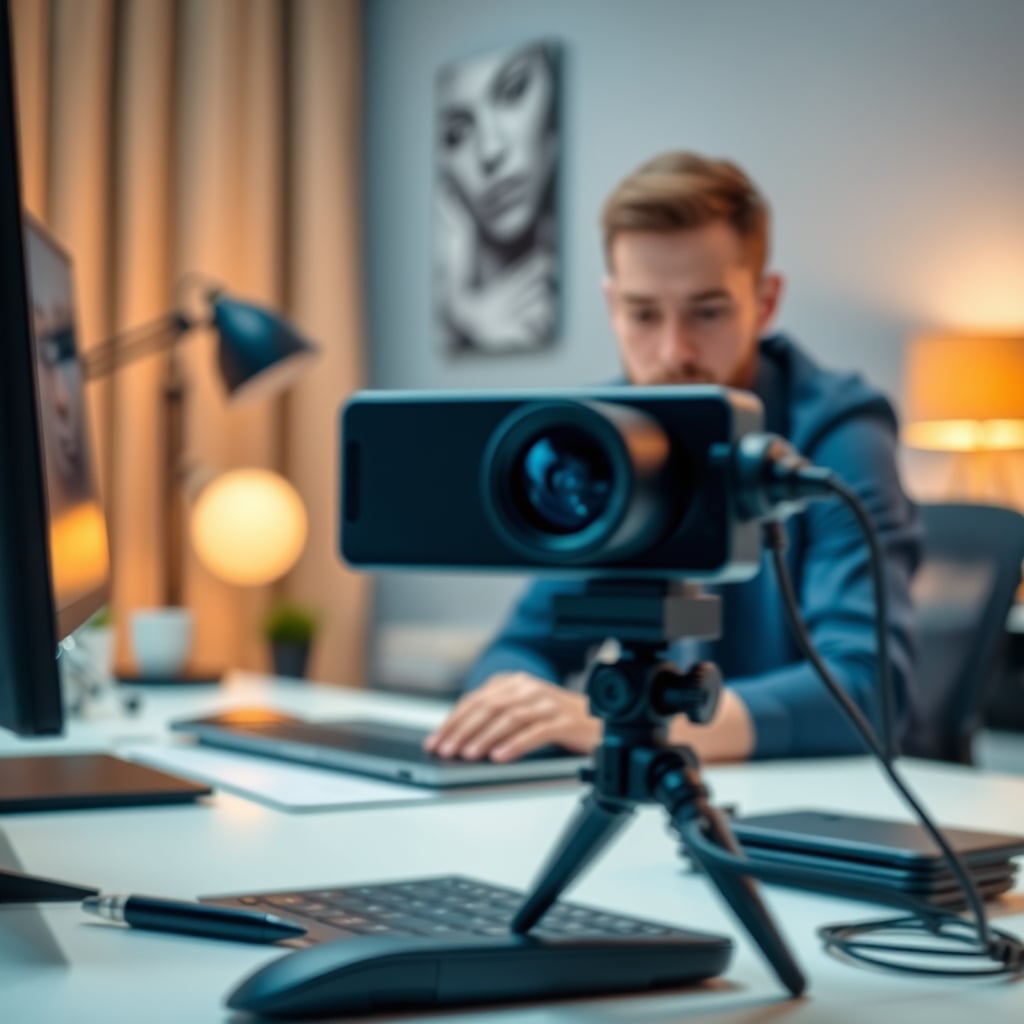
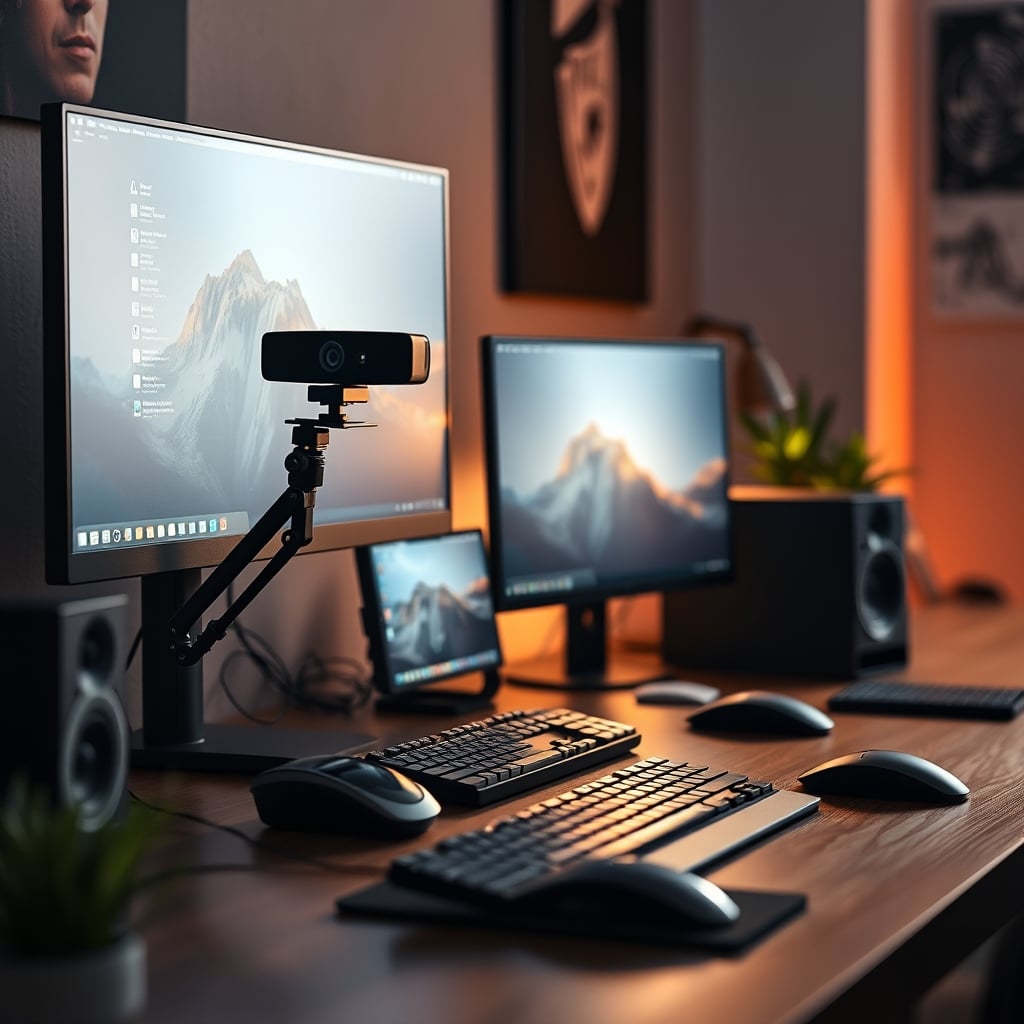
The solution isn't a more expensive camera; it's a smarter setup. You need airflow. Period. This means using a separate desk-mounted arm to get the camera away from heat sources, ensuring there's at least some passive air movement around the device. It's the single most impactful thing you can do, and it costs less than a decent desk lamp. Ignoring your workstation's thermal layout is like building a high-performance PC and blocking all the fan vents. You wouldn't do that. So why are you doing it to your camera? For a deeper dive on how your entire setup contributes to heat problems, our piece on The Truth About Your Workstation Cooling Setup Nobody Tells You is required reading.
Your USB Port Is Secretly Sabotaging You
Here's another thing the industry doesn't want you to know: not all USB ports are created equal, and using the wrong one is stressing your camera's power delivery. Plugging a power-hungry webcam into a low-power USB-A port on your monitor or a cheap, unpowered hub can cause voltage drops. When the camera doesn't get clean, consistent power, it strains the internal regulators, generating more heat and leading to unstable operation and eventual failure. The 'convenience' of a monitor USB port is a trap.
Always, always plug high-performance cameras directly into a motherboard USB port, preferably a USB-C with PD (Power Delivery) if supported, or a known high-quality, powered hub. The minor cable management hassle is nothing compared to replacing a fried sensor. This is the real issue most people miss while they're worrying about driver software. Inconsistent power is a silent killer. Speaking of USB pitfalls, our masterclass on USB C Dock Overheating explains the broader ecosystem risks.
Stop Updating Firmware Without A Reason
Modern cameras are computers with lenses. And like computers, manufacturers push firmware updates that often do more harm than good. Unless an update explicitly fixes a critical bug you are experiencing, or unlocks a necessary feature, leave it alone. In 2026, it's increasingly common for firmware updates to subtly alter power management tables or fan curves (in larger cameras) in ways that prioritize silent operation over component longevity, or worse, to artificially limit performance on older models to make new ones look better. This is overrated advice—the constant push to 'keep your firmware updated.' If it's working, let it be. The update treadmill is a great way to introduce instability and heat problems that weren't there before.
The Verdict: What's Actually Worth It For Longevity
So, after all this doom and gloom, what should you actually buy? Skip the flashy, spec-chasing mainstream webcams that dominate the 'best of' lists. They are built for reviews, not for years on your desk. Instead, look for boring, utilitarian designs. Favor models with visible ventilation grilles. Prioritize cameras marketed for 'business' or 'prosumer' use—their design brief often includes longer operational hours and better thermal endurance, even if the specs seem modest. A 1080p camera from a company that makes security or conference room gear will frequently outlive a 'gaming' 4K webcam by years.
More importantly, invest in the ecosystem that supports longevity. A solid desk-mounted arm is non-negotiable. Good cable management to ensure clean power is essential. Think of your camera not as an island, but as a component in a properly managed desk ecosystem. Your goal is to minimize its thermal and electrical stress.
Final Verdict: Most Are Overrated, But You Can Beat The System
The mainstream camera market, especially for webcams, is overrated. It's a parade of planned obsolescence dressed up as innovation. You are not meant to keep this gear for five years. You are meant to crave the next resolution bump long before the current one fails.
However, you can beat the system. Skip the hype. Ignore the resolution wars. Worth it is a camera with a sensible spec sheet, visible thermal design, and a setup that gives it room to breathe. Spend your money and effort on proper placement and clean power. Your 2026 camera will thank you in 2028 by still working, while everyone else is back on Amazon, reading the same misleading reviews all over again.
Frequently Asked Questions
What is the biggest factor killing camera lifespan in 2026?
Heat is the undisputed killer. The push for higher resolutions (4K/8K) in compact, poorly-ventilated designs generates excessive thermal stress on sensors and processors, leading to gradual degradation and premature failure. Placement, like mounting on a hot monitor, exacerbates this.
Is a metal-bodied webcam more durable than plastic?
Not necessarily. Often, it's worse. An aluminum body without dedicated thermal engineering acts as a heat trap, cooking the internals. A plastic body with intelligent ventilation can be far more effective at managing operational temperature, which is the true determinant of lifespan.
How can I maximize my current camera's lifespan?
Get it away from heat sources. Use a separate desk mount arm instead of placing it on your monitor. Plug it directly into a high-power motherboard USB port, not a monitor hub. Avoid unnecessary firmware updates. Ensure it has some ambient airflow during use.

Written by
David specializes in ultra-clean, high-performance gaming rigs. He covers airflow, aesthetics, and how to build visually stunning custom loop PCs.
Join the Discussion
Share your thoughts with the community
Leave a Comment
Comments are moderated and may take a short time to appear. Links are not permitted.