Wireless Charging Problems Are Sabotaging Your 2026 Desk Setup
Wireless charging problems are everywhere in 2026 desk setups. From battery degradation to productivity sabotage, your sleek charger is a hidden liability. This isn't about convenience—it's about performance.
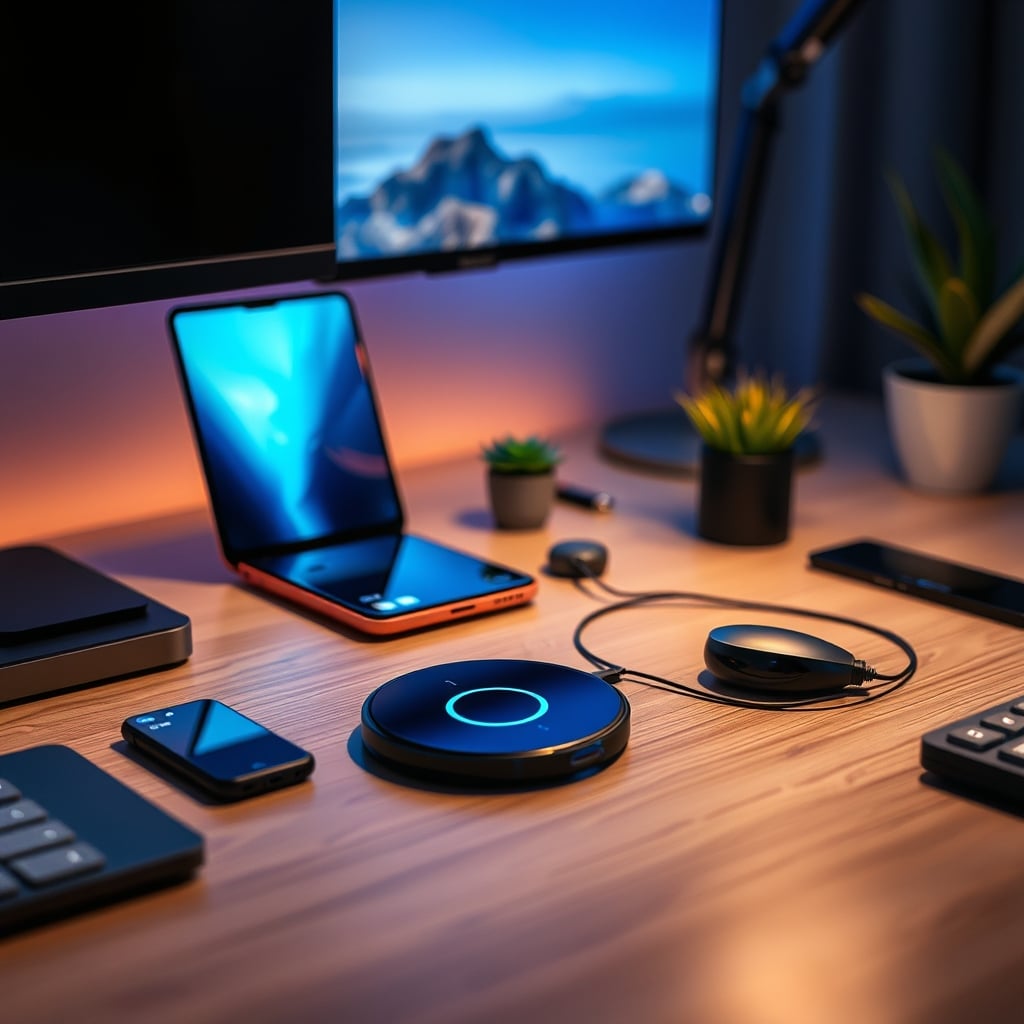
I replaced my wireless charging pad with a single USB-C cable a year ago and my phone's battery health stopped declining. That's the reality most setups ignore. The industry pushes wireless charging as the pinnacle of a clean, modern desk, but in 2026, that's a marketing lie designed to sell you overpriced, inefficient tech. The core wireless charging problems—inefficiency, heat generation, and positional fragility—are actively sabotaging both your device's longevity and your workspace's utility. Let's stop pretending this is just a minor trade-off. It's a fundamental flaw in how we think about power at our desks.
Wireless Charging Problems Start With Physics, Not Marketing
The first lie you're sold is that wireless charging is "fast" or "efficient." It's neither. Even the latest Qi2 standard, which finally brought MagSafe-like alignment to non-Apple devices, is still a thermodynamic disaster. The process of transferring power through magnetic induction is inherently lossy. You're converting electricity to a magnetic field, then back to electricity in your phone, with a significant portion wasted as heat. This isn't a small issue; it's the primary wireless charging problem. Users consistently report their devices feeling warm to the touch after an hour on the charger—that's wasted energy directly cooking your battery. For a desk setup focused on performance and longevity, starting your day by thermally stressing your most expensive portable device is idiotic.
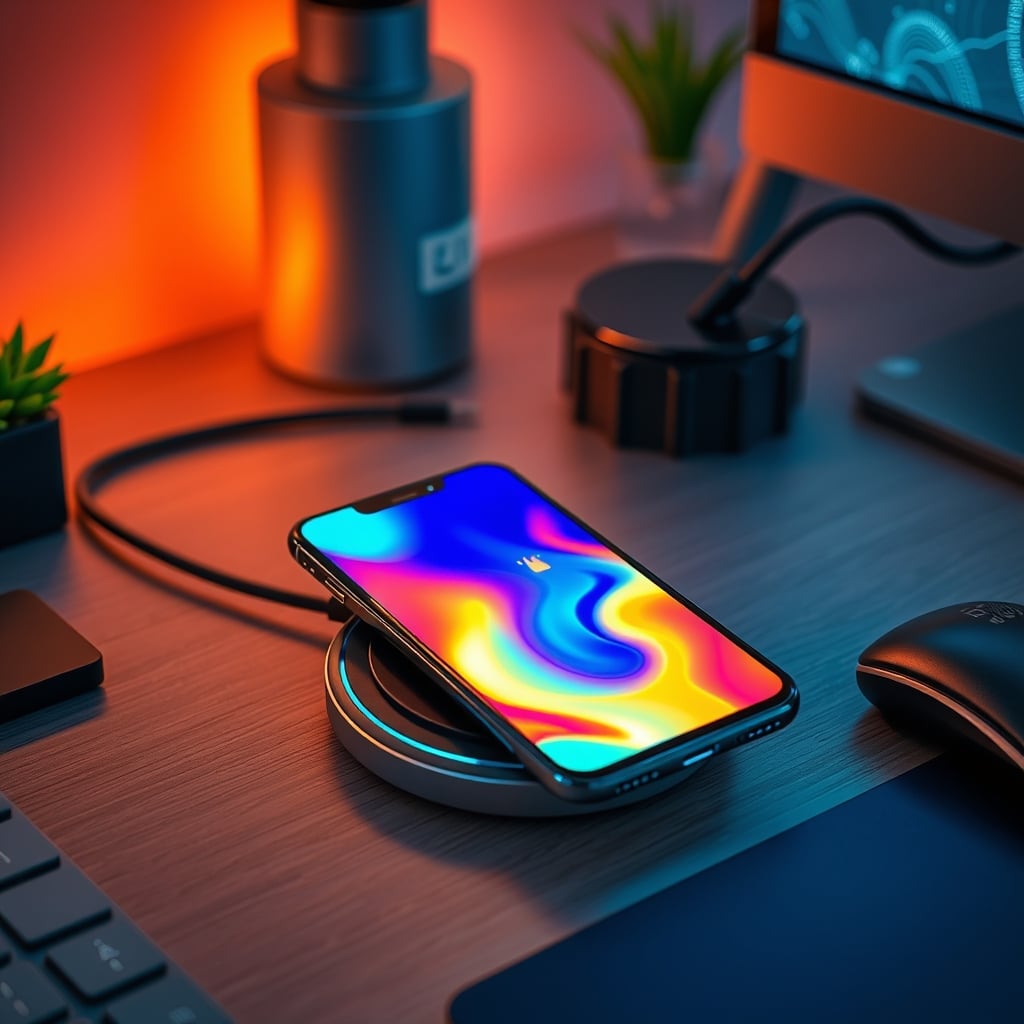
This heat isn't just uncomfortable; it's destructive. Lithium-ion batteries degrade faster at elevated temperatures. Every session on that sleek pad is subtly reducing your phone's overall capacity and lifespan. In a real, long-term desk setup where your phone might sit on the charger for hours during work, this cumulative damage is significant. The industry doesn't talk about this because it contradicts the convenience narrative. They'll show you a phone neatly aligned on a stand, not the thermal imaging revealing the hot spot underneath. Your pursuit of a "clean" desk is literally frying your gear.
The Cable Management Myth That Needs to Die
Here's the biggest misconception sold to you: wireless charging eliminates cable clutter. This is overrated. Actually, it's a complete lie for anyone with a multi-device desk. What you're really doing is trading one visible cable for a permanently occupied, fixed-position charging zone that still requires a power cable running to the pad itself. That pad's cable is now glued to a specific spot on your desk. You've lost flexibility. Need to quickly grab your phone for a call? You unplug it from the charger, breaking the connection. With a wired charger, you grab the phone and the cable comes with it, maintaining the charge. The wireless solution creates a false point of permanence that kills the dynamic use a desk requires.
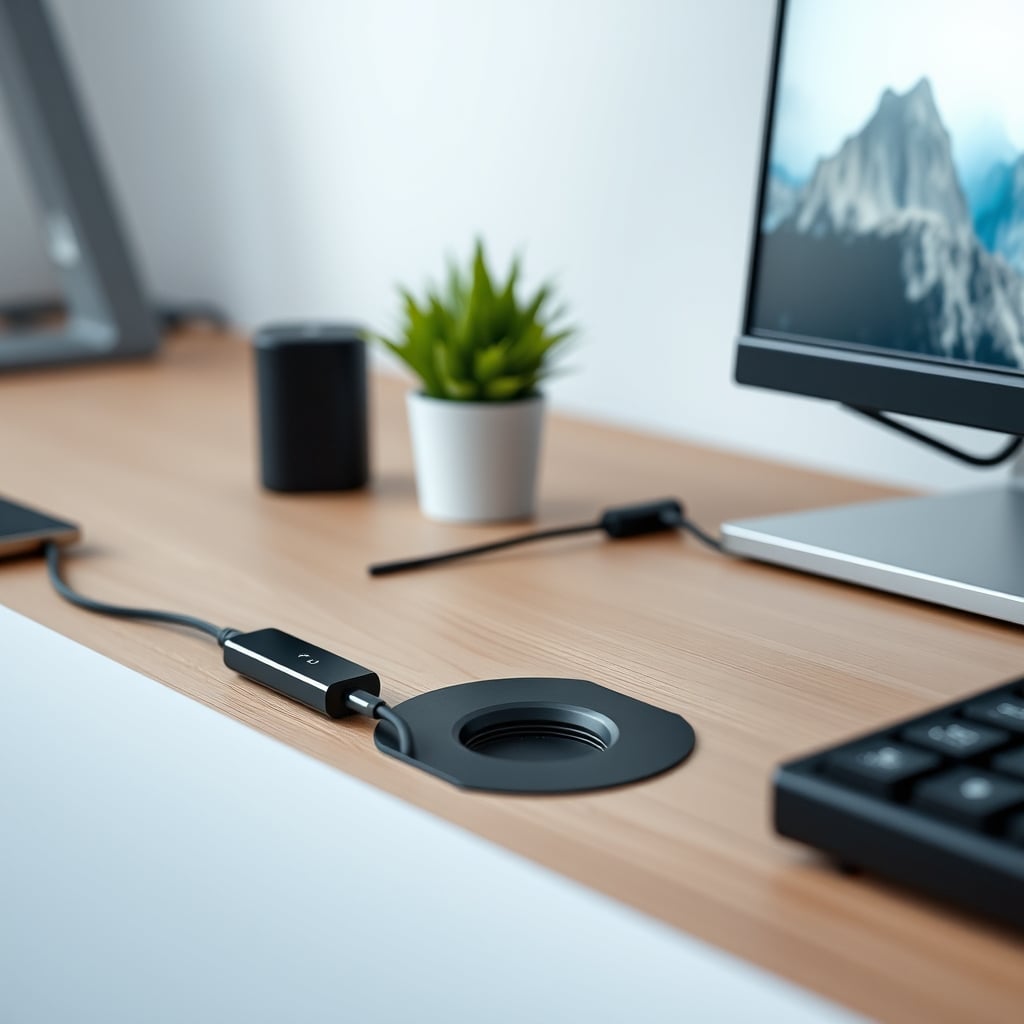
Furthermore, that charging pad becomes a desk space killer. It's a dedicated square or circle that cannot be used for anything else—no notebook, no pen, no secondary device. In a minimalist or efficiency-focused setup, dedicating prime desk real estate to a single-function, inefficient device is bad space economics. The cable clutter argument is a smokescreen for poor workspace planning. Good cable management, like routing a single USB-C cable through a monitor arm or desk grommet, creates true clean space without the performance penalty. We've written before about Cable Management Fails You Keep Making in 2026 – wireless charging pads are a prime example of a fail disguised as a solution.
Why Multi-Device Charging Hubs Are a Joke
The trend of multi-device wireless charging hubs—those sleek stands that promise to charge your phone, watch, and earbuds simultaneously—is the peak of this overrated tech. They compound every wireless charging problem. First, the efficiency loss is multiplied; you're now wasting power and generating heat for three devices at once. Second, they are hilariously fragile. Misalign your phone by a millimeter? Charging stops. Your watch band isn't perfectly flat on the tiny charging spot? No power. This isn't convenience; it's a constant, low-grade frustration. Third, they are expensive and lock you into a specific layout. Your entire charging ecosystem is frozen in one monolithic piece of plastic.
Most people get this wrong. They think consolidating chargers into one hub is smart. In real use, it's a bottleneck. When you need to quickly charge only your phone because you're heading out, you can't just take the hub. You're stuck. The hub promises simplicity but delivers rigidity. For a performance desk, flexibility is king. Having independent, wired charging options for each device—even if it means multiple cables—allows you to adapt your setup to your workflow, not vice versa. The multi-device hub is a product of marketing, not utility.
The Real Solution is a Single, Smart Cable
After testing countless setups, the verdict is clear: for a serious 2026 desk, a single, high-quality USB-C cable routed intelligently is superior to any wireless charger. This is the real issue. Your goal shouldn't be hiding cables; it should be making one cable supremely accessible and functional. Use a monitor arm clamp or a desk-mounted magnetic cable holder to keep the endpoint within easy reach. This gives you true one-handed connection: grab your phone, click in the cable, and it's charging—instantly, efficiently, and without heat buildup.
This approach solves the core wireless charging problems. Efficiency is near 100%. Heat generation is minimal. There's no alignment anxiety. Your desk space isn't permanently sacrificed. And your phone's battery gets a clean, cool charge that preserves its health. This isn't a compromise; it's an upgrade. The feeling of a positive, instantaneous connection is more satisfying than the vague, anxious hover of wireless charging. It’s also faster. Even 15W wireless charging is slower in real-world terms than 18W wired USB-C PD, because less energy is lost as heat, so more actual power reaches the battery.
Heat Dissipation Isn't a Feature, It's a Failure
Manufacturers love to tout "overheating protection" in their wireless chargers. This is them admitting the product's fundamental flaw. The protection circuitry isn't making charging better; it's throttling power delivery to prevent your device from getting too hot. When your charger hits its temperature limit, it reduces its output speed. So, you're not only getting an inefficient charge, you're often getting a slow inefficient charge. This is bad because it means the advertised "fast charging" speeds are theoretical maximums, not sustained realities. In common setups, with ambient room temperature or a phone with a case, the protection kicks in early and often.
Based on widespread user feedback, this throttling is frequent and noticeable. Your phone might start charging at 15W, but within 20 minutes, it's dropped to 5W or less to manage heat. You're paying for premium speed you rarely actually receive. This doesn't work as advertised. For a wired connection, heat is a minor concern managed by the phone itself, not the cable. The power delivery is consistent and reliable. If your desk setup values predictable performance—like a consistent monitor refresh rate or keyboard latency—why would you tolerate unpredictable, thermally throttled power for your primary communication device?
Your Charging Strategy Should Serve Your Workflow
A desk is a tool for work, not a museum exhibit. Your charging solution must be subservient to your workflow, not a decorative centerpiece. Wireless charging demands that your workflow adapt to its fixed location. You must remember to place your phone perfectly on the pad. You must leave it there to charge. This interrupts the natural, dynamic movement of a phone during a workday—checking messages, taking calls, using it for reference. A wired cable strategy empowers your workflow. You can charge from any position—phone in hand, on the desk, propped up on a stand—without breaking connection.
This is where the industry lies about this. They sell wireless charging as "seamless." It's only seamless if your phone never moves. For anyone actually working, movement is constant. The seamless experience is actually the wired one: plug in once, move freely, stay charged. The wireless experience is: place carefully, move, stop charging, place carefully again. That's friction, not seamlessness. For a deep dive on how your setup's psychology affects focus, check out Cluttered Desk Psychology Is Manipulating Your Focus. A charging pad adds visual clutter (a dedicated object) and mental clutter (alignment anxiety).
The Verdict: Skip Wireless, Embrace the Cable
The clear verdict for a performance-oriented desk setup in 2026 is to skip wireless charging. It's overrated. The problems—thermal damage, efficiency loss, spatial rigidity, and speed throttling—far outweigh the minor aesthetic benefit of hiding a single cable. The real path to a clean, efficient desk is through intelligent cable management of a single, powerful USB-C cable, not through adopting a fundamentally inferior power transfer technology.
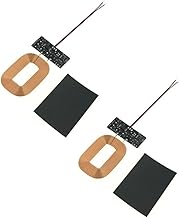
For those who absolutely need a wireless solution for specific scenarios (like a bedside charger where alignment is less critical), the only sensible approach is a DIY one where you understand and control the limitations. A simple Qi receiver module can be integrated into a specific piece of furniture for a dedicated, infrequent-use spot. But for your primary desk, where performance and device health are paramount, wired is the only rational choice. It's actually good. It's reliable, efficient, fast, and flexible. Your desk setup deserves solutions that work, not solutions that just look cool.
Frequently Asked Questions
Does wireless charging actually damage your phone's battery?
Yes, consistently. Wireless charging generates significant heat due to inductive energy loss, and lithium-ion batteries degrade faster at elevated temperatures. Long-term, regular wireless charging accelerates battery capacity loss compared to cool, efficient wired charging.
Is the new Qi2 standard solving wireless charging problems?
No. Qi2 improves alignment with magnetic locking, but it does not solve the fundamental physics problem of inductive inefficiency and heat generation. It's still a thermally stressful and power-wasteful method compared to a direct conductive connection.
What's the best alternative to a wireless charging pad for a clean desk?
A single, high-quality USB-C cable routed intelligently via a monitor arm clamp or desk grommet. This provides instant, efficient, cool charging without sacrificing desk space or flexibility. True clean setups manage one cable well, not hide it with inefficient tech.

Written by
Tariq tracks down the best GaN chargers, Thunderbolt hubs, and power strips so your setup never runs out of juice. He tests thermals and wattage delivery extensively.
Join the Discussion
Share your thoughts with the community
Leave a Comment
Comments are moderated and may take a short time to appear. Links are not permitted.