Streaming Backdrop Alternatives That Aren't A Complete Waste Of Money
You're wasting money and space on a static physical backdrop when your camera is a portal to any world you want. The real streaming backdrop alternatives are virtual, dynamic, and don't require a truck to move.
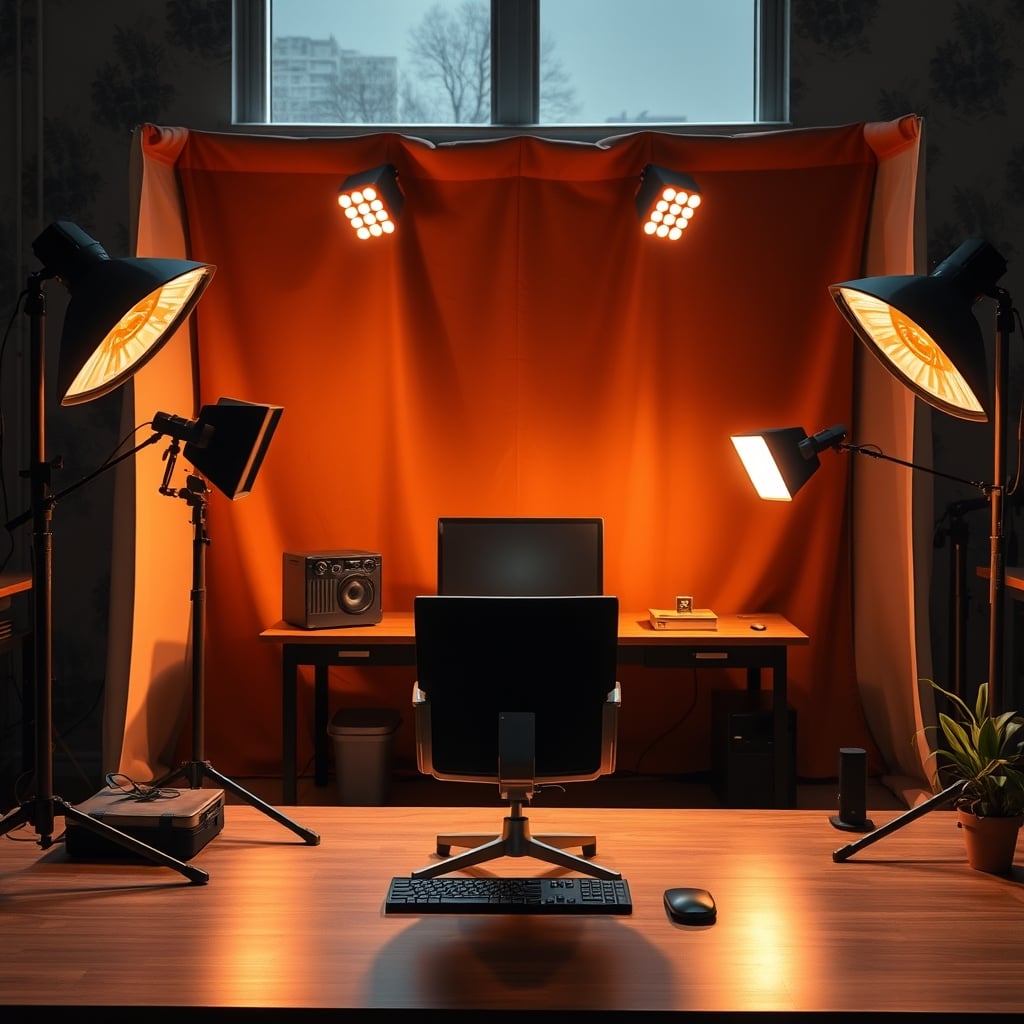
Let's start with the biggest mistake streamers make in 2026: building a shrine to a single aesthetic. You spend hundreds on acoustic panels, LED hexagons, and custom shelving to create that 'perfect' streamer wall. It looks great for one week. Then you're trapped. Changing your scene requires a renovation, not a click. Your brand is now literally wallpapered to your drywall. This rigid approach is the antithesis of what a modern streaming setup should be—a dynamic, flexible production studio. The real power isn't behind you; it's in front of your camera's sensor. We're talking about streaming backdrop alternatives that treat your space as a stage, not a tomb.
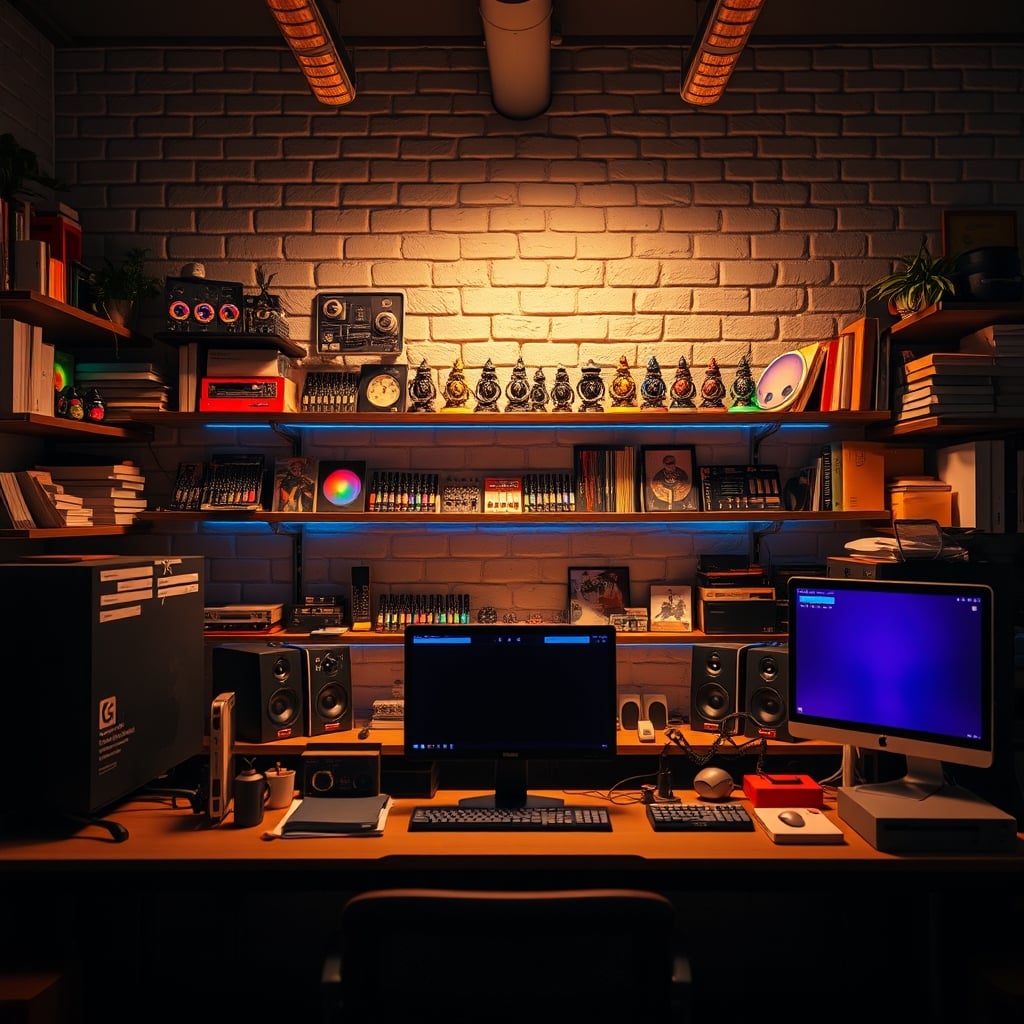
Why Your Physical "Streamer Wall" Is A Liability
The cult of the physical backdrop needs to die. This is not worth it for anyone planning to stream for more than six months. You're investing in a fixed asset that depreciates instantly. The lighting is locked in. Your face-lighting angles have to compensate for a static background's shadows forever. Want to stream a horror game at night? Your pastel hexagon wall looks ridiculous. Doing a professional interview? Your wall of Funko Pops undermines you immediately. This single-scene thinking is why so many channels feel stale. They're not just stuck in a creative rut; they're physically stuck. Based on widespread user feedback, streamers who commit to heavy physical sets consistently report lower long-term motivation because the effort to change feels monumental. Your backdrop shouldn't be a monument; it should be a canvas.
The "High-End Webcam" Myth That Needs To Die
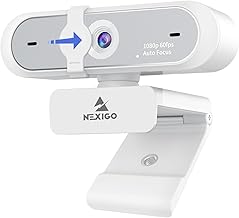
Streamers needing reliable color control for green screen keying.
- Software control for color/contrast tuning
- Built-in privacy cover
- 60fps for smooth motion
Here's the industry lie they're selling you: "You need a 4K webcam with a fantastic sensor to look professional." This is overrated. The real bottleneck is almost never your camera's sensor in 2026; it's your lighting and your backdrop. A mediocre camera with perfect lighting and a clean, distinct backdrop will outperform a $300 webcam in a messy room every single time. Pouring your budget into a camera before solving your environment is like buying racing tires for a car with a broken engine. Focus on the light hitting your face and the separation between you and what's behind you first. A proper key light and a basic green screen will make a $60 webcam look broadcast-ready. Users consistently report that upgrading to a high-end webcam without fixing their backdrop and lighting resulted in a "sharper mess"—more detail in a distracting scene.
Streaming Backdrop Alternatives That Actually Work
So, what actually works? You need a system, not a set piece. Your backdrop should be a variable, not a constant.
The Non-Negotiable Baseline: A Proper Green Screen
Stop with the cheap, wrinkled polyester sheets. If you go physical, commit to a pop-up, tension-based chroma key panel or a dedicated painted wall. The goal is a perfectly flat, evenly lit surface. This isn't about being fancy; it's about reducing the CPU load on your OBS hardware encoding. A messy green screen causes flickering edges, forcing your encoder to work harder on every frame, which can impact game performance or stream quality. A clean key is computationally cheap. This is the real issue most people get wrong. They blame their PC or internet, when it's their crumpled backdrop murdering their encoder.
The Virtual Powerhouse: Game Engine Backdrops (Unreal Engine/Unity)
This is where the real magic happens in 2026, and most streamers are still sleeping on it. Using a spare PC or a powerful single system, you can run a virtual scene in Unreal Engine and feed it as a camera source into OBS. Your backdrop can be a living, reactive world. Have your chat activity trigger particle effects. Change the entire environment with a hotkey. Integrate real-time data displays that aren't just browser sources floating oddly. This is the ultimate streaming backdrop alternative. It requires more technical know-how, but the payoff is a studio that can evolve daily without a single piece of tape. For those running a dual PC audio routing setup, adding a visual engine is a logical next step.
The Practical Hybrid: LED Panels & Digital Displays
If you must have something physical behind you, make it a screen. A large, high-brightness monitor or a grid of LED panels lets you display anything. It's a tangible green screen that doesn't require keying. The light it emits also becomes part of your scene lighting (your face-lighting angles need to account for this). The downside? Cost and heat. But it turns your backdrop into a digital asset. You can find more on balancing tech lighting with focus in our piece on Smart Lighting Overstimulation Is Sabotaging Your Brain.
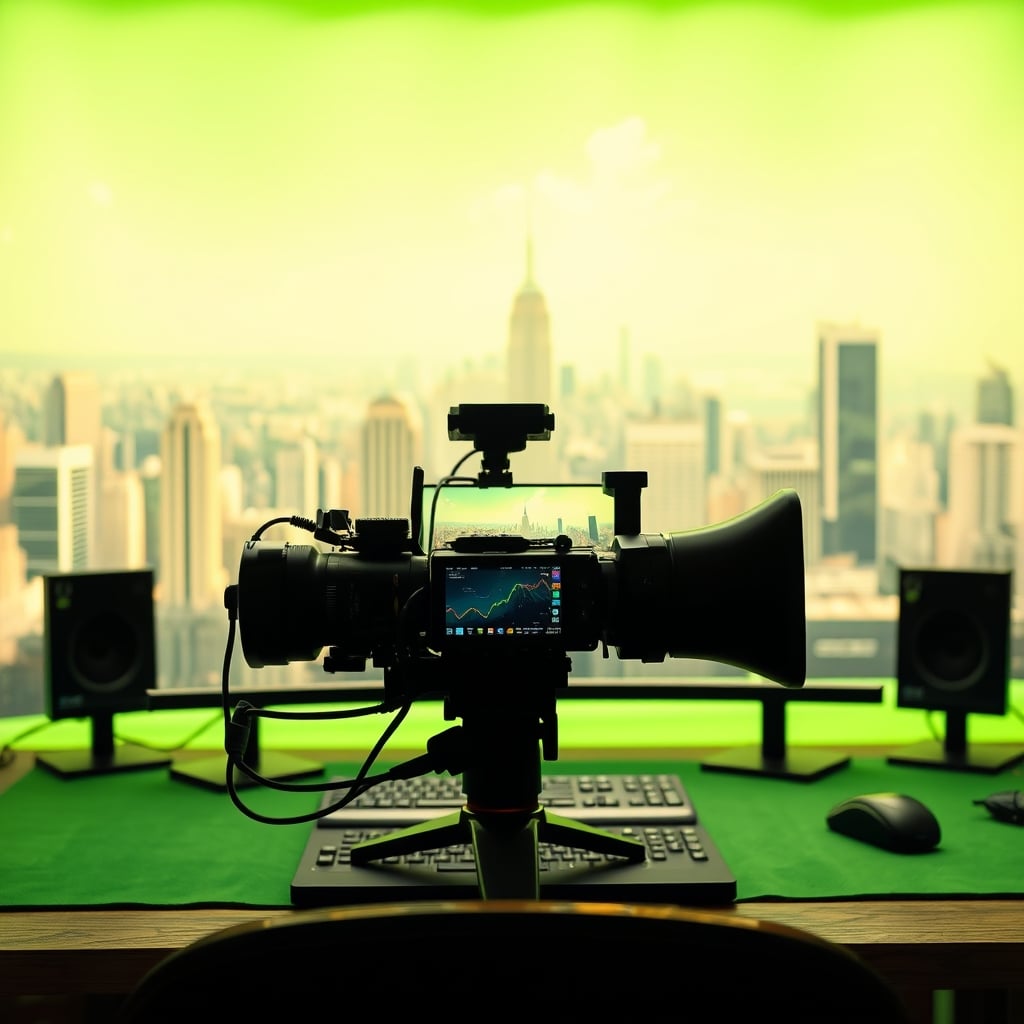
Your Camera Is The Only Backdrop Hardware That Matters
Let's cut the BS. When assessing backdrop alternatives, your primary tool is your camera and how it sees the world. A wide-aperture lens (on a DSLR or mirrorless) creates a shallow depth of field, blurring a physical background into a beautiful bokeh. This alone can salvage a busy room. A camera with a clean HDMI output gives you the fidelity to make virtual backgrounds look integrated, not like a cheap Zoom effect. This is where a sensible investment pays off—not in a webcam for its own sake, but in a camera system that gives you optical and output control. The NexiGo N660P webcam, for instance, offers decent software control for color correction, which is more valuable for keying than its 1080p sensor.
How To Actually Implement This Without The Headache
Stop trying to do everything at once. Here's the GlowRig performance-tiered approach:
- Immediate Fix: Get your lighting right. Two softboxes or panel lights at 45-degree angles to your face. Eliminate shadows. This makes ANY backdrop look 100% better.
- Weekend Project: Hang a proper tensioned green screen. Dial in your chroma key in OBS. Get it perfect. Notice how your stream's bitrate behaves better with a clean key.
- Long-Game Power Move: Experiment with a virtual camera app like Camo or using OBS's virtual camera output to feed into a second creative software. Start simple before diving into Unreal Engine.
Avoid the common trap of over-complicating your physical space to solve a digital problem, a theme we've busted before in The Distraction Free Desk Lie Sabotaging Your Focus.
The Final Verdict: Ditch The Static, Embrace The Signal
Worth it: A hybrid approach centered on a reliable green screen or digital display, with your mind on virtual possibilities. This gives you a stable, professional base and infinite creative freedom.
Overrated: Sinking significant money and permanent wall space into a single, themed physical backdrop. It's a creative coffin.
Your backdrop isn't a decoration; it's a production variable. Start treating it like one.
Frequently Asked Questions
Is a green screen still worth it in 2026 with AI background removal?
Yes, absolutely. AI removal is a CPU-hogging gimmick for anything but casual calls. It fails with fine details like hair and motion, creating a distracting 'fizzing' edge. A properly lit green screen gives a perfect, consistent key that is less demanding on your system, freeing up resources for your game and OBS hardware encoding.
What's the biggest mistake when setting up a green screen?
Wrinkles and bad lighting. You need a tensioned, flat surface and to light the screen evenly with separate lights from your face lights. A shadow or fold creates a nightmare for the chroma key and will degrade your stream quality.
Can I use a virtual background without a green screen?
You can, but it will look bad. The software has to guess what's you vs. the background, leading to artifacts, missing edges, and you 'melting' into the scene. It screams amateur hour. For a professional stream, a clean key from a green screen is non-negotiable.
Do I need a dual PC setup for advanced virtual backdrops?
Not necessarily, but it helps. Running a game, OBS, and a detailed Unreal Engine scene on one PC is asking for trouble. A dual PC setup, which you might already have for complex audio routing, is the ideal platform to host a dedicated 'visuals' PC.
What's a good beginner-friendly streaming backdrop alternative?
Start with a plain, well-painted wall in a neutral, dark color (not white). Combine it with a camera that can achieve a shallow depth of field to blur it slightly. It's simple, looks clean, and requires no keying. It's a far better starting point than a busy shelf wall.

Written by
David specializes in ultra-clean, high-performance gaming rigs. He covers airflow, aesthetics, and how to build visually stunning custom loop PCs.
Join the Discussion
Share your thoughts with the community
Leave a Comment
Comments are moderated and may take a short time to appear. Links are not permitted.