Streaming Controller Alternative
Streaming controllers promise seamless control but deliver complexity and regret. The real solution is repurposing the most powerful, versatile tool you probably already own: a MIDI keyboard. This is the streaming controller alternative that actually works.
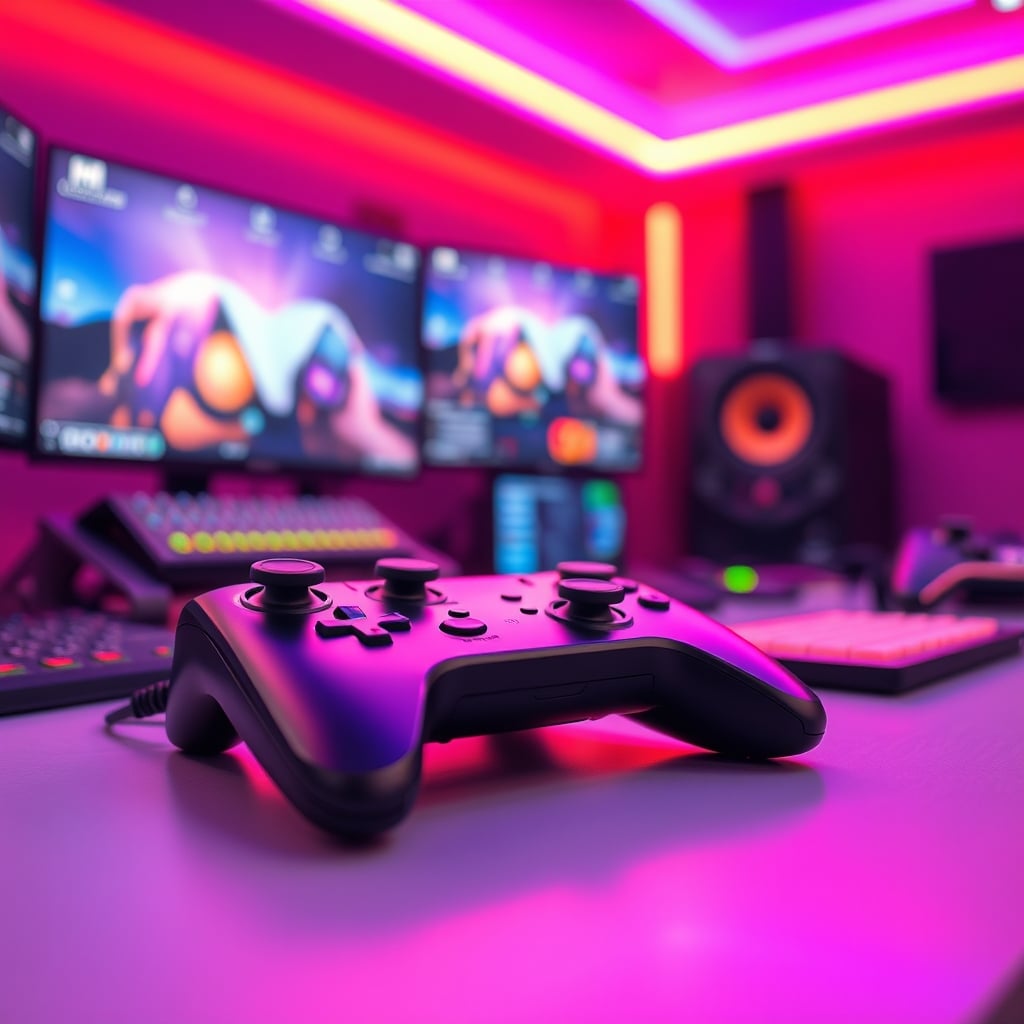
For years, I watched streamers stack more plastic on their desks, convinced a dedicated streaming controller was the final piece of the puzzle. I bought into the hype myself, shelling out for a glowing pad of buttons that promised to make my broadcasts seamless. What I got was a lesson in marketing manipulation. The device worked, technically, but it created more problems than it solved. It was another piece of software to manage, another USB port occupied, and another layer of abstraction between me and my actual content. The entire category is built on a fundamental lie: that you need specialized hardware to control generic software. You don't. What you need is a streaming controller alternative that's more powerful, more flexible, and already paid for. That alternative is your MIDI keyboard.
This is the myth that needs to die. The belief that a dedicated, single-purpose button box is essential for professional streaming is pure marketing fiction. This is overrated. The real issue isn't a lack of buttons; it's a lack of intuitive, muscle-memory control. A grid of identical, backlit squares offers zero tactile differentiation. You're staring at labels on a screen or tiny OLEDs, not feeling your way through a broadcast. This doesn't work under pressure. When you need to switch scenes during a crucial moment, fumbling for the correct generic button is a recipe for disaster. Based on widespread user feedback, the novelty wears off within weeks, leaving you with a $150 macro pad. The industry sells you on the dream of a "command center," but delivers a confusing remote control for software you already know how to use.
The Real Streaming Controller Alternative: Your MIDI Keyboard
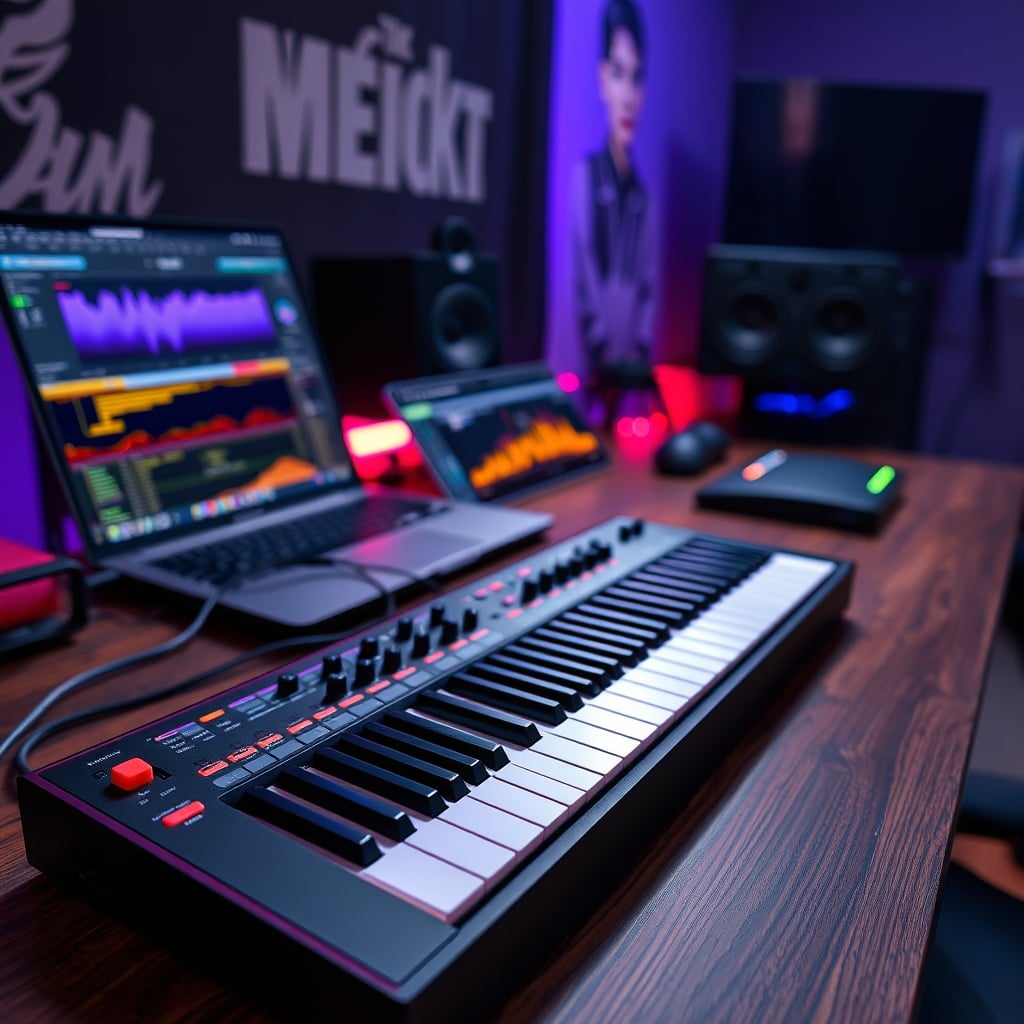
Your MIDI controller isn't just for making beats. It's the most versatile, tactile, and intelligent input device already sitting on your desk. This is the real solution. Every knob, fader, and velocity-sensitive pad is a uniquely identifiable control surface. You don't need to look at it. A twist of knob 3 feels different from a press on pad 7. This tactile feedback is everything a streaming controller lacks. Using free, robust software like MIDI Mixer or built-in OBS websocket plugins, you can map any function imaginable. Need a knob to control your microphone-to-game audio mix? Map it. Want a specific pad to trigger your stinger transition? Map it. The pads are perfect for scene changes, the knobs for audio faders or face-lighting angles on smart lights, and the keys can be banks to switch entire profiles. It's not an alternative; it's a superior replacement.
How to Actually Set Up Your MIDI Controller for Streaming
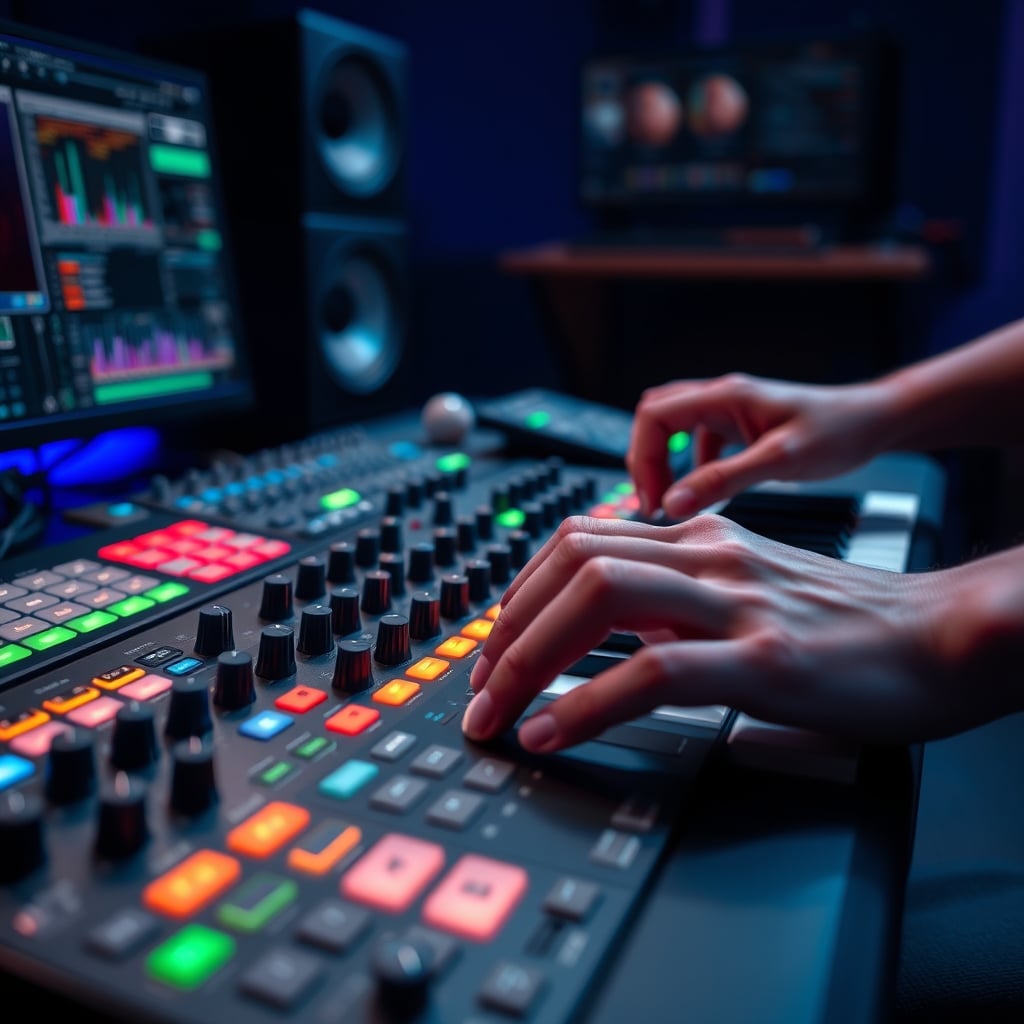
Forget the bloatware that comes with streaming gadgets. The process is stupidly simple and uses tools that won't fight you. First, download MIDI Mixer (or use the OBS Websocket plugin). Connect your MIDI controller via USB. In MIDI Mixer, you'll see your device listed. Create a new assignment—say, "Pad 1." Tell it to trigger a keyboard shortcut, like Ctrl+Shift+1. Now, in OBS, set that exact keyboard shortcut to switch to your "Game Scene." That's the core loop. For audio, MIDI Mixer can interface directly with Windows audio sessions or Voicemeeter, giving you knob-based control over individual application volumes for pristine dual PC audio routing. The depth is insane. You can create layers, so holding a modifier button changes every knob's function instantly. This is the control dedicated stream decks pretend to offer but can't match without endless menu diving.
The Brutal Pros and Cons Nobody Admits
Let's be honest about the trade-offs, because nothing is perfect.
The win is absolute tactile supremacy. Muscle memory develops fast when each control feels distinct. The flexibility is boundless; you're not locked into a vendor's feature roadmap. If a new streaming app drops in 2026, your MIDI controller will work with it instantly. It's also a multi-tool. One minute it's controlling your stream, the next it's controlling your DAW for editing or music. You're not dedicating precious desk real estate to a single-function gadget.
The hurdle, and it's the only real one, is the initial configuration. It requires about 30 minutes of setup, which is 30 minutes more than plug-and-play. Most people get this wrong by trying to map everything at once. Start with two scene changes and one audio fader. Build from there. The other non-issue people cite is "looks." A streaming controller "looks" like streaming gear. A MIDI keyboard looks like a music tool. If your brand is more about aesthetic props than functional performance, maybe that matters. For everyone else, performance wins.
The One Streaming Gear Mistake You're Probably Making
You're buying hardware to solve a software problem. That's the core mistake. Chasing a physical button for every software function is a fool's errand that leads to a cluttered, inefficient desk. The real goal is to reduce cognitive load, not increase the number of devices you need to manage. I learned this the hard way after my third dedicated controller started collecting dust. The lesson wasn't to buy a better one; it was to use a more intelligent tool. Many streamers sabotage their own workflow by relying on their stream deck's OBS hardware encoding controls, when adjusting those settings mid-stream is almost always the wrong move. They've been sold on control for control's sake. Don't fall for it. Simplify your setup by empowering a device you already own. For more on cutting through audio complexity, see our take on The Streamer Audio Setup Lie You're Still Believing.
Final Verdict: Skip the Dedicated Controller, Use This Instead
The verdict is absolute. Dedicated streaming controllers are overrated. They are a solved problem masquerading as an innovation, priced at a premium for a worse user experience. The tactile void they create is a fundamental flaw. Your money and desk space are better spent elsewhere—like on your actual microphone or camera. Repurposing a MIDI keyboard as your streaming controller alternative isn't just a clever hack; it's the objectively better way to work. It provides superior tactile feedback, unbounded flexibility, and leverages a universal standard that won't become e-waste when the next proprietary software update breaks compatibility. For a deep dive on the essential lighting gear that actually makes a visual difference, check out our guide Key Light vs Fill Light: The Real Difference for Streamers. This is the move for anyone serious about streaming, not just shopping for the aesthetic. Worth it? The alternative is actually good. The dedicated hardware is a skip.
Frequently Asked Questions
Can any MIDI keyboard work as a streaming controller alternative?
Yes. Virtually any USB MIDI controller with knobs, pads, or faders can be used. The software (like MIDI Mixer) reads the MIDI signals, not proprietary drivers. Even basic, older models work perfectly.
Is setting up a MIDI controller for streaming too complicated?
It's simpler than managing bloated streaming controller software. The initial mapping takes 30 minutes, but it's a one-time, logical process. It's less complicated than troubleshooting why a dedicated controller's software suddenly stopped recognizing your OBS scenes.
What's the main advantage over a dedicated stream deck?
Tactile differentiation and open-ended flexibility. Knobs, pads, and keys all feel different, allowing for true muscle-memory control without looking. You're not locked into a single vendor's ecosystem or feature set.
Written by
GlowRig Editorial researches and writes practical guides about desk setups and home office gear. Our articles are produced with the help of AI research tools and are reviewed for accuracy against manufacturer specifications and public user feedback. We may earn a commission from affiliate links, which never affects our recommendations.
Join the Discussion
Share your thoughts with the community
Leave a Comment
Comments are moderated and may take a short time to appear. Links are not permitted.