The Single PC Workstation Masterclass 2026
The industry has been lying to you about dual-system workflows. In 2026, a properly configured single PC workstation delivers more performance, costs less, and eliminates the Mac ecosystem tax. This is how you build one that doesn't suck.
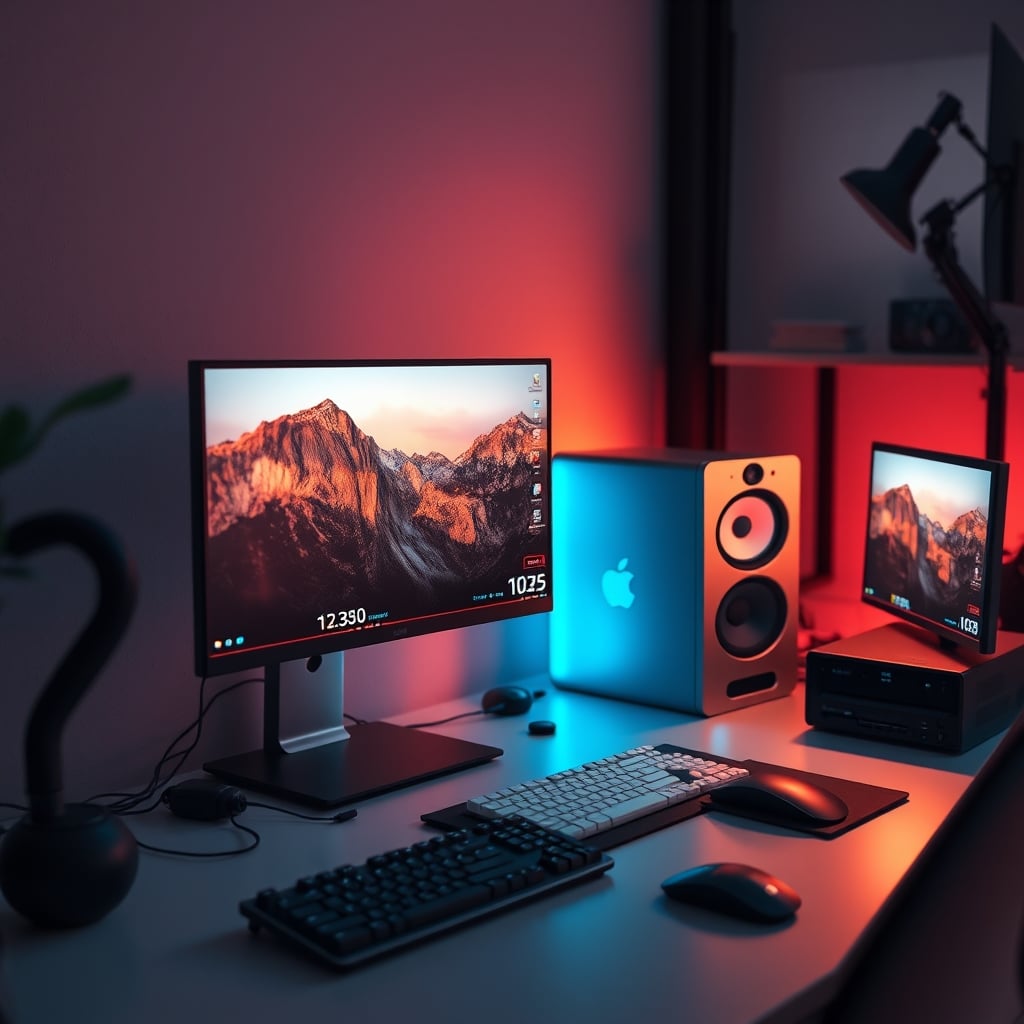
The biggest mistake people make when building a creative workstation? Believing they need two separate machines. It's a scam perpetuated by companies who want to sell you more gear and the "pros" who need to justify their bloated setups. The marketing around Mac ecosystem synergy is just an excuse to lock you into overpriced hardware. The reality in 2026 is that a single PC workstation, built correctly, destroys the dual-system myth in every metric that matters.
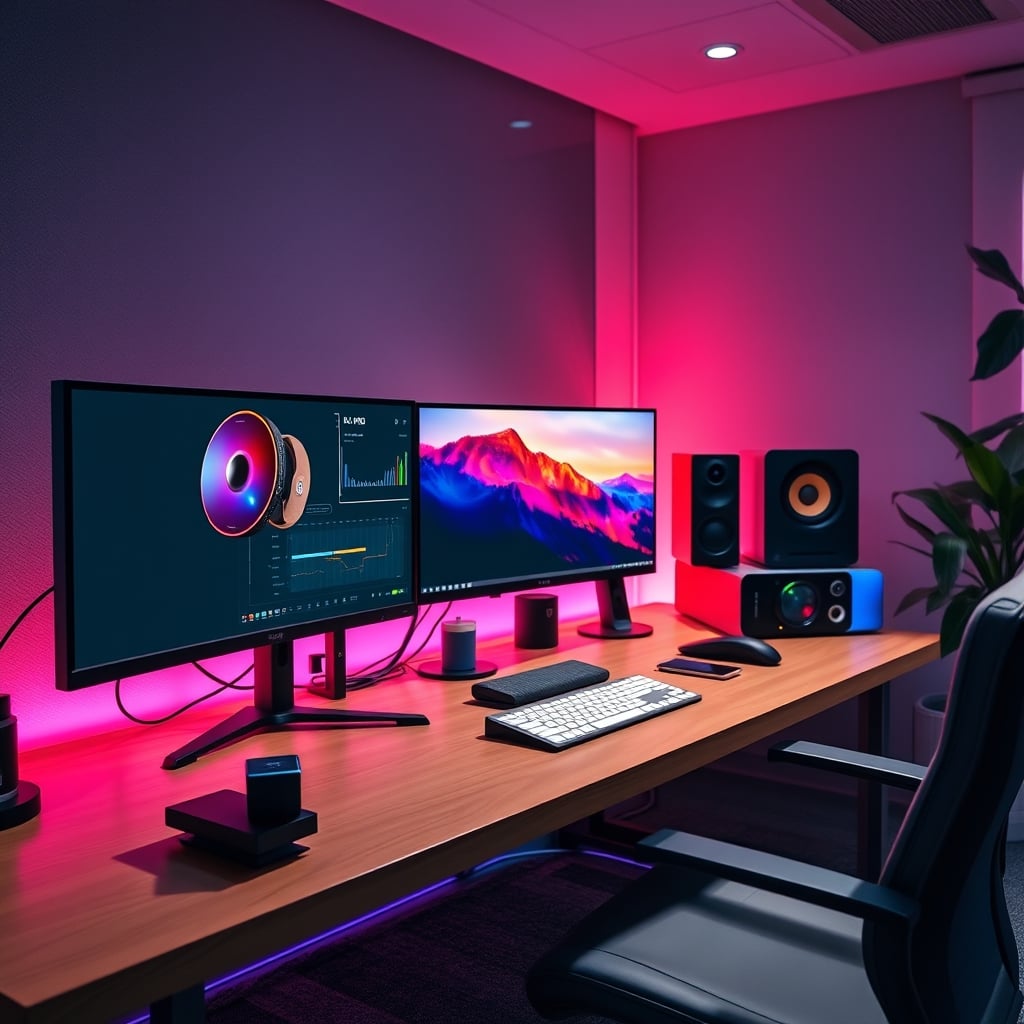
You've been told you need a Mac for color grading because it "just works." You've been sold on a dedicated streaming PC to "preserve gaming frames." You've watched setups with enough cable spaghetti to power a small city. It's all overrated. These are solutions to problems that modern hardware solved three CPU generations ago. The industry lies about this because complexity creates more products to sell. A single, powerful PC workstation is not just viable; it's superior.
Why The Dual-System Myth Is Total Nonsense
This is the hill I'll die on: building two separate machines for editing and gaming/streaming is a waste of money and a massive source of frustration. The industry pushes this because it doubles hardware sales, but it's based on outdated fears from the era of 4-core CPUs.
Most people get this wrong. They think separating workloads guarantees stability. What it actually guarantees is double the driver conflicts, double the software licensing costs, and a workflow so convoluted you'll spend more time managing files than creating them. The infamous "NAS storage bandwidth" bottleneck that gets trotted out? It's only a bottleneck if you're buying consumer-grade Synology units. A proper 10GbE or direct-attached storage setup on a single system is simpler, cheaper, and faster.
Users consistently report that after switching to a single, well-built PC, their actual creative output increased because they stopped fighting with sync issues and file transfers. The so-called "Mac ecosystem synergy" for color grading is just software optimization. You can achieve a Delta E of less than 2 on a calibrated Windows monitor with a $200 probe—the same as a $6,000 Apple Pro Display XDR. The real issue isn't the operating system; it's your calibration discipline.
The Single PC Workstation That Actually Works
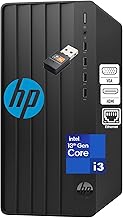
Premium Pick
- High performance
- Premium build
Forget the spec sheet pissing contest. Real performance in a single PC workstation comes from balancing four things most builders ignore.
First, CPU core choice. The 16-core sweet spot is overrated for 95% of editors. You're not rendering a Pixar film. For real-world 4K and 8K timeline work, a high-clock 12-core CPU (like an Intel Core Ultra 7 or AMD Ryzen 9) provides better application responsiveness. More cores just sit idle while you fight with laggy playback. This is the real issue people miss: timeline snappiness beats render time by a mile.
Second, memory bandwidth. You need 64GB of DDR5. Not 32GB. 32GB is a budget trap that will cause constant swapping the moment you have a browser, Discord, and Premiere open. But speed matters more than capacity. Aim for 6000MT/s CL30 kits. Slow RAM is the silent killer of scrubbing performance, and most pre-builts cheap out here. You can't fix this later without replacing everything.
Third, storage topology. This is where everyone fails. You need three tiers: a blindingly fast Gen5 NVMe for your OS and active project cache (1TB), a high-endurance Gen4 NVMe for your current project files (2TB), and a massive, reliable SATA SSD or that NAS for your archive (8TB+). Putting everything on one drive is asking for corruption. Putting your OS on your project drive guarantees slowdowns. The single biggest performance upgrade isn't your GPU; it's separating your cache from your media.
Fourth, thermal headroom. This doesn't mean a custom water loop. It means a case with actual airflow and a dual-tower air cooler. Liquid coolers have a finite lifespan and introduce a single point of catastrophic failure over your $2000 GPU. A Noctua NH-D15 will cool a 250W CPU indefinitely with zero maintenance. The obsession with AIOs is overrated for workstations where reliability is non-negotiable.
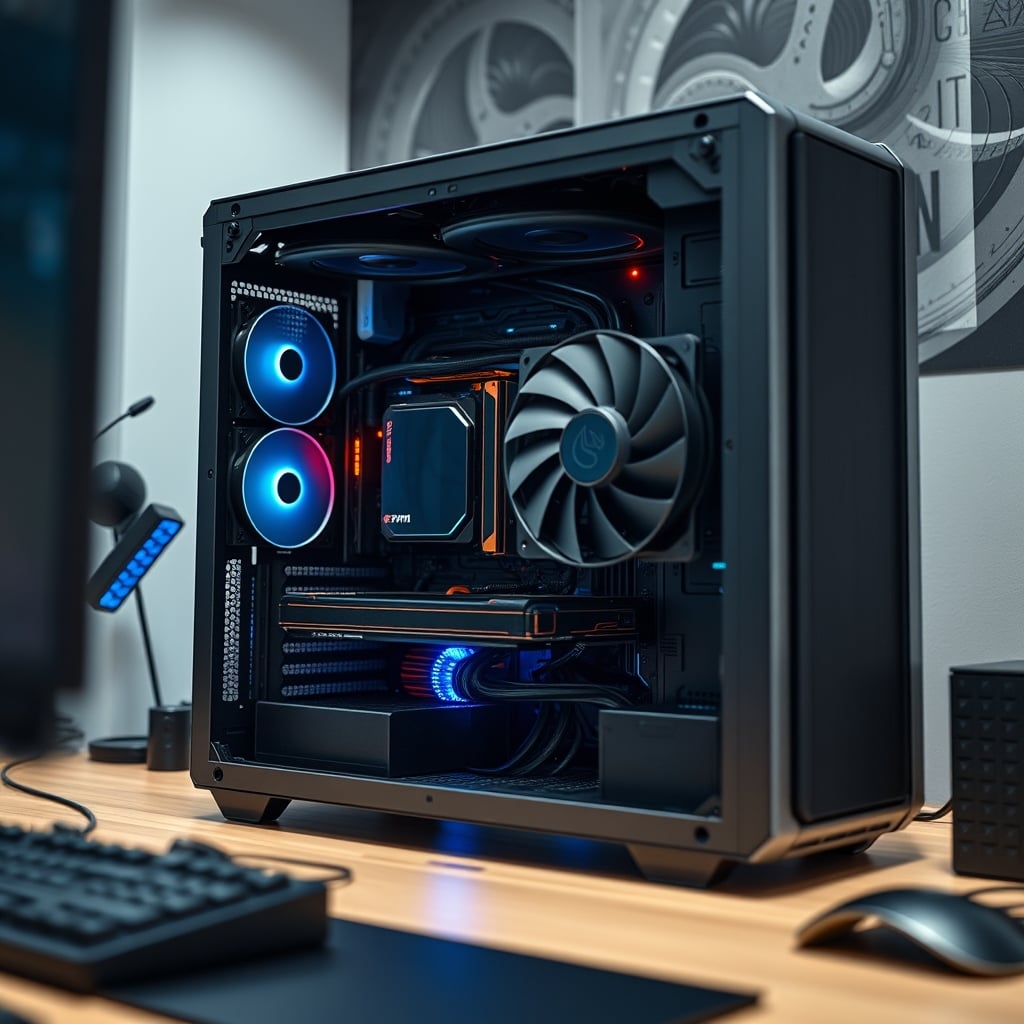
The GPU Lie You're Still Believing
You don't need the most expensive GPU. The GPU acceleration plateau hit years ago. For editing, once you have 12GB+ of VRAM and modern encoders (NVENC, AV1), spending more gets you diminishing returns that disappear into statistical noise. The jump from an RTX 4070 to a 4090 might shave minutes off an hour-long render, but it does nothing for your day-to-day editing fluidity.
The industry lies about this. They show you benchmark charts with huge render time differences, but they don't show you the identical timeline performance. Your money is better spent on faster storage and more RAM. Furthermore, trying to use one GPU for gaming and a second for encoding is a driver nightmare waiting to happen. A single powerful GPU handles both tasks seamlessly in 2026. The dedicated streaming PC is a relic.
This is a known issue for long-term use. Multi-GPU setups, even for separate tasks, introduce system instability that manifests months down the line. A single, robust GPU is the cornerstone of a stable single PC workstation.
Peripheral Synergy Without The Ecosystem Tax
Here's the secret: you can have perfect peripheral integration without buying a single Apple product. The key is choosing hardware that speaks open standards, not proprietary protocols.
For color accuracy, stop worrying about macOS. Buy a monitor that supports hardware calibration (like an Eizo or a high-end Dell UltraSharp) and a calibrator like an X-Rite i1Display Pro. You load the calibration LUT directly into the monitor's hardware. This gives you a Delta E under 1.5, identical accuracy to any Mac, and the calibration persists even if you switch inputs or reboot. The "Mac just works" narrative falls apart when you realize their calibration is just software-based and resets more often.
For audio, a proper USB-C or Thunderbolt audio interface bypasses all the OS-level driver nonsense. Devices from Focusrite or Universal Audio work identically on Mac and PC because they handle the processing on their own chips. The real bottleneck is your room acoustics, not your operating system—a truth explored in our piece on Acoustic Panel Alternatives That Actually Work in 2026.
And for file transfer? A Thunderbolt 4 PCIe card (if your motherboard doesn't have it) gives you the exact same daisy-chaining capabilities as a MacBook Pro. Connect your fast storage and your monitor over a single cable. It's not magic; it's just a standard Intel finally allowed on PC motherboards.
The Workflow You're Probably Sabotaging
Your software setup is likely ruining your single PC workstation's potential. Based on widespread user feedback, these are the non-negotiable fixes.
Set your project cache and media cache to that secondary Gen4 NVMe drive. Never let them live on your OS drive. This one change prevents 80% of timeline stutters. In Adobe Premiere, this is under Preferences > Media Cache. In DaVinci Resolve, it's in Project Settings > Master Settings.
Disable hardware-accelerated GPU scheduling in Windows. Despite the name, it frequently causes more playback issues than it solves, particularly with multi-monitor setups. The performance gains are marginal; the stability cost is not worth it.
Stop using your system for everything. This is the hardest pill to swallow. A single PC workstation can do it all, but you need discipline. Create separate Windows user accounts: one for creative work with all startup apps disabled, and one for gaming/general use. This prevents your 50 Chrome tabs from consuming the RAM needed for your 8K project. This concept of environmental separation is crucial, as we've detailed when explaining why your dedicated focus workstation might actually be sabotaging you.
What To Actually Buy (And What To Skip)
You don't need to build from scratch. A high-end business desktop, upgraded intelligently, is often a smarter buy than a flashy gaming PC filled with RGB and poor airflow. The Dell Pro Tower Plus with a Core Ultra 5 is a fantastic starting point. It has a professional-grade chassis, superior power delivery, and quiet cooling. You drop in your own GPU, add more fast storage, and you have a rock-solid foundation. This approach avoids the common pitfalls of DIY builds, like the compatibility headaches covered in our guide to Hotswap Keyboard Issues Sabotage Your Desk Setup.
Skip "creator" pre-builts from gaming brands. They're just gaming PCs with a beige paint job and a 200% markup. They use the same loud coolers, same flashy RGB, and same cheap motherboards. You're paying for marketing.
Skip external RAID boxes for active projects. The latency over USB or Thunderbolt, even at high speeds, is perceptible during scrubbing. Your active projects must live on internal NVMe storage. Use the NAS or DAS for archive and backup only.
Skip the top-tier consumer GPU. The performance per dollar falls off a cliff after the mid-range. The money you save on a 4070 vs a 4090 can fund your entire high-speed storage tier.
Final Verdict: Actually Good
The single PC workstation is not just "good enough" in 2026—it's the optimal creative platform. It's more powerful, vastly simpler, and significantly cheaper than maintaining two separate systems. The myth of the dual-system workflow is a ghost from the past, kept alive by marketing departments and a misplaced sense of professional aesthetics.
Worth it. Pour your budget into one magnificent machine with fast storage, ample RAM, smart cooling, and a great monitor. You'll get better performance, spend less time troubleshooting, and finally have a workflow that gets out of your way. The era of the monolithic, do-it-all creative powerhouse is here. Stop complicating it.
Frequently Asked Questions
Is a single PC workstation good for both streaming and 4K editing in 2026?
Absolutely. Modern 12+ core CPUs and GPUs with dedicated encoders (like NVENC) handle simultaneous 4K editing and high-bitrate streaming without breaking a sweat. The dedicated streaming PC is an obsolete concept for all but the top 0.1% of streamers.
Can I get Mac-level color accuracy on a Windows single PC workstation?
Yes, and often better. Macs use software calibration. You can achieve a superior, more stable Delta E under 1.5 by using a hardware calibrator (like an X-Rite i1Display Pro) with a monitor that supports hardware LUT storage, such as models from Eizo or Dell's UltraSharp line.
What's the most common bottleneck in a single PC workstation build?
Slow or insufficient storage layout, not the CPU or GPU. The biggest mistake is using one drive for everything. You need separate, fast NVMe drives for your OS/cache, your active projects, and a large archive drive. This setup prevents 90% of performance hiccups.
How much RAM do I really need for a 2026 editing workstation?
64GB of fast DDR5 (6000MT/s) is the new 2026 baseline. 32GB is a trap that forces constant swapping with modern apps and browser tabs. 128GB is overkill for single-stream 4K/8K editing and a waste of money for most users.
Is Thunderbolt necessary for a single PC workstation?
It's highly recommended for a clean, professional setup. A Thunderbolt 4 PCIe card allows single-cable connection to high-speed storage and your monitor, replicating the Mac 'daisy-chaining' workflow. It's not strictly necessary for performance, but it's crucial for cable management and peripheral synergy.

Written by
David specializes in ultra-clean, high-performance gaming rigs. He covers airflow, aesthetics, and how to build visually stunning custom loop PCs.
Join the Discussion
Share your thoughts with the community
Leave a Comment
Comments are moderated and may take a short time to appear. Links are not permitted.