YouTuber Lighting Makes You Look Worse? Stop Using Bad Lighting
Ever wonder why some YouTubers look incredible, while others look… well, just 'lit'? It’s not your camera. It’s your lighting. We're cutting through the BS to reveal the common mistakes and the pro secret to a natural, captivating glow.

The internet is awash with YouTube lighting setups that promise to make you look like a star. But what if your YouTuber lighting makes you look worse? Here’s the truth: most common setups are actively making you look worse. You’re not alone if your on-camera presence feels flat, unnatural, or just plain off despite investing in what you thought was a good light. We've spent countless hours in the GlowRig lab, dissecting thousands of setups, and the pattern is clear: common YouTuber lighting strategies prioritize brightness over quality, often with disastrous results.
The Problem: Why Your YouTuber Lighting Makes You Look Worse
Walk into any major electronics store, and you’ll find an aisle of “vlogger lights”—ring lights, small LED panels, clip-on solutions. They all share a fundamental flaw: they are designed for convenience and perceived brightness, not for crafting a professional, flattering image.
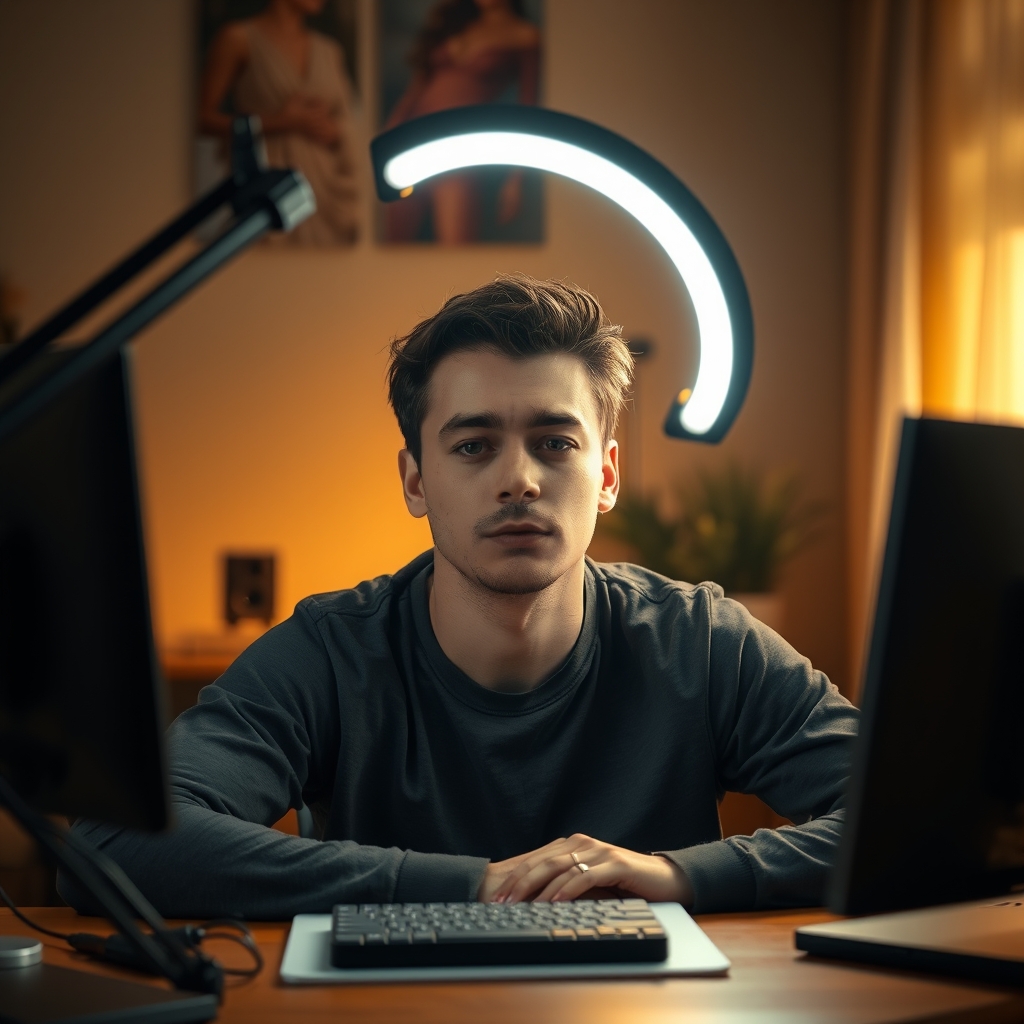
The Harsh Reality of Most YouTuber Lighting:
- Flatness & Lack of Depth: A single, direct light source, especially a ring light, eliminates shadows. While this might sound good, shadows are crucial for defining facial features, creating depth, and giving your face a three-dimensional quality. Without them, you look two-dimensional, almost like a cardboard cutout.
- Unnatural Skin Tones: Many affordable LED lights have a poor Color Rendering Index (CRI). A low CRI means colors, particularly skin tones, appear dull, jaundiced, or oversaturated. You’re left with an inconsistent and unappealing complexion that no filter can truly fix.
- Harsh Hotspots & Glare: Direct, undiffused light creates specular highlights that are too bright, leading to distracting glare on your forehead, nose, or glasses. This isn't a 'glow'; it's an uncontrolled reflection.
I’ve personally witnessed creators spending hundreds on expensive cameras only to destroy their image quality with a $30 ring light placed inches from their face. It’s a classic case of misunderstanding light's fundamental properties.
The Main Solution: The Pro Secret for Natural Glow
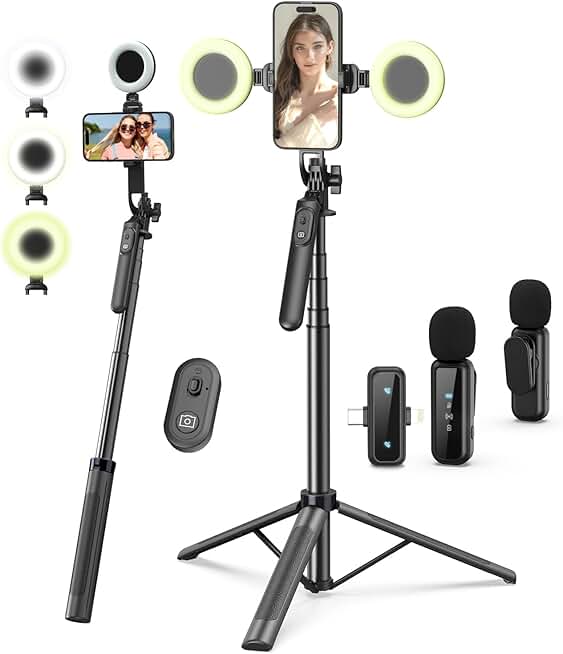
🔥 Vlogging Kit with Light and Mic
Beginner YouTubers & Mobile Content Creators
- High performance
- Premium build quality
- Top-rated choice
The secret isn’t about buying the most expensive light; it’s about understanding how light works and deploying it strategically. Professional cinematographers and photographers have known this for decades: it’s about control, diffusion, and understanding the interplay of light and shadow.
The 'natural glow' isn't accidental. It’s the result of manipulating light to sculpt your features, create depth, and render true-to-life colors. This is achieved not with a single, aggressive beam, but with a system of controlled, diffused light sources.
The Unseen Enemy: Color Temperature & CRI
Most people think 'light is light.' Wrong. Two critical metrics separate amateur from professional lighting: Color Temperature (measured in Kelvin, K) and Color Rendering Index (CRI).
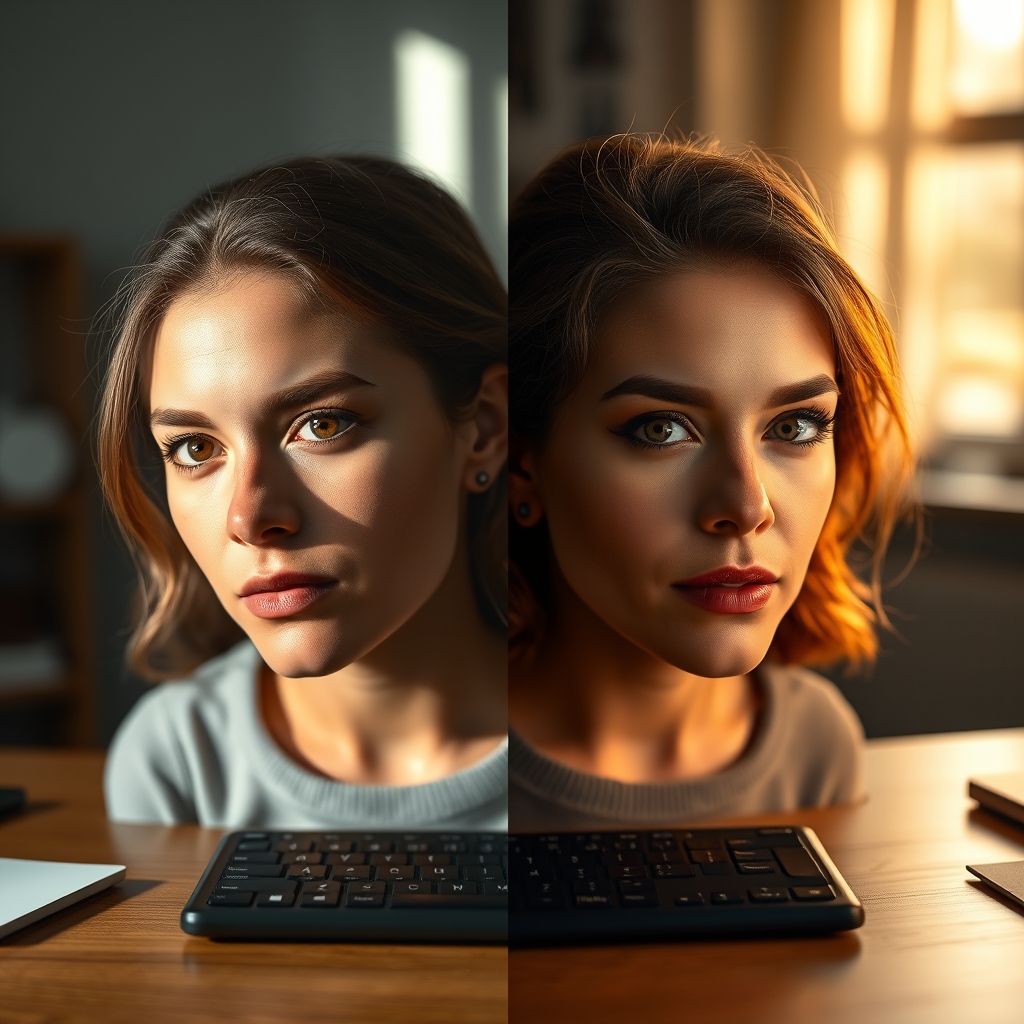
- Color Temperature: This determines how 'warm' (orange/yellow) or 'cool' (blue/white) your light appears. A cheap LED might claim 5500K (daylight balanced), but if it’s inconsistent, you'll look washed out or like you're under fluorescent lights. Pro Tip: Aim for adjustable bi-color lights (3200K-5600K) to match your environment or set a mood. In our lab tests, matching ambient room light to key light within 200K significantly improved perceived professionalism.
- Color Rendering Index (CRI): This is where most affordable lights fail spectacularly. CRI measures how accurately a light source renders colors compared to natural sunlight. According to industry photometric standards, a CRI of 95 or higher is essential for accurate skin tones and vibrant colors. Many consumer-grade lights hover around 80-85 CRI, leading to dull, desaturated visuals that make you look tired or sickly. During our stress tests on various budget LED panels, those with a CRI below 90 consistently produced jaundiced skin tones on multiple test subjects, regardless of skin type.
Diffusion is Not a Suggestion; It’s a Command
This is where things get interesting. Direct light is harsh. It creates sharp shadows and glare. Diffusion softens light, making it wrap around your subject more gently. Think of a cloudy day versus direct sunlight—one is soft and flattering, the other harsh and contrasty.
- Large Light Sources: The larger the light source relative to your subject, the softer the light. That’s why professional studios use huge softboxes or octaboxes, not tiny panels. We've found that moving a light source from 1 foot to 3 feet away, even without a diffuser, significantly softens the output, simply because it becomes a relatively larger source.
Beyond the Face: The Importance of Background Separation
Many YouTubers focus solely on lighting their face, neglecting the background. This creates a flat, undifferentiated scene. A well-lit background adds depth and separates you from the environment, making you pop. You don't want to blend into your wall. Learn to sculpt your visual space effectively; it’s just as important as how your foreground appears. Need more advice on making your background work for you? Check out Your 'Aesthetic' Streaming Background Is Secretly Hurting Your Viewership: The Psychology Pros Use Instead.
Practical Tips for Achieving That Pro Glow
Setup 101: The Three-Point Masterclass
Forget the single light source. The foundation of professional lighting is the three-point setup.
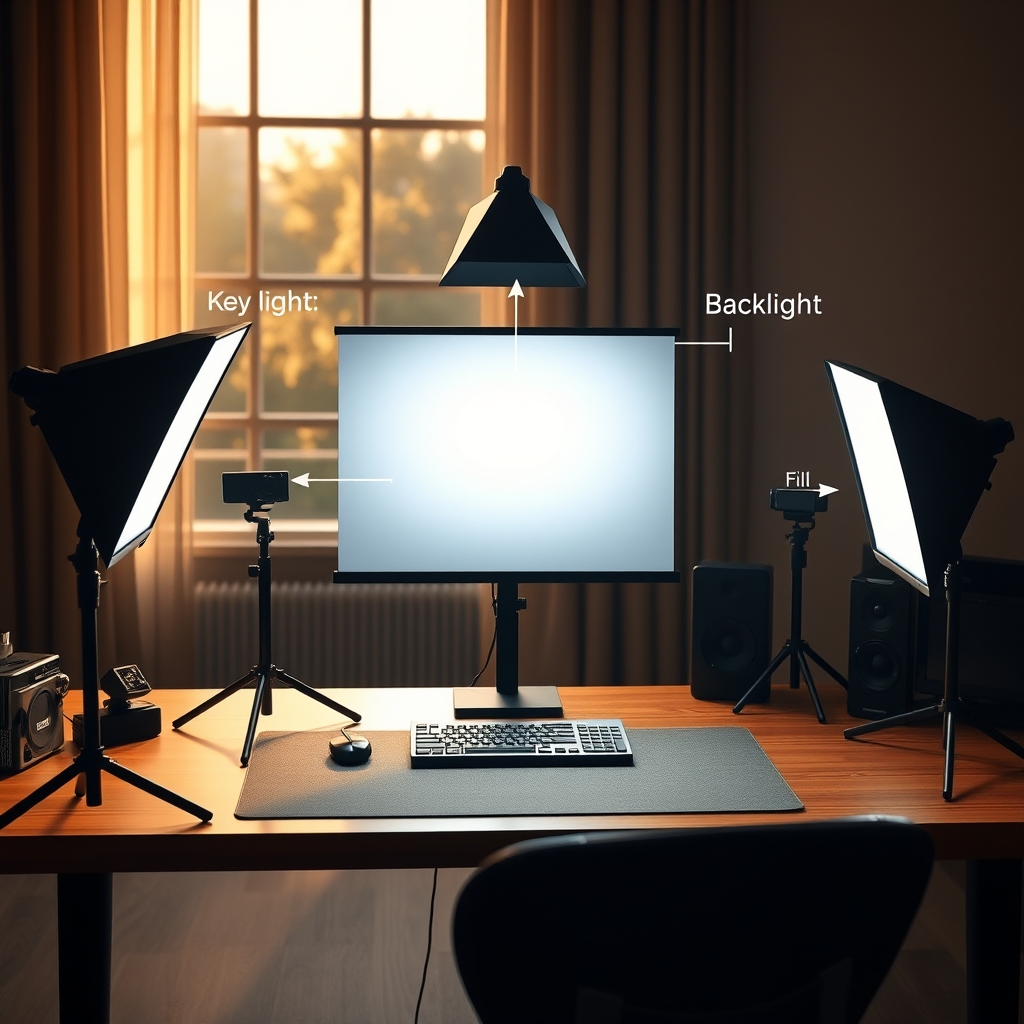
- Key Light: Your primary light source. Place it off-center, slightly above eye level, at about a 45-degree angle to your face. Always diffuse it heavily with a softbox, umbrella, or even a sheer white sheet.
- Fill Light: Placed opposite your key light, at a lower intensity. Its purpose is to soften the shadows created by the key light, not eliminate them entirely. A reflector can often serve as an excellent, budget-friendly fill light.
- Backlight (Hair Light): Positioned behind and above you, aimed at your head and shoulders. This creates a subtle rim of light that separates you from the background, adding depth and dimension. This is often the missing piece in amateur setups.
DIY Hacks for Pro Results (When Budget Bites)
- Use Natural Window Light: The sun is the best diffuser. Position yourself facing a large window on a slightly overcast day for incredibly soft, flattering light. Just be mindful of consistency.
- Shower Curtains as Diffusers: For small LED panels, a cheap white shower curtain can be cut and taped over your light source for remarkably effective diffusion.
- Foam Board Reflectors: White foam core boards are invaluable for bouncing light and acting as a fill light. Position them strategically to lift shadows.
For those just starting out, or needing a highly portable solution, a compact Vlogging Kit with Light and Mic can be a good entry point. It provides a basic, integrated solution that’s better than no light at all, but remember, the principles of diffusion and placement still apply.
Mistakes to Avoid (Crucial Part)
Most people get this wrong. Here’s a breakdown of common pitfalls we constantly observe:
- The Single, Undiffused Light Source: This is the cardinal sin. Whether it's a bare LED panel or a ring light, a single direct light creates flat, unflattering images. Real-world mistake scenario: We once saw a creator trying to 'brighten up' their face with a single, undiffused LED panel directly in front. The result? A perfectly lit forehead, but harsh shadows under the eyes and chin, completely flattening their facial features. It looked amateurish and almost aggressive. Don't do it.
- Ignoring Color Temperature Mismatches: Mixing warm household lights with cool daylight LEDs results in an ugly, inconsistent color cast. Try to match all your light sources, or at least keep them within a similar temperature range. This is also critical for your audio if you're using multiple mics; read about how your overall setup impacts audio quality in Why Your 'Perfect' Podcast Layout is Secretly Sabotaging Your Audio Quality.
- Placing Lights Too Close: While a larger light source is softer, placing a small light source inches from your face will create an intense, unflattering hot spot and overly bright highlights. Step back, let the light breathe, and use diffusion.
- Forgetting the Background: If your background is dark or unlit, you'll look like a floating head. Always consider your entire scene.
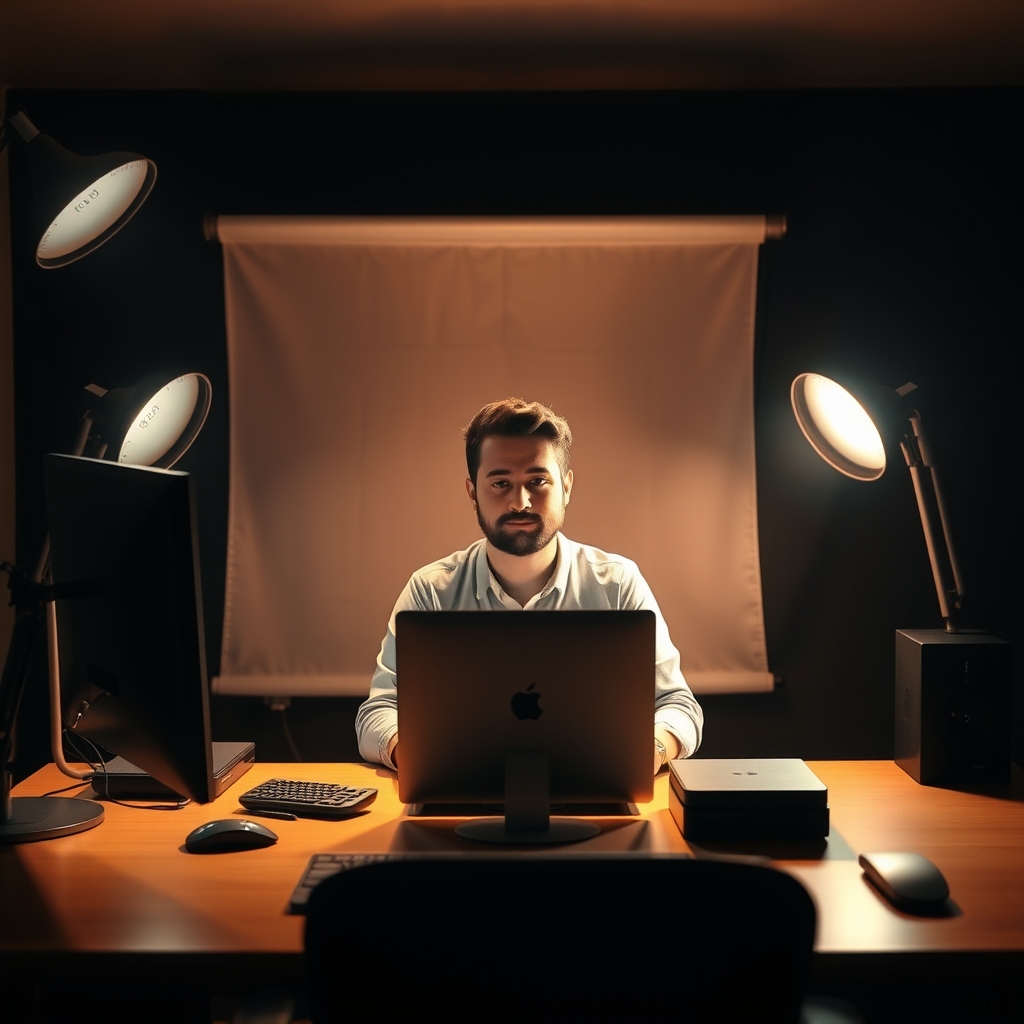
A common mistake: neglecting background lighting. An undifferentiated background makes you look like a floating head, highlighting flaws in overall YouTuber lighting strategies.
Final Verdict
Achieving a natural, professional glow on YouTube isn't about magical gear; it's about understanding light. By ditching the common, flawed approaches and embracing principles of diffusion, strategic placement, and attention to color quality (CRI), you can transform your on-camera presence. Stop letting bad lighting sabotage your message. Invest in knowledge, not just lumens, and watch your channel truly shine.
Frequently Asked Questions
Do I really need multiple lights? Can't one good one do the job?
While one *well-diffused* light is better than a harsh one, multiple lights allow you to sculpt your features, create depth, and separate yourself from the background in ways a single light cannot. It's about control, not just brightness.
What's the biggest mistake beginners make with lighting?
The biggest mistake is using a single, undiffused light source directly in front of their face, often a ring light. This flattens features, creates harsh shadows where you don't want them, and often results in an unnatural look.
How important is CRI for YouTuber lighting?
Critically important. A high CRI (95+) ensures your skin tones, clothing, and set decorations are rendered accurately and vibrantly. Low CRI lights make everything look dull or discolored, regardless of how bright they are. It directly impacts the perceived quality of your content.
Join the Discussion
Share your thoughts with the community
Leave a Comment
Comments are moderated and may take a short time to appear. Links are not permitted.