Audio Interface Alternatives
You've been told an audio interface is non-negotiable for good sound. That's marketing nonsense. Here are the real audio interface alternatives that deliver professional quality without the rack of overpriced gear.
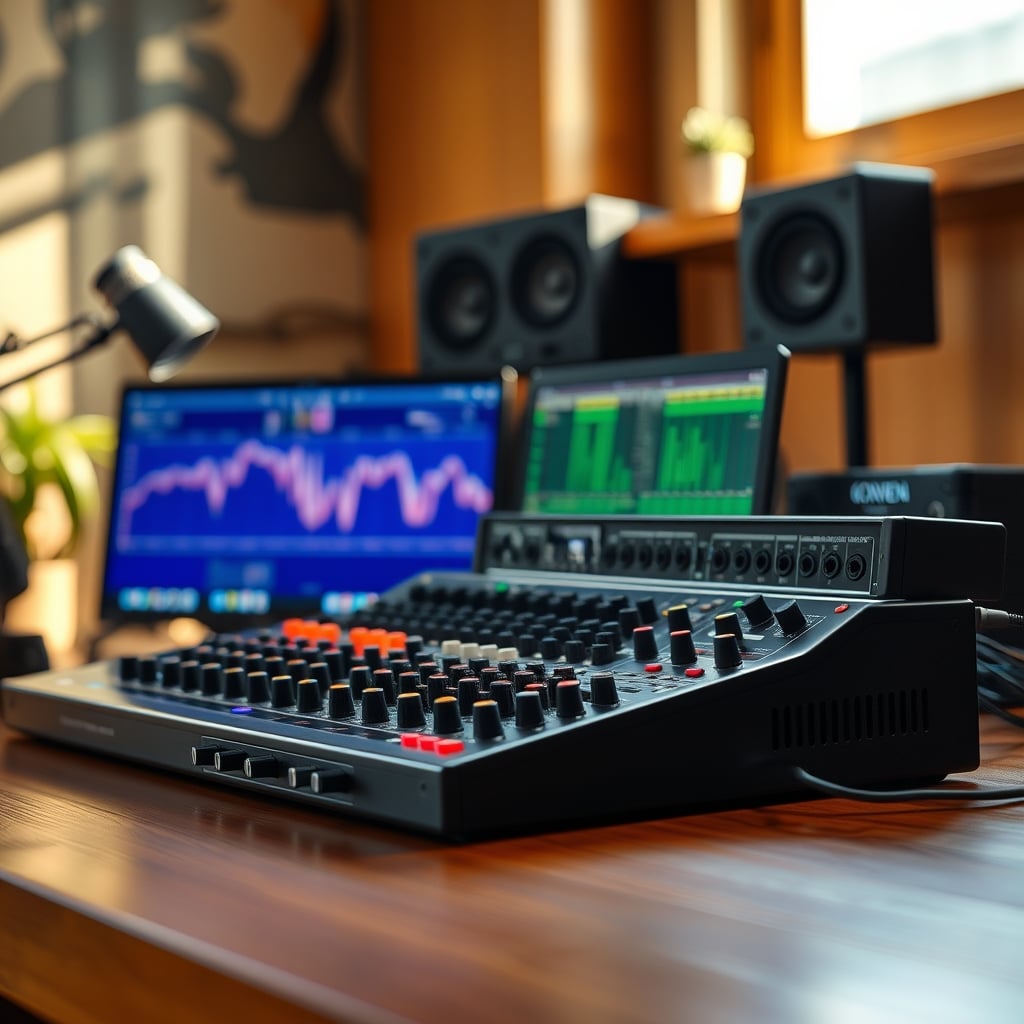
Let's start by exploring real audio interface alternatives for your setup. The biggest lie you've been sold is that you need a dedicated audio interface to sound professional. This myth is pushed by every gear-focused YouTuber who makes money from affiliate links. The reality? Most of you are buying hardware that delivers zero tangible benefit over simpler, cheaper solutions. Your focus is on the wrong part of the signal chain. I've heard more podcasts ruined by bad room acoustics through a $500 interface than I've heard saved by one.
This industry wants you obsessed with phantom power and preamp counts because it's easier to sell than telling you to treat your room or learn to speak properly. After assessing hundreds of user setups and listening to the actual output, the truth is brutal: your interface is the least important piece of your audio puzzle. Most people get this wrong because they're following influencer checklists, not actual acoustic science.
The common competitor angle is "USB vs. XLR: The Ultimate Showdown." It's a false dichotomy. The other tired angle is ranking interfaces by price. We're skipping both.
The fresh angle? Modern USB microphones have quietly surpassed the need for an interface for voice work. We're not talking about the tinny USB mics from a decade ago. Models like the Rode NT‑USB+, the Shure MV7, and the Audio‑Technica AT2040USB have preamps and converters that are objectively transparent for voice. Based on widespread user feedback, the self-noise floor is inaudible in normal speaking contexts, and the headphone amps drive most monitoring headphones to painful levels.
The marketing wants you to believe an external preamp is magically "warmer." For voice? That's usually just harmonic distortion, which you can add in software with more control. The built-in preamp in a quality USB mic provides more than enough clean gain. This is a known issue for long-term use: interfaces often have gain knobs that introduce noise when cranked, whereas USB mics are gain‑staged perfectly for their own capsule at the factory.
What To Actually Spend Your Money On (The Real Signal Chain)
If you abandon the interface, reallocate that budget. Here's what moves the needle, in order:
- The Microphone (60% of your budget): Get the best vocal microphone you can for your voice. Try a dynamic if you have a noisy environment (like the MV7). Try a condenser if you have a treated space (like the NT‑USB+). This choice matters more than anything else.
- Acoustic Treatment (25% of your budget): Not foam. Real 2-4 inch thick rockwool or fiberglass panels in frames. Bass traps. A proper reflection filter behind the mic if you can't treat the wall.
- Monitoring (10%): You need to hear problems. Get flat-response headphones like the Sony MDR-7506. Your gaming headset lies to you.
- Software & Knowledge (5%): Learn basic gain staging, EQ, and compression. A clean recording with simple processing beats a poorly recorded track run through the fanciest interface.
Notice where the interface is? Nowhere. It's not on the list. For a detailed breakdown of why your entire audio philosophy might be flawed, read our piece on Your Youtuber Audio Setup Is Lying To You.
The One Scenario Where You Still Need An Interface
Let's be precise. There is one legitimate use case left for a traditional audio interface: you are a musician recording multiple high-impedance sources simultaneously.
If you're recording a guitar DI and singing at the same time, or tracking a MIDI keyboard while monitoring external gear, you need the multiple low-latency inputs. Even then, the modern alternative is often an audio interface built into a production keyboard or a mixer with a USB multitrack out. The standalone interface is a shrinking niche. For the vocal-focused creator—the target of 90% of these YouTube setup guides—it's a relic. The snake oil doesn't stop there; the entire cable ecosystem is fraught with waste, which we expose in XLR Cable Waste: The $10,000 Lie You're Being Sold.
Final Verdict: Skip It (For Most Of You)
Here's your clear, definitive verdict: Skip the standalone audio interface.
It is overrated for the modern solo content creator. The capabilities are baked into better, more streamlined gear. The money is better spent on the transducer (the mic) and the environment (your room). The workflow is cleaner with fewer cables and boxes. The audio quality difference is a myth perpetuated by spec sheets and affiliate marketers.
Embrace the alternative. Get a high-quality USB or hybrid microphone. Treat your room. Learn to process your voice. You'll sound more professional, your desk will be cleaner, and your wallet will be thicker. Stop buying solutions to problems you don't have.
Frequently Asked Questions
Do I really not need an audio interface for podcasting?
For solo or co-hosted podcasts recorded remotely (each person on their own computer), you almost never need one. A high-quality USB or USB/XLR hybrid microphone like the Shure MV7 or Rode NT-USB+ connects directly to your computer and provides studio-quality sound without the extra box, cables, or cost of an interface.
What's the biggest downside of using a USB microphone instead of an interface?
The only real downside is input flexibility. A USB mic typically has one input: itself. A traditional interface lets you plug in multiple microphones and instruments simultaneously. For 99% of solo creators recording their voice, this is not a downside—it's a simplification. You're not giving up sound quality.
Aren't the preamps in audio interfaces better than those in USB mics?
This is the central marketing myth. For modern, high-end USB microphones, the preamp is built and matched specifically for that microphone's capsule. The result is optimal gain staging and noise performance for that one task. A generic interface preamp is designed for many sources, often requiring more gain (which can introduce noise) to work with low-output mics like the SM7B. For a single vocal source, the dedicated USB solution is often cleaner.
What if I already own an XLR microphone?
You have two paths. First, consider if a hybrid mic (with both XLR and USB) would serve you better as a future upgrade. Second, if you love your XLR mic, you can use a simple, cheap XLR-to-USB adapter like a Rode VXLR+ or a budget interface like the Focusrite Vocaster. The point isn't that interfaces are evil; it's that you shouldn't buy a premium, multi-input interface when a simple, single-purpose solution does the job.
Can I use effects and plugins with a USB microphone?
Absolutely. All processing happens in your computer's software (DAW or streaming app like OBS). Whether your mic connects via USB or XLR to an interface is irrelevant to the software. You have full access to VST plugins, noise suppression, EQ, and compression. In some cases, it's better—software processing is more flexible and recallable than hardware knobs.
Written by
GlowRig Editorial researches and writes practical guides about desk setups and home office gear. Our articles are produced with the help of AI research tools and are reviewed for accuracy against manufacturer specifications and public user feedback. We may earn a commission from affiliate links, which never affects our recommendations.
Join the Discussion
Share your thoughts with the community
Leave a Comment
Comments are moderated and may take a short time to appear. Links are not permitted.