Vertical Desk Problems Are Sabotaging Your Space
You bought a vertical desk to save space, but you got a pile of ergonomic nightmares instead. The industry lies about these setups. We expose the real vertical desk problems that actually matter.

The biggest mistake people make with small-space desks isn't buying the wrong one—it's believing the marketing. The promise is simple: stack your monitors, mount your gear, and reclaim your desk real estate. It’s a clean, efficient fantasy sold to you by every influencer and corner-desk manufacturer. And it’s complete bullshit. In real use, vertical desk problems manifest as neck strain, wasted gear, and a workflow that’s actively sabotaging you. We’re here to cut through the hype and tell you what stacking your setup actually costs you.

The Vertical Desk Problems Nobody Talks About
Let’s get one thing straight: a vertical arrangement is a compromise, not a solution. Most people get this wrong. They see a cool, space-efficient tower of screens and think they’ve won. The reality is you’ve traded square footage for a host of functional failures. The primary vertical desk problem is simple: it forces your body into unnatural positions for extended periods. Your neck isn’t designed to crane upward or drop downward for hours. Based on widespread user feedback, this leads to persistent stiffness and fatigue that no amount of ‘good posture’ reminders can fix.
The industry lies about the flexibility. Sure, you can tilt the top monitor, but in a true vertical stack, the ideal viewing angle for the top screen puts it physically too far away. You either strain your neck looking up or you shrink the text into illegibility. This doesn't work for real, focused work. It’s fine for a secondary dashboard you glance at, but as a primary productivity layout? It’s overrated.
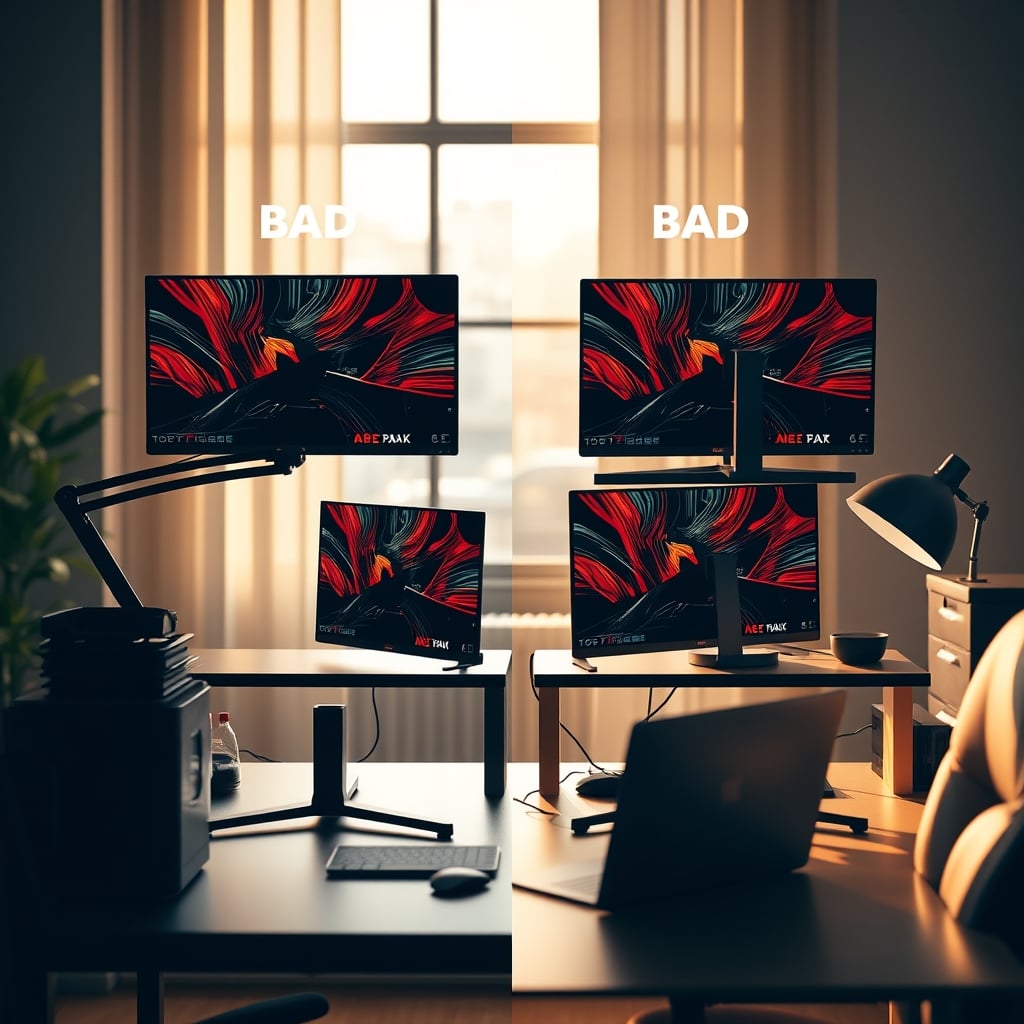
Why The “Ergonomic Vertical Layout” Is a Myth That Needs to Die
Here’s the aggressive myth-busting you came for. There’s a pervasive belief that with the right monitor arms and careful adjustment, you can create a healthy vertical setup. This is the myth that needs to die. The fundamental geometry is against you. OSHA and most ergonomic guidelines recommend the top of your primary screen be at or slightly below eye level. In a vertical stack, your primary screen is, by necessity, the bottom one. The top screen immediately violates this rule. You can’t fix physics with a $300 monitor arm.
Calling a vertical setup ‘ergonomic’ is pure marketing spin. It’s a lie you keep buying because it looks cool in a YouTube thumbnail. In common setups, users consistently report abandoning the top screen for any serious work because of the physical discomfort. That expensive 4K monitor becomes a glorified Slack or Spotify window. This is the real issue: you’re paying for premium gear you can’t effectively use.
What Actually Works for Small Spaces (Spoiler: Not Vertical)
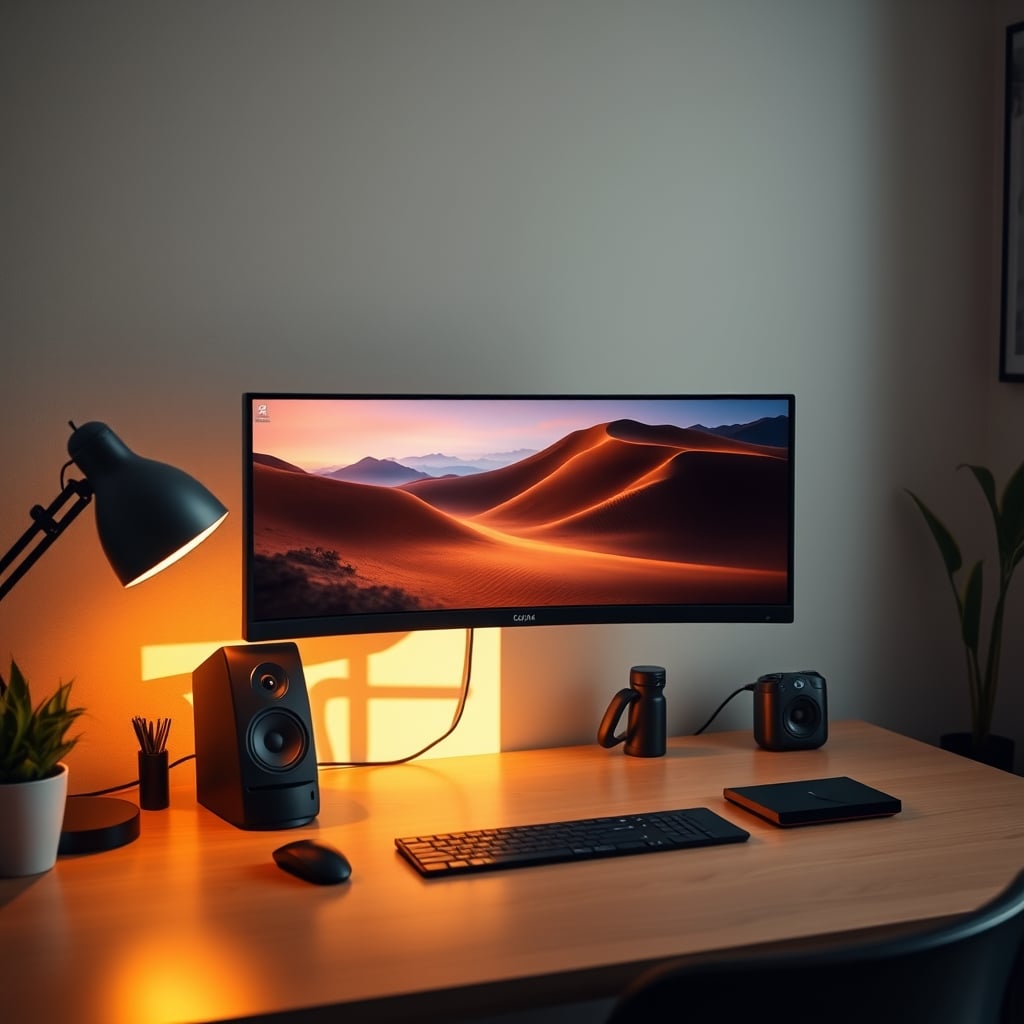
So if stacking monitors is a trap, what’s the answer? It’s not more gear or more arms—it’s smarter arrangement. The single most effective change is adopting a single, high-quality, ultrawide monitor. We’ve covered this before in our article on why your single monitor desk setup is actually superior. One screen eliminates the neck-cranking geometry entirely and manages space through virtual real estate (snap layouts, virtual desktops) instead of physical contortion.
If you must have two screens, a side-by-side arrangement on a wide but shallow desk is leagues better than a vertical stack. Yes, you’ll turn your head left and right, but that’s a natural, horizontal plane of motion your neck handles far better than the constant vertical tilt. The key is ensuring both screens are on the same plane and as close to the same height as possible.
The Gear Sabotage: Your Peripherals Suffer Too
Vertical desk problems don’t stop at your monitors. They cascade. Where does your webcam go? Pointing down from the top monitor makes you look like you’re presenting a hostage video. Mounting it on the bottom monitor defeats the purpose. Your studio microphone? It’s now in an awkward spot, picking up keystrokes from below or blocking your view. Your stream deck or auxiliary controllers? They’re now either taking up the precious desk space you were trying to save or mounted in a position that’s uncomfortable to reach.
This is a known issue for long-term streamers and creators. The clean aesthetic falls apart the second you need to use the gear, not just display it. Your setup becomes a sculpture, not a workstation. This is overrated.
The One Product That Gets Small Spaces Right
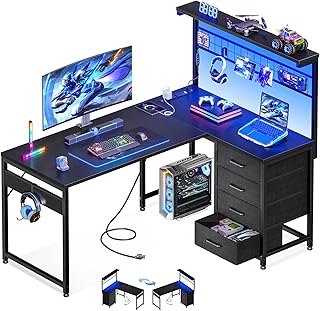
If you’re committed to a corner or small footprint, the solution isn’t vertical—it’s efficient horizontal use. A well-designed L-shaped desk with a shallow return can give you more surface area without pushing your primary screen into the stratosphere. The key is to use the return for your PC tower, audio interface, or other gear that doesn’t require constant visual attention, keeping your primary zone clean and ergonomically sound.
We’ve seen one category do this reasonably well: the no-frills L-shaped desk with a power hub. It solves the cable rat’s nest problem inherent in corners and gives you defined zones without forcing a vertical nightmare.
Your Action Plan: Ditch the Stack, Reclaim Your Neck
Stop trying to engineer your way out of a bad premise. Here’ s your actionable, tested advice:
- Demote the Second Screen: If you keep a second monitor, make it a small, portable sidecar display for reference material only. Don’t make it a primary work target.
- Embrace the Ultrawide: Seriously, just try it. A 34” or 38” ultrawide replaces a dual-stack setup with zero ergonomic penalty.
- Go Shallow, Not Tall: Choose a desk that’s deeper, not one with shelves stacking upward. Depth gives you monitor distance, which is critical for eye health and screen real estate.
- Manage Cables Aggressively: A cluttered small space feels smaller. Use the channels in a good desk frame. Don’t bother with reusable cable ties, which are an overrated gimmick. Use simple Velcro.
The Final Verdict: Skip the Vertical Dream
After assessing the widespread complaints, the biomechanical reality, and the sheer amount of wasted money on monitors and arms that people can’t use comfortably, the verdict is clear: Skip it.
The vertical desk trend is a solution in search of a problem, and it creates bigger ones in the process. It’s an aesthetic choice that sacrifices function, and in a workspace, function is everything. Your small-space setup should serve you, not the other way around. Ditch the tower, embrace a smart, horizontal layout, and stop hurting your neck for the sake of a clean Instagram shot. Your body and your productivity will thank you.
Frequently Asked Questions
Are vertical monitor setups bad for you?
Yes, for prolonged primary use. They force your neck into sustained, unnatural positions (extension or flexion), which leads to strain and fatigue. They violate basic ergonomic guidelines that recommend your primary screen be at or near eye level.
What is the best alternative to a vertical dual-monitor setup?
A single large ultrawide monitor is the best alternative. It provides ample screen real estate without ergonomic compromise. If you need two separate screens, place them side-by-side on a wide desk, ensuring they are as close to the same height as possible.
Can you make a vertical setup ergonomic?
No, not truly. You can mitigate it by using the top monitor only for passive information (chat, music, system stats) and ensuring your primary focus is the bottom monitor at the correct height. However, the fundamental geometry remains flawed for any task requiring prolonged attention on the top screen.
Are L-shaped desks good for small spaces?
They can be, but choose wisely. Opt for a model with a shallow secondary return to maximize floor space. Use the return for non-critical gear (PC, printers) to keep your primary workspace clean and ergonomically sound. Avoid models with built-in vertical shelves that encourage stacking.
What is the biggest mistake in small desk setups?
Prioritizing aesthetics or perceived space-saving over ergonomics. Stacking monitors vertically, using a desk that's too shallow, or choosing form over function with tiny, uncomfortable peripherals are all common errors that sabotage long-term comfort and productivity.

Written by
Mia is an interior designer turned tech minimalist. She curates the most aesthetic, clutter-free desk setups on the internet, focusing on natural light and wood tones.
Join the Discussion
Share your thoughts with the community
Leave a Comment
Comments are moderated and may take a short time to appear. Links are not permitted.