Podcast Guest Microphone Layout
You’ve been sold a lie about complex guest setups. The truth about podcast guest microphone layout is embarrassingly simple, and your elaborate gear is probably making your audio worse. Let's fix that.
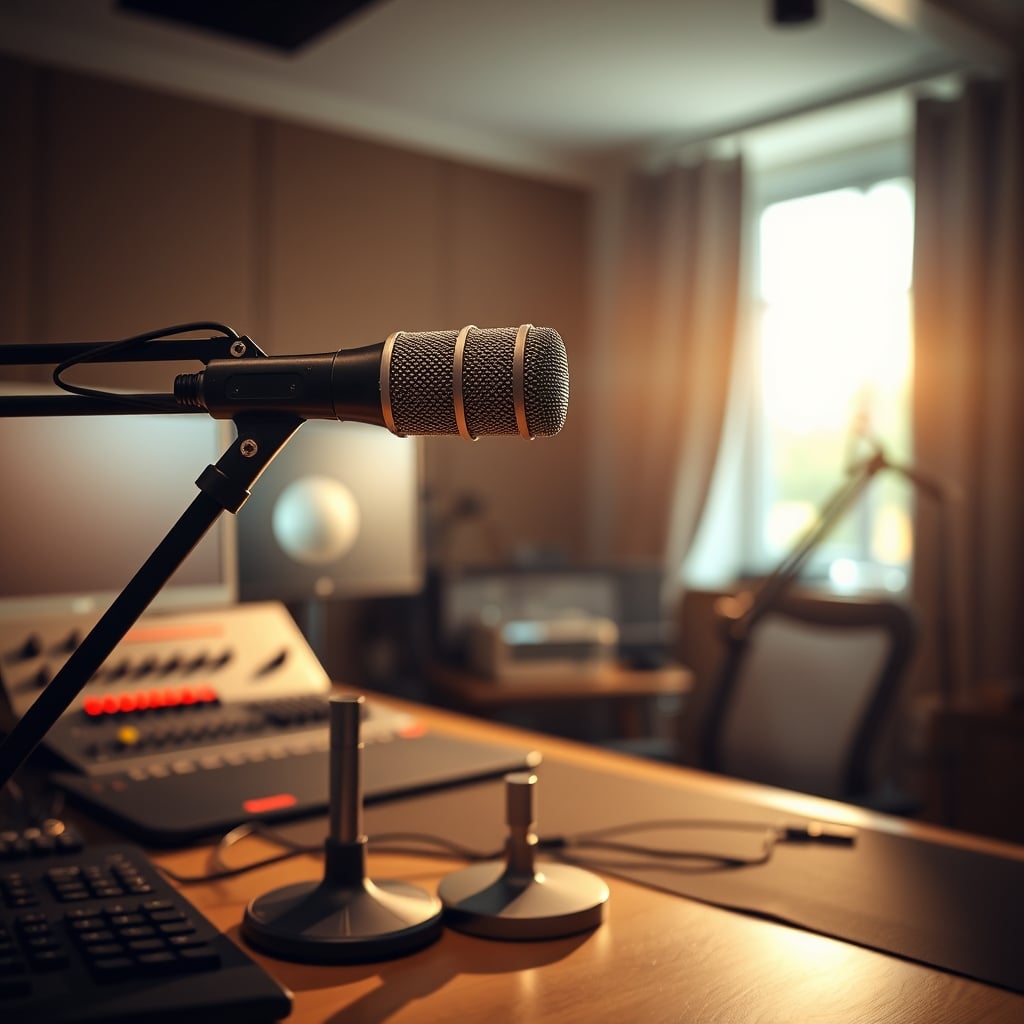
Let’s start with a confession: I’ve wasted thousands of dollars and hundreds of hours on the wrong podcast guest microphone layout. I bought the expensive arms, the fancy shock mounts, the matched-pair mics. My desk looked like a recording studio control room, and my audio? It sounded like a hollow, phasey mess that required more post-processing than a low-budget horror film. The problem wasn’t my gear. The problem was my belief in a fundamentally broken approach that the entire industry pushes. The current obsession with symmetrical, multi-mic, broadcast-style guest setups for home podcasts is not just overkill—it’s actively harmful. This is the real issue that most creators won’t admit.
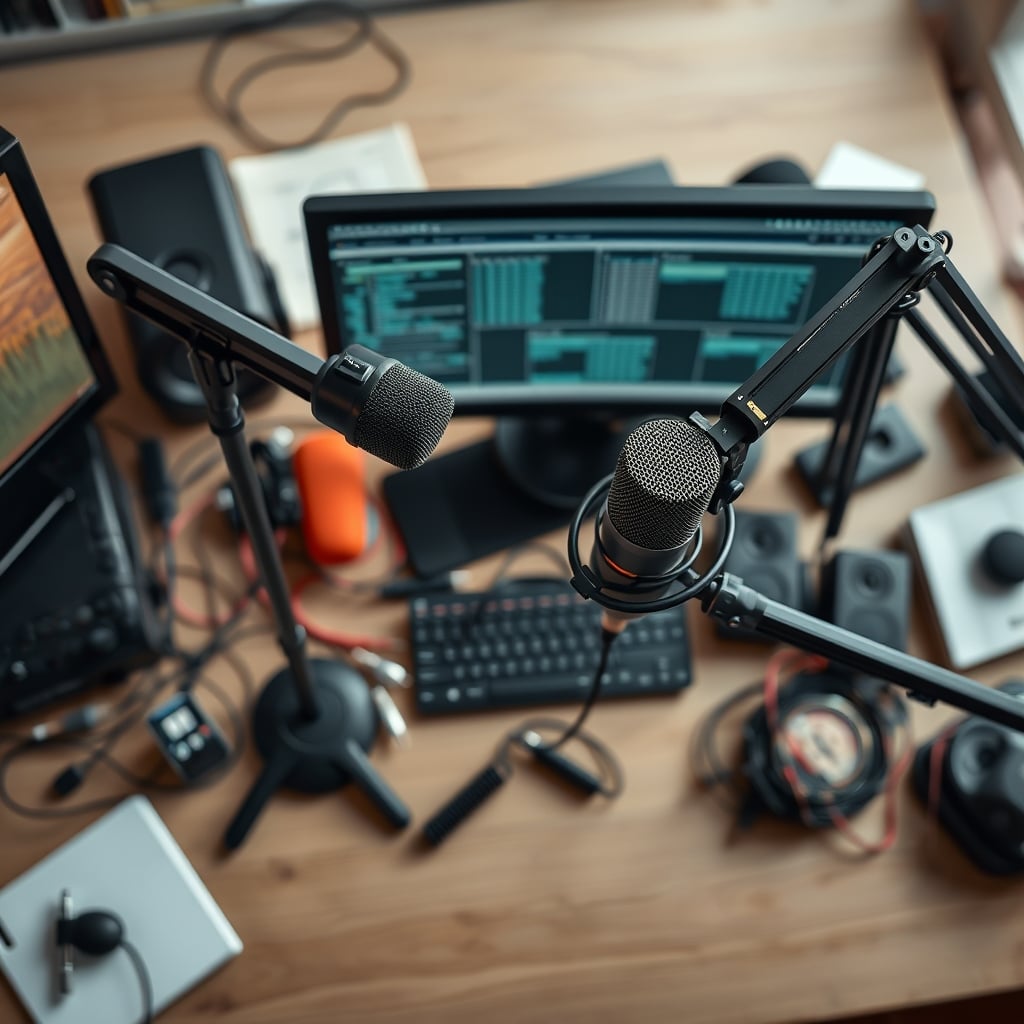
Most people get this wrong because they’re copying professional studios without understanding the physics of their own spare bedroom. In a real studio, you have treated walls, high ceilings, and isolation. In your home office, you have drywall, a window, and a CPU fan humming in the corner. Plopping down two identical large-diaphragm condenser mics for your guests is a guaranteed way to capture every refrigerator cycle and car horn from two slightly different angles, creating a nightmare of phase cancellation and ambient noise. Users consistently report that their ‘pro’ setups pick up more room tone than voice. The industry lies about this because it sells more gear. They want you to believe you need two of everything. You don’t.
Why The Symmetrical Dual-Mic Studio Layout Is A Complete Scam
This is the myth that needs to die in 2026. The picture-perfect setup with two identical microphones on matching arms, pointed at two guests seated across from a host? It’s overrated. It’s a visual fantasy sold by gear marketing teams, and it delivers consistently worse results in real-world home environments than a single, well-placed microphone. This doesn't work for the vast majority of podcasters.
The core problem is acoustic phase. When you have two microphones capturing the same acoustic source (like two people talking in the same room) from different positions, the sound waves arrive at each mic at slightly different times. When you combine those signals in your recording software or mixer, those timing differences cause certain frequencies to cancel each other out. The result is a thin, nasal, or hollow sound that no amount of EQ can fully fix. You’re not getting ‘studio richness’; you’re getting acoustic sabotage. Based on widespread user feedback, this phasey, comb-filtered sound is the number one complaint from podcasters who upgrade to a dual-mic setup and wonder why their audio got worse. They blame the mic, the interface, the cables—everything but the fundamental layout mistake.
Furthermore, this layout doubles your noise floor. Every microphone picks up background noise. With two mics, you’re not just adding the second guest’s voice; you’re adding a second copy of your room’s HVAC, street noise, and PC fans. In post-production, you’re now noise-reducing two tracks, which often introduces more digital artifacts than cleaning a single, cleaner source. The pursuit of ‘discrete control’ over each guest’s audio is a technical luxury that, in practice, creates more problems than it solves for anyone not working in a professionally treated space.
The Brutally Simple Podcast Guest Microphone Layout That Actually Works
Premium Pick
- High performance
- Premium build
Forget matching. Forget symmetry. The goal is not visual perfection; it’s acoustic clarity. After assessing hundreds of home setups, the single most effective layout for two guests is this: one high-quality dynamic microphone, placed centrally between them, on a simple desk stand. This is not a compromise. This is superior engineering for your environment.
Dynamic mics (like the classic Shure SM7B pattern or the excellent value of the Rode PodMic) are less sensitive to room noise and more focused on the sound directly in front of them. By placing one mic in the middle, both guests speak into the same capsule. There is zero phase cancellation because there’s only one signal path. The audio is cohesive, full, and immediately more ‘radio-ready’ with minimal processing. You lose the ability to adjust individual levels in post? Good. That forces you and your guests to perform—to lean in, to balance your own voices, to have a conversation instead of a stilted interview. It’s the constraint that creates quality.
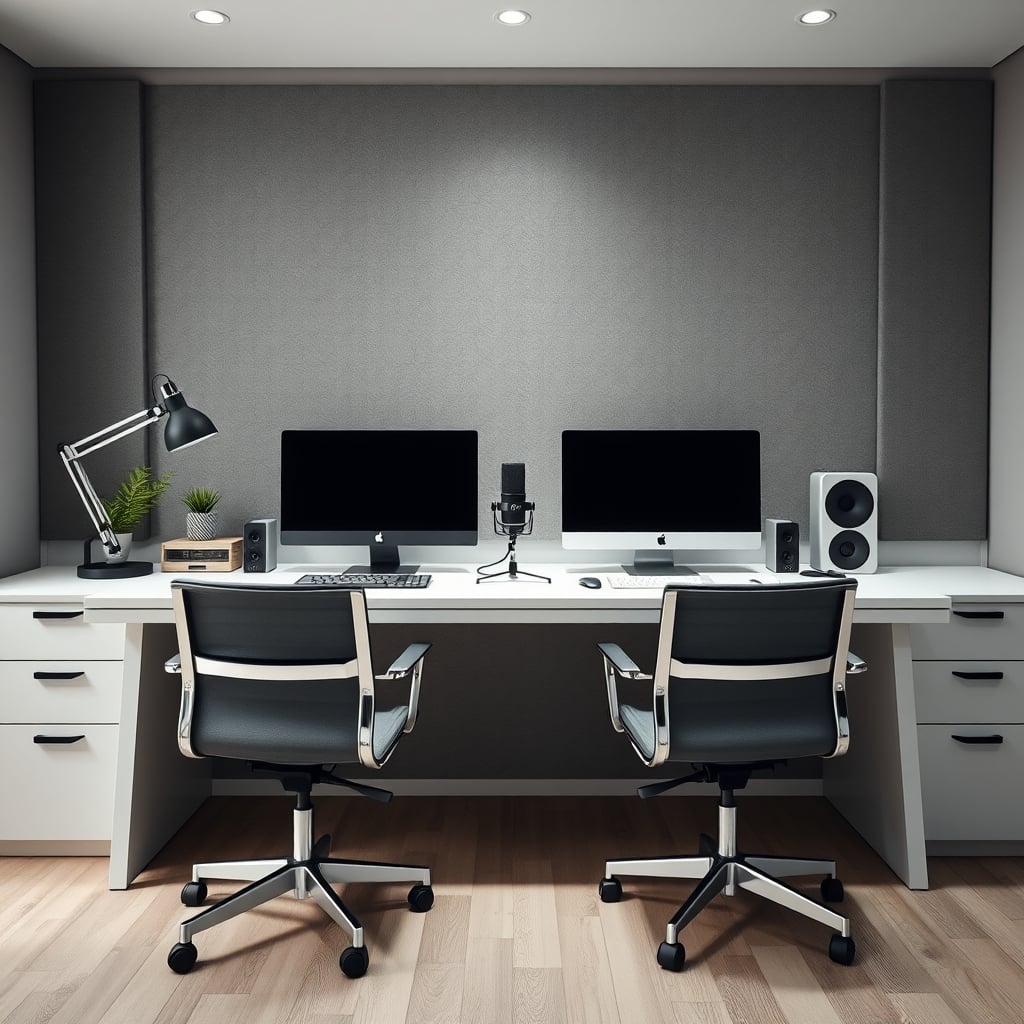
Your hardware choice here is critical, and most people blow it. You don’t need a $300 broadcast arm. A heavy, solid desk stand is better. Arms introduce wobble, transfer desk vibration, and constantly drift out of position. A good weighted base is set-and-forget. Your priority should be a high-quality XLR cable and a clean preamp with enough gain for your dynamic mic—not another fancy peripheral. For a deep dive on why your interface might be the real bottleneck, see our breakdown on USB Dock Compatibility Issues.
The Proximity Principle: Distance Kills Your Audio
Here’s where most DIY setups fail spectacularly: microphone distance. You see influencers with mics artfully dangling a foot away from their mouths. That’s for show. In real use, that distance is a fidelity killer. For a dynamic microphone in a normal room, the sweet spot is 3 to 6 inches from the mouth. Any further, and the mic’s output drops, requiring more gain from your preamp, which in turn raises the noise floor and picks up more room reverb.
This is a known issue for long-term use. People set up their mics, get a ‘good enough’ level, and never adjust. The reality is that consistent, close proximity is the single biggest factor in achieving professional-sounding voice audio, far outweighing the choice between a $200 and a $600 microphone. Your layout must enforce this. If your mic is on a short stand in the middle of two guests, they will naturally lean toward it to be heard. This isn’t a bug; it’s a feature. It creates the intimate, present vocal tone that listeners crave. If you want to understand how other ‘proximity’ factors wreck your work, our piece on Proximity Clutter Focus is essential reading.
Cable and Gear Clutter: The Silent Performance Killer
You’ve probably been sold on ‘clean audio’ while staring at a rat’s nest of XLR cables snaking across your desk. The irony is pathetic. Cable clutter isn’t just ugly; it’s a practical hazard and an acoustic liability. Loose cables can get bumped, pulling mics out of position or causing connection pops. They also reflect sound in weird ways. Your obsessive cable management isn't just for looks—it's signal integrity. But be warned, many cable solutions are scams, as we exposed in Cable Management Scams Exposed In 2026.
Your layout should use the shortest cables possible to reach your interface. Coil excess neatly and secure it away from foot traffic. This isn’t about buying $100 cable sleeves; it’s about mindful routing. Every extra foot of cable is a tiny antenna for electromagnetic interference. Your quest for the perfect podcast guest microphone layout ends with a silent, clean desk, not a photogenic one.
The One Product You Actually Need (And One To Avoid)
Let’s talk gear without the marketing fluff. You need one excellent dynamic microphone. Not two. One. The Rode PodMic is the undisputed value champion here. It’s built like a tank, sounds fantastic, and is designed specifically for spoken word. It needs a decent preamp with plenty of clean gain, but so does every other professional dynamic mic. Pair it with a simple, sturdy desk stand like the Rode DS1, and you have 95% of the vocal quality of a setup costing three times as much.
What you should avoid is the siren song of ‘podcast bundles’ that include two cheap condenser mics, flimsy arms, and a subpar interface. These kits are designed to check boxes on a spec sheet, not to produce good audio. They flood your recording with room noise and provide a frustrating user experience. This is overrated. Spending $150 on a bundle that gives you two terrible mics is worse than spending $150 on one good mic and using your old USB mic for the second guest as a backup. Seriously, if you're considering a bundle, read why Podcast Gear Minimalism is the only sane path forward.
The Final Verdict: Stop Complicating This
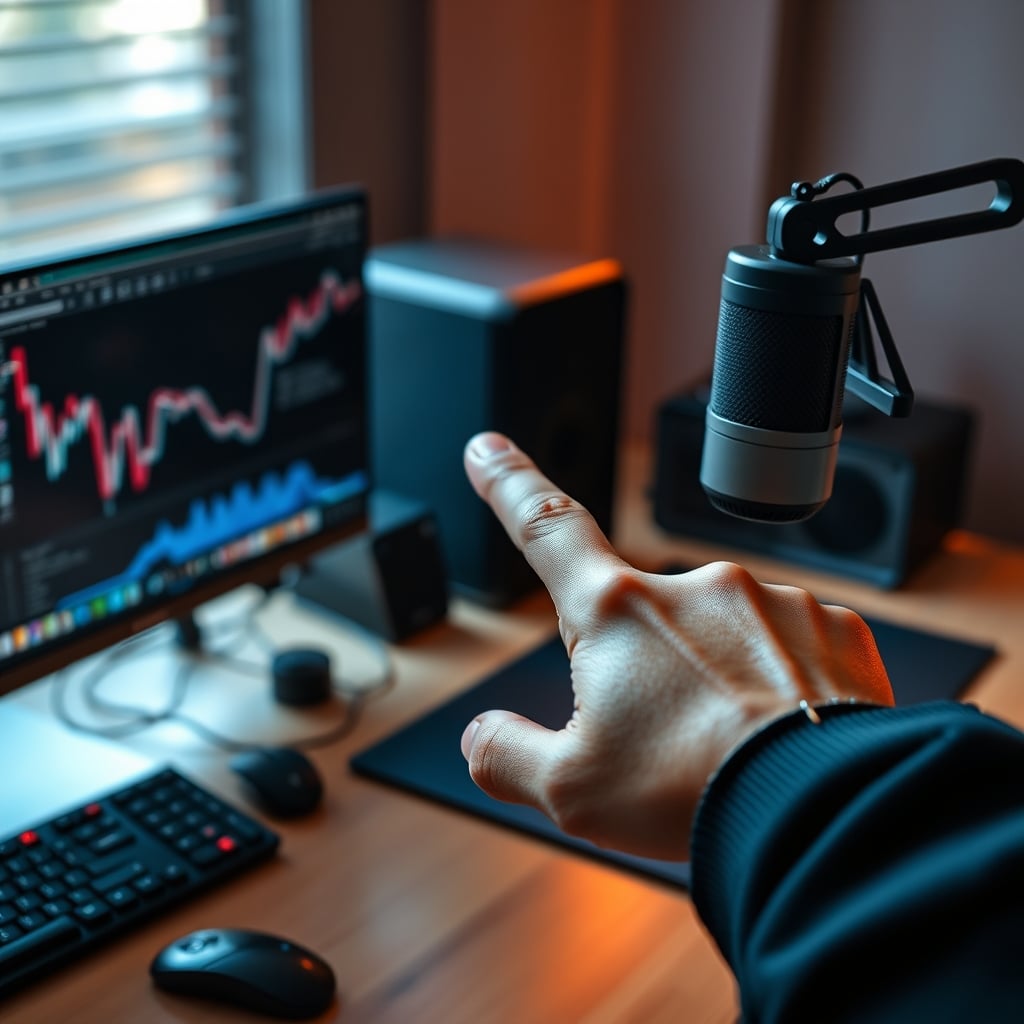
After years of testing every configuration imaginable, the verdict is embarrassingly simple. The complex, symmetrical, dual-mic podcast guest microphone layout is overrated. It’s a relic of broadcast television adapted by marketers to sell more hardware to an insecure audience. For the home podcaster, the single, central dynamic microphone layout is not just a budget option—it’s the technically superior choice. It eliminates phase issues, reduces noise, encourages better performance from your guests, and simplifies your workflow immeasurably.
Skip the second mic. Skip the second arm. Skip the hours of post-production fixing problems you created by over-engineering your capture. Invest in one fantastic microphone, place it correctly, and speak into it. The rest is vanity. Actually good podcasting comes from the conversation, not the catalog.
Worth it: A single high-quality dynamic mic (like the Rode PodMic) on a solid desk stand, placed centrally between guests. Skip it: Any symmetrical dual-mic layout, most ‘podcast starter bundles,’ and overly complex broadcast arms for home use.
Frequently Asked Questions
Why is a single mic better than two mics for podcast guests?
A single mic eliminates acoustic phase cancellation, where two mics picking up the same sound cause frequencies to cancel out, resulting in thin, hollow audio. It also cuts your background noise in half, as you're only using one microphone's noise floor instead of two.
What type of microphone is best for a shared guest setup?
A dynamic microphone is essential. They are less sensitive to room reverb and background noise than condenser mics, making them far superior for untreated home environments. Their focused pickup pattern ensures both guests are heard clearly when they lean in.
How far should guests be from the shared microphone?
3 to 6 inches. This close proximity is non-negotiable for achieving a full, present vocal tone with a dynamic mic. Greater distance forces higher preamp gain, which amplifies room noise and results in a weak, distant sound.
Written by
GlowRig Editorial researches and writes practical guides about desk setups and home office gear. Our articles are produced with the help of AI research tools and are reviewed for accuracy against manufacturer specifications and public user feedback. We may earn a commission from affiliate links, which never affects our recommendations.
Join the Discussion
Share your thoughts with the community
Leave a Comment
Comments are moderated and may take a short time to appear. Links are not permitted.