Podcast Audio Interference
You think your expensive mic is the problem. It's not. The real enemy is your own desk setup. Podcast audio interference isn't magic—it's physics, and your multi-device dream rig is a perfect storm for it.
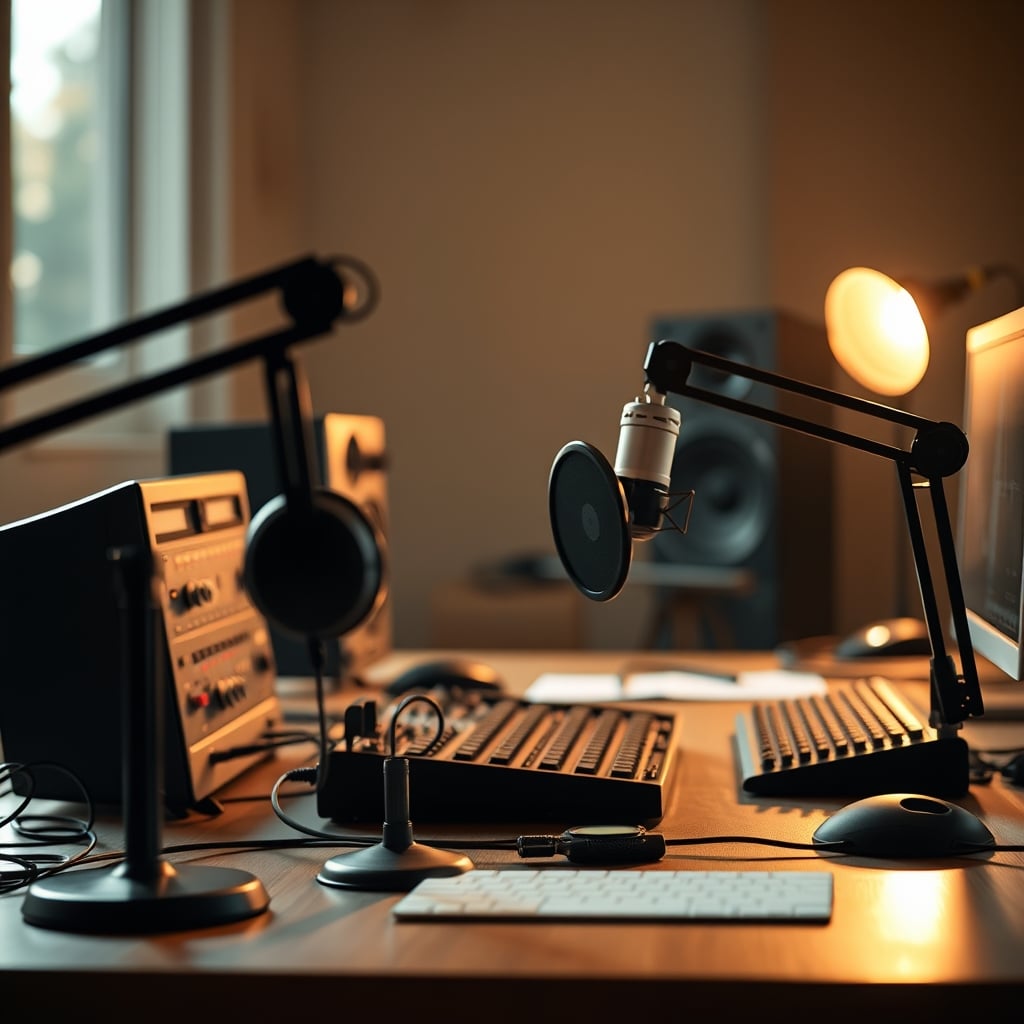
The biggest mistake podcasters make in 2026 isn't buying the wrong microphone. It's building a desk layout that's essentially a noise factory and then wondering why their audio sounds like it was recorded in a server room. You’re chasing premium XLR interfaces and fancy preamps while your actual enemy—podcast audio interference—is humming away inches from your mic, fed by your own cable spaghetti and powered by your obsession with gear density. Most guides treat this like a minor nuisance. It’s not. It’s the primary reason your ‘professional’ setup sounds amateur, and the fix has almost nothing to do with buying more stuff.
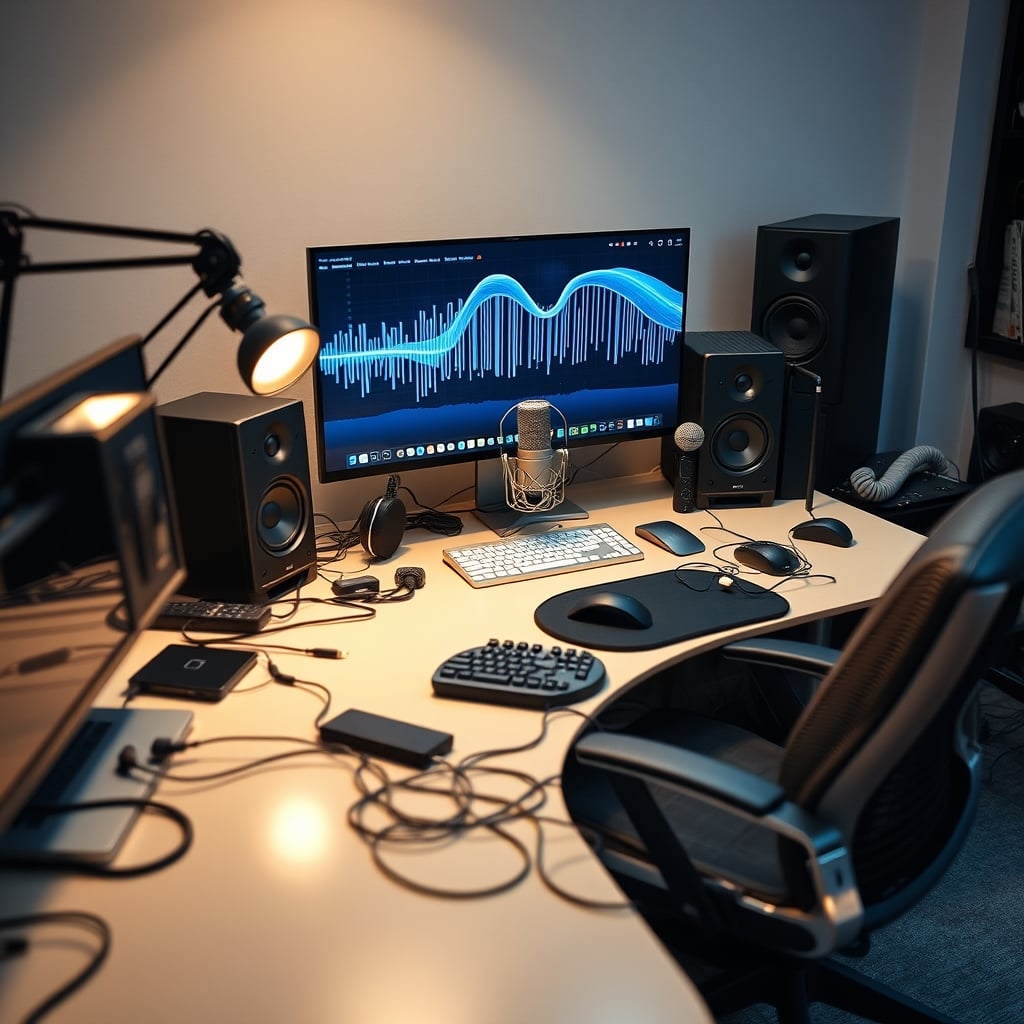
Your Desk Is a Radio Tower (And Not in a Good Way)
Let’s drop the analogies. Your modern desk in 2026 is a dense electromagnetic hellscape. You’ve got a gaming PC with a power supply oscillating at high frequency. You’ve got a monitor switching its backlight hundreds of times a second. You’ve got USB 3.2 hubs chattering data, a router blasting Wi-Fi 6E, wireless chargers inducing currents in your desk mat, and a nest of power cables acting as perfect antennas. This isn’t a setup; it’s an interference orchestra, and your microphone is the unwilling audience. Most people get this wrong. They hear a buzz and immediately blame the mic or the interface. The industry lies about this by selling you ‘shielded’ cables as a panacea. Shielded cables help, but they’re a bandage on a bullet wound if your fundamental layout is toxic. The real issue is proximity and density. After assessing dozens of ‘pro’ home studios, the pattern is undeniable: the cleaner the visual aesthetic, the dirtier the audio signal path tends to be, because everything is crammed together for the camera.
Why “Better Cables” Is a Cop-Out Myth That Needs to Die
Premium Pick
- High performance
- Premium build
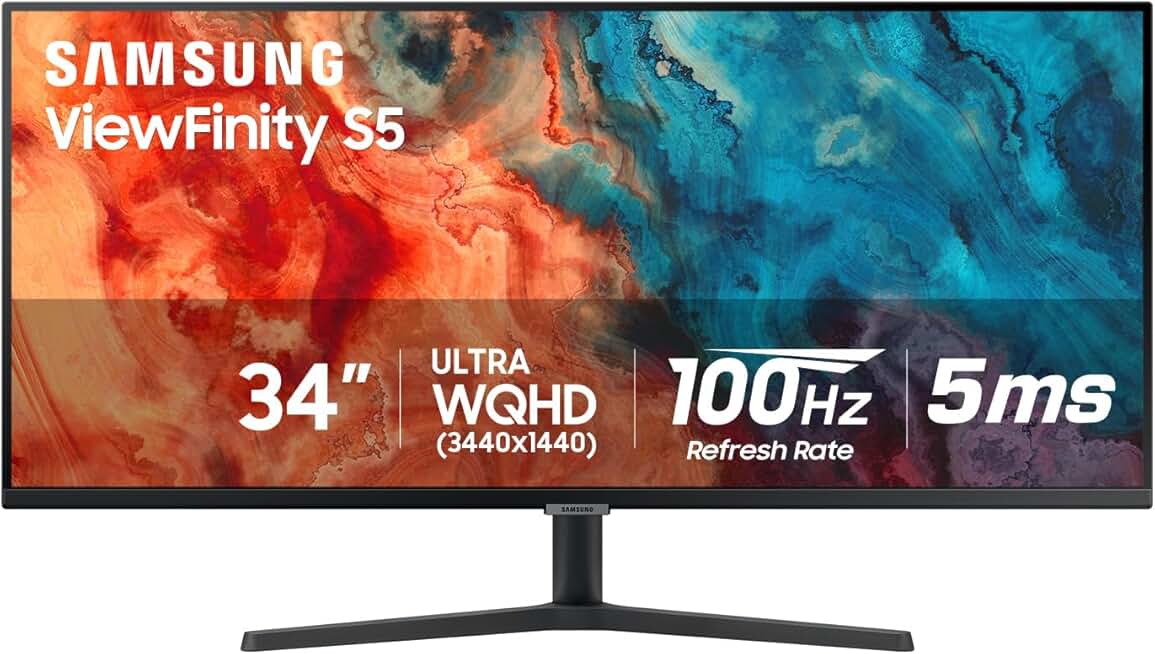
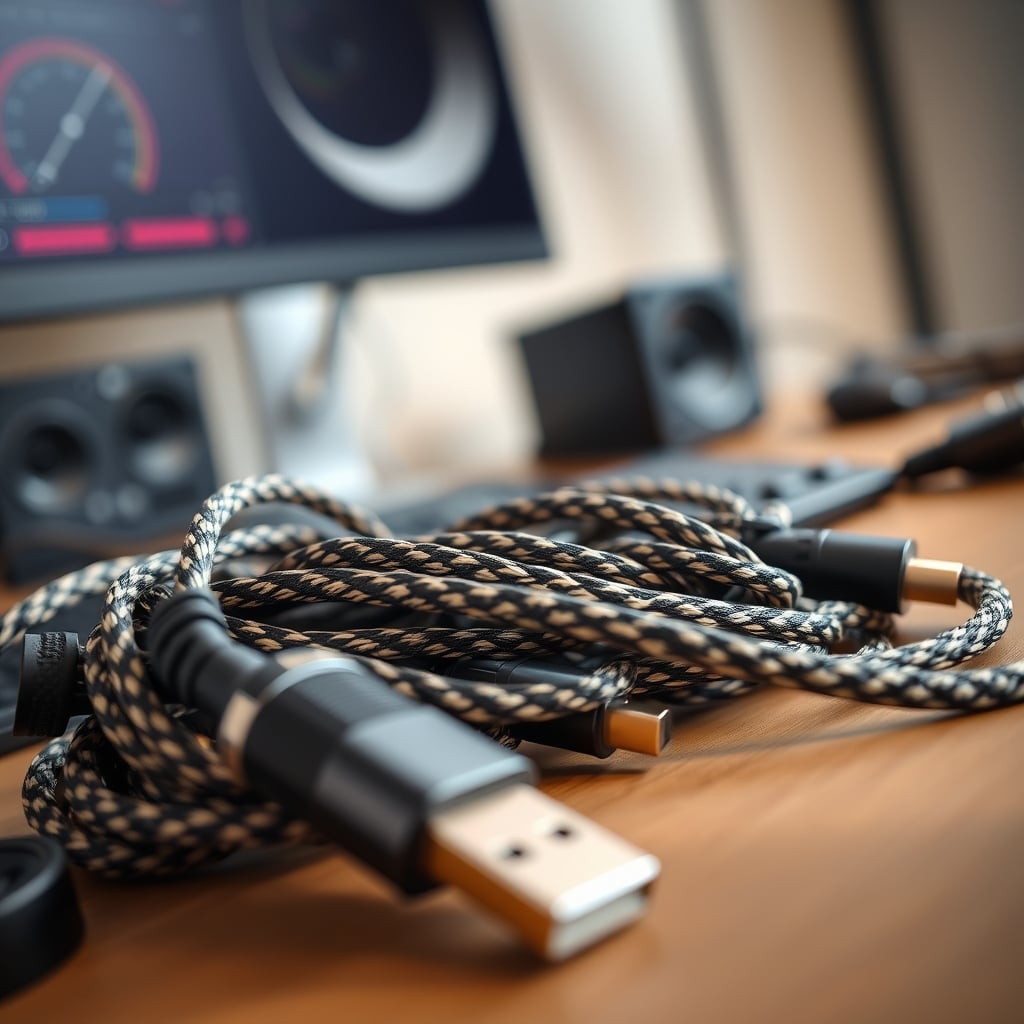
Every single forum post about hum ends with ‘get balanced cables.’ It’s lazy advice. Balanced XLR connections reject common-mode noise picked up along the cable run. They do absolutely nothing about radio frequency interference (RFI) or electromagnetic interference (EMI) that is injected directly into your mic element or preamp circuitry from nearby sources. If your condenser mic is sitting 12 inches from your 34-inch curved gaming monitor, a $100 Neutrik-terminated cable is just delivering a pristine, clean version of the noise your mic already absorbed. This is overrated advice that distracts from the real solution: physical separation. You’re wasting money on boutique cables before you’ve moved your gear six inches farther apart. Based on widespread user feedback, the single most effective ‘upgrade’ for USB microphone users plagued by digital whine isn’t a ground loop isolator (though those can help)—it’s simply using a longer USB cable to get the mic away from the computer tower. The fix is often free, and it exposes the cable myth for what it is: an upsell.
Podcast Audio Interference: The Three Real Culprits (Not Your Mic)
Forget what you’ve read about ‘dirty power.’ In a typical home office, that’s rarely the root cause. These are the actual villains in 2026 setups.
- Monitor & PC Emissions: Your display, especially large, high-refresh-rate models, is a significant noise emitter. The DC-to-AC inverter for the backlight and the display driver circuitry generate broad-spectrum RF noise. This is a known issue for long-term USB microphone users who place their mics on the desk in front of the screen. The fix isn’t a Ferrite bead (mostly useless here), it’s distance or repositioning.
- USB Bus Contamination: This is the big one everyone misses. Plug your interface into a front-panel USB port shared with your mouse dongle, webcam, and RGB keyboard? You’ve created a noise highway. The 5V power rail on that bus is now polluted with the switching noise from every device on the hub. This doesn’t just cause faint buzz; it can introduce audible digital clicks and processor-dependent whines that change pitch when you move your mouse. This is the real issue for anyone using a USB microphone or audio interface. The solution is a dedicated, high-quality USB expansion card with its own controller, or at the very least, a direct motherboard port on its own root hub.
- Ground Loops (The Only Time It’s Actually ‘The Power’): A ground loop hum—that 50/60Hz bassy drone—happens when you have two pieces of gear plugged into different wall outlets that have a slight voltage difference between their ground paths. Your audio cable connects them, and current flows along the shield, inducing hum. While common, it’s also the most over-diagnosed problem. People buy expensive power conditioners for RF noise, which does nothing. If you suspect a ground loop, test by running all your audio gear from a single power strip. If the hum vanishes, you’ve found it. A simple cheater plug (ground lift adapter) on non-essential, double-insulated gear (like a monitor) can break the loop, but use it judiciously and safely.
The 2026 Layout Fix: Less Is More, Far Is Better
Stop trying to solve an electromagnetic problem with aesthetic solutions. Your clean, minimalist desk with everything tucked neatly under the monitor is your enemy. Real performance here means thinking in three dimensions, not just two.
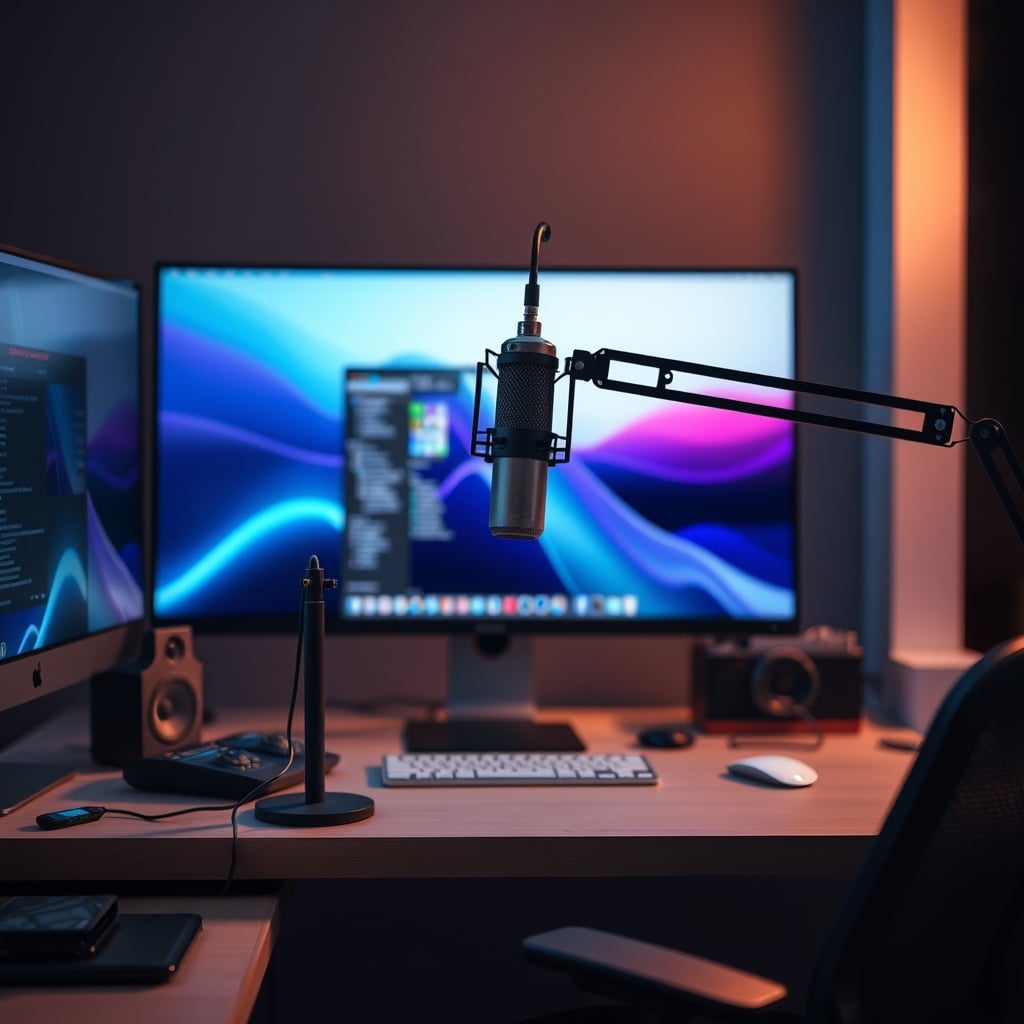
- Get Your Mic Off the Desk: This is non-negotiable. A boom arm isn’t just for looking cool; it’s your first line of defense. It gets the mic away from desk-borne vibrations (keyboard clatter) and, more importantly, raises it out of the intense EMI field directly around your monitor and computer. Even a basic arm provides separation that no amount of processing can fix in post.
- Segment Your Power: Don’t daisy-chain everything. Plug your computer and monitors into one power strip. Plug your audio interface, microphone (if powered), and any preamps into a different strip, preferably on a different wall circuit if possible. This isolates the noisy digital devices from the sensitive analog audio path.
- USB Strategy Is Everything: Your motherboard likely has multiple USB controllers. Use them. Plug your interface into a port on the back, directly into the motherboard. Keep high-pollution devices (wireless dongles, external drives) on a separate hub, preferably a powered one. Users consistently report the elimination of digital noise simply by moving their audio interface USB cable from a front-panel hub to a dedicated rear port.
The Gear That Actually Helps (And What’s Overpriced)
You can’t buy your way out of a bad layout, but some tools are force multipliers once you’ve done the basics.
- Actually Good: A USB Isolator. For persistent digital noise on a USB connection, a galvanic USB isolator is magic. It breaks the ground connection and power rail between your computer and interface, passing only data via induction or optics. It’s a surgical fix for USB bus noise. This actually works where most ‘audiophile’ USB cables fail.
- Skip It: Most ‘Studio Grade’ Power Conditioners. Unless you have verified, severe power line noise (like living next to an industrial facility), a $500 power conditioner is overkill. A decent surge-protected strip is fine. The industry lies about this to sell you heavy boxes. For ground loops, a simple Hum Eliminator (a transformer-based ground loop isolator for audio lines) is cheaper and more effective.
- Overrated: Ferrite Clips on Everything. Slapping ferrite beads on every cable is cargo-cult engineering. They are effective for very specific high-frequency RF noise on cables acting as antennas. On a short XLR run in a noisy field? Mostly decorative. Save your money.
The One Cable Management Rule That Matters
Forget aesthetics. The primary goal of cable management for audio is segregation. Keep AC power cables and speaker-level wires away from your low-voltage audio cables (XLR, TS, TRS). If they must cross, make them cross at a 90-degree angle to minimize inductive coupling. Bundling everything together with velcro for a clean look is literally tying your noise sources to your signal paths. This is bad because it creates a perfect environment for interference. Cable management downsides sabotaging your 2026 setup often stem from this obsessive bundling.
Common Mistakes That Sound Like Gear Failure
- The Monitor Shelf Mount: Mounting your mic on a shelf above your monitor seems smart, but you’ve just placed it directly in the emission path of the display’s top vents and circuitry. Side-mounting on a boom is almost always better.
- The ‘Neat’ Desktop PC Placement: Putting your tower under the desk, right next to where your interface sits, is inviting trouble. The PC’s power supply and GPU are massive noise generators. Create distance.
- Using a USB Hub for ‘Convenience’: Plugging your interface into a hub, even a powered one, adds another point of contamination. It’s a single point of failure for your entire audio chain. Go direct or use an isolator.
Final Verdict: Worth the Fight?
Absolutely. Fixing podcast audio interference is the highest return-on-effort upgrade you can make. It costs little to nothing if you rearrange what you have. It beats buying a new mic, a new preamp, or another plugin. The clarity you gain isn’t about loudness; it’s about removing the constant, fatiguing layer of electronic garbage that masks the detail and warmth of your voice. In 2026, with denser tech than ever on our desks, this isn’t a niche concern—it’s the fundamental barrier between amateur and pro-sounding audio. Address the layout first. Everything else is just polishing noise.
If you're rethinking your entire setup philosophy, our take on The 'Ugly' Setup Secret applies directly here. And if you think your USB mic is the problem, read our brutal take on USB C Microphones Are Mostly Overrated in 2026 for some painful clarity.
Frequently Asked Questions
What does podcast audio interference actually sound like?
It's rarely just 'static.' Common sounds include a constant high-pitched whine or buzz (often from monitors or USB buses), a low 50/60Hz hum (ground loop), rhythmic clicking or popping that syncs with hard drive or mouse activity, and faint radio-like chatter or buzzing that changes when you move gear around.
Will a USB audio interface solve interference problems?
Not necessarily, and often it makes it worse. While moving from a 3.5mm jack to a dedicated interface is good, the interface itself is susceptible to the same USB bus noise and proximity-based RF interference as a USB mic. The interface's location and your USB port strategy become even more critical.
Do I need to buy acoustic panels to fix interference?
No. Acoustic panels treat sound reflections in the room (reverb, echo). They do nothing to stop electromagnetic or radio frequency interference, which is an electrical problem, not an acoustic one. This is a fundamental confusion that wastes a lot of money.
Can software or a noise gate remove this interference?
No. Noise gates only mute sound below a threshold; the interference is still there when you speak. Noise reduction software (like Adobe's or iZotope's) can reduce constant tones, but it always degrades your primary audio signal and can leave artifacts. It's a post-production bandage, not a cure. Fixing it at the source is always superior.
Is a ground lift plug (cheater plug) safe to use?
It can be, but with major caveats. Only use it on double-insulated equipment (symbol is a square within a square) that has a two-prong power cord. Never use it on equipment with a three-prong cord that lacks the double-insulation symbol, as it removes the safety ground and creates a shock hazard. It's a last-resort tool for breaking ground loops, not a standard accessory.
Written by
GlowRig Editorial researches and writes practical guides about desk setups and home office gear. Our articles are produced with the help of AI research tools and are reviewed for accuracy against manufacturer specifications and public user feedback. We may earn a commission from affiliate links, which never affects our recommendations.
Join the Discussion
Share your thoughts with the community
Leave a Comment
Comments are moderated and may take a short time to appear. Links are not permitted.