Desk Lamp Glare Is Ruining Your Focus
Your desk lamp might be actively ruining your focus. Here's the physics of why most lamps create screen glare, and exactly what to look for to fix it without spending a fortune.
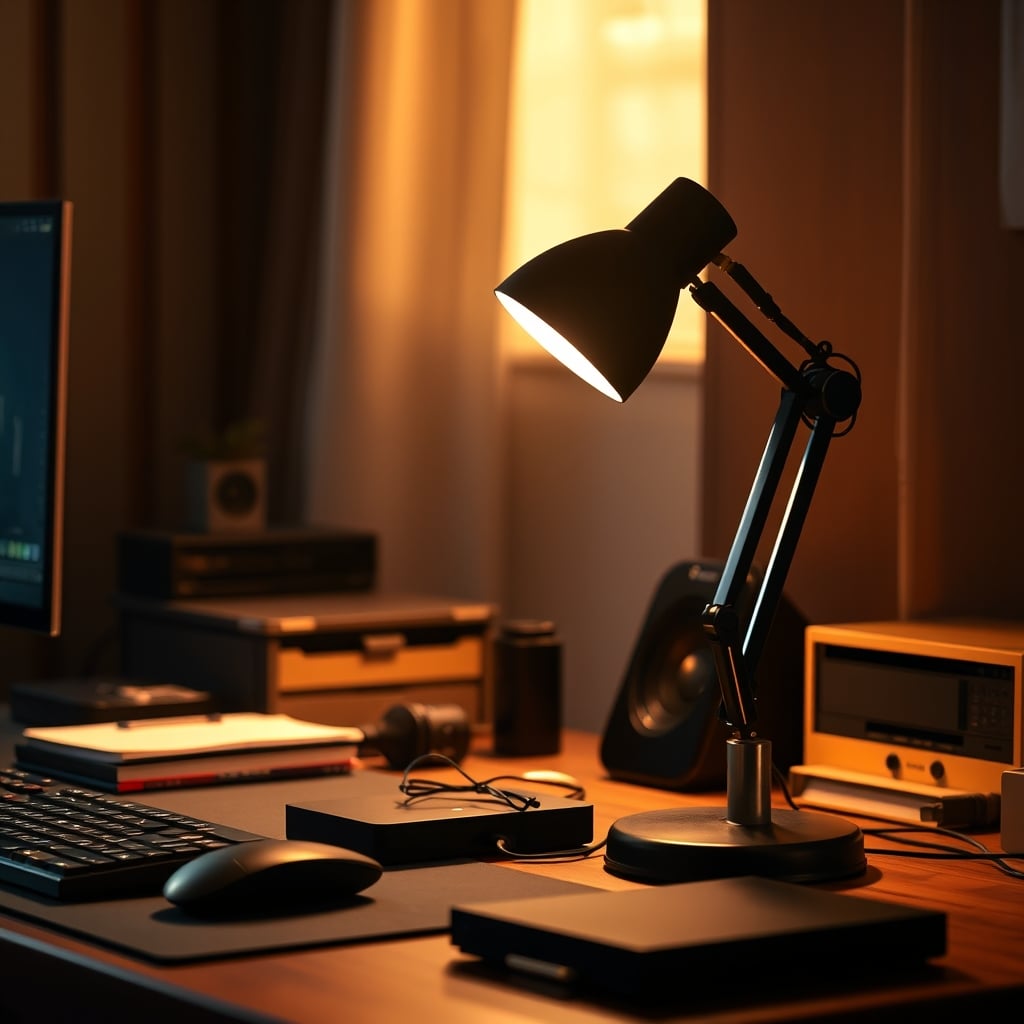
You bought a desk lamp to see better, but now you're constantly tilting your monitor to dodge a bright reflection across the screen. That's the paradox of desk lamp glare — the thing meant to help you see actually makes it harder to work. The fix isn't just buying a different lamp. It's understanding why the reflection happens in the first place.
Here's the physics: a standard desk lamp throws light in a wide cone. When that cone hits your glossy monitor panel at the right angle, it bounces straight into your eyes. The result is a washed-out screen, squinting, and a subtle headache that builds over a workday. Most people blame their monitor. But the lamp is usually the problem.
What Actually Creates Desk Lamp Glare (And What Doesn't)
The single biggest mistake people make is buying a lamp based on brightness measured in lumens without understanding beam angle. A 1000-lumen lamp with a 120-degree beam spread will flood your entire desk and bounce off your monitor like a mirror. A 500-lumen lamp with a focused 45-degree beam can be positioned to light your work area without touching the screen at all.
Three specs matter more than anything else:
Beam Angle — Look for lamps under 60 degrees. Focused light gives you control over where the beam lands. Wide-angle lamps are for room lighting, not desk work.
Shade Design — A lamp with a deep, opaque shade (think old architect lamps) physically blocks light from going sideways. Open-bulb designs or translucent shades scatter light everywhere.
Adjustability — A fixed-head lamp forces you to position yourself around the light. A lamp with a fully articulating head lets you aim the light exactly where you need it, keeping the beam off your screen.
The spec sheet won't tell you this, but the material of your desk matters too. Light-colored wooden or white desks bounce ambient light up into the screen from below. A matte desk surface absorbs light; a glossy one reflects it.
The Physics of Screen Glare That Nobody Explains
One critical choice most buying guides skip: clamp versus weighted base. A clamp lamp attaches to your desk edge, freeing up surface area. A weighted base lamp sits on your desk, taking up space but offering easier repositioning.
For glare control, the clamp wins. You can attach it to the side of your desk, aim the arm over your work area, and keep the lamp head angled down. The light never has a chance to hit your monitor because it's coming from the side at a steep angle.
Weighted base lamps are better if you need to move the lamp between multiple desks or surfaces. But they take up real estate, and the base itself can reflect light up into your screen if it's glossy plastic.
If your desk has a thick edge (standard solid-core desks), check the clamp's maximum opening. Many budget clamps max out at 2 inches. The Micomlan handles up to 3 inches.
What Kindle and Reading Lights Teach Us About Desk Lamps
Kindle Paperwhite users have known this for years: a simple clip-on light with a focused beam eliminates glare on a glossy screen. The same principle applies to monitors.
A clip-on book light aimed downward at your keyboard from above works better than a high-end architect lamp placed behind your monitor. It's not about how much light you have. It's about where it goes.
This is why people who use bias lighting behind their monitors paired with a small task lamp report less eye strain than people running a single massive overhead desk lamp. The bias lighting reduces the contrast ratio between the screen and the wall behind it. The task lamp provides focused light for reading and writing. Neither one hits the screen directly.
How to Test Your Current Setup for Glare Right Now
Before buying anything, test your existing lamp with a simple method: dim the room lights, turn on your desk lamp, and look at your monitor from your normal seated position. If you see any reflection of the lamp in the screen, reposition the lamp until the reflection disappears.
Then move the lamp to each of these positions and check again:
- Directly behind the monitor (worst for glare)
- To the left of the monitor at desk level
- To the right of the monitor at desk level
- Clamped to the back of the desk, arm extending overhead
Most people find the overhead position works best. The light misses the screen entirely while illuminating the entire desktop from above.
Comparison Table
Spec SUPERDANNY Eye-Caring Generic LED Desk Lamp Micomlan Architect Price $14.24 $31.98 $60.99 Wattage 12W 24W 24W Mount Clamp Base Clamp Adjustability 360° gooseneck 2-axis articulating Full jointed arm Color modes 3 3 3 Remote No Yes No Max desk thickness 1.5 inches N/A (base) 3 inches Best for Budget buyers Most users Heavy duty useCommon Mistakes People Make With Desk Lighting
Mistake 1: Putting the lamp behind the monitor. This is the most common setup — a lamp sitting between the keyboard and the monitor. Every time you lean forward, you catch the reflection. Fix: move it to the side or clamp it overhead.
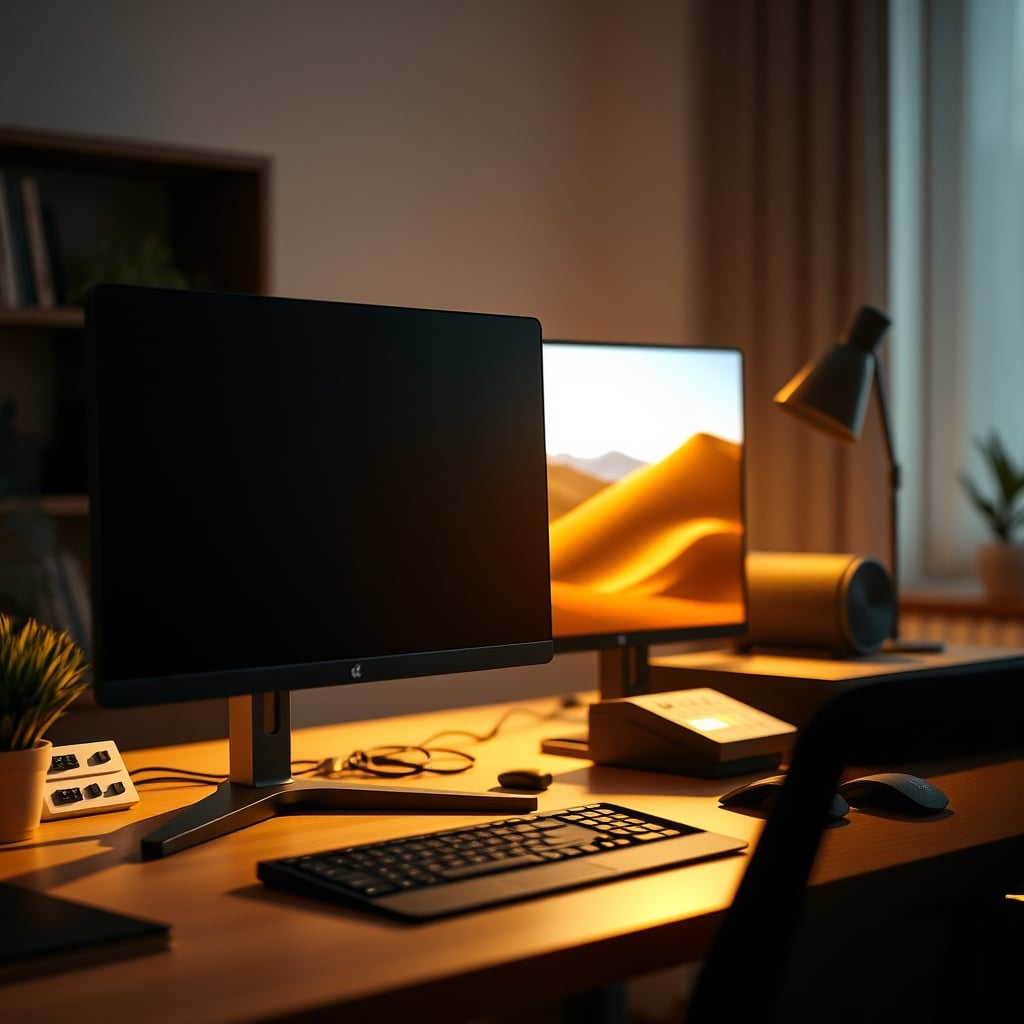
Mistake 2: Buying based on max brightness. 24W is plenty for a standard desk. Anything above 30W creates more glare potential without meaningful benefit unless you're doing close-up soldering or craft work.
Mistake 3: Ignoring the ambient light in the room. Your desk lamp works as part of a system. If your room has harsh overhead lighting or a bright window behind your monitor, no desk lamp positioning will fully fix glare. Address the ambient source first.
Who Should Buy What
If you're on a budget under $20: Buy the SUPERDANNY clamp lamp. It's $14, it works, and you can replace it if it breaks. Just check your desk thickness first.
If you want one lamp that handles everything: Go with the $31.98 option. The remote control and timer are genuinely useful for evening work sessions, and the 24W output covers a full desk.
If you have a thick desk or need heavy-duty clamping: The Micomlan at $60.99 is the right choice. The clamp is the best in this price range and won't slip.
If your desk already has good ambient lighting: Skip all of these. A simple clip-on book light aimed at your keyboard may be all you need. Don't buy a solution you don't require.
The Bottom Line
Desk lamp glare isn't a lamp problem — it's a positioning problem. Any lamp can cause glare if placed wrong. Any lamp can avoid glare if placed right. The cheapest option on this list fixes the issue for $14. The most expensive option adds build quality and convenience, not glare reduction.
Buy the lamp that fits your desk and your budget. Position it to the side or clamped overhead. Aim the beam at your work surface, not your screen. That's it. You don't need a $200 OLED monitor or a premium architect lamp. You need to stop treating your desk lamp like it lives behind your monitor.
For deeper context on how ambient lighting affects your focus, our guide on ambient light cognitive effects explains the full picture. And if you're dealing with smart bulb compatibility on top of glare, Smart Bulb Compatibility Problems covers why your lighting ecosystem might be fighting against you.
Frequently Asked Questions
Can a cheap desk lamp really fix screen glare?
Yes. Glare is caused by the angle of the light hitting your monitor, not the price of the lamp. A $14 lamp positioned correctly — to the side or clamped overhead — will eliminate glare just as effectively as a $200 model.
What is the best position for a desk lamp to avoid monitor glare?
The best position is clamped to the side of your desk with the lamp head aimed downward at your keyboard. Alternatively, clamp it to the back edge of the desk with the arm extending overhead. Never place it directly behind your monitor.
Does lamp brightness (lumens) affect glare?
Indirectly. A very bright lamp with a wide beam angle creates more potential for glare because light scatters more. But a bright lamp with a focused beam and good shade design can be positioned to avoid screen reflection entirely.
Should I get a desk lamp with a clamp or a weighted base?
For glare control, a clamp lamp is better because it can be mounted to the side of the desk, freeing surface space and allowing overhead positioning. Weighted bases work if you move the lamp between desks but take up surface area and can create reflection from the base itself.
Will bias lighting behind my monitor help with desk lamp glare?
Bias lighting reduces the contrast between your screen and the wall behind it, which helps with eye strain. It doesn't directly fix glare from a desk lamp, but it makes the overall lighting environment more comfortable so your eyes are less sensitive to small reflections.
Do white desk lamps cause more glare than black ones?
The color of the lamp itself doesn't affect glare. However, a white lamp base on a dark desk can reflect ambient light upward. The important factor is the lamp shade — a deep opaque shade prevents light spill regardless of color.
Written by
GlowRig Editorial researches and writes practical guides about desk setups and home office gear. Our articles are produced with the help of AI research tools and are reviewed for accuracy against manufacturer specifications and public user feedback. We may earn a commission from affiliate links, which never affects our recommendations.
Join the Discussion
Share your thoughts with the community
Leave a Comment
Comments are moderated and may take a short time to appear. Links are not permitted.