Cluttered Desk Productivity
You've been lied to about minimalism. A cluttered desk isn't a productivity sin—it's a cognitive tool. The real problem isn't the mess; it's the wrong kind of mess. Here's what actually works for deep focus in 2026.
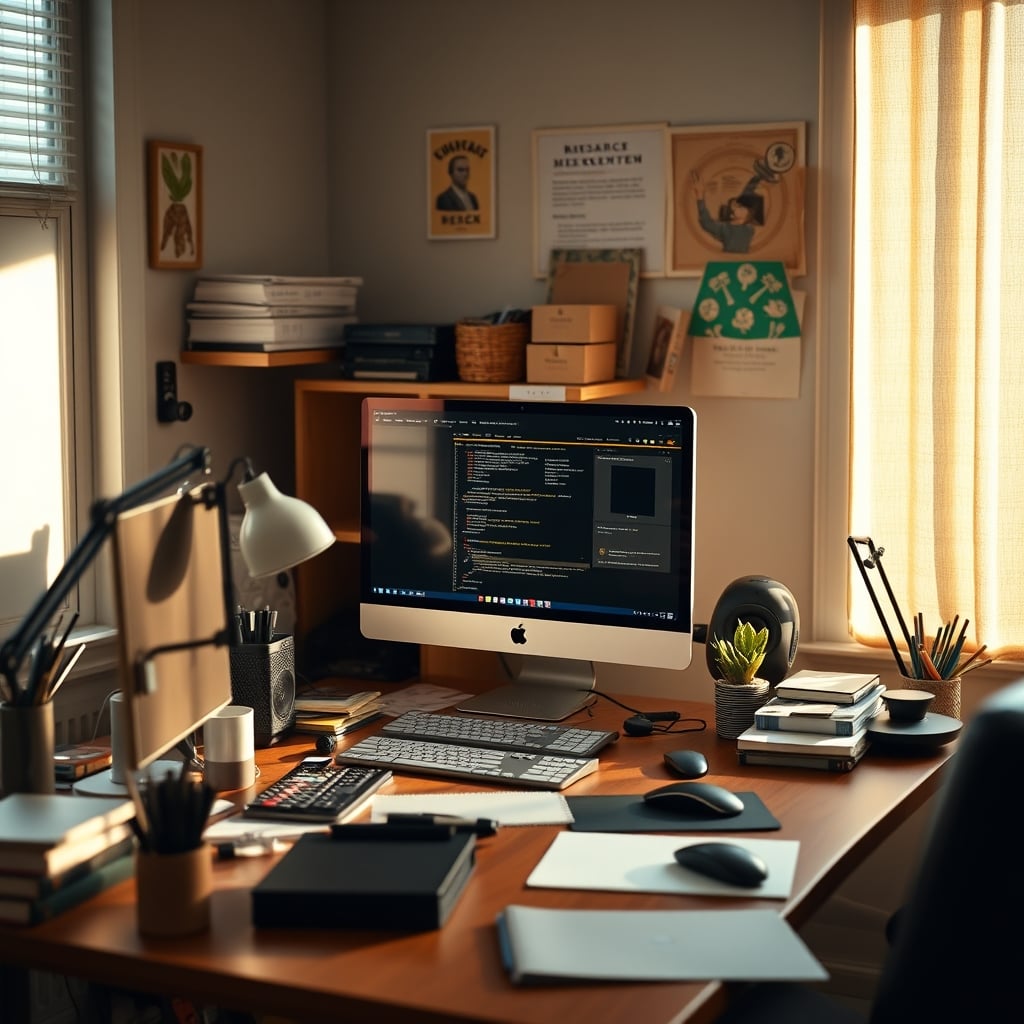
Let’s start with a confession: my desk right now is a mess. There’s a coffee mug from three hours ago, two notebooks flipped open to different pages, three different pens (none of which work well), a tangle of charging cables that somehow always ends up in front of my mouse, and a post-it note from last week reminding me to buy cat food. According to every productivity guru on the planet, I should be paralyzed by cognitive overload, drowning in visual noise, and utterly incapable of entering a flow state.
Yet, I just finished the deepest, most focused three-hour work session I’ve had all month. The industry has sold you a fantasy of sterile, empty surfaces as the sole path to productivity. It’s a lie. The pursuit of cluttered desk productivity isn’t about eliminating stuff; it’s about curating chaos. Most people get this completely wrong. They see a messy desk and assume failure, when the real failure is believing a clean desk equals a clean mind.

The Minimalist Desk Myth That Needs to Die
This is the hill I’ll die on in 2026: the cult of desk minimalism is mostly marketing fluff designed to sell you matching organizers and overpriced trays. The idea that a completely clear surface is the ultimate productivity hack is not just oversimplified—it’s actively harmful for many types of creative and analytical work. This is overrated. Proponents point to studies about visual clutter and stress, but they conveniently ignore the research on cognitive disinhibition—the way a slightly disordered environment can break rigid thinking and spark novel connections.
Your brain isn’t a simple input-output machine that gets jammed by a stray notebook. In real use, forcing a hyper-minimalist setup often creates more friction, not less. Where’s your reference material? Where’s the tool you use every 90 minutes? If it’s tucked away in a drawer to maintain the “aesthetic,” you’ve just added multiple steps and mental reminders to your workflow. The industry lies about this. They sell you the feeling of control through empty space, not actual control over your work. Users consistently report that after rigidly enforcing a “clean desk policy,” they spend more time managing the system than doing the work. The constant tidying becomes its own form of procrastination.
What You Actually Mean By “Cluttered Desk Productivity”
Premium Pick
- High performance
- Premium build
Let’s get specific. When I talk about leveraging a desk for cluttered desk productivity, I’m not defending a hoarder’s nest of old pizza boxes and unpaid bills. That’s just garbage. The productive clutter I’m advocating for is active, intentional, and context-specific. It’s the strategic layering of tools, references, and inspiration for a single, ongoing project. It’s the difference between a landfill and an artist’s studio mid-painting.
The real issue isn’t the quantity of items; it’s their relevance and proximity. Is every object within arm’s reach serving your immediate goal? If the answer is yes, then the visual noise is irrelevant. Your focus narrows to the task, and the surrounding items fade into a supportive blur. This is a known issue for long-term creative projects—the need to keep the whole conceptual landscape physically present to avoid losing the thread. A single-monitor, single-notebook setup can’t hold that landscape. It forces your brain to be the filing cabinet, which is a terrible use of cognitive resources.
Why Proximity Clutter Beats Digital Organization
Here’s where I challenge common advice head-on: for deep, complex work, physical proximity on your desk almost always beats perfect digital organization. This doesn’t work the other way around. Having six browser tabs open and a Notion page with fifty nested headings creates far more hidden cognitive load than six books sprawled open around your keyboard. Digital clutter is abstract and weightless, making it easy to ignore until it causes a catastrophic context switch. Physical clutter has weight, texture, and location—it’s a tangible map of your mental space.
Based on widespread user feedback, the attempt to digitize everything for a “clean desk” leads to a brittle system. When the app updates, the cloud sync fails, or you simply can’t remember the perfect keyword you used to tag that one note, your entire system collapses. A physical book open to Chapter 12 doesn’t need an update. A sketched flowchart on paper doesn’t suffer from compatibility issues. The friction of physical objects is a feature, not a bug—it forces intentionality. You placed that item there for a reason. That reason is now anchored in space, not floating in a sea of invisible data.
The Two Types of Desk Clutter (And One Will Ruin You)
This is critical. There are exactly two types of desk clutter, and mistaking one for the other is why most people fail.
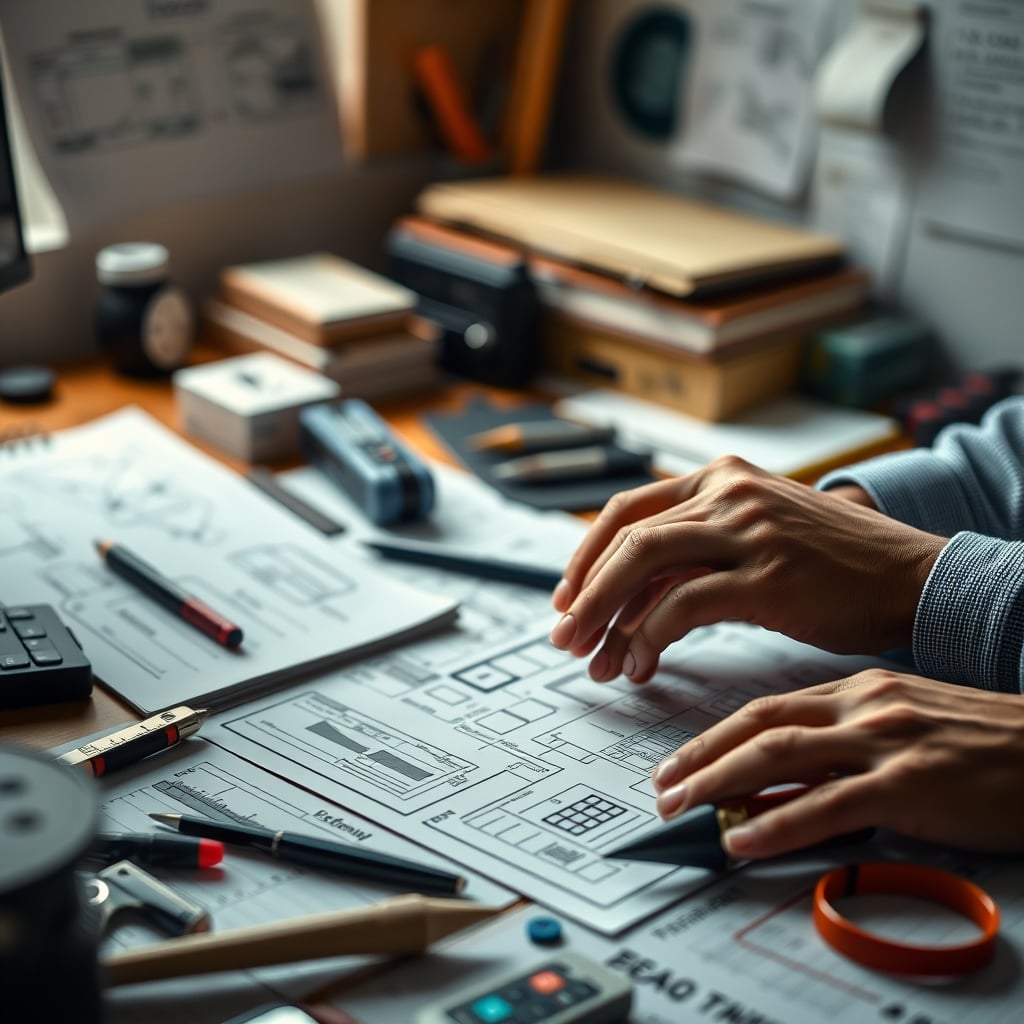
Type 1: Project-Specific Clutter. This is the good stuff. It’s the research for the article you’re writing, the code printouts you’re debugging, the client brief, the mood board, and the three different drafts. It’s all related to a single, active output. It looks messy, but it has a unified purpose. This clutter accelerates work by keeping the entire problem space physically manifest. This is actually good.
Type 2: Administrative Debris. This is the killer. This is yesterday’s mail, a random USB drive from 2020, a broken pair of headphones, a coffee cup from three days ago, a receipt, and a box you haven’t gotten around to recycling. This clutter is related to life maintenance, not creative production. It represents unresolved tasks, delayed decisions, and pure distraction. This doesn’t work. It whispers reminders about everything you’re not doing. Most cluttered desks are unproductive because they’re 90% Administrative Debris masquerading as busyness.
The hack isn’t to remove all clutter. It’s to aggressively purge Type 2 and fearlessly cultivate Type 1. If an item isn’t serving your primary work-in-progress right now, it has no place on your desk surface. That’s the non-negotiable rule.
How to Build a “Productively Cluttered” Desk in 2026
Forget aesthetic setups. Let’s talk about a functional workbench. Start with a single, clear priority. What is the one thing you need to build, write, or solve today? Everything on your desk must answer that question.
- Centralize Your Output. Your primary tool (keyboard/mouse, sketchpad, soldering iron) gets the prime real estate. This is non-negotiable.
- Create a Reference Ring. Place your essential references—books, printed notes, a secondary monitor with documentation—in an arc around your central tool. They should be glanceable, not reachable. This creates a visual and physical “cone of focus.”
- Use Vertical Space, Not Horizontal. This is what most people miss. Don’t just spread things out. Stack books related to the same subtopic. Use a stand to prop up a crucial diagram. Go vertical to keep related ideas together without consuming your entire mousepad. A monitor arm to lift your reference screen is a better investment than a bigger, emptier desk.
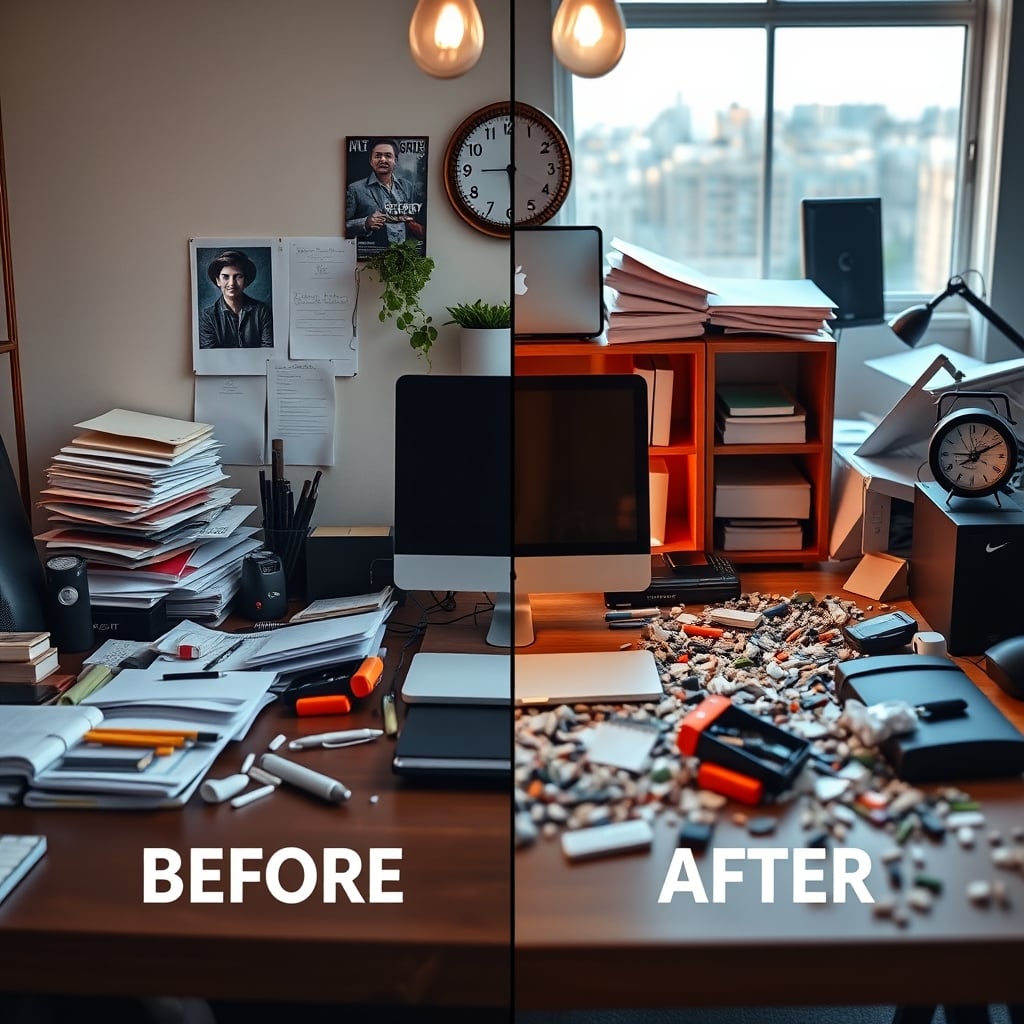
- Implement a Daily Triage Ritual. At the end of your work session, you must reset. This doesn’t mean “clean.” It means re-contextualize. Is this project done? Archive all its physical matter into a project box or folder. Is it continuing tomorrow? Leave the core items exactly as they are. Ruthlessly sweep all Administrative Debris (cups, random paper, non-project items) into a single bin to be processed later. This 5-minute ritual prevents Type 2 clutter from metastasizing.
The Tools That Enable Productive Chaos (And The Ones That Kill It)
The wrong gear will turn your productive chaos into a permanent disaster. Most cable management solutions are overrated. Those $50 acrylic cable trays just hide the mess in a hard-to-access tomb. You need frictionless, flexible systems.
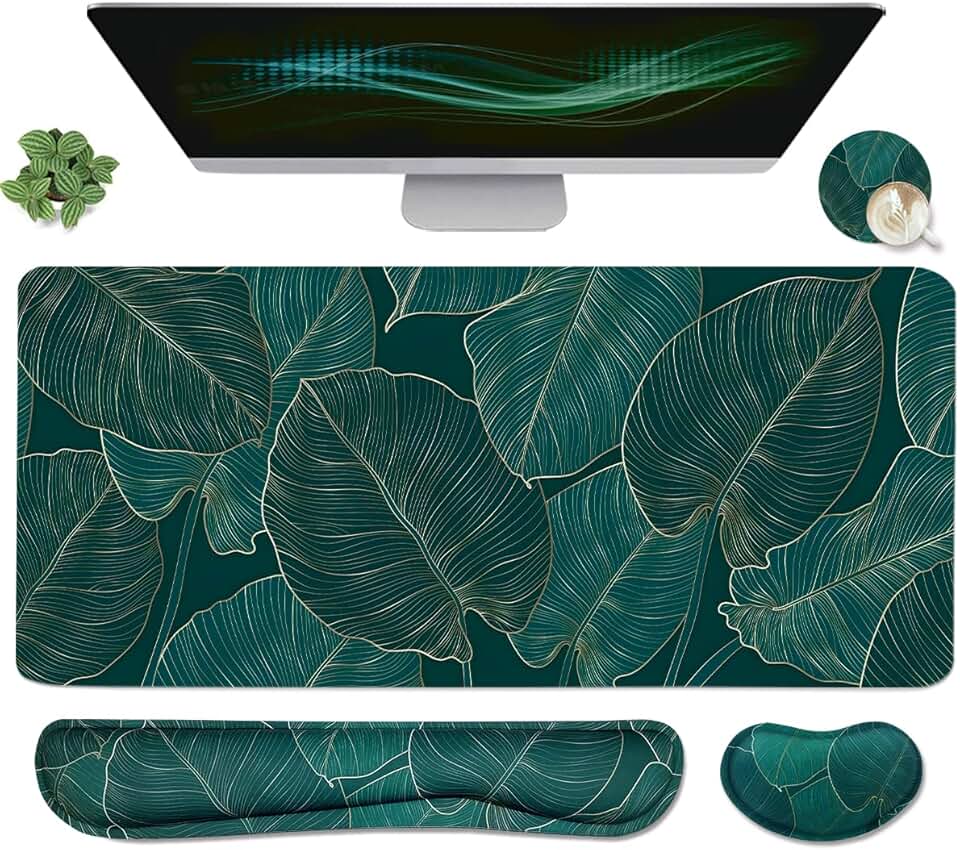
For cables, use simple adhesive-backed hooks or channels that let you reroute a cable in 3 seconds when you need to plug in a different device. The goal is adaptable order, not perfect, frozen tidiness. A giant, flat desk mat is overrated for this style of work; it just becomes a sticky, stained canvas for your chaos. A smaller, dedicated mat for your keyboard and mouse, surrounded by the bare desk surface, creates clearer zones.
Your monitor setup is key. A single ultrawide monitor can be a trap for this workflow—it forces all your digital reference into one space, negating the physical advantage. Based on widespread user feedback, a dual-monitor setup, or a main screen plus a vertical secondary, works better. It lets you park persistent digital references (like a spec document) in one dedicated visual field, freeing your main screen and your physical space for active creation.
The Biggest Mistake: Confusing Decoration With Tooling
This is the silent killer of cluttered desk productivity. It’s the reason those “aesthetic” setups fail in real use. People fill their desks with decorative plants, fancy but useless analog clocks, sculptural headphone stands, and motivational trinkets. This is not productive clutter. This is decorative clutter. It serves no function for the work itself. It’s Administrative Debris in a pretty disguise.
Every single item on your desk should be a tool for your current project or a necessity for your physical interface (like your mouse). If it’s just there to look nice or inspire you, it’s stealing attention and real estate. Inspiration should come from the work, not from a $80 artisan ceramic pencil holder. This doesn’t work. That cute little plant? It’s a tiny, green boss that demands watering and dusting. Get it off your desk. Save the decor for the shelves and walls around you. Your desk surface is a factory floor, not a showroom. For more on this, see why we think most Desk Plant Care Tips You're Getting Completely Wrong.
The Verdict: Worth It, With A Vengeance
Worth it. Stop chasing the minimalist ghost. Embrace the controlled, project-specific chaos that actually fuels deep work. The goal isn’t an empty desk; it’s a desk so perfectly aligned with your active thinking that it disappears. You stop seeing the clutter and start seeing the connections. The mental energy you waste on maintaining a sterile environment is energy you could pour into the work itself.
Your desk isn’t a zen garden. It’s a command center, a laboratory, a workshop. It should look used because it is. In 2026, the real productivity flex isn’t a spotless bamboo desk with a single laptop. It’s a dense, vibrant, intimidating landscape of a hard problem being solved. That’s the truth. Now go make a mess.
To understand the psychology of how nearby clutter specifically impacts you, read our deep dive on Proximity Clutter Focus: The Hidden Productivity Killer. And if you're trying to make this work in a small space, avoid the traps outlined in Small Desk Scams Are Wasting Your Money And Space.
Frequently Asked Questions
Doesn't a cluttered desk increase stress and cognitive load?
Only if it's the wrong kind of clutter. 'Administrative Debris'—unrelated mail, trash, random items—definitely increases stress. But 'Project-Specific Clutter'—all tools and references for a single task—can reduce cognitive load by externalizing your mental workspace. Your brain doesn't have to remember where information is; it's physically laid out in front of you.
How is this different from just being messy?
Intent and containment. Mess is passive accumulation. Productive clutter is an active, daily curation. The key is the daily triage ritual: at the end of work, you archive finished projects and sweep away non-project items. The clutter is always in service of a current, defined output, not a permanent state of disarray.
Can this work with a digital-only workflow?
Poorly. Digital clutter is abstract and hidden, making it far more cognit taxing to manage. Tabs and files lack spatial memory anchors. Physical items provide tactile and spatial cues that help your brain organize complex information. For deep work, some physical manifestation (prints, notebooks, sketches) almost always improves outcomes over a purely digital system.
What's the single biggest mistake people make trying this?
Confusing decoration with tooling. Putting plants, figurines, or inspirational trinkets on the desk. These items serve no direct function for the work and become visual distractions. Every item on the desk must be a tool for the active project or a necessity for your physical interface (mouse, keyboard). Anything else is stealing focus and space.
Written by
GlowRig Editorial researches and writes practical guides about desk setups and home office gear. Our articles are produced with the help of AI research tools and are reviewed for accuracy against manufacturer specifications and public user feedback. We may earn a commission from affiliate links, which never affects our recommendations.
Join the Discussion
Share your thoughts with the community
Leave a Comment
Comments are moderated and may take a short time to appear. Links are not permitted.