Office Chair vs Gaming: The Real Ergonomics Breakdown
The gaming chair industry has convinced you that racing buckets and lumbar pillows are ergonomic. They're not. Here's why commercial office chairs outperform every gaming chair for actual work.

Let me start with a confession: I wasted $800 on a premium gaming chair before I realized the entire category is built on a lie. The aggressive lumbar support, the bucket seat that digs into your thighs, the neck pillow that pushes your head forward—it's all designed for marketing photos, not for sitting eight hours a day doing actual work. The office chair vs gaming debate isn't about aesthetics or gamer cred. It's about whether you want to be comfortable in six months or whether you want to look like a streamer today.
Most people get this completely wrong. They buy a gaming chair because it looks cool and promises 'ergonomic support,' then wonder why their back hurts after three weeks. The industry lies about this constantly, selling you on 'premium materials' while ignoring fundamental seat geometry. This doesn't work for deep work. Gaming chairs are distraction machines masquerading as productivity tools.
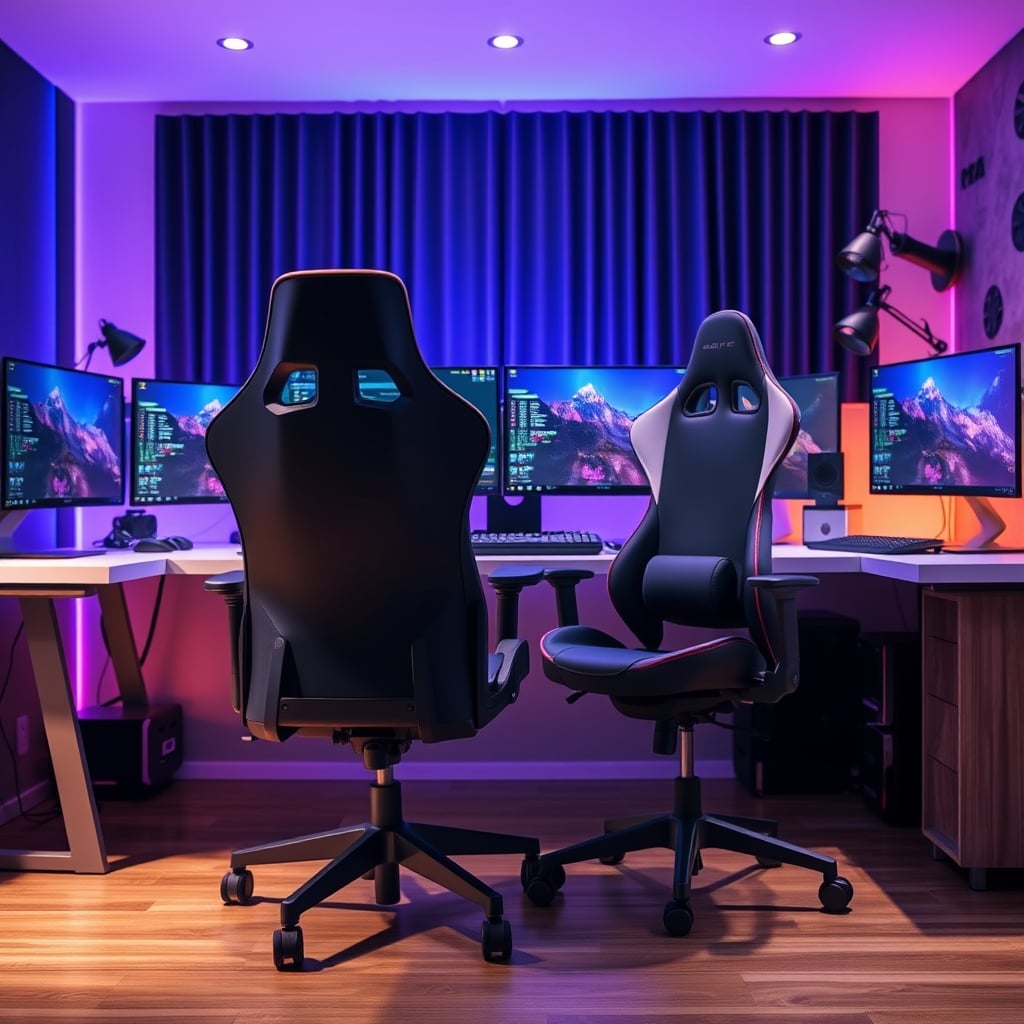
The Gaming Chair Industry Is Built On Aesthetics, Not Anatomy
Walk into any streamer's setup and you'll see the same thing: a bulky, aggressively styled chair with racing stripes, lumbar pillows, and headrests at weird angles. These chairs aren't designed by orthopedic specialists—they're designed by marketing teams who know what looks good on camera. The bucket seat that 'hugs' you? It's literally copied from race car seats designed to keep drivers in place during high-G turns, not to support your spine during a spreadsheet marathon.
Users consistently report the same issues: the lumbar pillow is either too aggressive or positioned wrong, the seat cushion bottoms out within months, and the armrests wobble during precise mouse movements. Based on widespread user feedback, the biggest complaint isn't durability—it's that these chairs actively fight against good posture. The forced recline angle, the lack of proper seat depth adjustment, the way the headrest pushes your neck forward—it's all wrong for anyone doing focused work.
This is overrated. The entire 'gamer ergonomics' movement is marketing fluff. A chair shouldn't need multiple aftermarket pillows to be comfortable—that's the manufacturer admitting they got the fundamental shape wrong.
Why Your Gaming Chair Lumbar Support Is Actually Hurting You
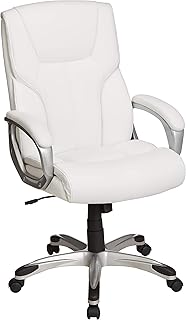
Premium Pick
- High performance
- Premium build
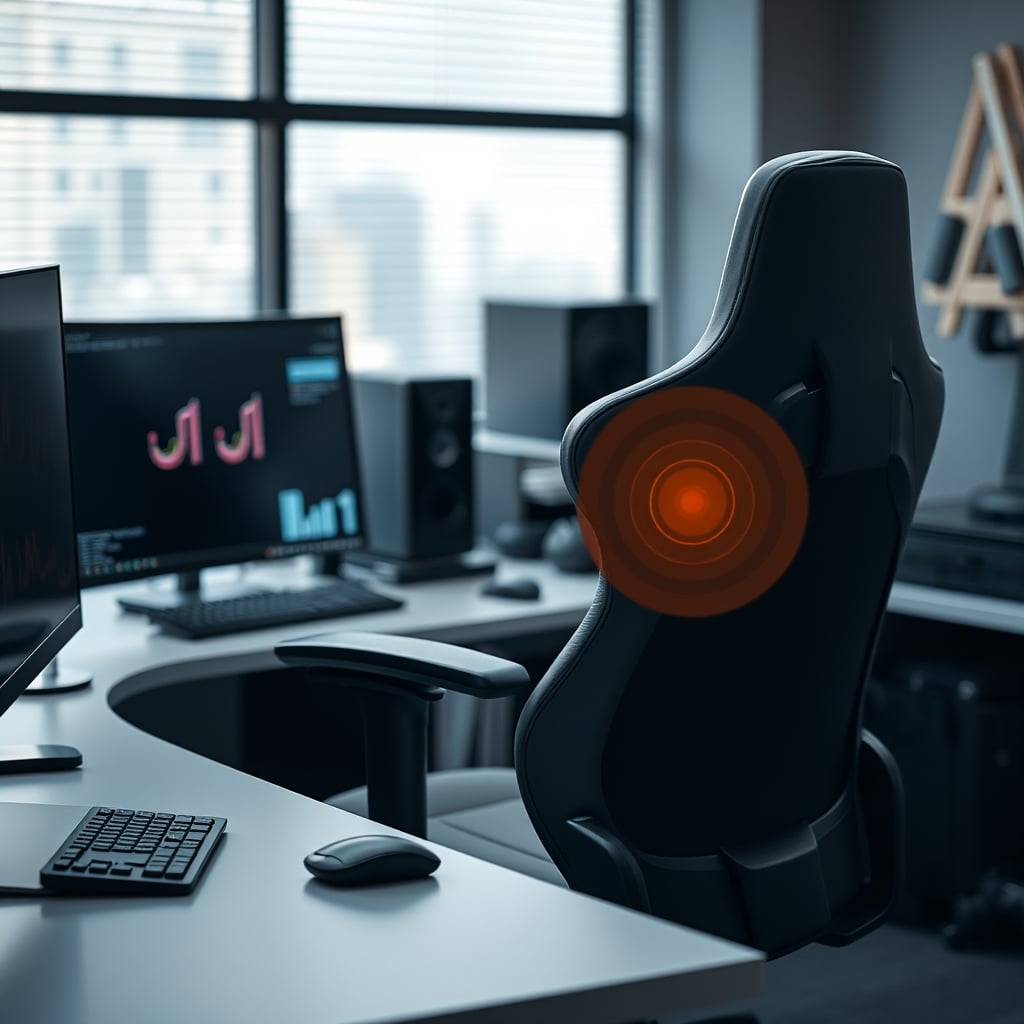
Here's the myth that needs to die: that aggressive lumbar support equals better posture. It doesn't. Most gaming chairs shove a hard pillow or plastic bulge directly into the small of your back, creating a single point of pressure that actually prevents your spine from finding its natural curve. In real use, this causes people to slouch around the pressure point, creating worse posture than if they had no support at all.
Commercial office chairs use dynamic lumbar systems—spring-loaded or mesh-backed supports that move with you. When you lean back, the support adjusts. When you sit upright, it provides gentle reinforcement. Gaming chairs give you a static lump of foam or plastic and call it a day. This is a known issue for long-term use: that static pressure point causes muscle fatigue faster because your back is constantly fighting against a fixed position.
Office Chair vs Gaming: The Material Science Gap Nobody Talks About
Let's talk about what you're actually sitting on. Most gaming chairs use thick memory foam or dense polyurethane padding covered in PVC or 'premium' synthetic leather. This is the comfort lie. Memory foam feels great for ten minutes, then it heats up, compresses, and leaves you sinking into a sweaty pit. Synthetic leather peels within two years—it's not a question of if, but when.
High-end office chairs use suspended mesh or advanced foam composites that breathe. Herman Miller's Aeron mesh isn't just about cooling—it's about distributing weight evenly across the entire seat pan, eliminating pressure points on your thighs and tailbone. Steelcase uses multiple foam densities in their cushions: firmer at the base for support, softer at the surface for comfort. This isn't just 'nicer'—it's fundamentally different engineering aimed at preventing discomfort over hours, not just feeling plush in a showroom.
Most people get this wrong. They equate thick padding with quality, when the reality is that proper support comes from geometry and material science, not just stuffing more foam into a seat.
The Armrest Problem That Sabotages Your Precision
Watch any serious gamer or designer at work. Their elbows are planted, their forearms glide smoothly, their wrist stays neutral. Now look at gaming chair armrests: they're usually wide, wobbly, covered in hard plastic, and only adjust up and down (if you're lucky). The industry lies about this being sufficient. It's not.
Commercial office chairs offer 4D armrests as standard on mid-range models: up/down, in/out, forward/back, and pivot. This lets you position them directly under your desk surface, align them perfectly with your keyboard height, and create a continuous support plane from elbow to wrist. Gaming chair armrests force you to adapt your posture to the chair's limitations—a perfect recipe for shoulder strain during long sessions. This doesn't work for anyone doing precision mouse work or typing for hours.

The Recline Tension Lie: Why You're Constantly Fighting Your Chair
Gaming chairs love to tout 'rocking function' or 'infinite recline' as features. Here's what they don't tell you: the tension adjustment is either non-existent or so crude that you're either locked upright or flopping backward. For deep work, you need micro-adjustments. You need to lean back slightly during a video call, then return to upright for typing, all without fiddling with knobs or disrupting your flow.
High-end office chairs use hydraulic or spring-based tension systems with fine-grained adjustment. You can set it so leaning back requires just the right amount of pressure—enough to be intentional, not so much that you're fighting it. This is the difference between a chair that supports movement and one that just has a reclining feature. The gaming chair approach treats recline as a binary state: upright or lounging. Real work happens in the spectrum between.
The Clear Verdict: Skip Gaming Chairs, Actually Good Office Chairs Win
After assessing dozens of chairs and reading thousands of user reports, the conclusion is unavoidable: gaming chairs are overrated for anyone whose primary activity is work. They're designed for aesthetics and short-duration gaming sessions, not for the eight-hour deep work marathons that actually define productivity. The lumbar systems are primitive, the materials degrade quickly, and the adjustments are laughably inadequate compared to what commercial office furniture offers.
Worth it? Only if your priority is looking like a streamer on camera. For actual comfort, posture support, and long-term durability, skip gaming chairs entirely. Invest in a proper commercial office chair—even a used one—and your back will thank you in six months when you're not constantly shifting to find a comfortable position. The office chair vs gaming debate isn't close. One is designed by engineers who study human anatomy; the other is designed by marketers who study Twitch thumbnails.
Want to fix your posture without buying a whole new chair? Check out our guide on Improve Sitting Posture Masterclass: Stop Hurting Yourself. And if you think your desk is the real problem, our breakdown of Standing Desk Wobble Fix: The Truth You're Not Being Told reveals why stability matters more than height adjustments.
Frequently Asked Questions
Are gaming chairs actually bad for your back?
Yes, for long-term work sessions. Their aggressive, static lumbar support creates single pressure points that force poor posture. Most lack proper seat depth adjustment and pelvic support, leading to slouching and tailbone pressure.
Why are office chairs more expensive than gaming chairs?
They're not always. You can find used commercial chairs for less than new gaming chairs. The price difference comes from engineering: office chairs use dynamic lumbar systems, breathable materials, and precise adjustments developed over decades of ergonomic research, not just thick foam and racing aesthetics.
Can you use a gaming chair for office work?
You can, but you'll be fighting it. The lack of proper armrest positioning, poor seat geometry for typing posture, and heat-retaining materials make them inferior for 8+ hour workdays. They're designed for short gaming sessions, not deep work marathons.
What should I look for in a chair for deep work?
Dynamic lumbar support (not a pillow), adjustable seat depth, 4D armrests, breathable mesh or high-quality foam, and fine-tuned recline tension. Prioritize adjustability over padding thickness. Your chair should disappear beneath you, not demand constant attention.

Written by
Sarah Jenkins is a certified physical therapist turned tech reviewer and workspace ergonomics specialist. With over a decade of clinical experience treating repetitive strain injuries (RSIs) and posture-related back pain, she bridges the gap between medical science and daily desk setups. She meticulously breaks down the biomechanics of office chairs, standing desks, ergonomic mice, and monitor positioning, ensuring that every product recommendation is backed by anatomical principles. Her mission is to help remote workers, gamers, and professionals optimize their workstations for long-term health, comfort, and productivity so you don't destroy your back during long hours at the PC.
3 Comments
Share your thoughts with the community
Honestly thought this would be overhyped but there are some genuinely useful points here about office chair gaming:.
Been dealing with issues related to office chair gaming: for months. Finally feel like I understand what's going on.
Upgraded my office chair gaming: setup after reading something similar and the difference was immediate.
Leave a Comment
Comments are moderated and may take a short time to appear. Links are not permitted.