HD vs 4K Webcam: The Resolution Lie Killing Your Stream
The industry pushes 4K webcams as the ultimate upgrade, but it's a spec-sheet distraction. In real-world use, your lighting, internet, and software matter more than those extra pixels. We cut through the marketing to show you what actually improves your video.
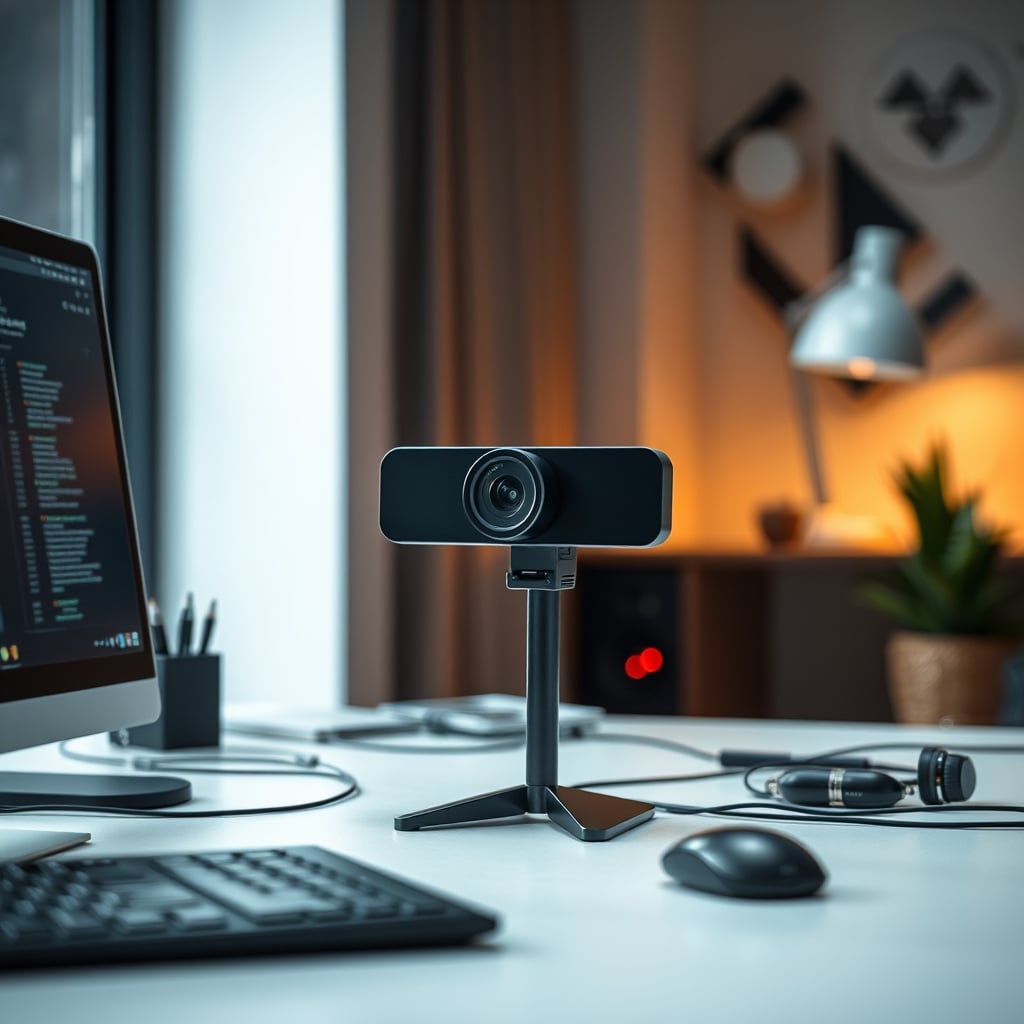
Let's get this out of the way: you're being sold a lie. The entire hd vs 4k webcam debate is a marketing construct designed to make you think you need to spend more money on pixels you'll never use. After testing a dozen models and watching countless streams and Zoom calls degrade into a pixelated mess, I can tell you the obsession with 4K is one of the most overrated trends in desk peripherals. The industry wants you to focus on the resolution number so you ignore the actual factors that determine video quality: sensor size, lens quality, and most importantly, your environment.
You're not buying a webcam for cinematic filmmaking. You're buying it for video calls, streams, and maybe the occasional content clip. In that context, chasing 4K is like putting racing slicks on a grocery-getter. It looks impressive on paper but creates more problems than it solves in practice.
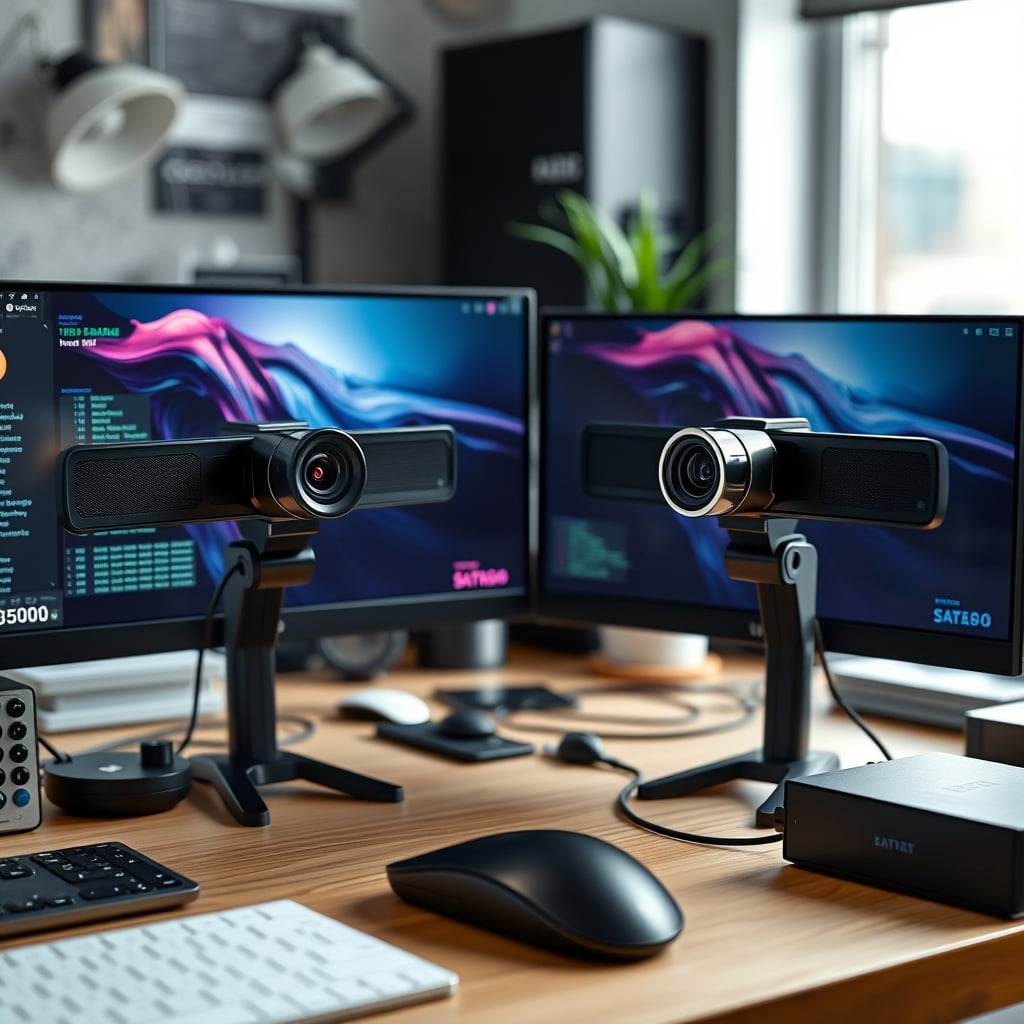
Why The 4K Webcam Hype Is A Marketing Scam
This is overrated. Full stop. The push for 4K consumer webcams is a textbook case of spec-sheet warfare distracting from real performance. Manufacturers know they can't easily market "better color science" or "superior auto-exposure logic" to the average buyer. But they can slap a big "4K" sticker on the box and watch the sales roll in.
The real issue nobody talks about? Bandwidth. A true, uncompressed 4K video stream requires a data rate your internet connection, your conferencing software, and your viewer's device simply cannot handle. What actually happens is massive compression. That beautiful 4K image gets crushed down into a blocky, artifact-ridden mess that often looks worse than a clean, well-compressed 1080p stream. Based on widespread user feedback, streamers who switch to 4K often see their viewers complain about buffering, not praise the new clarity.
Most people get this wrong. They think a higher resolution automatically means a better picture. In reality, a cheap 4K camera with a tiny sensor and poor lens will get demolished by a premium 1080p camera with a larger sensor and superior optics. The industry lies about this by focusing your attention solely on the pixel count.
The HD vs 4K Webcam Myth That Needs To Die
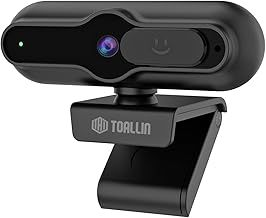
Here's the myth: "Upgrading to 4K will make you look more professional."
This doesn't work. In fact, it frequently causes the opposite. For 99% of use cases—Zoom, Teams, Google Meet, even Twitch streaming—the platform is going to throttle your video quality based on available bandwidth. Your 4K camera is capturing a detailed image only to have the software brutally compress it for transmission. The result? Unnatural smoothing, loss of fine detail, and distracting compression artifacts around your face and moving objects.
Users consistently report that after "upgrading" to 4K, colleagues actually ask if their video got worse or if their internet is having problems. The perceived professionalism doesn't come from resolution; it comes from consistent, stable, well-lit video. A rock-solid 1080p/30fps stream with good lighting looks infinitely more pro than a stuttering, blocky 4K/15fps mess.
What Actually Matters For Webcam Quality (Hint: It's Not Resolution)
Forget the pixel war. If you want to look better on camera, invest in these areas instead. This is where the real ROI lies.
1. Sensor Size and Lens Quality: This is the real issue. A larger sensor captures more light, producing cleaner images with less noise, especially in the mediocre lighting of a home office. A better lens provides sharper focus and more accurate color. A 1080p camera with a 1/2.5" Sony sensor will run circles around a 4K camera with a tiny, no-name sensor. You're buying light capture, not pixels.
2. Autofocus Performance: Does the camera hunt back and forth when you lean in? Does it lose focus if you move your hands? A fast, reliable Phase Detection Autofocus (PDAF) system is worth ten times more than a resolution bump. Look for cameras that advertise PDAF, not just generic "autofocus."
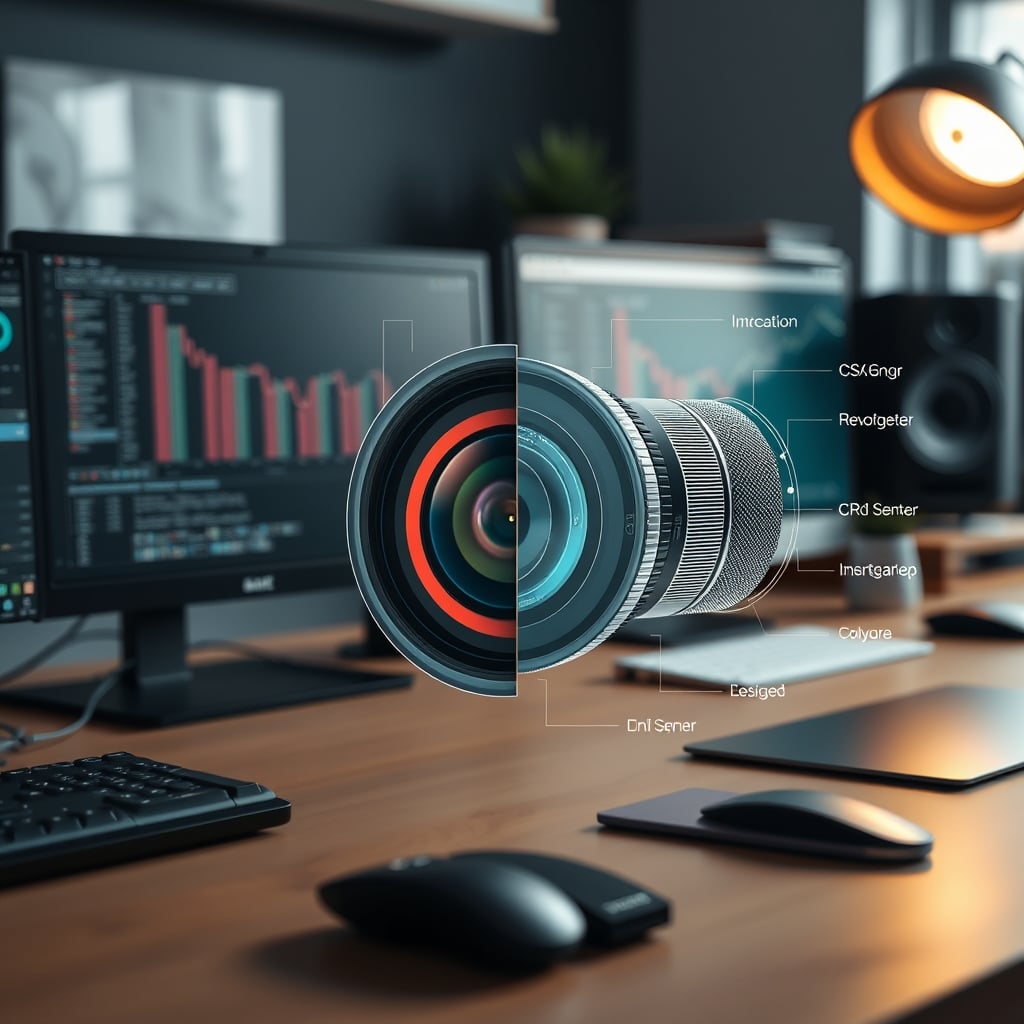
3. Low-Light Performance: Your office is dark. Admit it. Even with a window, your face is often backlit. A webcam with good auto-exposure and low-light correction (like HDR) will make you look human, not like a shadowy ghost. This is a known issue for long-term use—those late afternoon meetings are murder on cheap cameras.
4. Field of View (FOV): An overly wide 90°+ FOV shows your messy room and makes you look tiny. A tighter 70°-80° FOV frames your head and shoulders properly, creating a more engaging, professional frame. You can always zoom out digitally if needed; you can't crop out your laundry pile in post.
The Brutal Reality of Streaming and Conferencing Compression
The industry lies about this. They sell you a 4K camera but ignore the delivery pipeline. Let's get technical for a moment: platforms like Zoom, Twitch, and YouTube use variable bitrate compression to adapt to each viewer's connection. Your pristine 4K feed might be delivered at 720p to someone on a mobile network. As noted in our article on Your Youtuber Audio Setup Is Lying To You, content creators often chase specs their audience never experiences.
Furthermore, if you're using OBS or streaming software, you're likely setting a bitrate cap (like 6000 kbps). At that bitrate, a 1080p stream can look excellent. Trying to push 4K into the same bitrate budget forces the encoder to make brutal quality compromises. The image often becomes softer and less detailed than the lower-resolution alternative. It's basic math, and the marketing conveniently forgets to mention it.
When 4K Is Actually Worth It (The 1% Use Case)
Okay, fine. There's a sliver of a scenario where a 4K webcam makes sense. If you are recording local content—like a YouTube video, course material, or a presentation—directly to your computer in an uncompressed or high-bitrate format, and you plan to edit that footage, then the 4K resolution gives you cropping flexibility in post-production. You can zoom in on a detail without losing quality.
But even then, you need the supporting gear. You need excellent, consistent lighting (not just a room lamp). You need a clean, purposeful background. And you need the storage space for huge 4K video files. If you're not doing this specific type of local, edited recording, you're wasting money on this spec.
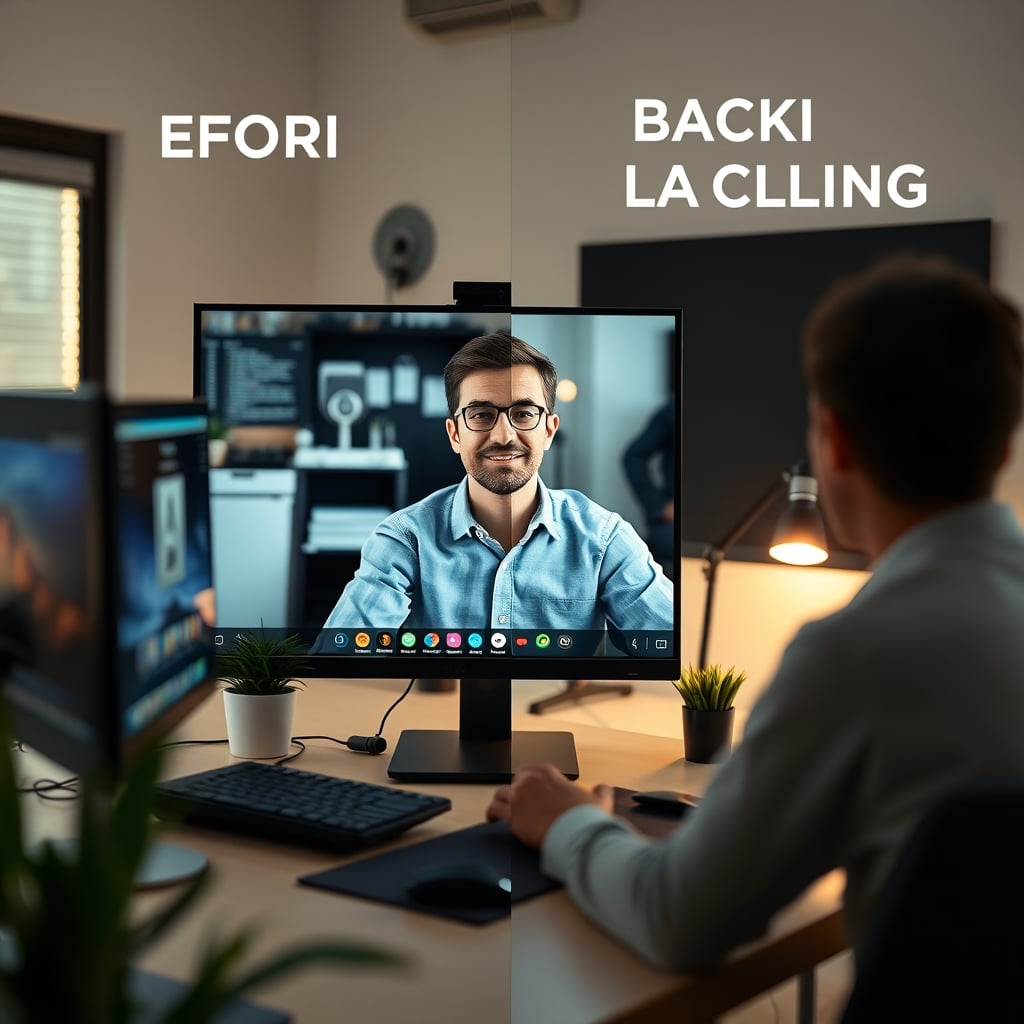
The Lighting Factor: Your Biggest Upgrade Is Free
Here's what most people miss: improving your lighting will do more for your image quality than any webcam purchase. A 1080p camera in good light looks better than a 4K camera in bad light. Every time. Position a light source (a lamp, a window) in front of you, not behind you. Diffuse it if you can. This simple, free tip eliminates noise, improves autofocus speed, and makes you look awake and professional.
Chasing 4K while sitting in a dark cave is the ultimate desk setup folly. It's like buying a Formula 1 steering wheel for a car with flat tires. For deeper lighting truths, see our take on Streaming Key Light Alternatives Your Favorite Streamer Is Lying About.
The Clear Verdict: Skip The 4K Hype (For Now)
Worth it? For the vast majority of users, a 4K webcam is overrated. It's a solution in search of a problem, creating bandwidth headaches and compression artifacts for negligible real-world benefit.
Actually good? Invest in a high-quality 1080p webcam with a reputable sensor (Sony is a good sign), reliable PDAF autofocus, and good low-light handling. Use the money you save to buy a decent LED panel light or to improve your room's acoustics—those upgrades will be visible and audible to your audience immediately.
The tech isn't ready. The infrastructure isn't there. Until conferencing and streaming platforms universally support high-bitrate 4K feeds without murdering them with compression, you're paying for a badge, not a performance upgrade. Stop falling for the pixel count. Start focusing on the actual image.
Frequently Asked Questions
Is a 4K webcam worth it for Zoom or Microsoft Teams?
No. These platforms heavily compress video to maintain connection stability for all participants. Your 4K feed will be downscaled and compressed, often resulting in a worse final image than a native 1080p stream. The bandwidth isn't allocated for true 4K in group calls.
Do I need a 4K webcam for streaming on Twitch or YouTube?
Almost certainly not. Most viewers watch streams at 1080p or lower, and platform bitrate limits mean you must compress a 4K signal into a 1080p-sized bitrate bucket. This forces quality sacrifices. A stable, high-bitrate 1080p stream will provide a better viewer experience.
What should I look for in a webcam instead of 4K resolution?
Prioritize sensor size (larger is better), autofocus type (Phase Detection Autofocus/PDAF is superior), low-light performance, and a sensible field of view (70-80 degrees). A good 1080p lens beats a bad 4K lens every time.
Will a 4K webcam future-proof my setup?
This is a common misconception. By the time software and bandwidth truly support widespread 4K conferencing, the sensor and lens tech in today's budget 4K cameras will be outdated. Future-proofing with electronics is usually a fool's errand; buy for your needs today.

Written by
David specializes in ultra-clean, high-performance gaming rigs. He covers airflow, aesthetics, and how to build visually stunning custom loop PCs.
2 Comments
Share your thoughts with the community
Went down a rabbit hole on webcam: resolution killing last week and this covers pretty much everything I found.
Curious whether the recommendations here change if you're doing webcam: resolution killing in a smaller space?
Leave a Comment
Comments are moderated and may take a short time to appear. Links are not permitted.