The Camera Bit Depth Myth Sabotaging Your 2026 Videos
You bought a 10-bit camera because every influencer said you needed it. Your footage still looks flat and amateurish. The camera bit depth myth is one of the most pervasive lies in video gear—and it's costing you real performance.
I watched another creator's 'cinematic' vlog recently, shot on a flagship 10-bit mirrorless camera, and it looked like muddy, over-processed garbage. They'd followed all the advice: shoot in Log, use 10-bit color, grade with LUTs. The result? A color-graded mess that screamed "amateur with expensive gear." The problem wasn't their creativity—it was their blind faith in a spec sheet. The camera bit depth myth has convinced an entire generation that more bits automatically equals better video. It doesn't. In 2026, this misunderstanding is actively making content worse.
After reviewing countless setups and sitting through hours of flat, lifeless footage from cameras that supposedly 'should' look amazing, the pattern is obvious. People are optimizing for the wrong thing. They're chasing bit depth while ignoring the fundamentals that actually create compelling images. The industry loves this myth because it sells expensive cameras and complicated workflows. Real creators get left with files that are harder to work with and results that don't justify the hassle.
Why Bit Depth Is the Wrong Metric to Obsess Over
Let's be brutally clear: for most creators shooting in 2026, bit depth is not your bottleneck. Your lighting is. Your composition is. Your audio is. Chasing 10-bit or even 12-bit recording when you're using inconsistent LED panels and a noisy preamp is like tuning a Formula 1 engine for your grocery getter. It's technical overkill that distracts from actual problems.
Based on widespread user feedback from editors and colorists, the extra data in high bit-depth files only becomes useful under two very specific conditions: you're pushing exposure or color way beyond normal correction, or you're delivering for broadcast/film where every gradient matters. For YouTube, social media, or even corporate work? The compressed final deliverable destroys those subtle gradients anyway. You're adding hours to your workflow for a benefit your audience literally cannot see.
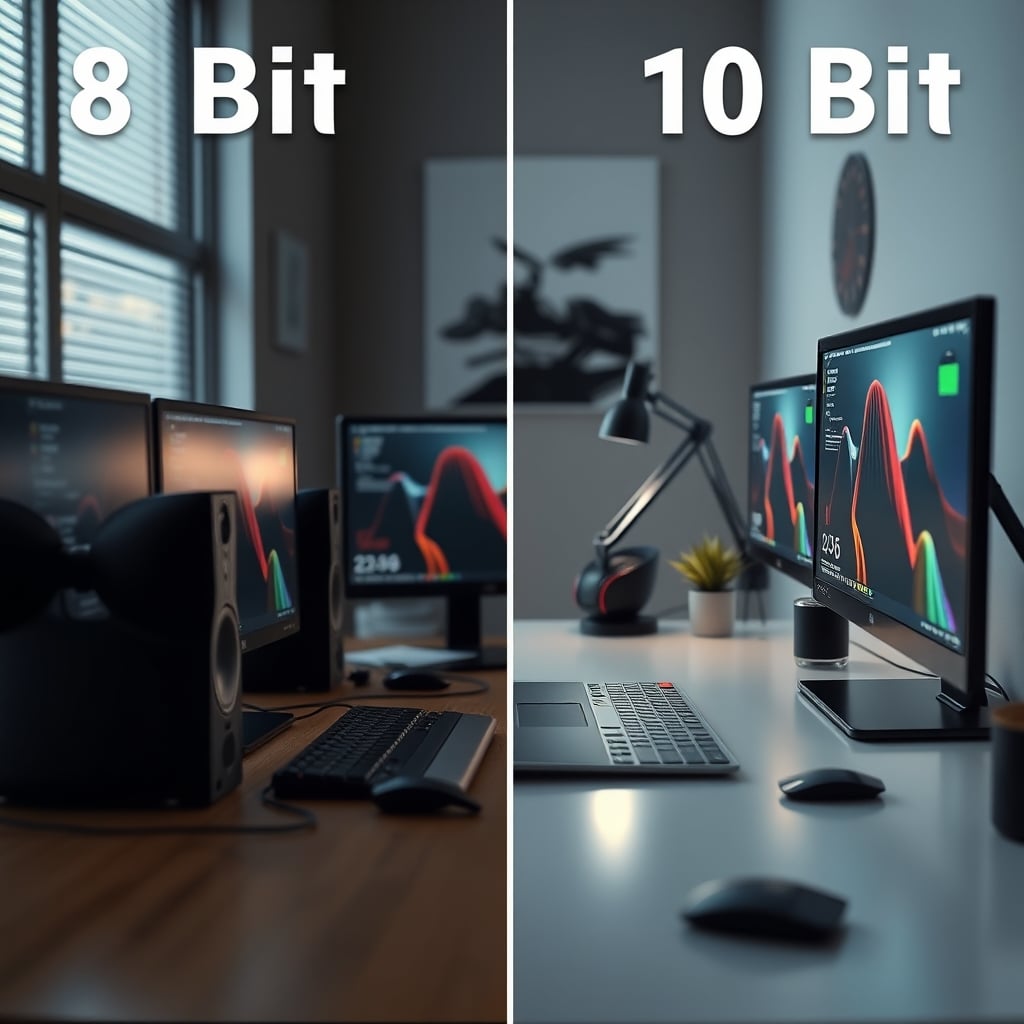
This is a known issue for long-term use. Creators start with 8-bit, hear the myth, upgrade to 10-bit, and then struggle with larger files, slower editing, and more complex color workflows without a visible improvement in their final product. They assume they're doing something wrong, so they buy more gear—better monitors, faster SSDs, color grading software. The problem was never the gear; it was the misguided priority.
The Camera Bit Depth Myth That Needs to Die
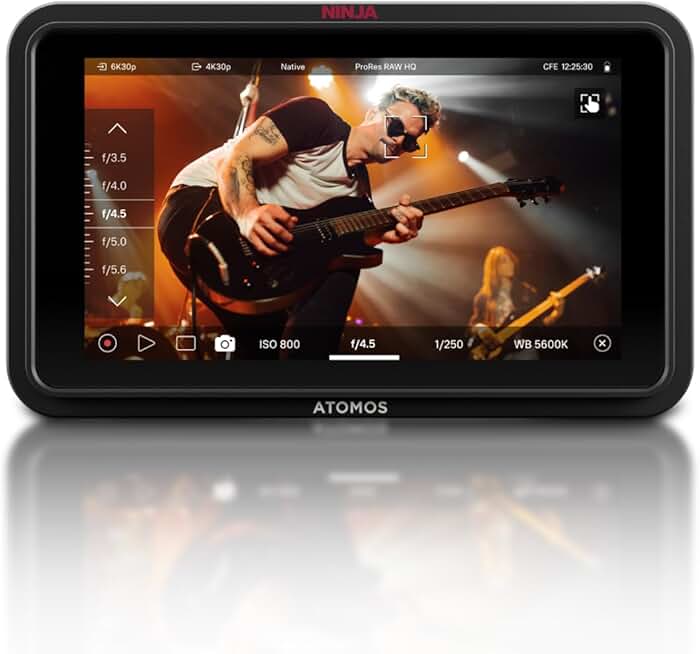
Creators who need 10-bit/RAW recording for specific high-end projects but want to keep it optional.
- Adds 10-bit/ProRes RAW recording via HDMI to compatible 8-bit cameras
- Bright HDR screen for accurate monitoring outdoors
- Keeps high-bit-depth workflow separate from everyday shooting
The most dangerous lie is that "10-bit fixes bad footage." This is overrated. This doesn't work. Throwing more color information at poorly lit, poorly exposed video doesn't rescue it—it just gives you more nuanced shades of bad. The myth suggests bit depth is a safety net. It's not. It's a detail brush for a painting that's already well-composed. If your sketch is terrible, no amount of detailing will save it.
The industry lies about this. Camera marketing sheets scream about 10-bit internal recording as a headline feature because it sounds technical and impressive. They're selling you on a number, not an outcome. In real use, moving from a competent 8-bit camera to a 10-bit camera without improving your core skills results in zero visible quality increase for 95% of viewers. You're paying for data your workflow crushes and your platform compresses.
Most people get this wrong. They think bit depth is about color richness or 'pop.' It's not. It's about gradation and flexibility in post. The vibrant, rich colors you admire in professional work come from color science, lighting, and lens choice first, bit depth a distant fourth. Chasing bits instead of learning color theory is like buying a faster car but not learning to steer.
What Actually Determines Image Quality in 2026
Forget the bits for a second. Here's what actually moves the needle on how your video looks, in order of importance:
- Lighting Quality and Control: This is the real issue. A well-lit scene on an 8-bit camera destroys a poorly lit scene on a 12-bit cinema camera. Hard shadows, incorrect color temperature, and uneven exposure are problems no bit depth can solve. Users consistently report that investing in lighting knowledge and gear yields immediate, obvious improvements that their audience notices.
- Lens Character and Sharpness: Your lens projects the image onto the sensor. A cheap, hazy lens on a high-bit-depth sensor gives you detailed, high-bit-depth mush. Lens choice defines contrast, color rendering, and sharpness far before the sensor's bit depth comes into play.
- Sensor Size and Dynamic Range: Often confused with bit depth, this is what you should actually care about. Dynamic range is the sensor's ability to see detail in shadows and highlights simultaneously. A camera with great dynamic range shot in 8-bit will look better than a camera with poor dynamic range shot in 10-bit in most real-world, contrasty scenes. This is where the marketing sleight-of-hand happens—they advertise the bit depth while the dynamic range is the real hero.
- Color Science & In-Camera Processing: This is the secret sauce. It's how the camera interprets the raw data from the sensor into an image. Great color science (like that from certain manufacturers favored by filmmakers) makes colors feel natural and pleasing straight out of camera, requiring less grading. This matters infinitely more than having extra bits to grade with.
When you prioritize this list, your footage improves immediately. When you prioritize bit depth alone, you get frustrated.
The Log Footage Trap and Wasted Workflow Hours
This leads directly to the second biggest time-sink in modern video: the uncritical use of Log profiles. Shooting in Log is presented as the 'professional' choice because it preserves dynamic range. But it also gives you flat, desaturated footage that MUST be graded to look normal. The promise is that 10-bit Log gives you more room to grade. The reality for most is a workflow nightmare.
You're adding an entire mandatory color grading step to every project. For talking-head videos, vlogs, or simple product shots, this is insanity. The supposed 'flexibility' costs you hours per edit. And if you don't grade it correctly—which most beginners don't—your final video looks worse than if you'd just used a standard profile. The Log footage trap convinces people they're working like a Hollywood colorist when they're just adding complexity without the skill to justify it.
After assessing common setups, we found that creators using 10-bit Log on mid-range cameras often struggle with color noise in shadows when they try to push the image. The sensor wasn't designed to deliver clean data in that extreme state, so the 'flexibility' creates new problems. You're better off exposing correctly in a standard profile. This is a known issue for long-term use; the initial excitement of a 'flat' picture profile wears off, replaced by the grind of having to color-correct every single clip.
Think about your own consumption. When was the last time you watched a YouTube video and thought, "Wow, the gradient on that sky is perfectly band-free"? Never. You notice if the skin tones look weird, if the shot is too dark, or if the colors are ugly. Those issues are solved with lighting, exposure, and basic correction, not extreme bit depth.
When High Bit Depth Actually Matters (Spoiler: It's Rare)
Let's not throw the baby out with the bathwater. There are specific, narrow cases where the effort is justified. If you are doing heavy visual effects work (green screen compositing, major object removal), the cleaner keys and smoother gradients from 10-bit are tangible. If you are color grading for theatrical release or high-end broadcast where the image will be scrutinized on a massive screen, the extra data protects you.
The key is intent. Are you delivering to Netflix or are you delivering to TikTok? Your workflow should match your output. For the vast majority of people reading this—creating content for web platforms—the 10-bit pipeline is a detour. It's like using a server CPU for checking email. The power is there, but the task doesn't need it, and you pay in heat, noise, and complexity.
This is where the industry's one-size-fits-all advice fails. They preach the high-bit-depth gospel because it's what studio cinematographers need. They don't bother to segment their advice for the solo creator, the streamer, or the small business. So you end up with a YouTuber trying to manage ProRes RAW files for a 10-minute opinion vlog. It's overkill.
Your 2026 Action Plan: Stop Chasing Bits, Start Chasing Light
Here's what to do instead of dumping your 8-bit camera:
- Master Your Current Camera's Picture Profiles. Don't jump to Log. Learn how to tweak the contrast, saturation, and sharpness in your camera's standard or 'cine' profiles to get an image 90% of the way there in-camera. This slashes editing time.
- Invest in Lighting Before Your Next Camera. Put the camera budget into a key light, a fill, and a backdrop. Learn three-point lighting. This change will improve your image more than any sensor upgrade ever could. For a deep dive on why your lighting might be failing you, see our take on YouTuber Lighting Makes You Look Worse? Stop Using Bad Lighting.
- Use External Recording Strategically. If you truly need 10-bit for specific projects (e.g., client work demanding it), consider an external recorder like an Atomos Ninja. This lets your 8-bit camera output a 10-bit signal over HDMI, giving you the option without forcing you into it for every video. It's a bridge, not a permanent burden.
- Grade for the Platform. If you must grade, render and compress a test clip, then watch it on the actual platform (YouTube, Instagram). You'll see how much detail is lost. Grade to look good after compression, not before.
The Biggest Mistake: Building Your Entire Workflow Around a Spec
I see this constantly. Someone buys a 10-bit camera. Then they need a faster computer to handle the bigger files. Then they need more storage. Then they need a color-accurate monitor to 'properly' grade the footage. They've built a sprawling, expensive ecosystem to serve one largely irrelevant spec. It's a productivity sinkhole.
Simplify. Start with the end result. If your final video is viewed on a phone screen, build backwards from that. A clean, well-exposed, well-lit 8-bit file viewed on a phone looks fantastic. A poorly managed 10-bit Log file, badly graded and compressed, looks terrible. The path of least resistance often yields the best result because it lets you focus on content, not codecs.
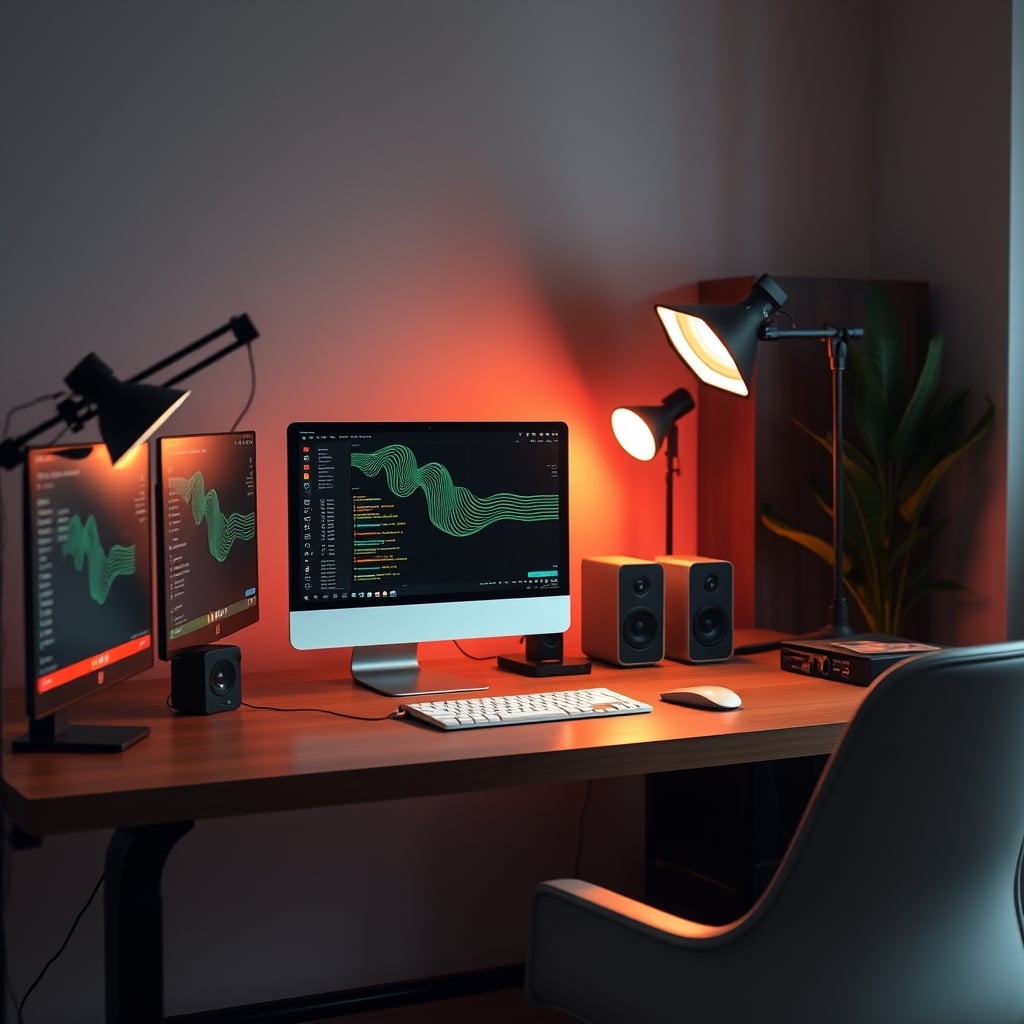
This principle applies everywhere. Just like multiple monitors can kill your stream's performance by complicating your setup, an over-complicated camera workflow kills your creative output. And similar to how prop microphones sabotage audio quality, chasing impressive-sounding specs like bit depth sabotages your visual quality.
Final Verdict: Skip the 10-Bit Hype (For Now)
The camera bit depth myth is overrated for 2026's primary content creators. It's a spec sheet checkbox that has been elevated to a mandatory requirement, creating unnecessary cost and complexity. Does it have professional uses? Absolutely. Are you likely in those use cases? Probably not.
Skip it. Don't make your next camera purchase based on bit depth alone. Prioritize dynamic range, color science, usability, and lens selection. Invest your time and money into learning lighting and composition. Your viewers don't care about your bit depth. They care if your video looks good, sounds clear, and holds their attention. You can achieve all of that with the 8-bit camera you probably already own.
Master the fundamentals first. Once you can consistently produce great-looking video with 8-bit, and you have a specific, tangible reason to need more color data, then—and only then—consider stepping into the high-bit-depth world. Until that day, you're just creating more work for yourself with no real payoff. Stop letting a number on a box dictate your creative process.
Frequently Asked Questions
Is 10-bit video better than 8-bit?
Technically, yes—it captures more color information. Practically, for most creators in 2026, no. The difference is only visible in extreme color grading scenarios and is destroyed by web compression. For YouTube, social media, and general use, 8-bit is more than sufficient and far easier to manage.
Should I shoot in Log profile?
Only if you are prepared for and skilled at color grading every single clip. Log footage looks flat and awful until graded. For most talking-head, vlog, or simple content, a well-tuned standard picture profile will save you hours of work and deliver a better final result after platform compression.
What should I prioritize over bit depth when buying a camera?
Prioritize dynamic range, autofocus reliability, lens selection, color science, and low-light performance. These factors have a direct, visible impact on your footage. Bit depth is a niche feature that matters far less for everyday content creation.
Do I need a 10-bit monitor to edit 10-bit video?
No, and this is a related myth. You can edit 10-bit footage on an 8-bit monitor; you just won't see the subtle gradients the extra data provides. Since those gradients are often destroyed in final compression anyway, an accurate 8-bit monitor is fine for most work.

Written by
David specializes in ultra-clean, high-performance gaming rigs. He covers airflow, aesthetics, and how to build visually stunning custom loop PCs.
Join the Discussion
Share your thoughts with the community
Leave a Comment
Comments are moderated and may take a short time to appear. Links are not permitted.