Streaming Controller Ergonomics: Why Your Setup Is Sabotaging You
You bought the perfect Stream Deck or macro pad, only to find it’s a pain to use—literally. Here’s why most ergonomic advice is wrong and how improper placement is throttling your broadcast speed and quality.
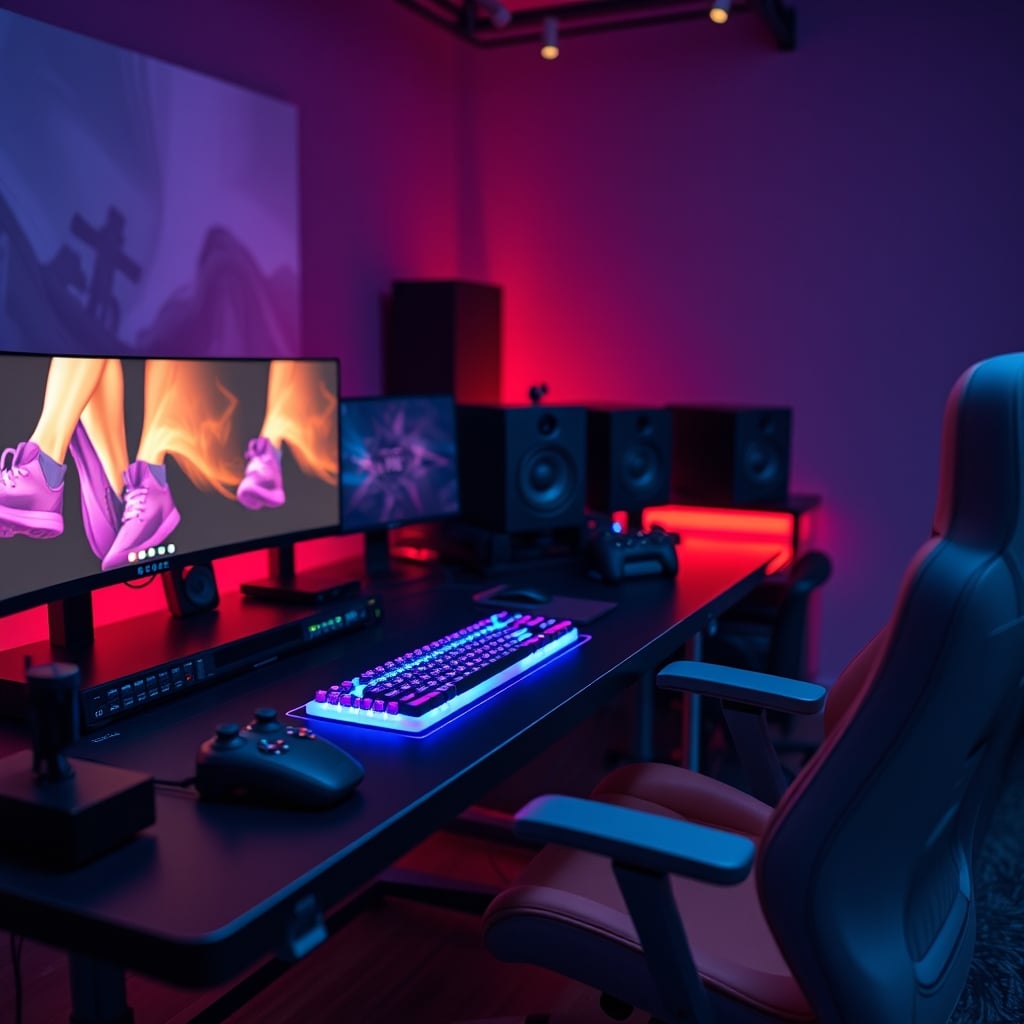
I watched my own hand cramp into a claw mid-stream. This wasn’t a one-off. It was the final, painful proof that every piece of mainstream advice about streaming controller ergonomics is fundamentally flawed. We obsess over microphone arms and camera angles while ignoring the single piece of hardware our hands interact with hundreds of times per hour. The industry sells you on button counts and RGB integrations, but the moment you place that shiny new Elgato on your desk, you’ve already lost. The typical setup—controller flat on the desk, just to the side of your keyboard—isn’t just suboptimal. It’s a form of slow-motion career sabotage that introduces physical strain and mental lag into your most critical moments.
The Flat-Desk Lie Is Costing You Clicks (And Health)
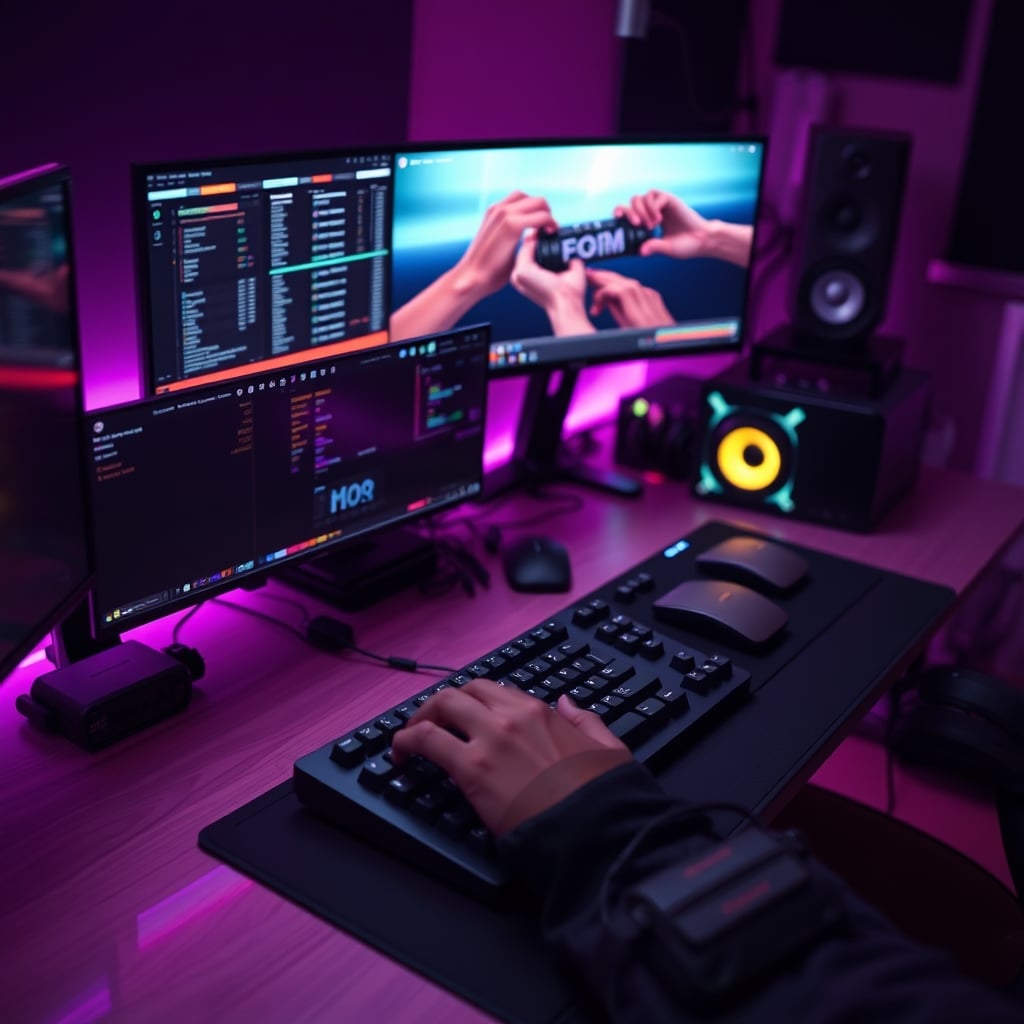
Walk into any streamer’s studio or browse any “pro setup” tour, and you’ll see the same lazy placement: the Stream Deck sitting passively on the desk surface. This is not a pro move. This is a concession. Placing your controller on the desk plane forces your arm into a lateral reach and your wrist into an aggressive ulnar deviation—that’s a fancy term for “bent sideways.” In real use, this doesn’t just feel awkward after an hour; it actively slows you down. The milliseconds spent traversing that extra distance and re-orienting your hand add up to clumsy transitions, missed cues, and a broadcast that feels less fluid. Users consistently report a sharp increase in forearm fatigue and a noticeable drop in hotkey accuracy after the first 90 minutes of a stream. This isn’t a coincidence; it’s biomechanics. You’re fighting your own setup.
Why The ‘Accessible Placement’ Myth Needs to Die
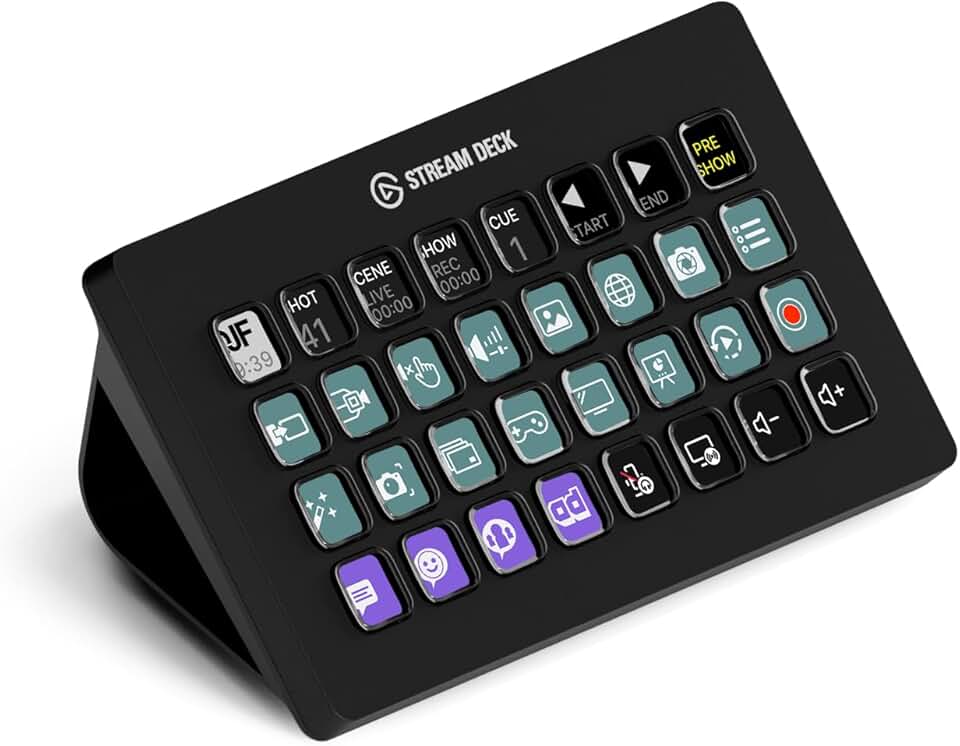
Streamers and creators who want integrated audio fader control alongside macro keys.
- 8 programmable LCD keys and 4 tactile knobs
- Built-in audio mixer for app/device control
- Touch strip for precise adjustments
The most common, and damaging, piece of advice is to keep your streaming controller “within easy reach.” This sounds logical, but it’s dangerously vague and almost universally executed wrong. Easy reach doesn’t mean on the desk. Easy reach means in the neutral zone—the area where your forearm can remain relatively straight and your shoulder relaxed. For 99% of people, the desk surface is not this zone unless you have a comically low chair or a towering desk. The real issue is that we treat these controllers like decorative peripherals, not primary instruments. You wouldn’t mount a piano keyboard vertically; you position it for optimal, relaxed play. Your Stream Deck deserves the same respect, but the marketing never talks about this. They’d rather sell you on plugin integrations than solve the basic human interface problem. This is overrated. Chasing the perfect macro profile is pointless if hitting the buttons requires uncomfortable contortions.
Streaming Controller Ergonomics: The Mounting Masterclass Nobody Gives You
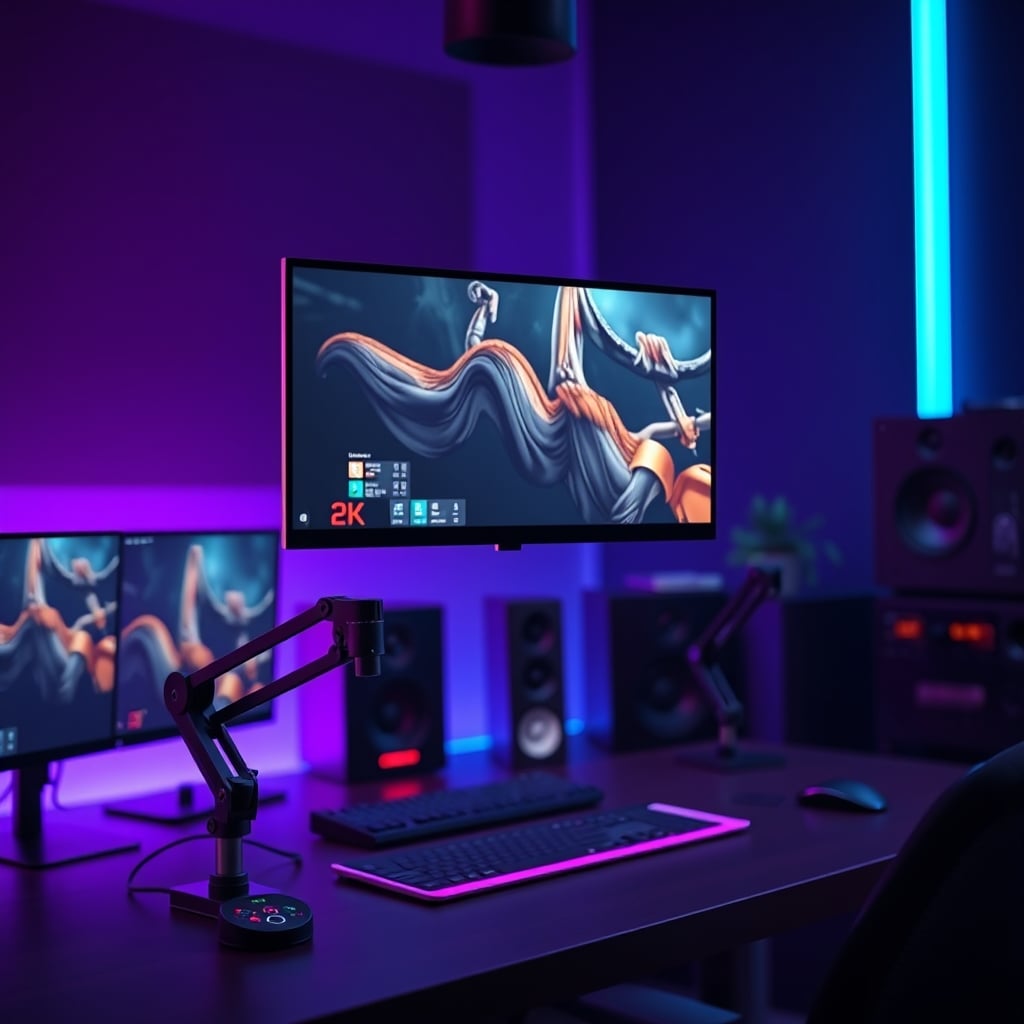
This is where we cut the BS and get into what actually works. Proper streaming controller ergonomics isn’t about buying a bigger mousepad. It’s about liberating the device from the tyranny of the desk plane. The goal is to bring the controller to your hand, not your hand to the controller. The single most effective upgrade isn’t a new model with more keys; it’s a $30 VESA accessory tray. Mounting your Stream Deck or macro pad on a monitor arm, floating it just below and in front of your primary screen, changes everything. This position aligns the controller with your natural sightline and brings it into the true neutral reach zone. Your elbow stays at your side, your forearm extends naturally, and your wrist stays straight. The reduction in cognitive load is immediate—you’re no longer looking down and away from your content; you’re looking slightly down within your field of view. This is the real secret for managing complex dual PC audio routing or firing off OBS hardware encoding scenes without breaking focus.
The Real-World Impact: From Strain to Seamless
So what changes when you fix this? Everything. Your physical comfort is the obvious win, but the performance boost is what matters. With the controller floating optimally, your reaction time to visual cues plummets. Changing scenes, toggling face-lighting angles, triggering sound effects—it all becomes a single, fluid motion rather than a segmented reach-press-return sequence. This is the difference between a broadcast that feels rehearsed and one that feels reactive and alive. In long-form content creation sessions, the absence of creeping discomfort means you stay in the zone longer. You’re not subconsciously dreading the next button press. This is a known issue for power users, and ignoring it is what separates hobbyist setups from professional, sustainable ones. Most cable management guides are overrated, but managing the path of your arm is non-negotiable.
The Two Critical Mistakes Everyone Makes (And How to Stop)
First, people anchor the controller to the desk on the opposite side of their mouse hand. This creates a massive, tiring pendulum swing across your body. If you’re right-handed, your controller should live on the right, floating just left of your mousepad. Your arm makes a minor lateral adjustment, not a full crossing maneuver. Second, people angle the controller toward them for “better viewing.” This is wrong. The screen is plenty readable. Angling it forces your wrist into an even more awkward cocked position to press the keys squarely. The face of the controller should be perpendicular to the floor, or even angled slightly away to allow for a soft, straight-fingered press. Most people get this wrong, and it directly contributes to the “why does my wrist hurt?” posts you see in creator forums. The industry lies about this by omission, focusing solely on software features while the hardware interface fails you.
Your Action Plan: No-Nonsense Fixes
- Ditch the Desk: Get a VESA mounting tray. Attach it to your monitor arm. This is non-negotiable. If you lack a monitor arm, get a sturdy articulated desk mount. The goal is vertical adjustability.
- Position for Neutrality: Sit in your streaming posture. Let your arm hang relaxed at your side, then bend your elbow to 90 degrees. That fingertip position is where the center of your controller should live, slightly in front of your torso.
- Prioritize Straight-Line Access: The path from your keyboard home row to your controller keys should be a short, straight line, not a zigzag. This often means the controller lives in the space between your keyboard and monitor, not off to the wing.
- Test Before You Lock Down: Do a mock 15-minute segment. If you feel any reaching or shoulder hunching, readjust. The feeling should be effortless.
For those curious about optimizing other often-neglected aspects of your setup, our deep dive into The Truth About Your Workstation Cooling Setup Nobody Tells You exposes more silent performance killers. Similarly, if audio is your bottleneck, the brutal truths in Podcast Audio Interference The Brutal 2026 Truth are essential reading.
Final Verdict: Worth It, But Only If You Fix The Foundation
Investing in a dedicated streaming controller is worth it for serious creators—but only if you treat its physical placement with the same seriousness as your audio chain. The device itself is capable; the standard desk-bound usage paradigm is overrated and actively harmful. Skipping the mounting step is like buying a studio microphone and using it in a windy parking lot. You’re paying for potential you’ll never harness. The difference between a controller that collects dust and one that becomes a true extension of your creative intent comes down to this single, unsexy ergonomic principle. Get it right, and your hands—and your viewers—will thank you.
Frequently Asked Questions
What is the single biggest mistake in streaming controller placement?
Placing it flat on the desk surface. This forces an unnatural lateral reach and wrist bend, causing fatigue and slowing down your reaction time during streams.
Is a Stream Deck Mount worth the extra money and setup?
Absolutely. A VESA tray or desk arm mount is the most impactful upgrade for streaming controller ergonomics. It brings the device into your neutral reach zone, eliminating strain and improving speed. It's more important than buying a model with more buttons.
Can poor controller ergonomics actually affect stream quality?
Yes, directly. Awkward placement leads to physical discomfort, which increases mental distraction and the likelihood of fumbled commands, missed cues, and slower scene transitions—all of which degrade viewer experience.
Should my Stream Deck be angled toward me?
No. Angling the face toward you is a common error that worsens wrist posture. For a straight, healthy wrist strike, the controller face should be perpendicular to the floor or angled slightly away from you.

Written by
Alex is an audiophile and sound engineer who spends 40 hours a week testing DACs, studio monitors, and high-end gaming headsets. He believes bad audio ruins good games.
Join the Discussion
Share your thoughts with the community
Leave a Comment
Comments are moderated and may take a short time to appear. Links are not permitted.