Streaming Controller Alternatives
You're being sold a fantasy that a $250 glowing button box is the key to professional streaming. It's not. Here's what you actually need for dual PC audio routing, flawless scene switching, and managing your face-lighting angles—without the overhyped controller tax.
The single biggest mistake streamers make in 2026 is believing a dedicated streaming controller is essential. It’s not. The streaming controller alternatives are already here and cheaper. The industry has convinced you that you need a proprietary, expensive box with colorful keys to look professional. The reality is, you’re paying a massive premium for what is, at its core, a fancy programmable keypad with marketing fairy dust sprinkled on top. This is overrated. Most streamers would see zero performance drop if that $200 Elgato device vanished tomorrow. The real work—audio routing, hardware encoding in OBS, managing your face-lighting angles—happens in software and with simpler, cheaper hardware. Let's cut the crap.
Why Expensive Streaming Controllers Are A Total Scam
Let's call this what it is: a scam. You're paying for the brand name and the integrated software suite, not for revolutionary hardware. The core functionality—assigning a key or dial to an action—has existed in cheap macro pads for a decade. The industry lies about the complexity. What they're actually selling you is a walled garden. Lock your shortcuts into their ecosystem, and you’re stuck paying for their overpriced accessory modules forever.
Most people get this wrong. They think the controller itself is doing the heavy lifting. It's not. It's just sending a keyboard shortcut or a MIDI command that your streaming software interprets. You can do that with a $20 number pad. The real value, if any, is in the pre-configured plugin library. But in 2026, user communities have created free, open-source alternatives for every single popular plugin. Buying the controller for the plugins is like buying a printer for the ink cartridge.
The Streaming Controller Alternatives That Actually Matter
Forget the all-in-one box. Build your own control suite from components that don't hold your workflow hostage. Here’s what to look for, in order of actual importance.
First, programmability that’s software-agnostic. You need a device that can output standard keyboard macros, mouse clicks, or MIDI signals. This future-proofs you. If you switch from OBS to vMix, or from Streamlabs to plain OBS Studio, your hardware still works. Proprietary controllers often don't.
Second, physical feedback you can feel without looking. This is the one legitimate advantage of dedicated controllers—tactile buttons. But you can get that from a mechanical key switch macro pad for a fraction of the cost. A mushy membrane keypad is useless for quick, blind scene switches mid-game.
Third, form factor that fits your space. The giant Stream Deck XL is a desk hog for a function a 3-key pad could handle. Most streamers only consistently use 5-10 shortcuts. The rest are for show.
Finally, consider dials and sliders. For controlling audio faders or lighting brightness, a physical dial is fantastic. But you don’t need a $150 controller for one dial. Get a standalone USB MIDI dial controller.
Your Real-World Control Panel: Hardware That Doesn't Suck
Let’s talk about real products that deliver 95% of the functionality for 50% of the cost (or less).
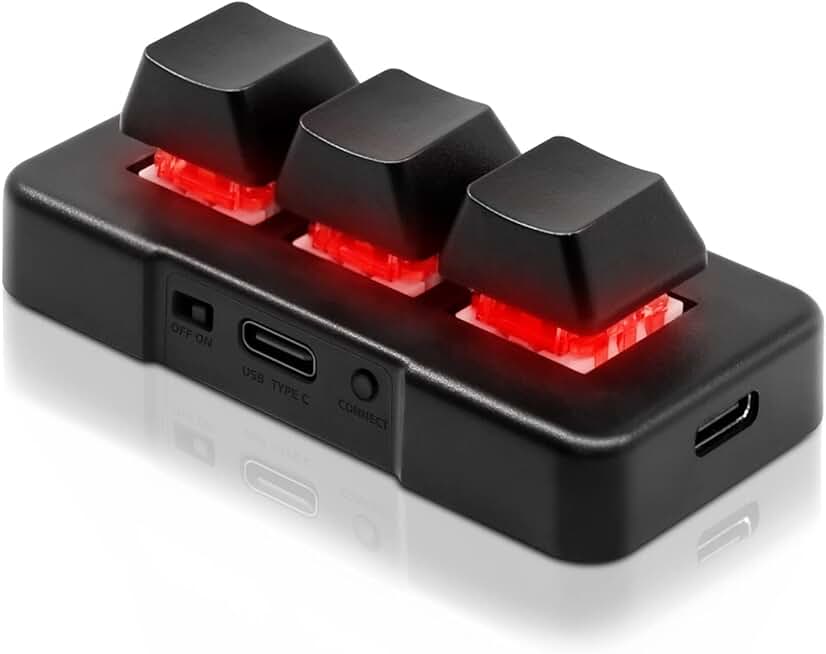
The Mechanical Macro Pad: This is your workhorse. A small, mechanical keypad like a 3-key or 9-key unit is perfect for your core triggers: Start Stream, Switch to BRB Scene, Mute Mic. The tactile bump means you won’t misfire. Users consistently report these are more reliable for frantic gameplay moments than touch-sensitive Stream Deck buttons. You program it once and it works forever, independent of any streaming software updates.
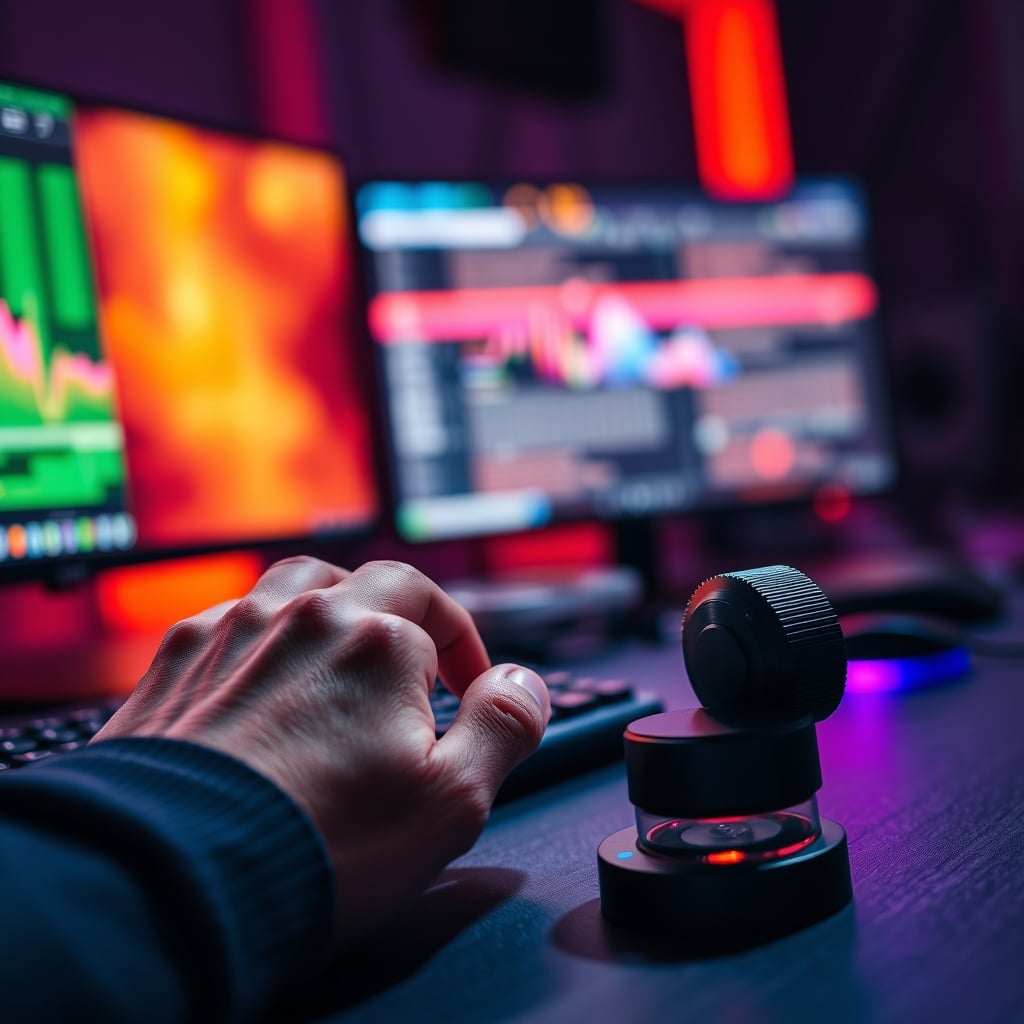
The Dedicated Dial: For adjusting your microphone gain or the intensity of your key light, a standalone USB dial is a game-changer. Twisting a physical knob while reading chat feedback is infinitely more intuitive than tapping a screen or hunting for a software slider. Based on widespread user feedback, this is the single most impactful addition for streamers who actually tweak their audio on the fly.
The Streamer’s Keyboard: Many high-end keyboards now have programmable macro columns or a rotary encoder built-in. If you’re buying a new keyboard anyway, this kills two birds with one stone. It keeps your desk clean and centralizes controls. The trick is ensuring the programming software isn’t total bloatware—a known issue for some gaming brands.
The "Dual PC Setup" Myth That Needs To Die
Here’s the aggressive myth-busting you came for. Every product review for high-end streaming controllers brags about seamless dual PC integration. This is mostly marketing nonsense. The real bottleneck in a dual PC setup is audio routing, not scene switching. A fancy controller does nothing to solve the complex problem of sending game audio, Discord chat, and your microphone cleanly between two computers. That’s handled by an audio interface or software like VoiceMeeter, not by a button box.
The controller might trigger a scene change on your streaming PC, but if your audio routing is a mess, the scene is irrelevant. The industry focuses on the flashy, visual element (scene switching) because it’s easy to sell. They ignore the hard, technical audio problem. Investing $200 in a better audio interface or a hardware mixer like a GoXLR Mini will do more for your stream’s professionalism than a $200 controller ever will. This is the real issue everyone ignores.
How To Set Up A Pro Control Hub For Under $100
Stop looking for one magic device. Assemble a toolkit.
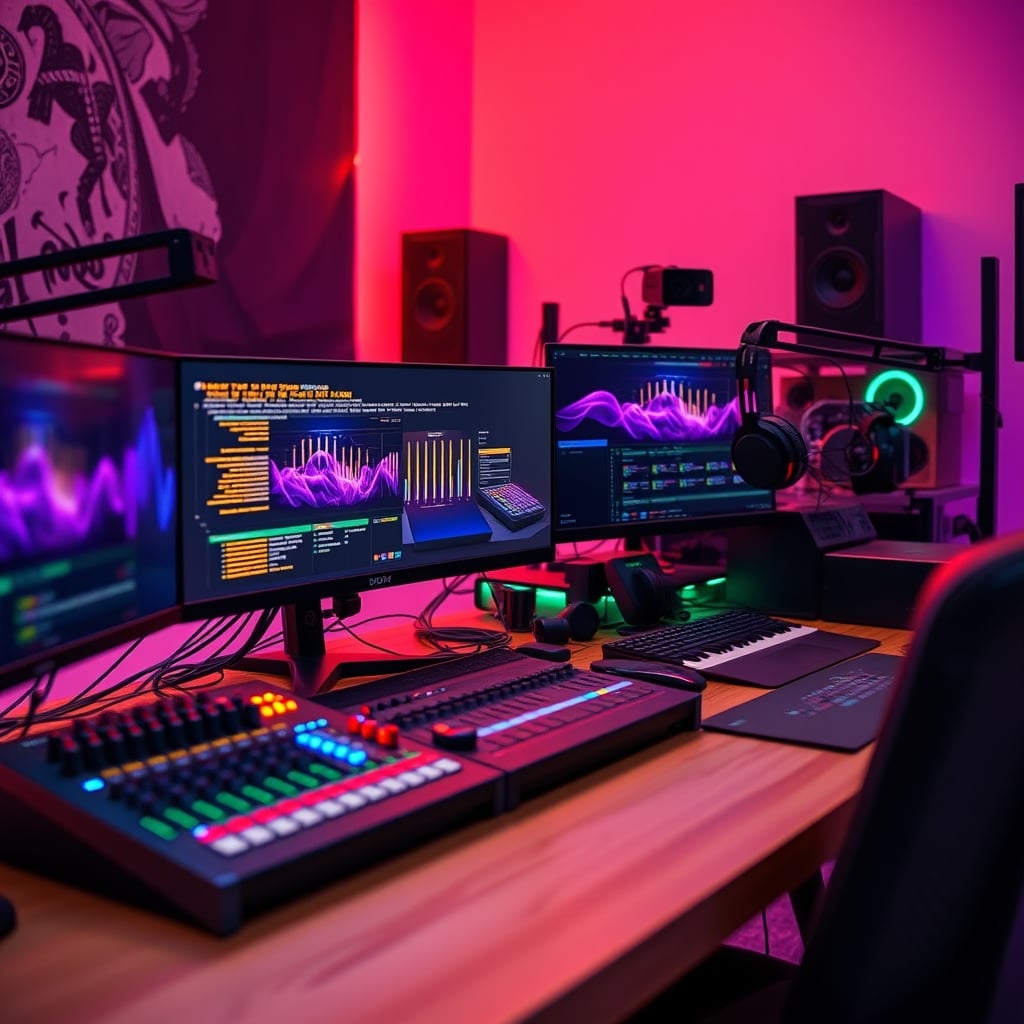
- Core Actions (3-Key Macro Pad): Map your Start/Stop Stream, Scene Switch, and Mic Mute. That’s your panic button panel. Place it right next to your mouse.
- Audio/ Light Control (USB Dial): Assign this to your microphone gain in OBS or to a dimmer channel for your main face light. This gives you real-time, analog control over your most important tweaks.
- Everything Else (Keyboard Layer): Use a standard keyboard modifier (like FN + F-keys) for less frequent actions: turning on a camera, playing a sound effect, switching to a product link scene.
This setup costs less, is more reliable, and isn't tied to any single company’s ecosystem. When a new streaming platform emerges in 2027, you won't be stuck waiting for driver support.
The Biggest Mistakes Streamers Make With Controllers
- Buying Before Solving Audio: Your controller is the last piece of the puzzle, not the first. If your audio routing between your gaming PC and streaming PC is a crackly mess, a controller just makes you look unprofessional faster. Fix your audio with a proper hardware mixer or interface first. I’ve seen too many streams with perfect overlays and unbearable audio peaking.
- Over-Engineering the Workflow: You don’t need a button for every single alert and stinger. That creates decision paralysis. In real use, during a tense game or engaging conversation, you’ll only use a handful of buttons. The rest are clutter. Complexity is the enemy of reliability.
- Ignoring Face-Lighting Angles: A controller can’t fix bad lighting. You might have a button labeled “Cinematic Mode,” but if your key light is positioned at a terrible, nose-shadow-creating angle, you’ll still look awful. Set up your physical face-lighting angles correctly first. Then, if you want, use a controller to toggle between a bright “gameplay” look and a soft “just chatting” look.
The Final Verdict: Skip The Hype, Build Your Own
The verdict is simple: Skip it. Skip the overpriced, all-in-one streaming controller for now. For 90% of streamers, it’s a luxury item that solves a problem you probably don’t have yet.
Instead, invest in the fundamentals. Put that $200 toward a better microphone, a proper audio interface for dual PC audio routing, or quality lighting. Once those core elements are rock solid, then consider if you need faster physical controls. At that point, you can build a superior, customized control setup for half the price using a simple macro pad and a dial.
The goal isn't to have the flashiest gear list; it's to have a stream that doesn't suck. Focus on what your audience actually hears and sees, not on the shiny box on your desk. That’s the brutal truth about streaming controller alternatives in 2026.
Frequently Asked Questions
What is the best cheap alternative to a Stream Deck in 2026?
A small, programmable mechanical macro pad. For under $30, you get tactile buttons for your most critical shortcuts (Start Stream, Scene Switch, Mute Mic). It's software-agnostic, more reliable than touchscreens, and doesn't lock you into an ecosystem.
Can I control OBS audio levels without an expensive controller?
Absolutely. A standalone USB MIDI controller with a physical dial or slider is perfect. You can map it directly to audio source volumes in OBS for real-time, tactile control. This is often better than using a Stream Deck's touch slider.
Do I need a streaming controller for a dual PC setup?
No, and this is a major misconception. The controller doesn't solve the hard part—clean audio routing between PCs. That requires an audio interface or mixer. The controller only sends scene change commands, which you can do with free software or a cheap macro pad.
Are touchscreen controllers better than mechanical keypads?
For most uses, no. Tactile, physical buttons are superior for actions you need to trigger without looking. Touchscreens offer more visual feedback but are prone to mis-taps, especially in the heat of gameplay. Mechanical keys provide confidence.
What should I spend on instead of a streaming controller?
Priority order: 1) A quality microphone and audio interface. 2) Proper, adjustable lighting for your face. 3) A good webcam. 4) A comfortable chair. These investments directly and significantly improve stream quality. A controller is a convenience tool, not a quality tool.
Written by
GlowRig Editorial researches and writes practical guides about desk setups and home office gear. Our articles are produced with the help of AI research tools and are reviewed for accuracy against manufacturer specifications and public user feedback. We may earn a commission from affiliate links, which never affects our recommendations.
Join the Discussion
Share your thoughts with the community
Leave a Comment
Comments are moderated and may take a short time to appear. Links are not permitted.