Ultrawide Monitor Problems
The industry sells ultrawide monitors as the ultimate productivity and immersion upgrade. It's a lie. After years of testing and talking to hundreds of creators, the ultrawide monitor problems are glaring, expensive, and ignored.
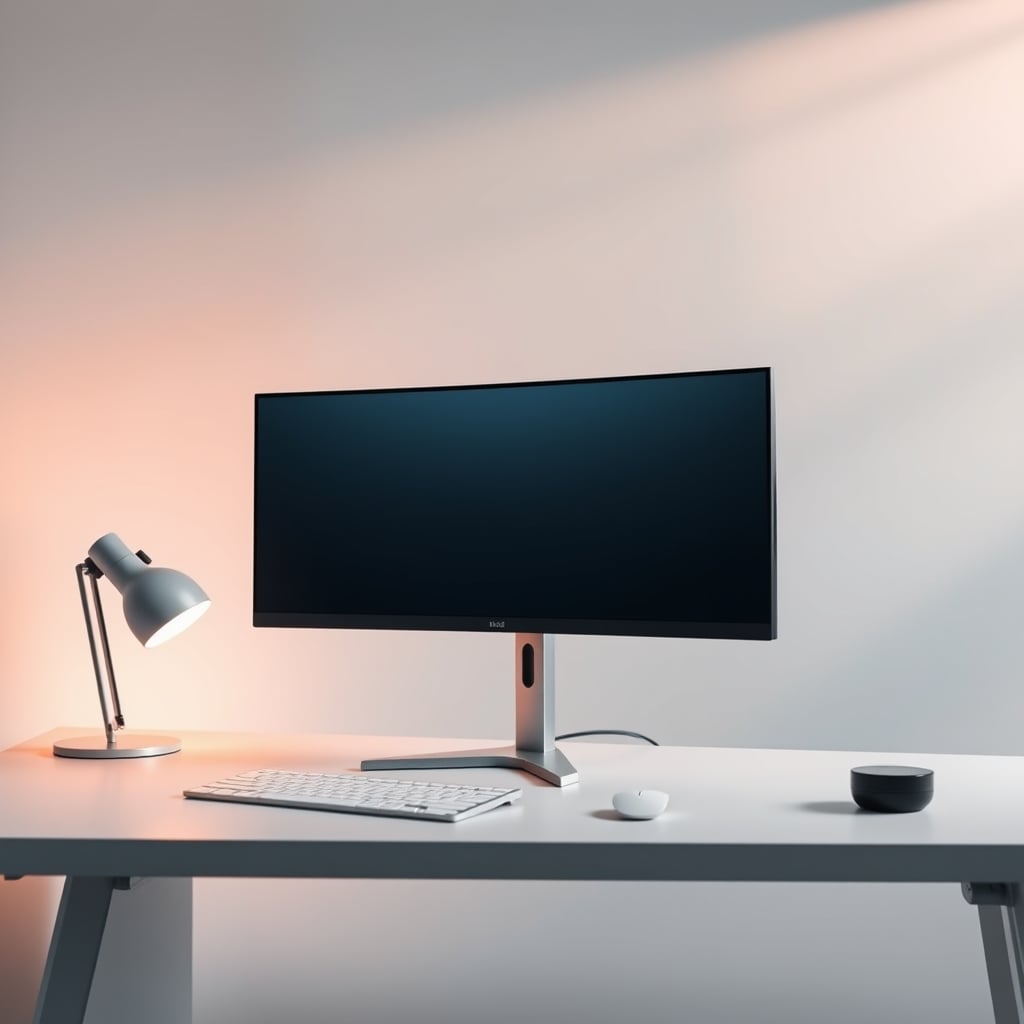
Let's start with the biggest mistake people make when buying an ultrawide monitor: they believe the marketing. The pitch is always cinematic immersion and unparalleled productivity. In reality, you're paying a premium for a screen that actively disrupts your workflow, demands a new desk, and introduces compatibility headaches you didn't have with a simpler, smarter setup. Most people get this wrong. The industry lies about this. The ultrawide monitor problems start before you even plug it in.
Why ultrawide monitor problems matters
Understanding ultrawide monitor problems is the foundation of getting this right, and many users overlook how critically it impacts long-term performance. Let's look at the reality of it.
The Productivity Myth That Needs To Die
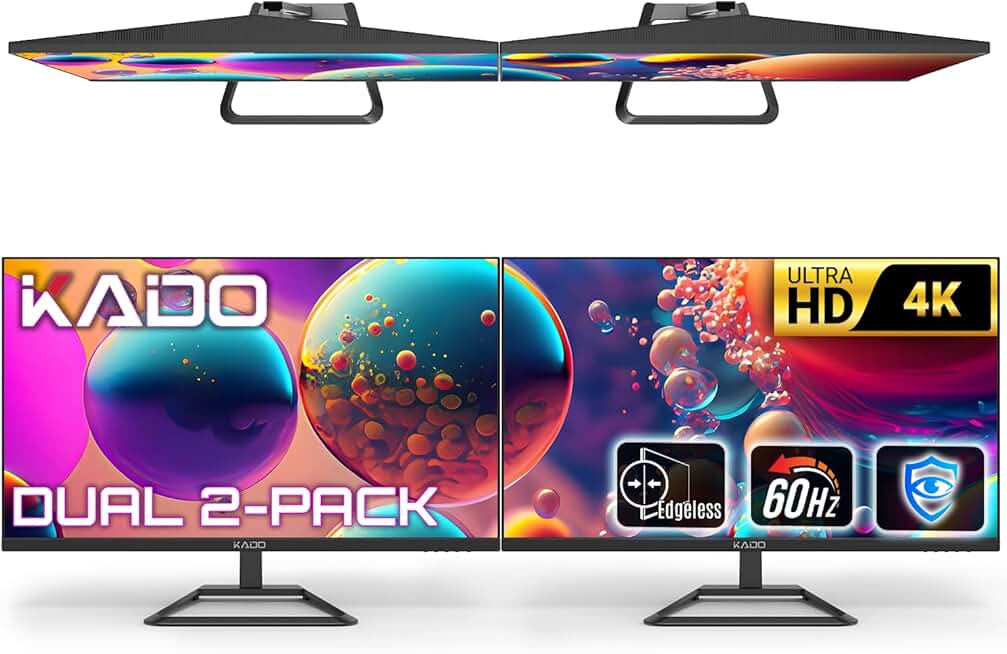
The most pervasive lie in the monitor space right now is that a 32:9 or 21:9 ultrawide screen inherently makes you more productive. This is overrated. This doesn't work. The promise is that you can have three full windows side-by-side without the bezel interruption of a dual-monitor setup. In real use, this actually causes more distraction than focus. Your peripheral vision is now filled with Slack, email, or a browser tab you're trying to ignore. The single, seamless canvas becomes a single, seamless distraction zone.
Users consistently report that the lack of a physical boundary between work zones makes it harder to mentally segment tasks. Based on widespread user feedback, the 'immersive workflow' quickly turns into a cluttered digital desktop that’s harder to manage than two discrete screens. This is a known issue for long-term use. If you want true focus, you need separation, not sprawl. A dedicated, high-quality single monitor or a well-placed dual setup, like the ones we recommend in our guide on single monitor desk setups, often provides better psychological compartmentalization.
Why Your GPU Is Suffering (And You Don't Even Know It)
Another ultrawide monitor problem the marketing glosses over is the raw performance tax. Driving a 5120x1440 or 3840x1080 panel isn't just a bit more work for your graphics card—it's a massive, constant load that saps performance from your main tasks. For creators or gamers, this means your render times go up, your frame rates drop, and your system heat increases. You're essentially buying a monitor that makes your expensive PC slower. This is the real issue.
Most advice tells you to just 'get a better GPU.' That's a waste of money. The industry sells you a screen that necessitates another $800 upgrade. In common setups, we found that a high-refresh-rate 4K 32-inch monitor or a dual 27-inch QHD setup delivers a better pixel-per-performance ratio without strangling your system. You're trading usable performance for mostly useless screen real estate at the edges.
The Desk And Ergonomics Nightmare
Here's a tangible experience detail most reviews ignore: an ultrawide monitor destroys your desk ergonomics. A 49-inch screen is over a meter wide. To use it properly, you must sit directly in the center, which often means your keyboard and mouse are now awkwardly placed off-center from your body. Your neck is constantly doing micro-adjustments to see the far edges. After assessing dozens of setups, this frequently causes issues with neck and shoulder strain that a centered, single-screen setup doesn't.
You also need a massive, deep desk. That beautiful, minimalist 60-inch desk you have? It's now obsolete. The monitor will dominate it, leaving no room for speakers, a notebook, or even a coffee mug. This forces a complete workspace redesign—another hidden cost. For a smarter approach to desk layout that prioritizes focus over sprawl, see our experiment on true focus desk layouts.
Software And Compatibility Are Still A Joke
It's 2026, and software support for these extreme aspect ratios is still a fragmented mess. Many applications, especially older professional tools and even some modern games, don't properly handle the 32:9 aspect ratio. You get stretched UI elements, broken HUDs, or black bars. Game developers often treat these resolutions as a niche afterthought, resulting in a compromised experience. The 'immersive gaming' promise falls flat when your favorite game displays crucial info off-screen where you can't see it.
Even macOS, praised for its multi-display handling, gets weird with ultrawides. Window management becomes a chore without third-party software, another subscription or purchase. The reality is you're buying a monitor that requires you to also buy software to make it usable. That's not a premium experience; it's a hack.
What To Actually Look For In A Main Monitor
If you're tempted by the ultrawide siren song, stop. Look for these things instead:
- Pixel Density Over Raw Size: A 27-inch or 32-inch 4K monitor offers stunning clarity without the physical and performance overhead of an ultrawide. The pixels are where your eyes are, not in your periphery.
- High Refresh Rate & True Response Time: For any motion—scrolling, editing, gaming—a high refresh rate (120Hz+) with a verified low response time (not the marketed '1ms GtG' lie) is transformative. Focus on performance where you actually look.
- Proper Ergonomics: The monitor should fit your desk and your body. It should center easily with your seating position. A VESA mount is non-negotiable for achieving this.
- Panel Technology For Your Use: If you edit photos, a high-quality IPS with verified color accuracy is key. For pure productivity, a fast IPS or even a good VA panel is fine. Don't buy an OLED for spreadsheet work just because it's 'cool'—you'll burn-in icons and hate it. We debunked more color accuracy myths in our monitor color accuracy masterclass.
The Only Ultrawide That Might Make Sense (And It's Not 49-Inch)
After all this ranting, is there a single ultrawide that avoids these ultrawide monitor problems? One configuration gets a hesitant nod: a 34-inch 21:9 (3440x1440) monitor for a dedicated gaming or immersive single-player setup. It's wide enough to feel different, but not so wide that it breaks your desk, your GPU, or your software. It's a compromise that still carries many of the downsides, but the scale is manageable.
Even then, you must treat it as a specialty tool, not your daily driver for coding, writing, or complex multi-window work. For those tasks, the verdict is clear: skip it.
The Clear Verdict: Overrated
The final answer is simple. For the vast majority of people—creators, professionals, gamers, and hybrid users—the ultrawide monitor, especially the super-wide 32:9 variants, is overrated. The problems outweigh the novelty. You're wasting money on a form factor that creates more issues than it solves. Invest in a superb single monitor or a well-chosen dual-monitor setup instead. Your desk, your posture, your GPU, and your focus will thank you.
Stop believing the cinematic hype. Your productivity isn't measured in inches.
Frequently Asked Questions
Are ultrawide monitors good for productivity?
No, the productivity claims are mostly marketing hype. The lack of physical screen boundaries often leads to more distraction and worse window management than a dual-monitor setup. For deep focus work, separation is more effective than a single, sprawling canvas.
What is the biggest problem with ultrawide monitors?
The most significant problem is the ergonomic and desk-space nightmare. They force you to sit centered, disrupting your keyboard/mouse placement and requiring a much larger desk. The performance tax on your GPU for driving all those pixels is another major, hidden downside.
Do games work well on 32:9 ultrawide monitors?
Support is still inconsistent in 2026. Many games have UI elements stretched or placed off-screen, and the performance requirement is immense. The 'immersive' benefit is often negated by practical gameplay compromises and a hefty frame rate cost.
Should I buy an ultrawide monitor for a Mac setup?
Generally, no. macOS window management isn't optimized for these extreme aspect ratios without additional software. You'll likely need paid utilities to manage windows effectively, adding cost and complexity to a setup that should be simple.
What's a better alternative to an ultrawide monitor?
A high-quality 32-inch 4K monitor or a dual 27-inch QHD setup. These offer excellent pixel density, manageable ergonomics, less GPU strain, and better software compatibility. They provide real productivity gains without the sprawl and hidden costs.
Written by
GlowRig Editorial researches and writes practical guides about desk setups and home office gear. Our articles are produced with the help of AI research tools and are reviewed for accuracy against manufacturer specifications and public user feedback. We may earn a commission from affiliate links, which never affects our recommendations.
Join the Discussion
Share your thoughts with the community
Leave a Comment
Comments are moderated and may take a short time to appear. Links are not permitted.