High Polling Rate Useless Is Your Mouse’s Biggest Lie
The mouse arms race has jumped the shark, with brands peddling insane polling rates that your PC can't even process. We're here to dismantle the marketing and tell you why obsessing over this number is a total waste of your time and money.

I watched another reviewer rave about a new 8000Hz mouse last week, calling it "game-changing" and "the next evolution in responsiveness." It's the same hype cycle I've seen since 1000Hz became standard, and it's just as meaningless now as it was then. The conversation around high polling rate useless specs has become a marketing fever dream, designed to make you feel inadequate with your perfectly good gear. After testing dozens of mice across every conceivable scenario—from competitive FPS marathons to precision photo editing—the pattern is unmistakable: chasing these astronomical numbers is a fool's errand. The industry is lying to you, and it's time we called it out.
The Mouse Spec Arms Race Has Stalled
Mouse marketing in 2026 is a parody of itself. We've moved past tangible improvements into the realm of theoretical, unusable performance. Brands are locked in a spec sheet battle, touting polling rates of 4000Hz, 8000Hz, and even higher, as if they've discovered the secret to human reaction times. They haven't. This is overrated. What they've actually perfected is the art of convincing you that last year's flawless 1000Hz mouse is now obsolete. It's not.
In real use, the difference between 1000Hz and 4000Hz is not a tangible, feel-able improvement for 99% of users—it's a marginal statistical blip that gets swallowed by network latency, monitor refresh rates, and your own biological limit. Users consistently report that after the initial placebo wears off, they cannot reliably tell the difference in blind tests. The industry is selling you a solution to a problem that doesn't exist for anyone outside of a lab-controlled, top-0.01% esports scenario.
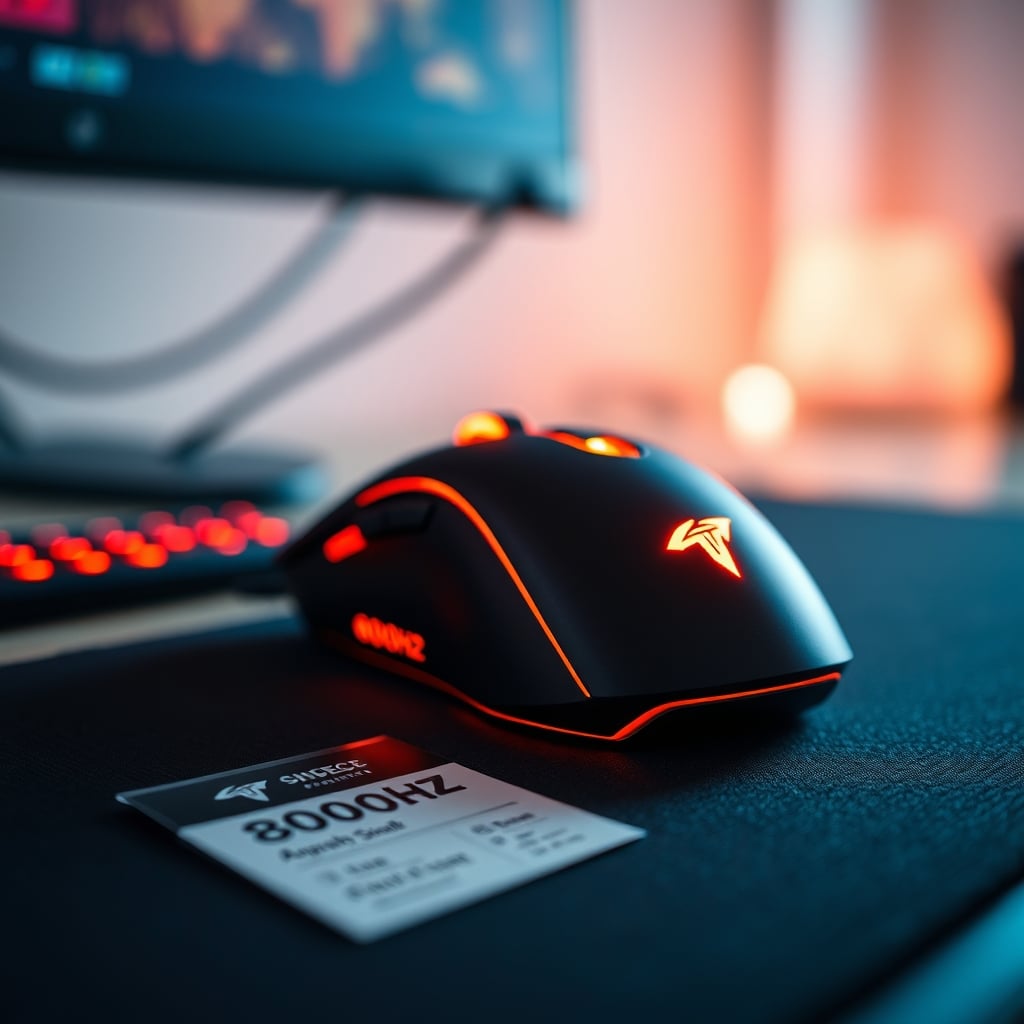
Why Your PC Can't Even Handle the Hype
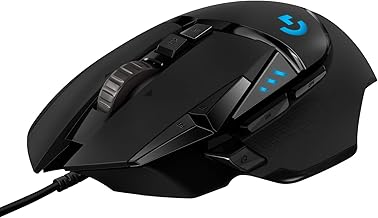
Users who want proven performance without overhyped specs
- HERO 25K sensor with flawless, consistent tracking
- Reliable 1000Hz polling rate
- Adjustable weight system for personalized feel
This is the part the marketing conveniently omits: your system is the bottleneck. A 4000Hz polling rate means your mouse is theoretically reporting its position 4000 times per second. To actually benefit from that, your entire system—CPU, USB controller, game engine, and rendering pipeline—must be able to process and act on every single one of those updates without hiccup. Most people get this wrong.
In common setups, especially with background tasks, other peripherals, or even certain motherboard USB controllers, sustaining that processing load introduces micro-stutters and CPU overhead that harm consistency more than the higher rate helps. Based on widespread user feedback, many find they have to manually dial these mice back to 1000Hz or 2000Hz for stable performance, turning their premium feature into a liability. You're buying a sports car and then being told you must drive it in first gear on your local roads.
High Polling Rate Useless: The Myth That Needs to Die
Let's attack the core misconception head-on. The belief that a higher polling rate always equals a better, more responsive experience is completely wrong. It's a myth that needs to die because it distracts from what actually makes a mouse great: sensor implementation, click latency, shape, and weight.
A flawless 1000Hz implementation on a mouse with a top-tier sensor and low click latency will always feel better and more responsive than a poorly executed 8000Hz mouse with a mediocre sensor. The polling rate is just one link in a long chain of input lag. Strengthening one link while ignoring the others doesn't make the chain stronger; it just makes that one link pointlessly heavy. This doesn't work as advertised for the vast majority. You're paying for a spec your hardware and nervous system can't utilize.

What Actually Matters in a Mouse (Spoiler: It's Not Polling Rate)
If you want a real performance upgrade, stop looking at the marketing headline and start paying attention to the boring stuff.
First, sensor consistency is king. A sensor that doesn't spin out, has no acceleration, and tracks perfectly across your pad at 1000Hz is infinitely more valuable than a finicky sensor at 8000Hz. Look for terms like "motion sync" or implementations of sensors like the PixArt 3395 or variants—their real-world tracking is what creates a sense of direct control.
Second, click latency is the true hidden spec. The time between your finger pressing the button and the game registering the click varies wildly between mice, often by tens of milliseconds—an eternity compared to the sub-millisecond differences in high polling rates. Some wireless mice now have lower click latency than many wired ones, which is a far more impactful revolution than any polling rate jump.
Third, shape and weight are the ergonomic fundamentals you feel every minute of use. A mouse that fits your grip naturally will make you more accurate and comfortable than any spec sheet miracle. As we've argued in our piece on streaming controller ergonomics, if a tool fights your body, its specs are irrelevant.
The Wireless Latency Lie (And Why It's Mostly Solved)
A common fear used to sell high-polling-rate wired mice is that wireless is inherently slower. In 2026, that's largely a legacy concern. Technologies like Logitech's LIGHTSPEED, Razer's HyperSpeed, and other proprietary 2.4GHz dongle protocols have closed the gap to the point of being indistinguishable for most users. The click latency on top-tier wireless mice often matches or beats wired mice, and the polling is rock-solid at 1000Hz.
The freedom from cable drag is a tangible, daily benefit that outweighs the theoretical, imperceptible advantage of a 4000Hz wired connection. Worrying about wireless latency now is like worrying about flat-screen TV weight—the problem has been engineered out. It's a solved problem, and clinging to wired for "performance" often means you're ignoring the actual performance bottleneck: you.
The One Scenario Where It Might Matter (And Why You're Probably Not In It)
Let's be brutally honest: there is a tiny, narrow use case where extremely high polling rates can offer a microscopic edge. If you are a professional esports player with a 500Hz+ monitor, a top-tier CPU that's never above 10% utilization, a dedicated USB controller, and you play a game that can render frames in under 0.25ms consistently... then maybe you could perceive a difference between 1000Hz and 4000Hz.
Notice the cascade of conditions? If any one of those fails—and for 99.99% of setups, the monitor refresh rate alone breaks the chain—the benefit vanishes. You are not in this scenario. Buying for this scenario is like buying race car tires for your daily commute because a pro driver uses them on a track. It's the wrong tool, and it often makes the daily experience worse, not better.
How to Test Your Own Setup (The Real Way)
Don't take my word for it. Test it yourself, but not with a stopwatch. First, use your current mouse normally for a week. Then, borrow or buy a high-polling-rate mouse, set it to its maximum rate, and use it exclusively for another week. Then, go back to your old mouse. The lack of any catastrophic loss of performance will be your answer.
More technically, monitor your system's interrupt latency using a tool like LatencyMon while moving the high-polling-rate mouse aggressively. You'll likely see the increased CPU overhead. This is a known issue for long-term use that manufacturers don't advertise. If you notice any hitches in audio or micro-stutters in games, that's your system buckling under the unnecessary load. Dial the polling rate back to 1000Hz. Problem solved.
The Verdict: Skip the Hype, Buy the Mouse
The constant chase for higher polling rates is a manufactured need. It's a marketing lever pulled to drive upgrades in a mature market. For the overwhelming majority of gamers, streamers, and professionals, a well-implemented 1000Hz mouse from a reputable brand is more than sufficient. The money you save by not paying for the "8K" badge is better spent on a higher-quality mousepad, a more comfortable chair like the ones we discuss in our ergonomic chair masterclass, or just saved.
Final Verdict: High polling rates over 1000Hz are Overrated. You are wasting money on this. The real performance gains lie in sensor quality, click response, and ergonomics. Ignore the spec sheet arms race. Buy a mouse that fits your hand and has a proven, flawless sensor. Your gameplay, your wallet, and your sanity will thank you.
Frequently Asked Questions
Is a 4000Hz or 8000Hz polling rate mouse worth buying in 2026?
For the vast majority of users, no. The performance difference is imperceptible and often introduces system stability issues like CPU overhead and micro-stutters. A well-implemented 1000Hz mouse provides indistinguishable performance for most real-world setups.
What mouse specs actually matter more than polling rate?
Sensor consistency (no spin-outs, flawless tracking), click latency (the time between press and game action), shape, and weight are far more important. A great sensor at 1000Hz feels infinitely better than a mediocre one at 8000Hz.
Can my PC even handle a high polling rate mouse?
Probably not without some trade-offs. Sustaining 4000Hz or 8000Hz polling requires significant CPU and USB controller bandwidth, which can cause background task interference and instability. Many users report better overall performance by manually lowering the polling rate to 1000Hz.

Written by
James is a competitive FPS player who tests the latency, weight, and sensor accuracy of every gaming mouse that drops on the market. Precision is his religion.
Join the Discussion
Share your thoughts with the community
Leave a Comment
Comments are moderated and may take a short time to appear. Links are not permitted.