The AI Microphone Problems Ultimate Guide
The promise of AI microphones is seductive: perfect audio with no effort. In real use, they're a disaster. We're breaking down the 2026 reality of AI microphone problems, from robotic voices to creative bankruptcy. Stop trusting algorithms with your sound.
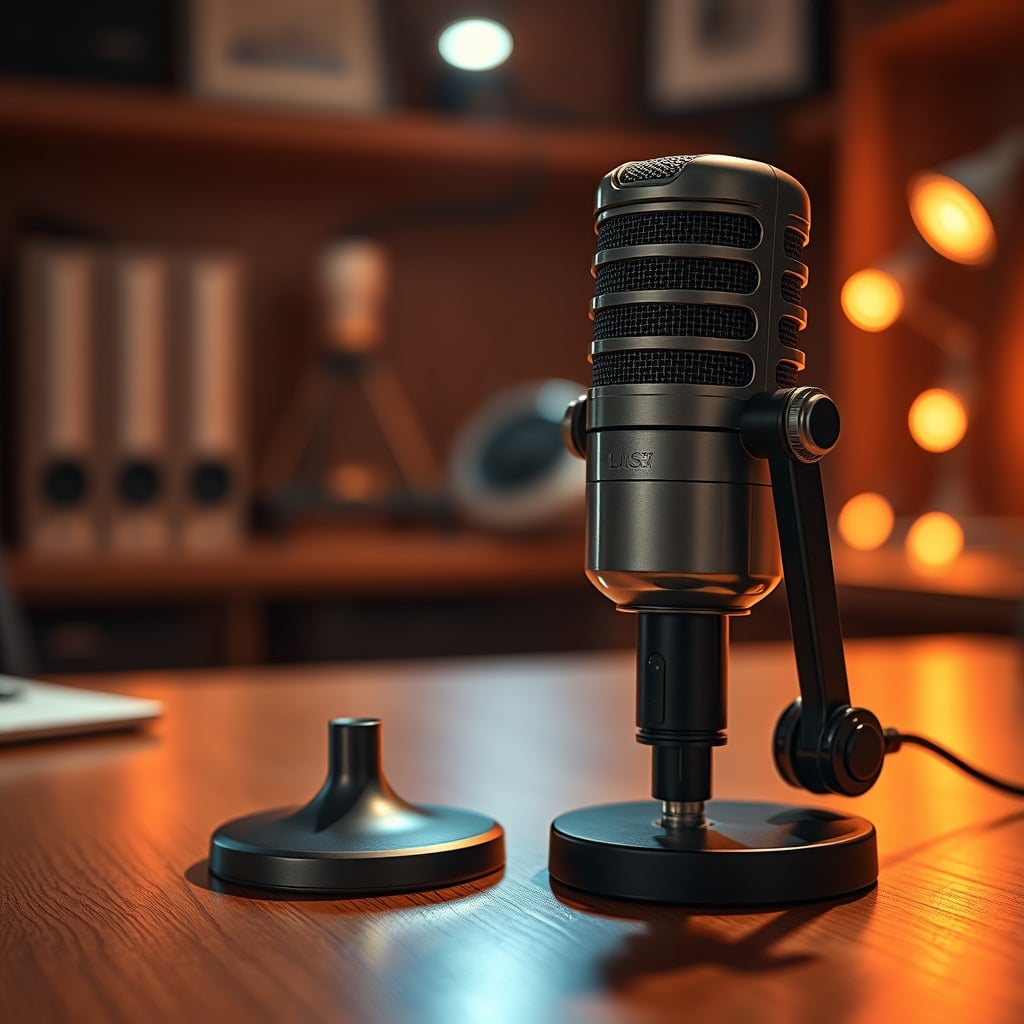
Let's start with a confession: I was an early adopter sucker. I bought into the hype that an AI microphone could replace years of audio engineering knowledge. The marketing promised a studio-quality podcast from my untreated bedroom. The reality was a hollow, over-processed voice that sounded like I was talking through a layer of cheap digital gauze. The industry is selling you a lie in 2026, and it's time we dismantled it. AI microphone problems aren't minor quirks; they're fundamental flaws that ruin your audio and, more importantly, kill the human connection in your voice. After months of testing and listening to widespread creator feedback, the verdict is clear: this tech is solving problems that don't exist while creating ones you can't easily fix.
The Core AI Microphone Problems Nobody Admits
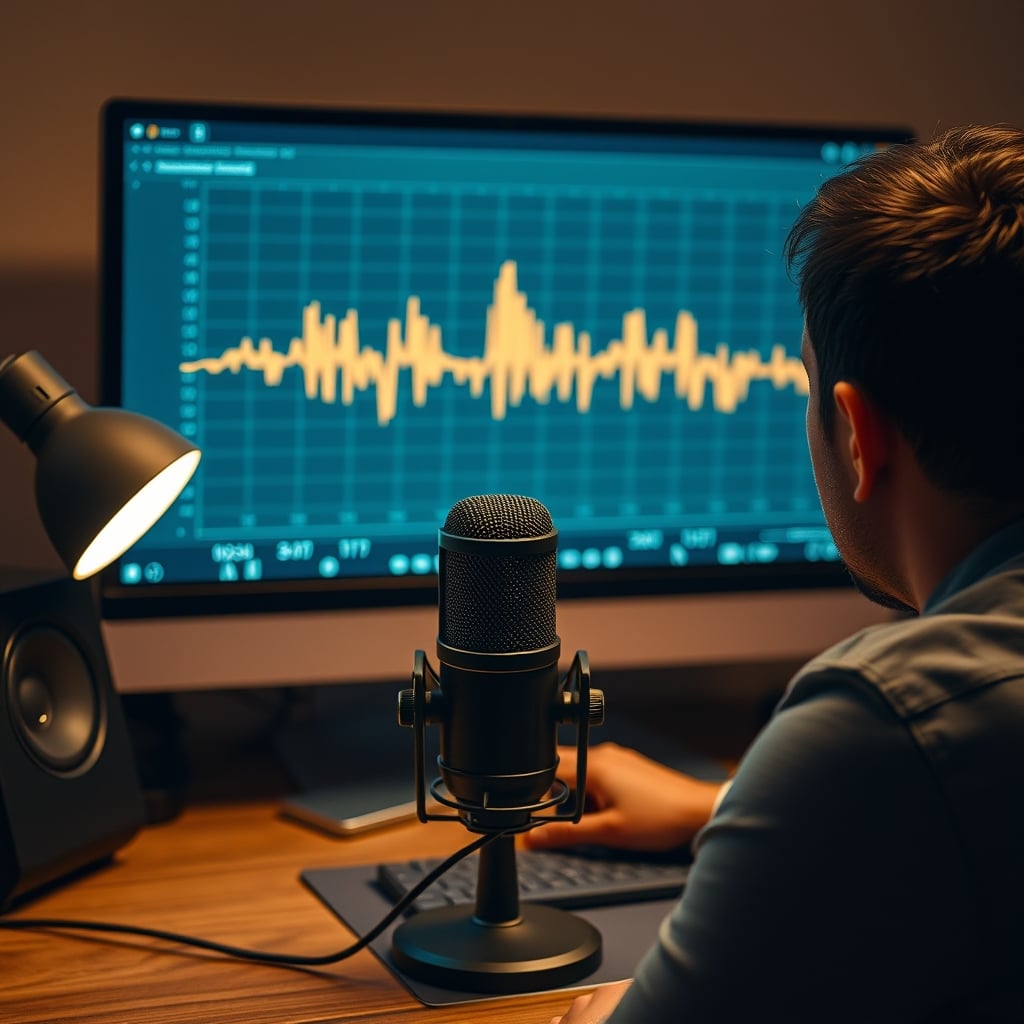
The marketing sheets talk about "advanced algorithms" and "neural noise suppression." What they don't tell you is that these algorithms are fundamentally stupid. They're programmed to guess, and they guess wrong constantly. The first major problem is the unnatural vocal tonality. AI mics apply blanket compression and EQ curves they've "learned" from thousands of hours of voice data. This butchers the unique characteristics of your voice. Your subtle breathiness, your particular sibilance, the warmth in your lower register—it all gets flattened into a generic, podcast-ready simulacrum that has no soul. Users consistently report their own voices sounding alien and robotic in recordings, a phenomenon that erodes listener trust before you've even finished your intro.
The second critical failure is what I call "the noise suppression paradox." Yes, the mic kills your keyboard clicks and distant traffic. It also murders crucial audio nuance. The faint rustle of paper that adds texture to a narration? Gone. The subtle room tone that subconsciously tells a listener you're in a real space? Erased. You're left with a voice floating in a sterile, digital void. This doesn't work for narrative-driven content. It creates an uncanny valley of sound that is technically clean but emotionally dead. Most people get this wrong: they think total silence behind their voice is the goal. It's not. The goal is a natural, focused soundscape, and AI butchers that balance every time.
Why "Set It and Forget It" Audio Is a Creativity Killer
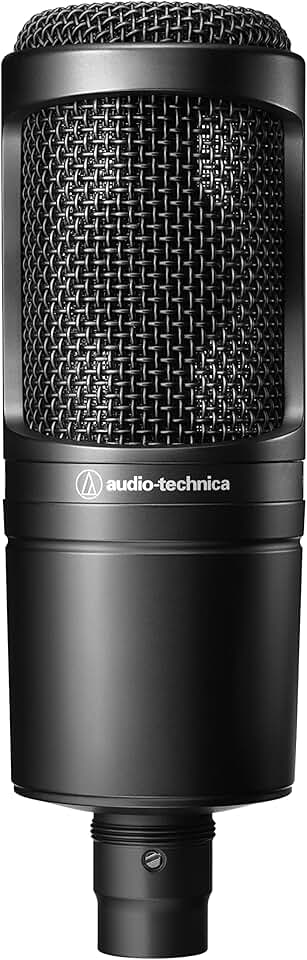
Creators seeking a clean, professional foundation without AI gimmicks.
- Cardioid condenser pickup pattern
- XLR output for clean signal path
- Wide dynamic range for detailed voice capture
This is the big lie. The promise of the AI microphone is ultimate convenience—plug it in and sound perfect. What this mindset actually does is make you lazy and ignorant about the most important part of your content: your voice. By outsourcing all audio decisions to a black-box algorithm, you learn nothing about gain staging, microphone technique, or basic acoustic treatment. You become dependent on a piece of software you cannot control or tweak meaningfully.
Widespread user feedback from long-term streamers reveals a common trajectory: initial delight at the "clean" sound, followed by growing unease as comments trickle in about vocal quality, culminating in frustration when trying to troubleshoot an issue you have no tools to fix. Is the AI cutting off your plosives? Is it making your 'S' sounds lisp? Your only recourse is to turn the feature off, rendering your expensive "smart" mic a very dumb and often overpriced USB device. This is overrated. You're not buying a tool; you're buying a crutch that actively prevents you from building a valuable skillset. For a deeper dive on how poor audio setups fail, see our breakdown of common Podcast Layout Mistakes That Are Killing Your Audio.
The AI Noise Cancellation Myth That Needs to Die
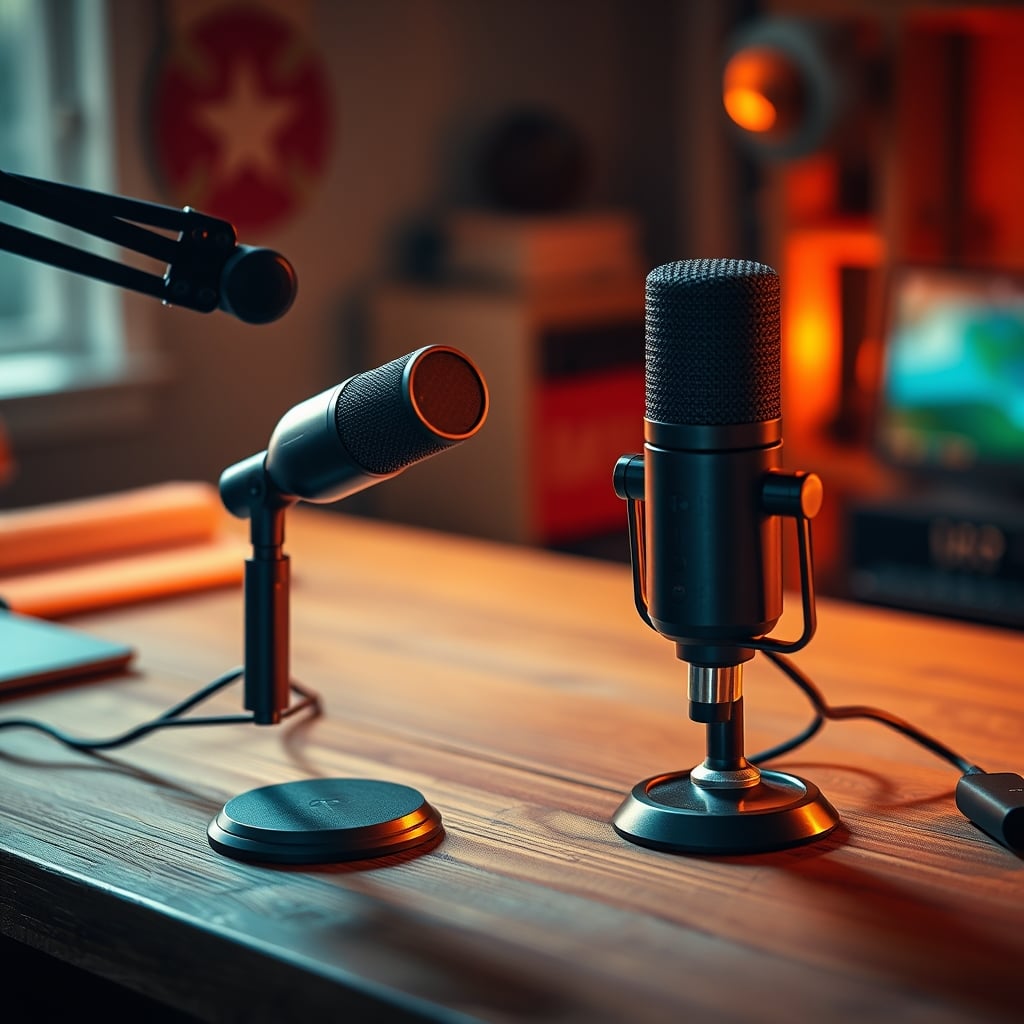
Let's attack the flagship feature head-on. The industry wants you to believe AI noise cancellation is a magic wand. It's not. It's a problematic band-aid. The core misconception is that noise cancellation happens at the microphone. In reality, for almost all these mics, it happens in the driver software after the analog signal has been digitized. This means the microphone capsule itself is still picking up all the room noise, your PC fans, and everything else. The algorithm then tries to surgically remove it in post-processing, which is where the artifacts and vocal degradation creep in.
This is the real issue. You cannot remove something from a mixed audio signal without affecting what's left behind. It's like trying to remove the egg from a baked cake. The math doesn't work cleanly. What you get are tell-tale digital artifacts: a watery, phasey quality to the remaining audio, especially noticeable in the upper mids. This is a known issue for long-term use in untreated spaces. The algorithm's aggressive cuts become more noticeable over time, making your voice sound thin and processed. A proper solution—a dynamic microphone placed close to your mouth and a modest investment in Acoustic Panel Materials Tested: The Brutal Truth—will always beat an algorithm trying to fix a bad source signal. The industry lies about this because selling software magic is easier than teaching proper technique.
What Actually Works: The 2026 Back-to-Basics Approach
Forget the AI. The path to great audio in 2026 is the same as it was in 2012: source first. This means getting the best possible sound before it hits an ADC (Analog-to-Digital Converter). Start with microphone choice. For 90% of home setups, a standard cardioid condenser or a dynamic mic is vastly superior to an AI-powered gimmick. A microphone like the Audio-Technica AT2020, connected to a basic audio interface, gives you clean, unprocessed signal that you can learn to shape. You have control. You can add a noise gate in your streaming software (OBS, Streamlabs) that is transparent and tweakable. You can apply subtle compression that you can adjust for your specific voice.
This approach does something the AI mic can't: it teaches you. You learn that moving three inches closer to the mic reduces background noise more effectively than any algorithm. You learn to point the null of the cardioid pattern at your noisy PC. You become an active participant in your audio quality. This is not more complicated; it’s more intentional. And intention beats automation every single time when it comes to creative work. The gear that facilitates learning is the gear that's actually worth your money.

The Hidden Cost: Latency and System Drain
Here's a technical reality the glossy ads skip: AI processing takes compute cycles. That noise cancellation and voice isolation is often happening on your CPU, not on a dedicated chip in the microphone. This introduces two major problems. First, latency. There's a delay between your mouth moving and the processed sound hitting your recording or stream. It's often just enough to feel disorienting, breaking your natural flow. Second, system resource drain. In an era where everyone is running resource-hungry games, streaming software, and chat bots, the last thing you need is another background process chewing through CPU threads to make your voice sound slightly worse.
In real use, this frequently causes issues with sync in post-production and adds unnecessary strain during live streams. It's a tax on your entire system for a feature that provides negative ROI. You are literally wasting processing power to degrade your audio quality. Compare this to a simple XLR setup, where the signal path is analog until it hits your interface, introducing zero processing latency. This isn't a minor trade-off; it's a fundamental design flaw born from a software-first mindset applied to a hardware problem.
Your Action Plan: Ditch the AI, Master the Fundamentals
Stop looking for a magic button. Start building a foundation. First, buy a proper microphone. A USB mic is fine to start—even a basic FIFINE or Blue Yeti is a better platform than an AI model because you can turn all the software off and just use the raw capsule. Place it correctly, on a boom arm, 6-8 inches from your mouth, with a cheap pop filter. Speak across it, not directly into it, to reduce plosives naturally.
Second, treat your space. You don't need a studio. A blanket on the wall behind your monitor, a rug on a hard floor, and some bookshelves to break up reflections will do more for your sound than any algorithm. Third, learn your software. Spend 30 minutes learning the native noise gate and compressor in OBS Studio. These are simple, predictable tools that work without destroying your vocal timbre. This is where real, lasting quality is built.
The Final Verdict: Skip the AI Microphone Hype
The promise of AI microphones is a seductive trap for creators who want to focus on content, not tech. I get it. But in 2026, the technology is not a shortcut; it's a dead end. It creates more problems than it solves, from unnatural audio and system drain to stunting your growth as a creator. The pursuit of perfect, automated sound is killing the imperfect, human sound that actually connects with people.
Overrated. That's the only word for it. You are not buying advanced tech; you are buying a marketing department's fantasy. Invest in a fundamental, high-quality microphone and a few hours of education instead. Your voice—and your audience—will thank you for the humanity you preserve. For more on how tech hype can derail your setup, read our takedown of The Focus Gadgets Placebo Effect Ultimate Guide. Skip the AI mic. Embrace the craft.
Frequently Asked Questions
What is the main problem with AI noise cancellation in microphones?
The main problem is that AI noise cancellation works by digitally processing the audio signal after it's been recorded, which inevitably degrades vocal quality. It creates artifacts, removes natural room tone, and flattens the unique character of your voice, resulting in a sterile, robotic sound.
Can AI microphones replace an audio interface and XLR mic?
No, they cannot. An AI microphone is a closed system with limited, non-transparent processing. A standard XLR microphone and audio interface provide a clean, unprocessed signal you have full control over. This foundation allows for professional-grade processing and growth, whereas an AI mic is a creative dead end.
Do any pros use AI microphones for streaming or podcasting?
Virtually no serious audio professionals use AI microphones. They rely on proven, high-quality dynamic or condenser microphones, proper gain staging, and acoustic treatment. AI mics are marketed at beginners looking for a shortcut, but the shortcut compromises the most important element: the quality and character of the voice.
What's a better alternative to an AI microphone in 2026?
A better alternative is any standard USB or XLR cardioid microphone without AI features, paired with basic acoustic treatment (like a blanket or foam panels) and the built-in, transparent noise gate in software like OBS. This combo provides clean audio you can control and improve upon, without the destructive processing of AI algorithms.
Written by
GlowRig Editorial researches and writes practical guides about desk setups and home office gear. Our articles are produced with the help of AI research tools and are reviewed for accuracy against manufacturer specifications and public user feedback. We may earn a commission from affiliate links, which never affects our recommendations.
Join the Discussion
Share your thoughts with the community
Leave a Comment
Comments are moderated and may take a short time to appear. Links are not permitted.