Overhead Monitor Arm Dangers: The 2026 Space Saver Scam
We're told overhead monitor arms are the ultimate small-space solution. This is a lie. Here's why mounting your display above your head is a recipe for pain, poor posture, and potential disaster.
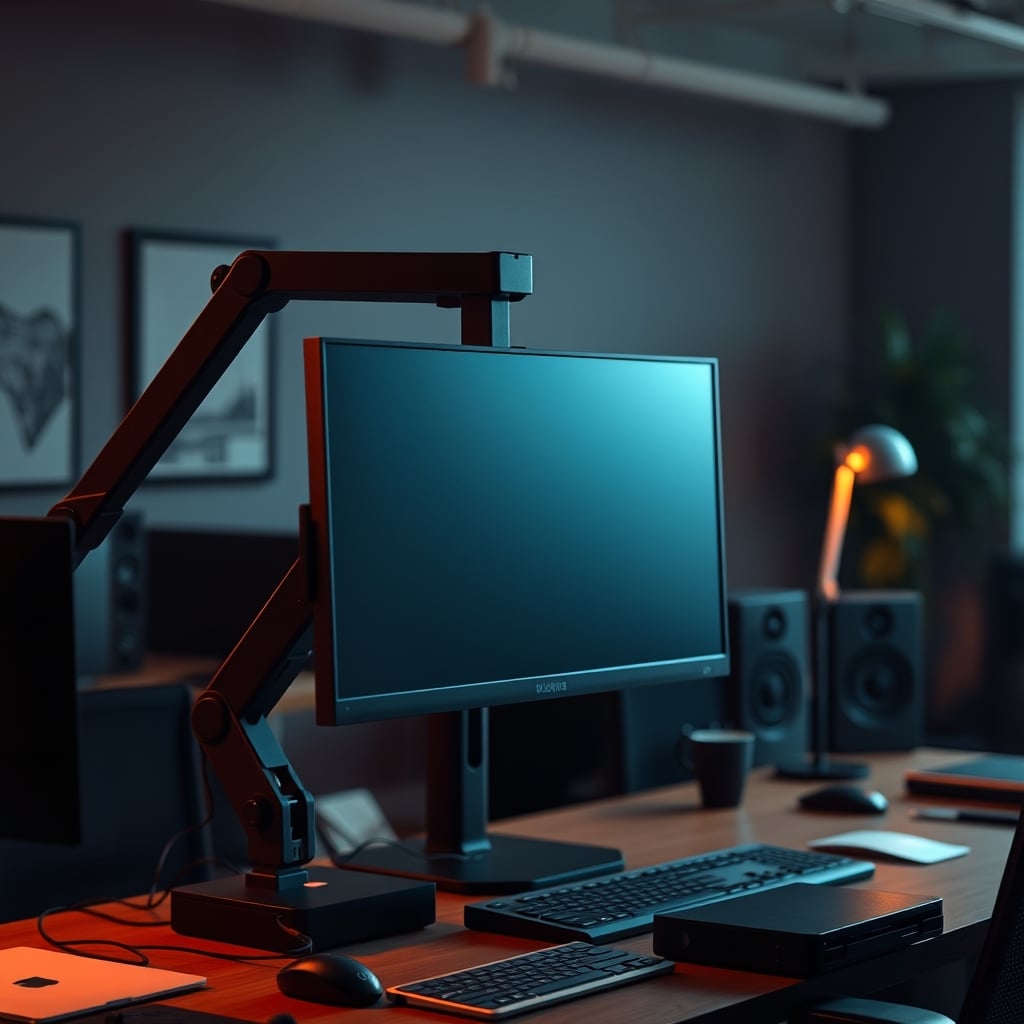
Let’s start with the biggest mistake people make when trying to save desk space: they believe the marketing hype that vertical space is free real estate. It’s not. Mounting a heavy, expensive display on a flimsy arm above your head isn't clever space optimization; it's a fundamental misunderstanding of human anatomy and physics. The overhead monitor arm dangers are real, and they're actively sabotaging your comfort, your focus, and your hardware. This isn't a minor quibble—it's the central lie of the small desk setup industry in 2026.
For years, we've seen the same setup porn: the sleek, floating monitor hovering mystically above a pristine desk. It looks clean. It feels futuristic. And it’s almost always a terrible idea for actual human use. This trend is driven by aesthetics, not ergonomics, and it’s time we called it out for the posture-destroying gimmick it is.
Why The "Vertical Space" Argument Is Garbage
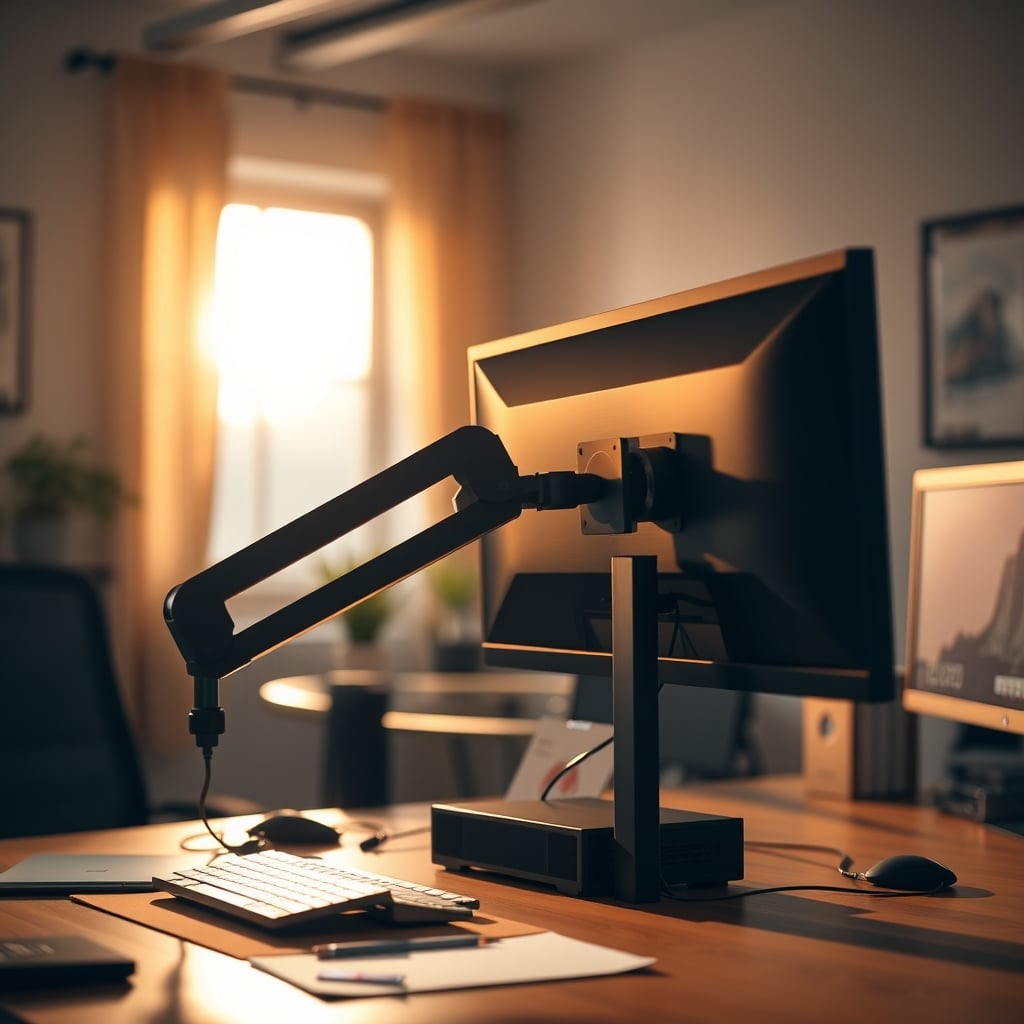
The core sales pitch is simple: your desk is wide, not tall, so go vertical. This is a classic case of solving the wrong problem. Your neck isn't designed to crank upwards for hours at a time. The industry lies about this. They show you a picture of someone looking slightly up, as if they’re contemplating a brilliant idea, not a spreadsheet. In real use, this causes constant, low-grade strain. Users consistently report neck and shoulder tightness after just a few hours of working with an overhead monitor.
Think about it. Your primary focal point should be directly in front of you, with your eyes looking straight ahead or slightly down. This is a biological fact, not a matter of opinion. Forcing your gaze upward engages a whole different set of muscles not meant for sustained focus. This isn't overrated; it's biologically wrong. Most people get this wrong because they prioritize a clean desk photo over their own spinal health.
The Overhead Monitor Arm Dangers That No One Talks About
Let's move past the obvious neck strain. The real overhead monitor arm dangers are more insidious.
First, there’s the structural risk. That 27-inch or 32-inch monitor isn't light. A quality arm is rated for the weight, but the force multiplier when it's fully extended overhead is immense. This places incredible stress on the clamp or grommet mount. Based on widespread user feedback, the most common failure point isn't the arm itself, but the desk interface. You're essentially creating a long lever trying to pry your desk apart. A wobble isn't just annoying; it's a precursor to a catastrophic failure.
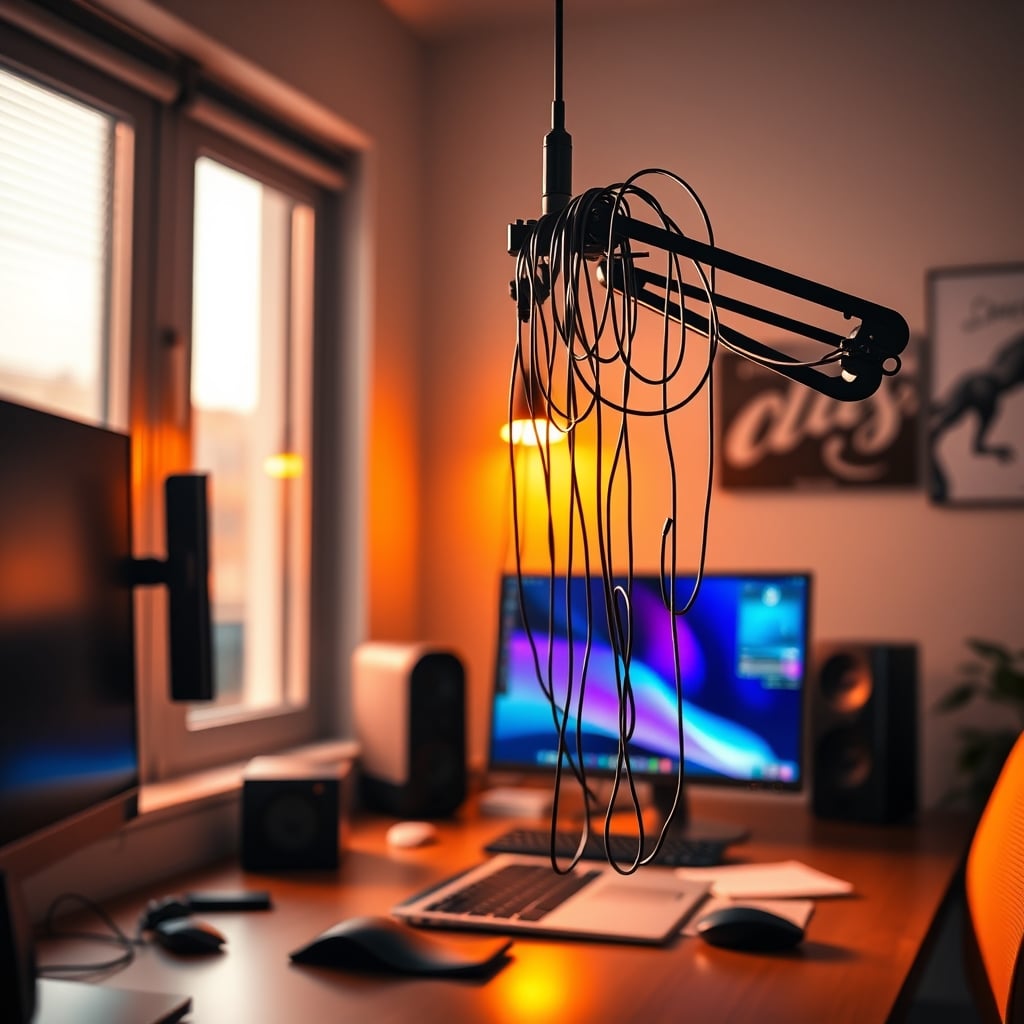
Second, cable management becomes a nightmare. You now have power, video, and potentially USB cables snaking upwards. Gravity is not your friend here. The tension on those connectors is constant, and a poorly routed cable can easily get snagged, potentially yanking your entire setup. This frequently causes issues with display flicker or connection drops that are maddeningly difficult to diagnose.
Third, and this is critical for small spaces, it murders your usable vertical space. That monitor is now a permanent ceiling. You can't put a shelf above it. You can't add task lighting without creating glare. You've essentially built a visual barrier. This is the real issue that the slick product photos never show.
The "Ergonomic Secondary Display" Myth That Needs to Die
Here’s the most pervasive and damaging myth: that an overhead monitor is perfect for a secondary, reference screen. Slack, Discord, a Spotify playlist—just glance up occasionally. Sounds reasonable, right? It’s completely wrong.
This setup actively encourages poor workflow. Instead of a slight glance to a side monitor, you're performing a full head lift. This constant micro-movement breaks your focus more aggressively. It’s not a smooth, fluid glance; it’s a disruptive physical reorientation. The cognitive load is higher. In real use, this failed to deliver on the promise of passive reference. Your brain treats anything above eye level as less important, making that screen easier to ignore when you need it and a distracting beacon when you don’t.
What’s the alternative? A side-mounted monitor arm, placed laterally. It keeps your primary focal plane intact. Your glance is a simple eye or slight neck turn, not a craned lookup. This is a fundamental principle of Desk Layout Psychology Is The Lie Sabotaging Your Focus. The pursuit of a "clean" single-stack setup is actively harming your efficiency.
What Actually Works for Small Space Monitor Mounting
So, if overhead is bad, what should you do? The answer is lateral thinking, not vertical.
Go Wide, Not High: Use a single, high-quality ultra-wide monitor. This eliminates the need for a second screen entirely, keeping everything in your healthy sight line. A 34-inch ultrawide provides more usable screen real estate than two mismatched monitors and requires only one arm and one set of cables.
The Stacked Lateral Array: If you must have two screens, stack them side-by-side, but angle the secondary screen inwards. Your primary monitor is dead ahead. The secondary is immediately to the side, but tilted so its face is perpendicular to your gaze when you turn your head. This minimizes glare and keeps the sightline natural. This is a far better use of a dual monitor arm than trying to achieve a vertical stack.
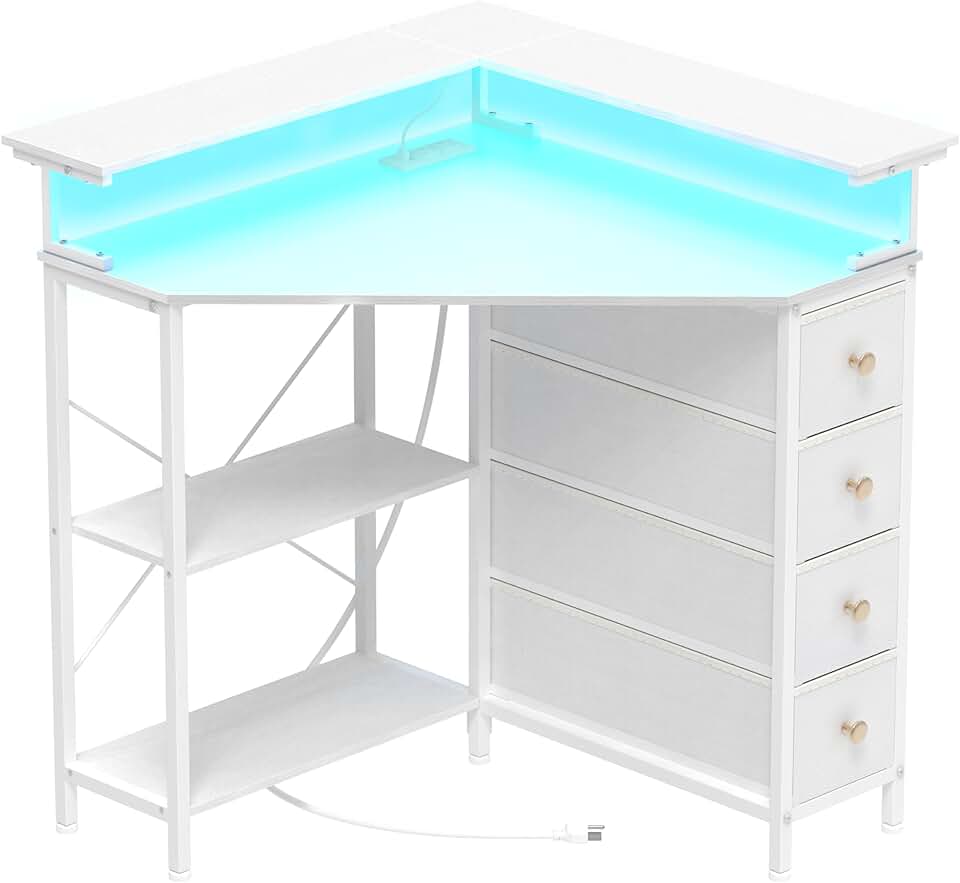
Desk Depth is King: The most underrated metric for small desks isn't width, it's depth. A desk that’s even 4-6 inches deeper allows you to push your monitor further back, creating a more comfortable viewing distance and making a larger screen feel less overwhelming. This is why corner desks, like some well-designed models, often work better than straight wall-mounted ones—they give you that crucial diagonal depth. Don't fall for the gimmicks of Smart Desks Fail Because They Solve the Wrong Problem.
Frequently Asked Questions
Are overhead monitor arms ever okay to use?
Almost never for primary work. The only conceivable use is for a dedicated, occasional reference screen like a security camera feed or system metrics that you check for less than a minute total per hour. For any task requiring sustained viewing, they are ergonomically terrible.
What's the biggest danger of an overhead monitor arm?
Chronic musculoskeletal strain is the biggest danger. The constant upward gaze places sustained stress on the neck extensors and upper trapezius muscles, leading to pain, headaches, and long-term postural damage. The risk of physical hardware failure is secondary but real.
What is the correct height for a monitor?
The top of your primary monitor's screen should be at or slightly below your seated eye level. This allows you to view the center of the screen with a slight 10-20 degree downward gaze, which is the natural, resting position for your eyes and neck. This is a non-negotiable ergonomic standard.
My desk is tiny. What's the best monitor solution?
A single high-quality monitor on a standard (non-overhead) arm is best. Use the arm to push the monitor to the very back edge of the desk to maximize depth. Consider a slightly smaller but higher-density display (e.g., a 24-inch 4K) over a larger, lower-resolution one. A corner desk can also provide more functional depth than a rectangular one against a wall.
Are monitor arms themselves overrated?
No, a good quality standard monitor arm is one of the best desk investments you can make—for lateral positioning and freeing up desk space. It's the specific *overhead* application that is dangerously overrated and misapplied.
Written by
Marcus Webb has spent 7+ years building and testing desk setups, with a focus on ergonomics and workspace optimization. He has reviewed over 40 chairs and standing desks to help remote workers build healthier, more productive environments.
Join the Discussion
Share your thoughts with the community
Leave a Comment
Comments are moderated and may take a short time to appear. Links are not permitted.