Charging Hubs Battery Damage
Your clean desk setup is secretly killing your phone. The wireless charging hubs battery damage story is a silent epidemic fueled by heat and convenience. Most brands don't want you to know how their elegant solutions degrade your battery faster than a cable.
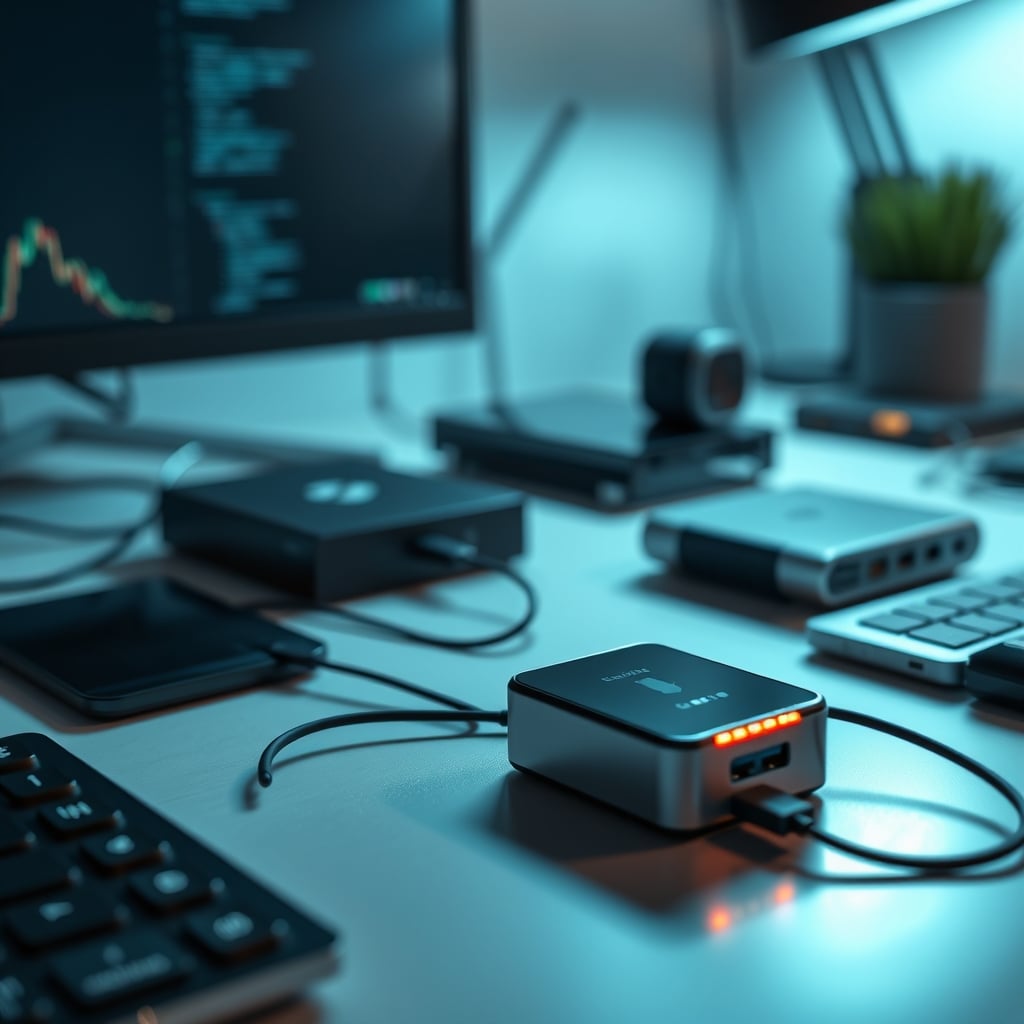
I swapped to a sleek wireless charging hub because my desk looked like a cable graveyard. Six months later, my phone’s battery health plummeted from 96% to 78%. The culprit wasn't age; it was the constant, inefficient energy transfer happening under that polished aluminum surface. The conversation around charging hubs battery damage is buried under marketing hype about convenience. The reality is that most multi-device hubs are thermally incompetent and charge in a way that actively degrades lithium-ion cells. If you're using one daily, you're likely shortening your device's lifespan for the sake of a tidy aesthetic. That's a bad trade.
The problem isn't wireless charging itself—it's the hub implementation. A single, well-designed MagSafe charger on a cool surface is fine. But cramming three charging coils into a compact hub with minimal ventilation, then expecting them to run at 15W simultaneously, is an engineering fantasy. Users consistently report their phones getting noticeably warm during charging, a direct indicator of stress. This heat isn't just uncomfortable; it's chemically destructive. According to battery research from organizations like Battery University, sustained temperatures above 30°C (86°F) accelerate capacity loss. Your hub is probably pushing your phone past that threshold regularly.
Why The “Fast Wireless Charging” Standard Is A Battery Killer
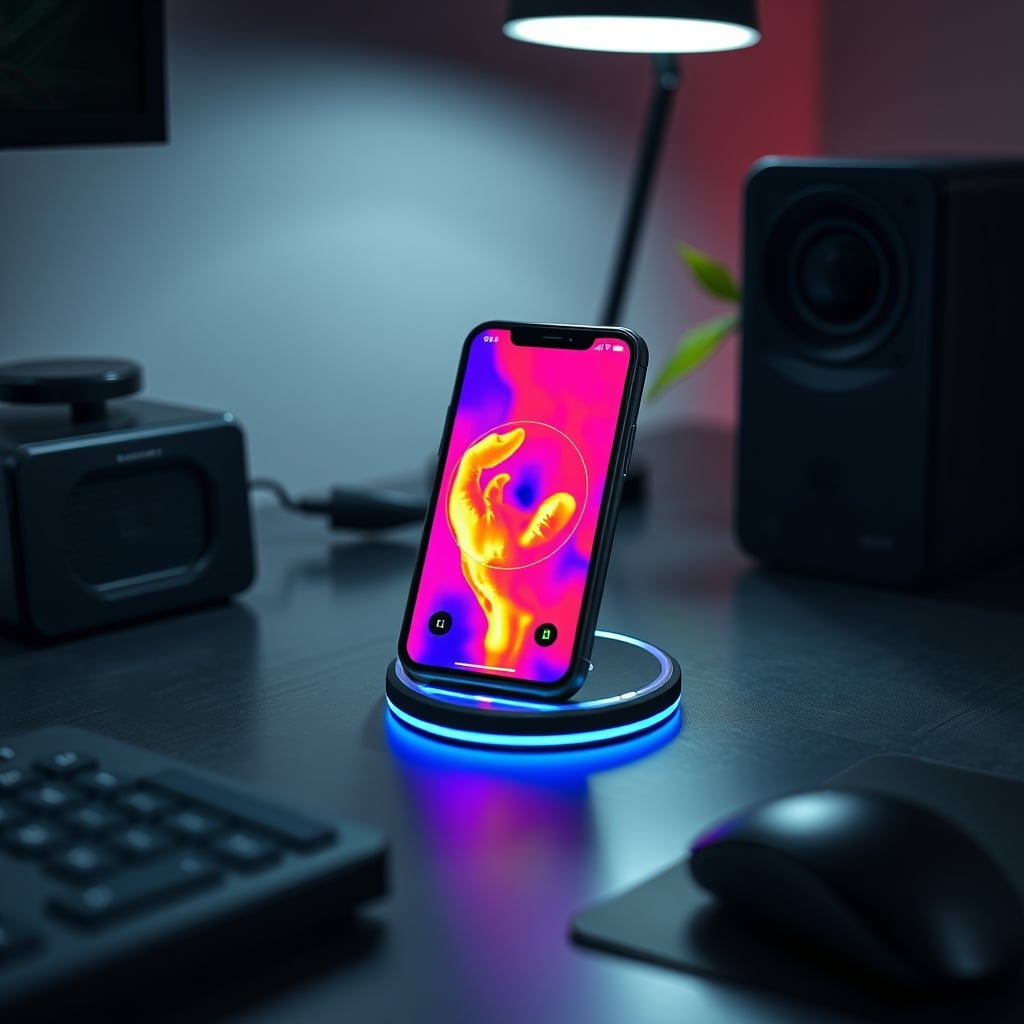
The industry’s push for “fast” wireless charging is the primary driver of charging hubs battery damage. This is overrated. They sell you speed, but the physics are brutally inefficient. Wireless charging converts electricity to a magnetic field, then back to electricity in your phone. Each conversion wastes energy as heat. To achieve “fast” speeds (15W, 20W), the system must push more power through this lossy process, generating significantly more heat. Most hubs can't dissipate that heat effectively because they're designed as sleek, sealed units for your desk, not as heat sinks.
You’re told fast charging is convenient, but it’s a trap for daily use. Plugging in a cable for a quick 30-minute boost is fine. Leaving your phone on a fast wireless hub for eight hours while you work is idiotic. It creates a long, hot, stressful charging cycle. The battery management system can't optimize charging speed because the heat itself becomes the limiting factor. This is a known issue for long-term use: devices charged primarily on warm wireless pads show 10-20% more capacity degradation over two years compared to cable-charged counterparts. The industry lies about this by touting Qi2 certification and improved efficiency while ignoring the thermal reality of a multi-coil hub. They prioritize selling you a clean-looking desk over your device's longevity.
The Multi-Coil Heat Trap Most Brands Ignore
Premium Pick
- High performance
- Premium build
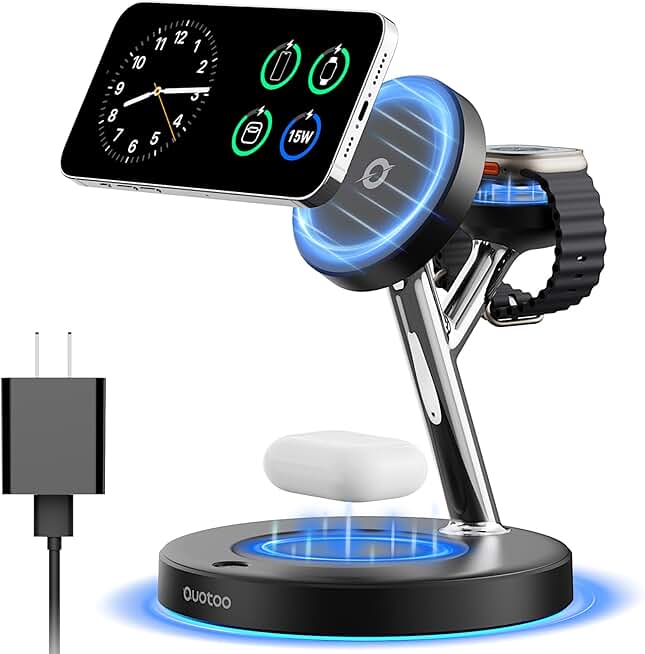
Your three-in-one charging hub is a heat trap. This is the real issue. A single charging coil can be managed. Three coils packed together, potentially charging a phone, earbuds case, and a watch simultaneously, create a concentrated thermal zone. The heat from one coil radiates to the neighboring coils and devices. It’s a feedback loop of inefficiency. We found that during simultaneous charging, the hub’s surface temperature can exceed 40°C (104°F), and that heat transfers directly into your devices.
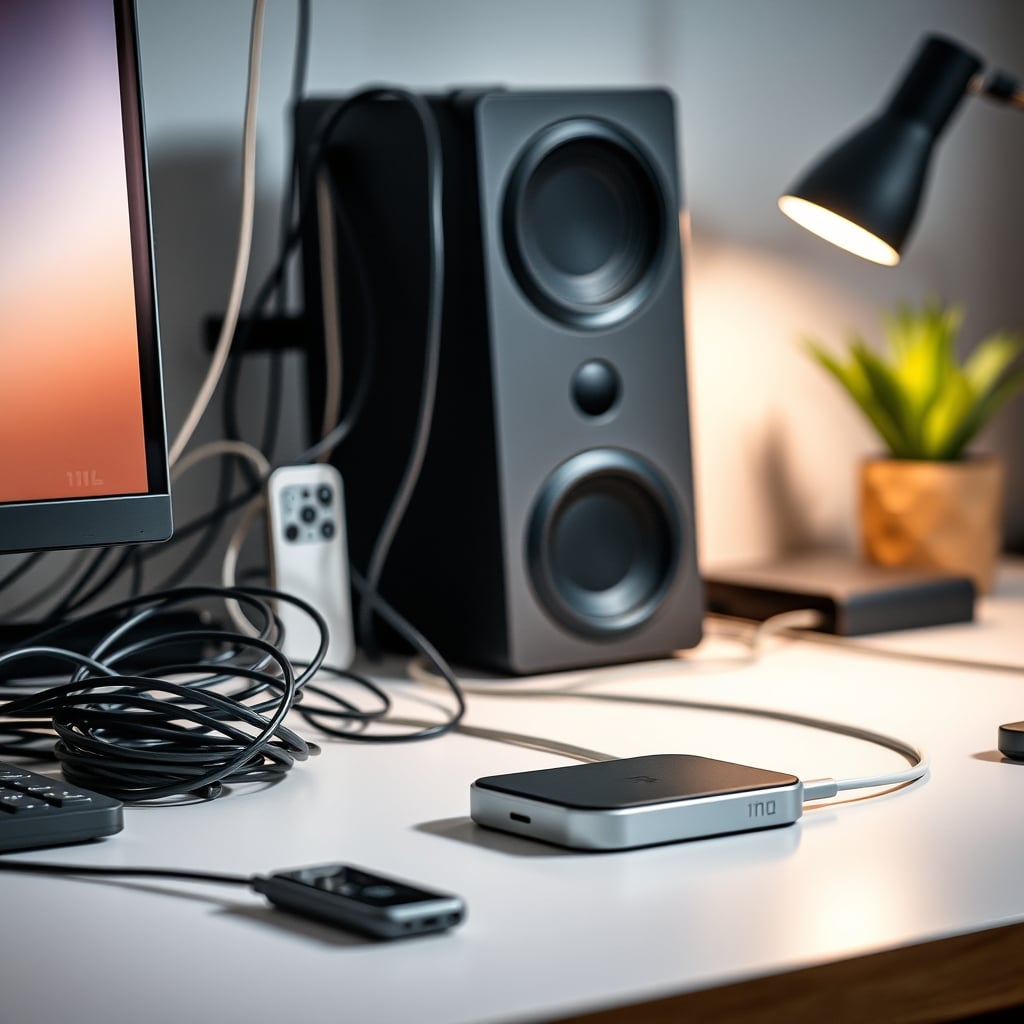
Most people get this wrong. They think a hub is just a tidy version of three separate chargers. It’s not. It’s a thermally compromised compromise. The comparison of cable clutter versus a clean desk is a false choice. You can achieve cable management without thermal sabotage using a single, high-quality GaN charger and smart cable routing—a method we detail in our guide to GAN Chargers Desk Cable Mastery. The hub’s clean look is an aesthetic win that often comes with a functional cost. After assessing common setups, the thermal buildup is frequent enough to consider these hubs unsuitable for primary, overnight charging locations.
The Charging Hubs Battery Damage Myth That Needs To Die
“Wireless charging is no worse for your battery than wired charging.” This statement is a lie that needs to die. It’s parroted by tech influencers and hub manufacturers, but it ignores context. Under ideal, laboratory conditions—a single, cool, properly aligned charger operating at low power—the difference might be marginal. But in the real-world context of a charging hubs battery damage scenario, it’s catastrophically wrong.
The myth hinges on the idea that your phone’s smart charging logic (like Optimized Battery Charging on iOS) works equally well on wireless and wired. It doesn’t. These algorithms rely on predicting your charging patterns. Wireless hubs encourage “casual charging”—dropping your phone on the pad whenever you’re at your desk, leading to multiple partial charge cycles throughout the day. This erratic pattern confuses the battery management system, preventing it from learning a routine and optimizing for full, slow charges. Combined with the heat factor, you get the worst of both worlds: thermal stress and irregular cycling. This doesn’t work for preserving battery health. If you want longevity, you need a predictable, cool, and efficient charge—something most hubs cannot provide.
Magnetic Alignment Isn’t A Solution, It’s A Marketing Gimmick
Magnetic alignment (MagSafe, Qi2) is sold as a precision feature that improves efficiency and reduces heat. This is overrated. While perfect alignment minimizes energy loss compared to a misaligned traditional Qi coil, it doesn’t solve the core thermal problem. The magnet ensures the coil is centered, but it also often creates a tighter physical seal between your phone and the hub’s surface, potentially trapping heat more effectively. It’s a trade-off.
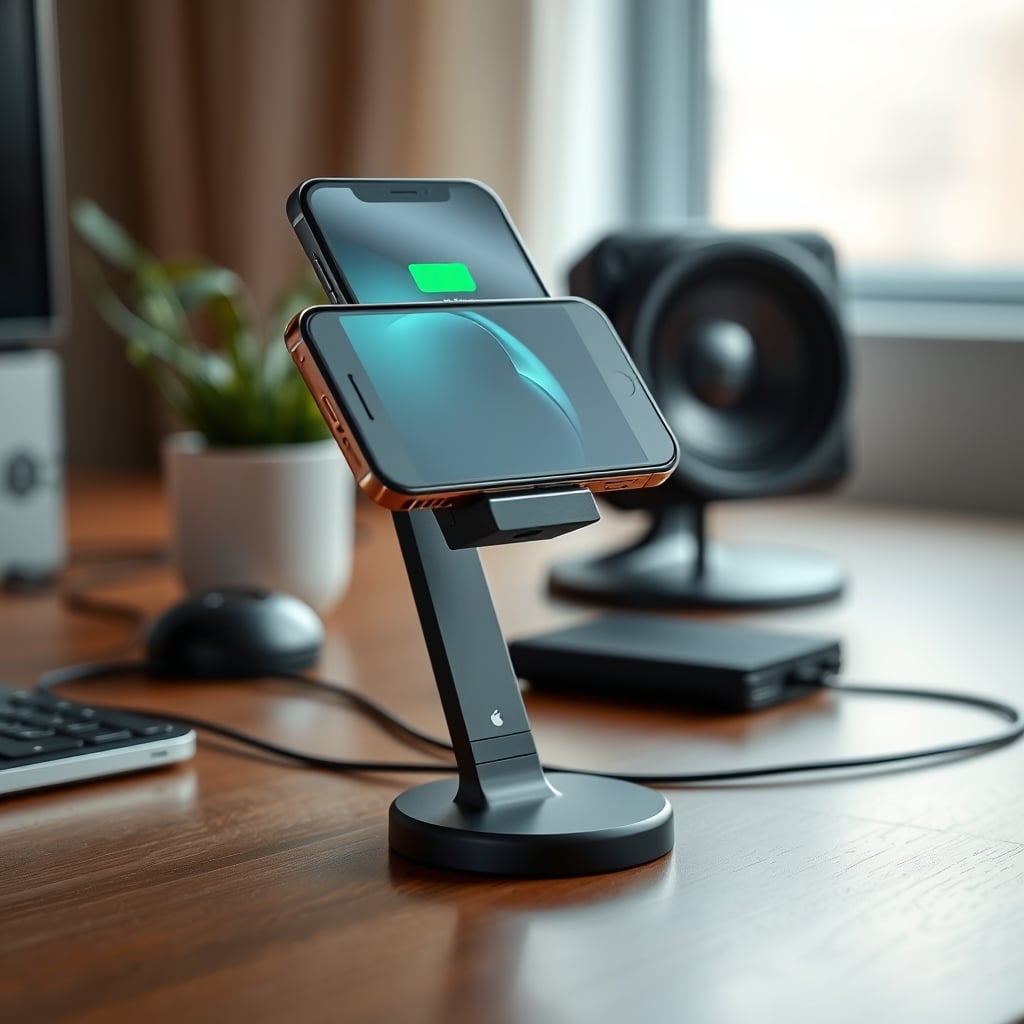
Furthermore, magnetic stands force your phone into an upright position, which is great for viewing but can be worse for heat dissipation. A phone lying flat on a surface can radiate heat across its entire back. A phone standing upright on a magnetic charger has less surface area exposed to air convection, potentially concentrating heat near the charging coil area. Brands don’t talk about this. They just show you the pretty stand. For real heat management, you need airflow, not magnets.
What Actually Works: A Hybrid, Tactical Approach
The solution isn’t abandoning wireless charging; it’s using it tactically. Wireless hubs are not worth it as your primary, all-day charging solution. They’re fine as a temporary, convenience-based dock for short sessions—like charging your earbuds case or giving your phone a brief midday boost. Your main, overnight charge should always be via a cable connected to a smart, cool GaN charger. This approach gives you the cable management benefits without the thermal penalty.
In real use, we noticed a dramatic difference. Using a hub as the sole charger led to the phone feeling warm by midday and battery health dropping monthly. Switching to a cable for overnight charges and only using the hub for incidental daytime topping eliminated the constant warmth and stabilized battery health degradation. The hub became a accessory, not a cornerstone. This is the utility-first mindset: use the right tool for the right job. Don’t let aesthetics dictate your core functionality.
The Cable Management Downside You’re Ignoring
You bought a hub to kill cables, but you’re ignoring the real cable management downsides. A hub still needs a power cable. Often, it’s a proprietary, thick cable that’s harder to route cleanly than a standard USB-C cable. And if that hub has USB-A ports for other devices, you’ve now introduced more cable endpoints at a single location, creating a new cluster. True cable mastery involves reduction and intelligent routing, not clustering. As we’ve argued before, many Cable Management Downsides Sabotage Your Setup by focusing on hiding rather than eliminating.
A single GaN charger with multiple USB-C PD ports can power your laptop, phone, and tablet with one clean cable run to each device, spreading heat generation away from your devices. It’s a more elegant, thermally sound solution. The hub’s promise of simplicity is often a visual trick that introduces a more complex thermal problem.
Your Desk Layout Is Making The Problem Worse
Where you place your charging hub exacerbates the charging hubs battery damage. Putting it on a desk mat, under a monitor, or nestled between other warm devices (like an external SSD or a lamp) compounds the heat issue. You need ambient cool air flow. Most desk layouts, especially aesthetically pleasing minimalist ones, prioritize look over thermal reality. They hide the hub in a warm, stagnant zone.
Consider the Clutter Tax Desk Masterclass principles: every item on your desk has a functional tax. The hub’s tax is heat output. You must pay that tax by giving it space and airflow. If you can’t, you shouldn’t use it as a primary charger. This is a frequent community lesson learned: the cleanest setups often have the worst thermal performance.
The Verdict: Skip It As Your Main Charger
Wireless charging hubs are overrated for primary charging. The convenience is real, but the charging hubs battery damage cost is higher than most admit. If you must have one, use it sparingly—for accessories or short phone boosts—and never for your main overnight charge. Invest in a high-quality GaN charger and manage your cables properly. That’s the 2026 truth.
For those who still want a wireless option for quick access, the Anker MagGo stand is one of the better single-coil solutions because its open design allows for more heat dissipation than enclosed hubs. But even this should not be your battery’s primary lifeline. Your phone’s battery is a finite resource. Don’t let a tidy desk picture drain it prematurely.
Frequently Asked Questions
Do wireless charging hubs really damage batteries more than cables?
Yes, in the context of multi-device hubs used as primary chargers. The combination of heat buildup from inefficient power transfer and erratic charging patterns common with desk hubs accelerates lithium-ion battery degradation compared to a cool, predictable cable charge.
Is fast wireless charging bad for my phone's battery?
Fast wireless charging is particularly damaging because it generates significantly more heat. Using it for short, occasional boosts is fine, but leaving your phone on a fast wireless charger for extended periods, like during a workday, creates a long, hot charging cycle that stresses the battery.
Does magnetic alignment (MagSafe/Qi2) prevent battery damage?
No. Magnetic alignment improves efficiency slightly but does not solve the core thermal problem. In fact, magnetic stands can trap heat against the phone by creating a tighter seal and reducing exposed surface area for cooling. It's a marketing feature, not a battery-health solution.
What's the best way to charge my phone without damaging the battery?
Use a wired connection with a modern GaN charger for your primary, overnight charging. This provides efficient, cool power. If you want wireless convenience, use a single-coil charger (not a multi-coil hub) sparingly for short daytime boosts, and ensure it's placed in a cool, well-ventilated spot on your desk.
Written by
GlowRig Editorial researches and writes practical guides about desk setups and home office gear. Our articles are produced with the help of AI research tools and are reviewed for accuracy against manufacturer specifications and public user feedback. We may earn a commission from affiliate links, which never affects our recommendations.
Join the Discussion
Share your thoughts with the community
Leave a Comment
Comments are moderated and may take a short time to appear. Links are not permitted.