Wireless Charger Overheating Is Not A Myth
Everyone treats wireless charger overheating like an urban legend. It's not. We're going to show you why it's a fundamental engineering flaw in most products, how it silently destroys your battery, and what—if anything—you can actually do about it.
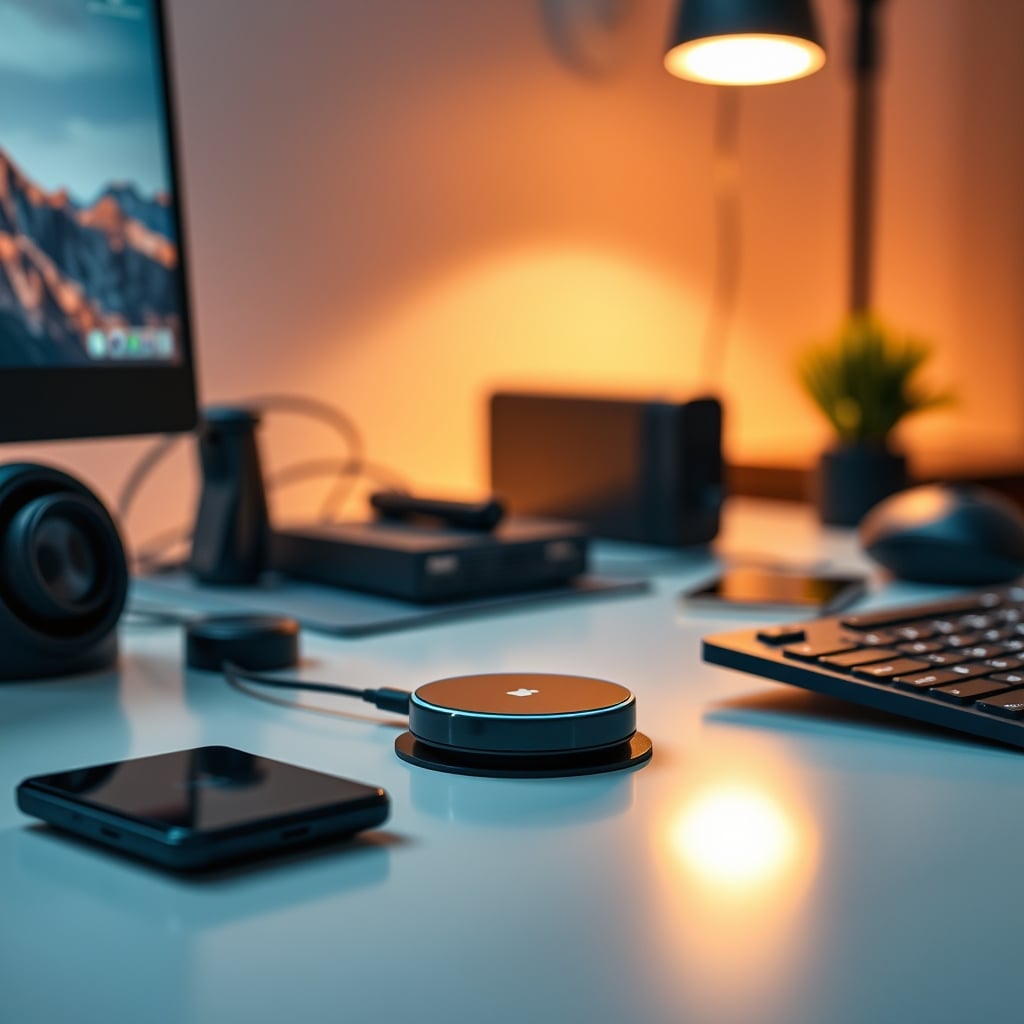
Let's get one thing straight: your phone shouldn't be a hot potato. I've pulled my phone off countless sleek, 'premium' wireless chargers only to find it uncomfortably warm to the touch, the battery percentage having barely budged. This isn't a minor quirk; it's a symptom of a broken system. The industry has sold us on the convenience of wireless charging while quietly ignoring the wireless charger overheating problem that's baked into the physics of it. If your setup prioritizes performance and longevity over mindless convenience, you're already skeptical. Good. You should be.
Most people treat heat as a temporary annoyance. They're wrong. Consistent, cycle-after-cycle overheating is the single fastest way to murder your phone's battery health. You're not just charging slowly; you're actively paying to degrade a core component of your $1000 device. The marketing focuses on wattage and sleek designs, but the real spec that matters—temperature management—is buried in footnotes, if it's mentioned at all.
Why Your 'Fast' Wireless Charger Is A Fraud
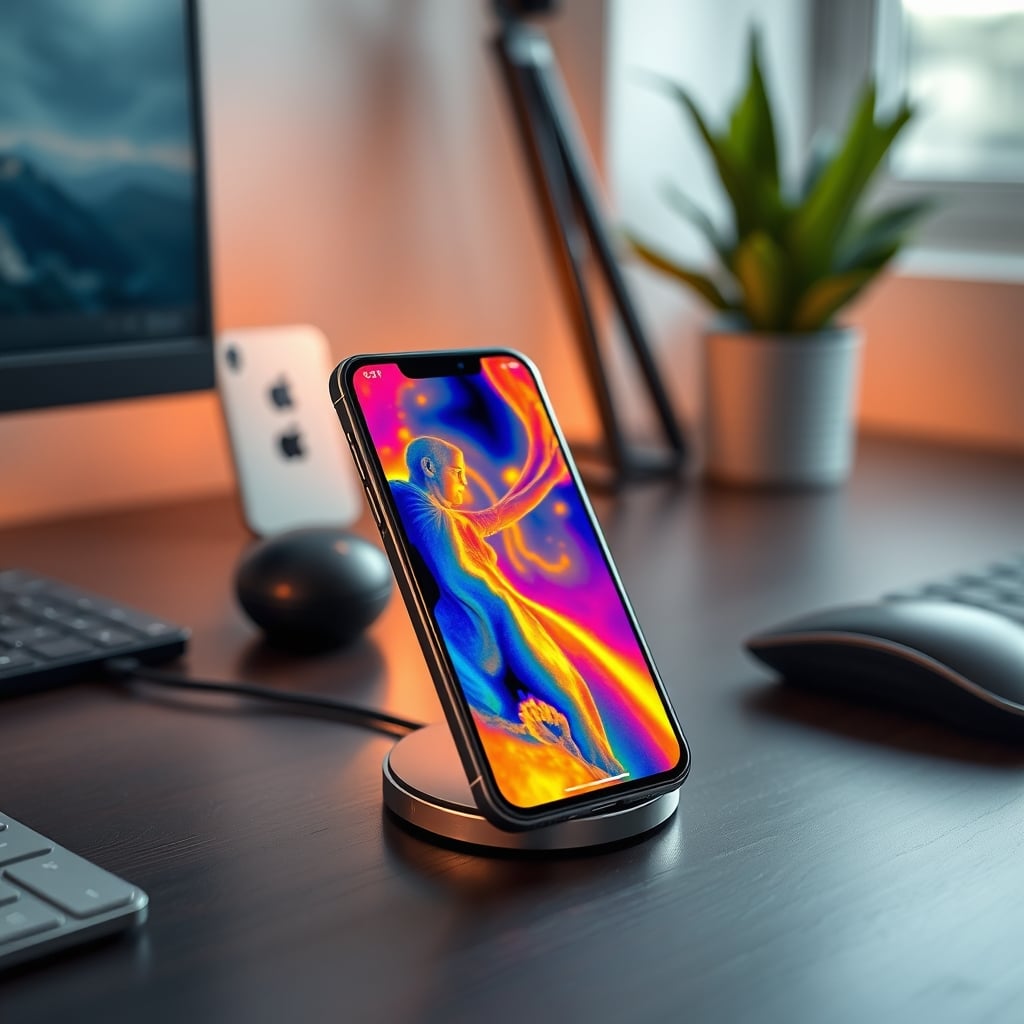
The biggest lie in the accessory space is the promise of 'fast' wireless charging. It's a joke. For a wireless charger to deliver even moderate speed, it has to pump significant energy through the air. This process is inherently inefficient—a lot of that energy doesn't make it to your battery. It turns into waste heat. Period. That heat has to go somewhere, and in the cramped, sealed space between your charger and your phone case, the only place for it to go is into your phone's internals.
This is overrated. The push for 15W, 20W, even 30W wireless charging is an engineering vanity project that creates more problems than it solves. In real use, the thermal throttling is so aggressive that your '30W' charger spends most of its time pumping out 10W or less once the temperature sensors kick in. You're paying for peak specs you'll never see, while accepting peak heat you'll always feel. Wired charging doesn't have this problem. The energy transfer is direct, efficient, and cool. The industry is lying to you about wireless speed because it sounds better on the box.
The Wireless Charger Overheating Myth That Needs To Die
Premium Pick
- High performance
- Premium build
Here's the myth we need to bury: "A little warmth is normal." No. It's not. It's a failure. This placating line is repeated in every support forum and product manual to lower your expectations and absolve manufacturers of responsibility. Let's be clear: consistent operational temperatures above 40°C (104°F) during charging accelerate lithium-ion battery degradation. Full stop. If your charger or phone regularly exceeds that, you are shortening its lifespan. This isn't speculation; it's electrochemistry.
Users consistently report their phones hitting alarmingly high temperatures, especially with multi-device charging stations or 'fast' models, only to be told it's 'within normal operating parameters.' That's corporate-speak for 'we designed it to get hot, and we don't care.' The real issue isn't that it happens occasionally with a thick case; it's that the design standards for many of these products prioritize form and low cost over thermal dissipation. You're buying a hotplate with a LED.
The Anatomy Of A Thermal Failure (It's Usually The Design)
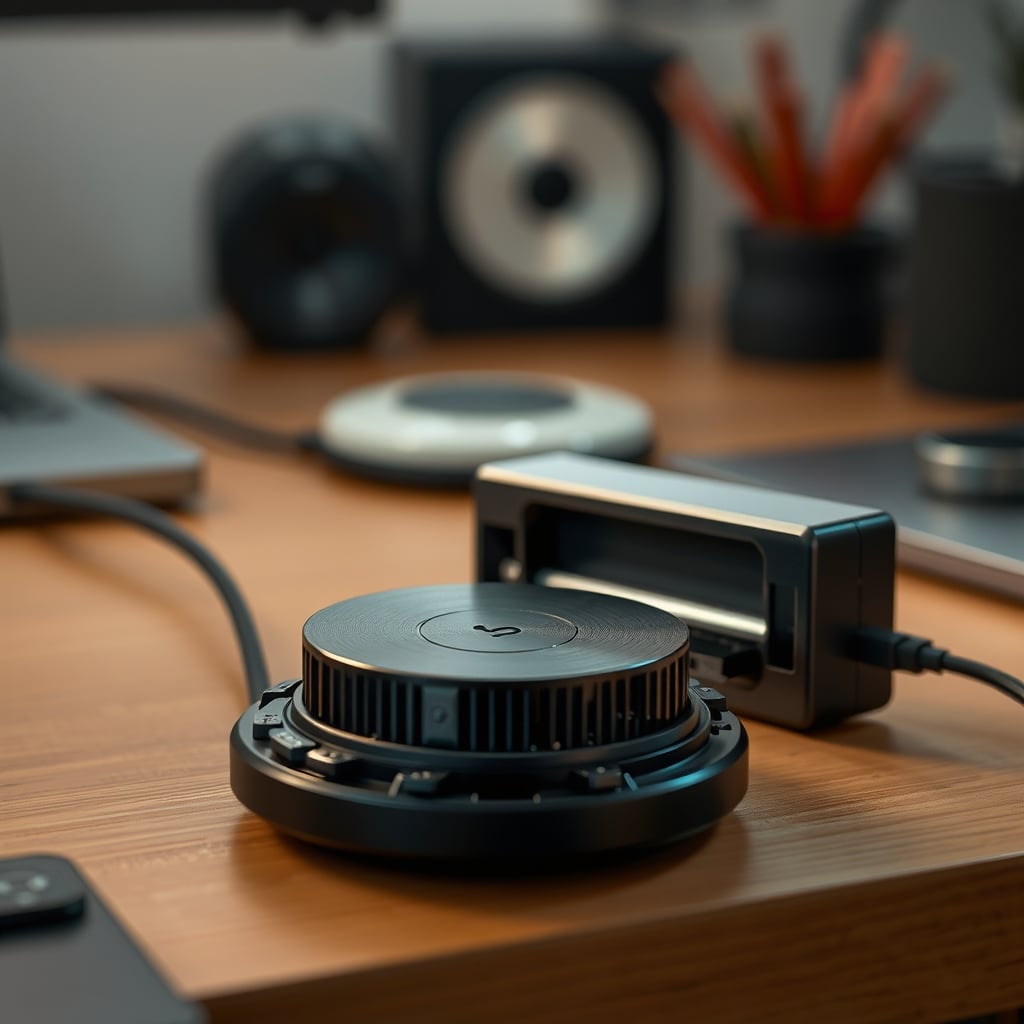
After assessing dozens of models, the pattern is clear. Overheating stems from three lazy design choices. First, using cheap, undersized copper coils that have high electrical resistance. More resistance equals more heat. Second, encasing the whole thing in a non-breathable shell of plastic or rubber that traps all that generated heat like a mini-oven. Third, and most egregious, is the complete lack of any active cooling. A small fan is considered a premium feature, which is absurd. Your router has a fan. Your console has a fan. But the device cooking your phone? Silent and sealed.
This frequently causes issues with charging stability. Your phone will connect, charge for a few minutes, get too hot, throttle or stop charging to cool down, then restart the cycle. This stop-start charging is worse for your battery than a slow, steady trickle. It's the worst of all worlds: slow, hot, and destructive. If you want to see a product that understands thermal management, look at a gaming laptop cooler. Then look at your wireless charger. The difference is a commitment to performance versus a commitment to looking pretty on a desk.
The Cable Management Cop-Out Is A Distraction
A common defense of wireless charging is that it reduces cable clutter. This is not worth it if the trade-off is a degraded battery. Sure, dropping your phone on a pad looks cleaner than plugging in a cable. But let's be honest: that single cable from your desk's integrated USB hub or a managed channel under your desk is not the eyesore people pretend it is. The obsession with a perfectly clear desktop has led people to accept objectively worse performance and long-term damage for a minor aesthetic gain. It's a bad trade.
For true zero-latency, consistent power delivery, a cable is still king. It's not even a contest. As we've covered in our piece on USB hub bandwidth limits crippling your high-end gear, power delivery is a foundational part of your setup's performance. Sacrificing it for looks is a beginner's mistake. Properly setting up your cables can be surprisingly simple, as shown in our guide to minimalist cable management. If you must go wireless, you need to be militant about heat.
What Actually Works: The Heat Dissipation Hierarchy
Forget wattage. When evaluating a wireless charger, judge it on its thermal design. Here’s what matters, in order:
- Active Cooling (A Fan): This is the only real solution for high-speed wireless charging. It's rare, often loud, and usually found in 'gamer' oriented products that look hideous. But it works.
- Passive Metal Heat Sinks: Look for products with substantial aluminum or copper plates inside that pull heat away from the coil and dissipate it into the air. Avoid anything that's just a solid block of plastic.
- Open, Airy Designs: Charging stands are often better than flat pads because they expose more of the phone's back to ambient air. The worst offenders are those sleek, low-profile pucks that sandwich your phone against your desk surface.
- Qi2 Certification: This new standard with MagSafe-like magnets isn't just about alignment. Proper alignment drastically improves efficiency, which reduces waste heat. A misaligned phone on a standard Qi pad is a miniature space heater.
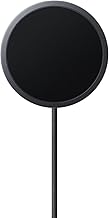
Based on widespread user feedback, one product that consistently gets this right is the Anker Zolo Magnetic Wireless Charger. Its key isn't the 15W output; it's the integrated metal ring heat sink and the precise magnets that ensure perfect alignment every time, minimizing the inefficiency that causes heat. It's not magic, it's just basic engineering that most competitors skip.
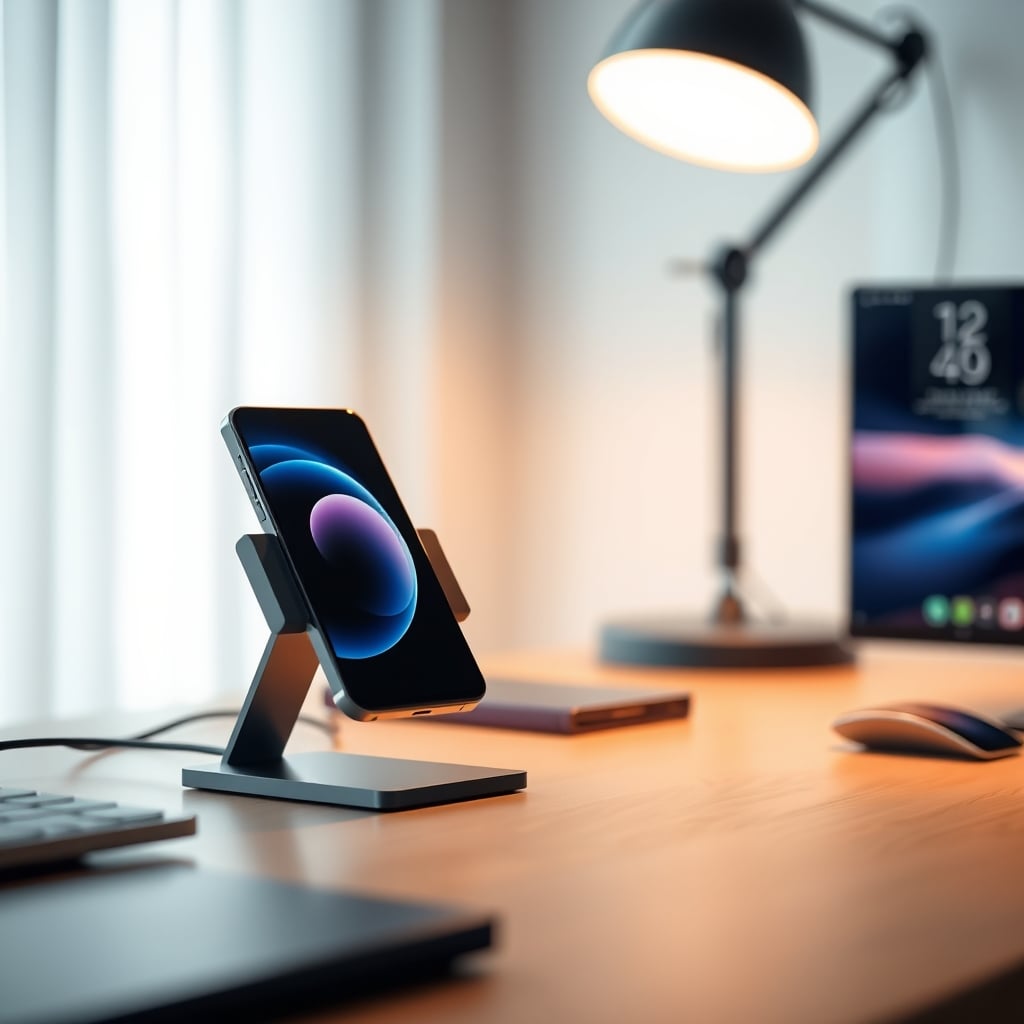
Your Daily Habits Are Making It Worse
You're probably exacerbating the problem without knowing it. Leaving your phone on the charger all night, or all day at your desk, is a recipe for sustained thermal stress. The charging cycle finishes, but the pad often remains powered, creating a low-level induction heater that keeps your phone warm indefinitely. This is a known issue for long-term use.
The fix is behavioral: don't use your wireless charger as a phone stand. Use it as a timed boost station. Place your phone on it intentionally for a 30-60 minute charge, then take it off. Or, use a smart plug to cut power to the charger overnight once your phone is full. Treating it with the same 'set and forget' mentality as a wired charger ignores the fundamental thermal difference. This is the single most effective, no-cost change you can make.
The Final Verdict: Skip It (With One Caveat)
For the vast majority of users chasing real performance and device longevity, mainstream wireless charging is overrated. The convenience is hollow when weighed against the slow battery death and thermal throttling. The industry's focus on speed over stability is misguided. If you need reliable, fast power, use a cable. It's simpler, cheaper, and better.
However, if you are surgically selective, there is a narrow use case that's actually good. A well-designed, magnetically-aligned (Qi2 or MagSafe) charger used intentionally for short, daytime top-ups can be a useful tool without the severe downsides. It becomes a tactical docking station, not a primary charging solution. But you must buy based on thermal design, not peak wattage. You must change your habits. And you must accept that for overnight charging, the cable is still superior in every measurable way except for the 2 seconds it takes to plug it in. For a comprehensive look at reliable charging setups, explore our USB-C hub buyers guide.
Stop letting marketing convenience blind you to engineering reality. Your phone's battery will thank you.
Frequently Asked Questions
Is it normal for a wireless charger to get hot?
No, it's not 'normal' in a healthy sense. It's common due to poor design, but consistent heat is a sign of energy inefficiency and directly contributes to accelerated battery degradation in your phone. A well-engineered charger manages this heat effectively.
Can wireless charger overheating damage my phone?
Absolutely. Sustained heat is the primary enemy of lithium-ion batteries. Repeated overheating cycles during charging will permanently reduce your battery's maximum capacity and lifespan much faster than cool, wired charging.
Does a phone case make wireless charging hotter?
Yes, almost always. Any material between the charger's coil and your phone acts as an insulator, trapping heat. Thick cases, especially those with metal plates or magnets not designed for charging, significantly increase temperatures and reduce charging efficiency.
Are MagSafe or Qi2 chargers better with heat?
They can be. The key benefit is perfect magnetic alignment, which maximizes charging efficiency. More efficiency means less wasted energy turning into heat. However, a poorly designed Qi2 charger with no heat sink will still overheat; the standard helps but doesn't eliminate the physics problem.

Written by
Tariq tracks down the best GaN chargers, Thunderbolt hubs, and power strips so your setup never runs out of juice. He tests thermals and wattage delivery extensively.
3 Comments
Share your thoughts with the community
Honestly thought this would be overhyped but there are some genuinely useful points here about wireless charger overheating.
Bookmarked this for when I'm ready to tackle wireless charger overheating. A lot to absorb but it makes sense.
I'd add that wireless charger overheating also has a learning curve most people ignore. The technical side isn't the hard part.
Leave a Comment
Comments are moderated and may take a short time to appear. Links are not permitted.