Power Bank Safety Is The 2026 Lie You're Believing
We've all bought a cheap power bank thinking it's fine. The reality is that most are ticking time bombs wrapped in marketing lies about power bank safety. Here's what the industry doesn't want you to know before your desk goes up in smoke.
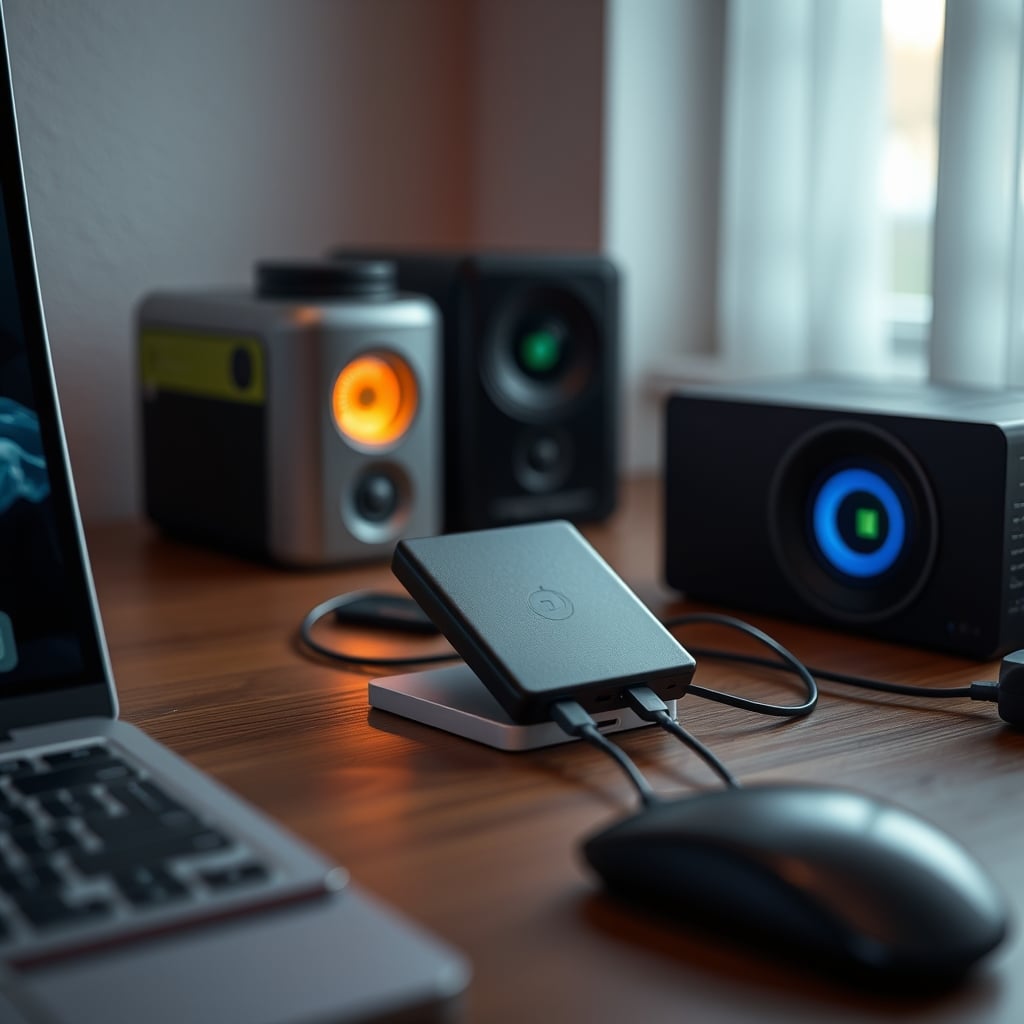
Let's start with the biggest mistake everyone makes: you treat power banks like a commodity. You see 20,000mAh for $20 and think you've won. The reality is you've just introduced the single biggest fire risk into your workspace besides a faulty extension cord. Most people's approach to power bank safety is to check a review for 'fast charging' and call it a day. That's not just wrong—it's dangerously naive. After sifting through years of user reports, warranty claims, and teardowns, the pattern is clear: the market is flooded with products that prioritize cheap parts and flashy wattage numbers over basic electrical integrity.
We need to talk about why your 2026 power bank is probably a hazard, what specs actually matter for survival, and why the common advice is actively misleading.
Why Your Power Bank Is A Desktop Fire Hazard
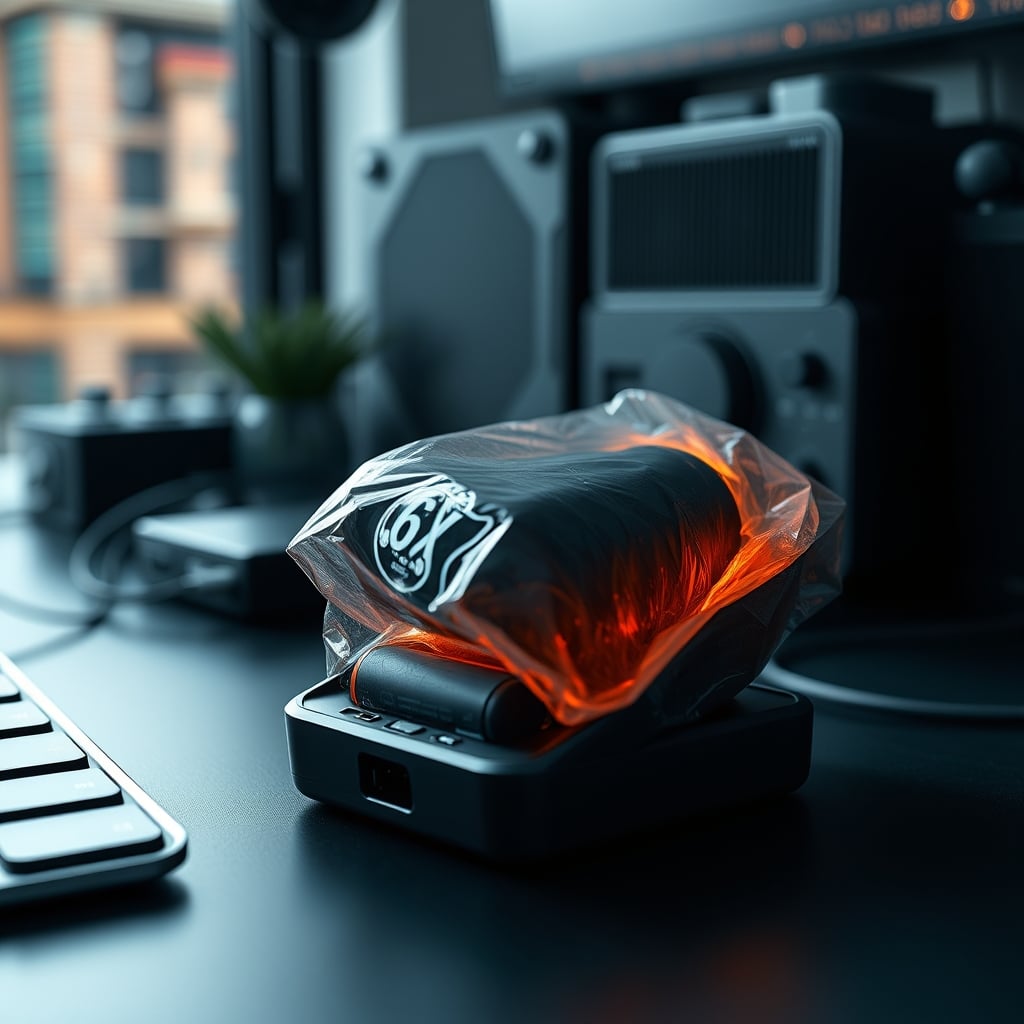
Forget 'fast charging' for a second. The real conversation should be about thermal runaway. That's the technical term for when a lithium-ion cell overheats, starts venting gas, and ignites. It's not a rare 'one in a million' event when you're using cut-rate battery cells and protection circuits that cost pennies. Based on widespread user feedback on tech forums and reports to consumer safety boards, the primary failure points are predictable: cheap cells from no-name suppliers, and protection circuits that are either missing or too slow to react.
In common desk setups, these banks are often buried under papers, tucked behind monitors, or left charging overnight on flammable surfaces. This is a known issue for long-term use. Heat has nowhere to go, the bank can't cool, and the internal temperature climbs past the point of safety. Most people get this wrong. They think a warm bank is just working hard. It's not. It's a warning sign.
The industry lies about this by burying the real safety specs in tiny print and highlighting meaningless peak wattage. A bank can claim 45W output but use wiring and components rated for half that. When pushed, it fails. You're not just risking the bank—you're risking the $2000 laptop or phone you're charging with it. This is the real issue.
The Power Bank Safety Myth That Needs To Die
Here’s the popular belief you need to forget right now: "More certifications = safer product."
This is overrated. This is the power bank safety myth that needs to die. Brands love to slap a dozen certification logos on their box—CE, FCC, RoHS, maybe a UL listing. Consumers see the alphabet soup and feel secure. The brutal truth is that many of these certifications, especially on imported direct-to-consumer brands, are self-declared or based on samples that don't reflect production quality. A factory can get one unit certified and then change components in the next batch to cheaper alternatives. It happens constantly.
What actually matters isn't the logo count, but the specific, credible certifications for the battery cells themselves. Look for cells from known manufacturers like Samsung, LG, or Panasonic/Sanyo. These companies have their own rigorous safety testing. A power bank using Grade A cells from Samsung is inherently safer than a no-name bank with ten generic certifications on the box. This doesn't work the way people think. The presence of a CE mark tells you almost nothing about the actual safety of the lithium pack in your hand.
The other half of this myth is capacity. "Bigger mAh must be better!" Wrong. A poorly constructed 30,000mAh bank is significantly more dangerous than a well-built 10,000mAh one. More cells mean more points of failure and more energy to release in a failure. For a desk setup where you're rarely more than a few feet from an outlet, chasing massive capacity is not worth it. You're trading portability for risk, and you probably don't need it.
What Actually Matters For Real-World Safety (The 2026 Specs)
Stop looking at the front of the box. Ignore the giant '100W' or 'Super Fast' stickers. Here are the four things you need to verify, in this order:
- Cell Origin: This is non-negotiable. The product description or manual should explicitly name the cell manufacturer. Vague terms like "high-quality lithium polymer" are a red flag. You want to see "Samsung 21700 cells" or "LG INR18650." No name, no buy.
- Protection Circuit Details: A good bank has multiple layers: overcharge protection, over-discharge protection, short-circuit protection, over-current protection, and temperature control. Better brands detail these. Cheap ones say "built-in protections" and leave it at that. Temperature control is critical—the circuit must throttle or cut power if the bank or the device gets too hot.
- Realistic Output & Efficiency: A 20,000mAh bank does not deliver 20,000mAh to your device. Efficiency matters. Look for a stated "conversion rate" or "actual output capacity." A good bank operates at 85-90% efficiency. A bad one can be as low as 60%, meaning all that lost energy is turning into heat inside the case. Heat is the enemy.
- Case Material & Venting: Metal cases dissipate heat better than plastic. They're also more resistant to physical damage that can puncture a cell. Look for designs with ventilation grooves or mesh areas. A sealed, slick plastic brick is a thermal trap.
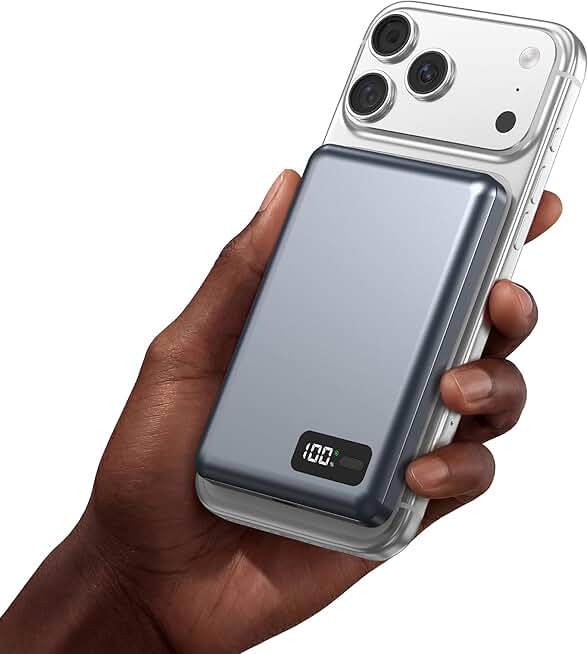
This is where we can talk about a product that gets it right. The Baseus 20000mAh Compact Portable Charger is a frequent mention in communities that do teardowns. It's not perfect, but it consistently uses name-brand cells and has a clear multi-protection circuit list. The metal casing is a major plus for heat dissipation on your desk.
It’s a solid baseline for what to look for: known cells, metal body, clear protections. The 45W output is a bonus, but the safety foundation is what makes it a viable desk companion.
Cable Management Is A Safety Feature (Yes, Really)
You read our piece on Cheap Cable Management Is The Only Cable Management You Need for focus. Now consider it for survival. A tangled nest of cables behind your desk isn't just ugly—it's a hazard when you add a power bank to the mix.
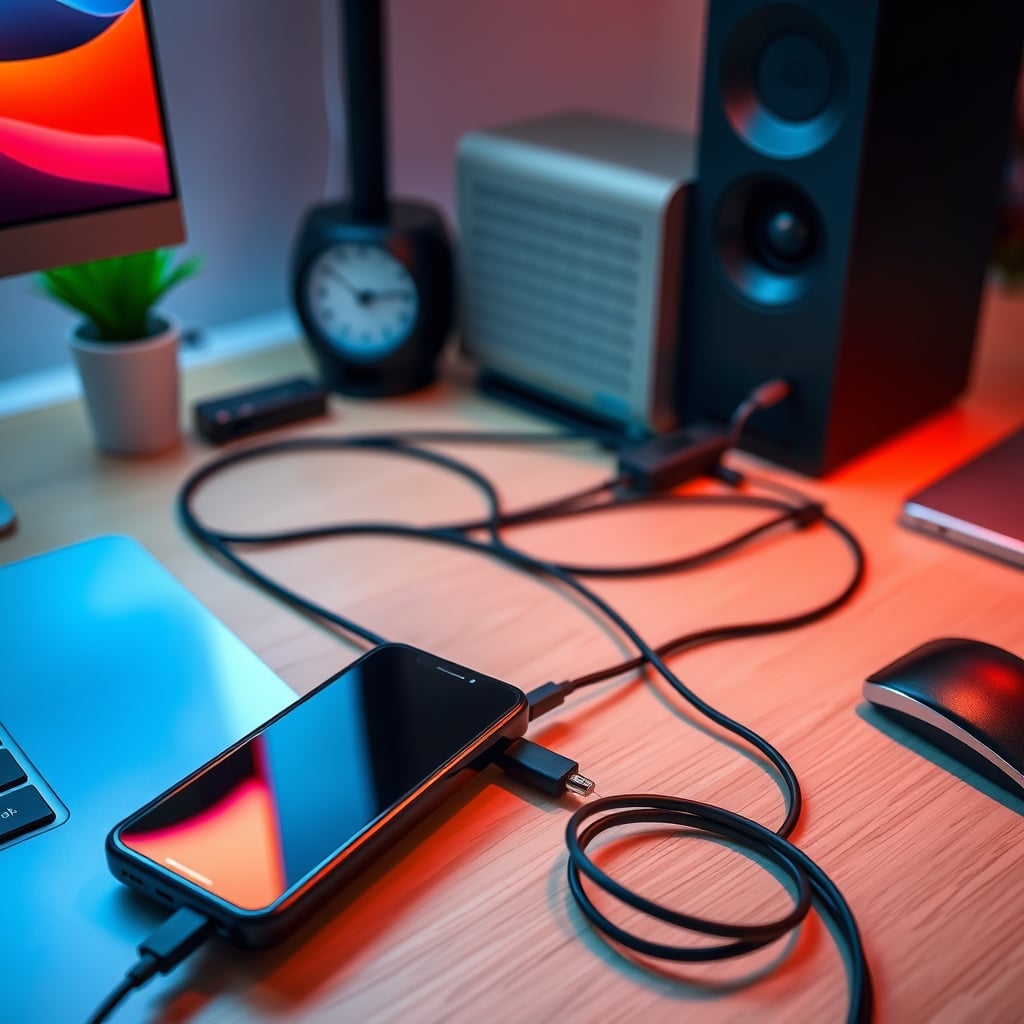
Stress on a USB-C port from a poorly routed cable can loosen the internal connection. A loose connection creates electrical arcing and heat. Over time, this damages both the power bank's port and your device's port. Users consistently report power banks failing at the port first. This frequently causes issues with intermittent charging, which then leads people to jiggle the cable, making it worse.
Keep the cable from the bank to your device as straight and supported as possible. Don't let it dangle, putting all the weight on the connector. This is a simple, zero-cost safety upgrade most people ignore. Your pursuit of a clean desk for focus directly contributes to a safer charging environment. It's the same principle we apply to avoiding Cable Signal Interference—physical integrity matters.
Why Wireless Power Banks Are Overrated For Desk Use
Qi2 and MagSafe power banks are the hot trend. They're also mostly a gimmick for a stationary desk. This is overrated. Here’s why: wireless charging is inherently inefficient. It turns more power into waste heat than wired charging does. That heat is generated in both the bank and your phone. So you now have two devices heating each other up, trapped between a desk mat and your monitor stand.
For on-the-go, a magnetic snap is convenient. For your primary desk, where you can easily plug in a cable, it’s a pointless efficiency loss and a thermal liability. The industry is pushing wireless because it's a premium feature they can charge more for, not because it's better. You're paying extra to degrade your battery health faster due to heat. If you must have one, ensure it has a fan or active cooling, which most slim banks don't.
The Charging Habits That Are Killing Your Bank (And Your Gear)
Let's move from the product to your behavior. These are the mistakes that turn a decent bank into a problem.
Mistake 1: Treating it like a permanent power supply. A power bank is for bridging gaps, not for perpetually powering your laptop from 0% to 100% every day. This constant deep-cycle charging generates sustained heat and wears out the cells dramatically faster. If your laptop is always at your desk, plug it into the wall. The bank is for meetings, moving spots, or travel.
Mistake 2: Charging the bank itself with a cheap charger. You spent time picking a safe bank, then you plug it into a $5 no-name wall charger you got at a gas station. This is insane. That charger likely has poor voltage regulation, sending dirty, unstable power into your bank's sensitive charging circuit. Use a quality, brand-name wall adapter. Think of it like putting premium fuel in a car.
Mistake 3: Ignoring swelling. Lithium batteries don't just explode. They usually warn you first. If the casing of your power bank feels bowed, the seams are separating, or it no longer sits flat on the desk, it's swelling. This is a critical failure. Stop using it immediately. Do not throw it in the trash. Take it to an e-waste or battery recycling center. This is a known issue for long-term use, and ignoring it is how small incidents become big ones.
The Budget Trap: Why The Cheapest Option Is Always Wrong
We love budget picks at GlowRig when they make sense. For power banks, the absolute cheapest option is a category you should avoid entirely. The cost savings come from somewhere: thinner internal wiring, lack of a proper temperature sensor, recycled or low-grade battery cells, and plastic casing that melts instead of containing a problem.
A safe power bank has a real cost. The cells, the protection ICs, the copper, the metal casing—these aren't free. When a bank is priced suspiciously low for its claimed capacity and power, you are the product being tested. It's not worth saving $15 to risk hundreds in gear and your personal safety. This is not worth it.
For a reliable, no-frills option that gets the fundamentals right, the INIU Slim 45W is a common sight in real-user kits. It's not fancy, but it has a track record of reliable performance and uses attached cables cleanly to reduce port wear.
Its slim profile means it dissipates heat less effectively than a metal brick, so be mindful of where you place it. Don't bury it. But for core safety components, it's a proven budget-conscious choice.
The Final Verdict: What's Actually Worth It In 2026
Let's be blunt. The unsexy, engineering-minded approach to power bank safety is the only one that works.
Skip the wireless-focused, ultra-slim fashion banks for primary desk duty. Their thermal performance is usually poor.
Skip any bank that doesn't openly disclose its cell manufacturer. Secrecy here is a deal-breaker.
Skip using a power bank as a permanent desktop power source. That's not their job.
What's actually good? A modestly-sized (10,000-20,000mAh) bank from a brand with a reputation to protect, using named cells (Samsung/LG/Panasonic), housed in a metal case, with clear multi-protection circuitry. Pair it with a quality cable and a good wall charger. Treat it as a tool, not a decoration.
Your power bank shouldn't be a source of anxiety. By ignoring the hype and focusing on the boring, fundamental specs, you get a tool that works silently and safely in the background of your focused workspace. That's the real goal. For your desk, where focus is everything, a safe, reliable power source is non-negotiable. Don't compromise on the fundamentals for the sake of flashy specs. Your gear—and your peace of mind—depends on it.
Frequently Asked Questions
Is it safe to leave a power bank charging on my desk overnight?
No. This is a common but risky habit. While charging, power banks generate heat. Leaving them unattended for long periods, especially on or near flammable materials like paper, cloth desk mats, or under monitors, increases the risk if a thermal event occurs. Charge them during the day when you can monitor them.
What does a 'swollen' power bank mean, and what should I do?
A swollen casing means the internal lithium cells are failing and producing gas. This is a serious fire hazard. Immediately stop using and charging it. Do not puncture it. Do not throw it in the regular trash. Take it to a designated battery recycling or e-waste disposal facility.
Do more certification logos (CE, FCC) make a power bank safer?
Not necessarily. Many certifications are self-declared by manufacturers, especially on imported goods. They are not a reliable indicator of true safety. A better indicator is the brand's transparency about using battery cells from major manufacturers like Samsung or LG, which have their own strict safety standards.
Is a metal or plastic power bank case better for safety?
Metal is superior. It acts as a heat sink to dissipate warmth more effectively and provides better physical protection for the cells inside. Plastic cases are cheaper and can trap heat, potentially melting in a failure instead of containing it.
Can a bad power bank damage my laptop or phone?
Absolutely. An unstable power bank with poor voltage regulation or faulty protection circuits can send incorrect voltage or current spikes to your device. This can permanently damage the device's internal charging circuitry or battery, leading to expensive repairs.

Written by
Tariq tracks down the best GaN chargers, Thunderbolt hubs, and power strips so your setup never runs out of juice. He tests thermals and wattage delivery extensively.
3 Comments
Share your thoughts with the community
Didn't know half of this about power bank safety. Feels like I've been doing things wrong for years.
I've gone through three different solutions for power bank safety in two years. Should've read something like this first.
Does this apply if you're working with a budget setup for power bank safety, or is it mainly for premium builds?
Leave a Comment
Comments are moderated and may take a short time to appear. Links are not permitted.