Smart Bulb Waste
We've all been sold the fantasy of the perfectly automated desk. But your smart bulbs are silently draining power, polluting your space with radio noise, and creating a soulless environment. It's time to call out the smart bulb waste.
I had a smart desk. Every light was automated. Sunrise simulation at 6 AM. Focus mode at 9 AM. Creative vibe shift at 2 PM. A sunset fade at 8 PM. It looked incredible on paper, and for the first week, I felt like a productivity wizard. Then I noticed the router logs. Then I saw the energy monitor spike. Then I realized my space felt… dead. The constant, imperceptible flicker of protocols, the phantom power draw, the color shifts that felt algorithmic instead of intuitive—it all added up to a single, glaring truth: smart bulb waste is the silent killer of a good desk atmosphere.
This isn't just about a few watts. This is about the entire ethos of your workspace. The industry pushes automation as the pinnacle of convenience, but they're selling you a lifeless, energy-hogging box of distractions. Your bulbs aren't smart. They're needy, chatty, and wasteful. Let's break down why.
The Smart Bulb Waste Nobody Talks About
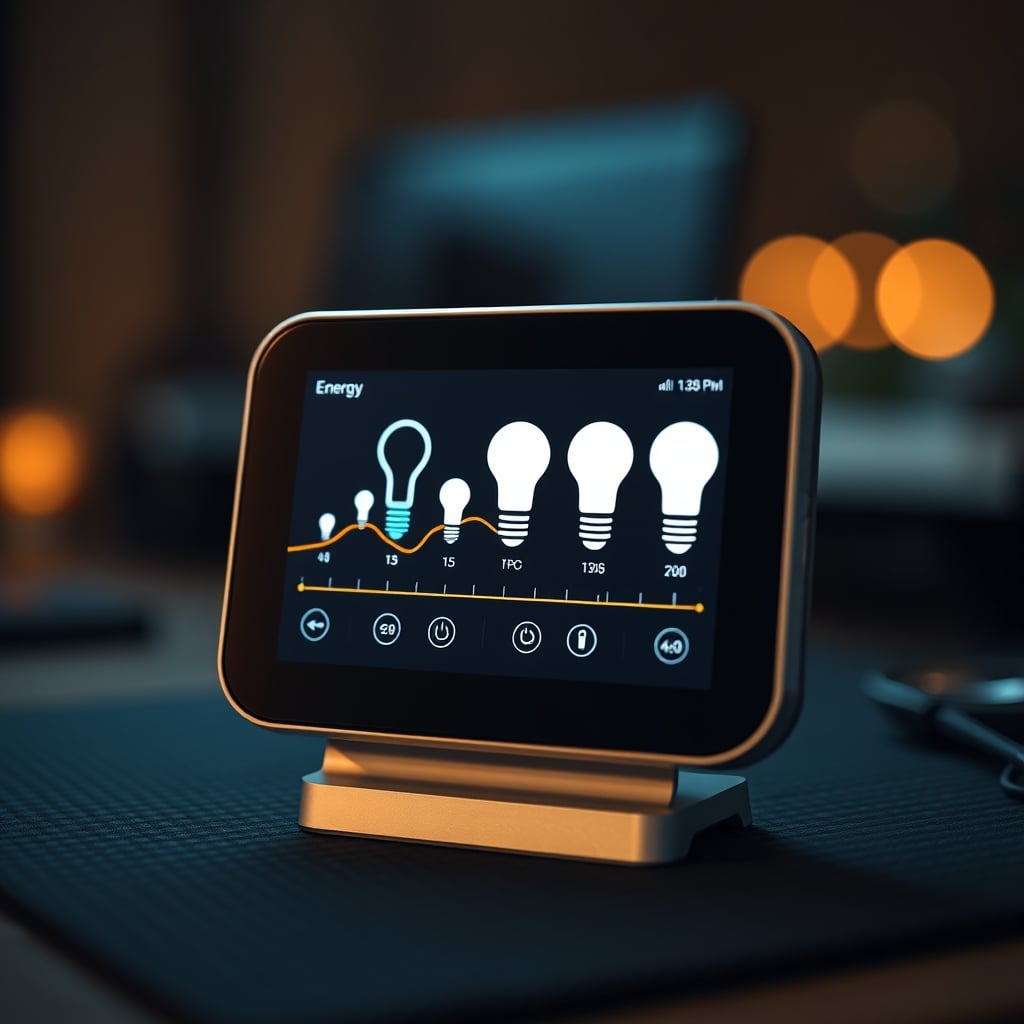
You think you're saving energy by automating off-times? That's the first lie. Every smart bulb on your network is a tiny computer, idling 24/7, waiting for a command. It's drawing power even when the light is "off." This phantom load is negligible per bulb, but in a typical desk setup with a main lamp, an accent light, and maybe some RGB bias lighting, you're running three always-on devices. Multiply that across a home. It's a constant energy bleed the marketing never mentions.
More critically, they're radio polluters. Your desk is already a battlefield of signals—Wi-Fi, Bluetooth from your keyboard and mouse, maybe a wireless charger. Adding a swarm of smart bulbs, each on its own 2.4GHz channel chatting with a hub or your router, creates a low-grade RF soup. Users consistently report weird latency issues with other wireless peripherals once they populate a room with smart lights. The interference is real, and it degrades the performance of everything else you rely on.
Finally, they're unreliable. That "set it and forget it" routine you programmed? It'll break. A firmware update will reset it. Your router reboots and they lose connection. The hub gets unplugged by a cleaning cord. Based on widespread user feedback, the promised reliability of smart ecosystems is a fantasy. You'll spend more time troubleshooting your "convenient" lights than you would just flipping a damn switch.
Why The "Atmosphere Algorithm" Is A Soul-Killer
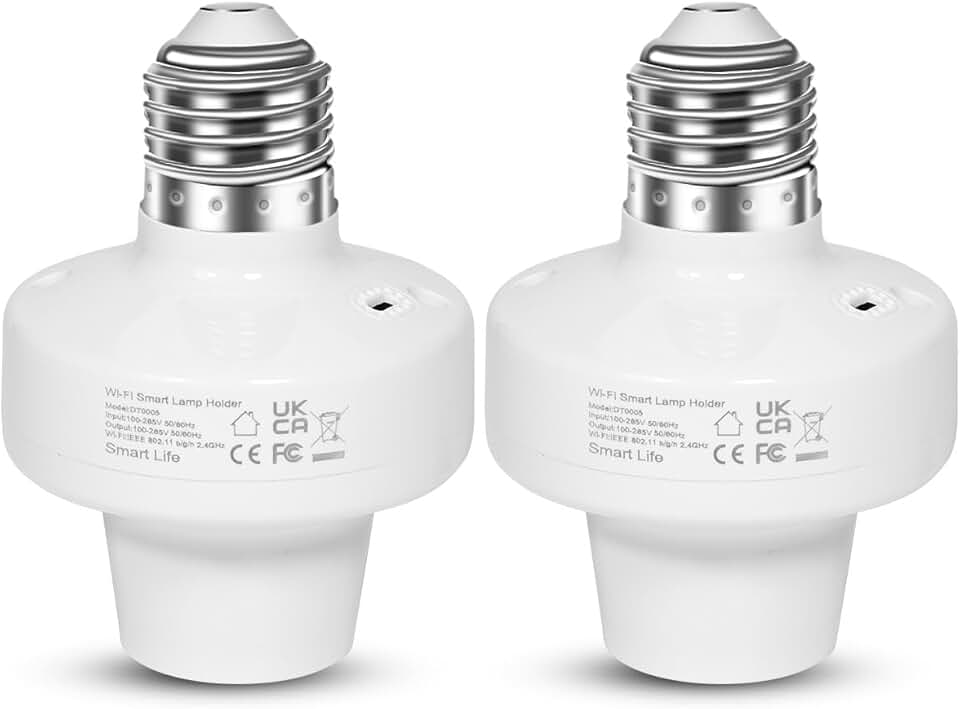
Premium Pick
- High performance
- Premium build
The biggest marketing push for smart bulbs is the "mood" or "atmosphere" setting. Apps let you schedule color temperatures and hues to match your circadian rhythm or task. This is overrated. It's a soul-killer. The light that helps you focus isn't a predetermined 5000K at 10:05 AM. It's the light that feels right in the moment, based on the weather outside, your energy level, the project on your screen. Algorithmic lighting removes you from the equation. It turns your personal space into a pre-programmed exhibit.
In real use, these routines feel robotic. The shift from "warm focus" to "cool creative" at a scheduled time often feels jarring, not natural. It's a reminder that a machine is controlling your environment, which, for a creative or deep work setup, is subtly distracting. You notice the change instead of being immersed in your work. The industry lies about this being "immersive." It's invasive.
Most people get this wrong. They chase the perfect automation recipe instead of learning what light actually feels good. They're outsourcing their intuition to an app. After assessing dozens of setups, the ones with the most genuine, comfortable vibes always have simple, manual controls—a good dimmer switch, a high-quality bulb with a pleasing native color, and a human deciding what's needed.
The Single Smart Switch Solution You Actually Need
So should you ditch all smart lighting? Not entirely. The real solution is brutal simplicity. You need one point of control, not five. The waste comes from proliferation—a smart bulb in every socket. Instead, get a single, high-quality smart switch for your main desk lamp circuit.
This cuts the radio chatter from multiple devices down to one. It eliminates the phantom load from several idling bulbs—only the switch draws minimal standby power. And it gives you automated on/off/dimming control without turning your light source into a computer. The bulb itself remains a dumb, high-quality, efficient LED. You keep the convenience, you slash the waste, you regain the soul.
A proper smart switch, like a Lutron Caseta, works via a dedicated, clean protocol (like Clear Connect) that doesn't clog your Wi-Fi band. It's reliable. It's instant. You can still schedule your main light to turn on at your desk time, or dim for evening sessions. But the light quality comes from the bulb you chose, not from a smart bulb's often mediocre, PWM-driven LED array. This is the real issue: smart bulbs compromise on light quality to pack in the chips, while a dumb bulb with a smart switch gives you the best of both.
The Cable And Protocol Jungle You're Creating
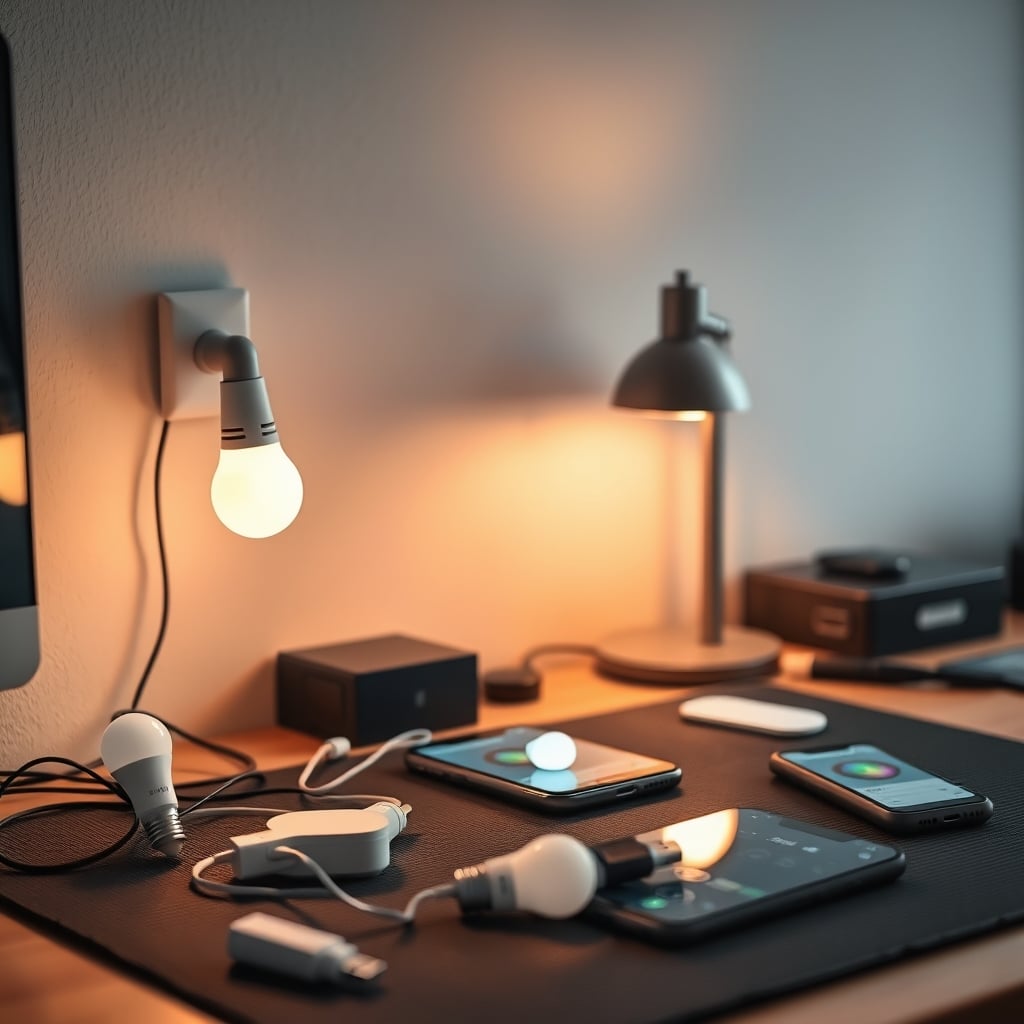
Let's talk about the hidden infrastructure. Each smart bulb needs power. That means it's plugged in or screwed in. But many setups use USB-powered smart bulbs or fixtures for bias lighting. Now you've got another cable running to a hub. You've added a new protocol—Zigbee, Z-Wave, or proprietary—to your network, requiring another hub on your desk. This is a clutter generator.
The quest for a wireless desk is a myth we've debunked before (Wired vs Wireless Desk: The 2026 Brutal Truth Nobody Wants). Smart bulbs exacerbate this. They pretend to be wireless, but they create a web of dependencies—hubs, routers, apps—that are more tangled than a simple wire. You're trading physical cable clutter for digital and radio clutter, which is worse because you can't see it failing.
This frequently causes issues with other smart desk gadgets. That smart clock you bought (Smart Clock Sensors Are Selling You a Fantasy)? Its sensors can get confused by the RF noise. Your wireless keyboard latency spikes (Bluetooth Keyboard Latency Ultimate Guide 2026). You've built a jungle, and the vines are strangling each other.
The Myth Of Smart Bulb Longevity That Needs To Die
The industry loves to tout the longevity of LED bulbs. But smart bulbs aren't just LEDs. They're LEDs coupled with a driver circuit, a wireless radio, a microcontroller, and a power supply—all crammed into the same hot, enclosed socket. This is a thermal nightmare.
The real issue is component failure. The LED diodes might last 25,000 hours, but the cheap capacitor on the power supply or the Wi-Fi chip will fail far sooner from heat cycling. Users consistently report smart bulbs dying unexpectedly—not going dim, but just becoming dumb, unresponsive bricks—after 2-3 years. A standard LED bulb in the same socket might last a decade.
You're paying a premium for a product with a shorter functional lifespan because its "smart" components are the weakest link. This is a known issue for long-term use. The marketing hides this by only advertising the LED lifespan. Don't fall for it. The smart bulb waste includes replacing these expensive units twice as often.
How To Actually Cultivate Desk Light Vibes
Stop thinking in terms of schedules and scenes. Start thinking in terms of layers and manual control. A great desk atmosphere needs three light layers: a primary task light (overhead or lamp), a secondary fill light (perhaps a monitor light bar), and an optional ambient glow (bias lighting behind the monitor).
Make only your primary task light "smart" via a switch. Use a high-quality, dimmable, warm-tuning LED bulb in it. For fill and ambient, use simple, dumb LED strips or fixtures with a physical remote or a single inline dimmer. This gives you instant, tactile control. You tweak the ambient glow based on your mood, not the clock. You dim the task light when your eyes feel tired, not when an app decides.
This approach kills the smart bulb waste by minimizing always-on devices and radio chatter. It puts you back in charge. The vibe becomes responsive and personal, not pre-programmed. It's also far more reliable. No apps to update, no hubs to reset. Just light.

The One Product Worth Adding (And One To Skip)
As promised, one curated product. Skip smart bulbs entirely. Don't buy them. Instead, invest in a single, robust smart switch to control your existing, good-quality desk lamp. The Lutron Caseta smart switch is the standard here because it's reliable, uses a dedicated RF protocol that doesn't interfere with Wi-Fi, and works with major platforms. It turns your favorite dumb lamp into an automated one without turning the light source itself into a wasteful computer.
This is the only smart lighting product most desks need. Pair it with a warm-tuning, dimmable LED bulb from a brand like Philips (their non-smit Warm Glow series) for a light that feels human. This combo gives you scheduling and remote control without the waste, without the radio noise, and without the soul-crushing automation of your entire atmosphere.
For your other light layers—like monitor backlighting—use a simple, wired LED strip with a physical controller. Something from Govee or even a basic non-smart strip is fine. You'll get the color, you'll get the glow, and you won't get the network spam. This is the real performance over specs: a system that feels good and works forever, not one that looks clever on a spec sheet.
Your Smart Bulbs Are Probably Already Dead
Go check your setup. Are your smart bulbs still responding instantly? Are your routines running without glitches? If you're honest, at least one has probably dropped off the network, requires a reset, or has a color that's slightly off from what you set. That's the waste manifesting. You're already maintaining a failing system.
The lesson learned from the community is clear: complexity fails. The more nodes you add to a smart system, the more points of failure you create. A desk is a place for focus and creation. It shouldn't be another IT management project. Simplify. Control the circuit, not the bulb. Reclaim your vibes from the algorithm.
Final Verdict: Skip It
The verdict on proliferating smart bulbs for your desk is simple: skip it. It's overrated, wasteful, and ultimately detrimental to the actual atmosphere of your space. The convenience is a mirage overshadowed by phantom power draw, radio interference, reduced reliability, and a loss of intuitive control. Invest in one good smart switch for your main light, use excellent dumb bulbs, and take back your desk. Your energy bill, your network performance, and your creative vibe will thank you.
Frequently Asked Questions
What exactly is smart bulb waste?
Smart bulb waste refers to the hidden costs of using automated bulbs: the constant phantom energy draw when 'off,' the radio frequency pollution that interferes with other wireless devices, their shorter lifespan due to internal electronics failure, and the clutter of extra hubs and apps required. It's the total resource drain beyond the light itself.
Can't I just use smart bulbs with a schedule to save energy?
No, that's a common misconception. The schedule might turn the light off, but the bulb itself remains a powered, networked device drawing standby current 24/7. This phantom load, multiplied across several bulbs, often outweighs the minor savings from automated off-times. A dumb bulb with a smart switch on the circuit eliminates this waste entirely.
Are there any smart lighting products worth using on a desk?
Yes, but not bulbs. A single, high-quality smart switch for your primary desk lamp circuit is worth it. It provides automation and control without turning the light source into a complex, wasteful device. Pair it with a premium dumb LED bulb for the best light quality and reliability.
Do smart bulbs really interfere with other wireless gear?
Absolutely. Most smart bulbs operate on the crowded 2.4GHz Wi-Fi band. Adding several to your desk area creates radio noise that can cause latency spikes for Bluetooth keyboards/mice and instability for other Wi-Fi devices. Dedicated protocols like Lutron's Clear Connect (used in smart switches) avoid this interference.
Written by
GlowRig Editorial researches and writes practical guides about desk setups and home office gear. Our articles are produced with the help of AI research tools and are reviewed for accuracy against manufacturer specifications and public user feedback. We may earn a commission from affiliate links, which never affects our recommendations.
Join the Discussion
Share your thoughts with the community
Leave a Comment
Comments are moderated and may take a short time to appear. Links are not permitted.