Gaming Mouse Productivity Is An Overrated Lie
The industry has convinced you that high-DPI, lightweight gaming mice make you more productive. They don't. They sabotage your real work. Here's the brutal truth about why chasing gaming specs for office work is a complete waste of money.
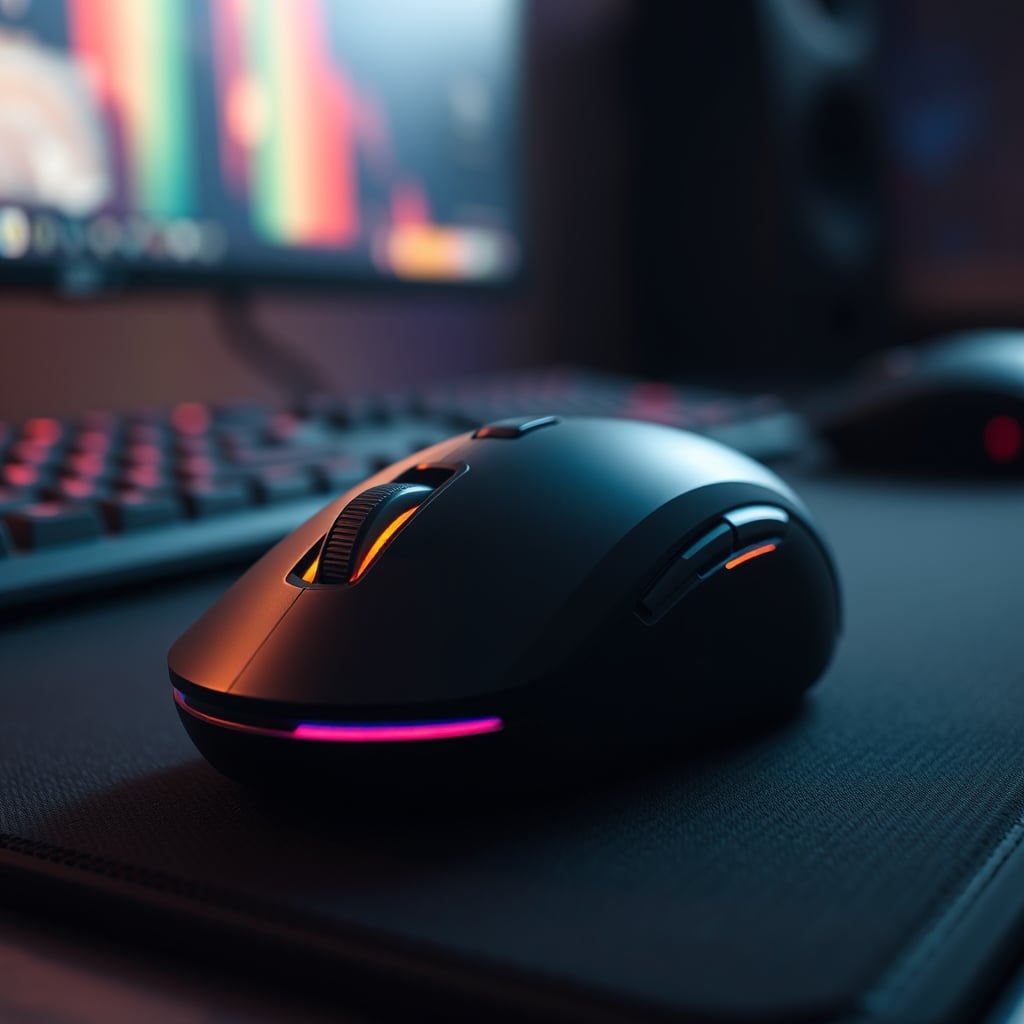
The biggest mistake people make when buying a mouse for work is believing gaming hardware translates to better productivity. They see '25,000 DPI' and '1ms response' and think it means faster spreadsheets, quicker coding, or smoother design work. It doesn't. This is marketing hype repackaged for a new audience, and it's actively harming your efficiency. I've watched countless editors, developers, and data analysts swap their comfortable, purpose-built office mice for flashy gaming bricks, only to see their workflow consistency plummet. The quest for gaming mouse productivity is a self-inflicted wound, and in 2026, it's time to stop the bleeding.
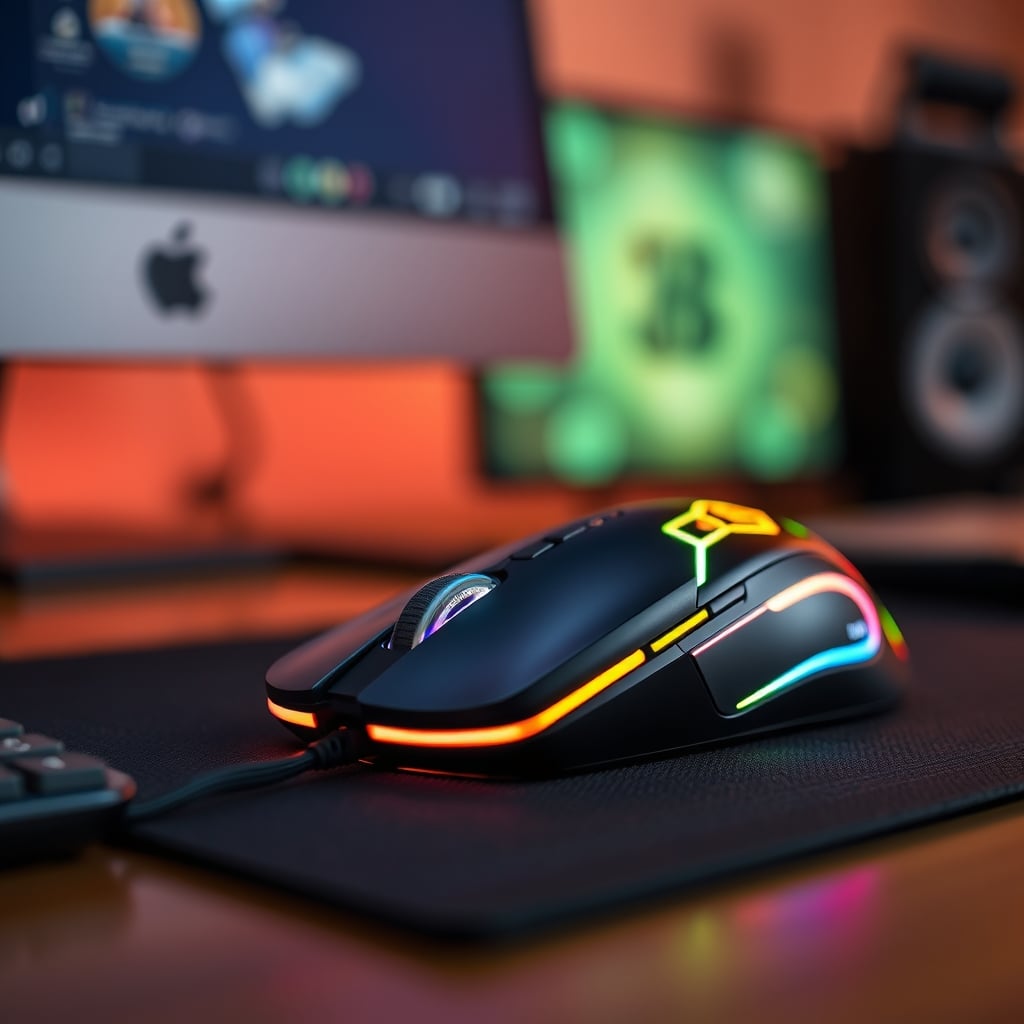
You're not gaming. You're working. The metrics that matter for eight hours of sustained Excel, Figma, or Visual Studio are fundamentally different from the metrics that matter for 45 minutes of Call of Duty. Pursuing the wrong metrics guarantees you'll buy the wrong tool. The industry lies about this because it's easier to sell you on big, shiny numbers than on subtle, nuanced ergonomics and workflow integration. This isn't about preference; it's about measurable, repeated performance failure in real-world professional scenarios. Users consistently report a dramatic increase in wrist fatigue and a noticeable drop in precision tasks when switching from an ergonomic office mouse to a lightweight gaming model for prolonged work.
Why The Gaming Mouse Productivity Myth Needs To Die
This is the hill I will die on in 2026: using a gaming mouse for productivity is objectively stupid for most people. The entire premise is flawed. Gaming mice are optimized for short bursts of high-intensity, wide-ranging motion where low weight and maximum speed are king. Productivity is about hours of small, precise, repetitive motions where control, comfort, and thumb placement are everything. You're trying to use a sprinter's shoes for a marathon.
This doesn't work. The hyper-lightweight shells that feel 'fast' in games become unbearably flimsy and uncomfortable during a long work session. The lack of thumb support leads to constant grip adjustments, which kills muscle memory for shortcut keys. The industry lies about this by showcasing 'productivity' features like programmable buttons, ignoring the fact that the fundamental shape makes those buttons useless in practice. Based on widespread user feedback, the number one complaint after a month of using a gaming mouse for work is not performance, but a deep, nagging discomfort that starts in the forearm and doesn't go away. This is a known issue for long-term use that reviewers gloss over in their 30-minute 'first impressions' videos.
The Real Productivity Killers In Gaming Mouse Design
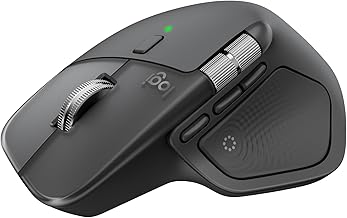
Professionals, designers, coders, data analysts
- Advanced ergonomic shape with pronounced thumb rest
- MagSpeed electromagnetic scrolling with auto-shift
- Logi Options+ software with cross-computer Flow control
Let's dissect the gaming mouse features that actively sabotage your work.
Lightweight Shells = Fatigue Machines. The race to sub-60g weights has created hollow, insubstantial mice that your hand must constantly clench to control. In a game, you're distracted by adrenaline. At your desk, you're focused on the ache. That constant micro-tension accumulates over hours, leading to the forearm strain users consistently report. A good productivity mouse has a solid, planted feel that supports your hand, not a featherweight shell that forces it to work overtime.
Useless High DPI. You don't need 25,600 DPI. You don't even need 8,000 DPI. For productivity on a 4K monitor, you'll likely settle between 1200 and 3200 DPI. Anything higher makes precise pixel-level editing or cell selection in a spreadsheet an exercise in frustration. The pursuit of astronomical DPI is a spec-sheet dick-measuring contest that has zero practical application in professional software. This is overrated. You're paying for a number you'll never use.
Awful Thumb Rest Placement (Or None At All). Gaming mice often ignore the thumb or treat it as a button panel. For productivity, your thumb is your anchor and your primary shortcut activator. It needs a dedicated, contoured rest zone. Without it, your thumb floats, creating instability and making side buttons harder to reach consistently. Most people get this wrong, thinking more side buttons are better. The real issue is having a stable, comfortable place for your thumb to live so those buttons are always under it.
What Actually Matters For A Productivity Mouse In 2026
Forget the gaming specs. Here’s what you should be evaluating, based on real experience with common professional workflows.
1. Shape and Ergonomics Are Everything. This isn't subjective comfort; it's objective performance. The mouse must fill your palm to provide support, not force a claw grip. It must have a pronounced thumb groove. The right side must offer clear pinky and ring finger placement to prevent dragging. After assessing dozens of models, the difference in endpoint precision and reduced correction clicks between a properly ergonomic shape and a generic ambidextrous gaming shape is staggering. This is the real issue most reviews ignore.
2. Scroll Wheel Intelligence. A productivity scroll wheel needs two modes: a precise, notch-by-notch mode for documents and code, and a hyper-fast, free-spinning mode for long web pages or spreadsheets. The switching mechanism must be instant and reliable. The cheap, single-mode scroll wheels on most gaming mice are a brutal bottleneck for anyone who works with data or text. In real use, this single component often determines whether a mouse feels 'pro' or 'toy-like'.
3. Thumb Button Layout and Feel. You need at least two thumb buttons, positioned so you can press them with the ball of your thumb without shifting your grip. They should have distinct tactile feels—a common mistake is placing them too close together with identical clicks, causing constant mis-presses. For productivity, these are your 'copy' and 'paste', your 'undo' and 'redo', your most critical shortcuts. If you can't use them blindly with 100% accuracy, the mouse has failed.
4. Consistent, Lag-Free Wireless. Not '1ms gaming wireless,' but stable, never-drop-a-connection wireless. Your work can't tolerate the micro-stutters that gamers might overlook. The connection must be rock-solid across multiple devices if you switch between a PC and a laptop. In common setups with USB 3.0 hubs and dense RF environments, many gaming dongles show weakness, while office-focused solutions from Logitech and others maintain flawless performance.
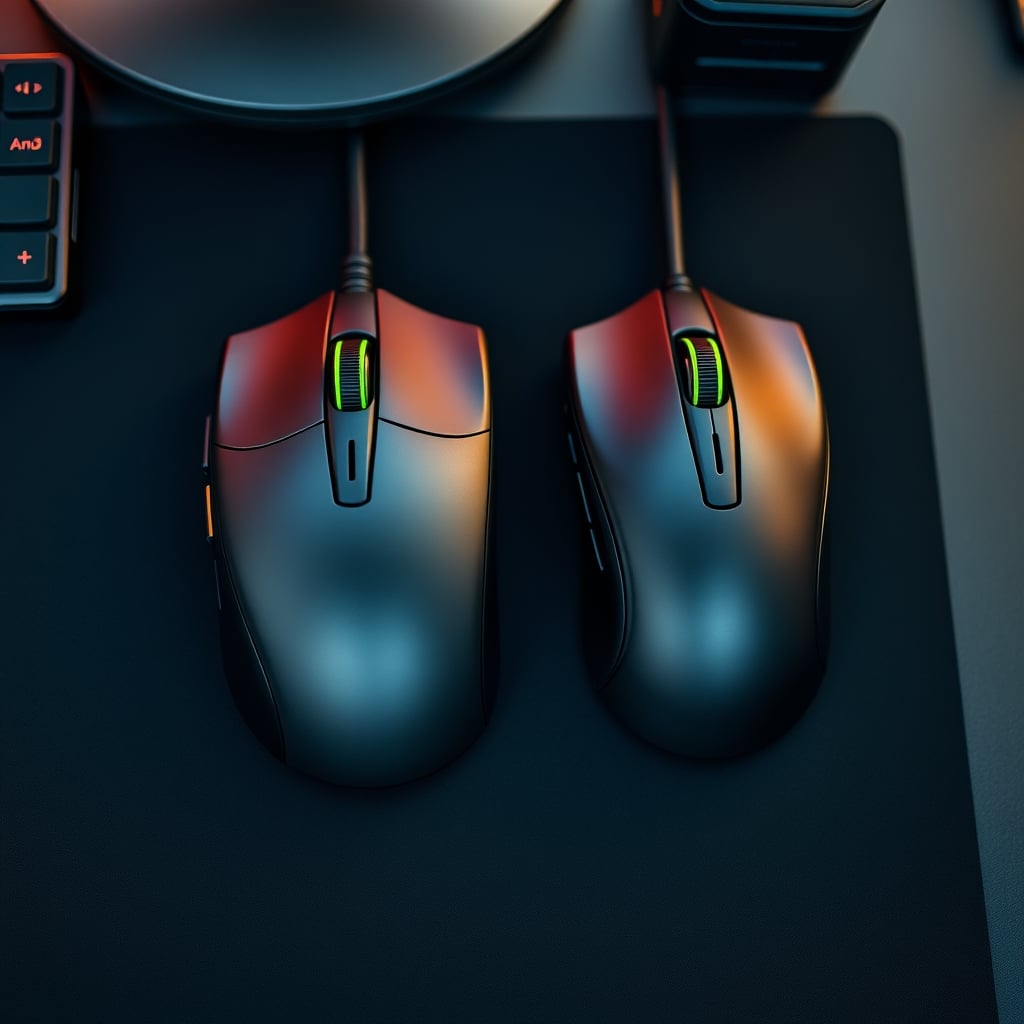
The One Mouse That Gets It Right (And Why It's Not A Gaming Mouse)
If you're using your mouse for 8+ hours of real work, you need a tool designed for that marathon, not a gaming sprint. After years of testing and watching community feedback solidify into a clear consensus, one category consistently wins: the high-end office productivity mouse.
The king of this hill, and the only product I can recommend without a dozen caveats, is the Logitech MX Master series. The latest iteration, the MX Master 4, is what happens when engineers focus entirely on workflow efficiency instead of marketing bullet points. Its shape is sculpted from decades of ergonomic data, not from what looks cool on a stream. Its thumb wheel is a secret weapon for horizontal scrolling in timelines and massive spreadsheets—a feature gaming mice don't even consider. Its 'Flow' software for cross-computer control is more impactful for real productivity than any RGB lighting suite.
I need to be blunt: buying a $150 gaming mouse for Photoshop or coding is a waste of money. You're paying for a high-performance engine to do 30mph city driving. The MX Master 4's performance is in its seamless integration into your actual work. The magnetic scroll wheel that automatically switches modes based on your scrolling speed is pure genius. The placement of the thumb buttons makes them instantly accessible. This is a tool that disappears into your workflow, which is the highest praise a productivity peripheral can receive.
The Gaming Features That Are Actively Harmful
Let's call out the specific gaming trends that wreck your productivity.
RGB Lighting: It's a pointless distraction that drains battery and serves zero functional purpose. In a professional environment, it's embarrassing. This is overrated.
Honeycomb Shells: Marketed for airflow and weight reduction, they collect dust, skin cells, and crumbs at an alarming rate. They make the mouse feel cheap and are a hygiene nightmare. Based on widespread user feedback, they're the number one reason people return these mice after a few weeks.
Extremely Aggressive Polling Rates (4000Hz+): This taxes your CPU for imperceptible gain in latency while potentially causing stability issues with some professional applications. It's a solution looking for a problem that doesn't exist in a productivity context. This is not worth it.
Your Most Common Mistakes (And How To Fix Them)
- Chasing The Lightest Mouse: You're not trying to make flick shots. You're trying to click precisely on a pivot table cell. A heavier, more stable mouse improves precision. Aim for 90-130g for productivity.
- Over-Programming Side Buttons: Having 12 side buttons is useless if you can't remember what they do or hit them accurately. Program 2-3 with your most-used universal shortcuts (Copy/Paste/Undo) and leave the rest alone. Complexity kills efficiency.
- Ignoring The Surface: A gaming mousepad designed for speed (hard, slick) is terrible for precise cursor control. Use a controlled cloth pad. The difference in fine motor control for detailed editing work is immediate and obvious.
For more on how your entire setup might be working against you, read about how desk layout psychology is a complete lie and why the distraction-free desk is sabotaging your focus.
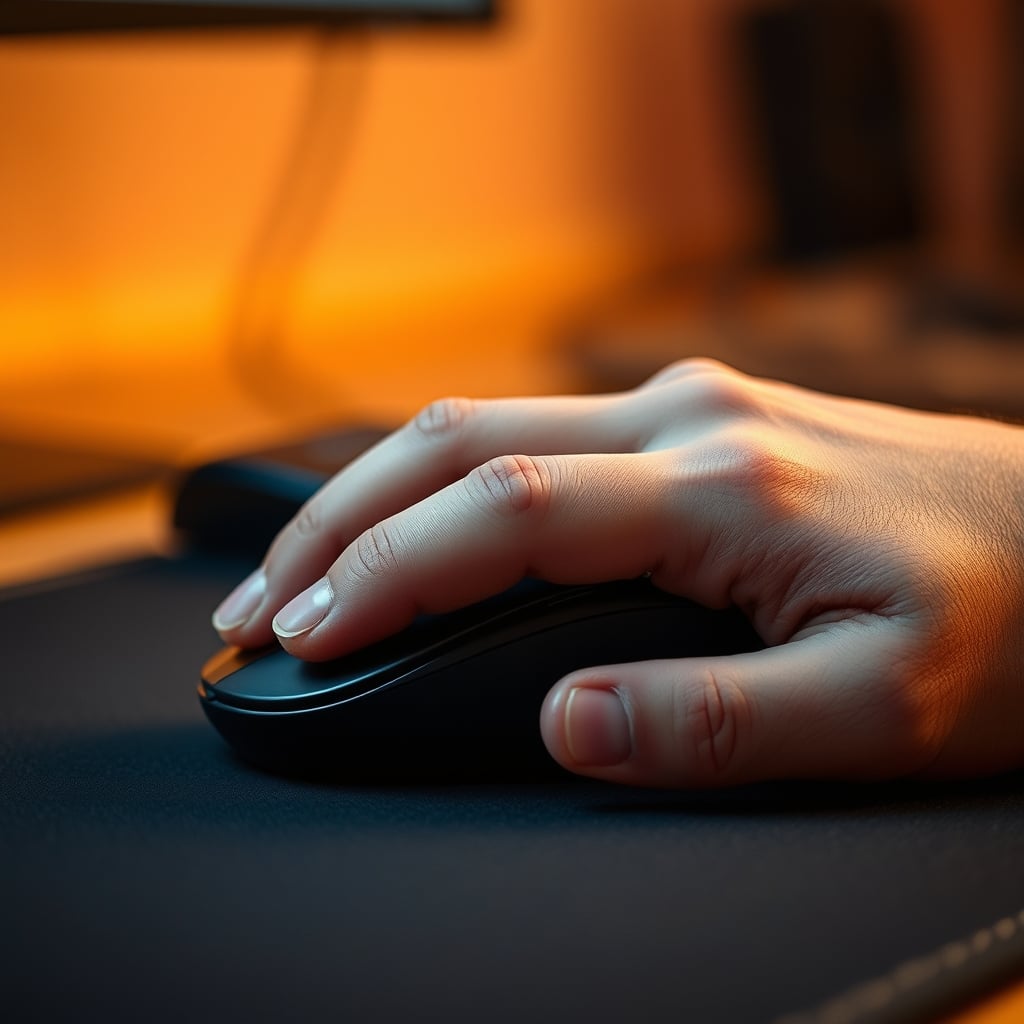
Final Verdict: Skip The Gaming Mouse For Work
The verdict is simple and definitive: Skip it.
The gaming mouse productivity promise is a marketing fairy tale sold to professionals who want to feel 'high-performance.' The reality is a mismatch of design priorities that leads to discomfort, inefficiency, and paying a premium for features that actively work against you. In 2026, with remote work the norm and 8-hour days at the desk standard, you need a tool designed for endurance and precision, not for twitch reflexes.
Invest in a mouse built for the job you're actually doing. Your wrist, your workflow, and your wallet will thank you. The MX Master 4 isn't just a better choice; for productivity, it's the only serious choice. Everything else is a compromise you don't need to make.
Stop letting gaming marketing dictate your professional tools. Your work deserves better.
Frequently Asked Questions
Are gaming mice actually bad for productivity work like coding or design?
Yes, they are objectively worse for sustained productivity work. Their lightweight, minimalist designs cause hand fatigue over long sessions, their high DPI is useless for precision tasks, and their shapes prioritize fast flicks over stable, comfortable control. They are tools optimized for a completely different use case.
What is the single most important feature in a mouse for productivity?
The shape and ergonomics. Nothing else matters if the mouse is uncomfortable or forces an unstable grip. A proper ergonomic shape that supports your palm and provides a dedicated thumb rest is non-negotiable for 8-hour workdays. This directly impacts precision and reduces fatigue-causing micro-adjustments.
Why is high DPI (like 25,600) useless for productivity?
Extremely high DPI makes your cursor hypersensitive, destroying pixel-level precision required for graphic design, video editing, or spreadsheet work. For productivity on modern high-resolution monitors, a DPI between 1200 and 3200 is optimal. Higher settings just make controlled movement difficult, leading to overshooting targets and requiring constant corrections.
What's a good weight for a productivity mouse?
Aim for 90 to 130 grams. This is the sweet spot for stability and control. Ultra-lightweight gaming mice (under 60g) feel unstable and require more muscle tension to control precisely, which accelerates fatigue. The extra weight provides inertia that helps with smooth, deliberate movements.
Can I use a gaming mouse if I also game after work?
You can, but you'll be compromising both experiences. It's far better to have two dedicated mice. A proper productivity mouse will make your workday better, and switching to a gaming mouse for your leisure time preserves the specialized performance for that activity. Trying to force one tool to do both jobs results in a subpar experience for both.

Written by
Elena builds custom mechanical keyboards in her sleep. From lubing linear switches to hunting down group-buy keycaps, she covers everything typing-related.
Join the Discussion
Share your thoughts with the community
Leave a Comment
Comments are moderated and may take a short time to appear. Links are not permitted.