Desk Mat Materials Guide
Your desk mat is probably ruining your workspace aesthetic and killing your mouse tracking. The industry lies about materials. Here's what actually works versus what's pure marketing garbage.

Stop me if this sounds familiar. You buy a new desk mat because it looks good in the Instagram setup shot. It arrives, it feels cheap, and within weeks it's either fraying, peeling, or making your mouse sensor freak out. The truth about desk mat materials is this: most of what you're buying is marketing fluff designed to look good in unboxing videos, not perform on your actual desk.
I've seen it happen a hundred times. People drop $50 on a premium leather pad only to find their gaming mouse stutters. They buy a thick memory foam pad that turns their keyboard into a wobbly mess. The entire category is filled with solutions to problems that don't exist, ignoring the issues that actually ruin your workflow. This isn't about minor preferences—this is about your desk being a functional workspace, not a photography backdrop.
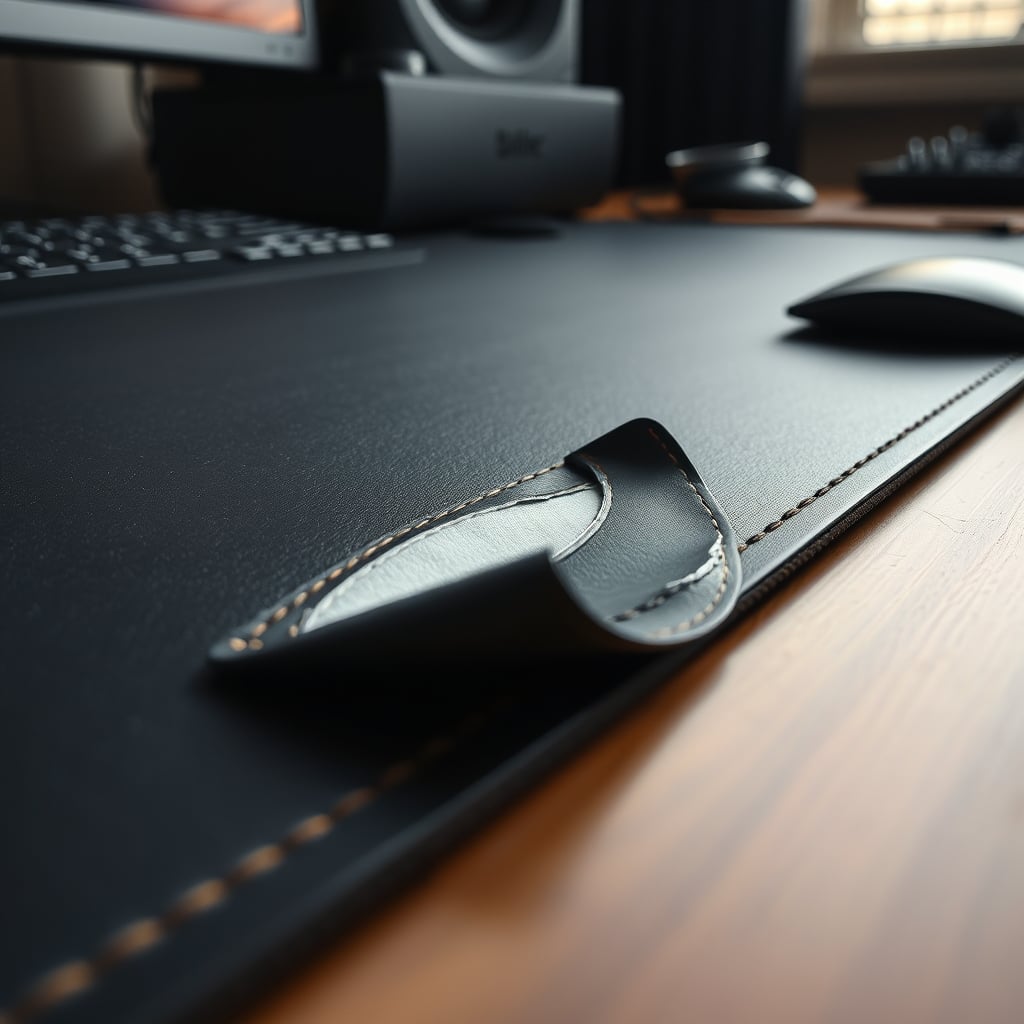
The Leather Desk Mat Lie That Needs To Die
Let's start with the biggest scam in the game: premium leather desk mats. This is overrated. The industry sells you on "luxury," "executive feel," and "professional aesthetics." What they don't tell you is that most leather-like surfaces are terrible for optical and laser mouse sensors. The textured grain? That's a tracking nightmare. The glossy PU leather finish? That's a fingerprint magnet that develops shiny spots after six months of real use.
Users consistently report tracking issues with high-DPI mice on these surfaces. The mouse skates wear down faster. Spills aren't magically absorbed—they bead up and sit there until you wipe them, often leaving a stain. And that "buttery smooth" glide? It's usually achieved with a coating that wears off, leaving you with a sticky, inconsistent surface. If you're buying a leather pad for anything other than a strictly aesthetic, low-usage desk photo, you're wasting your money.
Desk Mat Materials: What Actually Works Versus Marketing Hype
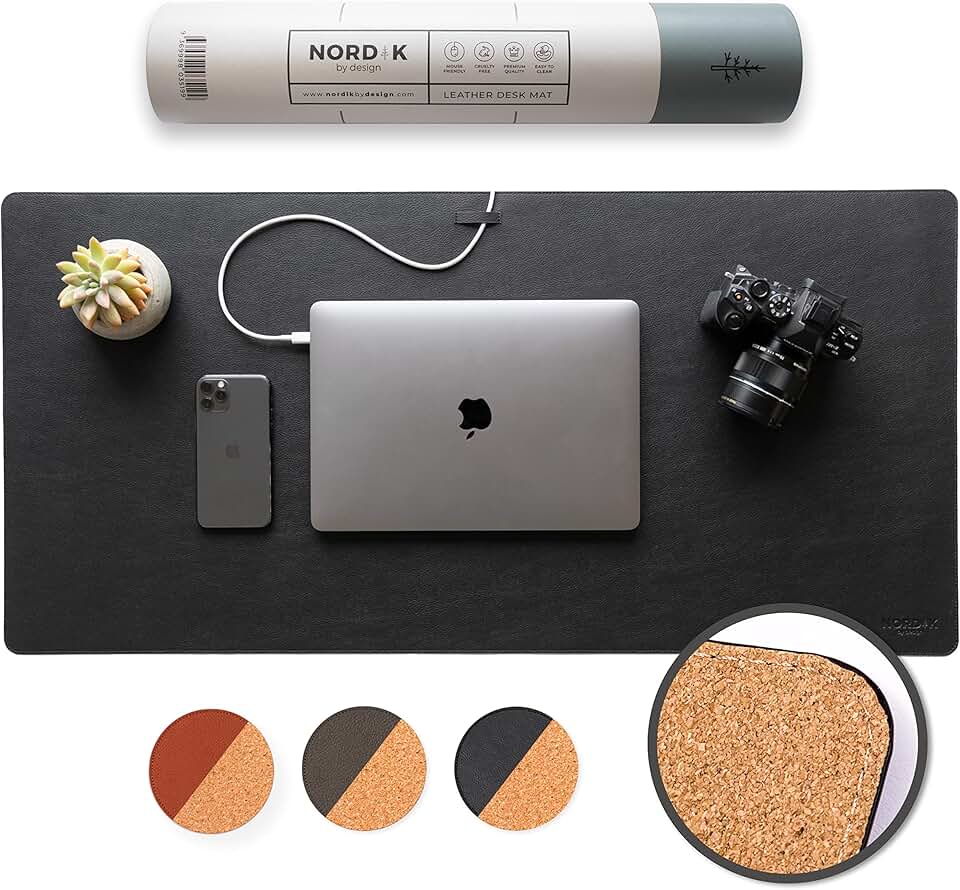
Desk protection and a warm aesthetic, paired with a separate mousepad.
- Natural cork top provides good desk scratch protection
- Leather border offers a clean, finished look
- Non-slip rubber base keeps it securely in place
This is the real issue. Most people get this wrong because they shop with their eyes, not their hands. You need to match the material to your actual use case, not the influencer's color scheme.
For the vast majority of users—especially anyone who uses a mouse for more than clicking email links—a high-quality, tightly woven fabric surface is king. Think of the classic gaming mousepad: it's not sexy, but it works. It provides consistent tracking, predictable glide, and it doesn't degrade into a mess. The industry lies about this because fabric doesn't photograph as well as fake marble or "vegan leather."
Then there's cork. Cork is not worth it for primary mousing surfaces. It's fantastic as a desk protector under your keyboard and monitors—it's naturally anti-microbial, provides decent grip, and looks warm. But as a mouse surface? It's inconsistent, abrasive on mouse feet, and often too porous, leading to uneven wear. Buy a cork pad to protect your desk finish, then put a proper mousepad on top of it. Don't let them sell you a dual-purpose miracle—it doesn't exist.

The RGB Desk Pad Trap You're Falling For
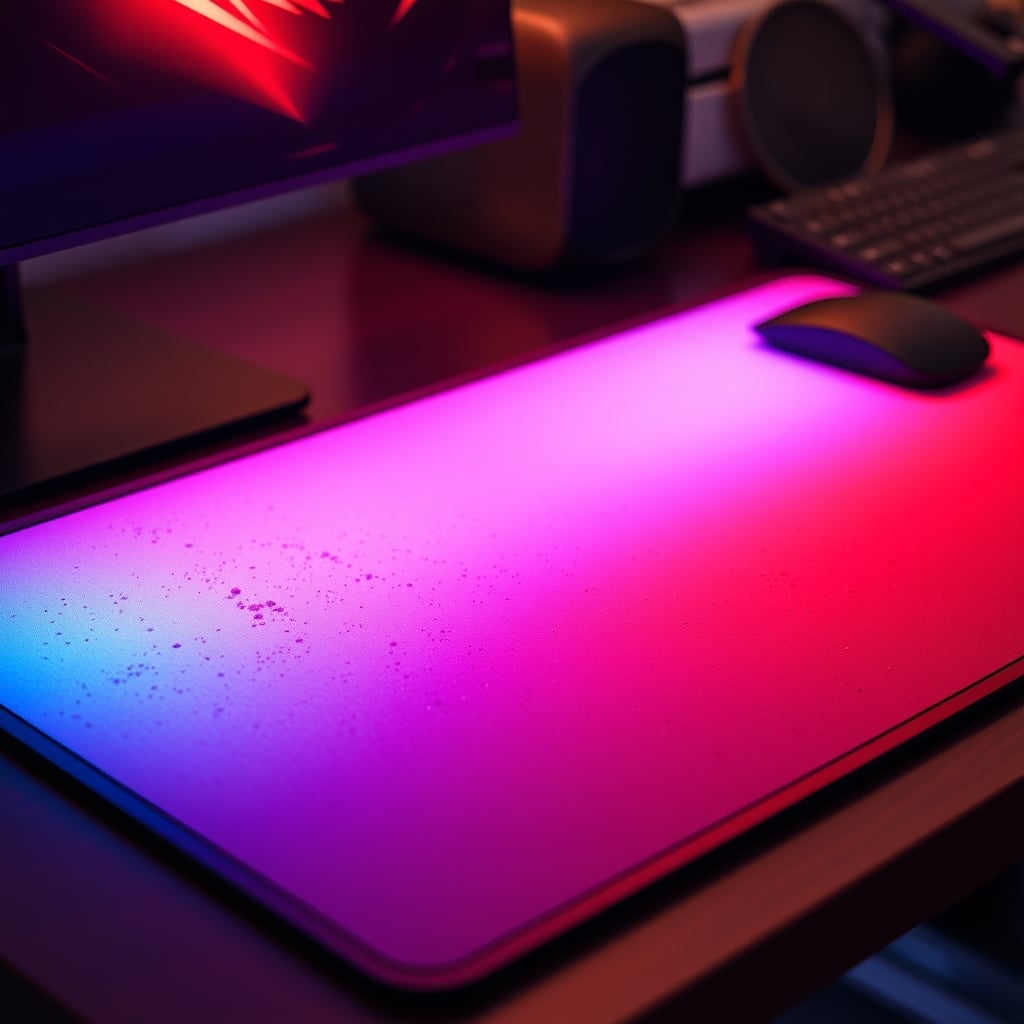
Speaking of things that don't work: RGB-infused desk mats. This is a known issue for long-term use. The lighting is always uneven, creating hotspots and dark zones that look cheap. The USB passthrough is usually a flimsy, low-power port that can't handle data transfer reliably. And the worst part? The surface material is always a compromise. To diffuse the LEDs, manufacturers use a softer, often rubberized top layer that's terrible for precise mouse movements and collects dust like a magnet.
You're buying a gimmick that actively makes the functional part of the product worse. Based on widespread user feedback, these pads have higher failure rates—the LEDs die, the stitching comes apart around the electronics, and the surface becomes discolored from the heat of the lights. If you want RGB, buy separate light strips. Don't cripple your primary interface for a glow that you'll turn off after two weeks.
Why Your "Waterproof" Desk Mat Is Probably Useless
Here's a confident, direct statement: most waterproof claims are borderline fraudulent. A mat can be water-resistant (liquid sits on top until you wipe it) or it can be water-proof (impervious, often with sealed edges). Ninety percent of mats marketed as waterproof are merely resistant. Spill a full coffee on one, and it will seep through the stitching or the unsealed backing layer onto your precious desk.
This frequently causes issues with low-cost PU leather and hybrid mats. The waterproof layer is a thin laminate that cracks with temperature changes or repeated folding. Once it cracks, not only is it no longer waterproof, but it also starts to peel up in ugly flaps. If you truly need spill protection, you need a mat with heat-sealed or welded edges and a non-absorbent core—not a spray-on coating.
The Single Best Desk Mat Material Nobody Talks About
After testing dozens of materials, the unsung hero is a high-density rubber base with a bonded, textured fabric top. It's boring. It comes in black and gray. It doesn't trend on TikTok. But it works. It lies flat without curling, provides excellent mouse control, dampens keyboard noise, and lasts for years without degrading. Brands don't push it because the profit margins are lower than on "premium" materials they can markup 300%.
Look for mats used in professional editing suites or CAD offices—not gaming boutiques. These are tools, not toys. The surface has just enough texture for control without being rough, and the base is heavy enough to stay put without adhesive strips. This is what you should actually be looking for.
How Your Desk Mat Is Secretly Killing Your Ergonomics
Most people think a thicker mat equals more comfort. This is wrong. A super plush, memory foam-style pad might feel luxurious to your wrists for the first five minutes, but it creates an unstable platform for your keyboard. Your keystrokes become mushy, the board rocks slightly with every press, and it can actually increase strain as your forearms work to stabilize against the give. It's a textbook example of a solution creating a new problem.
For true ergonomics, you want a firm, consistent support layer. Your keyboard should be rock-solid. Your mouse should glide on a predictable plane. Your wrists should be supported by a dedicated, ergonomic wrist rest that's the correct height for your anatomy—not by sinking into a foam mat. That thick pad is costing you typing speed and precision. Ditch it.
Practical Advice: Cut Through The Marketing Nonsense
Stop looking at marketing photos. Start reading the material description. If it says "premium PU leather," translate that to "plastic coating that will peel." If it says "natural cork blend," ask what it's blended with—often it's a cheap rubber base that off-gasses a chemical smell for weeks.
Here's a simple rule: for your mouse area, prioritize tracking consistency over everything else. Go to a store if you can and feel the surface. Run your mouse over it. Check the edge stitching—is it raised, or is it flat and likely to fray? Look at the backing. Is it a thin, printed rubber that will crack, or a solid, dense material?
And for the love of a clean desk, avoid mats with printed patterns or maps on the surface. The printing process often creates a slight texture change that affects glide, and white backgrounds get dirty instantly. Your desk is a workspace, not a poster.
Common Mistakes That Make Your Setup Worse
- Buying for aesthetics first. This is the root of all bad desk mat decisions. You fall for the marble print or the anime art, and you're stuck with a terrible surface for two years. Function first, looks second.
- Assuming bigger is better. An oversized mat that drapes over the edges of your desk looks sloppy and collects crumbs and dust along the sides. It also makes it harder to clean your desk surface. Size it appropriately.
- Ignoring the backing. A non-slip backing is non-negotiable. But some use aggressive rubber nubs that actually grip too well and leave residue on your desk or tear when you lift the mat. Look for a smooth, high-tack rubber that holds without destruction.
Want to see how material choices affect a different part of your setup? Our investigation into Acoustic Panel Materials Tested: The Brutal Truth follows the same no-BS principle. And if you think your mat is the only problem, wait until you see how Your YouTuber Lighting Setup Sucks: Here's Why.
Final Verdict: What's Actually Worth Your Money
Skip the hyper-marketed "luxury" materials. Skip the RGB gimmicks. Skip the extra-thick memory foam that turns your desk into a trampoline.
Worth it: A simple, high-density fabric-over-rubber mat from a brand that doesn't spend all its money on influencer marketing. It's a tool. It should disappear into your workflow, not dominate it.
Overrated: Leather, PU leather, hybrid cork surfaces for mousing, printed art mats, and anything over 5mm thick. These are products designed to be sold, not used.
The brutal truth is that the best desk mat materials are often the most boring ones. Stop letting your desk be a billboard for bad design trends. Buy for performance, not for the 'gram. Your mouse, your keyboard, and your sanity will thank you.
Frequently Asked Questions
What is the best material for a desk mat for gaming?
A high-quality, tightly woven fabric surface on a dense rubber base is best. Avoid leather, PU leather, or cork for your primary mouse area—they cause inconsistent tracking. The boring black fabric pad outperforms the 'premium' options every time.
Are leather desk pads worth the money?
No. They are overrated. Most are PU leather (plastic) that peels within a year. The textured surface is terrible for mouse sensors, and they show wear and stains instantly. You're paying for aesthetics that actively harm function.
Do cork desk mats protect your desk?
Yes, cork is excellent as a protective layer against scratches and spills. However, it's a poor surface for precise mouse movement. The ideal setup is a cork pad as a base layer for your keyboard and monitors, with a separate high-performance fabric mousepad on top.
Why is my mouse skipping on my new desk mat?
Your mat's surface material is likely the culprit. Glossy, highly textured, or transparent materials interfere with optical and laser sensor calibration. This is a common issue with leather, marble-print, and some hybrid mats. Switch to a plain, mid-texture fabric pad.
How thick should a good desk mat be?
Between 2mm and 4mm. Anything thicker creates a mushy, unstable platform for your keyboard, hurting typing feel and ergonomics. The myth that thicker equals more comfort is wrong—it just creates wobble and reduces precision.
Written by
GlowRig Editorial researches and writes practical guides about desk setups and home office gear. Our articles are produced with the help of AI research tools and are reviewed for accuracy against manufacturer specifications and public user feedback. We may earn a commission from affiliate links, which never affects our recommendations.
Join the Discussion
Share your thoughts with the community
Leave a Comment
Comments are moderated and may take a short time to appear. Links are not permitted.