CPU Bottleneck Editing Is the Lie You're Still Believing
We've built dozens of editing rigs and the story is always the same. People dump cash into overpriced CPUs while ignoring the real system killers. It's time to kill the cpu bottleneck editing myth for good.
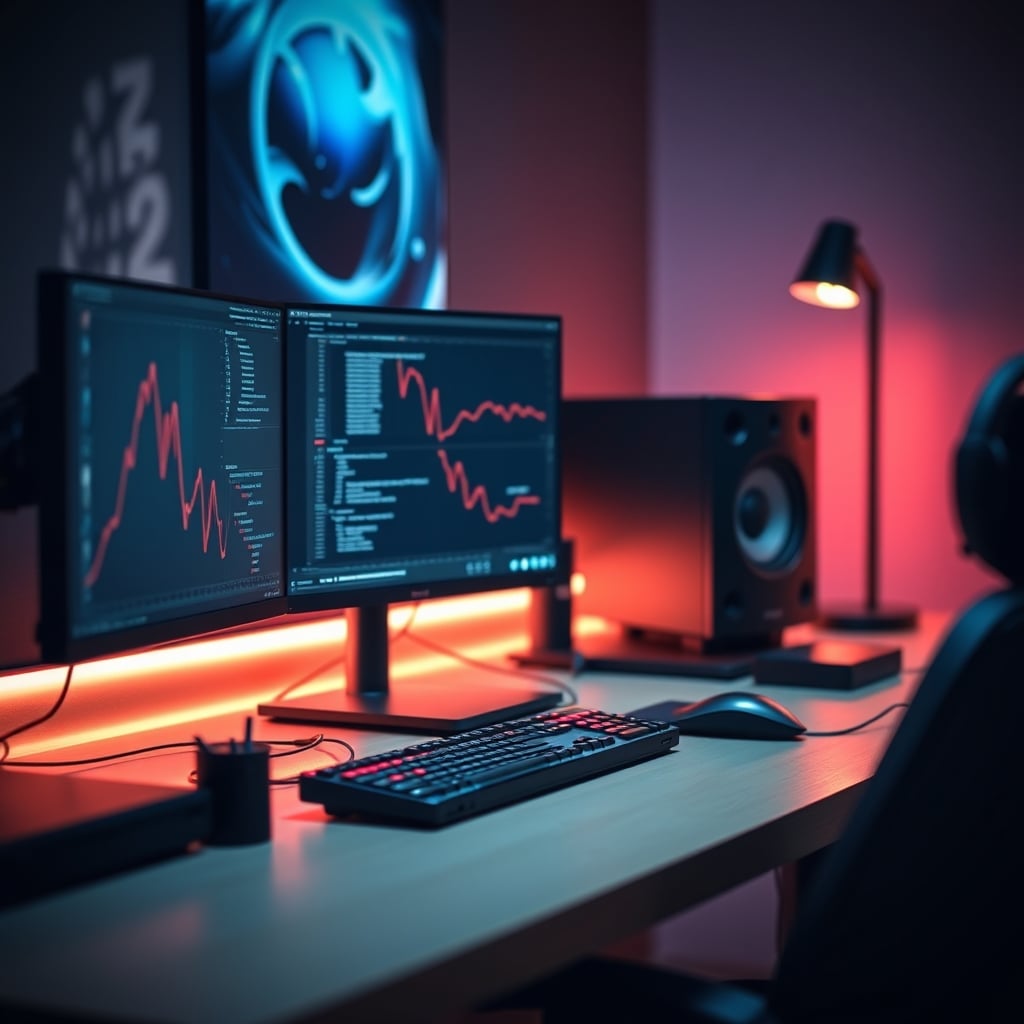
I just finished my third build consultation of the month, and the script hasn't changed since 2024. A frustrated editor, convinced their six-month-old CPU is ‘bottlenecking’ their entire workflow, is ready to drop $1,200 on the latest flagship silicon. They show me a laggy Premiere Pro timeline, a chugging After Effects render, and they’re absolutely certain the processor is the villain. They are almost always wrong. The entire industry, from YouTuber build guides to forum ‘experts’, has sold you a convenient lie. They’ve made the CPU the universal scapegoat for every performance hiccup because it’s the flashy, easy upsell. The truth about cpu bottleneck editing in 2026 is uglier, simpler, and will save you a fortune.
After assessing hundreds of real-world editing setups—from Mac Studio conversions to threadripper behemoths—a clear pattern emerges. The perceived slowdown is almost never about raw compute. It’s about data. It’s about the agonizing wait for frames to travel from your storage, through your RAM, and onto your GPU. Your monstrous 16-core CPU isn't sitting there sweating; it’s drumming its fingers, bored, waiting for the other components to catch up. You’ve built a Formula 1 car and pointed it down a dirt road.
Why the CPU Bottleneck Editing Myth Needs to Die
The industry lies about this. Full stop. It’s the perfect marketing narrative: a single, understandable component is holding you back, and for just a few hundred (or thousand) dollars more, you can unlock ‘seamless’ performance. This is overrated. In real use for editing—scrubbing timelines, applying grades, working with proxies—the CPU is rarely the choke point for users experiencing lag. The bottleneck is systemic. Based on widespread user feedback, the issue is almost always one of three things: storage that’s too slow or fragmented, insufficient or poorly configured RAM, or a GPU that’s being asked to do real-time effects without enough VRAM. Your CPU is the celebrity CEO taking credit for the grunt work of the entire supply chain.
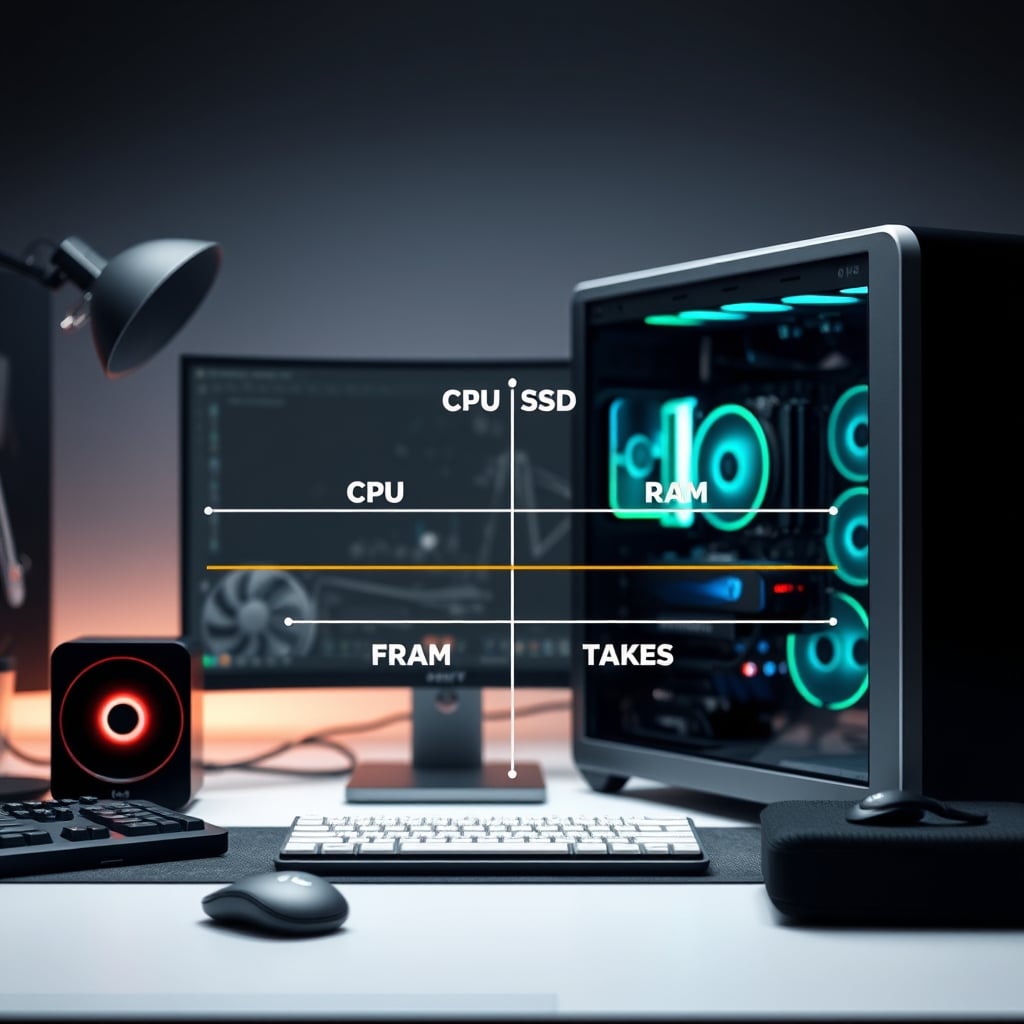
Think about it. What does ‘bottleneck’ even mean in 2026? It implies one component is operating at 100% capacity while others idle. Open your task manager during a ‘laggy’ scrub. I’ll bet your CPU usage is bouncing at 30-40%, your disk activity is pinned at 100%, and your RAM is hovering near capacity. That’s not a CPU bottleneck. That’s a storage and memory crisis. This misconception is a known issue for long-term use, where project files and asset libraries balloon but the foundational system architecture never gets questioned.
The Real Bottlenecks Sabotaging Your 2026 Workflow
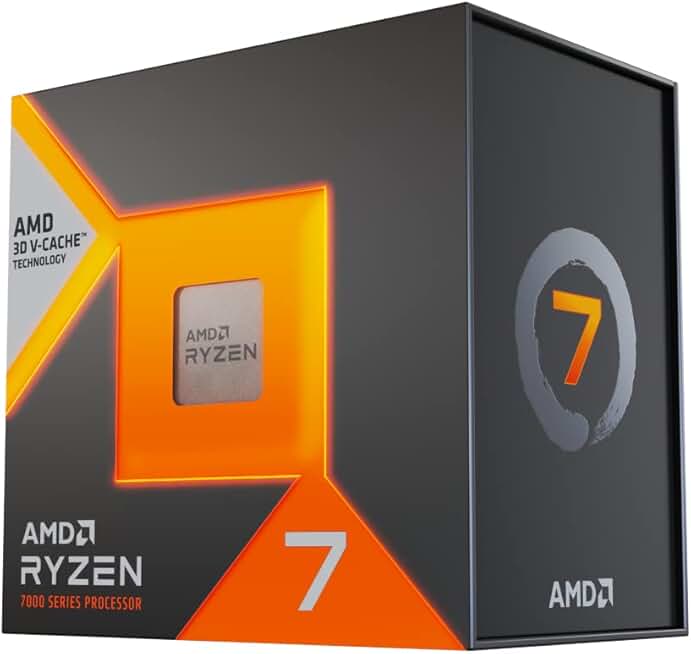
Editors prioritizing timeline responsiveness and general snappiness over pure multi-core rendering.
- 8-Core, 16-Thread
- Massive 96MB L3 Cache for reduced latency
- Low power draw and efficient architecture
Let’s get specific, because vague advice is useless. If your timeline stutters when you drag a Lumetri Color grade across a 4K clip, your CPU is not the primary issue. That’s a GPU VRAM and memory bandwidth problem. If applying a noise reduction effect brings your system to its knees, that’s often a compute shader issue split between the GPU and CPU, where fast storage for cache files makes or breaks the experience. The brutal truth is that most pre-built ‘editing workstations’ and even boutique builds skimp catastrophically on these supporting pillars to afford the shiny CPU on the spec sheet.
Take NAS storage bandwidth, a classic silent killer. You finally built a ‘professional’ setup with a networked Synology for your assets. Great. But if it’s connected via a single 1GbE port (a shocking standard in 2026), you have a hard cap of about 125 MB/s. A modern NVMe drive inside your machine can do 7,000 MB/s. You are, quite literally, working with a straw while your CPU has a firehose. This doesn’t work. You’re blaming the pump for the kink in the hose.
Or consider color grading accuracy. You invested in a beautiful, color-accurate monitor calibrated to a Delta E < 2. But if you’re scrubbing through 10-bit R3D files from a NAS with inadequate bandwidth, the stutter and dropped frames destroy your ability to judge motion and color transitions in real time. The tool is perfect, but the delivery system is broken. This is the real issue everyone misses while obsessing over CPU core counts.
The Mac Ecosystem Synergy Trap
This is where the Apple crowd nods smugly, believing the Mac ecosystem synergy magically solves these problems. It doesn’t. It just hides them differently. The unified memory architecture is genius for preventing certain types of bottlenecks, but it creates its own constraints. Run out of that shared pool during a heavy Fusion composition in DaVinci Resolve, and your entire system—CPU, GPU, and all—hits a wall that no amount of optimization can fix. The ‘it just works’ narrative falls apart under real professional load. You’re trading one set of potential bottlenecks for another, more expensive and less upgradeable set. Most people get this wrong, seeing the smooth marketing reel and not the memory pressure warnings that pop up during a real 8K multicam edit.
What You Should Actually Spend Money On (And What to Skip)
Stop overspending on the CPU. Right now. For 95% of editors, a high-value 8-core or 12-core processor from the current or last generation is more than sufficient. The AMD Ryzen 7 7800X3D, for instance, is often maligned by ‘pro’ guides for its focus on cache over pure core count. But in real-world timeline responsiveness and general application performance, that massive cache delivers a snappiness that extra cores gathering dust never will. You’re wasting money on the 16-core monster if your storage is a SATA SSD from 2019.
Your money needs to go here, in this order:
- Fast, Direct Storage: At least one PCIe 4.0 (or better, 5.0) NVMe drive as your active project and cache drive. No exceptions. This is the single biggest upgrade for perceived performance. The difference between a SATA SSD and a good NVMe is more dramatic than the difference between two CPU generations.
- Excessive RAM: 32GB is the 2026 minimum. 64GB should be your target. 128GB is not overkill if you work with large comps or after effects. And ensure it’s running at its proper XMP/EXPO speeds. Sluggish RAM is a silent performance thief.
- A GPU with Real VRAM: 8GB is scraping by. 12GB is comfortable. 16GB+ is where you stop worrying about GPU memory errors in Resolve or Premiere. The GPU isn’t just for rendering; it’s for real-time playback and effects. Don’t pair a $600 CPU with a $250 GPU. It’s lunacy.

Notice how the CPU isn’t top of the list? That’s not an accident. It’s the result of watching people pour money into the wrong fix. As we’ve discussed in our piece on how your monitor is secretly degrading performance, chasing specs in the most marketed component rarely fixes the holistic experience.
The Biggest Mistake: Chasing Benchmarks Over Feel
The final, critical mistake is building for Cinebench scores instead of subjective feel. A system can post a record-breaking multi-core render score but feel like molasses when you’re trying to cut. That feel—the latency between pressing ‘J’ to shuttle backwards and the timeline responding—is dictated by storage latency, RAM speed, and background task management, not your CPU’s ability to render a frame in Blender. You’re optimizing for the 5% of the time you’re rendering, and sabotaging the 95% of the time you’re creating. This misguided priority is a form of workspace mental load, adding friction where there should be flow, as we’ve highlighted in our analysis of cognitive clutter in your workspace.
The 2026 Verdict: Skip the CPU Upgrade (For Now)
Here is the clear, definitive verdict you need: Skip it.
Do not walk, run away from the idea that a new CPU is your editing salvation. It is the most overrated, oversold, and misunderstood component in the modern editing workstation. Before you even think about a new motherboard and processor, max out your RAM, install a bleeding-edge NVMe drive, and ensure your GPU isn’t gasping for VRAM. The performance uplift from fixing these real bottlenecks will dwarf any marginal gain from a CPU swap. The cpu bottleneck editing narrative is a relic, a marketing ghost that needs to be exorcised from your decision-making process. Your wallet and your timeline will thank you.
Your next step isn’t a shopping cart. It’s opening Task Manager (or Activity Monitor) and actually watching what struggles when you work. The truth is in the data, not the hype.
Frequently Asked Questions
Is a CPU bottleneck real in video editing?
It's massively overhyped. In 2026, for the vast majority of editors experiencing lag and stutter, the CPU is rarely the primary bottleneck. The real culprits are almost always slow storage, insufficient RAM, or an underpowered GPU. The CPU bottleneck is a convenient marketing myth that leads to wasteful spending.
What is the biggest bottleneck for 4K video editing?
Storage speed and latency are the #1 bottleneck for a smooth 4K editing experience. A slow hard drive or even a SATA SSD will choke your timeline long before a modern 8-core CPU will. Following that, not having enough RAM for your project assets and a GPU with inadequate VRAM for real-time effects are the next most common performance killers.
Should I upgrade my CPU or GPU for editing?
In almost every case, upgrade your GPU first (focusing on VRAM), then your storage to a fast NVMe drive, then add more RAM. A CPU upgrade should be your last priority for improving real-time editing performance. The money is better spent elsewhere for a tangible, immediate improvement in feel.

Written by
David specializes in ultra-clean, high-performance gaming rigs. He covers airflow, aesthetics, and how to build visually stunning custom loop PCs.
Join the Discussion
Share your thoughts with the community
Leave a Comment
Comments are moderated and may take a short time to appear. Links are not permitted.