Video Call Lighting Key Light vs Key Light Air
Not sure which Elgato light panel is right for your video calls? Here's what the specs actually tell you, and how to pick the one that won't make your face look like a washed-out ghost.
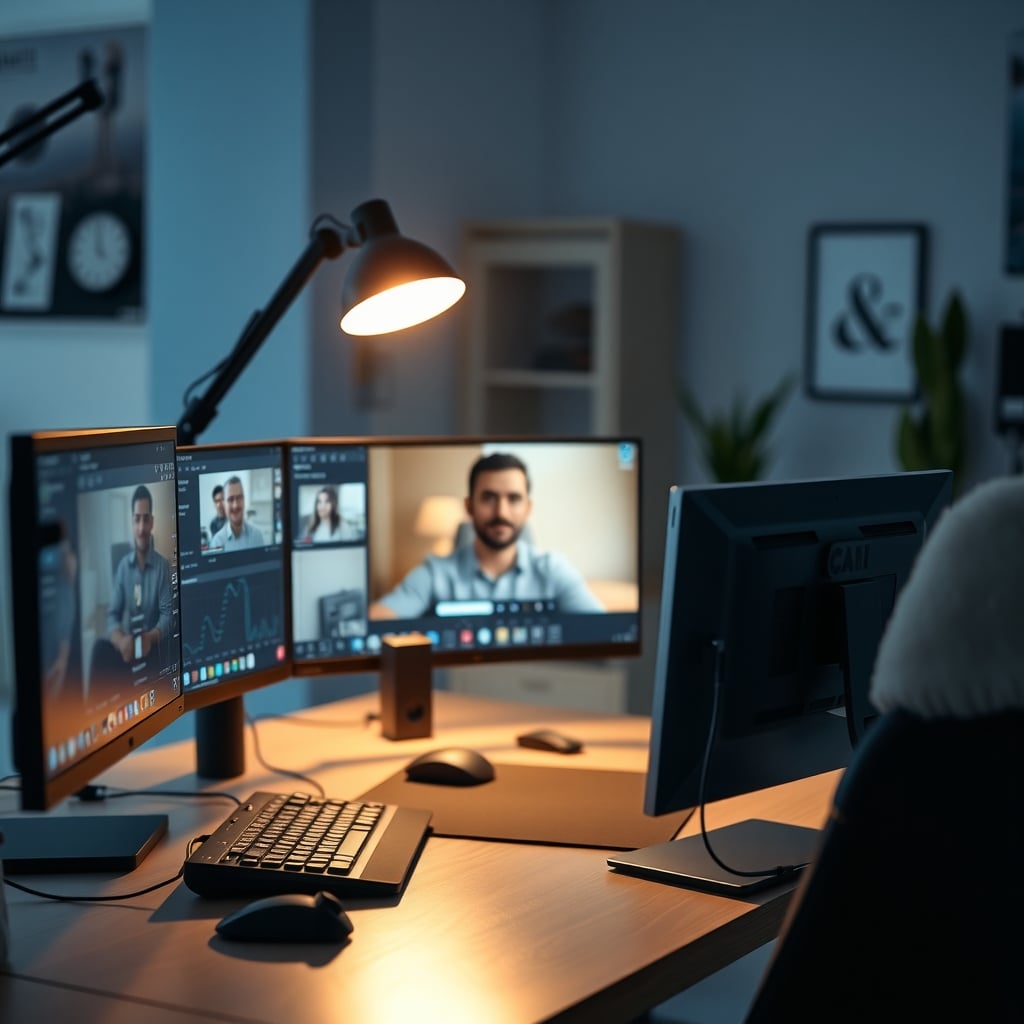
When it comes to video call lighting, one spec matters more than the others: placement. You can own the most expensive panel in the world and still look awful if it's aimed wrong. For most people, the Elgato Key Light Air MK.2 is the best balance of price, size, and light output. But if you have a large space or need Wi-Fi control, the full-size Key Light is worth the upgrade. The honest starting point: you don't need a $180 panel for a 30-minute video call with your manager.
We're focusing on the three Elgato panels because they're the ones with publicly documented specs and consistent community reviews. Let's walk each one.
Elgato Key Light Neo — $89.99
The Neo is the budget option, and for many it's enough. It outputs up to 1000 lumens, which is fine for a webcam at 60 cm away. It's USB powered, so you can plug it into your monitor's upstream port (if your monitor has one) or a dedicated USB outlet. The included monitor mount is a nice touch — you can attach it to the top of your display without extra hardware.
However, you're sacrificing brightness and control. There's no Wi-Fi app control, and the 1000-lumen ceiling means it struggles to compete with a bright window behind you. If your desk is in a sunlit room, this light alone won't fix a blown-out background. Users on long-term threads report it works well for evening calls, but it's not a daylight-fighting tool.
Elgato Key Light Air MK.2 — $139.99
This is the sweet spot. It doubles the Neo's output to 2100 lumens, which is enough for most room lighting conditions. It's edge-lit, meaning the LEDs line the perimeter and create a diffused glow rather than a hard spotlight. That gives you softer shadows on your face — a good thing for professional calls.
The Air MK.2 uses touch controls on the panel itself, so there's no phone app. If you need to switch color temperature mid-call, you reach over and tap. That's fine for a fixed desk. The 15-inch panel is larger than the Neo's, so you get a bigger, softer light source. The downside: it requires A/C power, which means a power brick and cable management.
Elgato Key Light — $179.99
The big brother pushes 2800 lumens and is the only one of the three with Wi-Fi and app control. That app is genuinely useful if you want to adjust brightness from your desk chair or program presets for different calls. The panel is 18 inches wide, so it produces an even softer light, and the larger light source fills a face better.
But $180 is hard to justify for basic calls. For a dedicated streaming room or a professional podcast setup, it's a solid workhorse. For a video call twice a week, it's overkill. The Wi-Fi functionality also means setup is more involved — you're pairing a device on your network, not just plugging in a panel.
Who Should Buy Which Light (and Who Shouldn't)
Let's be plain.
Buy the Key Light Neo if: You're on a budget, you have a small desk, or you only need light for short calls. The USB power means you can plug it into your monitor or power bank, and the monitor mount keeps your desk clean. Skip it if your room has bright windows — it's not strong enough to overcome daylight.
Buy the Key Light Air MK.2 if: You want the best value for a dedicated home office. It's bright enough for almost any indoor environment, and the edge-lit design gives you soft, flattering light. Skip it if you need app control, or if you want to control the light from your phone.
Buy the Key Light if: You're running a serious streaming setup, do long client-facing calls where you need absolute consistency, or you need Wi-Fi control for presets. Skip it if you're just trying to look better on a Tuesday morning call.
If you're not sure your room needs a dedicated panel at all, consider this: a well-positioned lamp with a frosted shade can get you 70% of the way there for free. The Elgato panels are about convenience and predictability, not magic.
Bottom Line: What to Buy for Your Next Video Call
For the typical GlowRig reader — someone with a home desk, a webcam, and a desire to look professional on calls — the Elgato Key Light Air MK.2 is the clear recommendation. It balances brightness, size, and price better than the other two. Spend the extra $40 on the full Key Light only if you know you'll use the app or need the extra 700 lumens.
If you're on a tighter budget, the Key Light Neo will make you look fine for most calls, but don't expect it to fix a dark room. And if you're in a bright space, think about your window treatment before your lighting.
Whatever you buy, start with placement. Put the light above and slightly to the side of your webcam, aiming at your face, not at the wall. Then adjust brightness down until your skin tones look natural in your camera preview.
Video call lighting doesn't have to be complicated. But it does have to be deliberate.
Frequently Asked Questions
Is the Elgato Key Light Air MK.2 worth the upgrade over the Key Light Neo?
For most people, yes. The Air MK.2 outputs 2100 lumens versus the Neo's 1000, so it can handle brighter rooms and gives you a larger, softer light source. You also get touch controls and a standard 1/4-inch mount. The Neo is fine for small desks and evening calls, but it won't fix a sunlit room.
Do I need a light with Wi-Fi and app control?
Only if you want to adjust brightness or color temperature without physically reaching the panel. The full Elgato Key Light has this, but the Key Light Air MK.2 uses touch controls on the device. For most home offices, touch controls are enough. Wi-Fi adds cost and setup complexity.
Should I place the light directly in front of my webcam?
No. Place it above and slightly to the side of your webcam, angled at your face. This creates soft shadows that define your features and avoids the flat, front-on look of a ring light. If you place it directly behind the webcam, you'll get very flat lighting.
Written by
GlowRig Editorial researches and writes practical guides about desk setups and home office gear. Our articles are produced with the help of AI research tools and are reviewed for accuracy against manufacturer specifications and public user feedback. We may earn a commission from affiliate links, which never affects our recommendations.
Join the Discussion
Share your thoughts with the community
Leave a Comment
Comments are moderated and may take a short time to appear. Links are not permitted.