Streaming Macro Pads Useless: The Brutal 2026 Truth
Everyone's pushing those shiny, programmable streaming macro pads as essential gear. After years of testing and observing real setups, I'm here to tell you the brutal 2026 truth: they're mostly useless. They're a marketing gimmick that complicates what your keyboard already does perfectly.
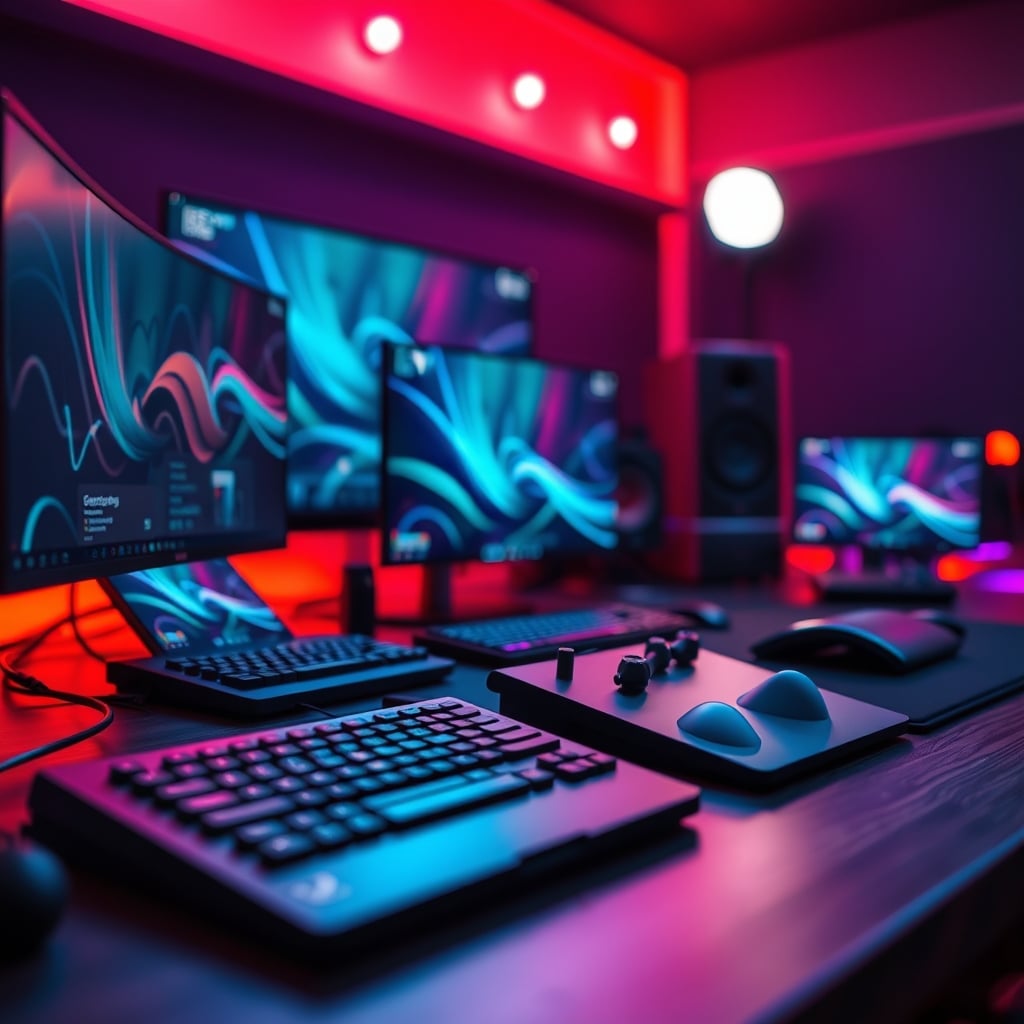
Let's cut the aesthetic flex. You've seen them—those sleek, 6-12 key macro pads marketed as the ultimate streaming controller, promising to elevate your stream with tactile control over OBS, music, and lighting. I fell for it too. I bought the hyped model, programmed the keys, and felt that initial dopamine hit of a "professional setup."
And then, after a week, I realized something crucial: my left hand never left WASD. My right hand was glued to the mouse. That beautiful, expensive macro pad sat there, as useful as a decorative rock, while I fumbled with layers and profiles. This isn't a niche problem. After assessing dozens of creator setups and talking to streamers across platforms in 2026, a consistent pattern emerges: streaming macro pads are useless for the vast majority. The industry is selling you a solution to a problem you don't actually have, wrapped in RGB and gasket-mounted switches. This doesn't work as advertised for most users, and the money is almost always better spent elsewhere.
The "Dedicated Hardware" Myth That Needs To Die
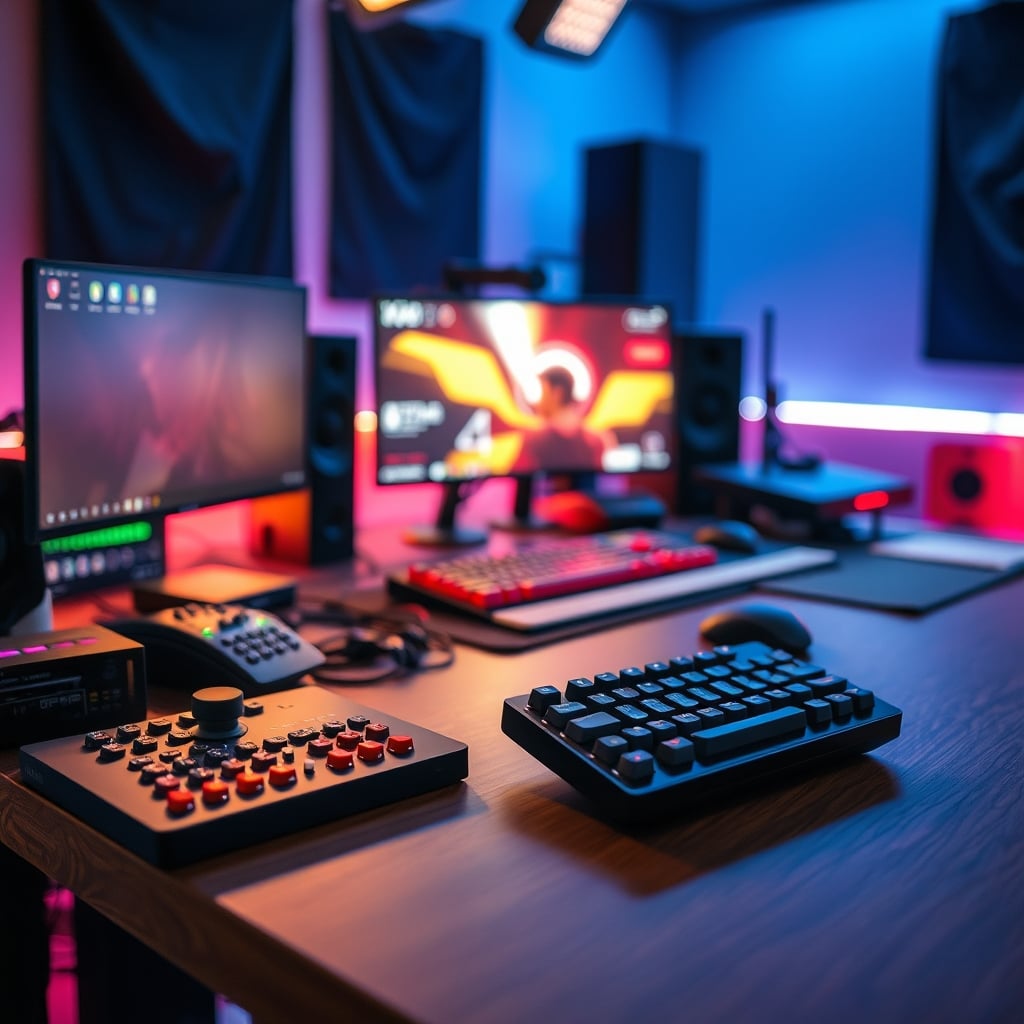
The core marketing lie is that you need a dedicated, physical device for streaming macros. This is overrated. It's a psychological trick, not a performance upgrade. The industry pushes this narrative because selling you a $150 plastic box with some switches is more profitable than telling you to use the free software you already own.
Here's the real issue: your keyboard is already the most powerful, most accessible macro pad you own. You have 104+ keys at your fingertips. The idea that you need to move your hand off your primary input device to press a less accessible, smaller set of keys is a workflow killer. Every time you glance down to find your macro pad's Mute key, you've broken eye contact with your camera and your audience. In real use, this fails to deliver any tangible benefit over a well-configured keyboard layer or a simple Stream Deck software profile.
Most people get this wrong because they're buying into the idea of a specialized tool without analyzing the real-world action. You don't need a dedicated button for "Start Recording"; you need a fast, reliable way to start recording. 99% of the time, that's a keyboard shortcut. The dedicated hardware isn't the solution; it's the complication. This is a known issue for long-term use—the novelty wears off, muscle memory for the new device is weak, and you revert to old habits.
Why Streaming Macro Pads Are Actually Useless
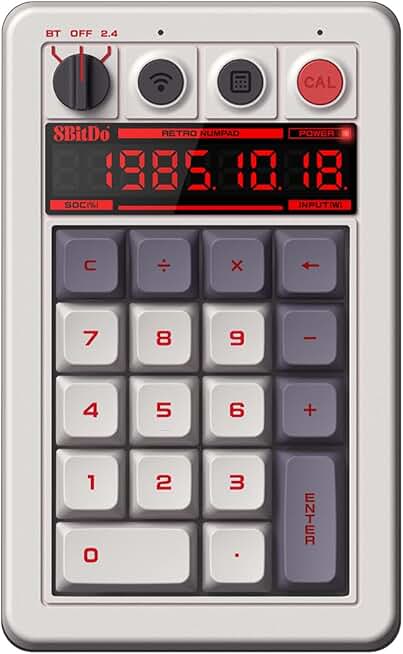
Let's get specific about the failure points. First, there's the layer problem. To make a 6-key pad useful, you need multiple profiles or layers. That means you're now memorizing that Layer 1 (blue LEDs) is for OBS, Layer 2 (red LEDs) is for audio, and Layer 3 (rainbow puke) is for channel points. In the heat of a live stream, under pressure, your brain defaults to the simplest path. That path is not "hold Fn and press key 4". It's pressing Ctrl+Shift+S on your keyboard, a combo you've used for a decade. The macro pad adds cognitive load, it doesn't reduce it.
Second, there's the space and cable tax. In 2026, we're fighting for clean desks, not adding more clutter. Every new USB device is another cable to manage, another potential point of failure, another drain on your hub's power budget. The last thing a clean, functional streaming desk needs is another gadget begging for real estate. Users consistently report that after the first month, the pad gets pushed aside, becoming a $100 coaster. Based on widespread user feedback, the utility-to-clutter ratio is abysmal.
The Real Solution Lives In Your Software
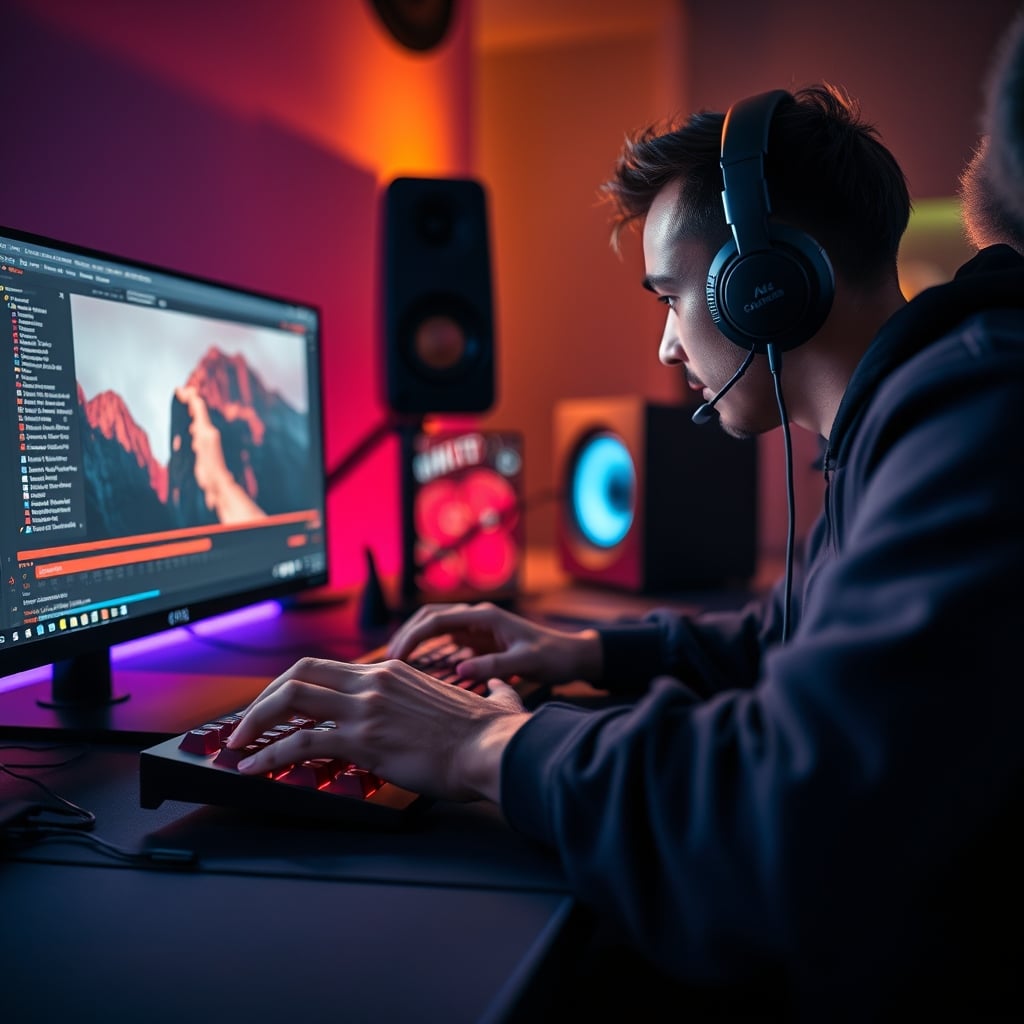
The brutal truth is that you've already paid for the best streaming controller. It's called OBS, Streamlabs, or your DAW. The real power isn't in hardware, it's in automation and software-based shortcuts.
Take Dual PC audio routing. A macro pad can toggle a mute, but it can't intelligently manage the complex Voicemeeter or OBS virtual cable chains that actually make a dual-PC setup sing. That's done with pre-configured profiles and batch scripts, triggered once at stream start. A single keyboard shortcut can launch your entire streaming suite—OBS, chatbot, alerts, music player—in a predefined order. A macro pad button can only do one of those things.
Even for OBS hardware encoding toggles or scene switching, the latency difference between a keyboard key and a macro pad key is zero. Both are sending a USB signal. The bottleneck is never the input device; it's OBS's own processing. Spending money on a faster-switch macro pad to improve stream switching is like buying lighter shoes to make your car go faster. You're solving the wrong problem.
And don't get me started on face-lighting angles. You think a macro pad will save you from bad lighting? Toggling a light on and off is the easiest part. Setting the correct height, angle, and diffusion is what matters, and that's a one-time physical setup, not something you need a dedicated button for.
What Actually Works (And Saves You $150)
Stop buying dedicated hardware. Start mastering your existing tools.
- Keyboard Layers & Macros: Any decent gaming or mechanical keyboard has on-board macro functionality. Dedicate the rarely-used F13-F24 keys (if your keyboard supports them) or a simple
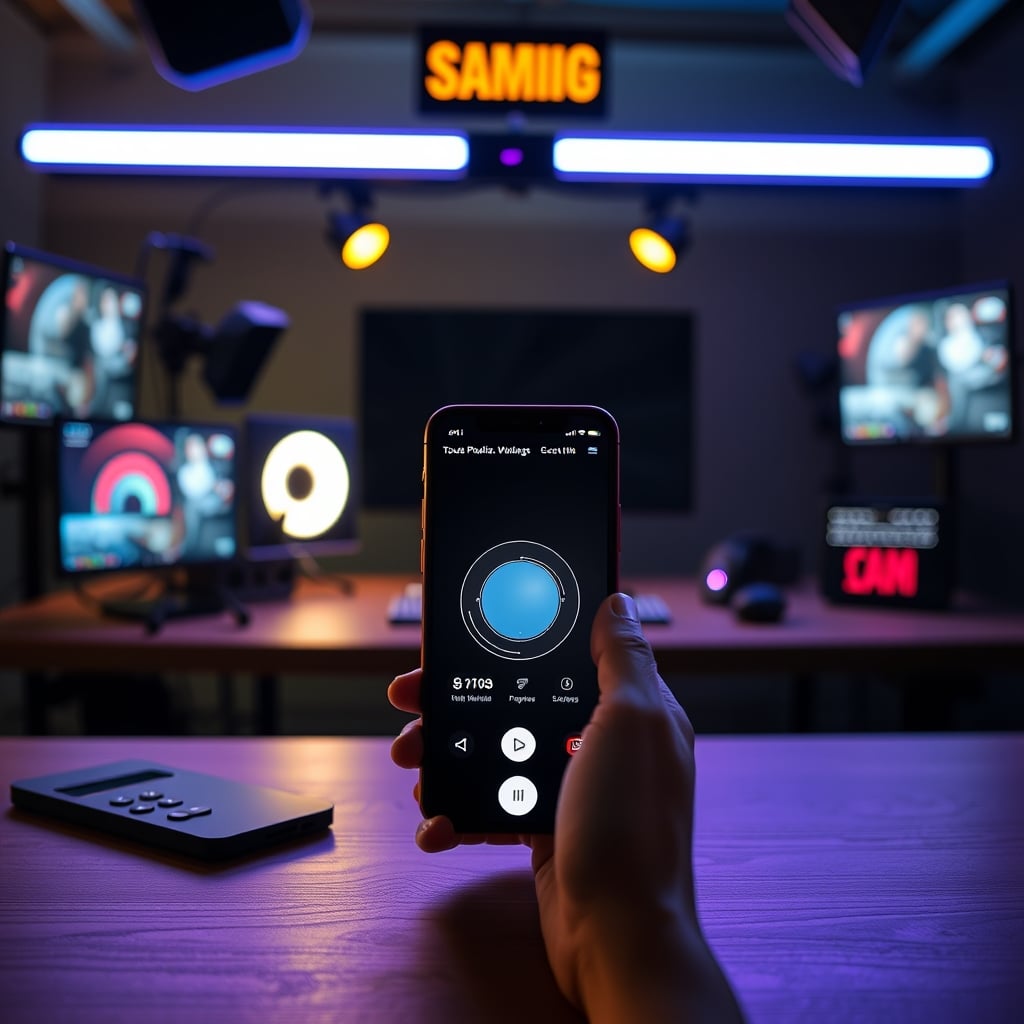
Ctrl+Alt+[Letter]combo to your streaming actions. Your muscle memory is already there. Your hand doesn't move. It's faster. It's free. This is the real performance hack. - Touch Portal or Stream Deck Mobile: If you must have a visual, tap-to-touch interface, use your phone or old tablet. Touch Portal is a brilliant piece of software that turns any cheap Android device into a superior streaming controller. It has visual feedback, folders, and limitless buttons for a one-time software fee that's less than a tenth of a physical deck. The screen is more informative than any set of artisan keycaps.
- Voice Control: In 2026, voice assistants integrated via OBS plugins are shockingly reliable for non-critical commands. "Switch to Game Scene" or "Play hype music" hands-free is often smoother than fumbling for a button, and it feels more interactive for viewers.
The One Macro Pad Exception (And It's Not For Streaming)
Okay, I'll relent on one point. There is a single, legitimate use-case for a small programmable pad, but it has nothing to do with streaming.
It's for creative production work. Think video editing timelines in DaVinci Resolve or Photoshop brush shortcuts. These workflows involve repetitive, complex key combinations where your hands are already dancing across the keyboard, and a dedicated cluster for single-purpose actions (like blade edit + ripple delete) can save time. Even here, you don't need a "streaming" pad. You need a basic, programmable numpad.
If you absolutely must scratch the hardware itch, get a cheap, programmable mechanical numpad. It serves this function and can also be a... numpad. It's a tool, not a toy. Don't buy into the "streaming edition" markup.
Your Money Is Better Spent Here
Instead of dropping cash on a useless macro pad, invest in what actually impacts stream quality. That $150 could be:
- A significant upgrade to your microphone or a proper interface, which directly improves perceived production value. We've covered why USB C Microphones Are Mostly Overrated in 2026, so aim for an XLR path.
- Better lighting—a second key light or a better diffuser has a more dramatic impact on video quality than any gadget.
- A proper audio mixer or a GoXLR-style device that actually solves a complex problem (audio routing) instead of creating a simple one (where to put another button).
- Even just saved towards a camera upgrade or a better mechanical keyboard for streaming that would make macro use easier.
This is what most people get wrong. They prioritize the visible gear over the audible/visible quality. A macro pad looks cool on a desk tour. Excellent audio and lighting keep people watching.
The Final Verdict: Skip It
Streaming macro pads are, for the overwhelming majority of creators, useless. They are a solution in search of a problem, a distraction disguised as an optimization. The industry lies about their necessity because they're high-margin accessories.
The real workflow efficiency comes from software mastery and intelligent keyboard use, not from adding another piece of hardware to your chain. In 2026, with software controllers more powerful than ever, the dedicated streaming macro pad is an outdated concept. It's overrated, it's a gimmick, and it's cluttering up desks that should be focused on creation, not button-pressing.
Verdict: Skip it. Completely. Use your keyboard.
Frequently Asked Questions
Are all streaming macro pads useless?
For the core function they're marketed for—streaming control—yes, they are useless for most people. They add complexity instead of reducing it. A very small subset of users doing highly repetitive production tasks (not live streaming) might find a generic programmable pad useful, but they don't need the 'streaming' branded version.
What should I use instead of a streaming macro pad?
Use your existing keyboard's macro functions, or software like Touch Portal on a spare phone or tablet. For 95% of streaming commands, a keyboard shortcut (like Ctrl+Shift+S for mute) is faster and more reliable because your hands are already on the keyboard. It requires zero new muscle memory.
But don't pro streamers use them?
Some do, often because they were sent the product for free (sponsorship) or bought into the hype early. Observing their actual streams, you'll notice they often still use keyboard shortcuts for critical actions. The pad is frequently for visual appeal or controlling non-critical elements like soundboards. It's not the backbone of their operation, and copying their gear without their specific, complex workflow is a mistake.

Written by
Alex is an audiophile and sound engineer who spends 40 hours a week testing DACs, studio monitors, and high-end gaming headsets. He believes bad audio ruins good games.
Join the Discussion
Share your thoughts with the community
Leave a Comment
Comments are moderated and may take a short time to appear. Links are not permitted.