Standing Desk Foot Pain? 6 Fixes That Actually Work
Most standing desk foot pain is caused by mats that are too thin and shoes that are too rigid. Before you quit standing, check these six fixes — they cost less than a new mat.
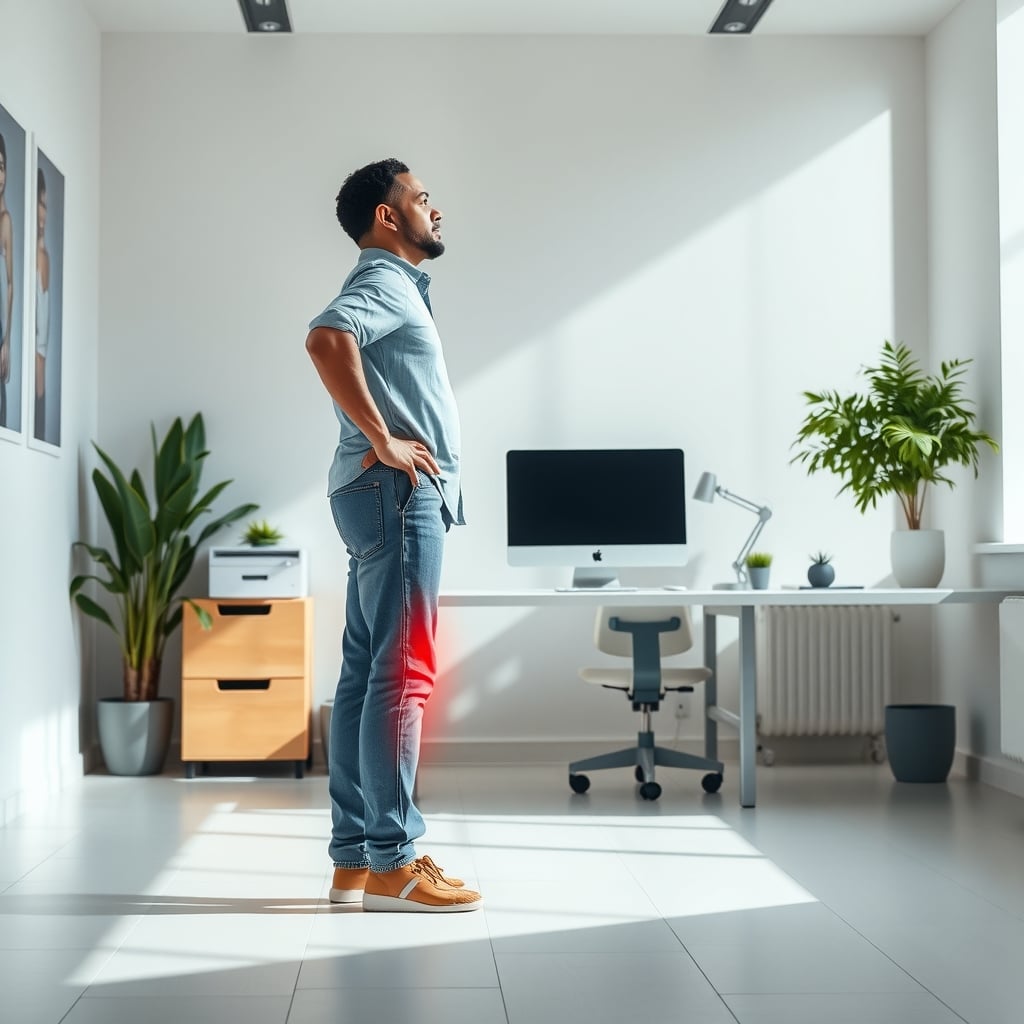
Standing desk foot pain isn't a sign that standing desks don't work. It's a sign your floor setup is fighting you—usually because the mat is too thin, your shoes don't flex, or you're standing statue-still. The fix rarely costs as much as a new desk. In fact, most people can solve it for under $50 with a thicker mat and a couple of movement habits.
The honest answer: your feet hurt because they're carrying the same static load for hours. A hard floor doesn't give, your shoes don't bend, and a thin mat only spreads the pressure by a millimeter or two. Let's walk through what to check before you spend anything, and where your money actually helps.
Why Your Feet Scream After an Hour on Concrete
When you stand on a hard floor, the pressure under your heels is concentrated into a small area. A thin office chair mat does nothing because it's designed for rolling, not standing. The physics is simple: the harder the surface, the more pressure per square inch on your tissue. That pressure reduces blood flow, which is why you feel a dull ache, then a sharp pebbles-under-foot sensation.
OSHA's general guidance for prolonged standing in industrial settings recommends anti-fatigue mats as a control measure. For home offices, the same principle applies. But here's the part most specs don't tell you: the mat has to actually deform under your weight. If it's too hard, it's just a textured floor.
The most common culprit is a mat that's too thin. Most mats under $25 are 1/4 inch of PVC foam. They compress at the edges but turn into a sheet of plastic right under your heel. The middle of your foot carries your weight for a few seconds, then the heel takes over. The result is foot pain even if your posture is perfect.
A properly thick mat — 3/4 inch or more — absorbs some of the initial impact and gives your foot a surface that pushes back gradually. That's the core fix. But thickness isn't the only spec that matters.
What Actually Matters in an Anti-Fatigue Mat
Let's be direct: the number printed on the box (9/10 inch!) tells you less than the material's density and the edge profile. Here's what separates a mat you'll forget about from one you'll trip on.
Thickness alone doesn't tell you if the mat will bottom out. A 3/4-inch mat made of cheap open-cell foam can compress to 1/4 inch under your heels. Look for a mat with a dense rubber or PVC base layer. The base should be firm - if you can pinch it, it's too soft.
A quick thickness guide based on how long you stand per day:
Daily Standing Time Recommended Thickness Why Under 1 hour 1/4–3/8 inch Any pain you feel is probably posture, not mat 1–3 hours 1/2–5/8 inch Enough to cushion without feeling like a pillow 3–6 hours 3/4 inch Best balance of cushion and stability 6+ hours 1 inch Only if you're on concrete or tile the entire dayThis isn't a guarantee by weight; it's a starting point. If you have plantar fasciitis or previous foot injuries, err on the thicker side, but also consider rotating between two mats during the day.
Fix Foot Pain Without Spending Money: Movement and Shoes
Before you buy anything, try these three zero-cost fixes. They work better than any mat if your pain is mostly from standing too long in one position.
Shuffle and shift. Every 10–15 minutes, shift your weight from heel to toe and from one foot to the other. Your calf muscles act as a second heart, pumping blood back up from your feet. If you lock your knees, that pump stops.
Wear shoes with a flexible sole. Heavy boots or stiff sneakers with a rigid heel counter transfer the shock from the floor straight to your foot. Lightweight shoes with a 4–6mm drop and a flexible forefoot allow the mat to do its job. If you normally stand in socks, try a cushioned indoor shoe. Barefoot-style shoes with minimal cushion are actually worse on hard floors.
Move the desk through a micro-movement cycle. Alternate between a normal standing height and a height 5cm lower, so you naturally switch from heels to toes. If your desk is electric, set one height for heel-heavy standing and another for toe-heavy standing. If you don't have a memory button, just adjust manually twice an hour.
Here's a quick test for shoes: stand on one foot on the mat wearing your usual shoes. If you feel the floor through the shoe after a few seconds, the sole is too thin or too hard. Next, remove the shoe and stand in socks. If your sock foot feels less pain than the shoe foot, the shoe is the issue.
A mat can't fix a body that never moves. The best anti-fatigue mat in the world only helps if you're already shifting your weight occasionally. If your desk height is off, even the best mat won't fully help, so double-check your setup with the ergonomic standing desk setup guide before buying anything.
Cheap Mat vs Expensive Mat: What $15 vs $50 Gets You
Let's be honest: a $15 mat is better than no mat, but it's not a long-term fix. Here's what the price tiers actually deliver.
Mat Price Thickness Material Edge Best For Budget PVC $15–$25 1/4–3/8 inch Hard PVC foam Often square Emergency use, overnight standing Mid-range PU $30–$45 1/2–5/8 inch Polyurethane Basic bevel Regular standing, work-from-home Premium memory foam $45–$70 3/4–1 inch Memory foam + rubber base Wide bevel Full workday standingThe key difference isn't just thickness. Cheap mats curl at the edges after a week. They hold dirt in the pores. The top layer peels. Premium mats use a thicker top film that resists scuffs and doesn't curl.
Cheap mats wear out in six months. When you factor in the cost of replacing a $15 mat three times a year, a $45 mat is actually cheaper. The same reasoning applies to any foot pain - spending on prevention is cheaper than spending on a podiatrist later.
If you stand more than three hours a day, a $45 mat is the minimum worth spending. Skip the $15 mat unless it's a temporary setup.
Standing Desk Foot Pain Is Usually a Setup Problem, Not a Weakness
Let's call it what it is: standing desk foot pain is almost never a sign that your body can't handle standing. It means your setup lacks the cushioning and movement your body needs.
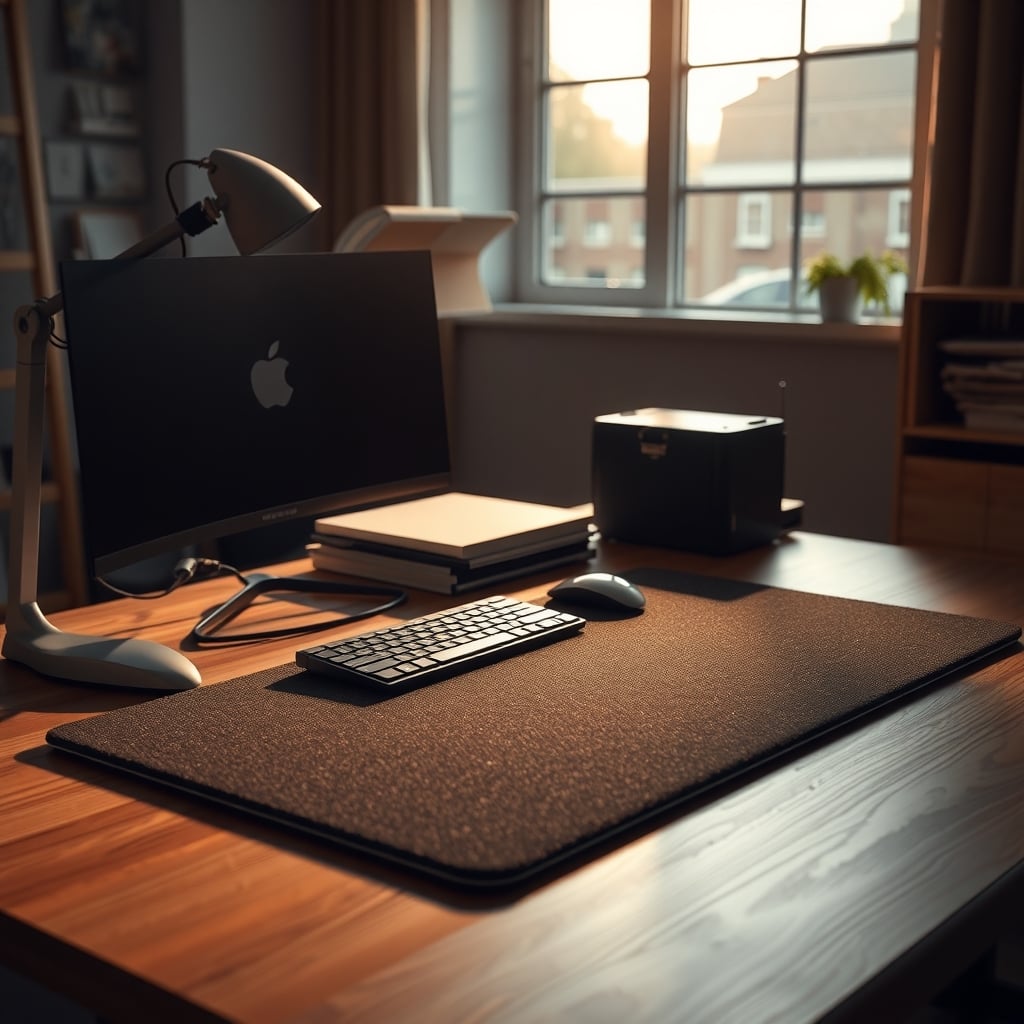
If you've already checked your posture and your shoes, the next step is a mat that's thick enough. The easiest quality indicator is looking at the side profile. A 3/4-inch mat should be visibly chunky from the side, not a thin slab. The FEATOL Anti Fatigue Mat in the $45 range gives you a 9/10-inch memory foam layer with a beveled edge. That's the spec you want.
But remember, the mat is one part of the equation. The other part is how often you move. A mat gives you a forgiving surface, not a free pass to stand motionless for five hours.
Common Mistakes That Keep Feet Hurting
Even with a good mat, people still end up in pain. Here are the five mistakes that keep coming up in setup threads, and the exact fix for each.
Putting the mat on carpet. On thick carpet, a thin mat becomes useless because the mat sinks into the pile and the floor underneath still pushes through. Fix: use a hard floor or place a plywood sheet under the mat.
Standing with locked knees. This is a common cause of calf and heel pain. Fix: keep a slight bend in your knees and shift weight every few minutes.
Wearing the wrong shoes. Rigid-soled shoes cancel out the mat's compliance. Fix: swap to a shoe with a flexible forefoot, like a tennis shoe or a cushioned walking shoe.
Using a mat that's too small. A small mat forces you to stand with one foot off the mat, or you end up standing at an angle. Fix: choose a mat at least 24x18 inches for one person; 30x20 inches is more forgiving.
Not giving it a break. Standing takes effort even on a good mat. Fix: alternate between sitting and standing every 45–60 minutes, and take a quick walk around the room once an hour.
One more mistake: if you already have plantar fasciitis, a thick mat can feel amazing for a week, then the sustained softness can aggravate it. The answer isn't necessarily a thinner mat, it's a mat with more support under the arch. Some mats have a raised arch area; those are worth trying if you have flat feet.
If your pain persists after fixing all five, it's worth seeing a podiatrist — some foot pain is biomechanical, not just a flooring issue. For more on when standing mats help versus hurt, check our standing desk mat safety breakdown and how to avoid common standing desk health risks.
Who Should Buy a Thick Mat and Who Should Skip It
Buy a 3/4-inch memory foam mat if:
- You stand at your desk for more than 2 hours a day.
- Your floor is concrete, tile, or hardwood.
- You already feel a dull ache in your heels or arches after standing.
- You're willing to spend $40–$60 to keep your standing desk habit going.
Skip it if:
- You stand less than an hour a day. A cheap mat or even a folded towel will do.
- You have a motorized platform or a treadmill desk that already absorbs movement.
- You have existing nerve or circulation issues that cause foot pain, and a mat won't fix the underlying condition. Check with a doctor first.
There's a middle ground: if you already own a thin mat and your pain is mild, try adding movement before spending. But if you're standing 4+ hours, don't overthink it — a thicker mat pays for itself in one week.
If you're torn between a new mat and a walking treadmill, do this: if foot pain is your main complaint, a mat is the cheaper fix and solves the problem 80% of the time. If you're also dealing with back stiffness and low energy, a walking platform forces micro-movement automatically, but it costs $200+. Start with a mat.
Bottom Line: What to Do Today
Here's the actionable summary:
- Check your shoes. If the sole doesn't bend at the ball of the foot, change shoes.
- Start a timer to shift your weight every 10 minutes.
- Measure your current mat's thickness. If it's under 1/2 inch, replace it.
- Buy a 3/4-inch memory foam mat with a beveled edge, in the $40–$50 range.
The FEATOL Anti Fatigue Mat is a safe pick because its specs line up with what actually stops foot pain: 9/10-inch thickness, memory foam, non-slip base. But any mat with those three specs will work. Don't buy another thin mat just because it has a fancy pattern.
Standing desk foot pain is a fixable setup problem. Treat it like one.
Frequently Asked Questions
What causes standing desk foot pain?
Standing on a hard surface concentrates pressure on your heels and the balls of your feet. A thin mat doesn't spread that pressure enough, and standing in one position without shifting weight reduces blood flow. Shoes with rigid soles make it worse.
How thick should a standing desk anti-fatigue mat be?
For most people, 3/4 inch is the sweet spot. If you weigh over 220 pounds or stand on concrete all day, consider close to 1 inch. Anything under 1/2 inch won't provide real cushioning.
Can shoes cause standing desk foot pain?
Yes. Shoes with stiff soles or high heels prevent your foot from flexing and transfer shock directly to the metatarsals. A flexible sole with a 4–6mm drop works better with a cushioning mat.
Written by
GlowRig Editorial researches and writes practical guides about desk setups and home office gear. Our articles are produced with the help of AI research tools and are reviewed for accuracy against manufacturer specifications and public user feedback. We may earn a commission from affiliate links, which never affects our recommendations.
Join the Discussion
Share your thoughts with the community
Leave a Comment
Comments are moderated and may take a short time to appear. Links are not permitted.