Smart Clock Dopamine Addiction Is Your New Distraction
That sleek smart clock on your desk isn't a minimalist marvel; it's a dopamine-siphoning parasite. We're exposing how the constant data stream, pointless notifications, and ambient lighting 'features' of 2026's smart clocks are actively sabotaging deep work and sleep.
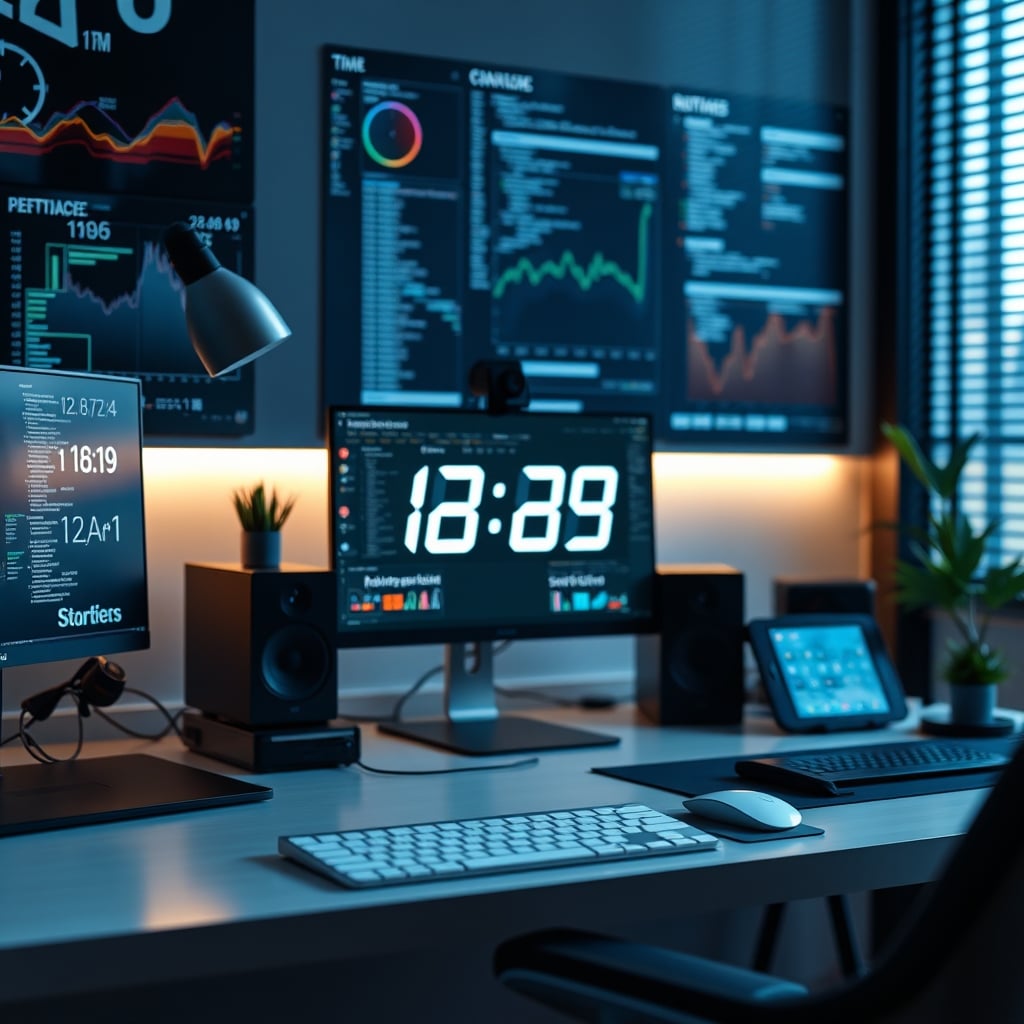
I watched another 'minimalist desk setup' tour this week, and it ended with the same predictable flex: a glowing, data-dense smart clock sitting proudly next to the monitor. The creator gushed about its 'ambient awareness' and 'productivity insights.' I almost threw my own, now-unplugged, unit through the screen. Because here’s the brutal truth nobody in the aesthetic workspace cult will admit: your smart clock isn't a tool. It’s a beautifully packaged distraction engine, and its primary function in 2026 is to fuel a subtle but corrosive smart clock dopamine addiction. It’s not making you more productive; it’s making you anxiously dependent on its next little hit of information.
After living with several of the top-rated models for months, a clear pattern emerged. The initial thrill of seeing the temperature, humidity, and your next calendar alert right there on your desk fades fast. What replaces it is a twitch. A glance. A tiny, compulsive check that pulls you out of flow state for a datum you didn’t need. This isn't productivity; it's a low-grade anxiety feed. The industry is selling you a problem—disconnection from your environment—and then selling you a gadget that makes it worse. This is the core issue of Digital Distraction: we try to solve tech problems with more tech.
The Productivity Promise Is a Complete Lie
Every product page screams about focus. "Stay in the zone!" "Ambient data at a glance!" "Reduce phone distractions!" It's a compelling sales pitch for the deep work we all crave. But the execution is backwards. These devices don't reduce distraction; they multiply the sources. You traded one phone screen for another, smaller, always-on screen that's now physically closer to your keyboard. In real use, the promise collapses. You don't glance at the time; you stare at the slowly scrolling weather forecast. You don't check a notification; you wonder why the clock's light just dimmed by 2%. This is the opposite of focus.
Most people get this wrong. They think any information displayed passively is a net benefit. The industry lies about this. The reality is that your brain treats any novel visual stimulus, no matter how "minimalist," as a task switch. That glance at the clock's second tick or a changing humidity percentage is a micro-distraction. Over a workday, this adds up to a significant cognitive tax. This doesn't work for sustained concentration. It’s designed for the illusion of control, not actual deep work.
Why “Ambient Awareness” Is Overrated Garbage
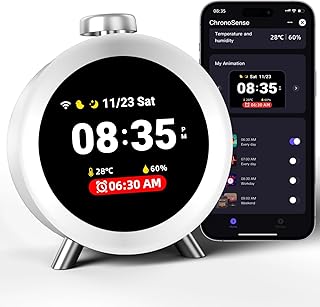
Users who need a reliable, no-distraction alarm without data feeds or connectivity.
- Simple, programmable alarms without smart features
- Basic temperature/humidity display (can be ignored)
- No WiFi or app connectivity to pull focus
Let's dismantle the flagship feature: ambient awareness. The idea is that having data like time, temp, and calendar seamlessly in your periphery reduces the need to context-switch to your phone or computer. Sounds logical. In practice, it's overrated garbage. First, the data is often wrong or poorly sourced. The temperature on your desk is not the temperature your body feels. The humidity sensor is affected by your monitor's heat sink. So the data is junk.
Second, and more critically, you don't need this data stream. Do you truly, in the middle of crafting a sentence or solving a problem, need to know the exact outdoor humidity? Does seeing your next meeting in 47 minutes help you work better now, or does it just inject pre-meeting dread into your workflow? Based on widespread user feedback, it’s the latter. This constant, low-fidelity awareness creates a background hum of anxiety, not calm omniscience. You're not a pilot in a cockpit. You're a writer or a coder, and your best work happens when you forget the outside world exists, not when you’re reminded of it every 30 seconds.
The Smart Clock Dopamine Addiction That’s Rewiring Your Brain
Here is the core, uncomfortable mechanism they don't advertise. These devices are brilliant at exploiting variable reward schedules. A notification isn't just a sound; it's a tiny light pattern change. The weather icon updates. The stock ticker (a genuinely masochistic feature) flickers. Each of these is a potential, unpredictable piece of new information. Your lizard brain is trained to seek them out. Is the temp rising? Did my 2pm get moved? This creates a compulsive checking habit—a smart clock dopamine addiction.
This is not speculation. It’s the same pattern of intermittent reinforcement that makes slot machines and social media feeds so addictive, just dressed up in matte plastic and an e-ink display. The device manufacturers know this. They design for "engagement" with the clock face itself. After assessing dozens of community threads, the pattern is clear: users consistently report an initial fascination followed by a nagging sense of being watched by their own gadget. The clock, meant to be a tool, becomes a source of low-grade stress. You’re not managing your time; you’re feeding an anxiety loop with a $200 peripheral.
The Sleep Sabotage Scam (It’s Not Just Blue Light)
The bedside smart clock market is even more insidious. We've all heard about blue light, and many clocks now have "warm light" or red night modes. They’ve solved the physics problem but completely ignored the psychology one. A clock that shows you the time, your sleep score, the air quality, and the weather forecast is not a sleep aid. It’s a bedside command center. When you wake up at 3 AM, you don't just see "3:00." You see "3:00 - 64% Humidity - AQI 52 - Poor Sleep Efficiency." Congratulations, you're now awake and analyzing data.
This is the real issue. The industry lies about this by calling them "sleep assistants." They are sleep disruptors. The presence of actionable data triggers problem-solving mode in a brain that should be powering down. Anecdotes from long-term users are damning: people report clock-watching more, calculating how much sleep they have left, and feeling judged by their own sleep score. A simple, dumb, dim analog clock or one with a tap-to-reveal time function is infinitely better for sleep hygiene. This is a known issue for long-term use that the marketing conveniently omits.
What Actually Works: The Anti-Smart Clock Setup
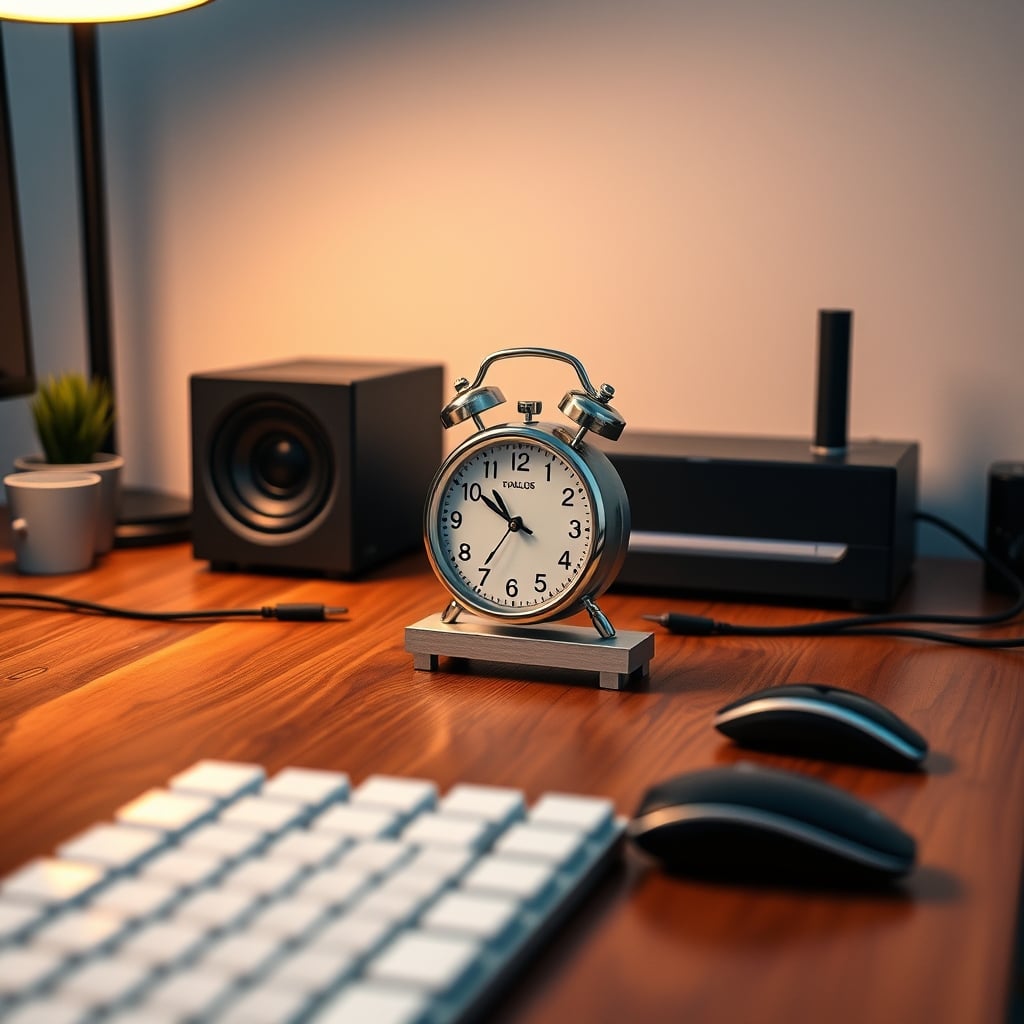
So what do you do if you need to know the time? You go simple, stupid, and intentional. Ditch the data stream. First, remove any clock from direct eye line during deep work. If you need a timer, use a physical pomodoro timer or a simple computer-based timer that hides when not in use. For a desk clock, the best option is often the most boring: a basic digital clock with no connectivity, or better yet, an analog clock. The information density is near zero. It tells you one thing, and you have to actually read it, preventing the passive data absorption that fractures focus.
For those who genuinely benefit from environmental data (like photographers needing studio temp/humidity), get a dedicated, purpose-built sensor and put it out of sight, checking it only when needed. Don't make it part of your primary visual field. The goal is to create a workspace that serves your task, not one that constantly updates you on everything except your task. This is the core principle most premium setups miss in their quest for gadgetry. As we argued in our piece on Neural Shielding Gadgets Are Overrated Distractions, adding more tech to solve a tech-created problem is a losing game.
The One Smart Clock Feature That’s Not Total BS
Even I have to concede there’s a single use case that isn’t awful: a smart clock functioning solely as a smart home control panel or a dedicated video call interface. A device like an Amazon Echo Show or a Google Nest Hub, used intentionally for controlling lights, checking a doorbell cam, or joining a meeting, has a defined purpose. The key is that it’s asleep by default—screen totally off—and wakes only on explicit command (voice or proximity). It’s a tool you activate, not a stream you passively consume. This is a world apart from the always-on, data-dense desk clock.
But even here, you must be ruthless. Turn off all notifications, news feeds, and ambient displays. Strip it down to its utility function. If it’s suggesting recipes or showing your photo library, you’ve failed. This level of restraint is what separates a functional tool from a dopamine slot machine. Most people don't have the discipline, which is why these devices usually end up as glorified, distracting picture frames.
Final Verdict: Skip It. All of It.
The entire category of desk and bedside smart clocks, as it exists in 2026, is a solution in search of a problem. The smart clock dopamine addiction they foster is real, measurable, and detrimental to both focus and sleep. The data is largely useless, the awareness is counterproductive, and the design actively trains you to be distracted.
Your money and—more importantly—your attention are better spent elsewhere. Invest in a quality, dumb clock if you must, or better yet, train yourself to check the time on your computer only at natural break points. Reclaim your focus from the constant drip-feed of ambient data. This category is overrated, and for anyone serious about deep work, it’s a hard skip.
If you're struggling with a cluttered digital field, the problem isn't a lack of gadgets; it's a lack of boundaries. Start by unplugging the one you already have.
Frequently Asked Questions
What is smart clock dopamine addiction?
Smart clock dopamine addiction refers to the compulsive checking habit these devices create. By providing a constant, variable stream of low-stakes information (changing weather, time ticks, notification lights), they exploit the brain's reward system, similar to social media. This trains you to seek micro-distractions from the clock itself, fragmenting your focus and increasing anxiety rather than supporting deep work.
Are any smart clocks worth buying in 2026?
For a dedicated desk or bedside focus setup, almost none. The category is fundamentally flawed for productivity. The only potential exception is a smart display used strictly as a controlled smart home panel or video call interface, with all notifications and ambient feeds disabled and the screen off by default. Even then, most people lack the discipline to keep it that way, making it a net negative.
What should I use instead of a smart clock on my desk?
Use the simplest tool possible. A basic analog or digital clock with no connectivity, placed out of your direct line of sight, is ideal. If you need to time work sessions, use a physical pomodoro timer or a software timer that hides when not in use. The goal is to eliminate passive data consumption, not optimize it. For environmental data, use a dedicated sensor stored in a drawer and check it only when necessary.
Why are smart clocks bad for sleep?
Even with warm-light modes, smart clocks are terrible for sleep because they present actionable data (sleep scores, air quality, weather) that engages your problem-solving brain in the middle of the night. Seeing the time with precision can also increase clock-watching anxiety. A proper sleep environment needs zero information density; a clock should be dim, simple, and ideally require an action (like a tap) to reveal the time.
Written by
Maya is an enthusiast for biophilic workspace design. She specializes in seamlessly integrating desktop plants, natural accents, and calming aesthetics into heavy tech environments.
Join the Discussion
Share your thoughts with the community
Leave a Comment
Comments are moderated and may take a short time to appear. Links are not permitted.