Optimizing Youtube Gear Budget
Most aspiring YouTubers blow their budget on gear that delivers zero real-world impact. We're cutting through the marketing noise to reveal where your youtube gear budget actually matters, and what's just expensive window dressing. Stop buying based on brand hype; start investing in performance.
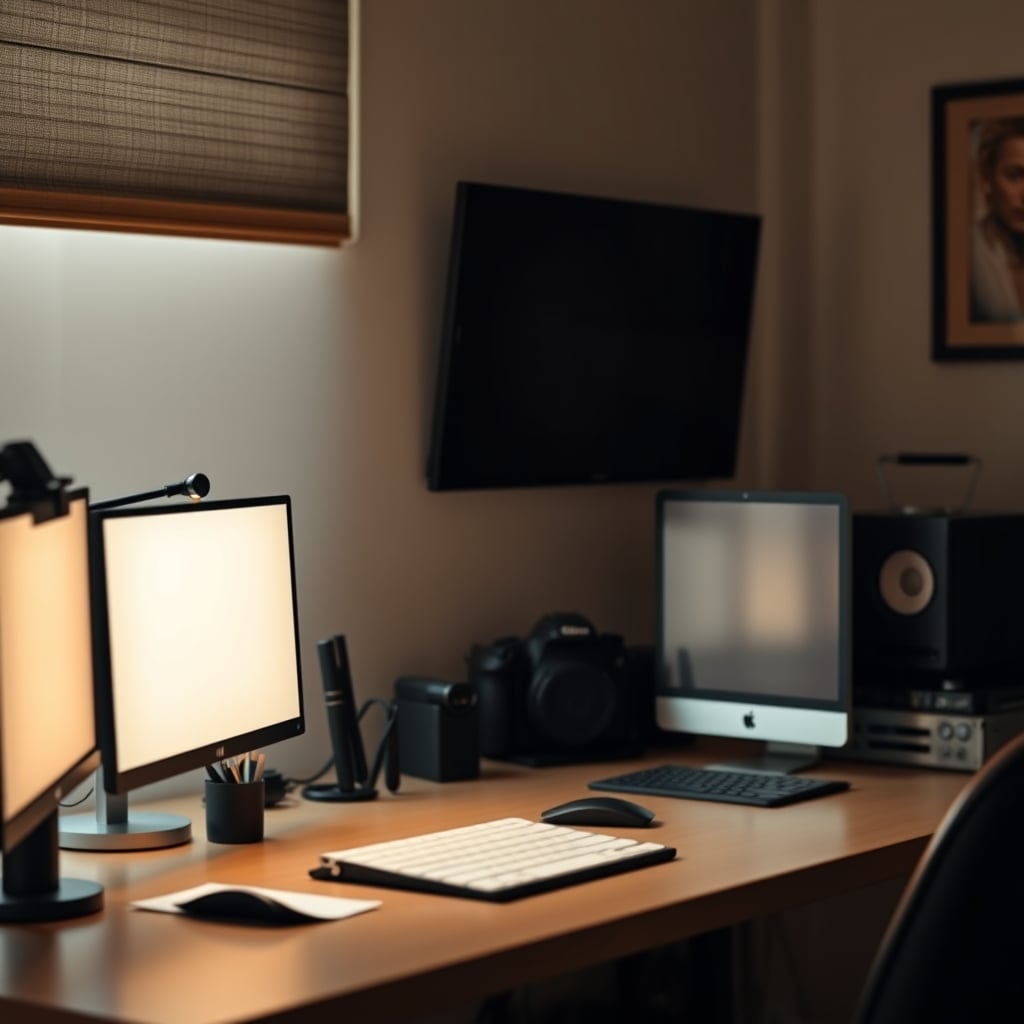
Let's be blunt: your youtube gear budget is likely a mess of overspending and bad priorities. The internet, bless its heart, is overflowing with creators pushing affiliate links for the latest, most expensive gear. They want you to believe that a $1500 camera or a $400 microphone is the magic bullet. It's not. We've seen countless setups, from bedroom operations to full-blown studios, and the reality is stark: performance doesn't scale linearly with price, especially at the entry-to-mid level.
Most people get this completely wrong. They fixate on camera specs or brand names, ignoring the fundamental elements that actually make a video look and sound professional. This isn't about saving a few bucks; it's about allocating resources to what truly moves the needle. You're wasting money on gear that yields marginal returns while neglecting the basics that could transform your content.
The "Pro Gear Only" Myth That Needs to Die
Here's the harsh truth: that expensive full-frame mirrorless camera is overrated for 90% of YouTubers. Seriously. Most content creators, especially those starting out or even with hundreds of thousands of subscribers, do not need a cinema camera or the latest flagship model. This is the real issue. The industry lies about this, pushing the narrative that more megapixels or a bigger sensor directly translate to better content. In real use, for online video, the diminishing returns hit hard and fast.
Think about it: most viewers are watching on a phone, tablet, or a compressed YouTube stream. The nuanced dynamic range or incredibly shallow depth of field from a high-end camera gets absolutely obliterated by compression. Users consistently report that improvements beyond a certain threshold are imperceptible to their audience. Investing heavily in a top-tier camera while your lighting is trash or your audio sounds like a tin can is a colossal mistake. You're simply polishing a turd with an expensive lens.
Instead of chasing resolution and sensor size, funnel your youtube gear budget into the elements that provide undeniable, measurable impact on viewer retention and perceived quality. The truth is, a solid entry-level mirrorless or even a high-end phone with good lighting can outperform a Blackmagic pocket cinema camera in the hands of someone who understands composition and light.
Lighting Is The Unsung Hero (Your Camera Is Secondary)
If you want your videos to look professional, forget the camera upgrades for a minute. Good lighting is not just important; it's non-negotiable. This is where most people cheap out, or worse, buy complex, overpriced RGB setups that do more harm than good. They think a single ring light is enough, or that bouncing a lamp off a wall counts as 'lighting.' This doesn't work. Bad lighting creates grain, unflattering shadows, and makes even the best cameras look mediocre.
Smart Investments Beyond the Hype
Once you've nailed lighting and sound, and tidied up your background, where should your youtube gear budget go? Prioritize quality of life and workflow improvements. A good monitor arm can free up desk space and improve ergonomics, making long editing sessions less painful. A reliable, fast SSD for video editing significantly cuts down render times and boosts productivity, far more than a slightly better CPU often does. These are the unsung heroes that actually save you time and discomfort in the long run.
Another critical area often neglected is a decent editing setup. Many people spend big on cameras then try to edit 4K footage on an ancient laptop. This is the exact opposite of what you should be doing. We've analyzed countless setups to highlight the editing PC parts lie nobody tells you. A balanced system with enough RAM and a powerful GPU makes editing a breeze, letting you focus on creativity rather than waiting for proxies to render.
Mistakes to Avoid (We've Seen Them All)
- The Upgrade Treadmill: Don't constantly chase the next best thing. Get solid, functional gear and learn to use it effectively. Most improvements come from skill, not new equipment.
- Ignoring Software: Your video editor, color grading skills, and audio mixing abilities are far more impactful than a slightly sharper lens. Invest time and effort here.
- Copying "Pro" Setups: Don't just buy what your favorite YouTuber uses. Their needs, budget, and team are likely vastly different from yours. Understand why they use certain gear, not just what they use. We've talked extensively about common youtube gear mistakes people make.
- Overspending on Accessories: Cable ties, lens caps, camera bags – these are often ridiculously overpriced for what they are. Buy essentials, not branded fluff. You can build a perfectly functional setup without fancy stabilizers if your primary content is static, talking-head videos.
Final Verdict: Youtube Gear Budget Reality Check
When it comes to your youtube gear budget, remember this: Focus on impact, not specs. A few hundred dollars wisely spent on lighting, audio treatment, and a solid editing machine will yield infinitely better results than thousands blown on an overkill camera. The gear marketing cycle is designed to make you feel inadequate unless you buy the latest. Ignore it. Worth it is about maximizing perceived quality and workflow efficiency. Skip it if it doesn't directly address a fundamental problem in your current setup. Most high-end camera bodies and boutique microphones fall into the 'skip it' category for the vast majority of creators. Invest in skills, environment, and then, only then, upgrade the essentials that genuinely bottleneck your production.
Frequently Asked Questions
How much should I spend on YouTube gear when starting out?
Most beginners overspend. You should prioritize good lighting (around $50-100 for a basic two-point LED setup) and decent audio (a $50-100 USB mic or lavalier). Your smartphone can often serve as your camera initially. Avoid expensive camera bodies until you've mastered lighting and audio; they offer minimal returns for new creators.
Is an expensive camera necessary for a professional YouTube channel?
Absolutely not. For online video, especially with YouTube's compression, the visual difference between a mid-range camera and a top-tier professional one is often imperceptible to viewers. Superior lighting, crisp audio, and good editing skills contribute far more to perceived professionalism than a high-end camera body alone. Most people get this wrong.
What's more important: camera quality or lighting?
Lighting, hands down. You can make an entry-level camera look fantastic with proper lighting, but even a cinema camera will produce poor, grainy, or unflattering footage under bad lighting conditions. Investing in two quality LED panel lights with diffusion will elevate your production value more than any camera upgrade.
Can I use my smartphone for YouTube videos?
Yes, absolutely! Modern smartphones are incredibly capable. Combined with good lighting and external audio (a small lavalier mic or shotgun mic for your phone), they can produce high-quality video that rivals entry-level dedicated cameras. Most people underestimate their phone's potential and rush to buy expensive gear they don't need.
Written by
GlowRig Editorial researches and writes practical guides about desk setups and home office gear. Our articles are produced with the help of AI research tools and are reviewed for accuracy against manufacturer specifications and public user feedback. We may earn a commission from affiliate links, which never affects our recommendations.
Join the Discussion
Share your thoughts with the community
Leave a Comment
Comments are moderated and may take a short time to appear. Links are not permitted.