Streaming Rig Lighting: Why Your Face Still Looks Flat
You bought a ring light. Your face still looks like a flat pancake. The problem isn't brightness — it's angle, distance, and color temperature. Here's the fix that costs $0.
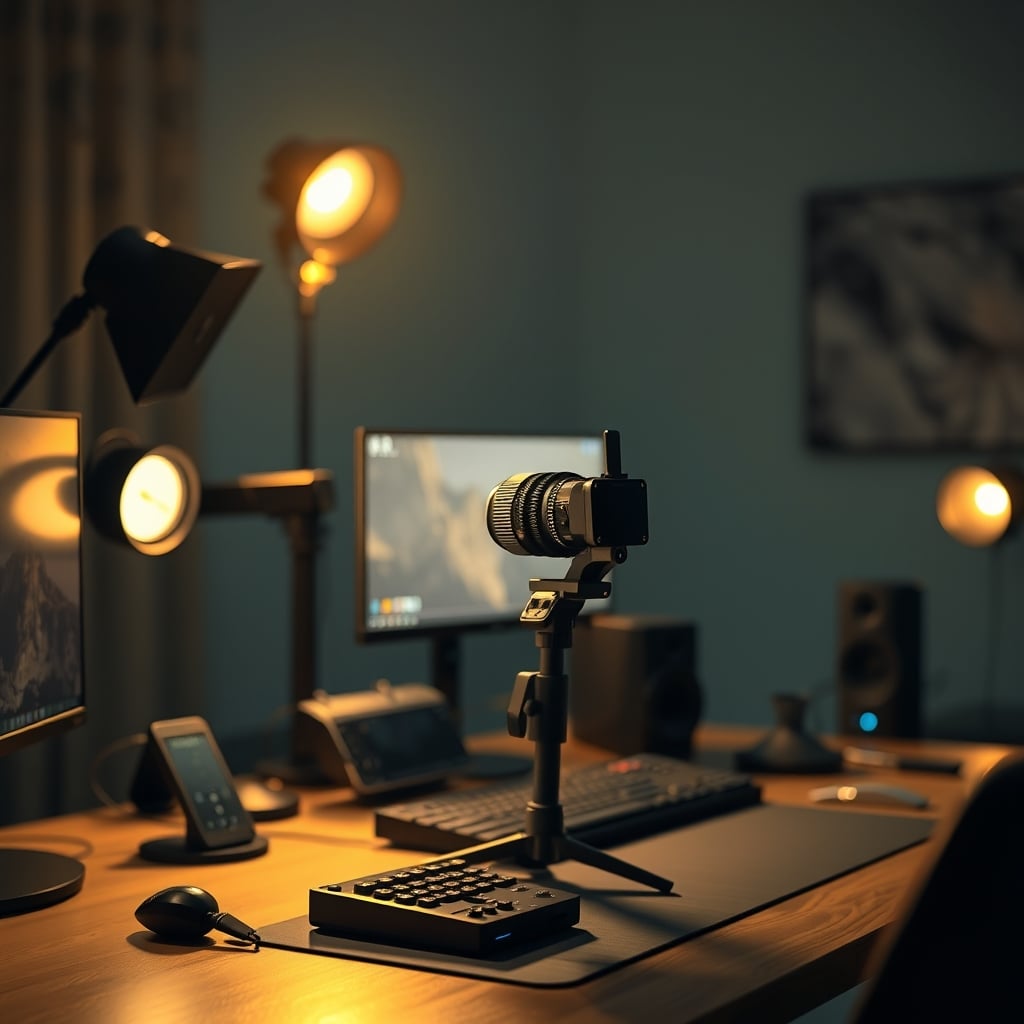
You bought a ring light, maybe even two, but your face on stream still looks like a witness protection program photo. The shadow under your nose is harsh, your eyes look hollow, and the background is either blown out or a black void.
That's not a gear problem. That's a streaming rig lighting geometry problem. And fixing it costs exactly zero dollars — if you understand three things: the inverse-square law, the difference between hard and soft light, and why your key light belongs at a 30-degree angle, not dead center over your monitor.
The Inverse-Square Law Is Ruining Your Face Every Single Stream
Light doesn't behave like sound. It follows a strict rule: double the distance, you get one quarter the brightness. That sounds like physics homework, but it explains exactly why your face looks different every time you lean forward or back.
Dead-center lighting from above your monitor creates what photographers call "flat lighting." Your face loses definition. Shadows disappear. You look like a 2D cutout pasted onto a background.
1. How far is your face from the light?
- Under 24 inches: A small panel or ring light (6 to 10 inches) is sufficient. You don't need 2000 lumens.
- 24 to 40 inches: You need a larger source — 12-inch softbox or a panel with at least 800 lumens.
- Over 40 inches: You need an LED panel with at least 1500 lumens or a softbox with a Bowens mount. Small ring lights won't cut it.
2. Do you have a second light for background separation? If your answer is no, your key light should be a bicolor or tunable panel (3000K–6500K) so you can match the color temperature of your monitor bias light or ambient room light. Mismatched color temperatures look amateur instantly. If you already have a background light, you can buy a daylight-balanced key light (5600K) and save $15–20.
3. Do you wear glasses? If yes, avoid ring lights entirely unless you can position them high enough that the reflection falls below the frame. An edge-lit panel like the Elgato Key Light Neo is better — its light comes from the sides of the panel rather than the front, which significantly reduces glare on lenses.
Comparison Table: Three Real Options for 2026
Light Price Lumens Color Temp Best For Key Limitation Budget ring light (generic 10-inch) $25–40 300–600 3000K–6000K bicolor Entry-level, close face distance Harsh shadows, plastic build, no remote Logitech for Creators Litra Glow $58.43 ~400 2800K–6500K bicolor Desk-mounted close-up work, glasses wearers Lower max brightness, USB-powered only Elgato Key Light Neo $89.99 1000 2900K–7000K bicolor Medium distance, monitor mount, glasses Requires USB-C 15W port; no batteryWhen to pick each: The Litra Glow is the smart desk choice if you sit close and want a monitor-mountable solution under $60. The Key Light Neo is better if you need more output for a deeper desk or want the edge-lit design for glasses. The generic ring light makes sense only if your budget is under $30 and you accept that you'll replace it within a year.
Three Common Streaming Lighting Mistakes (And the One-Minute Fixes)
Mistake 1: Mixing 3000K and 5600K lights in the same frame Your key light is warm white (3000K) from a ring light, but your monitor bias light is cool blue (6500K). The camera auto-white-balance can't decide which to correct, so your skin looks green or your background shifts magenta. Fix: set all visible lights to the same color temperature. If you can't adjust your monitor bias, match your key light to it.
Mistake 2: Blasting your face from directly above Ace lighting — light from directly overhead — creates deep eye sockets and a harsh nose shadow. Your webcam will expose for your forehead and leave your eyes dark. Fix: lower your light to 15–20 degrees above eye level, or move it off-axis to 30 degrees.
Mistake 3: Forgetting OBS hardware encoding This isn't directly about lighting, but it matters: if your GPU is maxed out encoding your stream and can't process the camera image properly, even perfect lighting won't help. Use NVENC or AMD VCN for encoding and leave a GPU headroom of 10–15% for camera processing. Check your OBS stats — if encoder is skipping frames, the lighting is being wasted anyway.
Who Should Buy What in 2026
The budget streamer (under $50 total for lighting): Skip the ring light. Buy a desk lamp with a white LED bulb (5000K, 800+ lumens) and a sheet of white printer paper taped over the shade as a diffuser. Position it at 30 degrees off-axis. Total cost: under $25. It looks better than any sub-$40 ring light.
The glasses-wearing streamer: The Logitech Litra Glow or Elgato Key Light Neo are your best options because their diffused or edge-lit panels reduce lens reflection. Avoid ring lights. Place the light high enough that the reflection drops below your lens line — you may need to tilt your monitors down slightly to achieve this.
The general streamer wanting one-light simplicity: A bicolor LED panel (10x10 inches or larger) with a desk clamp mount and a softbox diffuser. No specific brand recommendation — look for one with at least 800 lumens, a CRI of 95 or higher, and a color temperature range of 3200K–6500K. Expect to pay $50–$80 for a quality unit.
Who should skip everything: If you're using a DSLR or mirrorless camera with a fast lens (f/1.4–f/2.8) and a decent sensor, you may not need extra lighting at all. A fast lens at ISO 800 with ambient room light can look more natural than a poorly positioned key light. Save your money for a microphone upgrade instead.
The Bottom Line
The best streaming rig lighting in 2026 isn't the brightest. It's the best positioned. One light at 30 degrees off-axis, at a fixed distance, with a color temperature that matches your room, will look better than three lights scattered across your desk at random angles. If you only buy one piece of lighting gear, make it a bicolor LED panel with a desk clamp and a diffuser — not a ring light. Your face will look human, dimensional, and actually watchable. And that's the whole point.
Frequently Asked Questions
What is the best angle for a streaming key light?
Place your key light 30 degrees to the side of your camera lens and 15–20 degrees above eye level. This creates natural facial definition without harsh shadows.
Should I use a ring light for streaming?
Ring lights flatten your face because they eliminate shadows. They're acceptable if you're on a tight budget, but a softbox or edge-lit panel at 30 degrees off-axis looks significantly better.
How many lumens do I need for streaming lighting?
If your light is 24 inches from your face, 400–600 lumens is sufficient. At 40 inches, you'll need 800–1000 lumens. The Elgato Key Light Neo outputs 1000 lumens and works at medium distance.
Can I use a desk lamp as a streaming light?
Yes. A desk lamp with a 5000K LED bulb (800+ lumens) and a white paper diffuser is a cheap setup that beats most sub-$40 ring lights.
Written by
GlowRig Editorial researches and writes practical guides about desk setups and home office gear. Our articles are produced with the help of AI research tools and are reviewed for accuracy against manufacturer specifications and public user feedback. We may earn a commission from affiliate links, which never affects our recommendations.
Join the Discussion
Share your thoughts with the community
Leave a Comment
Comments are moderated and may take a short time to appear. Links are not permitted.