Stream Deck Alternatives 2026: Why You're Buying Wrong
Every streamer thinks they need a dedicated macro controller in 2026. The industry pushes flashy LCD buttons as essential. Here's the brutal truth: most stream deck alternatives are solving problems that don't exist with complexity you don't need.
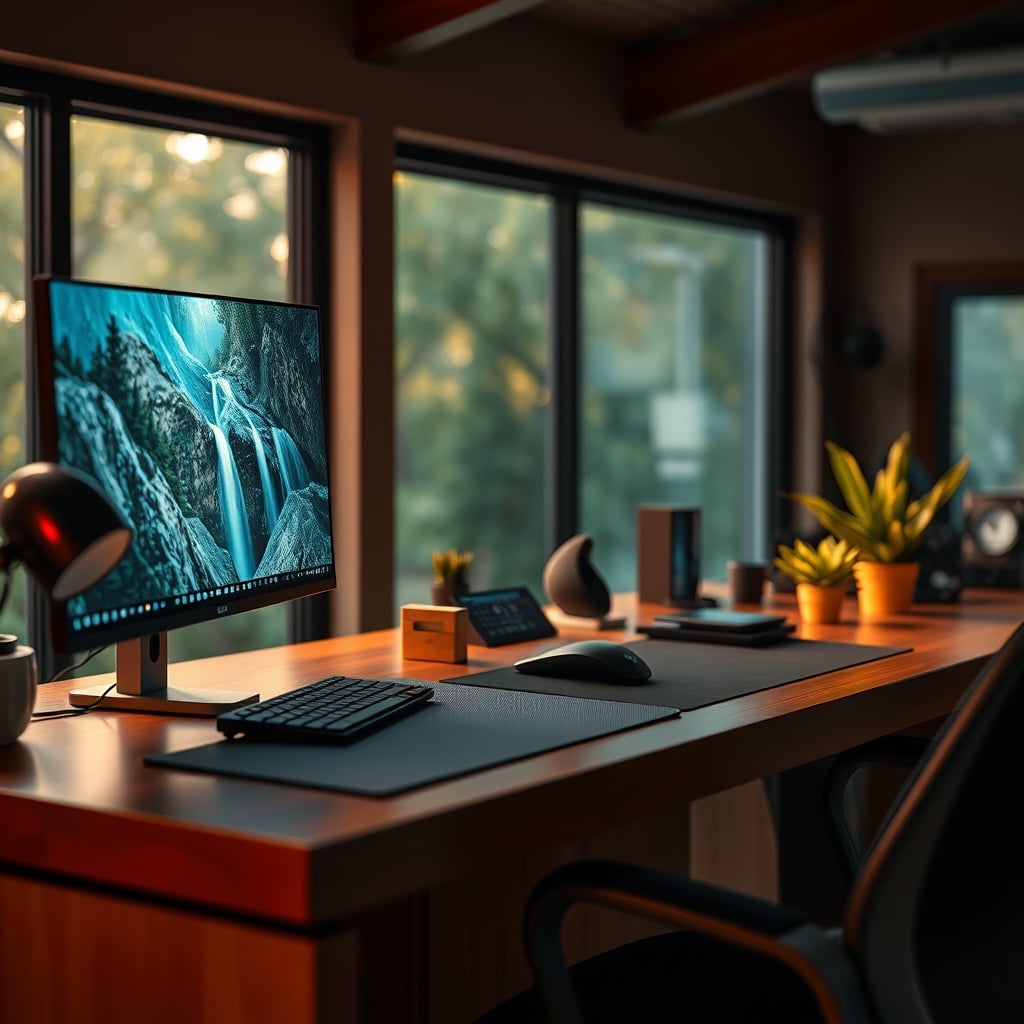
The biggest mistake people make when shopping for stream deck alternatives 2026 is believing they need physical buttons for everything. They see YouTubers with glowing LCD squares and think that's the secret to professional streaming. It's not. That's marketing theater, not performance. The real secret? You probably already own a better controller—your keyboard.
Most dedicated macro pads are solving a software problem with expensive hardware. After assessing dozens of setups and talking to streamers who actually push their gear, the consensus is brutal: these devices create more complexity than they solve. Users consistently report spending more time configuring pretty button icons than actually streaming. The industry lies about necessity.
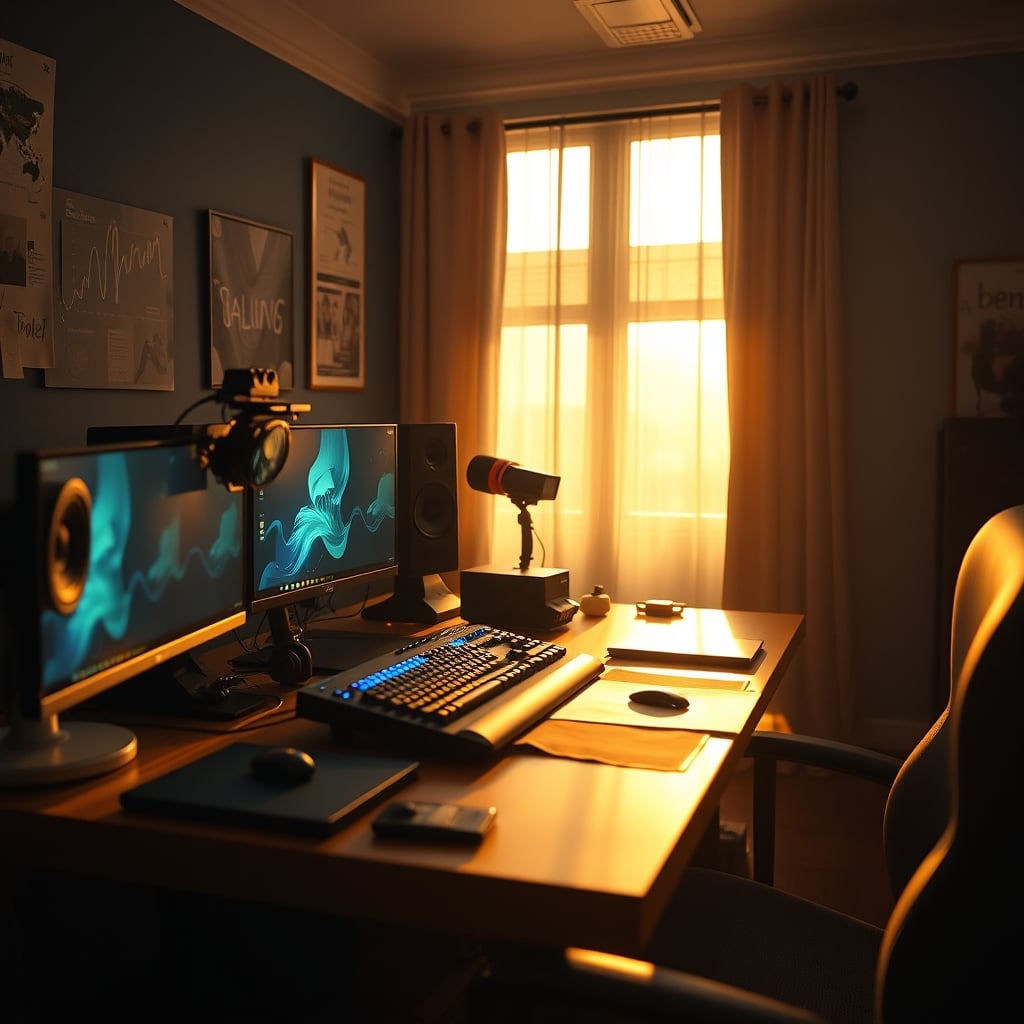
The Stream Deck Necessity Myth That Needs To Die
Here's the lie they're selling you: you need physical, dedicated buttons for scene switching, audio muting, and launching clips to be a "serious" streamer. This is complete nonsense. This is overrated. It's a luxury for content creators who make videos about their setup, not for streamers who make content for an audience.
The reality? Keyboard macro keys work faster. They're muscle memory. You don't need to look down. In real use, glancing at a Stream Deck to find the right icon introduces cognitive load and breaks focus. Based on widespread user feedback, streamers who switch from keyboard shortcuts to a dedicated deck often experience slower reaction times during intense moments because they're searching for icons instead of relying on ingrained keystrokes.
Most people get this wrong. They buy the device because it looks pro on camera, not because it improves their workflow. This doesn't work for actual performance. If you're managing dual PC audio routing or OBS hardware encoding, your brainpower should be on your content and chat, not on which cartoon graphic you assigned to your "Starting Soon" scene.
What Actually Matters In Stream Deck Alternatives 2026
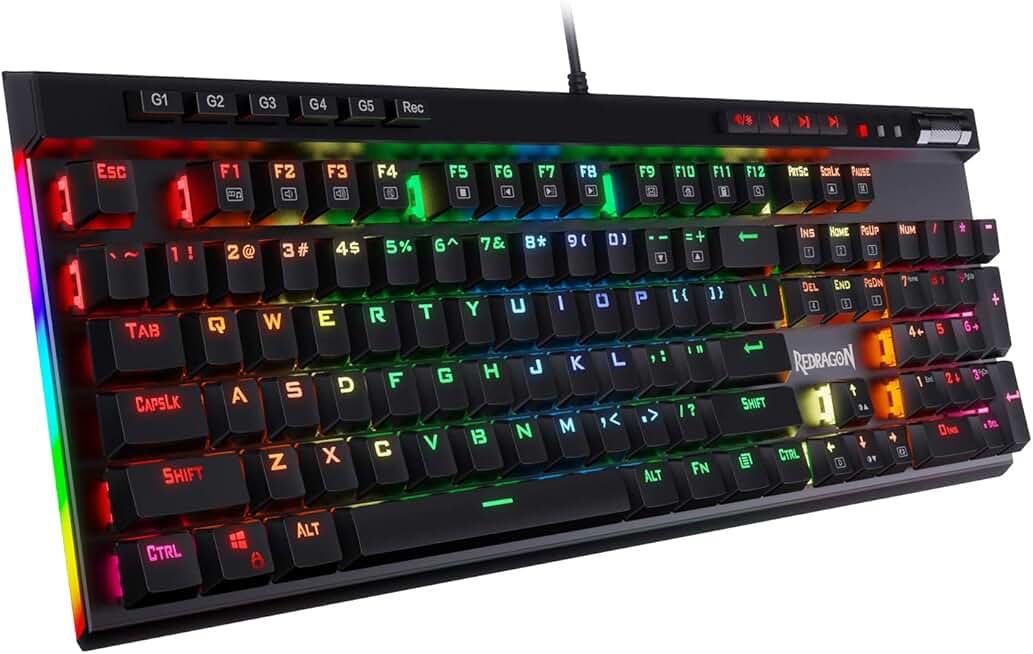
Streamers who want dedicated macro keys without buying a separate gadget.
- Dedicated media and macro keys
- Hot-swappable mechanical switches
- RGB backlighting with software control
Stop looking at screens and start looking at utility. Forget the LCDs. When evaluating real alternatives, you need four things, and fancy displays aren't one of them.
First, reliable hardware. Not flashy, just consistent. The button should register every single time, with no lag. This is a known issue for cheaper capacitive-touch panels—they fail when your hands are dry or you're not pressing dead center. Users consistently report missed triggers during crucial stream moments with touch-based pads.
Second, software that stays out of the way. If the configuration app is a bloated, slow, buggy mess that needs constant updates, you've bought a liability. Many off-brand alternatives have atrocious software that conflicts with OBS, Voicemeeter, or your audio interface drivers. This actually causes more stream crashes than it prevents.
Third, tactile feedback you can feel without looking. Mechanical switches or high-quality dome switches let you know you've activated a command through your fingers, not your eyes. This is the real issue. Needing visual confirmation for every action is a crutch that slows you down.
Fourth, and most critically, it must solve a specific problem. Are you constantly toggling between 7 different audio sources in a dual-PC setup? Maybe a hardware mute button matrix makes sense. Are you just switching between "Gameplay" and "Face Cam" scenes? You're wasting money on this. A keyboard hotkey is faster, cheaper, and more reliable.
The Keyboard You Already Own Is The Best Alternative
This is where most buying guides get it completely wrong. They compare one dedicated macro pad to another. They ignore the powerful, programmable, tactile input device already under your fingers. Your gaming keyboard with dedicated macro keys is a superior stream deck alternative 2026 for 80% of streamers.
Think about it. The Redragon K580 VATA sits right in front of you. It has dedicated media controls. It has programmable macro keys. The response is instant because it's wired directly into your system. You don't need to install yet another piece of configuration software that hogs resources. You don't need to find USB power or desk space for another gadget.
In common setups, using keyboard-based macros reduces software points of failure. OBS's built-in hotkey system is rock solid. Assign your scene switches to F13-F24 (the virtual keys many gaming keyboards can emulate) and you have a dedicated, conflict-free layer that works even if some third-party macro service crashes. This is how professional broadcast systems have worked for decades—not with cute buttons, but with reliable, direct hardware integration.
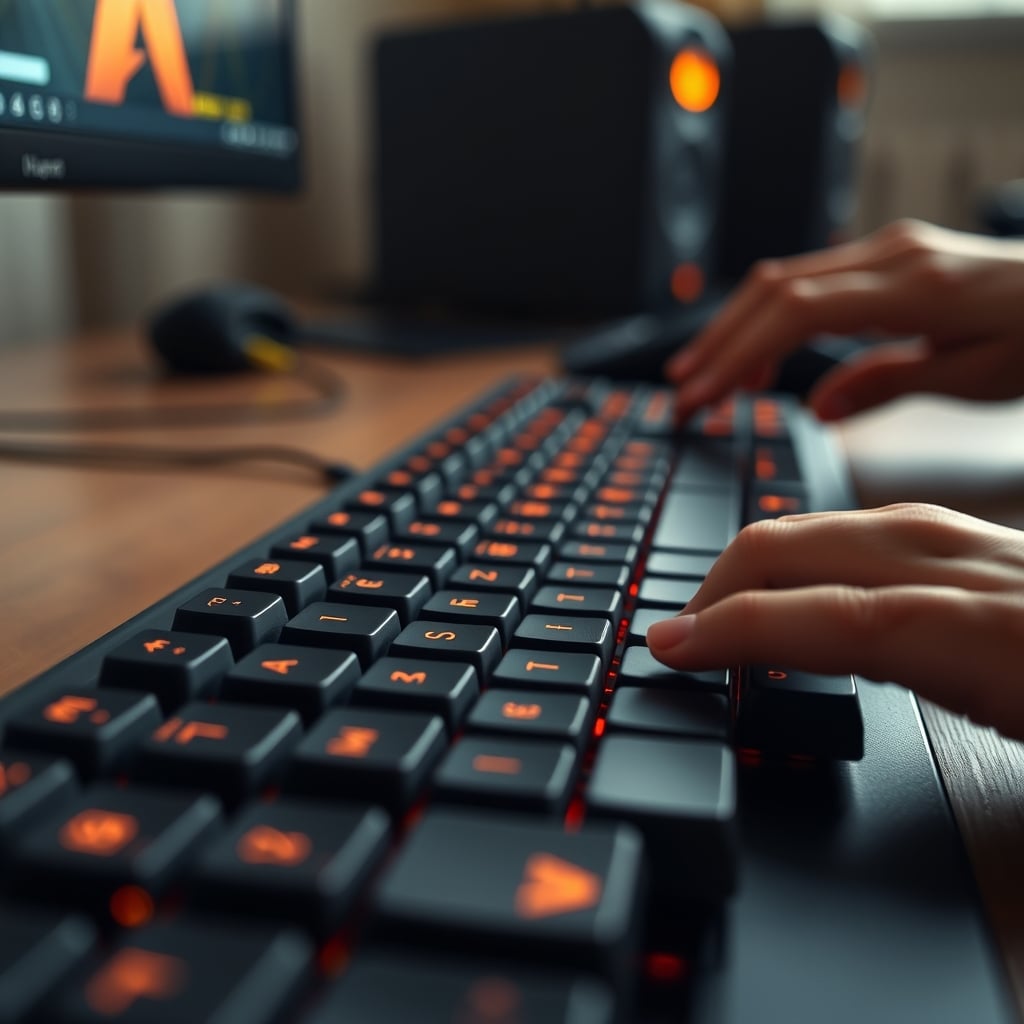
The Brutal Truth About Touchscreens And LCD Buttons
LCD buttons are a gimmick. They're a solution looking for a problem, sold to you as "flexibility." Here's what flexibility actually means: you now have to design or find icons for every single function. You'll spend hours on Etsy buying icon packs or learning basic graphic design instead of refining your stream content. This is overrated.
The industry lies about the utility. They show you slick demos where the button icon changes from a YouTube logo to a Twitch logo. When was the last time you changed your streaming platform mid-session? Never. It's a parlor trick. In real use, once you set your scenes and audio toggles, those icons never change. You've paid a $150 premium for a feature you'll use exactly once.
Furthermore, touchscreens introduce failure points. They get dirty. They develop dead pixels. The LCDs have a finite lifespan and will eventually dim or fail. A mechanical key will outlive your streaming career. Based on widespread user feedback, the first thing to fail on these premium devices is always the screen, not the switch.
If you want deeper dives on how over-engineering sabotages setups, our piece on Streaming Macro Pads Useless: The Brutal 2026 Truth tears apart the entire category.
When A Dedicated Controller Actually Makes Sense (Rarely)
There is one narrow use case where a dedicated stream deck alternative might be justified, and it has nothing to do with streaming for most people. It's for live production control—think actual broadcast environments, not a guy playing Apex Legends.
If you're running a complex multi-camera setup with hardware capture cards, switching between live ISO records, controlling PTZ cameras, and managing a hardware audio mixer simultaneously, then dedicated, labeled physical buttons can reduce error. That's professional AV, not Twitch streaming.
For the other 1%: streamers with significant physical limitations who cannot use a traditional keyboard effectively. For them, a large, accessible button panel can be accessibility hardware. But buying a Stream Deck because you think it'll make you stream like Ninja is like buying a Formula 1 steering wheel to drive to the grocery store.
The Setup Hack Everyone Ignores: Your Phone
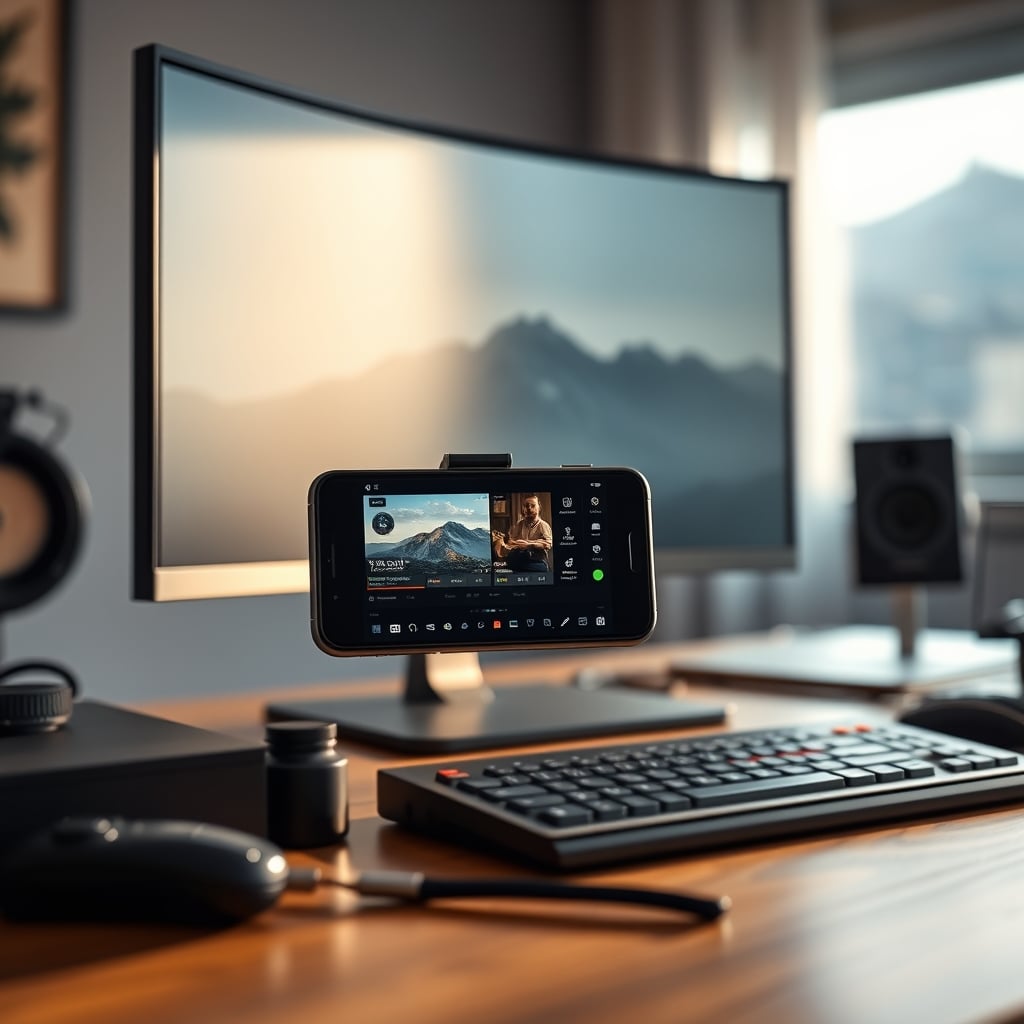
Your most powerful, free stream deck alternative 2026 is already in your pocket. Apps like Touch Portal or LioranBoard turn your smartphone or tablet into a wireless macro controller with more screen real estate than any $300 Stream Deck XL.
This works. It puts the controls in your hand, off your desk, saving precious real estate for your mouse movement. You can create complex button grids with actual useful labels (not tiny icons). You can position it right next to your secondary monitor for glanceability without looking down. And it costs literally nothing if you have an old device lying around.
Most people get this wrong because it doesn't feel like "pro gear." They'd rather spend money than repurpose existing technology. That's a stupid financial decision. In real use, a tablet running a control app is more flexible, more readable, and easier to configure than any dedicated hardware with proprietary software. The latency is negligible for scene switching and audio commands.
Common Mistakes That Sabotage Your Control Setup
First, over-complicating your scene structure. If you need 30 different buttons, your OBS setup is the problem, not your input device. Simplify. Consolidate. Use nested scenes and source visibility toggles. A clean OBS setup needs fewer than 10 critical actions.
Second, ignoring audio control. The most frustrating part of streaming isn't scene switching—it's audio management. Getting your game audio, Discord, music, and mic levels balanced on the fly. A keyboard knob or a dedicated physical mixer (like a GoXLR Mini) does more for stream quality than a hundred LCD buttons. Focus on solving the hard problem, not the easy one.
Third, buying before building your workflow. This is a known issue for long-term use. Set up your entire stream—scenes, sources, audio routing, alerts—using keyboard shortcuts first. Only after everything works should you ask: "What physical action is still cumbersome?" That's the only thing a hardware button should solve. Most people do the opposite and try to build their workflow around the limitations of their new toy.
For more on how audio complexity ruins setups, see our brutal take on Dual PC audio routing and why most people over-engineer it.
The Final Verdict: Skip It (For Most People)
Worth it for: Professional live production engineers, accessibility use cases, or people with more money than sense who value aesthetics over function.
Skip it for: 95% of Twitch, YouTube, and Kick streamers. Overrated. A distraction. A shiny object that consumes time and money while delivering minimal real performance benefit.
Your money is better spent on a great microphone, proper face-lighting angles, or a reliable internet connection. Those investments actually improve your stream's quality and viewer retention. A box of glowing buttons just improves your desk's Instagram potential.
The stream deck alternatives 2026 market is saturated with solutions to non-problems. Your keyboard is faster. Your phone is more flexible. Your focus should be on content, not configuring gadgets. Stop buying hardware to solve software workflow issues. Simplify your OBS setup, master keyboard hotkeys, and put your budget where it actually matters: your audio and video quality.
That's the brutal truth. Now go stream.
Frequently Asked Questions
What is the best cheap Stream Deck alternative in 2026?
The best cheap alternative is your existing keyboard's macro keys or a free phone/tablet app like Touch Portal. Spending money on a budget hardware macro pad usually gets you terrible software and unreliable buttons. If you must buy hardware, a basic mechanical numpad you can program with AutoHotkey is more reliable than most 'streaming macro pads' under $50.
Are Stream Decks necessary for dual PC streaming setups?
No, they are not necessary. Dual PC audio routing and control is primarily managed in software (Voicemeeter, OBS NDI). Physical buttons can be convenient for mute toggles, but keyboard hotkeys or a simple USB footswitch are faster, cheaper, and less prone to failure than a complex LCD deck. The complexity is in the audio routing, not the input method.
Why are Stream Decks so popular if they're overrated?
They are popular due to brilliant marketing and visual appeal. They look incredibly professional on camera, which fuels a perception of necessity. Content creators who make videos about gear showcase them prominently, creating a cycle of desire. For actual streaming performance, the benefits are marginal for most users compared to simpler, existing solutions.
Can I use a gaming keyboard as a Stream Deck alternative?
Absolutely. A gaming keyboard with dedicated macro keys (like the Redragon K580 VATA) is a superior alternative for most streamers. You can program the keys directly in OBS for scene switching, source toggles, and audio muting. The response is instant, it requires no extra desk space or USB ports, and it leverages muscle memory so you don't have to look away from your screen.
What should I spend my streaming gear budget on instead?
Prioritize your audio chain (microphone, interface, acoustic treatment), your lighting (key light, fill light, correct angles), and your network reliability. These directly impact viewer perception and retention. A Stream Deck controls the scaffolding of your stream; audio and video quality *are* the stream. Invest in the foundation first.

Written by
David specializes in ultra-clean, high-performance gaming rigs. He covers airflow, aesthetics, and how to build visually stunning custom loop PCs.
Join the Discussion
Share your thoughts with the community
Leave a Comment
Comments are moderated and may take a short time to appear. Links are not permitted.