The Non-Linear Desk Layout Masterclass 2026
Everyone is obsessed with symmetry and ergonomic rules. It's a trap. In 2026, the only way to beat distraction is to break the grid. The non linear desk layout is a chaotic, intuitive system that actually works.
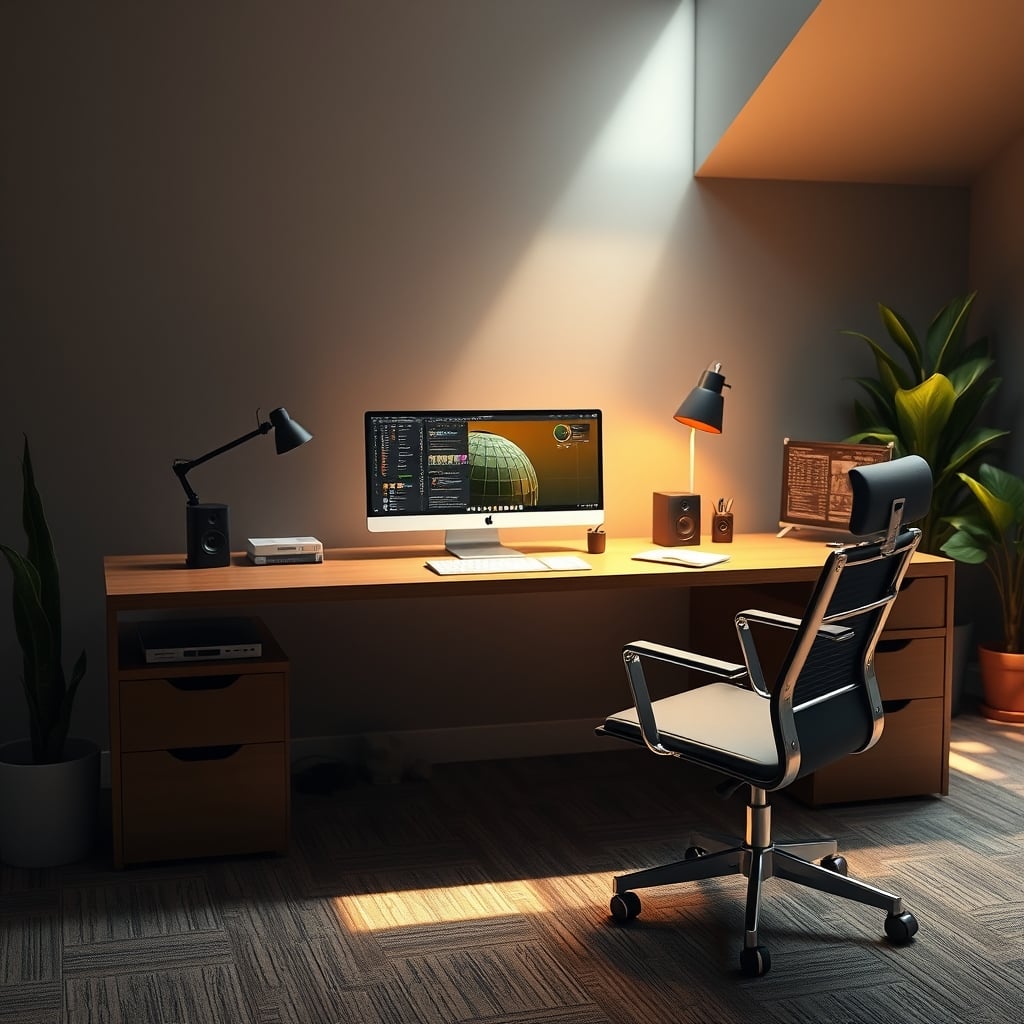
I spent two years chasing the perfect, symmetrical ergonomic setup. Two monitors centered. Keyboard perfectly aligned. Laptop on a stand, angled just right. It looked fantastic on Instagram. It felt like a sterile operating room to work in. My focus was worse than ever. The real breakthrough came when I got angry, shoved my main monitor 30 degrees to the left, dumped my notebook in front of my keyboard, and let my secondary laptop dangle off the edge of the desk on a random stand. My productivity didn't just improve; it exploded. This is the brutal, messy truth of the non linear desk layout. It’s not a design trend; it’s a functional rebellion against the dead, linear thinking that’s sabotaging your work.
Most desk setup advice is a lie built on a foundation of corporate ergonomic checklists and aesthetic Instagram posts. They sell you on symmetry because symmetry is easy to market. A centered monitor? That’s for people who do one thing at a time. Perfectly spaced peripherals? That’s for a machine, not a human brain. The entire industry is built on the linear desk layout myth—the idea that optimal work happens on a single, straight plane directly in front of you. This is overrated. It ignores how your brain actually switches contexts, how your body naturally wants to move, and how real, deep work requires zones, not a single focal point. In 2026, clinging to a linear layout is admitting you'd rather look productive than be productive.
Why The Symmetrical Ergonomic Desk Is A Complete Lie
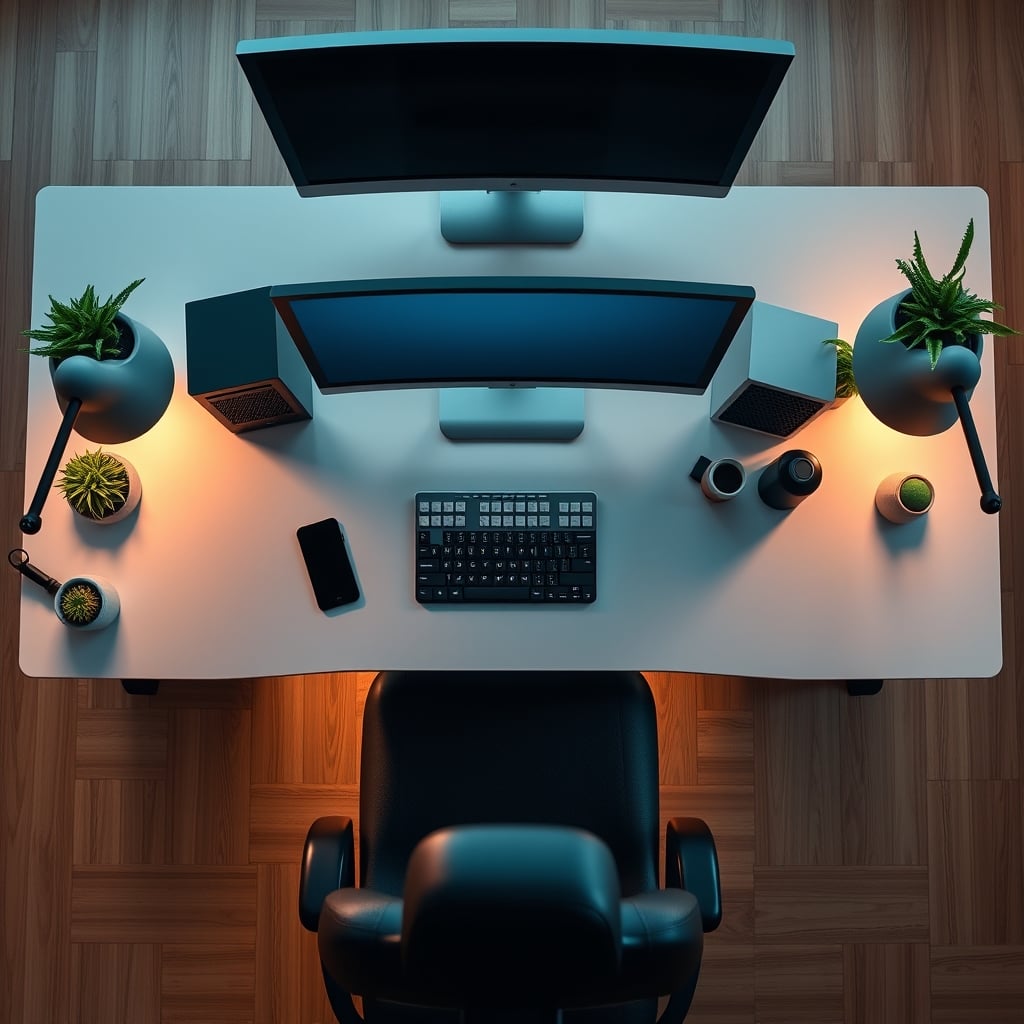
Let's cut the crap. The symmetrical, 'perfectly ergonomic' desk is a compliance tool, not a performance tool. It's designed to minimize lawsuit risk in corporate offices, not to maximize your output. You've been sold a bill of goods that prioritizes a neutral spine over an engaged mind. We’ve all seen the diagrams: monitor at eye level, keyboard at elbow height, everything centered. It creates a visual and physical dead zone directly in front of you. Your eyes have nowhere to wander except into the middle distance, which is a one-way ticket to daydreaming. Your posture might be 'correct,' but your brain is offline.
Based on widespread user feedback from developers, writers, and designers, the symmetrical setup consistently fails during long sessions. The lack of spatial differentiation between primary and secondary tasks creates cognitive blur. Is your reference material as important as your main canvas? Your linear layout says yes, because it's the same distance from your eyes. This is wrong. Your primary focus should command a dominant, potentially off-center position that your body has to orient toward. Your secondary tools should live in the periphery, accessed with a slight turn of the head or a reach. The symmetrical layout kills this hierarchy. It's a lie that your most important work happens dead ahead. For most creative and technical work, it doesn't.
The Non Linear Desk Layout Is Not About Being Messy
Now, before you think this is permission to live in a pigsty, let's clarify. A non linear desk layout is intentionally chaotic, not accidentally messy. There’s a massive difference. Throwing your empty coffee cups and random papers everywhere is clutter, and clutter sabotages your psychology. Designing a desk with multiple, distinct task zones at different angles and distances is a strategic system. The core principle is simple: different tasks deserve different physical and visual postures.
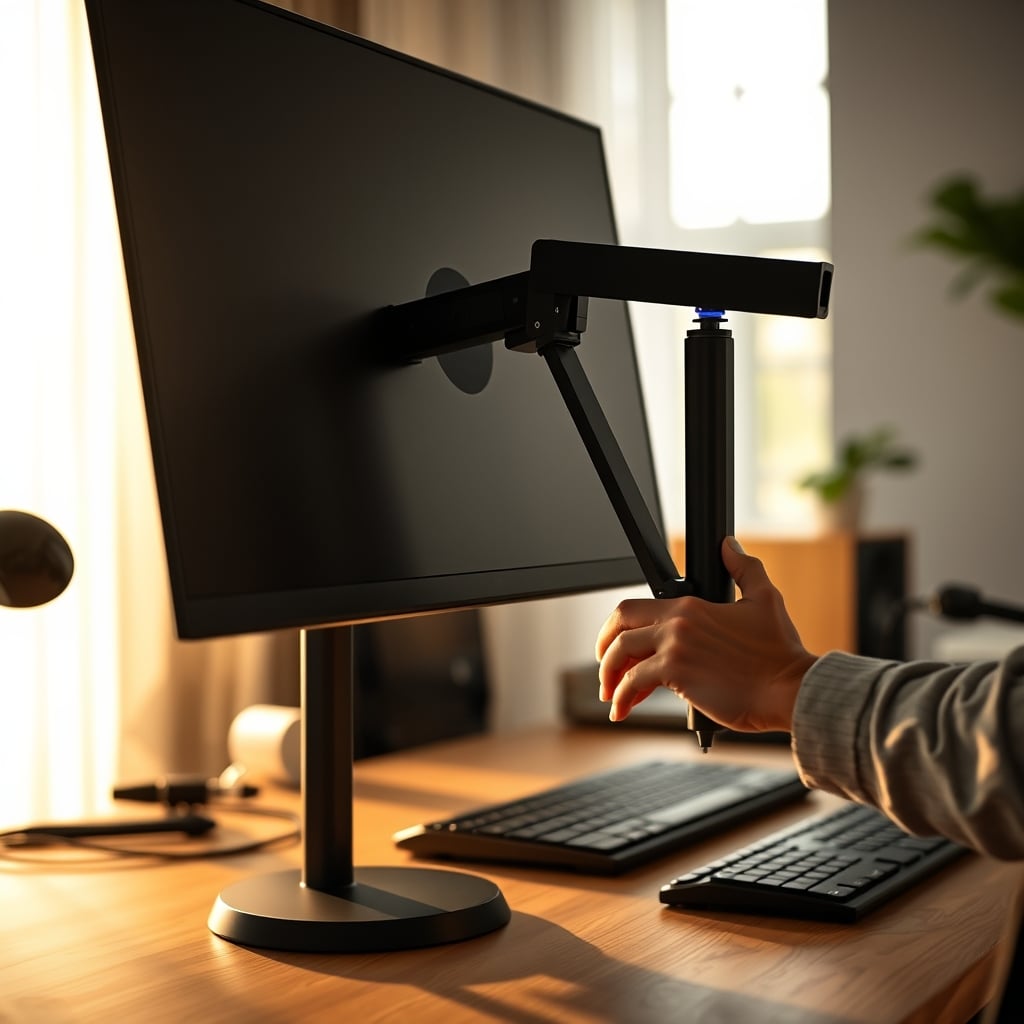
Your main monitor shouldn't be center stage. For most right-handed people, angling it 15-30 degrees to the left creates a more natural, engaged neck and torso position. It also carves out a large, open zone in front of you for a notebook, a tablet, or sketching. Your keyboard and mouse can slide into that zone when needed, but they don't permanently live there. Your secondary screen? Ditch the symmetrical side-by-side. Stack it vertically off to the far side, or put it on a lower arm angled upward for reference viewing. The goal is to break the horizontal plane. Create elevation changes. Use monitor arms not for symmetry, but for dynamic, movable positions that you change throughout the day. This isn't messy; it's adaptive.
The "Clean Desk" Myth That Needs To Die
Here’s the aggressive myth-busting you came for. The cult of the clean desk is the single biggest obstacle to real productivity in 2026. This pervasive belief that an empty, pristine desk surface is the pinnacle of focus is corporate propaganda repackaged as wellness advice. A clean desk is a dormant desk. It tells your brain that no work is happening. It provides zero tactile or visual cues about current projects. It’s a blank slate, and your brain hates blank slates because it has to work harder to construct context from nothing.
This is overrated. The non linear layout thrives on what I call 'managed presence.' Your current project's core tools should be out. Not every tool for every project, but the 2-3 key items. This creates immediate context the second you sit down. You’re not starting from zero; you’re resuming. That notebook left open at a specific angle? That’s a cue. That tablet propped up with yesterday’s research? That’s a cue. The industry lies about this because they want to sell you storage boxes and drawers to hide your work away. Don’t hide it. Stage it. The visual weight of a project in progress is a powerful motivator. A clean desk is just an invitation to find a new distraction.
How To Build Your First Non Linear Layout: Actionable Steps
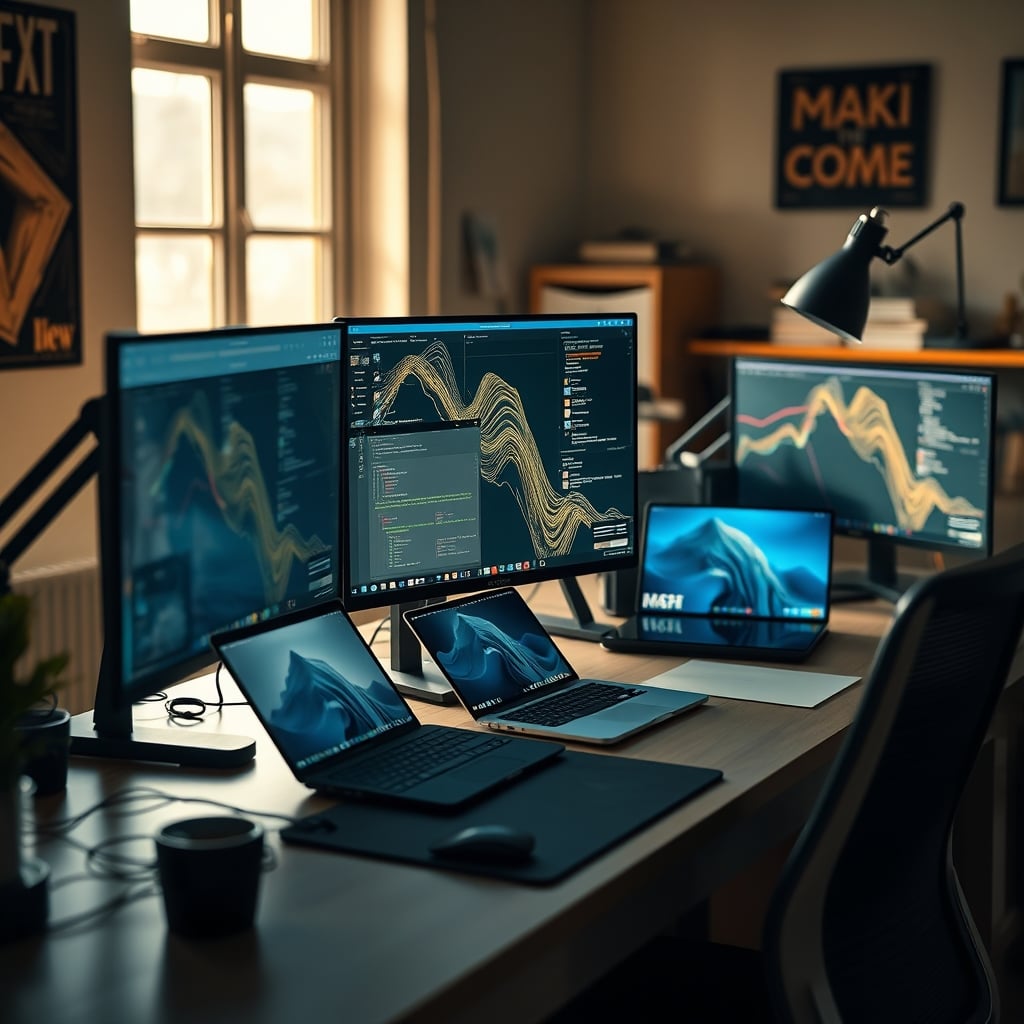
Forget the theory. Here's how you actually do this, starting right now. First, clear your desk completely. Now, put back ONLY your primary monitor. Don't center it. If you're right-handed, place it so the left edge is roughly in line with the center of your desk. Angle it toward you. Feel how your body wants to turn slightly? Good. That's engagement.
Next, your input devices. Don't put them directly in front of the monitor. Slide them into the open space that's now in front of you. This is now your 'primary canvas' zone. The monitor is your 'display' zone. They are separate. Need a laptop for comms or reference? Don't clamshell it next to your monitor. Get a stand and put it on the right side, lower than your main display, angled up. You now have three distinct zones at three different spatial relationships: a main display (left, angled), a primary canvas (center, open), and a reference screen (right, low). This is a basic non linear triangle.
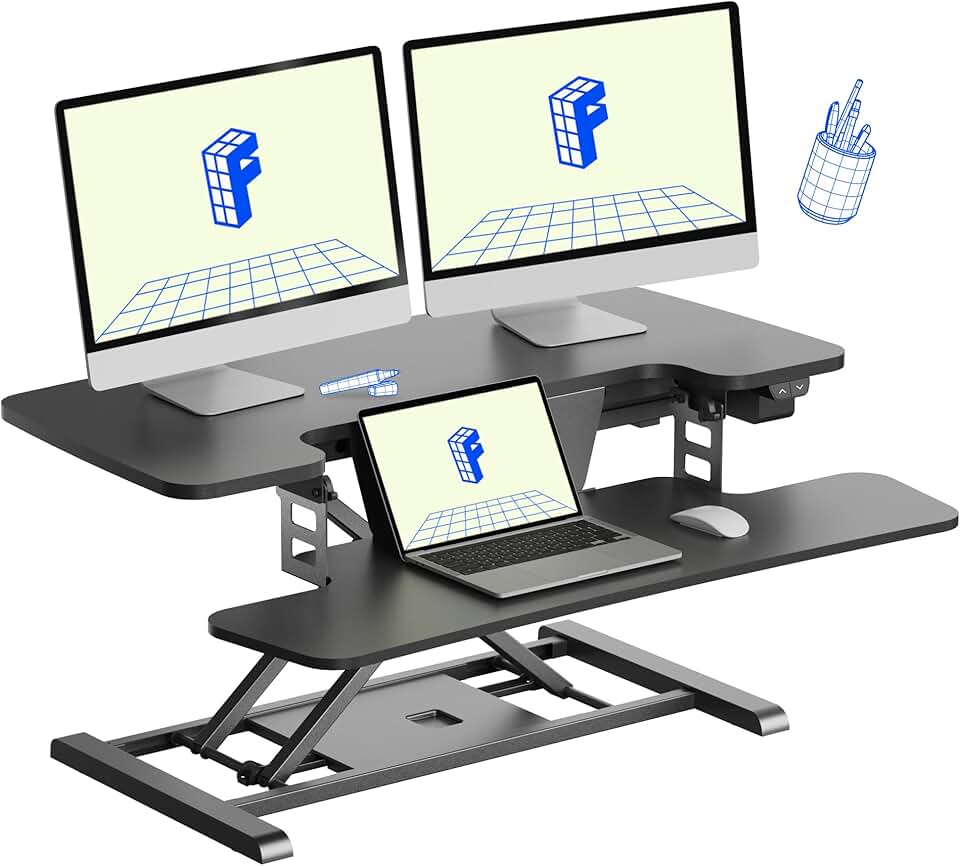
Now, introduce height. Use a riser, a stack of books, or a monitor arm to elevate your main display even slightly. The vertical differentiation matters more than you think. It breaks the monotony of a single plane. This is where a solid, no-frills standing desk converter earns its keep. Not for standing, but for creating a permanent, elevated platform that defines a zone. The key is rigid stability—wobble kills the focus this layout creates.
The One Product That Actually Enables Chaos (And One To Avoid)
You don't need $500 of bespoke wood and magnetic modules to make this work. You need one thing: rigid, adjustable articulation. This is why a heavy-duty monitor arm is non-negotiable. The clamp-on kind that can hold 20+ lbs. It gives you the freedom to position your main display anywhere in a hemisphere around you, not just on a fixed grid. The cheap arms that sag or vibrate? Skip them. They're infuriating and undermine the entire point.
The product category to avoid is the modular magnetic desk ecosystem. Magnetic systems are a money pit for minimalist laziness. They promise infinite flexibility but in reality, they lock you into a proprietary, expensive grid that's just another form of linear thinking. You end up arranging magnetic cubes in a line. You've traded one rigid system for another, more expensive one. True non linear layout requires true free-form positioning, not snapping components to a hidden grid. Save your money.
Your Biggest Mistake: Chasing Permanent Perfection
The most common failure we see is someone building a non linear layout and then freezing it in place. They find a sweet spot and think, "This is it." That's missing the point entirely. The power of this layout is its fluidity. The task you do at 9 AM (deep writing) is different from the task at 2 PM (spreadsheet analysis) and 7 PM (light planning). Your desk should reflect that.
In real use, you should be physically re-optimizing your zones 2-3 times a day. It takes 15 seconds. Swing the main monitor a little farther left for a writing session to open up more canvas space. Slide your keyboard out of the way completely and pull your drawing tablet front and center. Drop your reference laptop down lower to get it out of your sightline when you need tunnel vision. This feels awkward at first because you're conditioned to 'set it and forget it.' That conditioning is wrong. Your desk is a tool, not a monument. Treat it like one.
The Final Verdict: Worth It, But Only If You Commit
After living with this, testing it, and watching others adopt it, the conclusion is undeniable. The non linear desk layout is actually good. It's the single most impactful change you can make to a standard desk setup in 2026, far beyond buying a better chair or a brighter light.
But it's not for the passive. It requires you to think actively about your work and your space. It requires you to abandon the Instagram-ready symmetry that the entire desk setup industry worships. It's chaotic, intuitive, and deeply personal. If you want a set-and-forget monument to ergonomic compliance, skip it. You'll hate it. If you want a dynamic, adaptive workspace that fights distraction and mirrors how your brain actually works, it's not just worth it—it's essential. Stop arranging your desk for photos. Start arranging it for focus.
Frequently Asked Questions
Is a non-linear desk layout just a messy desk?
Absolutely not. That's the biggest misconception. A non-linear layout is intentionally designed chaos with distinct zones for different tasks. A messy desk is random clutter. One is a strategic system for focus; the other is a distraction.
Doesn't an off-center monitor cause neck strain?
The opposite is true for long-term use. A slight, natural rotation of the neck and torso is healthier than holding a static, forward-facing position for hours. It encourages micro-movements and uses a wider range of muscle groups, reducing the risk of repetitive strain.
Can I use a non-linear layout with a small desk?
It's even more critical on a small desk. A linear layout on a small space forces everything into a cramped, single plane. A non-linear approach uses vertical space (with risers or arms) and angled positioning to create perceptual separation, making a small desk feel larger and more functional.

Written by
Mia is an interior designer turned tech minimalist. She curates the most aesthetic, clutter-free desk setups on the internet, focusing on natural light and wood tones.
Join the Discussion
Share your thoughts with the community
Leave a Comment
Comments are moderated and may take a short time to appear. Links are not permitted.