Monochromatic Keyboards 2026 Guide
Stop wasting money on flashing lights. The real productivity revolution in 2026 is monochromatic keyboards. This is the guide the peripheral marketing machine doesn't want you to read.
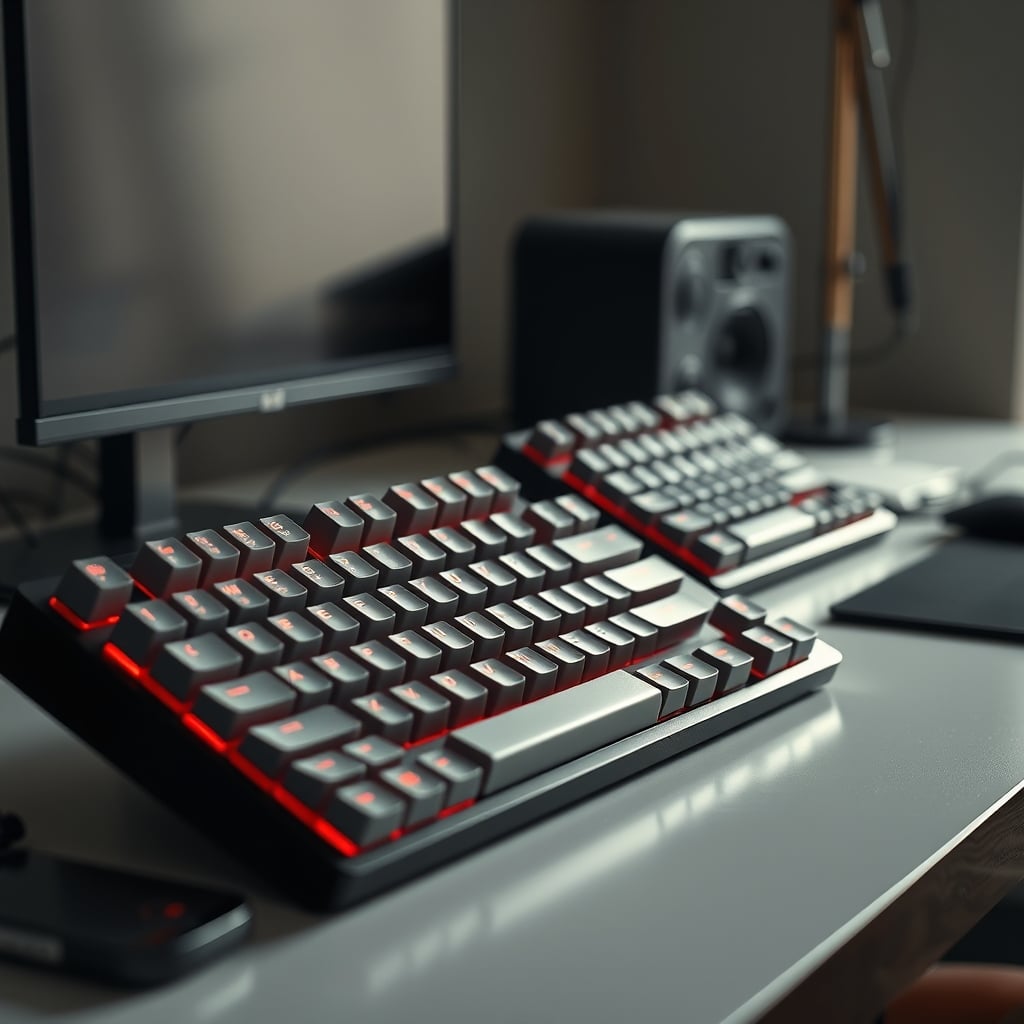
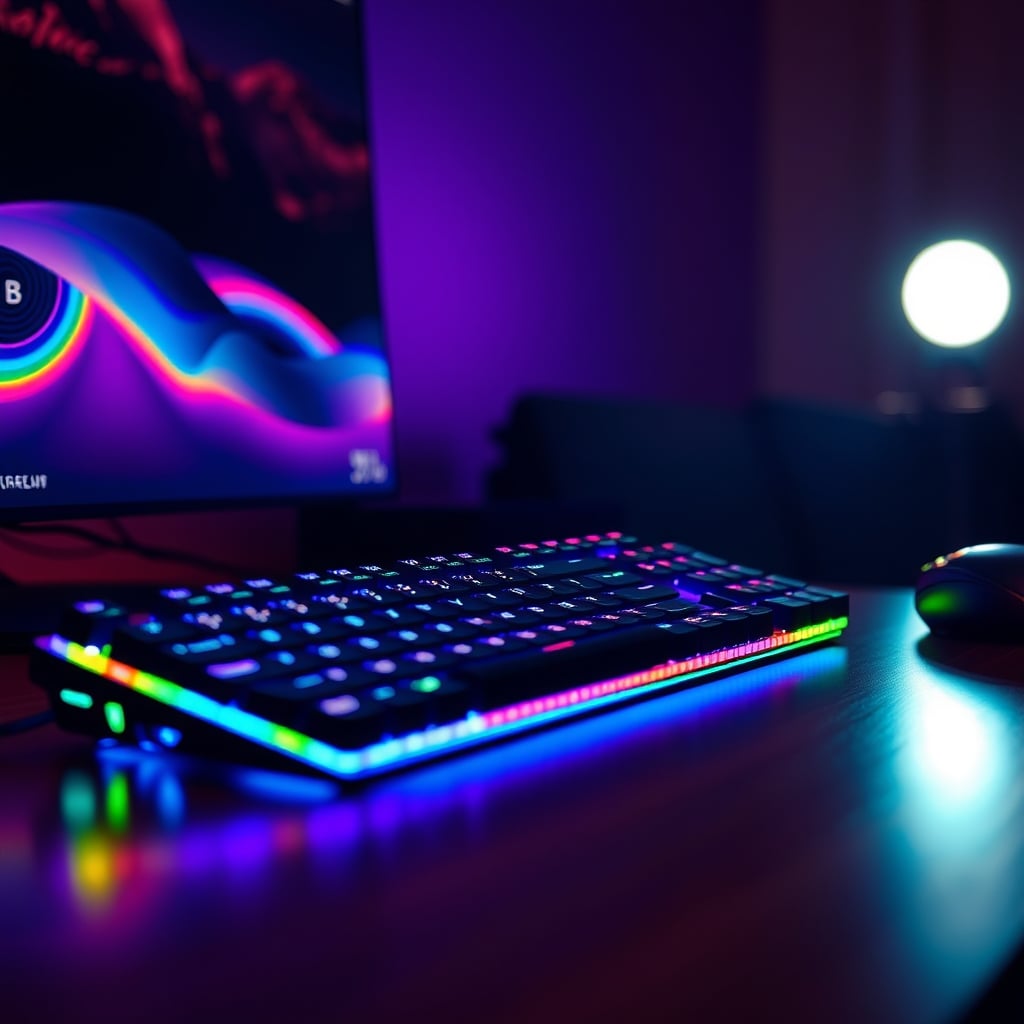
The single biggest mistake people make in 2026 when assembling a deep work desk is still believing RGB lighting is a feature, not a bug. You've been sold a lie that a million colors under your fingers makes you more productive or creative. It doesn't. It's a distraction engine. What actually works is visual coherence—a single, unified visual plane that lets your brain focus on the task, not the tool. This year, the trend isn’t about adding more to your setup, but strategically removing anything that pulls your eyes away from your work. That’s where the monochromatic keyboards 2026 conversation starts: not as an aesthetic choice, but as a cognitive one.
Forget switch color debates for a second. When evaluating a monochromatic keyboard for deep work in 2026, the criteria shift away from gaming specs and toward subtlety and integration. Most people get this wrong by focusing on sound profile alone. Here’s what actually matters.
1. Finish and Texture, Not Just Color: A flat matte black or a pure, non-yellowing white is just the start. You need a finish that resists fingerprints and shines under harsh task lighting. Glossy accents are the enemy. Look for PBT keycaps as a baseline—they don’t develop that greasy shine ABS caps get within months. The industry often cheapens out here, even on 'premium' boards.
2. Backlighting is Dead. Front-Lighting is the Secret. Backlighting shines through the keycap legends and spills light upward into your field of view. It’s a distraction. A superior, yet rare, implementation is south-facing RGB LEDs or dedicated white LEDs that provide a subtle, front-lit glow onto the surface of the keys, not through them. This provides legend visibility in low light with almost zero visual noise. This is a spec most reviewers ignore, but it makes a monumental difference in a dimly lit, focused workspace.
3. The Cable (or Lack Thereof) is Part of the Design: A chunky, brightly colored, coiled cable is a statement piece that ruins a monochromatic ethos. For wireless boards, the dongle is a visual scab. The ideal is a single, clean USB-C port with a matching, lightly textured cable that routes cleanly. Better yet, a board with robust Bluetooth 5.2+ multi-device pairing that actually works reliably, so you can lose the cable and dongle entirely. Users consistently report that dongle-based 2.4GHz connections, while lower latency, introduce another point of failure and visual clutter that defeats the purpose.
The "Silent Switch" Myth That Needs to Die
Here’s the aggressive, common myth we need to bury: “Silent mechanical switches are just as good for typing.” They’re not. This is the overhyped lie sold to office workers and streamers, and it’s complete garbage for a deep work keyboard. In pursuing silence, most silent linear switches (like Cherry MX Silent Reds or their clones) sacrifice the very tactile feedback that makes mechanical keyboards precise. You get a mushy, damped bottom-out that feels vague and unsatisfying. It’s the worst of both worlds: it’s not actually silent enough to use in a library, and it feels terrible compared to a good tactile switch.
What you actually want for focus isn't total silence; it's a consistent and predictable sound profile. A high-quality tactile switch with a clear, non-clicky bump (like a Boba U4, a Zealio V2, or a well-lubed Holy Panda) provides the auditory and physical confirmation of a keystroke without being jarring or erratic. The sound is a deep, muted thock, not a high-pitched clack. This consistency becomes part of your focus rhythm, not a distraction. The industry lies about this by marketing 'silent' as the ultimate goal. It's not. Controllable, pleasant acoustics are.
Our 2026 Picks: Function Over Flash
Best Overall / Premium Pick: Keychron Q3 Pro (Full Kit, White or Black)
This is the board that gets it. It’s a gasket-mounted aluminum chassis that feels substantial and eliminates hollow, pinging sounds. It comes in a monochromatic kit—you choose your color and it includes high-quality, thick PBT keycaps in that same colorway. The stock switches (like Gateron G Pro Browns) are surprisingly good, and it’s hot-swappable so you can tune it to perfection later. Its south-facing LEDs allow for front-lighting tricks with aftermarket keycaps, and it has both wired USB-C and robust Bluetooth 5.1. It’s not cheap, but you’re paying for materials and acoustics, not for rainbow patterns you’ll disable. In real use, the solid, muted typing experience is what makes it worth it.
Best Budget Pick: Wired Simplicity
If your motto is 'no frills, just focus,' you skip wireless, you skip backlighting, and you buy for switch feel. Look for a board with pre-lubed linear switches (like Gateron Yellows) and PBT keycaps. The sound profile will be more important than any other feature.

Cable Management is the Monochromatic Keyboard's Best Friend (and Most Fail at It)
You can buy the most beautiful, single-color keyboard on the planet, and a single, messy cable will visually destroy the entire effect. Most cable management solutions are overrated—specifically, the giant, bulky trays that just hide a rat's nest. The real solution is simpler and cheaper: a single, high-quality USB-C cable in a color matching your desk (often black or white) and a pack of adhesive-backed cable clips. Route the cable in a single, deliberate line from the keyboard, over the desk edge, and straight down a monitor arm or desk leg. The goal is intentionality, not invisibility. For more on this, our deep dive on Cable Management Scams Exposed In 2026 exposes the waste.
Similarly, the common advice to use a giant desk mat to 'tie the look together' is often wrong. As we've detailed in Desk Mat Mouse Skates: The Brutal 2026 Truth, the wrong mat can ruin your mouse feel. A plain, dark grey or black mat in a refined fabric (like wool felt) or a consistent rubber surface can work, but it's not the mandatory anchor many claim it to be.
The Final Verdict: Worth It, But Only If You Commit
The move to a monochromatic keyboards 2026 setup isn't a half-measure. It's a deliberate pruning of your sensory load. If you buy a black keyboard but keep a rainbow mouse, blinking router lights, and a multi-color monitor bias light, you've missed the point. The power is in the totality.
The Verdict: WORTH IT. This is one of the highest-impact, lowest-cost changes you can make to solidify a deep work environment. You're not paying for gimmicks; you're investing in the absence of distraction. Skip the flashy 'gaming' boards with sixteen programmable macro keys and disco lights. Buy a tool that disappears when you're in the zone. That’s the real 2026 upgrade.
For related deep work philosophy, see our piece on The 'Ugly' Setup Secret: How Extreme Minimalism Unlocks Uninterrupted Deep Work.
Frequently Asked Questions
Are monochromatic keyboards in 2026 just a fashion trend?
No, it's a functional anti-trend. It’s about removing visual noise and distraction from your primary work tool. The fashion is RGB; monochrome is the backlash for people who actually need to focus.
What's the most important spec for a deep work keyboard?
Keycap material (PBT) and switch acoustics, not latency or RGB zones. You need a consistent, non-clicky sound profile (a deep 'thock') and keycaps that won't get shiny and distracting.
Is wireless reliable enough for serious work in 2026?
Bluetooth 5.2+ is finally reliable for typing and non-competitive work. However, the 2.4GHz dongle introduces clutter. For a pure monochromatic setup, a cleanly routed USB-C cable is often the simpler, more reliable choice.
Why are silent mechanical switches overrated?
They sacrifice tactile feedback for mushiness, achieving a quiet that's often still too loud for shared spaces. A good tactile switch provides clearer feedback and a more consistent, pleasant sound that aids focus.
Written by
GlowRig Editorial researches and writes practical guides about desk setups and home office gear. Our articles are produced with the help of AI research tools and are reviewed for accuracy against manufacturer specifications and public user feedback. We may earn a commission from affiliate links, which never affects our recommendations.
Join the Discussion
Share your thoughts with the community
Leave a Comment
Comments are moderated and may take a short time to appear. Links are not permitted.