My War on Workspace Visual Clutter
For years, I chased the pristine, empty desk. It felt productive. It was a lie. My battle against workspace visual clutter revealed a brutal truth: the minimalist aesthetic we worship is often just another form of distraction. Here's what actually works.
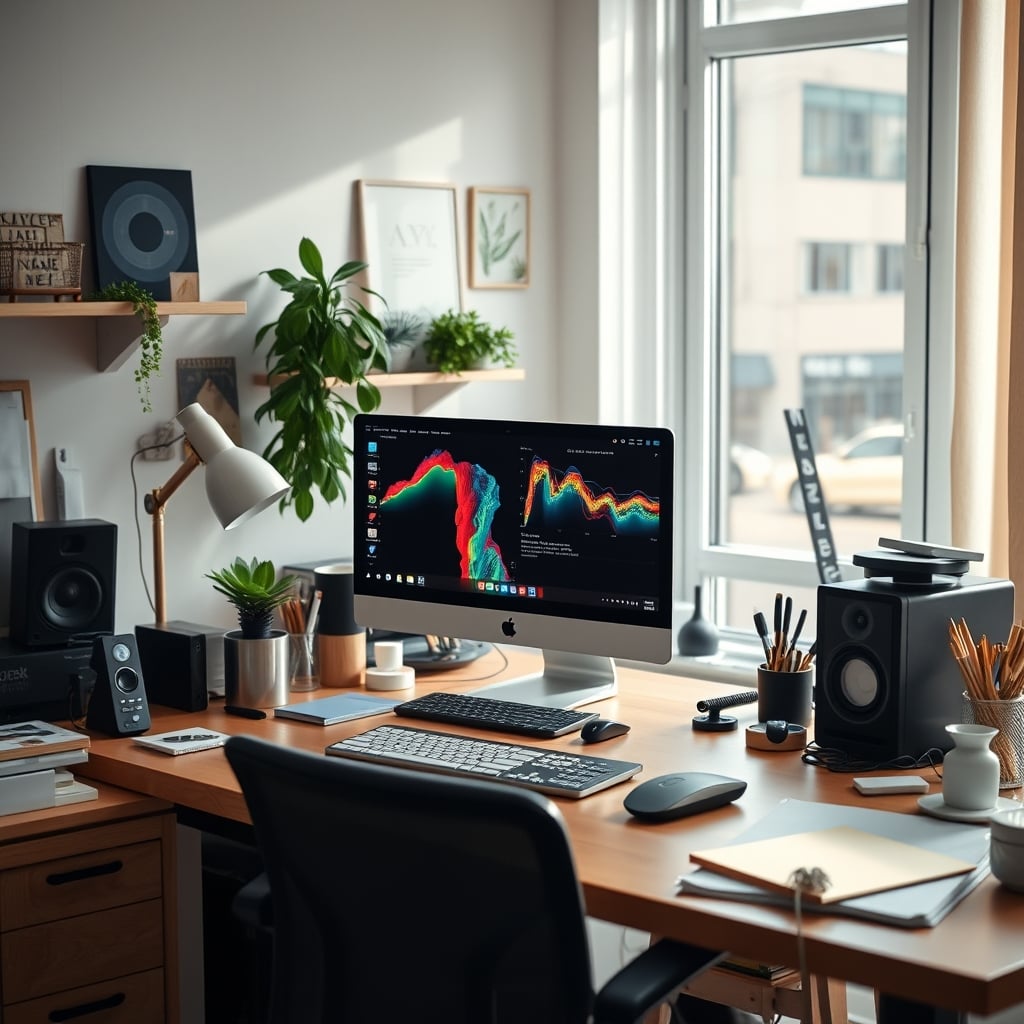
I spent years worshiping the empty desk. A pristine, barren expanse of wood or glass, adorned only with my laptop and a single, curated plant. I believed this was the pinnacle of focus. I was wrong. The pursuit of visual perfection became its own obsessive distraction, a constant background task of policing my environment. The real enemy wasn't the stuff; it was the cognitive tax of managing the emptiness itself. This is the brutal truth about workspace visual clutter in 2026: we've misdiagnosed the problem entirely.
Most advice treats clutter like a moral failing. Just tidy up, buy a fancy organizer, and achieve enlightenment. That's corporate productivity blog nonsense. Clutter isn't about mess; it's about cognitive load. Every object on your desk—whether a Post-it note or a $300 minimalist desk lamp—is a visual stimulus. Your brain has to process it, even subconsciously. The goal isn't an Instagram-ready void. The goal is to eliminate stimuli that pull your attention away from the task at hand. Often, the tools you buy to "solve" clutter become the worst offenders.
Why The Minimalist Aesthetic Is A Productivity Trap
The clean desk dogma is the biggest lie in workspace design. You see it everywhere: the hyper-curated setups with a single monitor, a wireless keyboard, and nothing else. It looks serene. In real use, it's often sterile and mentally draining. This isn't about aesthetics; it's about function. A truly functional workspace needs tools within immediate reach. Stashing your notebook in a drawer because it "looks messy" adds friction. Hiding your USB hub because it's not sleek means you're constantly digging for cables. The minimalist aesthetic prioritizes look over use, and that's a direct sabotage of flow.
Users consistently report that after "minimalizing" their desks, they feel a subtle anxiety about maintaining the look, which itself becomes a distraction. The industry lies about this. They sell you $150 cable trays and $80 monitor stands to hide the necessities of work, framing clutter as a sin. But work requires tools. Visual clutter is only bad when those tools are irrelevant to your current task. A sculptor's desk covered in clay and knives is not cluttered; it's prepared. Your desk covered in sticky notes for an active project is not cluttered; it's engaged. The myth that needs to die is that empty equals focused.

The Real Cost of Hidden Clutter
Premium Pick
- High performance
- Premium build
Here's where most people get it wrong. They think putting things away solves the problem. Tuck cables under the desk. Store pens in a drawer. Use a drawer for everything. This is overrated. What you've created is now search clutter. Your brain now has to remember where everything is, recall its location, and execute a retrieval action. This is a higher cognitive load than seeing a pen on your desk. The real issue isn't visual noise; it's irrelevant visual noise. If the pen is for the task you're doing, seeing it is fine. If it's for a task you're not doing, it's clutter. The distinction is critical, and almost every "clutter hack" ignores it.
Based on widespread user feedback, the most frustrating setups aren't the messy ones, but the ones where everything is "organized" into inaccessible places. You spend more time looking for things than you ever did just seeing them on your desk. This is a known issue for long-term use. Your system should reduce decisions, not create new ones. Hiding things often just adds steps.
Workspace Visual Clutter And Your Brain's Secret Battle
Let's talk science, not hype. Your visual cortex is a hungry beast. It processes everything in your field of view, prioritizing changes and novel items. A flickering RGB light strip, a notification LED on a dock, a brightly colored sticky note—these are all novel visual events that demand micro-attention. This isn't just distracting; it's exhausting. It burns mental fuel you need for your actual work. Studies in environmental psychology consistently show that uncontrolled visual variability increases stress and reduces performance on complex tasks. Your brain is trying to work, but it's also playing security guard for your visual field.
This is why the common advice to "add more light" or "use colorful accessories" is usually garbage. It's injecting novelty. Your desk should be a visual constant, a calm backdrop. The tools you use should be predictable in form and place. This doesn't mean grey and boring. It means consistent. A riot of colors and shapes is a cognitive riot.
Your Desk Mat Is Probably The Problem
I need to call out a specific culprit. That beautiful, patterned, textured desk mat you bought for "focus"? It's likely sabotaging you. As we've covered in Your Desk Mat Is Damaging Your Desk, these mats often become focal points themselves. A complex geometric pattern or a bold color block sits directly beneath your work area. Your eyes drift to it. It creates a high-contrast visual field that fights with your screen. This is overrated. The best desk surface for deep work is often a simple, low-contrast, uniform color. It disappears. Your mat shouldn't be decor; it should be a functional non-event.
The Cable Management Myth That Needs To Die
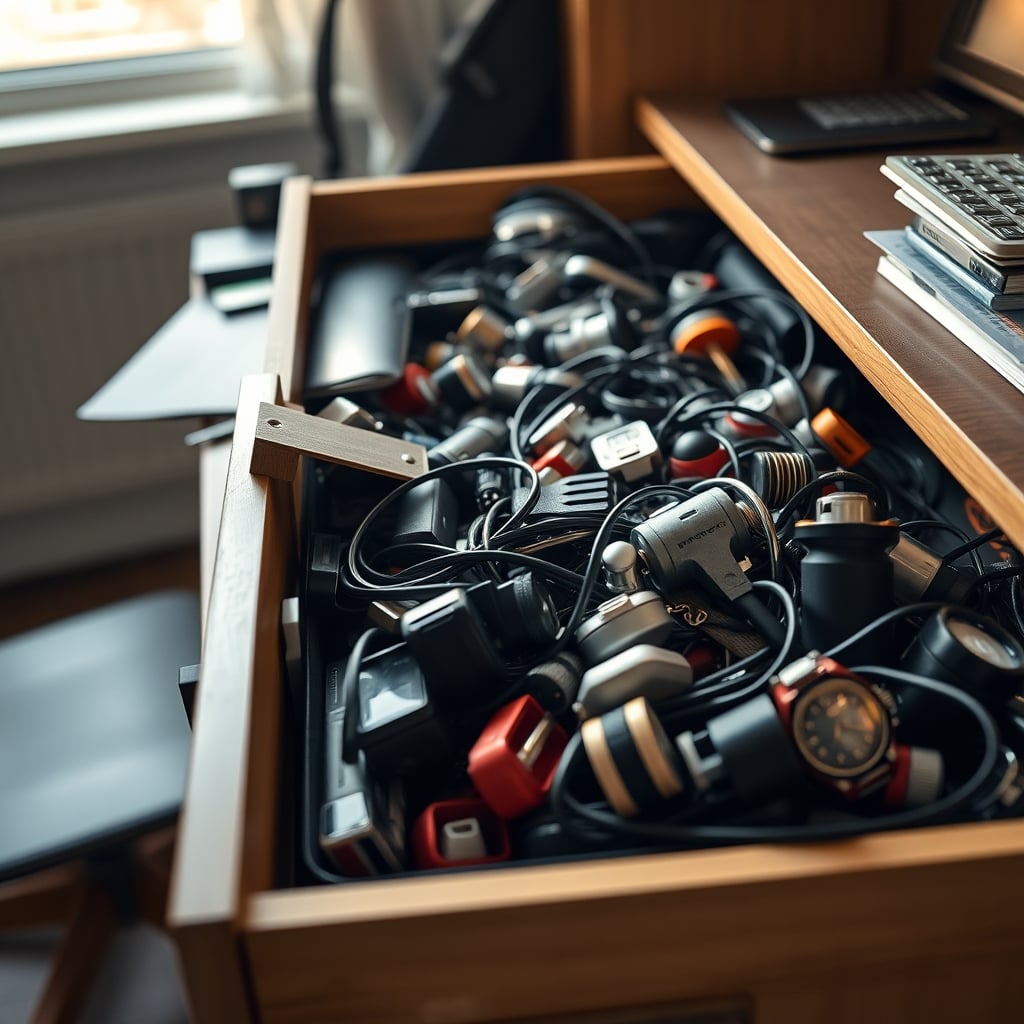
We must attack this head-on. The entire cable management industry is built on a false premise: that seeing a cable is bad. This is wrong. Seeing a disorganized cable that snakes across your keyboard and threatens to trip you is bad. Seeing a neatly routed cable that connects your monitor to your computer is not clutter. It's infrastructure. The obsession with hiding every wire in a $50 sleeve or under the desk creates future problems: troubleshooting is harder, upgrades are a nightmare, and you forget what connects to what.
Most cable management solutions are overrated. You don't need a complex rat race of clips and channels. You need two things: cables grouped by function, and cables kept out of your primary movement zone. That can be done with a single tray and some basic ties. The industry sells you complexity to solve a simple problem. This doesn't work for real, evolving setups. In real use, rigid cable systems fail the moment you add or remove a device.
What Actually Works: The Functional Anchor System
So what's the alternative to both mess and sterile minimalism? It's the Functional Anchor system. You identify the 3-5 tools you use continuously during a deep work session. These become your "anchors." They get a dedicated, visible, and immediately accessible spot on your desk. Everything else gets stored, but not hidden—stored in a way that retrieval is a single, simple action. Your notebook for today's project? Anchor. Your favorite pen? Anchor. Your main USB hub? Anchor. Your coffee mug? Not an anchor. It goes on a side table.
This creates a workspace that looks "lived-in" but not chaotic. The visual stimuli present are all relevant to the work. Your brain learns to ignore the anchors because they're constant and purposeful. New, irrelevant items (like a package you just opened) are immediately removed. This system accepts that work is a material process, not a digital abstraction. It's the reason the Circular Desk Setup Trap fails—it tries to make everything equidistant and visible, which is just visual overload.
Lighting: The Secret Source of Visual Noise
Your lighting setup is probably generating clutter you don't even perceive. Multiple small light sources—a desk lamp, monitor backlight, RGB tower, smart bulb—create a complex, shifting visual field. Shadows move. Color temperatures clash. Brightness varies. This is visual clutter at a fundamental level. As discussed in The Ideal Desklamp Color Temperature Scam, chasing the "perfect" Kelvin is pointless if your lighting environment is inconsistent.
You want one primary, diffuse light source that illuminates your workspace evenly. Secondary accent lighting should be out of your direct field of view. A lamp behind you, or light bouncing off a wall, not in your periphery. This eliminates flicker, shadow movement, and contrast battles. Smart lights that change color or intensity throughout the day are often cognitive sabotage, as covered in Smart Lights Sleep Sabotage. Keep it simple and constant.
Digital Clutter: The Hidden Layer
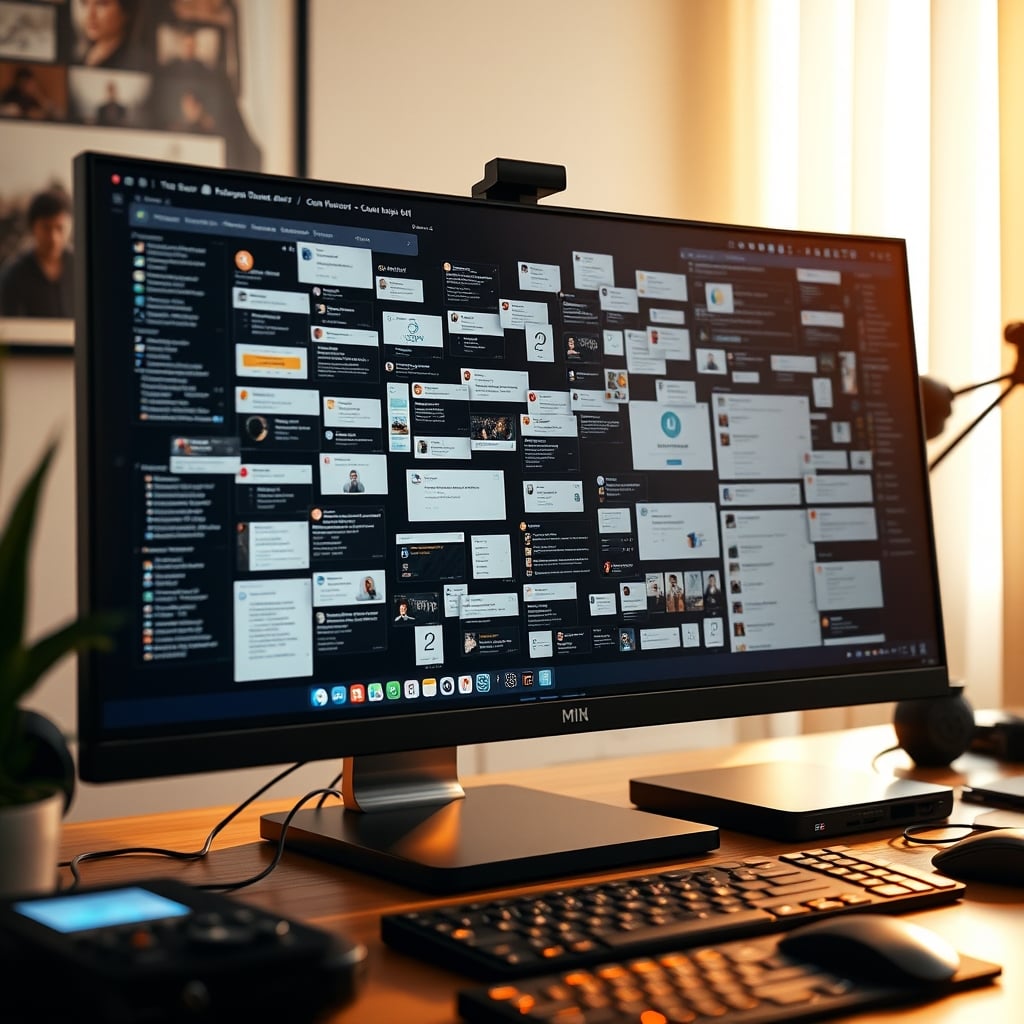
We focus on physical objects, but the biggest source of workspace visual clutter in 2026 is often digital. Your monitor setup is critical. Multiple browser tabs, notification pop-ups, crowded desktop icons, a busy wallpaper—this is all visual clutter on a screen that occupies 90% of your visual attention. It's worse than physical mess. A minimalist desk with a chaotic screen is a total failure.
The fix here is aggressive digital zoning. Use virtual desktops or monitor partitions. One screen for your primary task (blank background, no icons). Another for reference materials. Notifications should be killed, not managed. This is more important than buying a second monitor arm. In fact, as we've argued in Stop Buying Monitor Arms — These Alternatives Actually Work, the physical placement is secondary to the digital organization.
The One Thing You Should Never Have On Your Desk
Here's a direct, opinionated rule: never have a device on your desk that serves a non-work function during work hours. Your phone is the ultimate clutter generator. Even face-down, its presence is a cognitive magnet. It represents an entire world of alternative tasks. This is a known issue for long-term focus. The same goes for smart home controllers, personal tablets, or any gadget that bridges your work and personal life. These items create what psychologists call "goal competition"—your brain is subtly aware of other possible actions. Remove them. Physically. This isn't about discipline; it's about environmental design.
Mistakes I Made (And You Probably Are Too)
I bought decorative objects meant to "calm" the space. A small zen garden, a kinetic sculpture, a pleasing rock. They became focal points. I'd fiddle with them. They were clutter. I invested in a "clean" wireless charging pad that had a bright LED. The LED was a persistent, novel visual stimulus. It was clutter. I used a multi-device charging station that sat on my desk, covered with cables and devices. It was a bustling visual hub of inactivity. It was clutter.
The lesson is simple: anything that moves, changes, glows, or merely exists for decoration during work hours is likely working against you. Function first. Form should follow function so closely that it disappears.
The Final Verdict: Skip The Minimalist Cult
The pursuit of a minimalist desk as an aesthetic goal is overrated. It's a trap that often increases cognitive load through hiding and searching. The real target is relevant visual simplicity. Keep only the tools for your current core task in view. Make everything else retrievable in one motion. Kill digital notifications and screen chaos. Use lighting that is uniform and out of your direct line of sight.
Skip it. Skip the $200 organizer systems. Skip the decorative desk mats. Skip the obsession with hiding every wire. Skip the empty desk photo as your benchmark. Build a desk that looks like work, not like a museum exhibit. Your focus will thank you.
Frequently Asked Questions
Isn't a minimalist desk proven to increase focus?
No, not in the way it's commonly sold. Studies show reduced visual *distraction* increases focus. A minimalist desk that hides functional tools increases *friction*, forcing your brain to remember and retrieve items. The key is removing irrelevant stimuli, not all stimuli. An empty desk often just hides the clutter in drawers, adding cognitive search steps.
What's the single worst piece of visual clutter on most desks?
The smartphone. Even when face-down or silent, its physical presence creates 'goal competition' in your brain, reminding you of an entire world of alternative tasks. It's a potent cognitive magnet. The second worst is often a multi-device charging station with cables and idle devices—a busy visual hub representing inaction.
Are cable management solutions like sleeves and clips worth it?
Most are overrated. They solve the 'look' of clutter but often create future problems with troubleshooting and upgrades. The goal should be functional grouping and keeping cables out of your movement zone, not complete invisibility. A simple tray and basic ties usually outperform complex, rigid systems that fail when your setup changes.
How do I deal with necessary tools that are visually busy?
Use the Functional Anchor system. If a tool is necessary for your deep work session (like a notebook, specific pen, or USB hub), give it a dedicated, consistent spot. Your brain will learn to treat it as a constant, non-distracting part of the landscape. If it's not necessary for the current session, store it in a single-motion retrieval location, not a hidden drawer.
Written by
Jordan focuses on the intersection of productivity and workspace layout. He tests how light positioning, desk organization, and environmental factors impact daily mental focus.
Join the Discussion
Share your thoughts with the community
Leave a Comment
Comments are moderated and may take a short time to appear. Links are not permitted.