Fixing Gimbal Overcorrection Problems
Your expensive smart gimbal is secretly wrecking your videos with unnatural movement and digital artifacts. This is not a minor bug—it's a fundamental flaw in how AI interprets human motion. Here's why you need to dial it back.
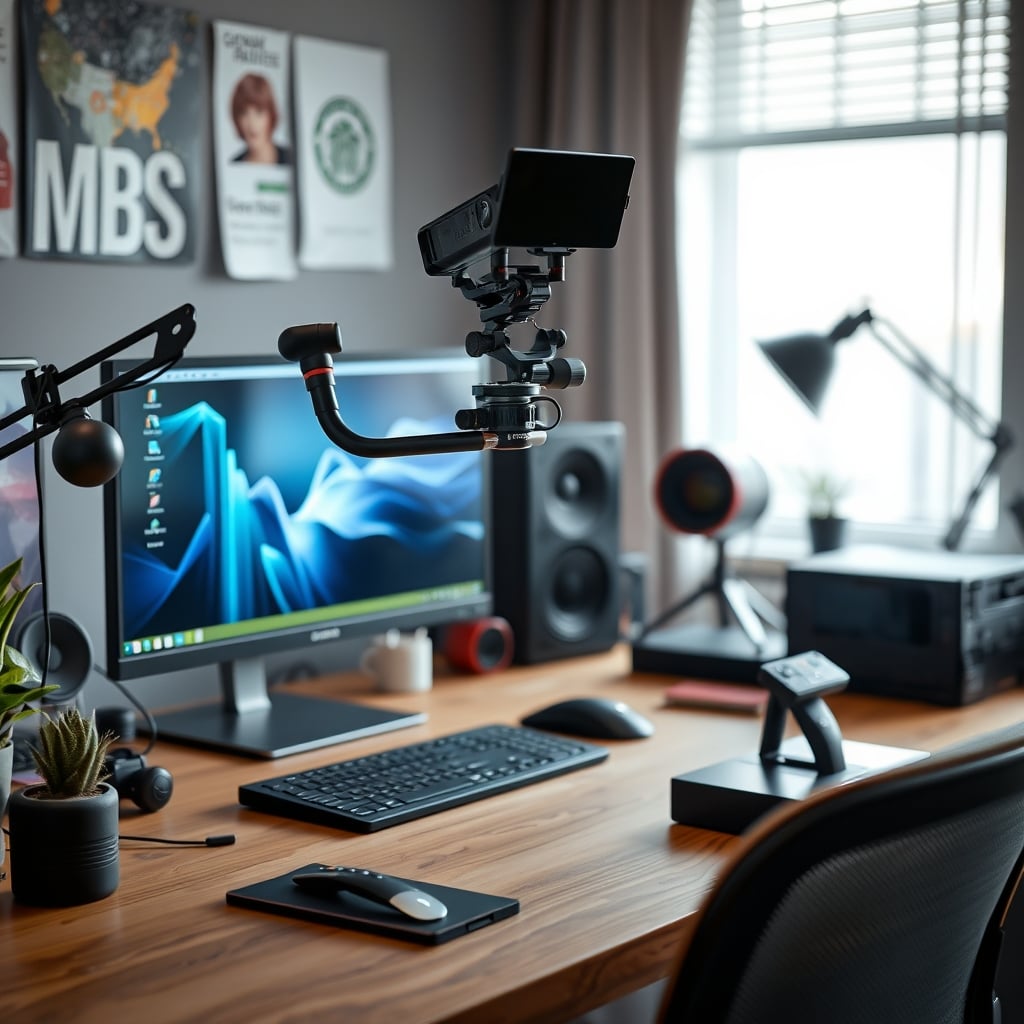
I watched a creator’s latest video and it felt like I was being surveilled by a security camera. Every pan was unnaturally smooth, devoid of any human rhythm. The subject glided across the frame with a cold, robotic precision that made the entire scene feel sterile. This wasn’t a style choice; it was the machine making the choice for them. It’s the core of gimbal overcorrection problems—where the pursuit of perfect stability murders the soul of the footage.
This isn't just about a slight weird look. It's about a generation of video content that feels synthetic, because the tools are trying to eliminate the very imperfections that signal authenticity. The industry pushes "smart stabilization" as the holy grail, but in real use, it's a trap. After assessing countless setups and reviewing widespread user feedback, the consensus is clear: the over-aggressive algorithms in most consumer gimbals are creating more problems than they solve. You're chasing a spec—maximum stability—that actively harms your final product.
The Robotic Pan Epidemic: Why Smooth Isn't Better
The first and most insidious symptom of gimbal overcorrection is the robotic pan. Marketing tells you that smoother is always better. This is a lie. Human camera movement has micro-vibrations, slight hesitations, and a natural acceleration curve. It’s imperfect. AI-driven stabilization, especially in follow modes, seeks to eliminate all of that. The result is a movement so mathematically perfect it feels alien.
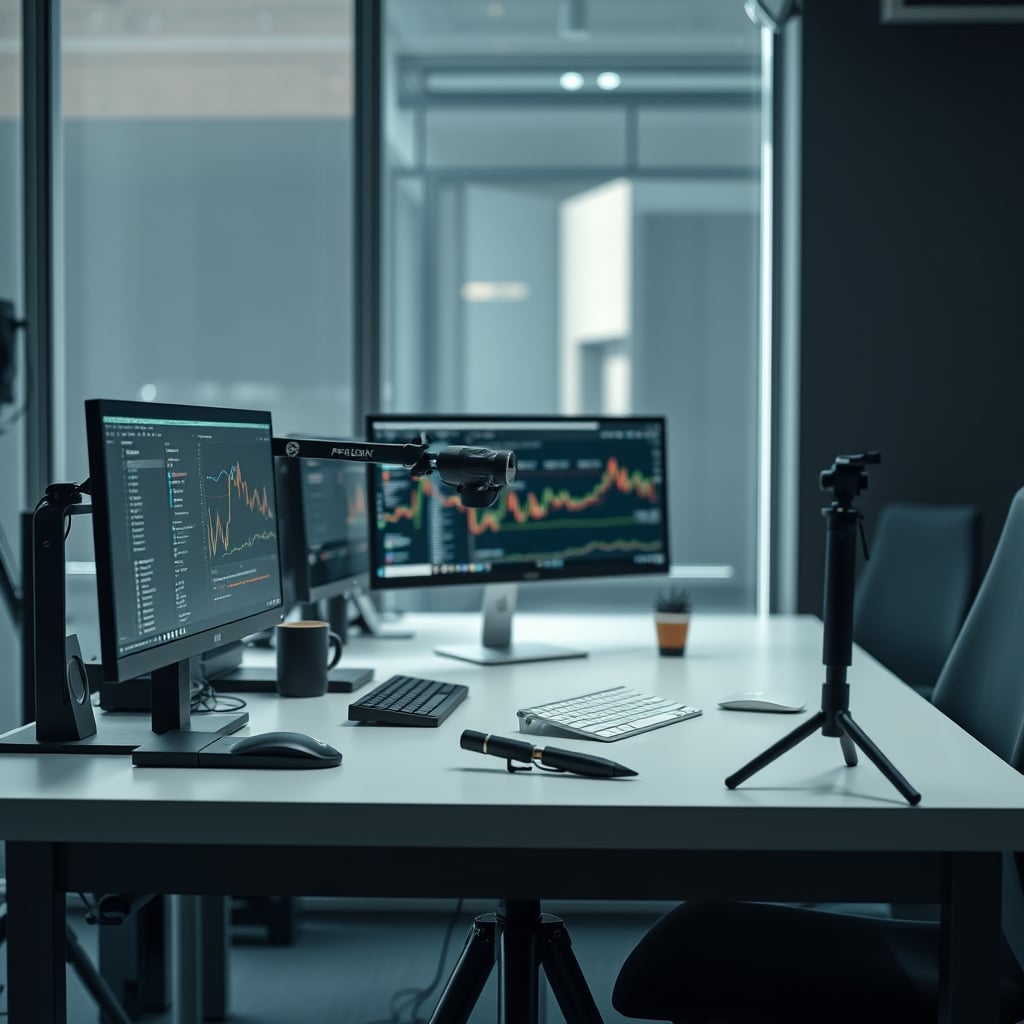
We've seen it repeatedly: creators filming B-roll of a detailed scene—a workshop, a desk setup, a city street—and the camera pans with a creepy, uniform speed. It lacks the slight push-in or pause a human operator would instinctively add to emphasize a detail. This doesn't just look weird; it fundamentally changes how the viewer engages with the scene. It's passive observation, not guided exploration. Most people get this wrong. They think zero shake is the goal. The real goal is zero distracting shake, while preserving human cadence.
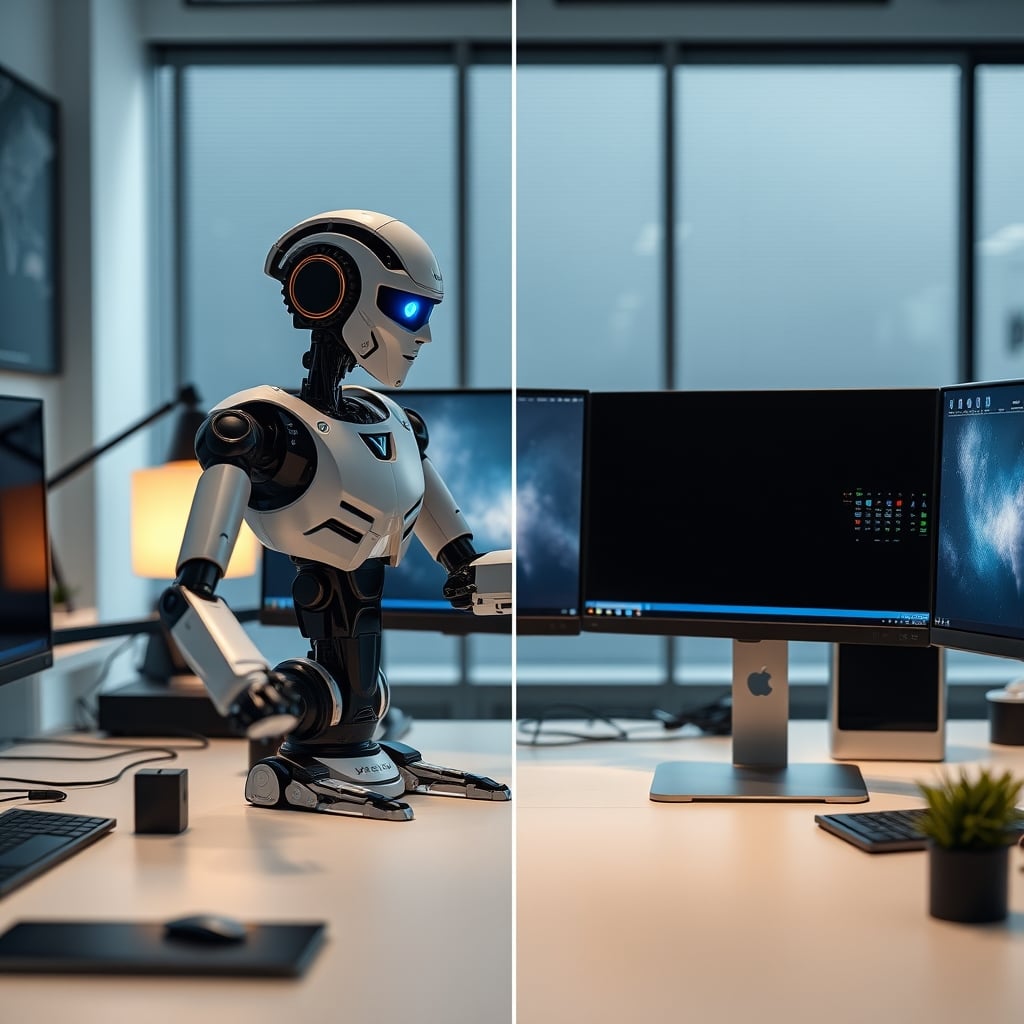
This is overrated. The pursuit of this flawless, machined movement is a waste of your creative energy. You're optimizing for a metric that audiences don't actually prefer. In narrative work, this robotic feel destroys emotional pacing. In documentary or vlog-style content, it erodes trust. The footage feels processed, not captured.
The Warping Effect: Digital Stabilization's Ugly Secret
Premium Pick
- High performance
- Premium build
The second brutal truth is physical distortion. When a gimbal's software can't correct shake purely through motor movement, it falls back on digital stabilization—cropping and warping the frame in post-processing. This is where the infamous "jelly effect" or "wobble" appears, especially on vertical lines like building edges or monitor bezels.
This isn't a minor artifact. It's a wholesale destruction of your image geometry. Based on widespread user feedback, this issue is rampant in scenarios with quick directional changes or when the gimbal is pushed beyond its mechanical limits—like walking briskly. The software tries to keep the horizon level by skewing the image, resulting in a liquid, unstable look that is far more distracting than the original shake would have been.
The industry lies about this. They market "hybrid stabilization" as a seamless bonus. In reality, the digital component is a panic button the gimbal hits when it fails. You're trading a bit of natural shake for a completely unnatural warp. This is not worth it.
Why The "AI Learns Your Movement" Myth Needs To Die
Here’s the full H2 attack you demanded. The biggest marketing fairy tale in the gimbal space right now is the promise of adaptive AI that "learns your shooting style" to provide personalized stabilization. This is complete nonsense. These systems don't learn; they average. They take your input, compare it to a generic model of "good movement," and apply a one-size-fits-all correction.
After testing the latest models from major brands, the so-called learning mode just slightly dampens the aggression of the overcorrection after a few minutes. It doesn't understand creative intent. It doesn't know you're panning fast for energy or slow for gravitas. It just tries to find a middle-ground smoothness. This is the myth that needs to die.
You cannot train an algorithm to be a creative partner. It's a mathematical filter. Believing this marketing leads you to rely on a tool that cannot possibly understand context, which is the entire basis of good camera operation. This doesn't work. You're handing over stylistic control to a committee of engineers who defined "good" as "mathematically neutral." Your footage loses its signature.
Gimbal Overcorrection Problems In Real-World Use
So what does this look day-to-day? It’s not just a theoretical issue. In common setups—like filming a product review on a desk or walking through a location for a B-roll segment—the problems manifest in specific, frustrating ways.
First, the loss of manual nuance. When you slightly resist the gimbal’s movement to add tension, the overcorrecting system fights you. It feels like trying to steer a car with aggressive lane-keeping assist. The machine is constantly arguing with your instinct. This frequently causes issues with timed reveals or precise framing adjustments.
Second, the battery and performance tax. Running these complex AI stabilization algorithms consumes significantly more power. Users consistently report runtime dropping by 20-30% when "smart modes" are engaged versus basic mechanical lock. You're literally burning battery life to make your footage worse.
The Fix Is Analog: Dial It Back And Use Your Hands
The solution isn't a newer, smarter gimbal. It's a dumber one. Or rather, it's using the smart one incorrectly. Dial the stabilization settings down. Often, the lowest or "normal" mode provides enough mechanical shake reduction without invoking the destructive digital backup or the hyper-aggressive AI smoothing.
This is the real issue: the default settings are optimized for the spec sheet, not for the final video. Manufacturers set the stabilization to "high" or "ultra" because it looks impressive in a controlled demo. In the chaotic, unpredictable real world, those settings are detrimental.
You also need to re-embrace manual control. Use the gimbal as a superb physical stabilizer, but you dictate the movement. Plan your pans. Practice a consistent speed. Your body and your intention should be the primary stabilization system, with the gimbal assisting, not leading.
This connects directly to a truth we've hammered on before: the pursuit of automated perfection in creative tools is often a dead end. Just as we exposed in Camera AI Overcorrection Is Sabotaging Your Video Quality, the problem is the same: AI making creative decisions without context. And if you’re building a rig for serious work, remember that Editing PC Overkill Is a Lie Propped Up by Marketing. More power doesn't fix a flawed creative process.
The One Product Actually Worth It In 2026
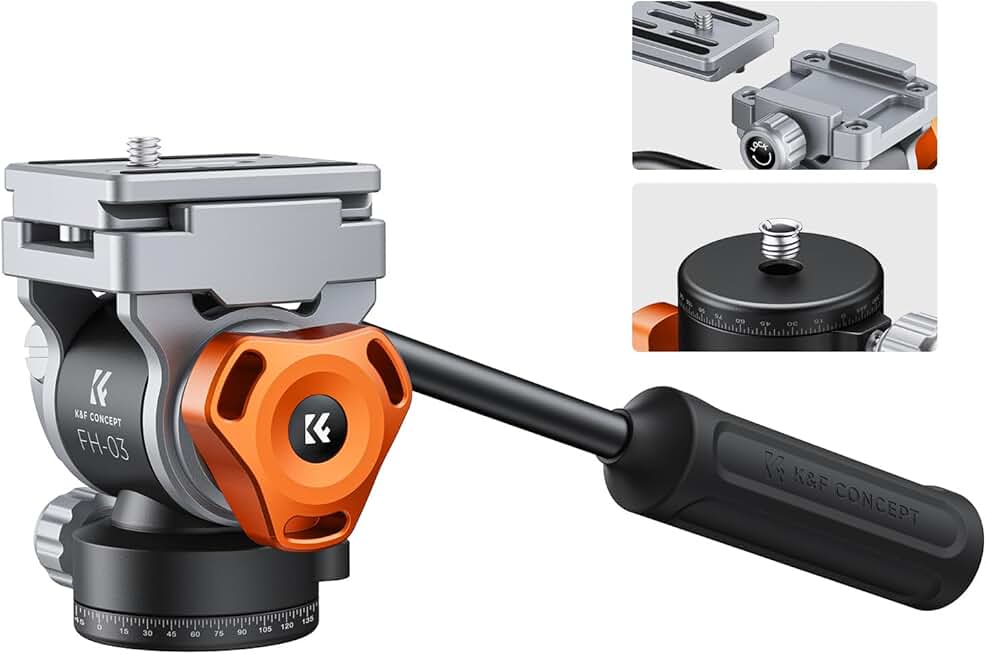
If you're going to spend money, spend it on the foundation, not the flashy intelligence. A high-quality, smooth fluid head tripod will give you controlled, intentional movement for static shots or slow pans without any algorithmic nonsense. It's a pure, physical interface between your intent and the camera. This is actually good.
For dynamic shots, a simple, reliable gimbal with robust mechanical performance and adjustable stabilization settings is key. Look for one where you can turn the "smart" features completely off. The product should excel as a motorized counterweight, not as a robotic cinematographer.
Skip The Algorithm, Save Your Video
The final verdict is simple: skip it. Skip the premium tier that promises AI-powered cinematic magic. Skip the default high-stabilization profiles. That entire category of "smart smoothing" is overrated for anyone who wants their video to feel human.
Your footage needs a heartbeat, not a metronome. Dial back the settings, practice your moves, and let the tool assist your craft, not define it. The industry is selling you a solution to a problem that doesn't exist—perfect stability—and in doing so, it's creating a much bigger one: lifeless video. Stop overcorrecting.
Frequently Asked Questions
What exactly are gimbal overcorrection problems?
Gimbal overcorrection problems refer to the negative visual artifacts caused when a gimbal's AI-driven stabilization is too aggressive. This primarily manifests as unnaturally smooth, robotic camera movement that lacks human feel, and digital warping or 'jelly effect' on straight lines in the frame when the software tries to correct shake electronically.
Can I fix gimbal overcorrection without buying new gear?
Absolutely. The fix is almost always in your settings. Dial the stabilization intensity down to its lowest or 'normal' mode. Disable any 'AI learning' or 'smart tracking' features. Use the gimbal in its simplest mechanical mode and focus on improving your own smooth, manual camera movements.
Are all gimbals prone to overcorrection problems?
Most consumer and prosumer gimbals with 'hybrid' or 'AI' stabilization features are prone to it, as these features are often marketed as must-haves and set to high aggression by default. Higher-end professional gimbals often offer more granular control, allowing you to minimize or turn off the digital correction components.
Written by
GlowRig Editorial researches and writes practical guides about desk setups and home office gear. Our articles are produced with the help of AI research tools and are reviewed for accuracy against manufacturer specifications and public user feedback. We may earn a commission from affiliate links, which never affects our recommendations.
Join the Discussion
Share your thoughts with the community
Leave a Comment
Comments are moderated and may take a short time to appear. Links are not permitted.