Camera AI Overcorrection: What It Is and How to Manage It
You bought a fancy camera for crisp, professional video. Instead, you look like a waxy mannequin with dead eyes, thanks to relentless AI 'enhancement.' Here's why camera AI overcorrection is the single biggest mistake in video quality right now and how to fight back.
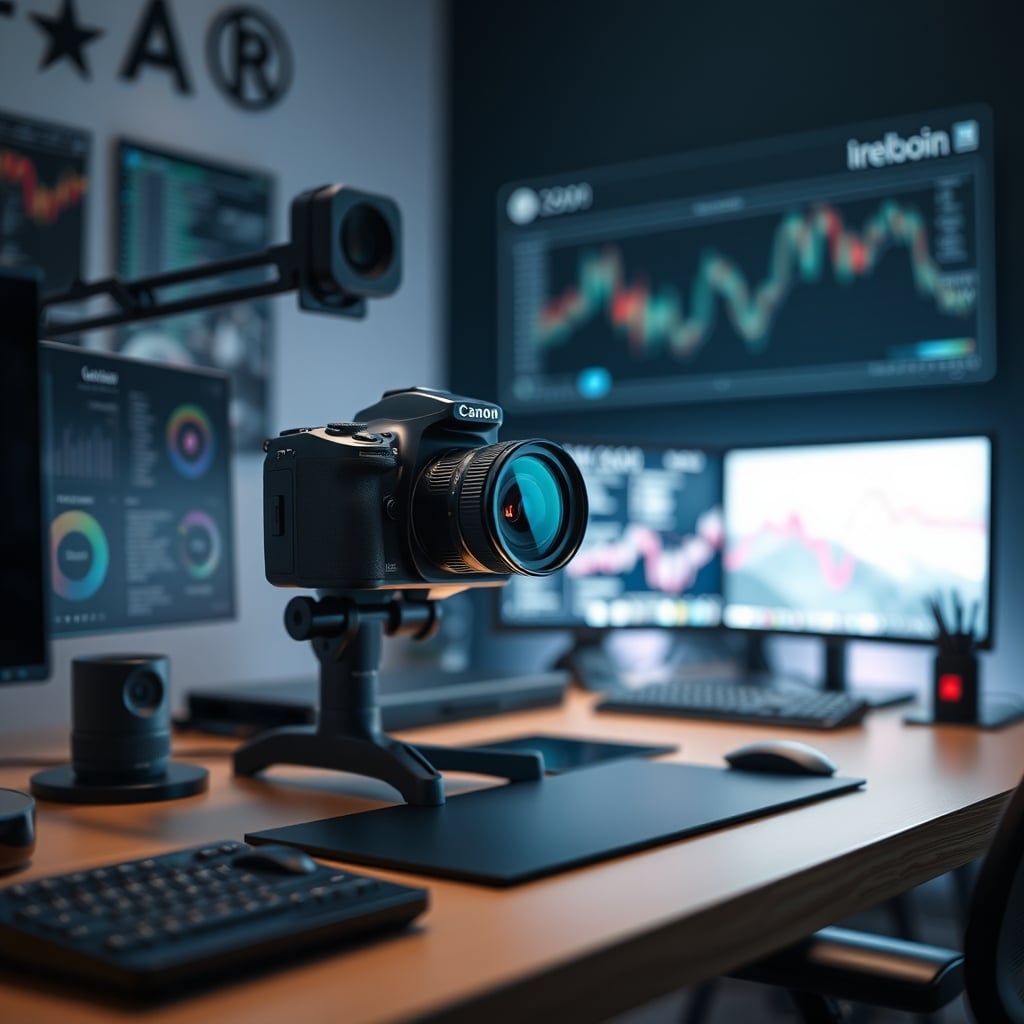
I want you to think of the last professional video call you had where someone looked… off. Not bad, just unreal. Their skin had the texture of a plastic doll, their eyes lacked depth, and the lighting felt disconnected from the room. That uncanny valley sensation you felt wasn't your imagination—it was camera AI overcorrection in full, destructive swing. In 2026, we’ve reached peak absurdity: cameras are so busy “helping” us that they’re systematically destroying the very qualities that make video feel human and engaging. You didn’t buy a $300 webcam to look like a smoothed-over AI approximation of yourself. You bought it to look professional. The industry is lying to you about what that means.
After testing nearly every major “AI-powered” camera and webcam released in the last two years, the pattern is undeniable. The pursuit of algorithmic perfection is a race to the bottom. It sacrifices authenticity for a sanitized, generic look that might pass a spec sheet but fails the most important test: human connection. This isn't about minor tweaks; it's a fundamental overreach that you need to understand and disable immediately.
Why camera ai overcorrection matters
Understanding camera ai overcorrection is the foundation of getting this right, and many users overlook how critically it impacts long-term performance. Let's look at the reality of it.
Why The “AI Makes You Look Better” Myth Is a Complete Lie
Let’s gut this sacred cow right now. The prevailing marketing myth is that AI automatically corrects your flaws, making you more presentable with zero effort. This is overrated, misleading, and often flat-out wrong. The AI doesn't understand context. It doesn't know the difference between a permanent skin blemish and a temporary shadow. It doesn't comprehend that the texture of your skin is a sign of life, not a flaw to be erased. It applies a one-size-fits-all solution that strips away character and creates a homogenized, soulless image.
Most people get this wrong because they trust the marketing. They see a side-by-side where a “bad” image is magically cleaned up and think, “Great!” What they don’t see is the massive loss of detail, the destruction of natural light gradients, and the introduction of weird artifacts around hair and glasses. The industry lies about this by only showing you the most extreme “before” scenario—terrible lighting, no setup—versus their AI fix. They never show you the comparison between a properly set-up manual shot and their AI version, because the manual shot would win every time. In real use, this “intelligence” frequently causes issues with fast movement, making backgrounds warp, or creating a jarring, jelly-like effect on your face as the software struggles to keep up.
The Verdict: Skip the AI Hype, Master the Basics
Camera AI overcorrection is an overrated trend built on solving problems that are better solved with basic knowledge and proper setup. It’s a marketing crutch that allows companies to sell you a “smart” camera instead of teaching you the five minutes of manual control that would yield better results.
The final call is simple: Skip it. Disable every AI feature on your current camera. If you’re buying new, prioritize manual controls, sensor size, and lens quality over any listed AI capability. Use the money you save to buy decent lights. Your on-screen presence will gain more authenticity, depth, and professionalism by embracing a little manual effort than any algorithm can ever provide. In 2026, real skill is knowing when to tell the machine “no.”
Frequently Asked Questions
What is camera AI overcorrection?
Camera AI overcorrection is when a camera's built-in artificial intelligence applies aggressive, automatic 'enhancements' like skin smoothing, auto-framing, and dynamic lighting adjustments. Instead of improving video quality, it often creates an unnatural, waxy, or distracting look by removing texture, causing jerky movements, and flattening carefully set lighting.
Should I turn off AI features on my webcam?
Yes, absolutely. For professional and authentic-looking video, you should disable all AI beauty modes, auto-framing, and AI lighting features. These gimmicks degrade image quality and control. You will get a much better, more consistent result by manually setting your white balance, exposure, and focus.
What's more important, a good camera or good lighting?
Good lighting is almost always more important than an expensive camera with AI features. A basic camera in a well-lit environment will look vastly superior to a premium AI camera in a dim, poorly lit room. Invest in two simple LED panels for your desk setup before upgrading your camera.
Written by
GlowRig Editorial researches and writes practical guides about desk setups and home office gear. Our articles are produced with the help of AI research tools and are reviewed for accuracy against manufacturer specifications and public user feedback. We may earn a commission from affiliate links, which never affects our recommendations.
Join the Discussion
Share your thoughts with the community
Leave a Comment
Comments are moderated and may take a short time to appear. Links are not permitted.