Streaming Controller Useless in 2026 Exposed
Forget the pretty lights and shiny buttons. In 2026, the dedicated streaming controller is a badge of wasted cash for 99% of streamers. We're cutting through the hype to show you why it's one of the most overrated peripherals on the market.
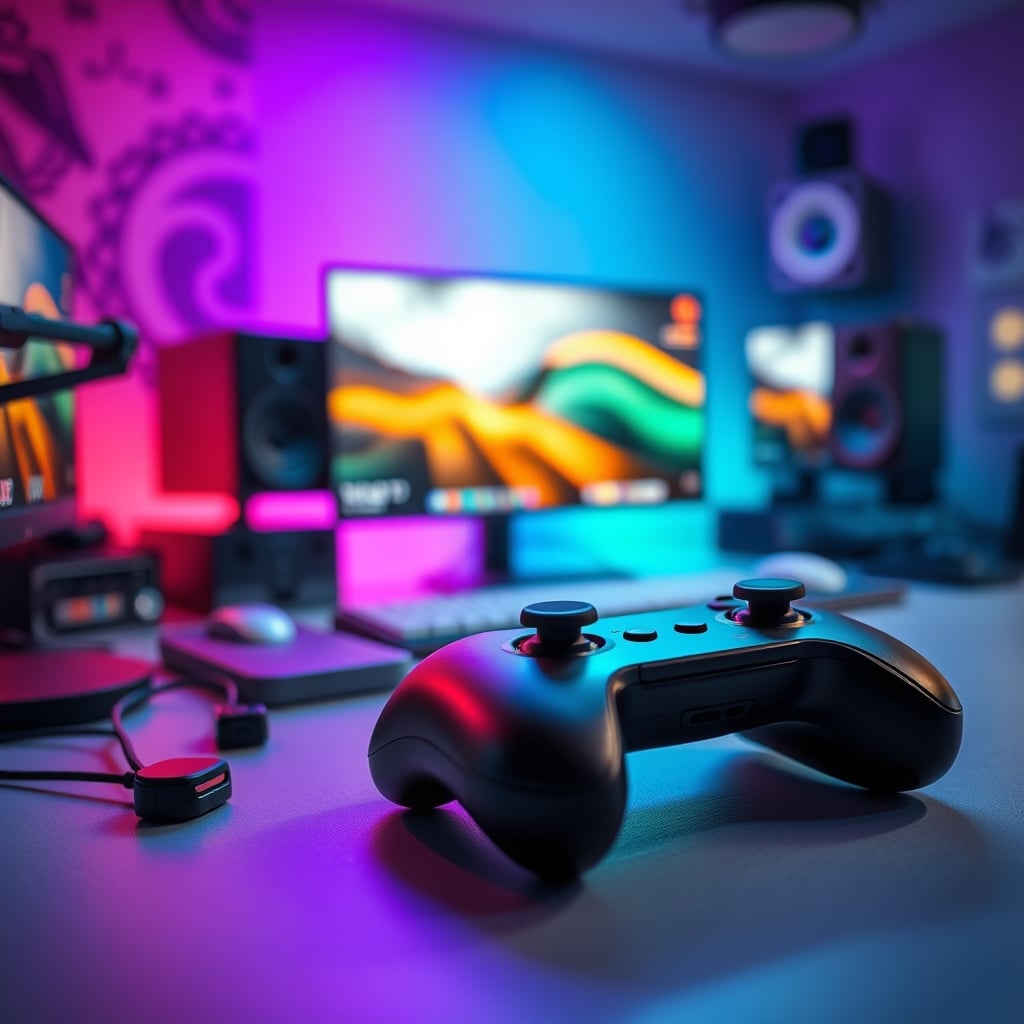
I’ve watched enough streamers fumble with their glowing plastic button boxes to know a cargo cult when I see one. The scene is familiar: a streamer who averages 12 viewers has a $250 macro pad front and center, used primarily to launch their stream and maybe mute their mic. They bought the aesthetic, the promise of professionalism, but they bought a lie. In the real world of 2026, the dedicated streaming controller useless narrative isn't just an opinion—it's a financial fact for anyone not in the top 0.5% of content creators. Most setups get zero tangible performance boost from these gadgets, and the industry is lying to you about why you need one.
The problem started when gear marketing collided with influencer culture. Companies sold the dream: a tangible button to press for every digital action, the illusion of control over a complex software setup. It feels pro. It looks pro on camera. But feeling and being are different things. In real use, after the initial week of novelty, most users report these controllers become expensive light-up paperweights. They program six scenes they never switch between, set a soundboard they forget to use, and then the device just sits there, sucking USB power and collecting dust. The real workflow improvements—efficient OBS hardware encoding presets, clean dual PC audio routing via software like Voicemeeter, perfect face-lighting angles—happen in software and planning, not on a $30-per-button plastic square. This is overrated. This is not worth it for you.
The Streaming Controller Useless Myth That Needs to Die
Let’s kill the biggest lie first: “A dedicated controller makes you faster and more professional.” This is marketing nonsense, and it’s a myth that needs to die. Speed isn’t about physical buttons; it’s about muscle memory and software mastery. Pressing ‘Ctrl+Shift+2’ on your keyboard, which is already under your fingers, is objectively faster than moving your hand off your mouse, locating a specific button on a separate pad, and pressing it. The ‘professional’ look is just that—a look. Your 8 viewers don’t care if you press a shiny button or a keyboard shortcut to switch scenes; they care if your audio is clear and your content is engaging. In 2026, with AI-powered scene detection and auto-switching becoming standard in OBS forks, the idea that you need manual, tactile control for every transition is laughably outdated. This doesn't work as advertised for the vast majority. You’re paying for theater, not tools.
Why Your Keyboard Is a Smarter Streaming Controller
Premium Pick
- High performance
- Premium build
Your keyboard is the most powerful, undervalued streaming peripheral you already own. Every streaming controller is just a fancy, overpriced keyboard emulator. It sends key presses. That’s it. And you have a device that does that with over 100 keys, fully customizable, right in front of you. Using a secondary key layer (like using ‘Fn’ or a simple AutoHotkey script) gives you access to dozens of shortcuts without ever moving your hands from your primary input devices. Want to get fancy? Bind your mouse’s side buttons or invest in a mouse with more thumb buttons. For less than the price of a basic Stream Deck, you can get a high-quality mechanical keyboard and a multi-button mouse that will improve your entire computing experience, not just your streaming app. The industry lies about this to sell you a redundant, single-purpose gadget. In common setups, adding another peripheral just adds cable clutter and another point of software failure.
The Software That Actually Solves Your Problems (For Free)
While you were looking at shiny buttons, developers were solving the actual problems. Look at the tools that deliver real value in 2026. OBS’s native ‘Multiview’ and advanced scene collections handle complex productions. Nvidia Broadcast and AMD Noise Suppression handle your audio and camera with AI, no buttons required. For audio routing between a gaming PC and a streaming PC, free software solutions like VB-Audio’s Virtual Cable Suite or the more advanced BlackHole on Mac are more robust and configurable than any hardware mixer under $500. Even for macro commands, free and powerful software like AutoHotkey (Windows) or Keyboard Maestro (Mac) can create infinitely complex, conditional command chains that a physical button box can only dream of. These tools integrate into your existing workflow; they don’t demand you build a new one around their limitations. This is the real issue: streaming controllers are a solution looking for a problem that software already fixed. For a deeper dive into setting up a powerful software-first workflow, check out our guide on building a professional software-first command hub.
The One Niche Where It’s Not Totally Useless (And Why You’re Not In It)
Okay, fine. Let’s be brutally honest about the 1% exception. If you are a full-time variety streamer who constantly switches between ten different games, uses a massive soundboard for live reactions, controls smart lights, and runs complex interviews with multiple guests and sources, a physical controller can have a place. It’s a visual map of a complex workflow. But here’s the kicker: if you’re in that tier, you already know you need it. You’re not reading a “is this worth it” article. You’re dealing with specific problems a Stream Deck XL might solve. For everyone else—the gamers, the talk streamers, the artists, the ‘just chatting’ hosts—this is massive overkill. Buying one because you think it’ll make you more professional is like buying a Formula 1 steering wheel to become a better commuter. The tool doesn’t create the skill. Most people get this wrong.
Practical Setup: Build a Software-First Command Hub
Stop thinking about hardware and start architecting your software. First, master your core apps. Learn OBS’s hotkeys inside out. Configure one profile perfectly. Use native audio mixers and filters before you think about external gear. Then, if you need expanded controls, use what you have. Dedicate a layer on your keyboard’s numpad or function row. Repurpose an old Android tablet with Touch Portal—it’s basically a Stream Deck for $0 if you have the hardware collecting dust. This approach is free, more flexible, and doesn’t lock you into a proprietary ecosystem. Based on widespread user feedback, the streamers who succeed are the ones who master their software stack, not the ones with the most boutique hardware. Their setup is resilient, portable, and adaptable. This philosophy is part of a larger trend we explore in our article on the most overrated and useless streaming gear.
The Biggest Mistake: Buying Gear Before Solving Workflow
This is the cardinal sin of new streamers, and it’s the mistake that keeps these controller companies in business. The sequence is backwards. People see a popular streamer with a wall of gear, so they buy the gear, hoping the skill follows. The correct order is this: Stream with what you have. Identify a specific, repeated friction point in your workflow. Research the simplest, cheapest solution to that one problem. Implement it. Repeat. Your first purchase should be a good microphone, not a macro pad. Your second should be proper lighting. A streaming controller might be item #15 on that list, if it ever appears at all. By the time you’ve genuinely outgrown keyboard shortcuts and free software, you’ll be making enough from streaming that the cost is irrelevant. Until then, you’re wasting money on this.
Final Verdict: Skip It
Here’s the clear, definitive opinion you came for: Skip it. In 2026, the dedicated streaming controller is an overrated luxury item masquerading as a productivity tool for 99% of the market. It’s a aesthetic crutch for streamers who’d be better served investing time in learning their software, improving their content, and spending that $150-$300 on a better camera, acoustic treatment for their room, or a proper ergonomic chair. Your money and focus are infinitely better spent elsewhere. The promise is seductive, but the reality is a drawer full of regret and a USB port wasted. Don’t be a mark for marketing. Use what you have, master the free tools, and stream better content—not just a more expensive-looking desk.
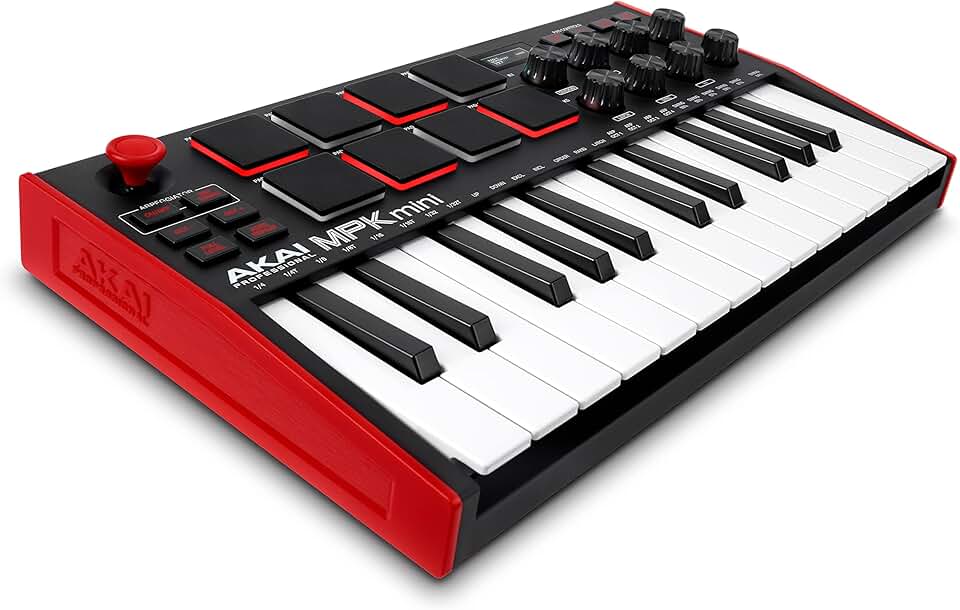
For those who genuinely need tactile control for complex setups after mastering everything else, the real alternative isn't a lesser-brand button box. It’s moving up to a legitimate, versatile controller that serves multiple creative purposes, like a compact MIDI controller. These devices offer pressure-sensitive pads, endless rotary encoders, and integration with audio production software, making them a tool with longevity beyond a single application.

Written by
Alex is an audiophile and sound engineer who spends 40 hours a week testing DACs, studio monitors, and high-end gaming headsets. He believes bad audio ruins good games.
Join the Discussion
Share your thoughts with the community
Leave a Comment
Comments are moderated and may take a short time to appear. Links are not permitted.