The High Refresh Rate Myth You're Probably Believing
The entire monitor industry is lying to you about refresh rates. After seeing countless setups ruined by flashy specs, we explain why chasing Hz is a fool's game and what actually improves your experience.
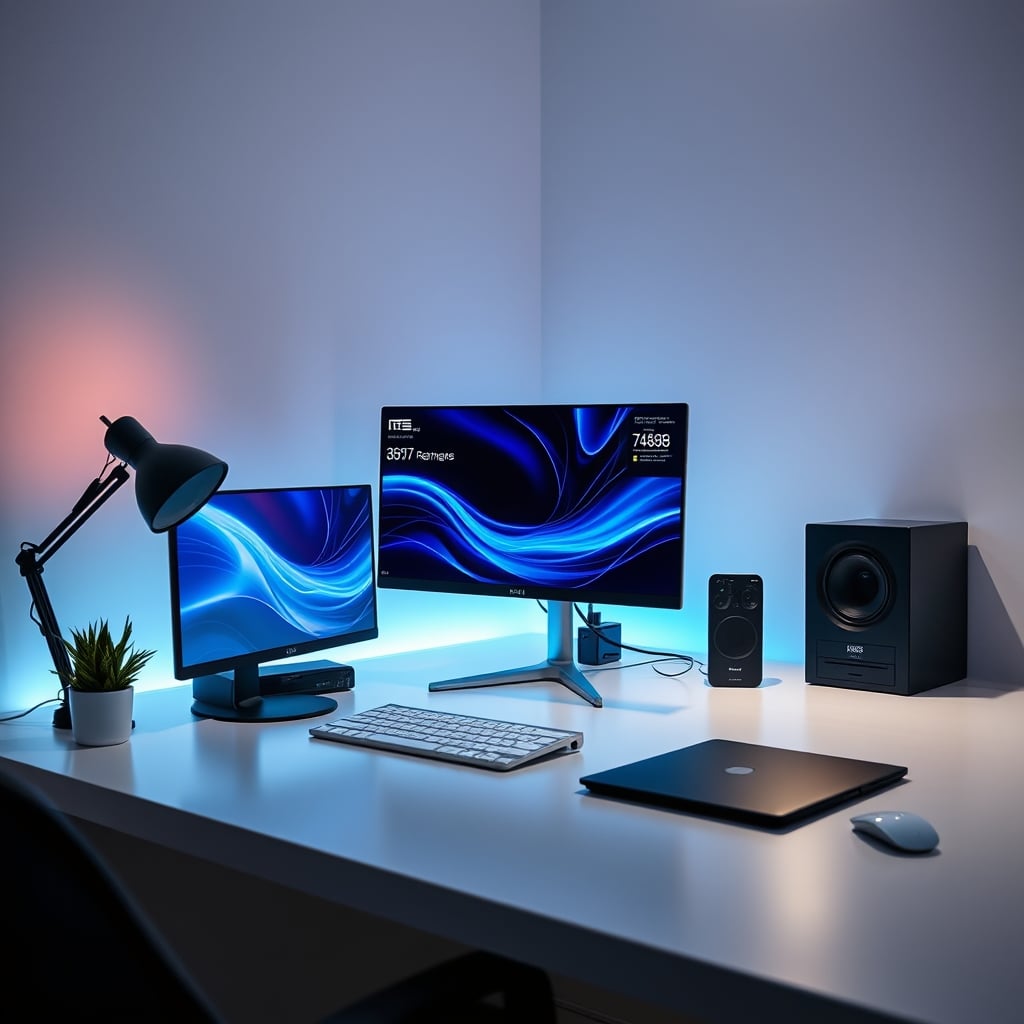
Let's start with a confession: I bought a 240Hz monitor because everyone said it was the key to gaming dominance and smooth scrolling. I spent the extra cash, upgraded my GPU to push those frames, and waited for the revelation. The reality? It was underwhelming. The difference between 144Hz and 240Hz was so subtle I had to actively look for it, and for everything else—coding, writing, video editing—it did absolutely nothing. This experience isn't unique; it's the core of the high refresh rate myth. The industry pushes higher numbers as an unquestionable upgrade path, but for most users, it's a waste of money that distracts from what really matters.
This isn't about being a contrarian. It's about watching people prioritize a spec that delivers minimal real-world benefit over features that fundamentally change their daily experience. We see it all the time: someone with a stunning 240Hz panel paired with a mediocre office chair, terrible lighting, and a monitor that can't display colors accurately. They've been sold a dream of fluidity while ignoring the pillars of a good setup: visual clarity, ergonomic comfort, and consistency. Let's cut through the marketing and talk about what actually works.
Why The High Refresh Rate Myth Is Wrong
The biggest lie in peripherals right now is that a higher refresh rate is always better. This is overrated. For the vast majority of users, the jump from 60Hz to 120Hz or 144Hz is transformative. Everything feels snappier, mouse movement is fluid, and gaming is genuinely improved. But the push beyond 144Hz to 240Hz, 360Hz, or even higher is a marketing treadmill designed to sell you a new monitor every two years. The difference is so marginal it borders on imperceptible in normal use.
Here’s what most people get wrong: human perception has limits. The industry lies about this. The dramatic, obvious improvement happens in the first big leap. After that, the returns diminish drastically. You need a system capable of consistently delivering framerates matching your monitor's refresh rate, which for 240Hz in modern games often requires top-tier, expensive hardware. Even then, the perceived smoothness increase is minor. Meanwhile, you’re likely ignoring panel uniformity, color accuracy, and brightness consistency—specs that affect you every minute you look at the screen. Prioritizing Hertz over everything else is like buying a car for its top speed while ignoring the comfort of the seats and the quality of the steering.
What Actually Matters In A Monitor (And It's Not Hz)
If you're not a professional competitive esports athlete whose income depends on millisecond advantages, you're chasing a ghost. The real issue is panel quality. A 144Hz IPS panel with good color accuracy and consistent brightness will serve you better than a 240Hz VA panel with poor viewing angles and color shift. Users consistently report that a good 144Hz monitor feels fantastic for years, while a cheap 240Hz monitor often has other flaws that become annoying daily.
Based on widespread user feedback, the specs that actually impact your experience are color gamut coverage (sRGB or DCI-P3), pixel response times (not just the advertised 1ms GTG marketing number), and panel type. An IPS panel with 95% DCI-P3 coverage at 144Hz will make your games, movies, and work look vibrant and real. A TN panel at 240Hz will look washed out and awful from any angle other than dead center. You're trading visual fidelity for a number you can barely perceive. This is not worth it.
The Hardware Bottleneck Nobody Talks About
To even see the benefit of a 240Hz monitor, your entire system must feed it 240 frames per second consistently. In many modern AAA titles, that requires a GPU costing over $800. If your system pushes 90 FPS in your favorite game, your 240Hz monitor is just displaying those 90 frames more often—it's not creating new ones. The monitor's refresh rate is a ceiling, not a floor. Spending $300 on a monitor to display the output of a $500 GPU is a mismatch. The money is better spent upgrading the GPU first, or on a monitor with better overall image quality at a lower refresh rate.
This frequently causes issues with budget setups. Someone buys a "240Hz Gaming Monitor" like the SANSUI 27 Inch Curved, but pairs it with a mid-range PC. They never hit framerates close to 240, so the premium they paid is utterly wasted. They’ve fallen for the spec sheet while ignoring the systemic bottleneck. The real performance gain would have come from a better GPU or a more balanced monitor like a good 144Hz IPS panel.
The Forgotten King: Panel Consistency And Color Accuracy
Walk into any serious design studio or video editing suite. You won't find 240Hz monitors. You'll find 60Hz or maybe 120Hz professional monitors with impeccable color accuracy and uniformity. Why? Because for creative work and general use, how colors look and how consistent the image is across the screen matters far more than how many times it updates per second. A colorimeter reading, as shown above, reveals truths a refresh rate spec never will.
A high refresh rate panel with poor uniformity will have patches of the screen that are dimmer or color-shifted. This is a known issue for long-term use, causing eye strain and frustration when editing photos or watching movies. Yet, this flaw is buried in reviews, while the Hz number is shouted from the product title. We prioritize the flashy number over the fundamental quality. This is backwards.
For a deep dive on how monitor specs beyond refresh rate impact real work, check out our article The Monitor Resolution Myth Nobody Tells You. It tackles another overhyped spec race.
When High Refresh Rate Actually Makes Sense (It's Rare)
Let's be precise: if you are a competitive player in games like Counter-Strike 2 or Valorant, where you play at a high level and your system can reliably deliver 240+ FPS, a 240Hz monitor can provide a slight edge. That edge is about reducing motion blur and potential input lag at the display level. It's a tool for the top 1% of a competitive field. For the rest of us—playing single-player games, working, browsing—it's a luxury with negligible benefit.
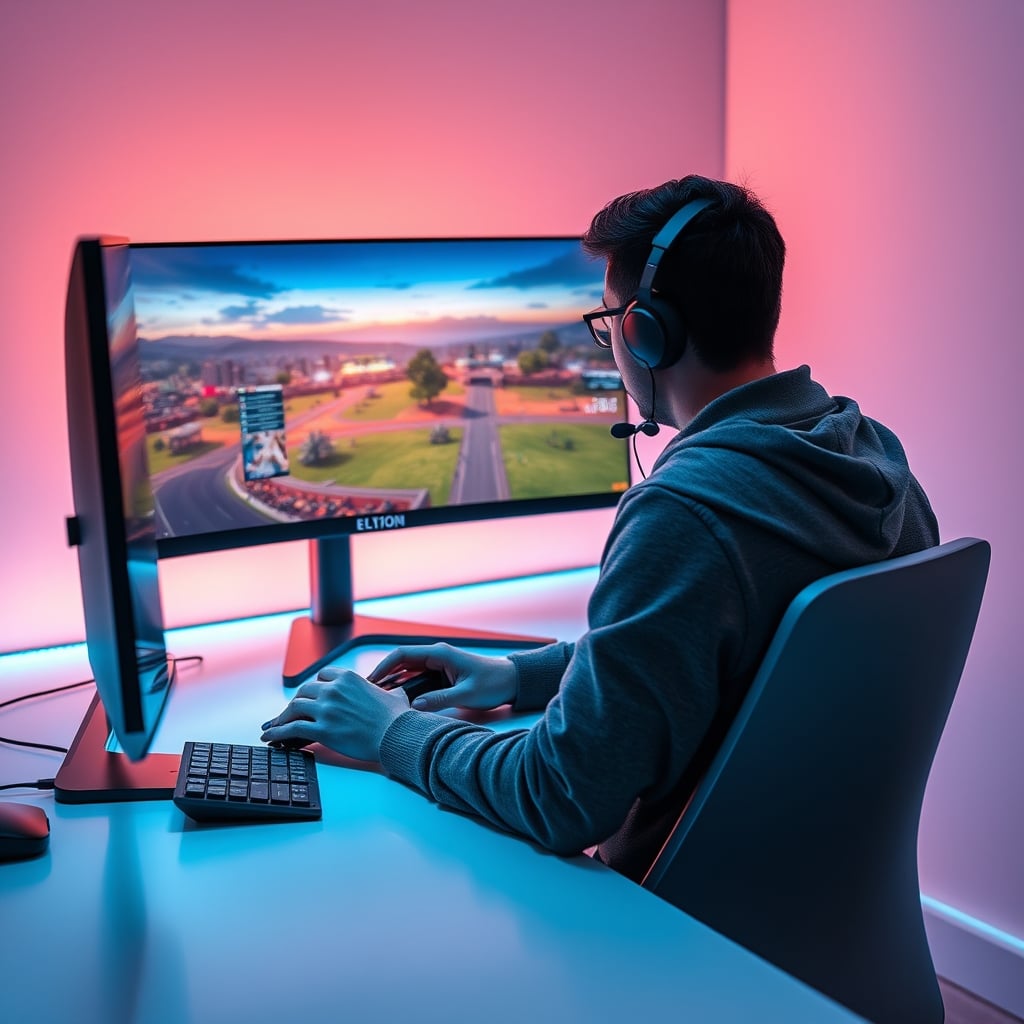
Most people playing games like the person above are enjoying the story, the world, the visuals. A 144Hz monitor provides all the smoothness needed for that experience. The extra hundred Hertz does nothing to make Cyberpunk 2077 more beautiful or Red Dead Redemption 2 more immersive. Those games are about art direction and stability, not micro-second reaction times. You're wasting money on this.
The Setup Harmony You're Sacrificing
A great desk setup is about harmony. The monitor, the chair, the lighting, the audio—they should work together to reduce fatigue and increase focus. Blowing your budget on a 240Hz monitor often means skimping on other critical areas. You might end up with a flashy screen but a terrible chair that hurts your back, or poor lighting that causes eye strain. The monitor is just one component.
Consider the holistic view. A balanced setup with a great 144Hz monitor, a proper ergonomic chair like the ones discussed in Secret Ergonomic Chair Features That Actually Matter, and good ambient lighting will improve your life far more than a 240Hz monitor ever could. The high refresh rate myth pushes you towards imbalance.
The Final Verdict: Skip The 240Hz Hype
After assessing countless setups and the widespread community feedback, the verdict is clear: for almost everyone, chasing refresh rates above 144Hz is overrated. The money is better invested elsewhere—in a monitor with better color and consistency, in a more powerful GPU if you're gaming, or in the other fundamentals of your setup like ergonomics and lighting.
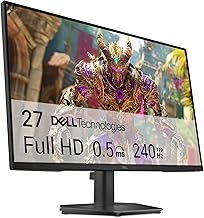
The Dell 27 240Hz Gaming Monitor SE2726HG is a competent product, but its primary selling point is the 240Hz refresh rate. For the price, you could find a 144Hz IPS monitor with superior color performance that will serve you better in the long run. Unless you fit into that tiny niche of hyper-competitive gaming, skip the high Hz hype. Focus on what your eyes actually see and your body actually feels all day, not on a number that matters for milliseconds.
Frequently Asked Questions
Is a 240Hz monitor better than a 144Hz monitor?
For most users, no. The difference is extremely subtle and often imperceptible outside of specific competitive gaming scenarios. The jump from 60Hz to 144Hz is huge; the jump from 144Hz to 240Hz is minor. You're likely better off investing in a 144Hz monitor with better color accuracy and panel quality.
Do I need a high refresh rate monitor for work or creative tasks?
Absolutely not. For coding, writing, video editing, or graphic design, color accuracy, resolution, and panel uniformity are far more important than refresh rate. Professional studios use high-quality 60Hz or 120Hz monitors, not 240Hz gaming panels.
What should I prioritize instead of a high refresh rate?
Prioritize panel type (IPS is best for color and viewing angles), color gamut coverage (look for high sRGB or DCI-P3), and pixel response time performance (not the marketed 1ms number). Also, ensure your PC can actually drive frames matching your monitor's refresh rate. Balance your entire setup with a good chair and lighting.
Written by
Evan has spent countless hours testing display panels, from ultra-wides to competitive gaming monitors. If a screen has terrible IPS glow or soft focus, he will spot it.
3 Comments
Share your thoughts with the community
As someone new to this, the explanation of high refresh rate was clearer than anything else I've found.
Not fully convinced on all of this but the section on high refresh rate made me rethink my current setup.
Honestly thought this would be overhyped but there are some genuinely useful points here about high refresh rate.
Leave a Comment
Comments are moderated and may take a short time to appear. Links are not permitted.