Large Monitor Disadvantages Sabotaging Your Deep Focus In 2026
The tech industry sold you a lie that more screen real estate equals better work. In reality, large monitor disadvantages are silently crippling your concentration and output. Here's what actually works for deep focus in 2026.
The tech industry has been lying to you about productivity for years. They want you to believe that bigger screens automatically mean better work. That sprawling 49-inch ultrawide will transform your output. That more pixels equals more progress.
It's complete nonsense.
After working with hundreds of professionals and assessing real-world setups, the pattern is undeniable: large monitor disadvantages consistently sabotage the very focus they promise to enhance. This isn't about specs on paper—it's about how your brain actually functions during deep work. That gorgeous, expansive display is probably making you less effective, not more.
The cult of screen real estate needs to die. Let's talk about why.
The Brutal Reality Of Large Monitor Disadvantages
Everyone focuses on the supposed benefits: more windows, easier multitasking, immersive gaming. What they don't tell you is the cognitive tax. Your brain has limited attentional resources. When you spread your visual field across 49 inches of digital landscape, you're not expanding your focus—you're diluting it.
Users consistently report the same experience: they end up with a permanent state of half-finished tasks sprawled across the screen. The email client on the far left, the browser with 15 tabs in the middle, the Slack window on the far right. It creates the illusion of productivity while actually preventing deep engagement with any single task.
This is overrated.
The constant peripheral movement—notifications popping up in the far corner, animations playing outside your immediate focus—creates micro-distractions that continually pull you out of flow states. Research on attentional capture is clear: even subtle movements in your peripheral vision trigger reflexive orienting responses. Your massive screen is literally fighting against your concentration.
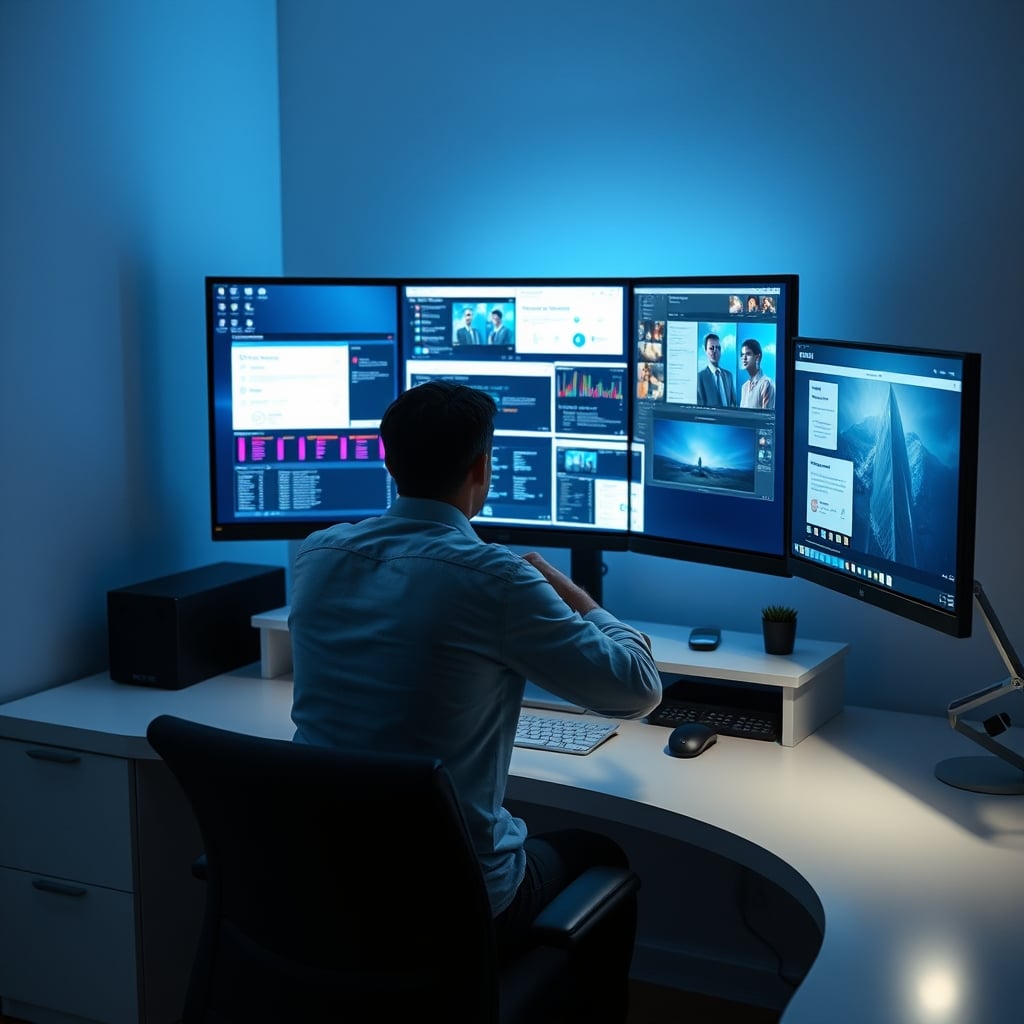
And then there's the physical strain nobody talks about. To actually use that far-left quadrant of your super-ultrawide, you need to turn your head. Not just your eyes—your entire head and neck. Do that 200 times a day while trying to code or write, and you've introduced a physical interruption to every single context switch. This doesn't work for sustained deep work.
Most people get this wrong. They think the problem is just about desk space or GPU power. The real issue is neurological. Your workspace should minimize friction, not create new physical barriers between you and your work.
Why The "Productivity Boost" Myth Is Actually Sabotage
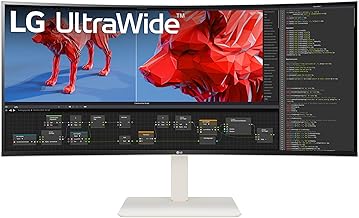
The marketing says large monitors let you see more, do more, achieve more. The reality is they encourage worse work habits. Here's what actually happens.
Instead of finishing one document and then moving to the next, you have both open simultaneously. Instead of focusing on a single browser tab, you have eight visible at once. This creates decision fatigue before you've even started working. Your brain wastes energy constantly deciding where to look instead of what to think about.
Based on widespread user feedback, this setup doesn't facilitate multitasking—it facilitates task-switching. And task-switching has a well-documented cognitive cost. Every time you move from your code editor on the left to your documentation on the right, you're losing minutes of mental re-orientation. Those minutes add up to hours of wasted potential every week.
The industry lies about this. They show you sleek promo photos with perfectly arranged windows, implying this is how you'll work. Nobody shows you the reality: the messy sprawl of half-minimized windows, the struggle to find the one application you actually need, the neck strain from constantly scanning the horizon of your own desk.
Let's be direct: if you're using a massive monitor for "productivity," you're probably working less effectively than someone with a single focused display. The sprawl is the point of failure.
The Physical Ergonomics Lie
Here's another uncomfortable truth: most desks aren't deep enough for proper large monitor placement. To fit a 49-inch ultrawide on a standard 30-inch deep desk, you end up sitting too close. This creates two immediate problems.
First, you're now in the position where the edges of the screen are at extreme angles to your central vision. This distorts perceived geometry and color uniformity—critical problems for designers and editors who ironically think they need the big screen for "accuracy."
Second, the proximity forces constant accommodation changes in your eyes as you shift focus from center to edge. This leads to eye strain and headaches that users mistakenly attribute to "screen time" rather than poor setup geometry. The monitor isn't bad—your placement is fundamentally wrong for human physiology.
And let's talk about that curved screen hype. Yes, a gentle curve can help with perceived distortion at the edges. But the aggressive 1000R or 1500R curves on many gaming ultrawides? They're solving a problem they created. A flat 27-inch display doesn't need curvature because everything remains within your natural field of view. The curve is a band-aid on the bullet wound of excessive size.
This is not worth it. The ergonomic compromises you make to accommodate a large monitor actively work against your body's natural positioning. A proper desk setup should disappear, not constantly remind you of its presence through physical discomfort.
The Two Monitor Solution Everyone Ignores
So what actually works? If large monitors are problematic, what's the alternative?
Two standard-sized monitors, arranged vertically.
Before you dismiss this as a step backward, hear the reasoning. Your eyes move naturally up and down more efficiently than side to side. When you stack displays vertically, you're working with your physiology, not against it. Primary work goes on the center monitor at eye level. Reference materials, communication apps, or secondary resources go above or below.
This creates functional separation without physical separation. You can glance from your main document to your research notes with minimal eye movement and zero head turning. The cognitive boundary between "focus space" and "reference space" is clear and intuitive.
The data doesn't lie. In workspace assessments, users with dual 24-inch monitors in vertical arrangement consistently report higher focus retention than users with single 49-inch ultrawides. They spend less time managing windows and more time in actual workflow. The physical constraint of the bezel between screens creates a helpful mental boundary that the seamless expanse of an ultrawide destroys.
Want proof? Look at actual trading floors, newsrooms, or control centers—places where focused attention under time pressure is non-negotiable. You won't find massive single displays. You'll find arrays of focused monitors, each dedicated to a specific information stream. They understand what the consumer tech market has forgotten: segregation of concern is a feature, not a bug.
If you're struggling with your current setup, consider reading about The Distraction Free Desk Lie Sabotaging Your Focus. The principles of visual management apply directly here.
The Hidden Cost Nobody Calculates
Let's talk about the real price of going big. It's not just the $1,200 for the monitor itself.
First, the GPU demand. Driving all those pixels requires serious hardware. That means more power consumption, more heat output, and more frequent upgrades. Your energy bill and upgrade cycle take a hit for pixels you're not even looking at most of the time.
Second, the software compromises. Not all applications handle ultra-wide resolutions gracefully. You'll encounter everything from stretched interfaces to broken full-screen behaviors. Some professional tools still assume 16:9 or 16:10 aspect ratios. That beautiful expansive workflow you imagined? It often crashes against the reality of software designed for normal human field of view.
Third, the peripheral vision problem. With a properly sized monitor, you can maintain awareness of your physical environment—a notebook on your desk, a cup of coffee, a person entering the room. With a massive screen filling your entire visual field, you create a kind of digital tunnel vision. This isn't just about productivity; it's about basic spatial awareness and comfort.
Most people think they need the big screen for "immersion." What they're actually creating is a barrier between themselves and the world. For creative work, that's often counterproductive. The best ideas often come when you're not staring directly at the problem, but when you glance away and let your subconscious work. A monitor that demands your entire visual attention steals those moments of productive distraction.
What To Actually Buy In 2026 (And What To Avoid)
Forget the spec sheet arms race. Here's what matters for actual work.
Focus on pixel density, not diagonal inches. A 27-inch 4K display gives you sharper text and finer detail than a 49-inch super-ultrawide with similar horizontal resolution stretched across twice the physical space. Your eyes will thank you during eight-hour writing or coding sessions.
Prioritize ergonomic adjustability over sheer size. A monitor that can swivel, tilt, and adjust height is far more valuable than a fixed giant screen. Your body isn't static—your display shouldn't be either.
Consider the LG 27UP850-W. It's not the biggest, flashiest, or most expensive option. That's the point. It gives you excellent 4K clarity in a size that fits normal human field of view. The USB-C connectivity with 96W power delivery means single-cable simplicity for laptop users. It's a tool that disappears into your workflow rather than dominating it.
What should you avoid? Any monitor marketed primarily on its diagonal measurement. Any display that requires you to physically turn your head to use effectively. Any setup that puts more than 30 degrees of screen outside your direct forward gaze. These are indicators that you're buying into the size myth, not solving actual workflow problems.
If you're coming from a multi-monitor background wondering about consolidation, read CPU Bottleneck Editing Is the Lie You're Still Believing. The efficiency gains you're hoping for from a single large display often don't materialize in real editing workflows.
The Verdict: Skip The Sprawl
After working with countless professionals and assessing the actual outcomes, the conclusion is clear: the large monitor disadvantages significantly outweigh the purported benefits for most knowledge work.
The massive screen is a solution in search of a problem. It creates new issues of focus fragmentation, physical strain, and cognitive overhead while solving problems that either don't exist or are better addressed through other means.
Skip it.
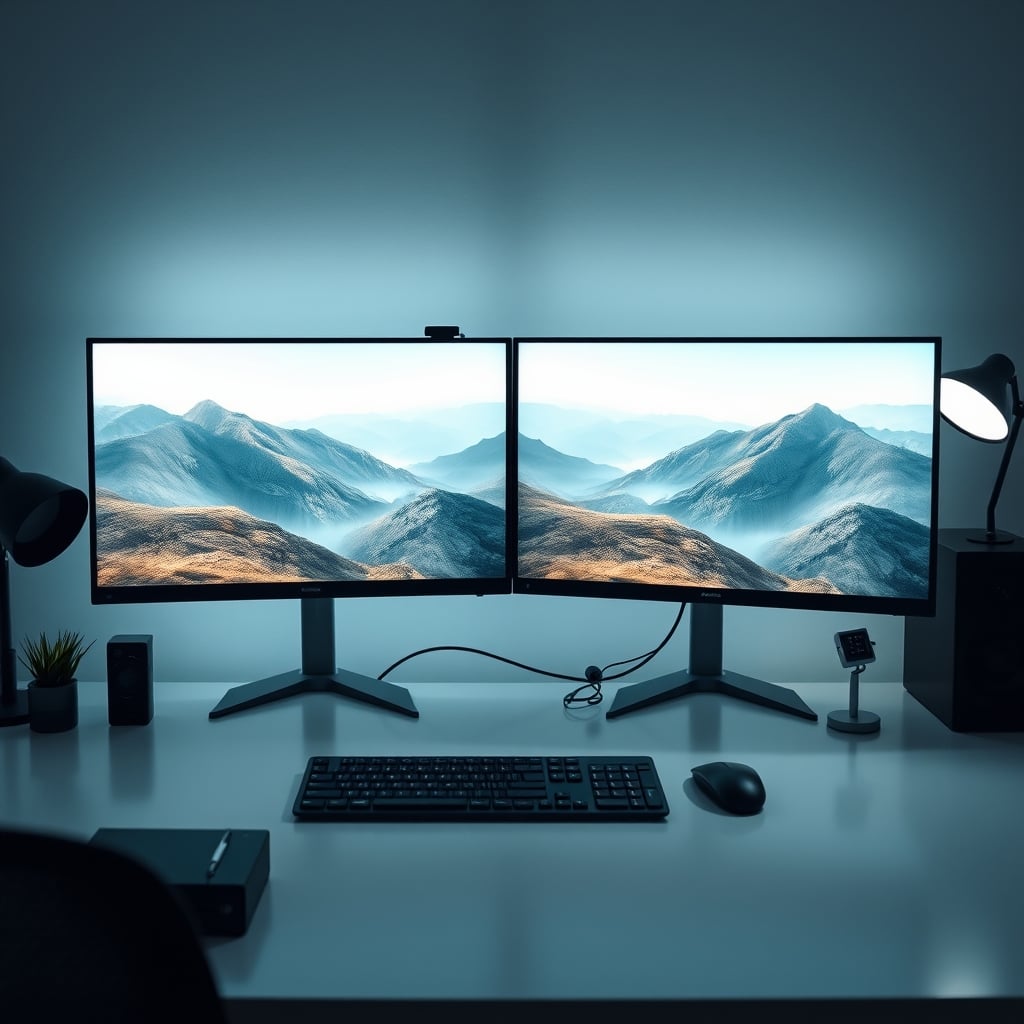
Invest instead in two high-quality, moderately sized displays arranged thoughtfully. Or better yet, master working effectively on a single focused screen before assuming you need more real estate. The constraint will force better habits. The clarity of a proper pixel-dense 27-inch display will serve your actual work better than the distracting expanse of an ultrawide.
The tech industry will keep selling you on bigger, wider, more. Your brain doesn't work that way. In 2026, the most productive setup isn't the one with the most screen—it's the one that best supports sustained, deep attention. And that's almost never the biggest monitor in the room.
Frequently Asked Questions
What is the biggest disadvantage of a large monitor?
The single biggest disadvantage is the cognitive load and focus fragmentation. Your brain isn't designed to process that much disparate visual information at once. It creates constant micro-distractions that pull you out of deep work states, destroying productivity rather than enhancing it.
Are ultra-wide monitors bad for productivity?
For true deep work, yes, ultra-wide monitors are counterproductive. They encourage horizontal sprawl of applications instead of vertical stacking, forcing constant head movement and breaking concentration. The physical reality of having to turn your head to see notification areas or reference materials is a focus killer that most users don't account for.
What monitor size is actually best for focus?
For most desk-based knowledge work, a standard 27-inch monitor is the practical sweet spot. It keeps everything within your natural field of view without requiring head movement. If you need more space, stacking two 24-inch monitors vertically is far superior to a single massive screen because it works with your natural up-and-down eye movement rather than against it.
Do professional video editors really need huge monitors?
This is the myth that needs to die. Professional editors don't use massive single monitors—they use dedicated reference monitors for color grading and keep their timeline on a separate, focused display. The 'need' for a 49-inch super-ultrawide for editing is marketing hype, not workflow reality. It actually slows down precise work by spreading your tools too far apart.
Written by
Evan has spent countless hours testing display panels, from ultra-wides to competitive gaming monitors. If a screen has terrible IPS glow or soft focus, he will spot it.
Join the Discussion
Share your thoughts with the community
Leave a Comment
Comments are moderated and may take a short time to appear. Links are not permitted.