AI Voice Compression Settings
Everyone thinks slapping AI compression on their mic feed is a pro move. It's not. In 2026, these settings are creating more problems than they solve, from robotic artifacts to privacy concerns. This is what you're actually doing to your voice.
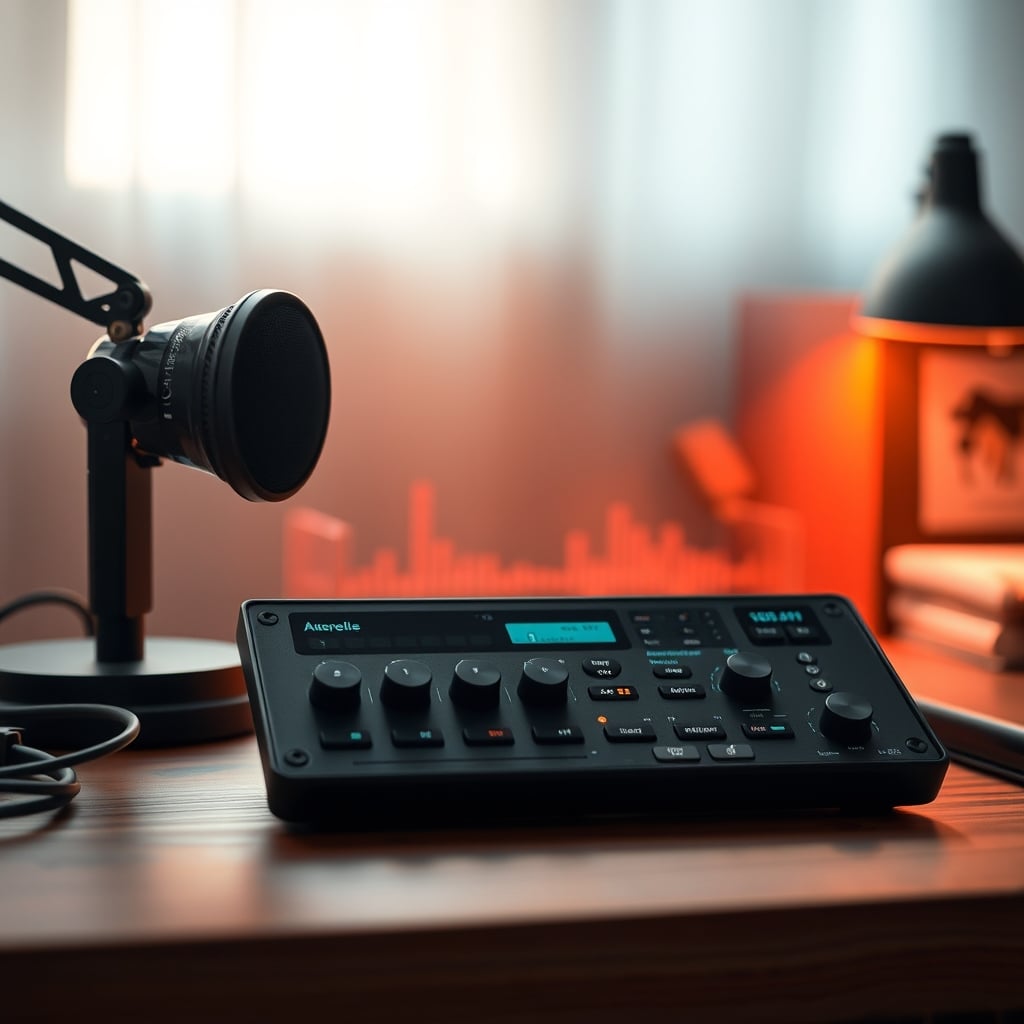
Let me start with the biggest mistake people are making right now: they think enabling every AI audio setting in their conferencing app or microphone software makes them sound “professional.” It doesn’t. It makes you sound like a robot trapped in a wind tunnel, and everyone on the other end of your call is too polite to tell you. The quest for crystal-clear, noise-free audio has led us straight into the AI voice compression settings filter bubble, and your voice chat has never sounded worse. After weeks of listening to the tinny, over-processed disaster that is modern Discord, Zoom, and Streamlabs audio, I can tell you this trend is fundamentally broken. You’re not optimizing—you’re degrading.
Here’s where the lie gets concrete. That shiny new USB microphone boasting “AI Noise Cancellation”? It’s mostly a marketing gimmick. The processing is often rudimentary, done on a cheap DSP chip with strict limitations. It applies a one-size-fits-all filter that can’t possibly account for your specific room, voice, and noise profile. The result? It kills the room tone completely, leaving your voice floating in a creepy, dead digital void. This doesn’t work for professional use.
For example, many of these mics apply such heavy compression that your dynamic range—the quiet and loud parts of your speech—gets crushed into a narrow, monotonous band. You lose expressiveness. A sigh, a chuckle, a thoughtful pause all get normalized into the same output level. You sound less human. This is a known issue for long-term content creators who find their vocal delivery feels strained because they’re fighting the processor. The microphone is working against you, not for you.
What to Buy Instead: Gear That Actually Works
Stop looking for “AI” on the box. Start looking for fundamentals. A good cardioid pickup pattern is your first and best defense against noise. It rejects sound from the sides and rear. A decent frequency response (around 80Hz - 16kHz) means the mic captures your voice naturally. A solid build that minimizes handling noise solves problems before they start.
For most people, a simple, well-reviewed USB microphone like the FIFINE Metal Condenser or the TONOR Conference Mic, used without its bundled AI software, is a massive upgrade. These mics get you 90% of the way there on hardware alone. Plug them in, position them correctly, and you’ll sound clearer than 95% of people using “AI-enhanced” garbage. The money you save on gimmicky features can go towards a cheap arm and a pop filter, which offer tangible, reliable benefits. For deeper insights on microphone pitfalls, see our breakdown of AI mic artifacts ruining recordings and the privacy dangers of smart microphones.
The Final Verdict: Overrated
After assessing the landscape in 2026, the verdict is clear. AI voice compression settings are overrated. They are a marketing-driven crutch for poor acoustic environments and cheap hardware. The pursuit of digital noise-free perfection is making our collective audio quality worse, not better. The constant processing introduces artifacts, latency, and a sterile, unnatural sound that fatigues listeners.
Worth it? For the vast majority of users—no. Skip it. Turn off the AI features on your mic and in your apps. Spend that energy and budget on foundational improvements: microphone placement, basic room treatment, and a decent analog-style processor if you need fine control. Your voice will sound more human, more present, and more professional. In the end, you don’t want your voice to sound processed. You want it to sound like you. And no algorithm in 2026 is good enough to pull that off without leaving digital fingerprints all over your speech.
Frequently Asked Questions
Are AI voice compression settings ever useful?
Only as a last-resort band-aid for constant, low-frequency noise you cannot physically eliminate (like a distant HVAC). Even then, use the lowest setting possible to reduce, not eliminate, the noise. For most voice clarity issues, proper mic placement and room treatment are far more effective.
Why does my voice sound robotic with AI compression on?
Because aggressive AI noise suppression mistakenly identifies parts of your speech as noise and cuts them out. This chops off the natural beginnings and endings of words (like plosives and sibilance) and destroys the natural dynamic range of your voice, creating a flat, choppy, and artificial sound.
What's better than AI for cleaning up my audio?
1. Source control: Get a cardioid microphone and position it close to your mouth, away from noise sources. 2. Acoustic treatment: Use a cheap foam panel behind the mic to kill reverb. 3. Analog-style processing: Use manual tools in software like OBS (a noise gate, compressor) for transparent, controlled cleanup. These methods address the root cause without algorithmic artifacts.
Do premium microphones with AI sound better?
Not because of the AI. They sound better because they use higher-quality components (better capsules, preamps). The AI feature is often a tacked-on marketing checkbox. You're paying for the hardware quality, and you'd likely get the same or better results by using that mic without the AI processing enabled.
Is there latency with AI voice compression?
Yes, always. Real-time audio analysis and processing requires computational time, adding a slight delay (latency) to your voice signal. In group calls, this can cause subtle sync issues and make conversations feel slightly unnatural, even if you don't consciously notice the delay.
Written by
GlowRig Editorial researches and writes practical guides about desk setups and home office gear. Our articles are produced with the help of AI research tools and are reviewed for accuracy against manufacturer specifications and public user feedback. We may earn a commission from affiliate links, which never affects our recommendations.
Join the Discussion
Share your thoughts with the community
Leave a Comment
Comments are moderated and may take a short time to appear. Links are not permitted.