USB Hub Throttling WiFi
You've blamed your cheap hub for years. The reality is, the problem is your setup's fundamental RF hygiene. The USB hub isn't the villain; it's just a symptom. Here's what's actually destroying your signal.
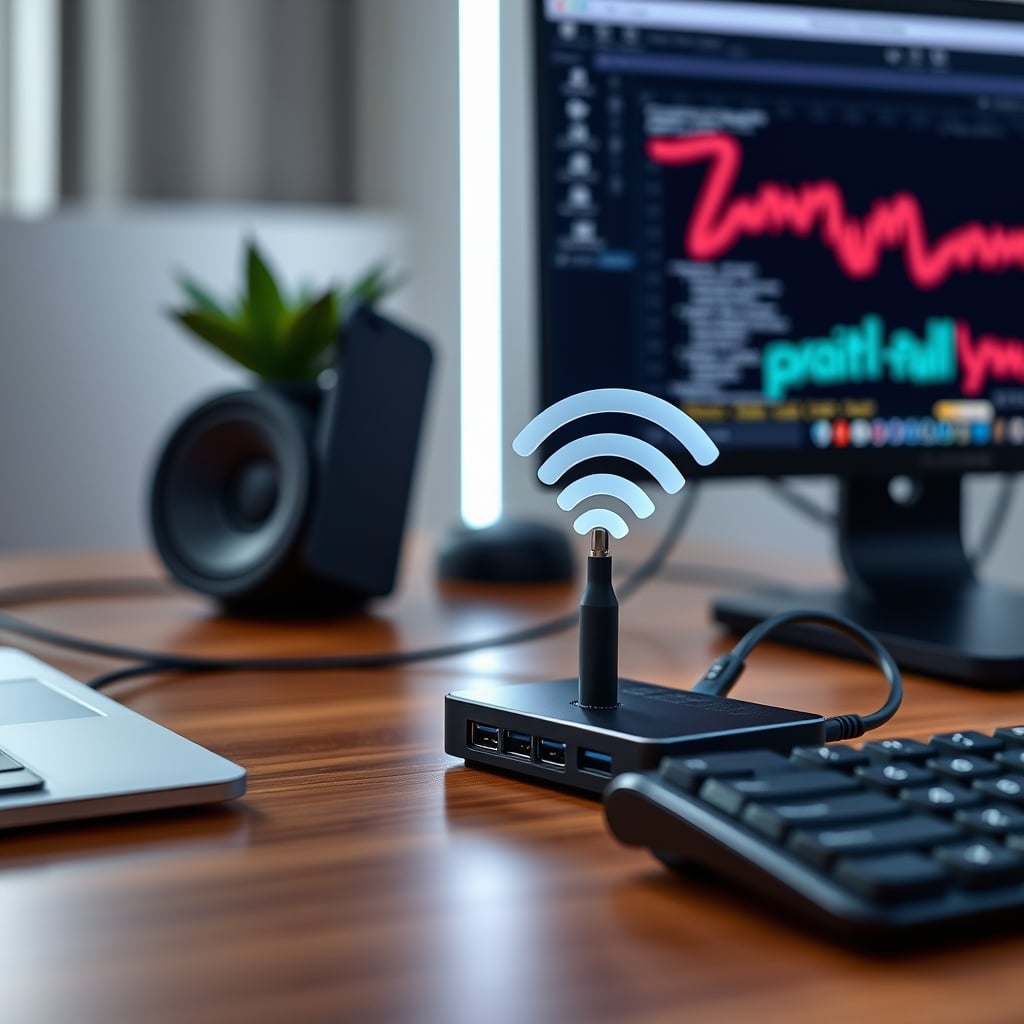
If you've ever Googled ‘lagging Zoom call’ or ‘dropping Discord audio’, you've been force-fed the same convenient lie: your USB hub is throttling your WiFi. It’s the tech world’s favorite scapegoat. The story is simple, the fix seems obvious, and it lets you ignore the real, messy problem. It’s also mostly wrong.
The reality, which the gadget-review industrial complex won’t tell you, is that in 2026, this is an overrated boogeyman for most users. The industry loves it because it’s easier to sell you a ‘shielded’ hub than to admit your entire desk is a Radio Frequency (RF) disaster zone. After years of users reporting phantom network issues, the consensus is clear: the hub is rarely the primary culprit. It’s a contributing factor in poorly engineered setups, but blaming it is like blaming a single leaky pipe when your whole house is flooded.
Why The USB Hub WiFi Myth Refuses To Die
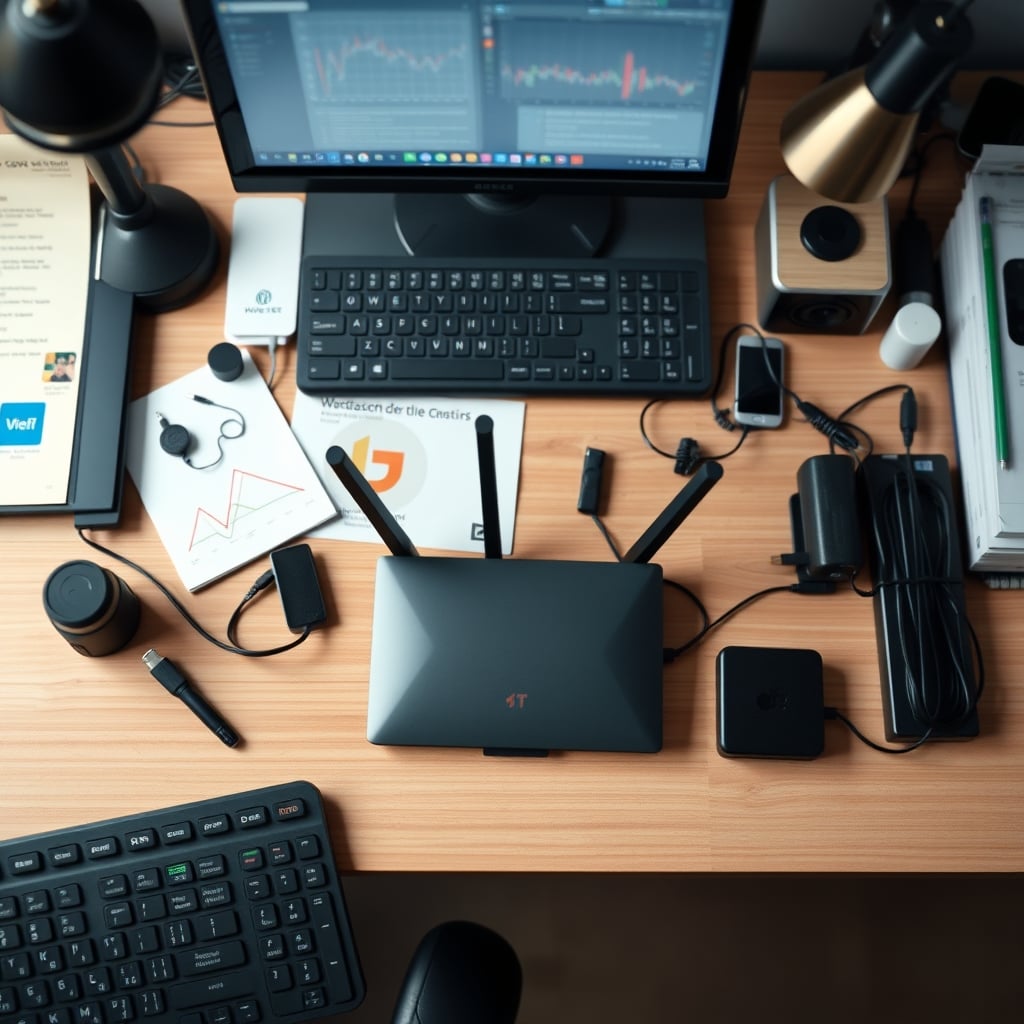
The simple answer? It’s lazy troubleshooting. Telling someone their shiny new accessory is the problem feels actionable. It creates a villain, and villains need a product-solution. The truth—that your desk is a tangled web of conflicting electromagnetic emissions, cheap power supplies, and metal surfaces acting as signal blockers—is too complex to sell.
Most people get this wrong because they focus on the visible gadget, not the invisible spectrum. You can see the hub. You can’t see the 2.4GHz and 5GHz noise floor being spiked by a dozen other devices. The hub is a convenient patsy. This is a classic case of correlation mistaken for causation. You plugged in a new hub and your video buffered, so you assume the hub did it. You don't account for the microwave that just kicked on, the Bluetooth mouse polling at 1000Hz, or the cheap LED strip driver next to your router spewing noise across the entire spectrum.
The Real Culprits Of Your Trash WiFi
Premium Pick
- High performance
- Premium build
Let's autopsy your actual setup. Your USB hub is likely guilty of nothing more than being in the wrong place at the wrong time. The real issues are systemic.
First, RF pollution is your silent killer. Your desk in 2026 is a symphony of wireless protocols: WiFi 6E, Bluetooth 5.3, wireless charging coils, sub-GHz smart home dongles, and that ‘gaming grade’ mouse transmitter. They all scream into the same air. A USB 3.0 hub can emit noise around 2.4GHz—this is the technical truth behind the myth. What the myth-sellers omit is that this noise is typically weak, localized, and only catastrophic if your antenna is literally pressed against the hub. If your router is across the room, a hub's EMI is a whisper in a stadium of other noise.
The real issue is proximity and antenna placement. Users consistently report that moving their laptop or router even 12 inches can have a more dramatic impact than swapping out any hub. Your router is probably tucked behind a metal monitor stand or a stack of books, its antennas pointing at the floor. That’s a far bigger crime than any hub could commit.
This leads to the second real culprit: bandwidth saturation, not interference. Your ‘throttling’ might just be your family streaming 8K on three TVs while your smart fridge uploads its diagnostics. A hub transferring a large file can consume system resources and CPU cycles, which might feel like network lag, but that’s a system load issue, not RF jamming. Your network adapter and your USB controller share a highway on your motherboard; heavy traffic on one lane can slow the other. That’s a design constraint, not a defect.
Why Shielding Is Mostly Marketing Hype
Now, let's attack the most pervasive ‘solution’ pushed by every brand under the sun: the heavily shielded, ‘industrial-grade’ USB hub. This is overrated for 99% of desk setups.
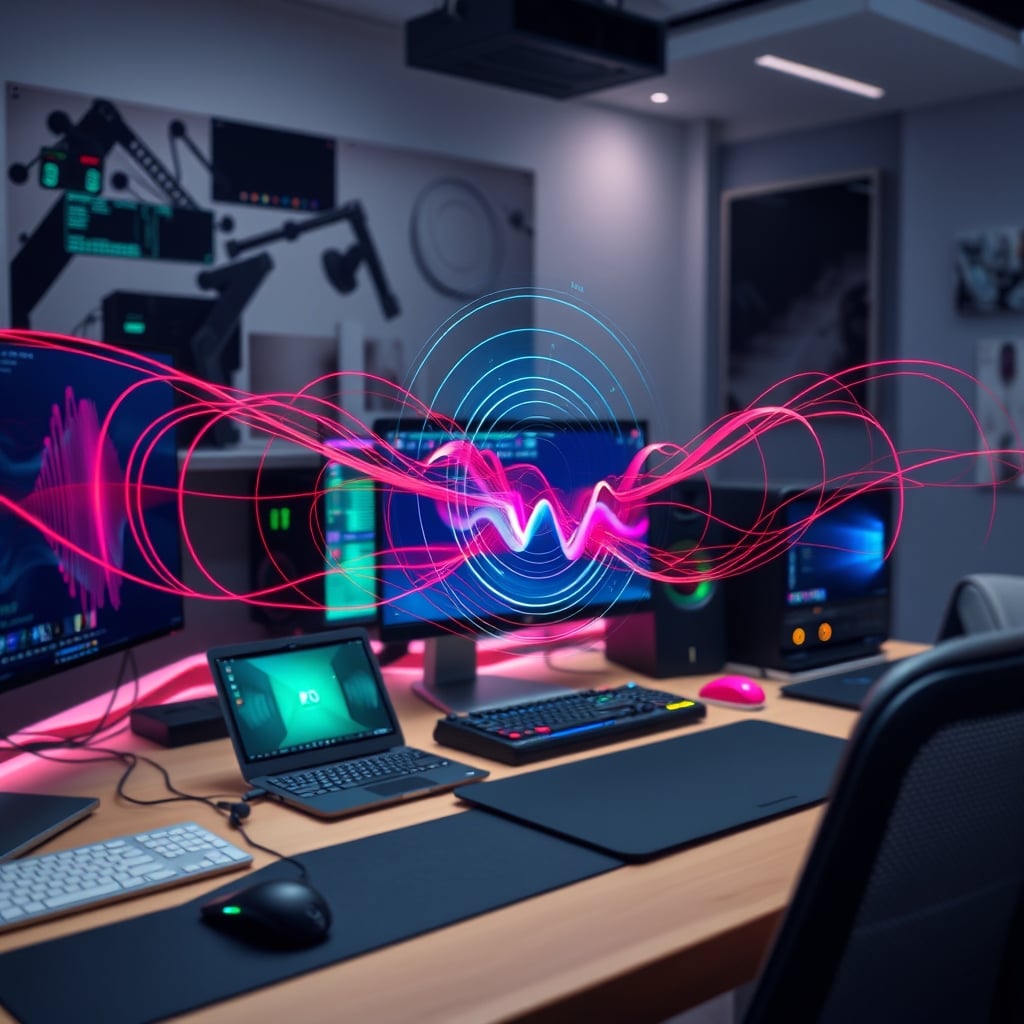
These hubs wrap their internals in metal cages and braided cable shielding, promising EMI-free operation. Here’s the brutal truth: if your RF environment is so dirty that you need a full Faraday cage around your USB hub to get a stable signal, you have much bigger problems. The shielding on a hub is a band-aid on a severed artery. It treats a minor symptom while ignoring the cancerous tumor of your overall RF hygiene. It’s like soundproofing a single window in a house with no roof.
Furthermore, that shielding does nothing for the two feet of unshielded cable running from your hub to your laptop, nor for the noisy power adapter you’ve plugged it into. The noise can ingress after the hub. Based on widespread user feedback, swapping to a shielded hub often yields zero measurable improvement in real-world network throughput, because the hub was never the dominant noise source to begin with.
You’re wasting money if you buy a shielded hub without first auditing your power supplies, relocating your router, and managing the zoo of wireless devices on your desk. This is the real issue.
A Tactical Guide To Actual RF Hygiene For Your Desk
Stop buying new gear and start fixing your environment. This is where the real performance gains are hiding.
- The Power Supply Audit: This is non-negotiable. The cheap, no-name wall-wart powering your hub, your LED strips, and your desk fan is a bigger RF noise generator than any data signal. They’re built with zero filtering. Replace them with brand-name, reputable power supplies. The noise often comes from the dirty DC power, not the USB data lines.
- Antenna Geography Is Everything: Your WiFi router’s antennas are not decorative. Position them vertically, spaced apart, and ensure they have a clear line of sight to your workspace. Get it off the floor, away from large metal objects (like your PC case or filing cabinet), and don’t hide it. This single fix solves more problems than any hub swap ever could.
- The 5GHz Migration: If you’re still camped on a crowded 2.4GHz network in 2026, you are choosing pain. The 2.4GHz band is a dumpster fire of interference from everything: Bluetooth, microwaves, baby monitors, and yes, potential USB 3.0 noise. Move your critical devices (laptop, phone) to a dedicated 5GHz or, better yet, 6GHz (WiFi 6E) SSID. The interference argument almost completely evaporates on 5GHz.
- Cable Management As Shielding: A messy nest of cables acts as a wonderful antenna array, both receiving and transmitting noise. Neat, separated cables—especially keeping power cables away from USB and network cables—reduce cross-talk. Our guide on Cable Management Downsides covers why simply ‘tidying’ isn’t enough; you need strategic separation.
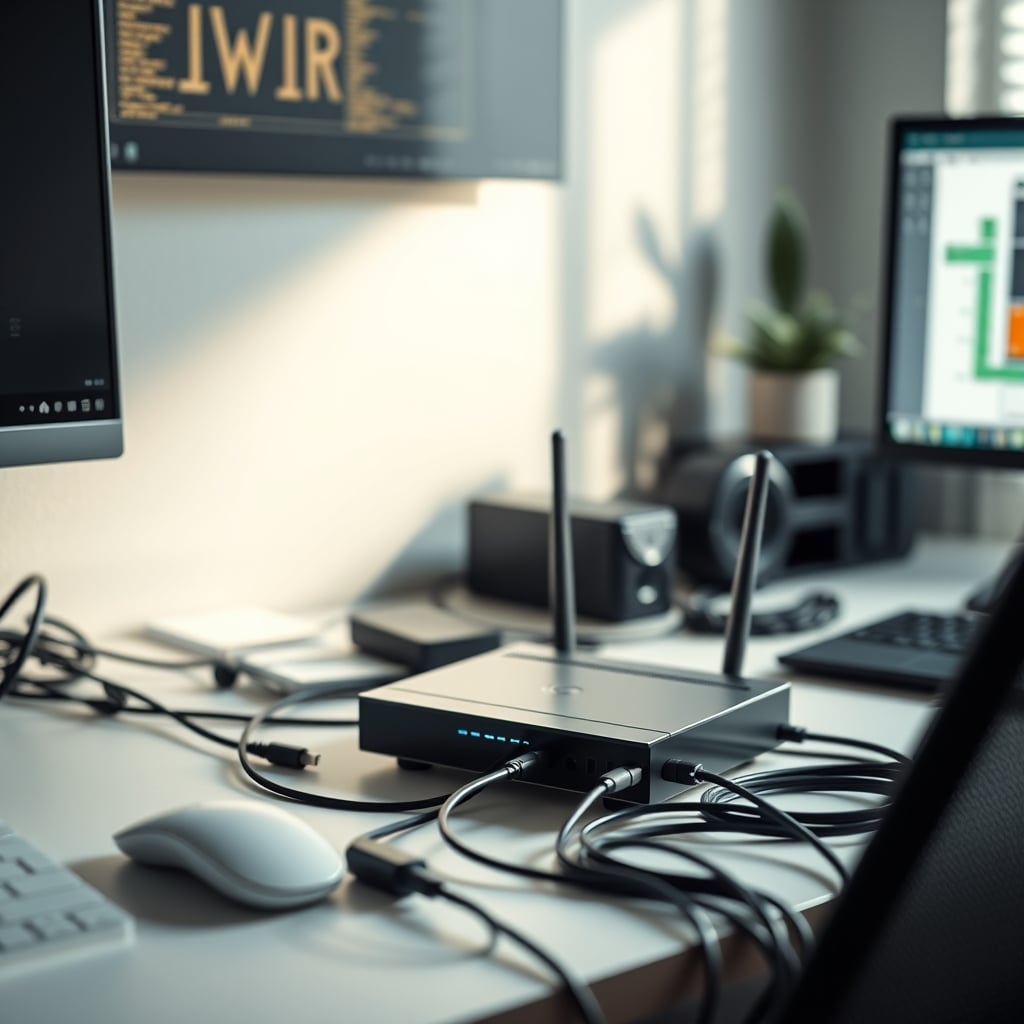
The Only Scenario Where USB Hub Throttling WiFi Actually Matters
Let’s be precise. There is a narrow, specific circumstance where the myth becomes reality: ultra-compact, metal-chassis laptops with internal antennas placed disastrously close to the USB ports.
Some laptop designs, in a quest for thinness, route the WiFi antenna traces right next to the USB controller lanes. In these specific engineering failures, a high-bandwidth USB 3.0 device (like an external SSD) can create enough localized noise to drown out the adjacent, poorly isolated antenna. This isn’t ‘throttling’—it’s a design defect. The fix here isn’t a ‘better’ hub; it’s using a USB extension cable to move the noise source six inches away from the laptop’s weak spot, or using a wired Ethernet connection via a proper dock.
Stop Chasing Ghosts And Start Making Real Connections
The lesson is to think like a network engineer, not a gadget collector. Your goal isn’t to eliminate every potential nanovolt of RF noise; it’s to create a signal-to-noise ratio where your WiFi signal is so strong and clean that background interference is irrelevant.
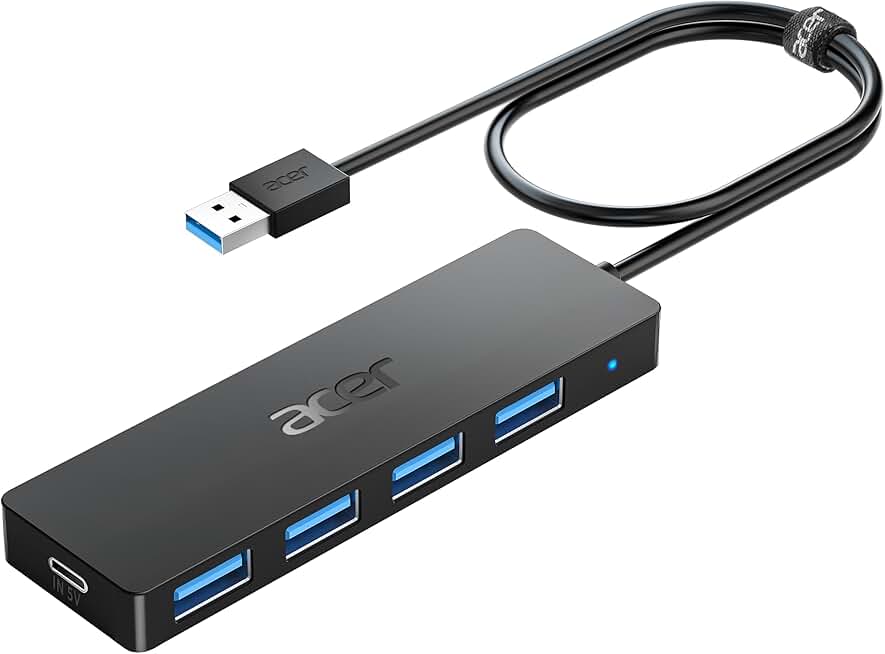
Your money and effort are far better spent on a quality Tripp Lite Industrial USB Hub—not for its mythical shielding, but for its robust construction, stable power delivery, and proven reliability that won’t brown out your peripherals—and a good Ethernet cable. For any stationary desk setup, a wired connection is the ultimate, zero-latency, zero-interference solution. If you must be wireless, invest in a modern mesh router system and place a node near your desk, not in another room.
Remember, as we’ve covered in Active USB Hub Editing Is Secretly Sabotaging Your Workflow, the quest for more ports often introduces more problems than it solves.
Final Verdict: The throttling claim is Overrated. Stop blaming the hub. Your WiFi problems are almost certainly due to a polluted RF environment, poor antenna placement, or simple bandwidth congestion. Fix your foundational setup first. If you still have issues, consider wired Ethernet. That’s the 2026 truth, free of the marketing hype that wants to sell you another box to fix a problem it didn’t cause.
Frequently Asked Questions
Does a USB 3.0 hub always slow down WiFi?
No, this is an overrated and exaggerated claim. While USB 3.0 can generate radio frequency noise around 2.4GHz, it's rarely the primary cause of WiFi slowdowns in a typical 2026 home office. The impact is usually negligible compared to factors like router placement, crowded wireless channels, or bandwidth saturation from other devices.
Should I buy a shielded USB hub to protect my WiFi?
Skip it for this reason alone. Shielded hubs are a band-aid solution. If your RF environment is so noisy that a hub's shielding makes a difference, you have larger systemic issues like dirty power supplies or poor antenna placement that need fixing first. The shielding has no effect on noise introduced by cables or other devices.
What's the biggest real cause of WiFi interference on a desk?
The most common culprit is a combination of poor router/antenna placement (e.g., hidden behind metal or on the floor) and RF pollution from cheap, unfiltered power supplies powering your LEDs, chargers, and gadgets. These create far more widespread interference than a single data hub.
How can I actually fix WiFi issues related to my desk setup?
1. Move your router to a central, elevated location with clear sightlines. 2. Switch your devices to the 5GHz or 6GHz WiFi band. 3. Use quality, brand-name power supplies for all desk accessories. 4. Keep power cables and data cables separated. 5. For ultimate reliability, use a wired Ethernet connection to your computer or a nearby docking station.
Written by
GlowRig Editorial researches and writes practical guides about desk setups and home office gear. Our articles are produced with the help of AI research tools and are reviewed for accuracy against manufacturer specifications and public user feedback. We may earn a commission from affiliate links, which never affects our recommendations.
Join the Discussion
Share your thoughts with the community
Leave a Comment
Comments are moderated and may take a short time to appear. Links are not permitted.