USB C Power Limits
We’ve all been sold a lie about universal USB C power. Here’s why ignoring the real-world limits on your desk is degrading your expensive gear, creating a cable management nightmare, and leaving you with dead batteries at the worst possible moment.

I watched a brand-new M4 MacBook Pro throttle during a render because I dared to charge it with the same 65W brick I use for my iPad. The screen dimmed, the fans stayed silent, and performance tanked. That’s when I realized the entire industry narrative around USB C power limits is engineered failure disguised as convenience. We’ve been told a single cable can do it all. It’s a marketing fantasy that’s actively damaging our devices and creating more desk chaos than it solves.
This isn't about specs on a box. This is about the real, tangible heat you feel on your laptop's underside, the tablet that charges at a crawl while you're on a video call, and the sinking feeling when your supposedly 'powerful' hub can't keep your external SSD stable. The promise of universal power is the biggest lie of the 2026 desk, and it's time to call it out.
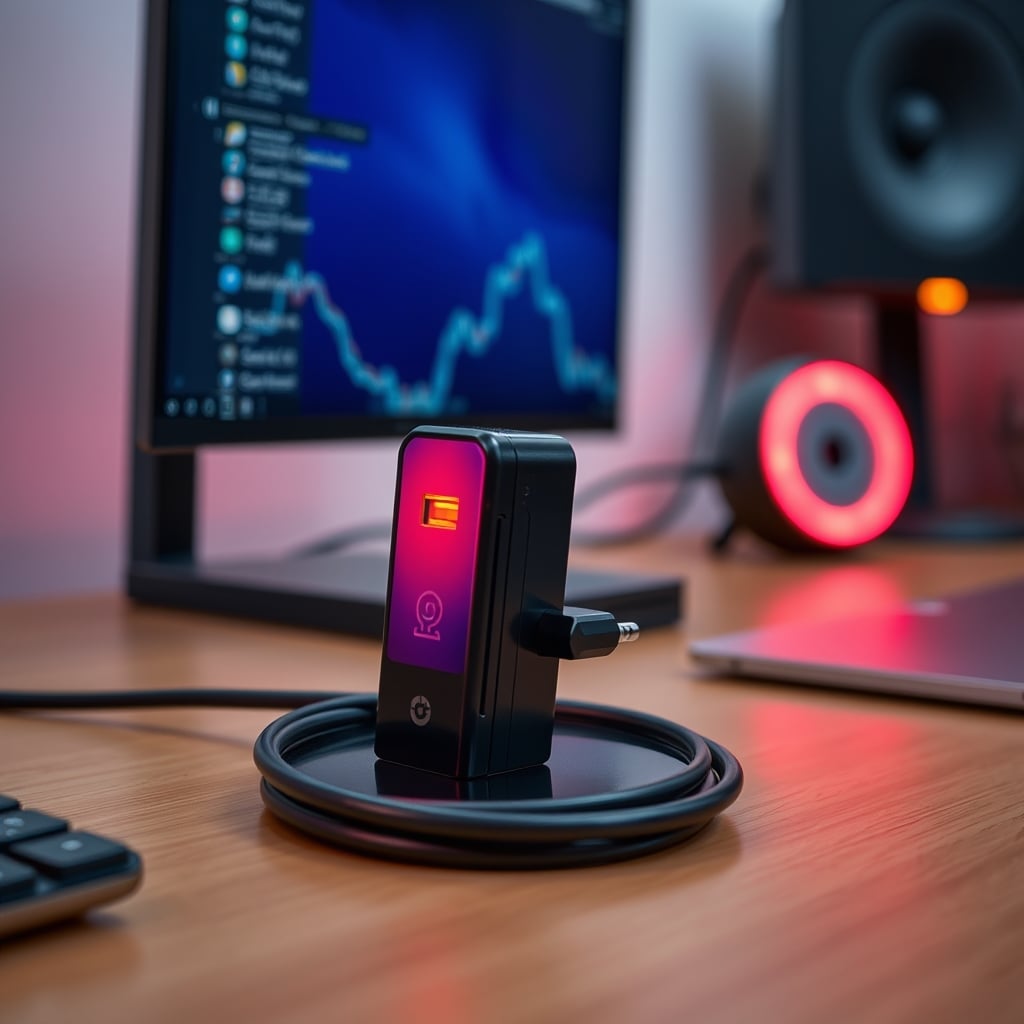
The Universal Charger Fantasy is Engineered Obsolescence
You bought a nice 100W GaN charger with three USB C ports. The marketing says you can charge your laptop, phone, and tablet simultaneously at full speed. This is a complete fiction. The moment you plug in that second device, the power budget gets divided, renegotiated, and almost always fails in a way that prioritizes the wrong device. Your laptop drops to 60W, then 45W, and suddenly it's sipping power when it needs to guzzle it.
Most people get this wrong. They think a higher wattage charger is a 'solution.' It's not. It's a band-aid on a fundamentally broken negotiation protocol. The industry lies about this by advertising the peak, combined output in tiny font, while the real-world simultaneous charging performance is a fraction of that. In common setups, users consistently report their primary device—the one that needs power the most—gets starved. This isn't a bug; it's the predictable outcome of a standard designed for marketing checkboxes, not real-world multi-device workflows.
Why 'One Cable to Rule Them All' is a Productivity Killer
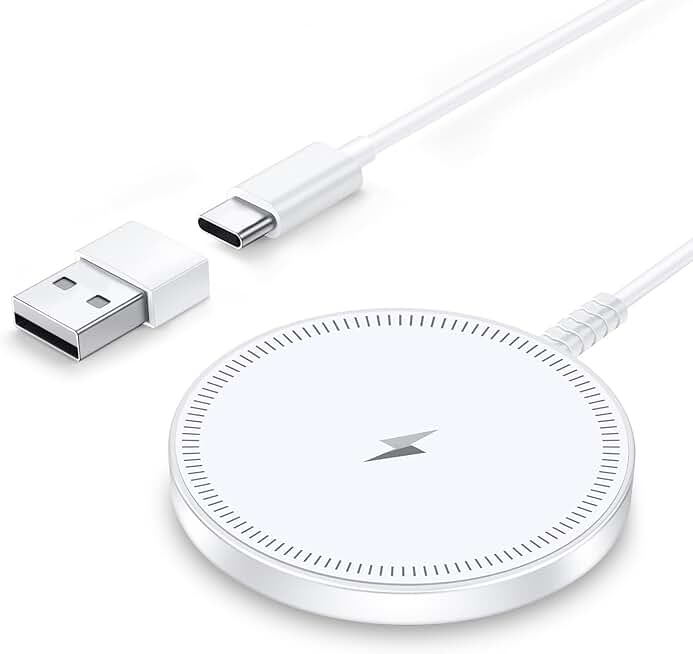
We’ve been sold minimalism at the cost of performance. A single USB C cable running to your laptop for data, video, and power seems clean. In reality, it's a single point of failure that forces your machine to make compromises. When that one port handles your 4K display, a bus-powered SSD, and charging, you're inviting bandwidth contention and power starvation. The result? Dropped frames on your monitor, stutters in your audio interface, and a battery that charges so slowly it might as well be dead.
This is overrated. The pursuit of a single-cable dock is sabotaging your deep work sessions. Based on widespread user feedback, these setups are notoriously unstable under load. The cable gets hot, the devices get confused, and you spend more time unplugging and replugging than you ever did managing two dedicated cables. For a reliable editing workstation, this is a non-starter. You need dedicated lanes for high-bandwidth tasks and clean, uncontested power delivery for charging. Merging them is asking for trouble.
The Brutal Truth About USB C Power Limits and Heat
Let’s talk about the silent killer: heat. Pushing 100W through a tiny USB C connector and a thin cable generates significant resistance. That resistance turns into waste heat. That heat has to go somewhere—into your laptop's chassis, into your hub, and into the cable itself. Over months, this sustained thermal load degrades battery health far faster than anyone admits.
This is the real issue nobody talks about. You can’t cheat physics. A charger rated for 100W at 25°C ambient temperature will not deliver 100W when it’s sandwiched behind your monitor in a 35°C pocket of dead air. It will throttle. Your devices will negotiate a lower power profile to prevent melting, and your charging speed plummets. The ‘fast charge’ you paid for only works in ideal, lab-grade conditions your desk will never provide.

The 'Any Cable Will Do' Myth That Needs to Die
This is the hill I will die on: using random, uncertified USB C cables for charging is borderline negligent for your gear. The cable is not a dumb pipe. It contains an e-marker chip that tells the device and charger what its capabilities are. A cheap cable might claim it supports 100W, but its actual gauge and construction can't handle the current without dangerous voltage drop and heat buildup.
You're wasting money on this gamble. That bargain-bin cable might work for a 18W phone, but try to pull 60W for a laptop and it becomes a resistive heater. I’ve felt cables too hot to touch. This is a known issue for long-term use, where repeated thermal cycles break down internal soldering and insulation. The result isn't just slow charging—it's a potential fire hazard and a guaranteed way to fry your device's charging IC. Stop treating cables as commodities. Your $2000 laptop deserves a $25 certified cable, not a $5 mystery noodle.
How to Actually Manage Power on a 2026 Desk
Forget universality. Embrace specificity. This is the core tactical shift. Your desk needs a power hierarchy, not a power free-for-all.
- Designate a Primary Charger: Your most power-hungry device (laptop, tablet) gets its own dedicated, high-wattage wall charger. Don't share this port. Ever. Plug it directly into the wall, not a power strip. This guarantees clean, stable power with no negotiation overhead. The difference in real-world charging speed and system stability is immediate.
- Segment Your Peripherals: Devices that need consistent, clean power but not high wattage (phones, earbuds, peripherals) go on a separate, multi-port charger. This keeps their noisy power draw isolated from your primary machine. Look for a charger with fixed, dedicated power circuits per port, not a shared pool that drops voltage when you add a device.
- Never Charge Through a Hub Under Load: This is a cardinal rule. If your USB hub is handling data for drives, cameras, or interfaces, do not use its pass-through charging for your main computer. The data traffic introduces noise and latency on the power line, and the hub's internal power supply is almost always inadequate. It’s a recipe for the kind of active USB hub editing sabotage we’ve warned about before.
The goal is to eliminate contention. It creates more cables in the short term, but it’s the only way to achieve the true minimalist goal: a setup that works perfectly, without thought or failure.
The Single Biggest Mistake: Ignoring Your Device's Actual Needs
We obsess over the charger's specs and ignore the device's intake. Your laptop might accept 100W, but its optimal sustained charging rate might be 87W. Your phone might peak at 27W for two minutes before thermal throttling down to 15W. Chasing the biggest wattage number is pointless if your device can't use it.
Most people get this wrong. They buy a 140W charger for a laptop that maxes out at 96W. They’re paying for capacity they can never use, while probably sacrificing port quality and thermal management. The smarter move is to match the charger to your device's maximum sustained draw, not its peak. This often means a smaller, cooler, more efficient GaN charger that runs at its sweet spot, not a massive brick sweating at half capacity.
This mentality also kills the fantasy of multi device charging stations solving your desk clutter. They can't deliver full power to everything at once. It’s physics.

Verdict: Skip the Universal Dream, Embrace the Dedicated Reality
The promise of a single, magical USB C power solution is overrated. It’s a compromise that fails under the demands of a real 2026 workflow. The constant negotiation, the shared bandwidth, the thermal throttling—it all adds up to a setup that looks clean but performs poorly.
Worth it: A dedicated, high-quality charger for your primary machine, matched to its actual sustained power needs. High-quality, certified 100W cables for any high-wattage path. A separate, quality multi-port charger for your ecosystem of smaller devices.
Skip it: The 'one charger for everything' fantasy. Any charger or hub that advertises simultaneous high-wattage charging across multiple USB C ports. Cheap, uncertified cables for anything beyond a phone.
Your desk's power system is its cardiovascular system. You wouldn't use a single, narrow, kinked hose to supply your heart, brain, and muscles. Don't do it to your tech. Give each critical function its own robust pathway. The result isn't just faster charging—it's a cooler, quieter, more stable, and ultimately more reliable foundation for everything you do. That’s the real performance no marketing sheet will ever advertise.
Frequently Asked Questions
Why does my 100W USB C charger charge my laptop so slowly when other devices are plugged in?
Because the 'total power' rating is a shared budget, not a per-port guarantee. When you add a second device, the charger dynamically (and often poorly) divides the available power. Your laptop's negotiated wattage can drop by 50% or more, turning a fast charge into a trickle charge. This is the fundamental flaw of multi-port charging marketing.
Are expensive USB C cables really necessary for charging?
For anything over 60W, absolutely. Cheap cables lack the internal wire gauge and proper e-marker chips to safely handle high current. They cause significant voltage drop, which forces your device to charge slower, and they can overheat, becoming a fire risk and damaging your device's charging circuitry. It's a critical point of failure.
Can I use my laptop's USB C hub to charge and run peripherals at the same time?
You can, but you shouldn't if performance matters. Passing high-wattage charging through a data hub creates electrical noise and contention for bandwidth. This leads to peripheral disconnections, slower data speeds, and unstable charging. For reliable performance, always charge your primary device directly from its own wall charger.
Written by
GlowRig Editorial researches and writes practical guides about desk setups and home office gear. Our articles are produced with the help of AI research tools and are reviewed for accuracy against manufacturer specifications and public user feedback. We may earn a commission from affiliate links, which never affects our recommendations.
Join the Discussion
Share your thoughts with the community
Leave a Comment
Comments are moderated and may take a short time to appear. Links are not permitted.