Slow Wireless Charging Limits
The industry pushes wireless charging as a sleek solution, but in real desk use, it's a trap. The inefficiency, heat, and actual latency make it a poor choice for anyone who needs their device ready to go. This is not convenience; it's compromise.
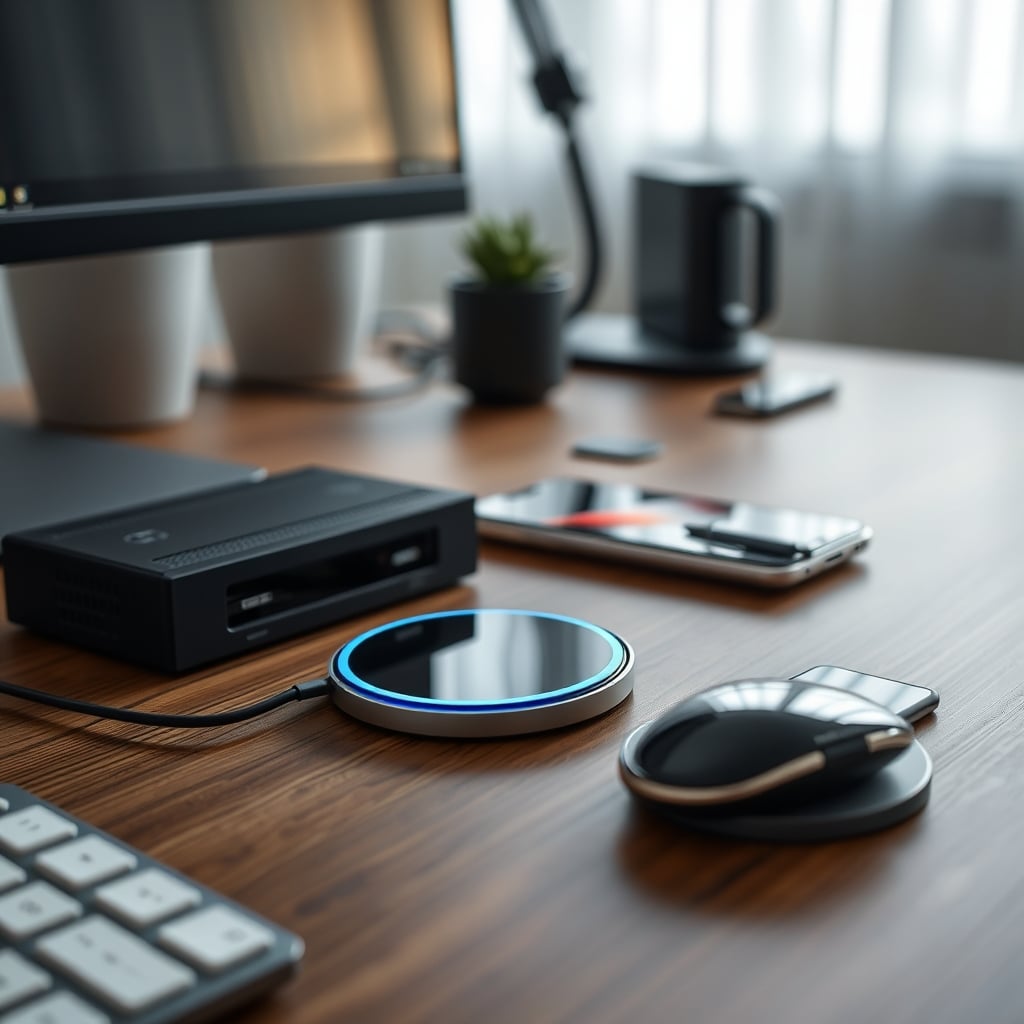
Let’s cut the marketing crap right now. You bought that sleek wireless charging pad for your desk because it promised a tidy, cable-free future. You placed your phone on it, felt a mild sense of technological accomplishment, and then… you waited. And waited. This isn’t a minor quirk; it’s the core flaw. Slow wireless charging is, for any serious desk setup focused on utility and readiness, a glorified nightstand gadget. It’s designed for passive, overnight topping-up, not for the dynamic, grab-and-go demands of a workday. I’ve watched countless users, after the initial novelty wears off, revert to a cable tucked under their monitor arm because when you need a charge now, you don’t have time for physics to sabotage you.
Why Your Desk Is The Worst Place For a Wireless Charger
The desk is a zone of active use. Your phone or tablet is a tool you pick up dozens of times a day for messages, quick research, or a call. Wireless charging, by its fundamental design, opposes this rhythm. The moment you lift the device, the charging stops. This isn’t a feature; it’s a critical failure for workflow. It creates a psychological lock-in—you feel you can’t move your phone because you’ll interrupt the already-slow trickle of power. What you’ve actually installed is a productivity anchor. Furthermore, desk surfaces are prime real estate. Sacrificing a chunk of it to a pad that only works when the device is static and perfectly aligned is a terrible trade. Most cable management solutions are over-engineered, but a single, well-routed USB-C cable snaked to a dedicated port offers instant, full-speed power without claiming permanent territory. The industry lies about this being “convenient.” It’s convenient only for aesthetics, not for function.
The Slow Wireless Charging Myth That Needs To Die
There’s a pervasive myth that wireless charging is “good enough” for daytime use. This is complete nonsense. The standard 5W Qi charging most pads offer—even many claiming “fast” wireless—is a fraction of what modern devices can intake via cable. For a phone that supports 30W wired charging, using a 5W wireless pad means you’re operating at less than 20% of its potential. This isn’t a trade-off; it’s a self-imposed handicap. This doesn’t work for maintaining a device during heavy use. If you’re running video calls, navigating maps, or using your phone as a secondary screen, the wireless charger will likely not even offset the drain. You’ll end up with a hotter device and a lower battery than if you’d just plugged in for ten minutes. The myth of “good enough” is a sales tactic, not a technical reality.
Heat Is The Silent Killer You’re Ignoring
This is the real issue nobody talks about at the desk. Wireless charging generates significant heat—in the charger itself and, more critically, in your device’s battery. That heat isn’t just wasteful energy; it’s actively degrading your battery’s long-term health. Lithium-ion batteries hate heat. Consistent exposure to elevated temperatures during charging accelerates capacity loss. On a desk, where a pad might be passively charging for hours during intermittent use, you’re essentially cooking your battery in slow motion. Users consistently report their devices feeling noticeably warmer on wireless pads than with cables, even with the same power draw. For a tool you rely on daily, this is unacceptable. If you care about your device’s lifespan, this method is actively harmful. It’s overrated for any scenario where you care about the hardware.
The Cable Is Still The King of Performance
Let’s be blunt: for a desk setup, a cable is superior in every performance metric. Speed, efficiency, reliability, and device health. The physical connection eliminates alignment issues, ensures consistent power delivery, and doesn’t waste energy as heat. The argument against cables is purely aesthetic and organizational—a problem that’s solved with a minute of planning. Run a single, high-quality USB-C cable from a capable charger like a multi-port GaN station to a dedicated spot on your desk. It’s always ready, delivers full power instantly, and doesn’t clutter your space if you manage it properly. The push for wireless is a push for a worse user experience dressed up as minimalist chic. For real, uninterrupted work, you need guaranteed power, not probabilistic placement.
Where Wireless Charging Actually Makes Sense (It’s Not Your Desk)
I’m not saying wireless charging is universally bad. I’m saying its application on an active work desk is misguided. It has a rightful place: passive charging locations. Your nightstand. Your car mount (for navigation-centric use). The living room side table. These are places where the device sits undisturbed for long periods, and the speed penalty is irrelevant. The “convenience” there is real—you drop it and forget it. But on your desk, where the device is an interactive tool, the constant placement-and-lift cycle turns that convenience into a friction point. Most people get this wrong. They transplant a nightstand solution into a workspace context and then blame the device for slow charging. The context is wrong.
The Multi-Device Charging Hub Lie Exposed
A common “solution” pitched is a multi-device wireless charging hub. This is often worse. These hubs frequently share a limited power budget across multiple coils, meaning if you place two devices, each gets even less power. They also become heat hotspots. The promise of a tidy, one-stop charging station collapses under the reality of simultaneous slow wireless charging for everything. You’re not solving the problem; you’re amplifying it. If you need to charge multiple devices at your desk, a high-wattage wired hub with multiple ports is the only performant answer. The wireless multi-hub is a marketing fantasy that fails under load.
Your Actionable, Non-BS Desk Charging Strategy
Stop trying to make wireless work on your desk. Here’s what you do instead. First, identify your device’s maximum wired charging capability (check its specs). Then, buy a GaN charger that meets or exceeds that wattage. Anchor it permanently to your desk’s power infrastructure. Second, run a single, high-quality cable from that charger to a specific, accessible point on your desk surface—maybe anchored under a monitor arm or through a grommet. This is your dedicated “high-speed lane.” Third, for true cable management elegance, use a magnetic cable tip adapter. This gives you the “drop and connect” ease of wireless, but with the full speed and efficiency of a wired connection. It’s the actual hybrid solution that works. This approach gives you instant, full-power access without the heat, alignment anxiety, or speed penalty.
Common Mistakes That Sabotage Your Desk Power
- Chasing the Wireless Aesthetic: Prioritizing looks over function. A clean desk is great, but a useless desk is not.
- Using Underpowered Chargers: Even if you insist on wireless, using a basic 5W pad on a phone that supports 15W wireless is self-sabotage. Match the capability.
- Ignoring Heat Dissipation: Placing a wireless charger on a soft surface or in a confined space worsens heat buildup. It needs airflow.
- Assuming It’s “Always On”: Wireless charging isn’t a battery tender. The intermittent use pattern at a desk means it’s often off, not charging.
Learn from the widespread user feedback: the novelty fades, and the performance frustration remains. This is a known issue for long-term desk use.
The Final Verdict: Skip It For Your Desk
For an active workspace, slow wireless charging is overrated. It’s a solution for a different problem (passive, overnight charging) misapplied to your desk. The performance hit, the heat generation, and the workflow friction are real costs that outweigh the aesthetic benefit. The cable, especially when managed well, remains the undisputed king of reliability and speed. If you want a tidy desk, invest time in real cable management, not in a technology that makes your primary tools less effective. For your desk setup in 2026, skip the wireless charging pad. It’s a nightstand gadget pretending to be a productivity tool.
Written by
GlowRig Editorial researches and writes practical guides about desk setups and home office gear. Our articles are produced with the help of AI research tools and are reviewed for accuracy against manufacturer specifications and public user feedback. We may earn a commission from affiliate links, which never affects our recommendations.
Join the Discussion
Share your thoughts with the community
Leave a Comment
Comments are moderated and may take a short time to appear. Links are not permitted.