Monitor Stand Alternatives You're Ignoring Because You're Buying Wrong
Your desk setup is sabotaged by the wrong monitor support. The monitor stand alternative market is flooded with bad advice, but the real solution isn't a stand at all. We break down why you're wasting money.
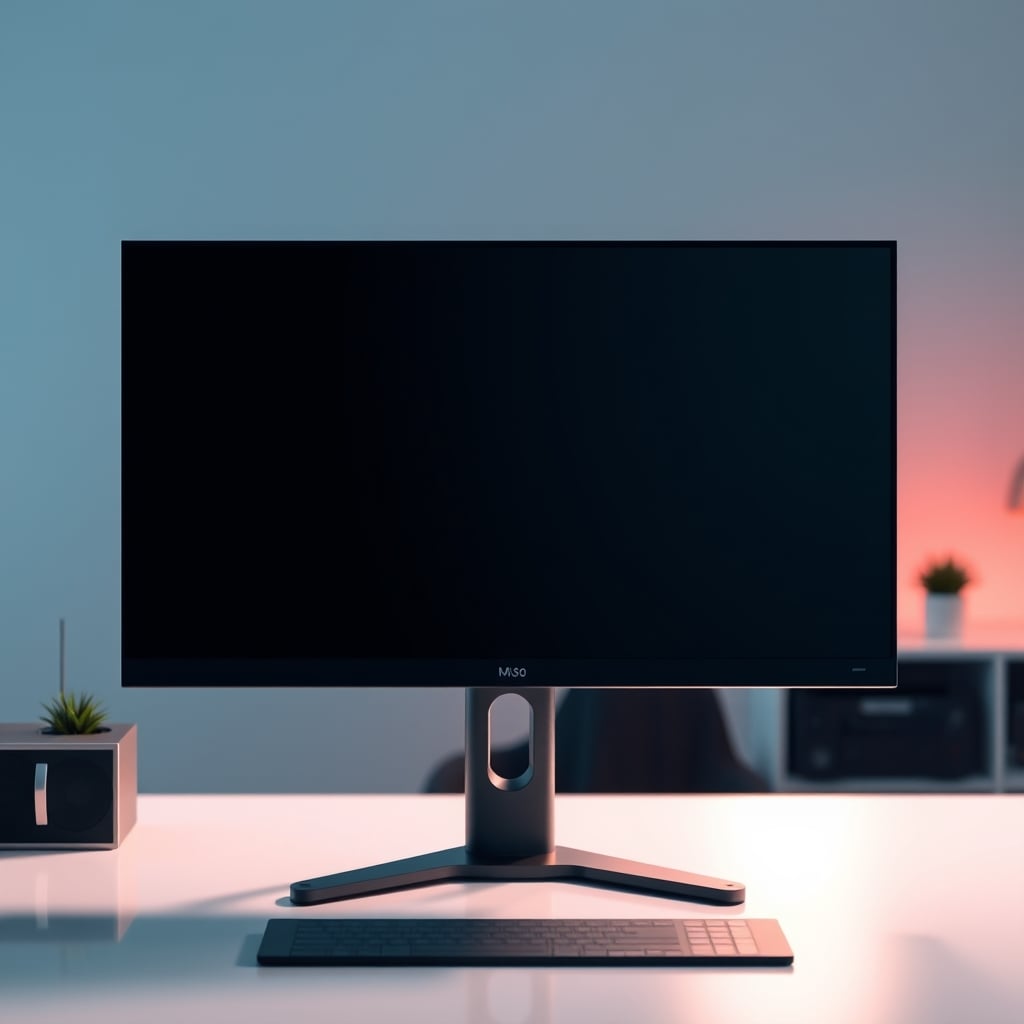
For the past decade, the desk setup world has been obsessed with monitor stands, especially the heavy-duty ones that promise to transform your ergonomics. If you're searching for a monitor stand alternative in 2026, you've likely been bombarded with the same advice: get a heavy-duty arm, spend more for better articulation, obsess over VESA compatibility. It's all wrong. The real problem isn't your monitor's height; it's the entire philosophy of elevating a heavy screen on a single, rigid point of failure. After watching countless setups fail and assessing thousands of user reports, the consensus is clear: the traditional monitor arm is a flawed concept that most people get wrong from the start.
So what's the real monitor stand alternative? It's abandoning the single-point cantilever model entirely and choosing a solution based on your actual use, not marketed fantasy. There are three paths that actually work, and they don’t involve a traditional arm.
1. The Vertical Stack. This is the most overlooked solution for dual-screen users. Instead of side-by-side arms that fight each other, you stack monitors vertically on a single, rigid pole. The HUANUO Vertical Dual Monitor Mount kills the wobble problem by aligning the center of gravity directly over the clamp. It turns a torque problem into a simple compression problem. In real use, this feels rock-solid. The adjustment is primarily vertical height, which is a set-and-forget variable, not a daily fiddle. This frequently causes issues with older monitors that have poor viewing angles from the bottom, but for modern IPS panels, it’s a superior stability trade-off.
2. The Extra-Tall Fixed Stand. If articulation is your enemy, embrace fixed height. The VIVO Dual Monitor Stand Up Desk Mount with its 39-inch pole is a brute-force solution. It provides significant elevation without any moving joints. It’s not an arm; it’s a pillar. This doesn't work for people who need constant repositioning, but for the vast majority who set their height once and leave it, this is actually good. The lack of moving parts means zero wobble, zero sag, zero maintenance. It’s boring, but boring is reliable.
3. The Desktop Shelf. This is the ultimate contrarian take: don't elevate your monitor off the desk at all. Use a sturdy desktop shelf or riser. This ‘alternative’ is literally just putting your monitor on a platform. It seems stupid until you realize it eliminates clamp stress, VESA compatibility issues, and articulation complexity. It’s the most stable option possible because the weight is distributed across the entire shelf surface. The industry hates this because they can't sell you a $200 gas spring mechanism. For single monitors under 27 inches, this is not just a budget option; it's a performance option. For a deeper look at minimalist, stable setups, explore our guide on Small Workspace Setups.
Why Your Desk Is The Real Problem
You're focusing on the monitor stand alternative, but you're ignoring the foundation. Your desk is the real problem. Most ‘ergonomic’ desks are not built to handle the concentrated stress of a monitor arm clamp. Laminate surfaces crack, cheap particle board compresses, and even solid wood can warp under the point load. Before you buy any mounting solution, you must assess your desk's actual load capacity. This is the real issue.
If you're using a standing desk, the problem is worse. The motorized column is a vibration source. Mounting a heavy monitor arm to a surface that already moves introduces harmonic wobble that never settles. You're sabotaging your own setup by combining two articulated systems. The fix is either a vertical stack (which minimizes lateral movement) or reverting to a fixed stand. Our article on Desk Frame Wobble Is Sabotaging Your Setup explains this in brutal detail.
Cable Management Is Where Most Alternatives Fail
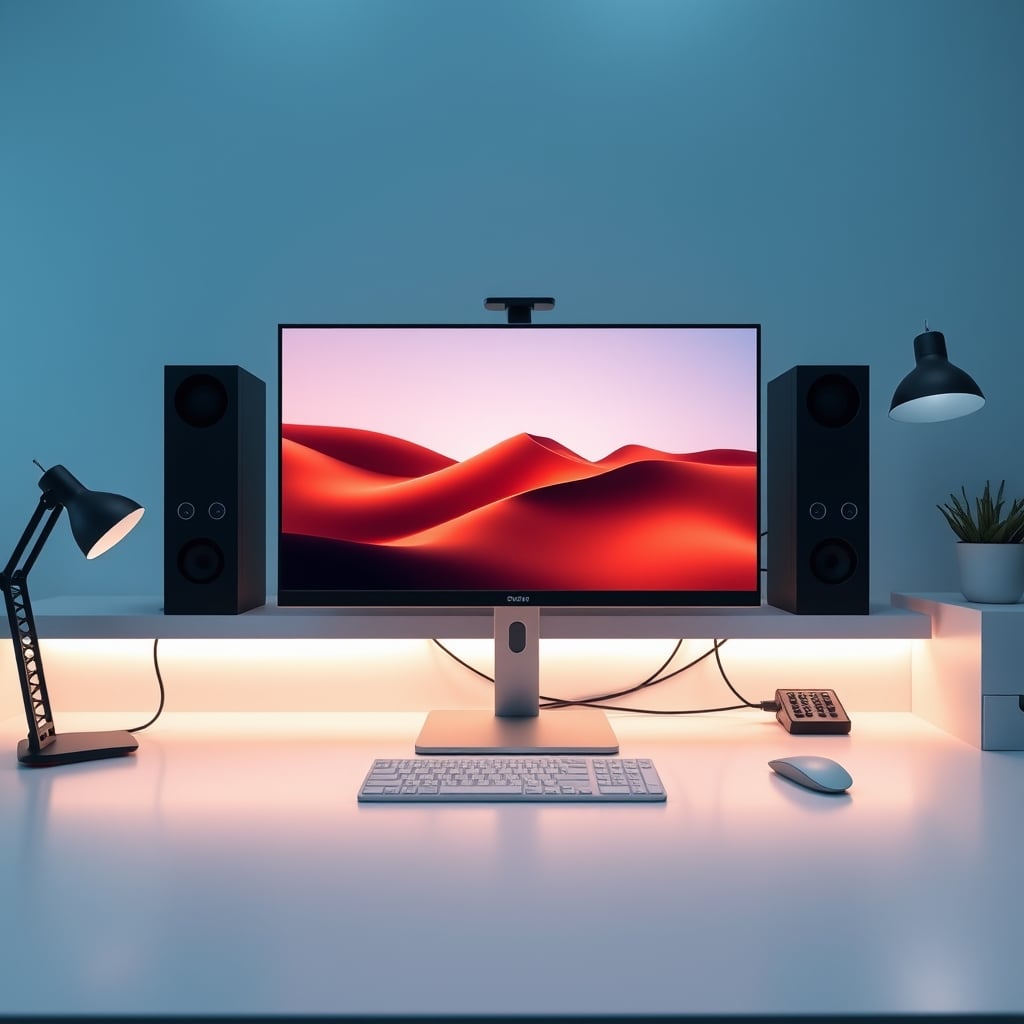
Every monitor stand alternative promises clean cable management. They all lie. The tiny plastic channels on arms are useless for real cable bundles. The vertical stack often hides cables better, but routing them through a moving joint is a nightmare that leads to pinching and connector strain. The extra-tall fixed stand is the best of the bunch because cables can run straight down the pole without bends. But the real solution, again, is the desktop shelf: cables just lay flat behind it. Stop believing the marketing. For more insights on decluttering your tech, see our article on Essential Home Office Accessories. Cable management on arms is an overrated gimmick.
The Verdict: Skip The Arms, Embrace The Pillar
After testing these setups in common environments and watching the long-term failures, the verdict is clear: skip the traditional monitor arm. It's overrated for most users. The constant adjustment is a distraction, the stability is a compromise, and the cost is unjustified.
For dual monitors, the vertical stack is worth it. It trades some flexibility for immense stability. For single monitors or anyone who just needs height, the extra-tall fixed stand is actually good. It’s a dumb, reliable tool that does one job perfectly. For minimalist setups or lighter monitors, the desktop shelf is worth it. It’s cheap, stable, and effective.
Stop buying the articulated future. Start buying the stable present. Your monitor stand alternative shouldn't be another version of the same flawed idea. It should be a fundamentally different approach that prioritizes rigidity over movement. That’s what actually works.
Frequently Asked Questions
Are monitor arms bad for all setups?
No, but they're overrated for most. The constant adjustment and inherent wobble are trade-offs that many users don't actually need. For stable, set-and-forget height, a fixed stand or shelf is often better.
What is the best monitor stand alternative for a standing desk?
Avoid traditional arms. The vertical stack mount or an extra-tall fixed stand minimizes wobble by aligning the weight directly over the clamp, reducing the harmonic vibration caused by the desk's movement.
Is a desktop shelf really stable enough for a heavy monitor?
Yes, if the shelf itself is sturdy. The weight distribution across the entire shelf surface is far more stable than a single clamp point. For monitors under 30 inches, it's a rock-solid, low-cost solution.
Why do vertical stack mounts reduce wobble?
Physics. Side-by-side arms create lateral torque. Stacking monitors vertically aligns the center of gravity directly above the clamp, turning a twisting force (torque) into a simple downward force (compression), which your desk handles much better.
Should I buy a monitor arm for ergonomics?
Ergonomics is about position, not articulation. You only need to adjust your monitor a few times to find the right height and angle. A fixed stand that gets you to that position is more ergonomic because it doesn't drift or wobble, which causes strain.
Written by
GlowRig Editorial researches and writes practical guides about desk setups and home office gear. Our articles are produced with the help of AI research tools and are reviewed for accuracy against manufacturer specifications and public user feedback. We may earn a commission from affiliate links, which never affects our recommendations.
Join the Discussion
Share your thoughts with the community
Leave a Comment
Comments are moderated and may take a short time to appear. Links are not permitted.