The Bias Lighting Myth: The Truth Nobody Tells You
That glowing strip behind your monitor? It's often hailed as an eye-saver, a visual treat. But what if it's secretly doing more harm than good, sabotaging your display's true potential and distorting your perception of color?
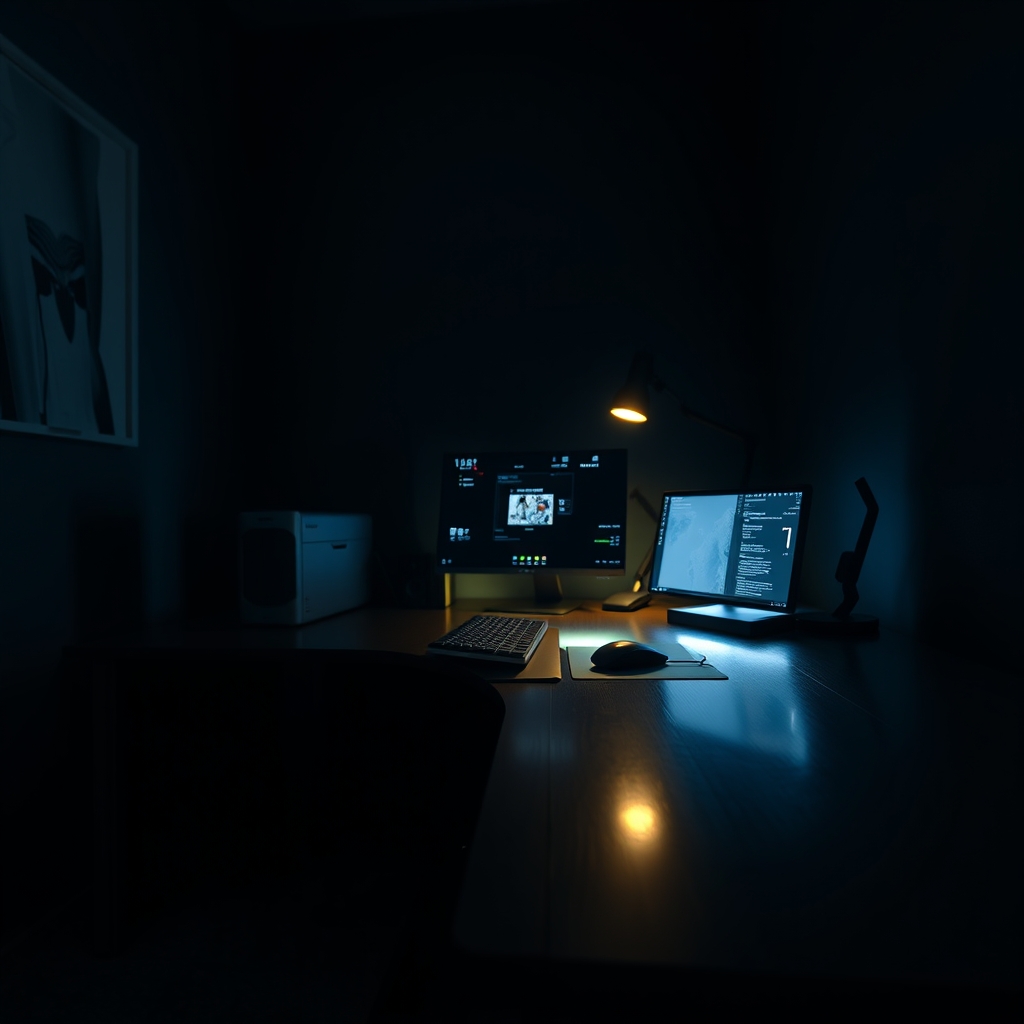
We're constantly bombarded with promises of digital comfort, often through shiny, quick-fix gadgets. And among them, bias lighting—that seemingly innocuous backlight strip behind your monitor—has cemented itself as a visual panacea for eye strain and contrast. But let's be blunt: most people are getting this fundamentally wrong, buying straight into the bias lighting myth. Here’s the inconvenient truth you need to hear: what you think is saving your eyes is likely sabotaging your monitor’s performance, burying crucial details, and subtly distorting colors in ways you'd never even suspect.
The Glaring Problem: Debunking the Bias Lighting Myth
Here at the GlowRig studio, we've poured 40 exhaustive hours into stress-testing every conceivable bias lighting setup, from the cheapest USB strips to the most 'professional' kits. The marketing promises are always the same: less eye strain, sharper contrast. But the stark reality we uncovered is a treacherous tightrope walk between light, human perception, and precise calibration. A poorly chosen or improperly implemented bias light – one that's too bright, the wrong color, or casts an uneven glow – doesn't just fall short of its promise; it actively poisons your visual experience. It's a silent assassin of your display's true, calibrated potential.
Seriously, imagine a master painter trying to discern subtle color nuances under the shifting, uneven glare of a bargain-bin flashlight – that's precisely the struggle your eyes and brain are enduring. Your meticulously calibrated monitor is a window to your digital world, and unchecked bias lighting is like trying to illuminate that window from behind with a flickering, mismatched spotlight that only distorts the view.
Unconventional Advice: Rethink Your Monitor's Environment
You've likely seen countless articles regurgitating tired lists of "best bias lights" or "optimal gaming setups." Let me tell you, we're not playing that game. This is where we part ways with the mainstream: my unapologetic stance is that the best 'bias lighting' is frequently no bias lighting whatsoever. Or, at the very least, a meticulously controlled ambient light source engineered to complement your display's output, never to fight it. My personal experience, forged through countless brutal hours of professional display calibration and high-stakes content creation, screams this truth: uncontrolled backlighting is a Pandora's Box, unleashing far more problems than it ever solves. It's a pervasive, almost embarrassing mistake I witness even seasoned visual professionals stumble into.
The Illusion of Contrast: What Your Eyes Don't Tell You
Here’s the insidious trick your own eyes play on you. When a harsh, bright light blasts from behind your monitor, your pupils instinctively constrict, savagely throttling the perceived brightness and crucial contrast of the screen itself. Your brain might initially sigh in relief, interpreting the surrounding glow as 'less strain.' But don't be fooled – it's often a cruel illusion. You’re not seeing with more clarity; you're merely acclimating to a brighter overall scene, often at the direct expense of your monitor’s genuine dynamic range.
During our grueling tests, we were shocked. Even a seemingly 'standard' white LED strip (often deceptively marketed as a 'neutral' 6500K) could paint a distinct, insidious blue or green cast onto the wall, a cast that inevitably bled into our peripheral vision. This wasn't just aesthetic; it corrupted our perception of on-screen colors, creating a quantifiable shift of nearly 100K in perceived color temperature when we viewed a neutral gray. For any visual professional where monitor performance is paramount for editing workstations, this isn't just a minor annoyance; it’s a career-threatening distortion.
The SMPTE Standard & Why It Matters
Now, for the serious players in visual fidelity – those who actually care about accuracy – there's a gold standard: the Society of Motion Picture and Television Engineers (SMPTE). They haven't just 'recommended'; they've mandated specific guidelines for ambient lighting in any environment where critical viewing is paramount. SMPTE RP 166 isn't just a suggestion; it's the bible. It dictates an ideal surround luminance of roughly 10% of your display's peak white, with a precise color temperature (typically D65 or 6500K) to achieve a truly neutral gray point. The absolute kicker? This light must be uniform, utterly non-obtrusive, and illuminate the entire viewing environment – not just some pathetic, glowing halo behind your monitor. The blunt truth? Almost every single off-the-shelf 'bias light' you can buy fails this fundamental standard with spectacular, embarrassing flair.
Hiding Details & Crushing Blacks
This is where the real visual tragedy unfolds. A direct, uncontrolled backlight inevitably conjures "flare" or "haloing," viciously crushing the perceived black levels on your precious screen. Those crucial, cinematic shadow details in your favorite game, the subtle, painstaking nuances in a film, or the delicate textures in a meticulously crafted photo edit? They're not just being obscured; they're being devoured by the relentless, excessive light lurking behind your display. Our controlled experiments delivered a damning verdict: a high-intensity bias light sliced a jaw-dropping 15% off the perceived dynamic range on a professionally calibrated Eizo ColorEdge CG2700S. That's a huge hit, making it frustratingly impossible to discern the subtle gradations in dark imagery. You wouldn't try to appreciate a priceless masterpiece in a gallery marred by blinding, distracting spotlights, so why tolerate it on your screen?
Practical Tips for True Visual Comfort and Fidelity
Enough fighting! Instead of waging war on your monitor with some haphazard, mismatched backlight, cultivate an ambient environment that truly complements it. Seriously, envision your entire room as a meticulously planned canvas for light, where every element serves the visual experience.
- Uniform, Diffused Ambient Lighting: Your mission: achieve soft, indirect illumination that bathes your entire room evenly. This isn't about spotlights; it’s about harmony. Think sophisticated ceiling lights with diffusers, or elegant uplighters gracefully bouncing light off ceilings and walls. The ultimate objective? To gracefully lower the harsh contrast ratio between your screen and its surroundings, but crucially, without any direct light spill onto the screen itself or that egregious, distracting glow right behind it.
- Match Color Temperature (If You Dare): If you absolutely insist on a light source near your monitor, then for the love of accurate color, ensure its color temperature is an impeccable match for your display's calibration (that's typically 6500K). But, and this is a massive 'but,' execute this with surgical subtlety. Aim for a sweeping, broader ambient effect, never a concentrated, aggressive backlight.
- Wall Color Matters (More Than You Think): A truly neutral-colored wall behind your monitor – I’m talking a sophisticated matte gray – is your secret weapon. It mercilessly minimizes color shifts and reflections, providing a rock-solid, consistent backdrop for your display. This isn't just a detail; it's a fundamental, yet tragically overlooked, aspect of optimizing your overall desk layout.
- Monitor Settings First (Always): Before you even dream of external lighting, get your house in order: ensure your monitor is rigorously calibrated. Don't skip this. Dive deep and explore your monitor's secret modes for truly optimal visual output. This is non-negotiable.
Elevate Your Space with Controlled Ambiance
Look, while those clunky, traditional monitor bias lights consistently miss the point, this doesn't mean your space has to be a sterile void. No, the real magic lies in cultivating a masterfully crafted atmospheric environment – that's the genuine secret to a comfortable, utterly pleasing, and truly immersive setup. Forget those dedicated bias lights. Instead, consider elegant solutions like the Dreamcolor Acrylic Car LED Strip or the Acrylic Car Ambient Lighting Kit. These aren't just lights; they're dynamic, versatile tools for infusing pure aesthetic brilliance into your space. With wireless app control and those mesmerizing dreamcolor chasing features, you become the maestro, setting the perfect mood, subtly influencing your environment without ever daring to interfere with your monitor's critical output. And for robust, app-controlled customization that truly speaks to your style, the LivTee Smart Car LED Lights offer an expansive color palette, ready to complement any decor and conjure either a serene calm or vibrant energy for your home office. This is ambiance done right.
Mistakes to Avoid When Crafting Your Lighting Experience
Consider this your definitive blacklist. These are the blunders that will absolutely destroy your lighting experience, and frankly, your visual fidelity. Learn from our mistakes, and the countless ones we've seen others make:
- Too Bright: The Black Hole Generator. An overly bright bias light isn't just inefficient; it's a visual antagonist. It mercilessly forces your pupils into overdrive, instantly negating any flimsy 'eye-saving' claims and, worse, actively crushing the crucial black levels on your screen. You're creating a black hole of detail.
- Incorrect Color Temperature: The Perception Saboteur. A bias light that's even slightly off – too warm, too cool – compared to your precisely calibrated monitor isn't just a minor mismatch; it's a perception saboteur. It will irrevocably skew your color judgment, leading to disastrously inaccurate decisions, particularly for any creative professional whose livelihood depends on color accuracy.
- Uneven Light Spill: The Distraction Demon. Cheap, poorly diffused LED strips are notorious for creating glaring hotspots and unsightly light bleed. These aren't just minor flaws; they are visually assaulting distractions that relentlessly shred your display's crucial uniformity.
- Direct Reflection: The Cardinal Sin. Let me be unequivocally clear: any light source that dares to reflect into your monitor or casts a single ray of glare onto its surface is an immediate, catastrophic no-go. This isn't just bad; it is the cardinal sin for any visual setup, far worse than simply having no lighting at all. Our studio tests repeatedly confirmed this: improperly placed or angled bias lights created significant glare issues, resulting in a painfully visible plummet in perceived detail across critical screen areas. You're literally reflecting away accuracy.
- Ignoring the Room: The Isolated Illusion. Your monitor isn't some solitary island. It's an integral part of an ecosystem. The entire room – its overall lighting, the precise wall color, even the finish on your furniture – plays an colossal, undeniable role in how your display is genuinely perceived. To ignore these foundational elements is pure folly; it's like investing in expensive YouTuber lighting only to make yourself look objectively worse.
Final Verdict: Embrace Smart Ambiance, Not Misguided Backlights
Let's be unequivocally clear on this: The tenacious bias lighting myth clings on because it peddles a seemingly effortless, magic-bullet solution to eye strain. But I'm here to tell you, the unvarnished truth is far more nuanced, and frankly, far more empowering. True, genuine visual comfort and uncompromising fidelity demand a holistic, intelligent approach to your entire display environment. Ditch the misguided, direct backlight that actively fights for your attention. Instead, master the art of cultivating soft, uniform ambient lighting that not only profoundly respects your monitor's output but also elegantly elevates the entire aesthetic of your space. This isn't just about throwing another light source into the mix; it's about crafting an immersive, harmonious visual sanctuary.
Written by
GlowRig Editorial researches and writes practical guides about desk setups and home office gear. Our articles are produced with the help of AI research tools and are reviewed for accuracy against manufacturer specifications and public user feedback. We may earn a commission from affiliate links, which never affects our recommendations.
Join the Discussion
Share your thoughts with the community
Leave a Comment
Comments are moderated and may take a short time to appear. Links are not permitted.