GAN Chargers Desk Cable Guide
Your desk cable setup isn't just messy, it's dangerous. We cut through the marketing fluff on GAN chargers desk cable solutions and expose why your current power strategy is silently throttling performance and risking your hardware. Here's what actually works.
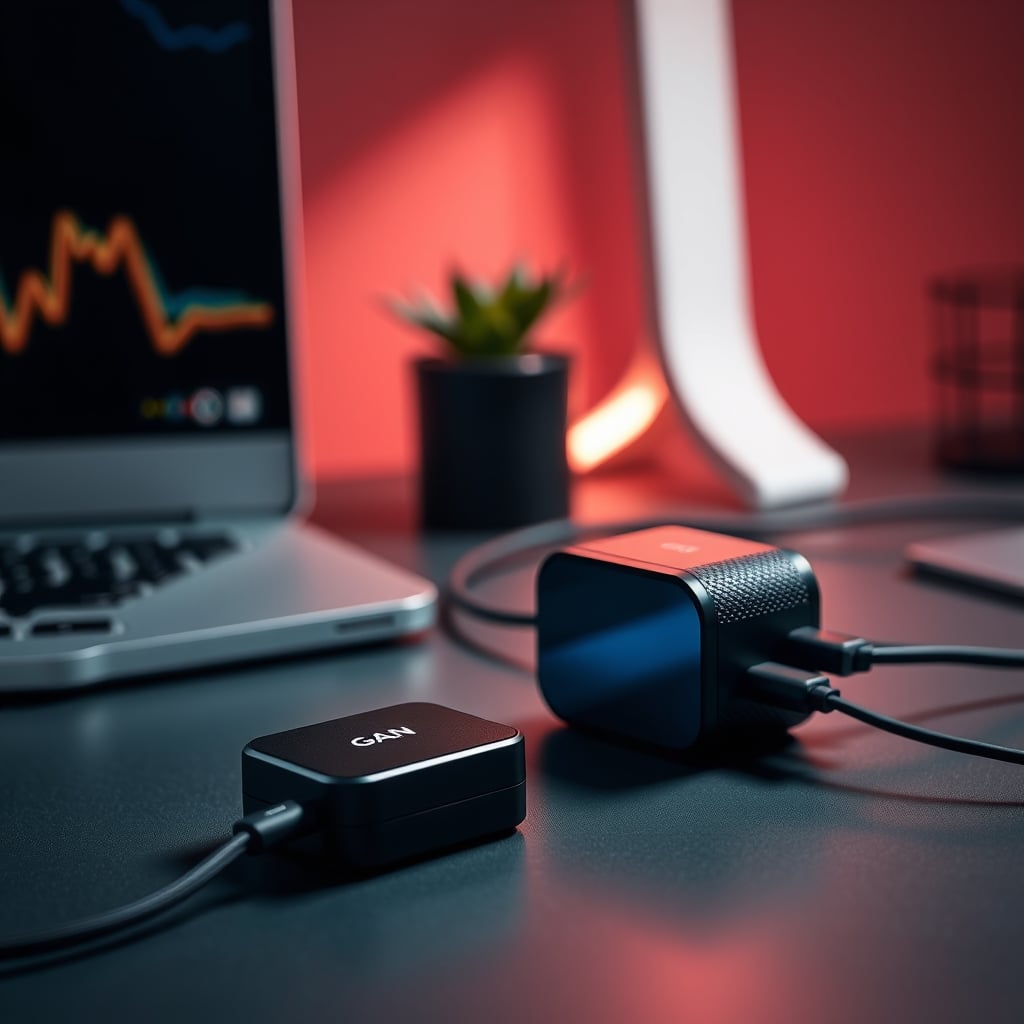
Your biggest mistake isn't buying the wrong GAN charger; it's believing you can cheat physics. You can't. In 2026, the hype around compact, high-wattage GAN chargers desk cable setups has reached a fever pitch, with everyone chasing spec sheets and port counts. Meanwhile, their gear is cooking on the desk, their performance is throttling, and their expensive peripherals are living on borrowed time. Most people get this wrong. The industry lies about heat dissipation and daisy-chaining limits. Let's tear apart the marketing fluff and build a setup that delivers zero-latency power without becoming a fire hazard.
Forget port count. Start with thermal headroom. Look for a unit with actual ventilation slots or a heatsink design, not just a solid metal box. A 140W charger that can hold 140W all day is infinitely better than a 200W unit that throttles to 120W after 30 minutes. Second, scrutinize port independence. Many budget multi-port chargers share power budgets across ports in a way that cripples your laptop if you plug in a phone. You need at least one port with its own dedicated PD controller that can deliver the full wattage your laptop demands, regardless of what's plugged in elsewhere. Third, cable length matters more than you think. The included 3-foot cable forces you to place the charger on your desk, adding clutter. A 5-foot or 6-foot cable is non-negotiable; it lets you mount the brick under the desk or route it cleanly out of sight. Fourth, look for PPS support if you have Samsung phones. It's not a gimmick; it's more efficient charging. Finally, ignore RGB lighting and gamer aesthetics. They add cost, complexity, and heat for zero performance gain.
The Under-Desk Mount: Your Secret Weapon
Your charger shouldn't live on your desk. It’s a heat source and a clutter magnet. The single best upgrade to your gan chargers desk cable setup is a simple under-desk mount. Use heavy-duty dual-lock tape or a simple bracket to secure the charger to the underside of your desk surface. This achieves three things: it declutters your workspace, it improves charger thermals by giving it access to cooler air (heat rises), and it simplifies cable runs. Run a single power cable to the wall and your device cables up through a grommet. This creates a clean, single-point power hub that's out of sight and out of mind. The mental focus gain from removing that visual noise is tangible.
Your Final Verdict: Worth It, But Only If You Do It Right
GAN chargers desk cable systems are worth it, but with massive caveats. You cannot treat them as set-and-forget magic boxes. You must pair a quality, thermally-conscious charger with proper, certified cables and intelligent routing that prioritizes heat dissipation over Instagram-perfect bundles. Skip the overhyped, spec-sheet-driven cheap units. Invest in one with proven thermal performance and dedicated high-wattage ports. Mount it under your desk. Give your cables room to breathe. Done right, this setup delivers clean, reliable, high-speed power that makes device management disappear. Done wrong, it’s an expensive lesson in thermodynamics. The choice is yours.
For more on how your entire desk layout impacts your work, see our piece on The Clutter Tax Desk Masterclass.
Frequently Asked Questions
Are GAN chargers really better than traditional chargers for a desk setup?
Yes, but not for the reasons most marketers push. The efficiency gains are real, leading to less wasted energy as heat *in the wall plug*. However, the compact size becomes a thermal liability on your desk under multi-device load. A good GAN charger desk cable setup requires careful thermal management, not just plugging everything in.
Can I safely power my laptop, tablet, and phone from one multi-port GAN charger?
Only if the charger has dedicated, independent power circuits for the high-wattage ports. Most budget chargers share a total power budget, so adding a phone will slow down your laptop charging. Look for specs that mention independent power distribution or dedicated PD controllers per port.
Do I need special cables for a high-wattage GAN desktop charger?
Absolutely. For any port delivering over 60W, you must use a USB-C cable with an eMark chip. These cables are certified to handle the higher voltage and current. Using a cheap, non-eMarked cable is a common mistake that leads to slow charging, excessive heat, and can potentially damage your devices.
My GAN charger gets very hot. Is that normal?
Some warmth is normal, but 'very hot' is a red flag. It indicates thermal throttling, which means your devices are not getting the advertised power. It's often a sign of a poor internal design or that you're exceeding its sustainable power envelope. Consider a unit with better heatsinking or redistribute your charging load.
Is daisy-chaining USB-C hubs from my GAN charger a good idea?
Almost never. Each connection introduces resistance and potential points of failure. It's a great way to guarantee you won't get the full power or data speed you need. For a clean desk cable setup, run individual, high-quality cables from your charger to each device. Daisy-chaining is a compromise that sacrifices performance for a false sense of neatness.
Written by
GlowRig Editorial researches and writes practical guides about desk setups and home office gear. Our articles are produced with the help of AI research tools and are reviewed for accuracy against manufacturer specifications and public user feedback. We may earn a commission from affiliate links, which never affects our recommendations.
Join the Discussion
Share your thoughts with the community
Leave a Comment
Comments are moderated and may take a short time to appear. Links are not permitted.